CuisineFunWalk Into the Meeting With a Kitchen Your Client Falls For: Two Clicks on the Wall, a Fully Furnished SketchUp Kitchen
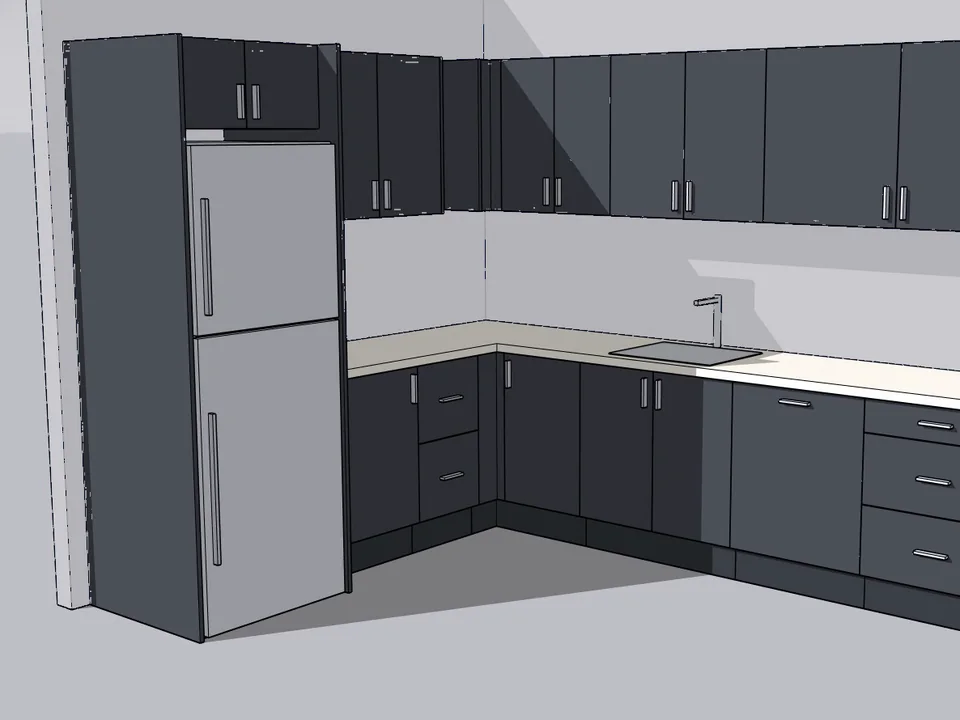
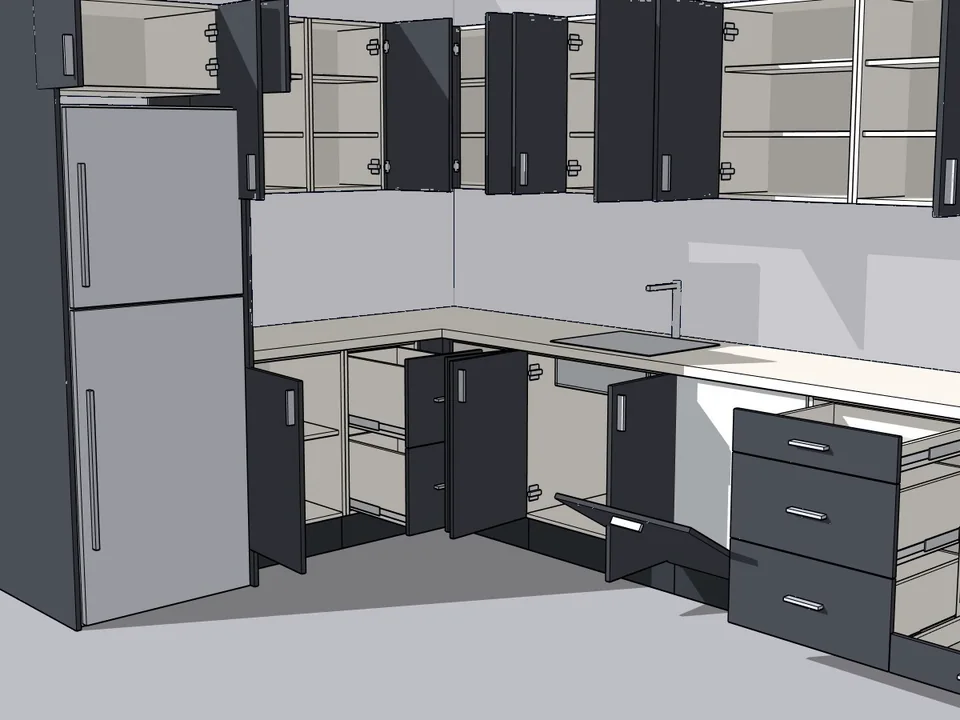
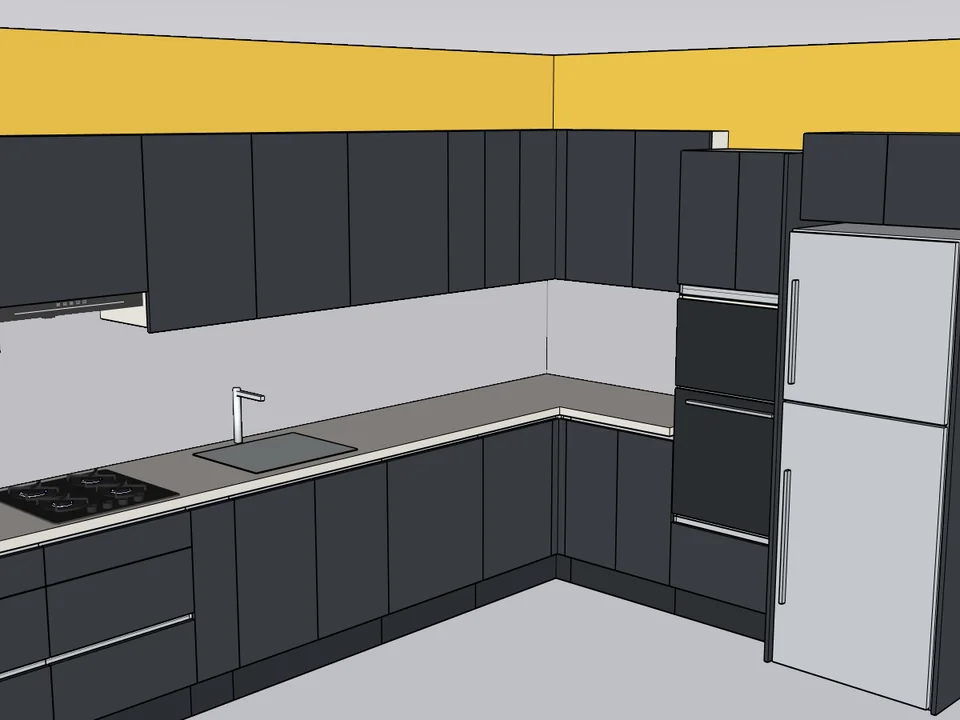
Be the designer who arrives with the kitchen already on screen. Pick a straight, L, island or L-with-island kitchen, click the two ends of the wall, and CuisineFun builds all of it in SketchUp: cabinets, marble or quartz worktop, tiles, tall appliance unit, hob and hood, sink and tap, an island with bar stools and pendant lights, LED strips, even the coffee machine. Every drawing is a brand-new design, and the moment it is drawn the cut list, sheet layout and CNC files are ready.
Straight, L and island kitchens
Cut list + CNC + hand sketch
SketchUp 2021–2026
Card checkout opens soon
Card checkout on Gumroad opens in the next few days. Leave your address and you will hear the moment it does. Buying from Türkiye? You can buy it now by bank transfer.
By handModelling and furnishing a kitchen piece by piece, then typing the cut list
4 h
With CuisineFunPicking a card and clicking the two ends of the wall
2 min
99%
less time on this job
120×
faster
The time the same job takes by hand and with the plugin; the share and the speed-up are worked out from those two times.
The same job: your hours, or the plugin’s seconds?
Drag me
With the plugin
2 min
Picking a card and clicking the two ends of the wall
By hand
4 h…
Modelling and furnishing a kitchen piece by piece, then typing the cut list
Drag me
01
A new kitchen with every drawing
Six door families, twelve colour palettes and a style row: Auto, Modern, Classic, Minimal, Scandi or Luxe. Same wall, new drawing, a different kitchen; pull the blue ball and it stretches with the same design while the cabinets rearrange like a craftsman would.
02
Furnished to the last jar
Marble and tile veins that run seamlessly across pieces, built-in oven and microwave in the tall appliance unit, range cooker, six hood types, ceramic farmhouse sink, an island with a waterfall top, bar stools in linen or leather, pendant lights, LED strips and herbs, jars and cookbooks on the shelves.
03
Drawn today, in the workshop tomorrow
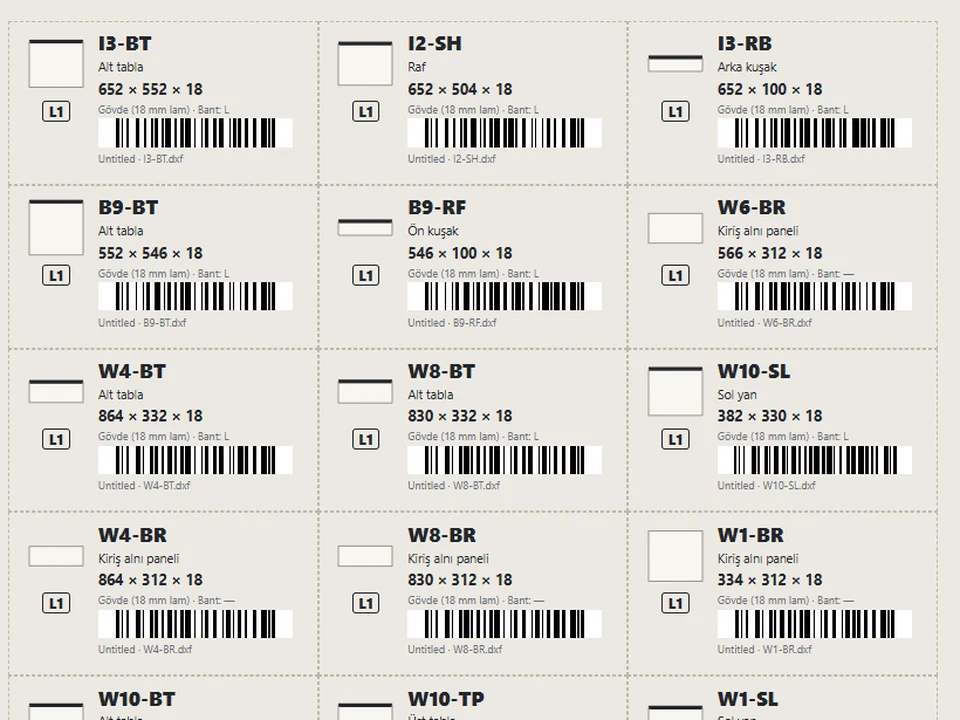
The drawn kitchen is the cut list: sheet layout with cutting order, barcode labels, hardware and door lists, assembly and worktop sheets, a quote, CNC files and a pencil-style dimensioned sketch on squared paper, checked by 16 pre-production checks you can switch and tune.
How many evenings could this give you back?
kitchen design, furnishing and cut list per project
Estimate based on a typical workflow. Your mileage will vary - usually upward.
Four kitchen types from panel cards: Straight Kitchen, L Kitchen, Island Kitchen and L Kitchen with Island. Two clicks for a straight run, three for an L (end, corner, end of the arm), or type the length.
A brand-new design with every drawing: each click is a seed, so the same seed gives the same kitchen and a new drawing gives a different design and colour palette; the New design dice rebuilds the selected kitchen.
Kitchen styles: Auto, Modern, Classic, Minimal, Scandi and Luxe; pick one and every next drawing comes in that style, or tap it with a kitchen selected to rebuild it in that style.
Six door families (flat lacquer, shaker, fluted, wood veneer, glass display, handleless gola), seven handle types and twelve colour palettes that change doors, worktop, tiles, metal and stools together.
Worktop in marble or quartz, 2 / 3 / 4 / 6 cm, with a square, bevelled, rounded or thick mitred front edge; backsplash in square tiles, ceramic, white brick or the worktop marble, with veins running seamlessly across pieces.
Appliances: tall appliance unit with oven + microwave or double oven, built-in or stainless double-door fridge, pantry, induction or gas hob, six hood types, range cooker, single, double or ceramic farmhouse sink with three tap styles, dishwasher.
Island with a waterfall stone top and breakfast bar overhang, 1 to 5 bar stools in four styles, two or three pendant lights, LED strips under wall cabinets, inside glass cabinets, under shelves, in the plinth and under the island.
Countertop and shelf objects you can switch off: espresso machine, kettle, jars, knife block, herbs, fruit bowl, oil bottles, toaster, chopping board, pots, plates, glasses, vases and cookbooks.
Craftsman rules no setting can break: at least 87 cm under the worktop, at least 58 cm between worktop and wall cabinets (shorter wall cabinets under a low ceiling, never lower), doors wider than 19 cm, fillers or spice pull-outs in narrow gaps, tall units lined up with the wall cabinets, parts never overlap.
Production as soon as the kitchen is drawn: cut list grouped by material, colour and thickness with banding per edge and grain; sheet layout with guillotine cutting order; sheet drawings as PDF; Code 128 barcode labels; hardware and door lists; assembly, worktop and drilling sheets; quote; cutting program CSV (generic or CutList Optimizer).
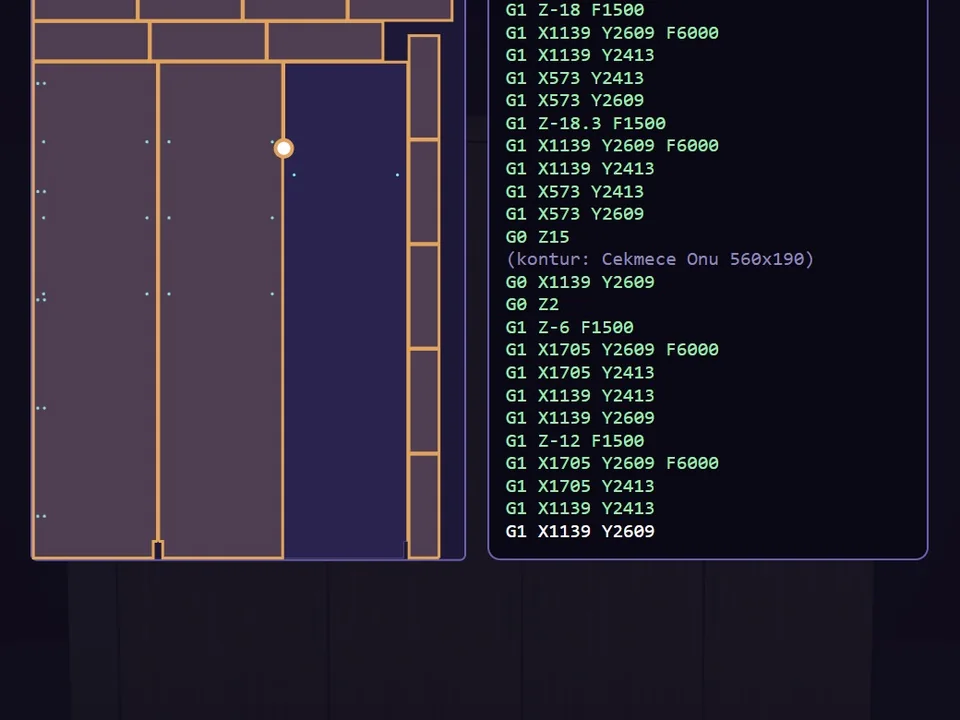
Machine files per part as layered DXF, Homag / Weeke woodWOP .mpr or TpaCAD .tcn, and a one-click production package with every document in one folder.
16 pre-production checks, each switchable with its own limit (under worktop, backsplash gap, door and drawer sizes, shelf span, smallest part, hob to sink and tall unit, hood height, island aisle, part larger than the sheet, worktop joint, drilling clash); checks never change the model.
Hand sketch: a dimensioned plan and an elevation of every wall, drawn as if in pencil on squared paper, with module widths, height chain, island and aisle sizes and an automatic 1:20 / 1:25 / 1:50 scale, made for the customer or the fitter.
Still being built
Shipped, and what is next.
Shipped
✓Straight, L, island and L-with-island kitchens, a new design with every drawing
✓Six door families, twelve palettes, full furnishing down to stools, LED and shelf objects
✓16 adjustable pre-production checks and the hand sketch
Next
○U kitchen, peninsula and window openings
Before you ask
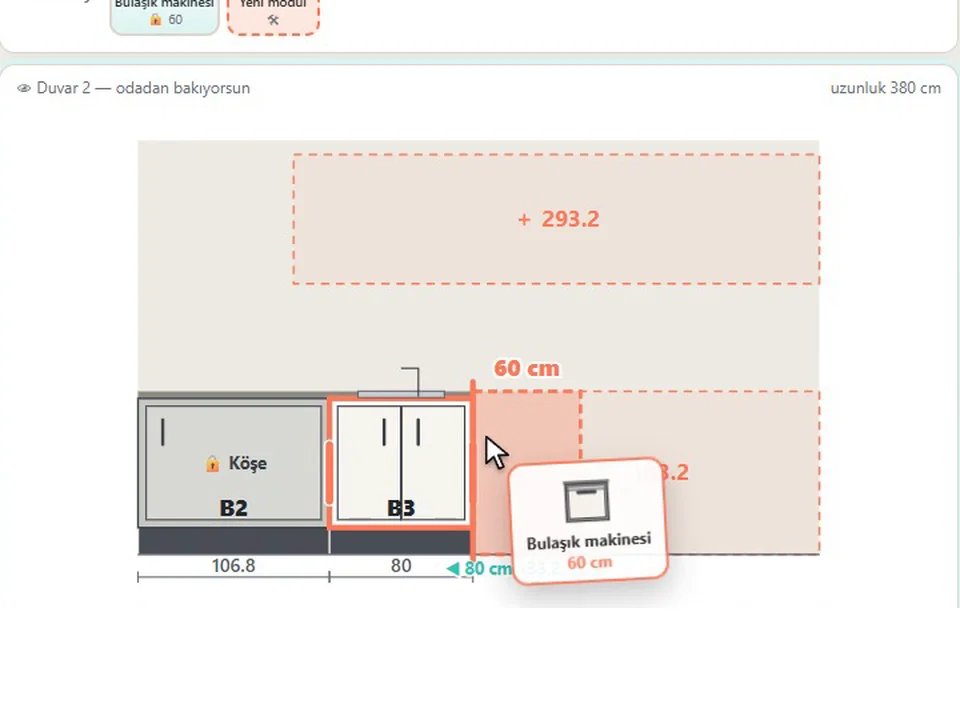
They are separate products. CuisineFun designs the whole kitchen for you: you pick a type and a style, click the wall and get a complete, furnished design, a new one every time. KitchenFun Studio is for placing and editing every cabinet yourself on your own walls. Both give a cut list and CNC files.
SketchUp 2021 to 2026 on Windows, with an English and Turkish interface and a built-in user guide. It works on its own, with no other extension required.
Layered DXF for any CAM, Homag / Weeke woodWOP .mpr and TpaCAD .tcn, plus a printable drilling sheet. Run a test piece before the first machine job.
A one-time licence for one seat, with no subscription.
Even stronger together
Type the size. The whole wardrobe builds itself.
🛋 Interior
$65
CabinetWizard
No panel-by-panel drawing: type the size, get quote and CNC files.