01
Drag & drop Kitchen Wizard
A straight, L or U kitchen in three steps: drag cabinets from a searchable palette onto the wall, pull the joint between units and build it in SketchUp.
KitchenFun Studio thinks like a master cabinet maker. Type the wall lengths, drag cabinets onto the wall and press Build in SketchUp: every panel, door, drawer, hinge, runner, leg, plinth and worktop is created as a real part, and the same parts become your cut list, labels and machine files.
Be working with it tonight: the file is on screen and in your inbox the moment you pay.
Prices are in US dollars. Gumroad converts to your local currency at checkout.
SketchUp 2021 · SketchUp 2022 · SketchUp 2023 · SketchUp 2024 · SketchUp 2025 · SketchUp 2026 · Windows · v1.28.1
KitchenFun Studio
What the plugin does for you, drawn rather than listed.
A straight, L or U kitchen in three steps: drag cabinets from a searchable palette onto the wall, pull the joint between units and build it in SketchUp.
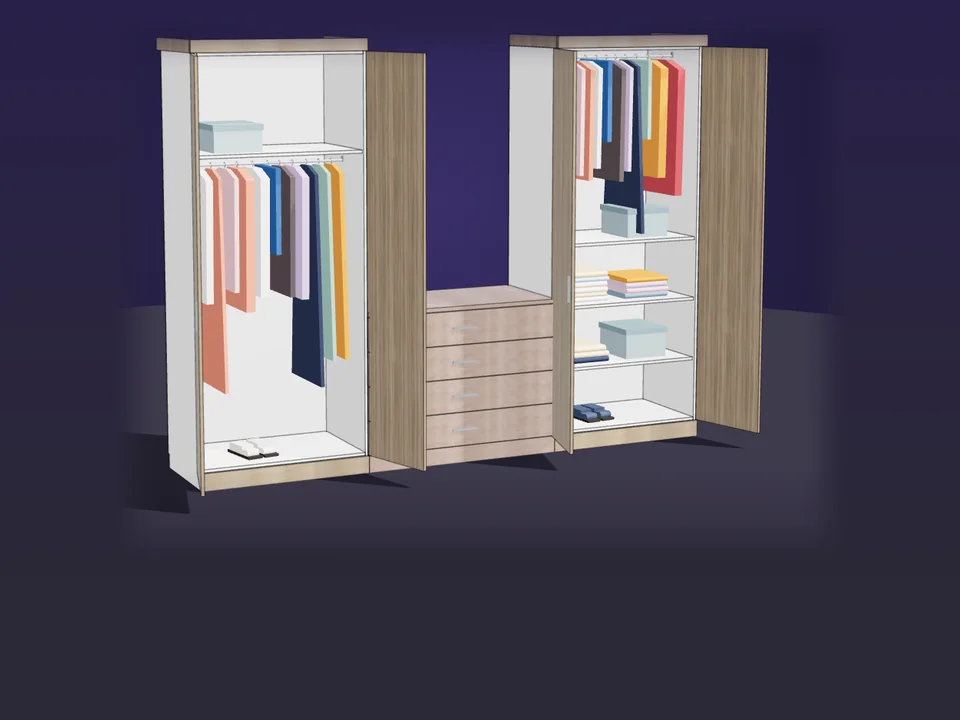
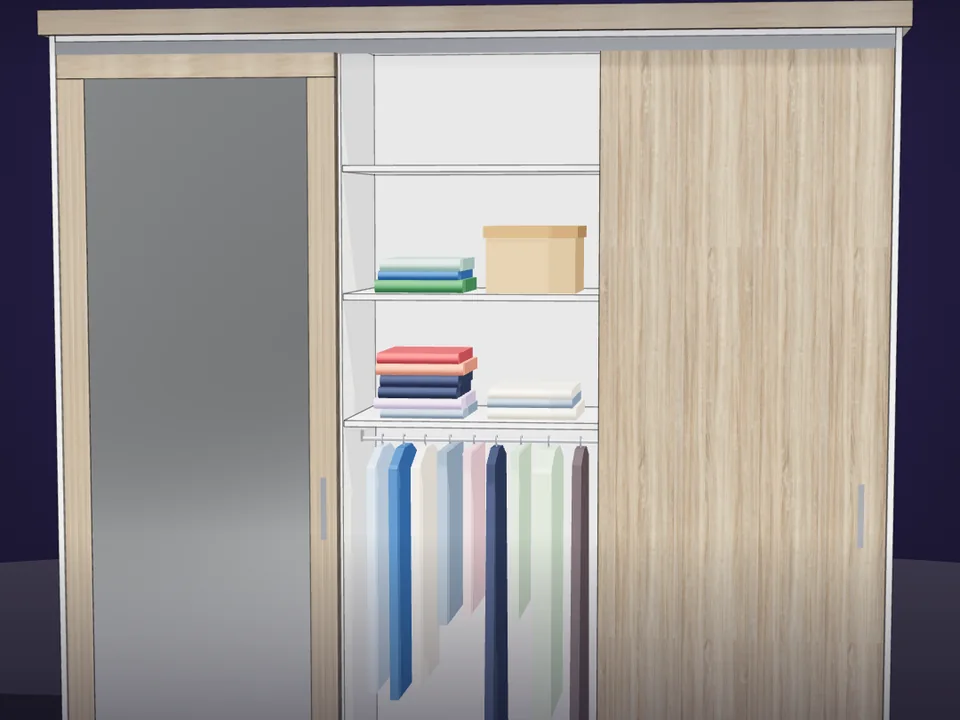
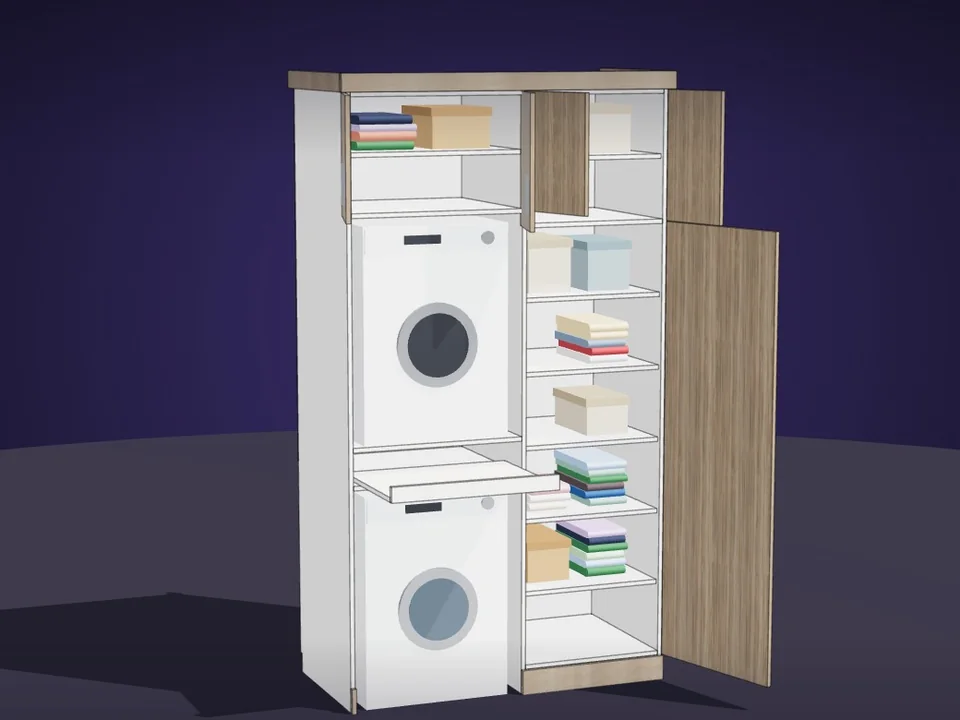
Stack doors, double, glass and lift-up doors, drawers, open shelves, oven and microwave niches, split a row into columns and save it to your palette.
The worktop-to-wall-cabinet gap never drops below 58 cm, the under-worktop height is at least 87 cm and no door is narrower than 19 cm.
Wall cabinets drop below a beam or are notched around a thin one, tall units wrap it, corners are solved and cabinets never overlap.
Flat, shaker, grooved, glass and raised doors; bar, knob, shell and profile handles, and a Gola handleless system with real profile sections.
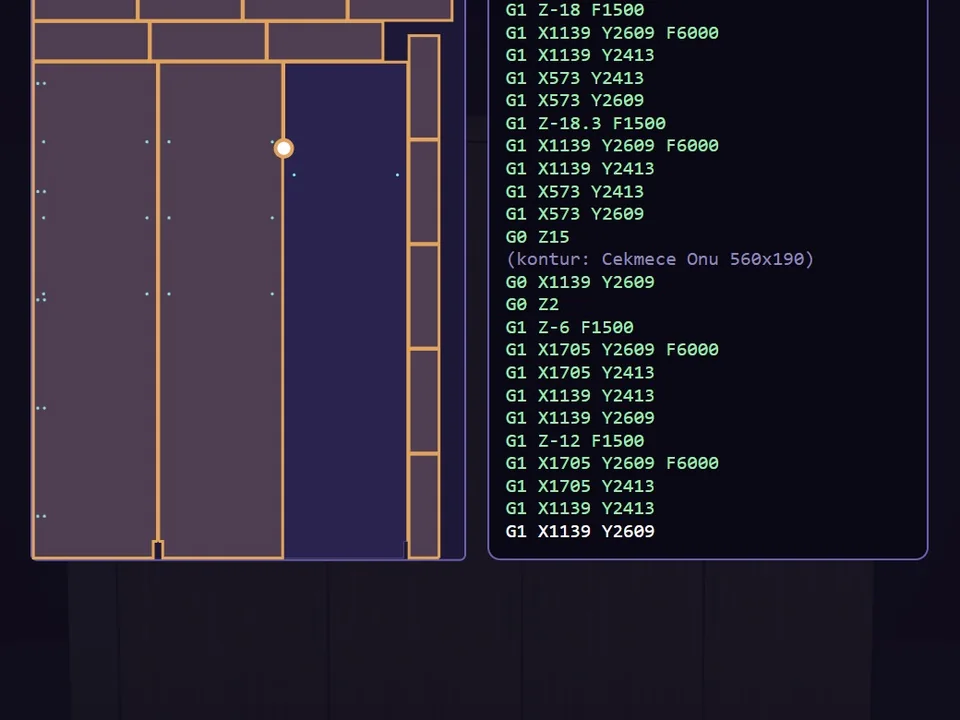
Cut list, sheet nesting with a guillotine cut sequence, barcode labels, a hardware list and DXF, woodWOP and TpaCAD drilling files in one folder.
Workload test
By handDrawing a kitchen cabinet by cabinet, then typing the cut list
4 h
With KitchenFun StudioDragging the cabinets onto the wall and pressing Build
2 min
99%
less time on this job
120×
faster
The time the same job takes by hand and with the plugin; the share and the speed-up are worked out from those two times.
The SketchUp versions this plugin runs on:
Windows only. Your version is under Help › About in SketchUp. Not sure? Just ask.

Ufuk Şen
3D visualisation specialist, instructor and plugin developer, Ankara
SketchUp instructor of 18 years · 34 courses on Udemy · 7,269 students · 899 reviews
Ask before you buy; the person who made the plugin answers.
Drag me
With the plugin
2 min
Dragging the cabinets onto the wall and pressing Build
By hand
4 h…
Drawing a kitchen cabinet by cabinet, then typing the cut list
A straight, L or U kitchen in three steps, or your own walls with columns, niches and any angle. Drag cabinets from the palette, pull the joint between two units, design your own cabinet and save it to your palette.
The worktop-to-wall-cabinet gap never drops below 58 cm, the under-worktop height is at least 87 cm, no door is narrower than 19 cm and cabinets never overlap, not even in irregular corners or under a beam.
Cut list, sheet nesting with guillotine cut sequence, barcode labels, hardware list, CNC drilling files and a customer quote with your prices: one-click production package, everything in one folder.
kitchen design, cut list and quote per project
Estimate based on a typical workflow. Your mileage will vary - usually upward.
Saved every month
0hours
Saved every year
0 hours
0 work days
You just found 288 hours of your life.
For the people who read the manual first.
Shipped, and what is next.
Shipped
Next
SketchUp 2021 to 2026 on Windows, with an English and Turkish interface and a built-in user manual. It works on its own, with no other extension required.
Layered DXF for any CAM, Homag/Weeke woodWOP .mpr and TpaCAD .tcn; shops without a CNC get a printable drilling sheet. Run a test piece before the first machine job.
A one-time licence for one seat, with no subscription.
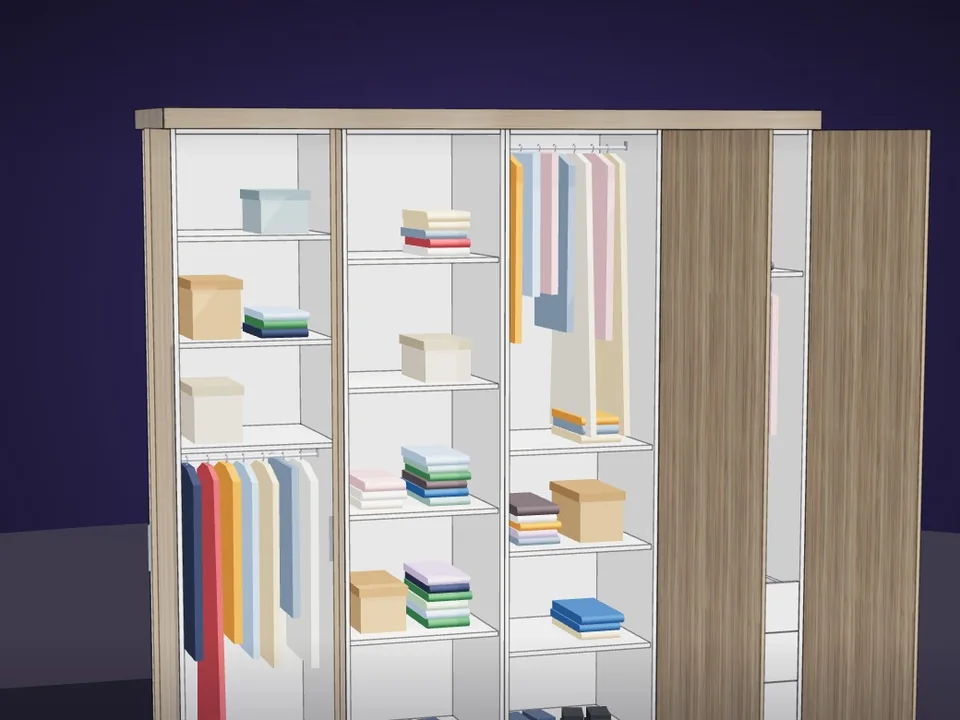
Type the size. The whole wardrobe builds itself.
No panel-by-panel drawing: type the size, get quote and CNC files.
SketchUp 2017–2026v1.19.0
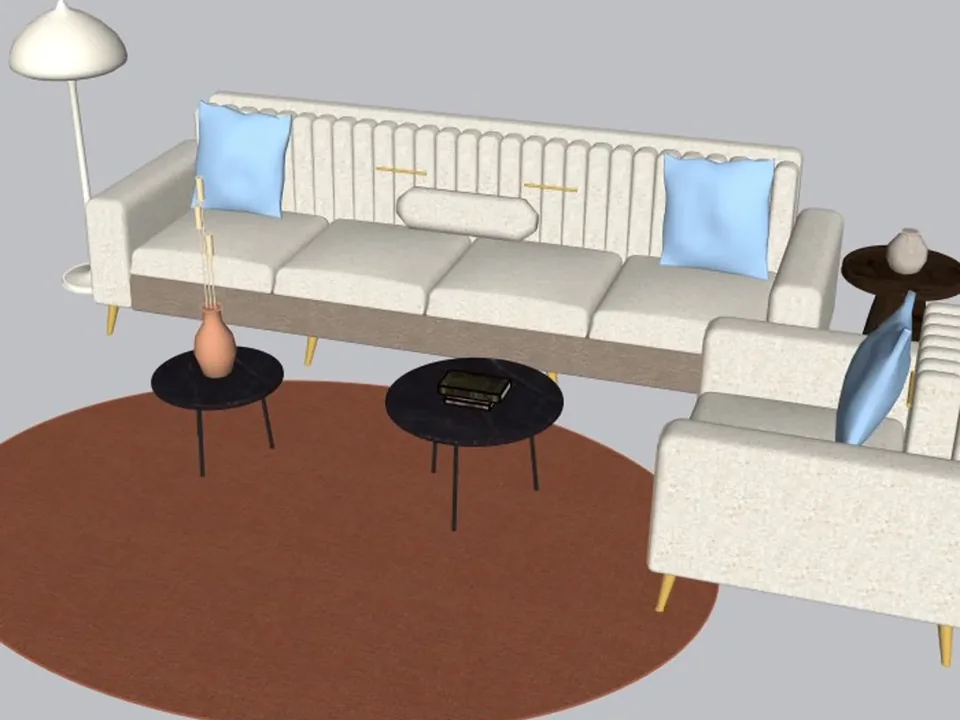
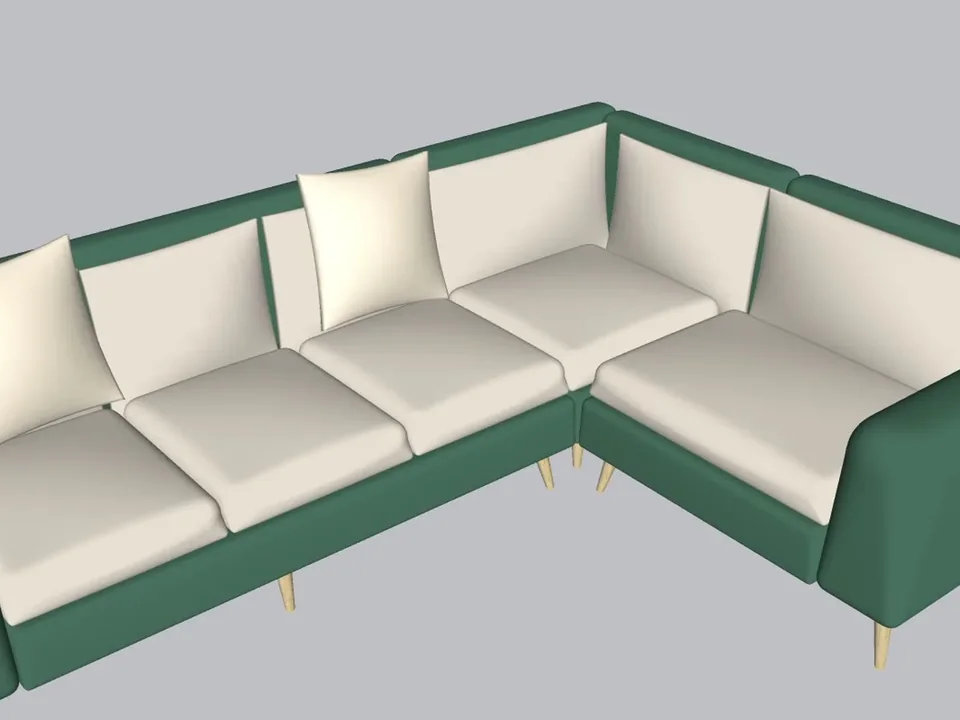
A whole living room set in one click.
No empty boxes: two clicks, real furniture; pull the ball, it grows.
SketchUp 2021–2026v1.14.0
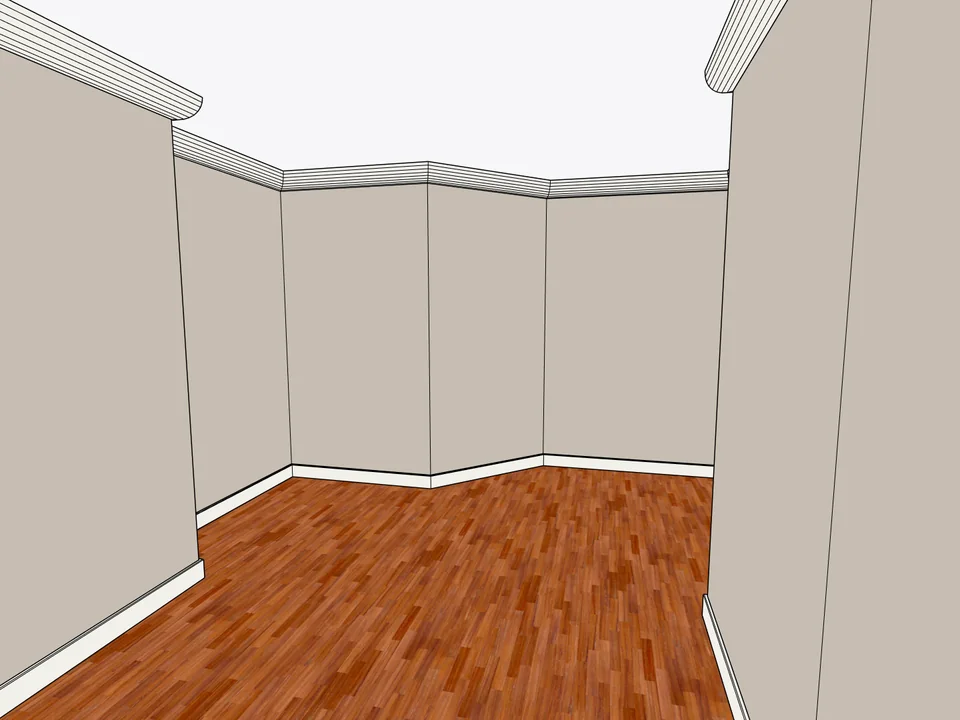
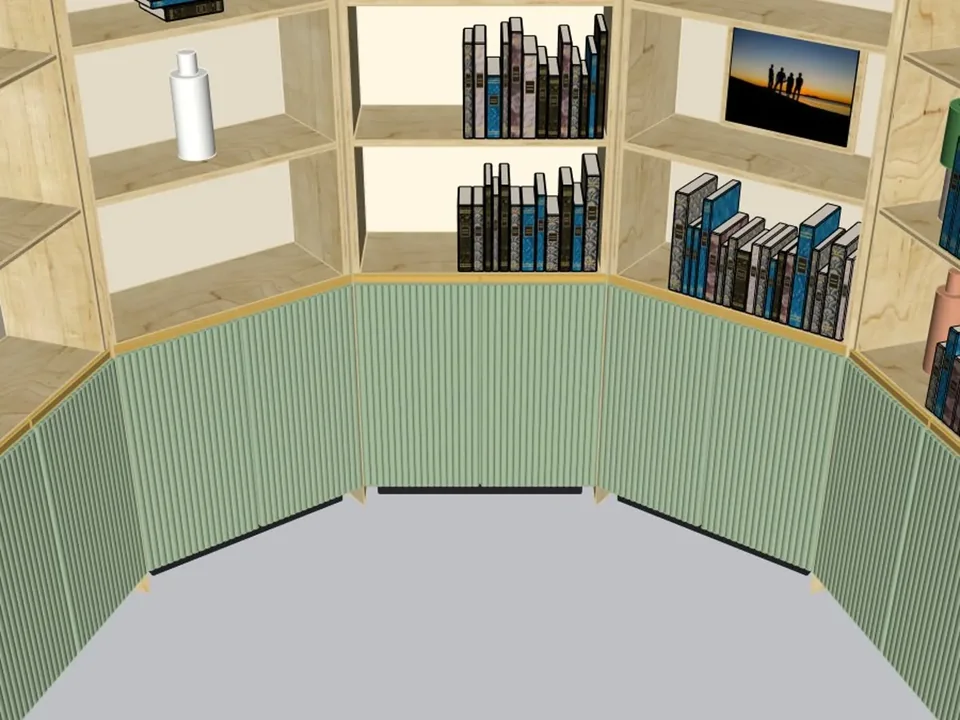
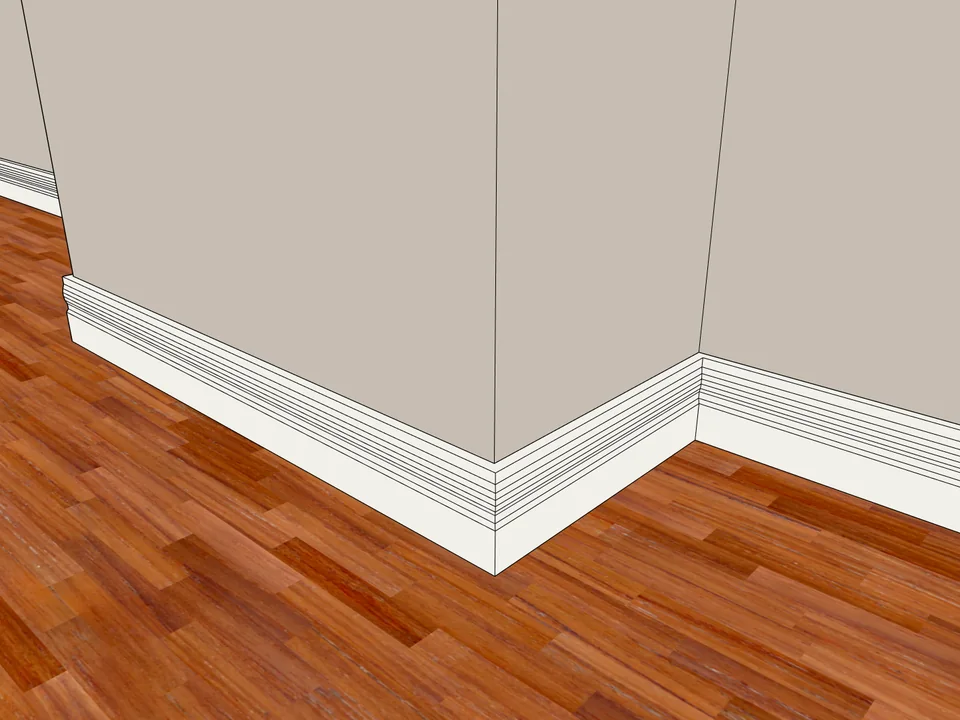
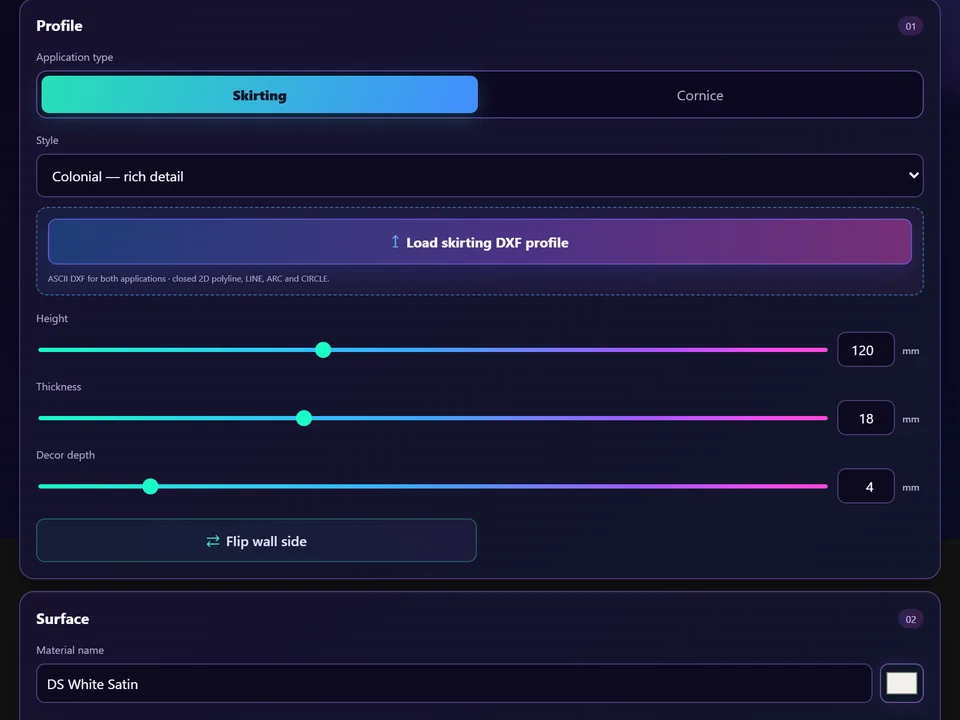
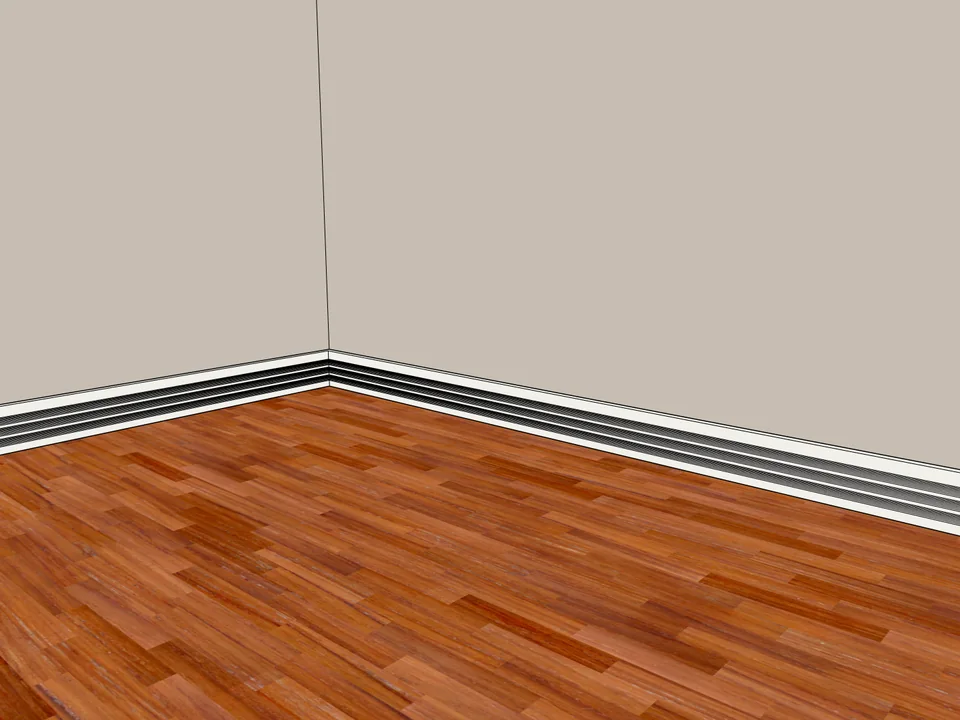
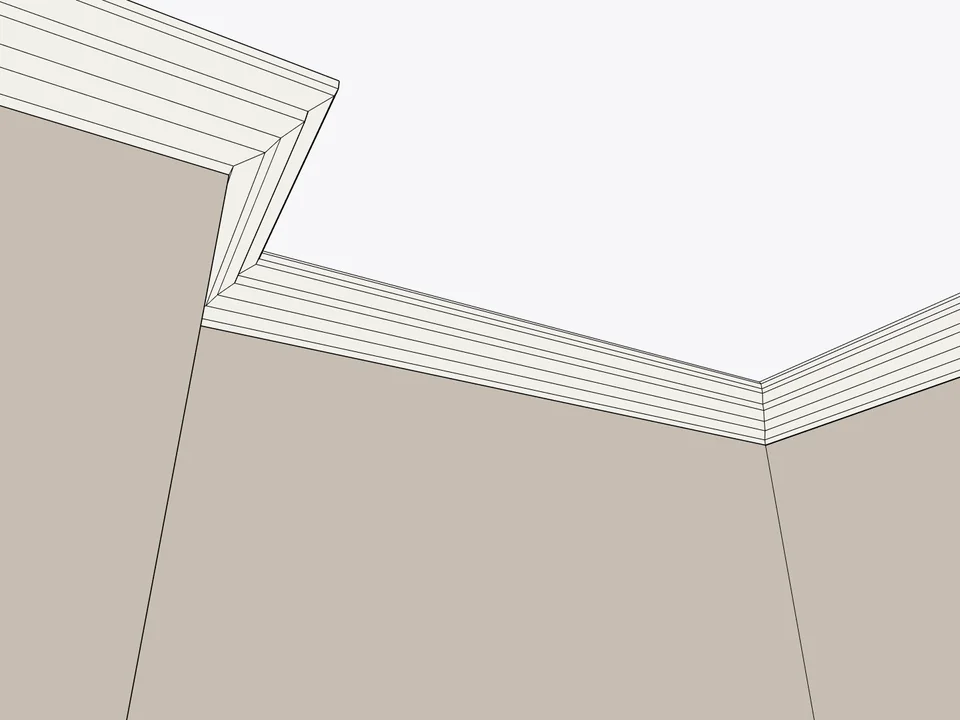
Click the floor. The whole room is skirted.
No hand-cut mitres: skirting and cornice, one click per room.
SketchUp 2024–2026v1.3.2