
Skip to content

Blog

Fewer clicks, more design: SketchUp workflow notes

What really eats your time in SketchUp, and how to get it back for the work you’re proud of.

Start here · 12 min read

The Best SketchUp Plugins for 2026, Sorted by the Job They End

Without spending three days pushing rectangles around: nineteen SketchUp tools sorted by the job you are sick of doing, from walls, openings and floors to stairs, facades, roads and take-offs. Real numbers, honest limits.

Read →

Written for your desk

The same catalogue, read from one discipline at a time.

9 September 2026 · 7 min read

The Best SketchUp Plugins for Architects, Judged by What Survives a Revision

Without repairing half the model every time a wall moves 400 mm: which tool to install at each stage of a project so the plan, the openings, the stairs and the quantities stay correct through the next revision.

Read →The Best SketchUp Plugins for Architects, Judged by What Survives a Revision

6 September 2026 · 6 min read

Best SketchUp plugins for interior design when the model has to become a quote

Without re-measuring a wardrobe you already drew or counting tiles off a screenshot: five SketchUp tools that produce the cutting list, the fabric take-off and the tile count at the same moment as the geometry.

Read →Best SketchUp plugins for interior design when the model has to become a quote

4 September 2026 · 7 min read

Best SketchUp plugins for woodworking: the cut list is the test

Without counting parts in the Outliner and without a panel cut wrong in the workshop: the cabinet plugin to install first, the one that turns one parametric model into a panel schedule with edge banding, grain direction and a nesting layout, and why the cut list is the only honest test.

Read →Best SketchUp plugins for woodworking: the cut list is the test

2 September 2026 · 7 min read

The Best SketchUp Plugins for Landscape Architects Start With the Ground

Without rebuilding the site every time the slope changes: which SketchUp plugin to install first so the ground owns the drawing and paths, walls and planting follow it, and where each tool still falls short.

Read →The Best SketchUp Plugins for Landscape Architects Start With the Ground

The tools themselves

One plugin per article: what it does, how it works, and what it does not do.

14 October 2026 · 4 min read

SteelFun: A SketchUp Steel Structure Plugin With Connections, Cut Lists and DSTV Files

Without trimming every beam end by hand: a SketchUp steel detailing plugin that puts EN profiles on lines, trims them, connects them with real plates, bolts and welds, and writes the cut list, plate DXF and DSTV NC files. SteelFun, in development.

Read →SteelFun: A SketchUp Steel Structure Plugin With Connections, Cut Lists and DSTV Files

14 October 2026 · 4 min read

ScaffoldFun: A SketchUp Scaffolding Plugin That Wraps a Facade in One Click

Without counting standards, ledgers and anchors by hand: a SketchUp facade scaffold plugin that builds a modular or frame scaffold around a building, with corners, openings, anchors, a load check, a printable drawing and a bill of materials. ScaffoldFun, in development.

Read →ScaffoldFun: A SketchUp Scaffolding Plugin That Wraps a Facade in One Click

14 October 2026 · 4 min read

ShelfFun: A 3D Planogram Plugin for SketchUp, From a Product CSV to a Store Report

Without placing every product box by hand: a SketchUp planogram plugin that builds gondolas, wall units, endcaps, chillers and pegboards, fills them from your product list, checks the fit and prints the report the store works from. ShelfFun, in development.

Read →ShelfFun: A 3D Planogram Plugin for SketchUp, From a Product CSV to a Store Report

14 October 2026 · 4 min read

PipeFun Studio: A SketchUp Plumbing and Pipe Plugin Where Elbows and Tees Place Themselves

Without drawing every elbow, branch and reducer: a SketchUp pipe routing plugin for drainage, sewer, pressure pipe and ducts, with real fittings to EN standards, slope lock, auto-connect and a cut list with stock lengths. PipeFun Studio, in development.

Read →PipeFun Studio: A SketchUp Plumbing and Pipe Plugin Where Elbows and Tees Place Themselves

14 October 2026 · 4 min read

Retaining Wall Design in SketchUp: Stability Checks, Rebar and Geogrid in One Wizard

Without switching between a calculation program and a drawing: a SketchUp retaining wall wizard for gravity, cantilever, L-type, counterfort, gabion, stone, timber and geogrid walls, with stability checks, TS 500 rebar, quantities, DXF and PDF. In development, Turkish interface.

Read →Retaining Wall Design in SketchUp: Stability Checks, Rebar and Geogrid in One Wizard

28 September 2026 · 3 min read

Soft Edge: a free SketchUp plugin for rounded and chamfered edges

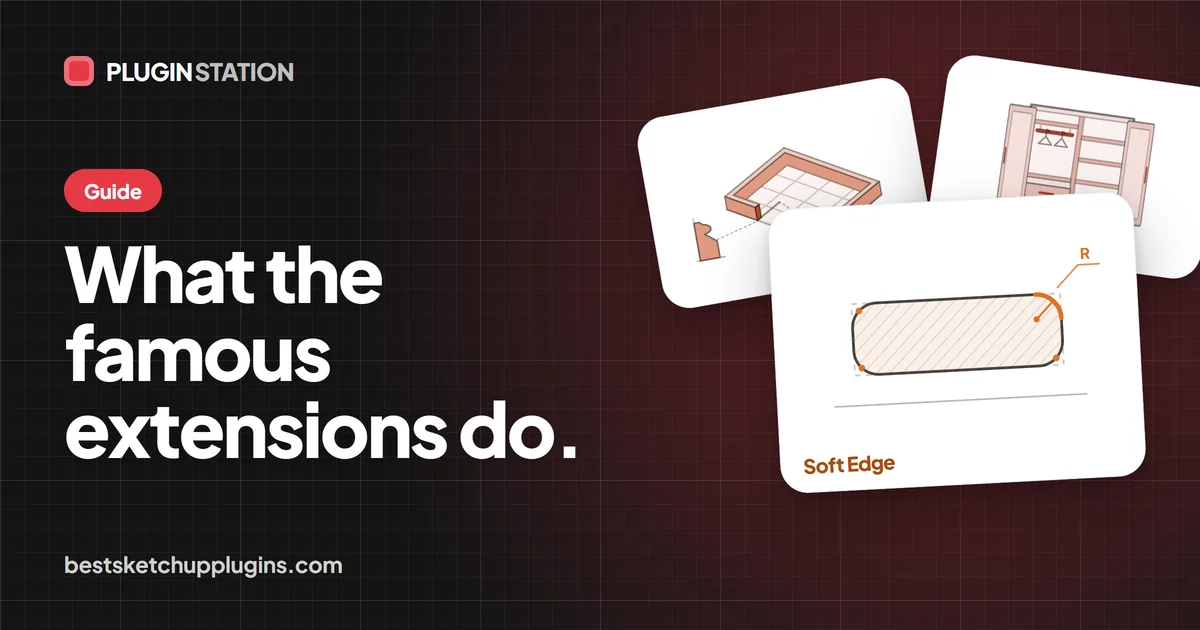
Without Follow Me, a profile and a lot of cleanup: Soft Edge rounds or chamfers table tops, worktops and stone steps with one true radius in one click, and keeps the original so you can change your mind next week. It is free.

Read →Soft Edge: a free SketchUp plugin for rounded and chamfered edges

14 September 2026 · 4 min read

Ramp Studio: a SketchUp ramp plugin that follows any path without twisting

Without losing the afternoon to Follow Me twisting the deck: draw the line and Ramp Studio sweeps a ramp along it, checks the slope while you build, and gives you railings and edges as real parts.

Read →Ramp Studio: a SketchUp ramp plugin that follows any path without twisting

13 September 2026 · 3 min read

Door Studio: a SketchUp door plugin that reads the wall it is placed in

Without cutting walls by hand or drawing frames one by one: pick one of 51 parametric doors, click the wall, and it reads direction, thickness and floor level, then builds stiles, rails, frame and hardware as real parts.

Read →Door Studio: a SketchUp door plugin that reads the wall it is placed in

12 September 2026 · 3 min read

WindowFun Studio: SketchUp Windows With a Frame, a Sash and a Bill of Materials

Without drawing windows box by box or drawing the sill detail twice: WindowFun Studio builds frame, sash, bead and gasket from a width and a height, and the take-off comes out with it. Where version 1.1.0 still falls short.

Read →WindowFun Studio: SketchUp Windows With a Frame, a Sash and a Bill of Materials

11 September 2026 · 4 min read

CityFill: Parametric Context Buildings for SketchUp, Generated Instead of Downloaded

Without hunting the Warehouse for filler buildings that bloat the file: CityFill fills the block around your building in 3 clicks with buildings generated inside SketchUp, roughly 30 to 400 faces each. It is free, and here is exactly what that means.

Read →CityFill: Parametric Context Buildings for SketchUp, Generated Instead of Downloaded

7 September 2026 · 3 min read

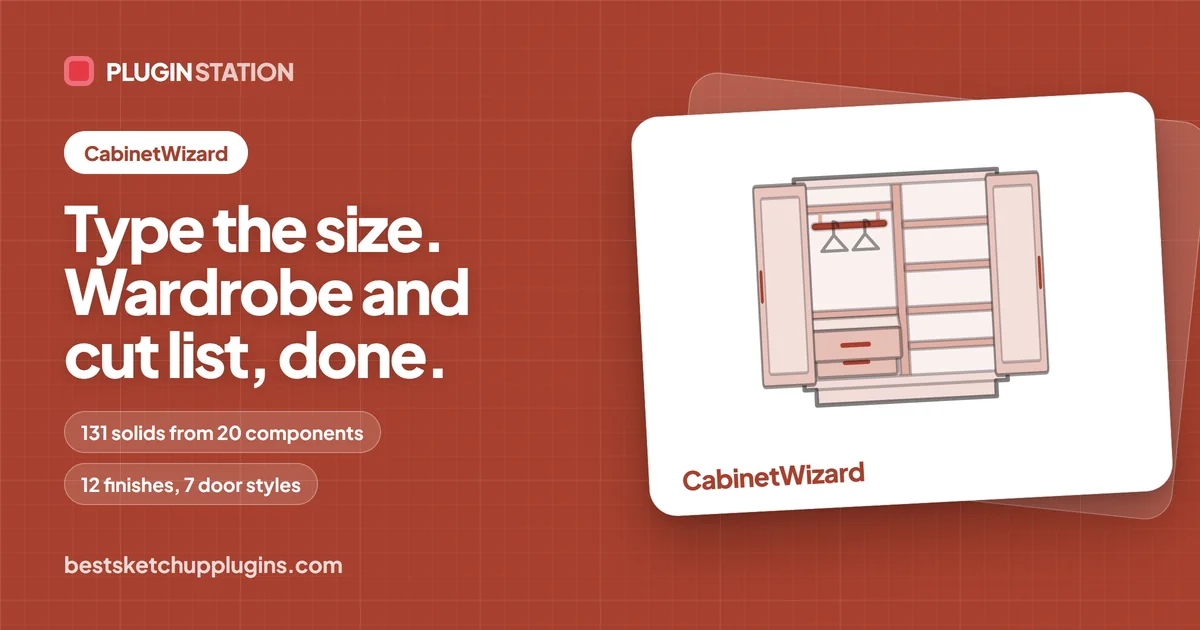
CabinetWizard: Parametric Fitted Wardrobes in SketchUp, With the Cutting List Attached

Without typing the cutting list into a spreadsheet after you draw: CabinetWizard builds the fitted wardrobe in SketchUp and writes the quote, cutting list, drilling schedule and DXF from the same model, in front of your client.

Read →CabinetWizard: Parametric Fitted Wardrobes in SketchUp, With the Cutting List Attached

3 September 2026 · 3 min read

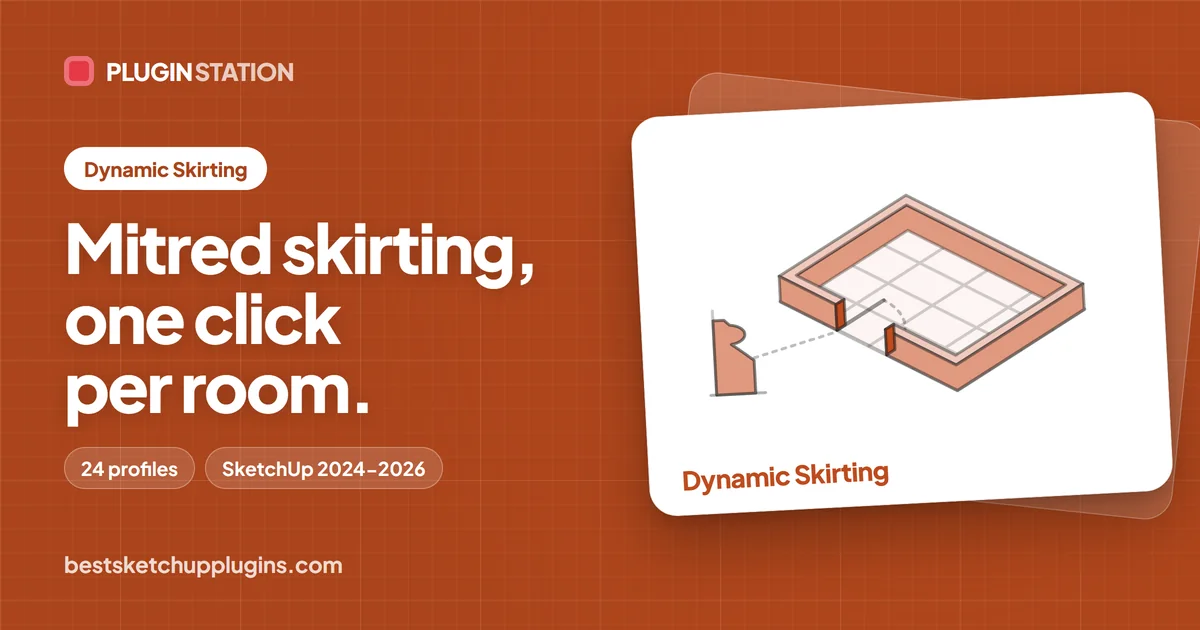
Dynamic Skirting: Mitred Skirting and Cornice in SketchUp, One Click per Room

Without spending the evening on mitre cuts: Dynamic Skirting reads the room from one face you click, mitres every corner of the skirting or cornice in one go, and keeps the run editable after the next revision.

Read →Dynamic Skirting: Mitred Skirting and Cornice in SketchUp, One Click per Room

31 August 2026 · 3 min read

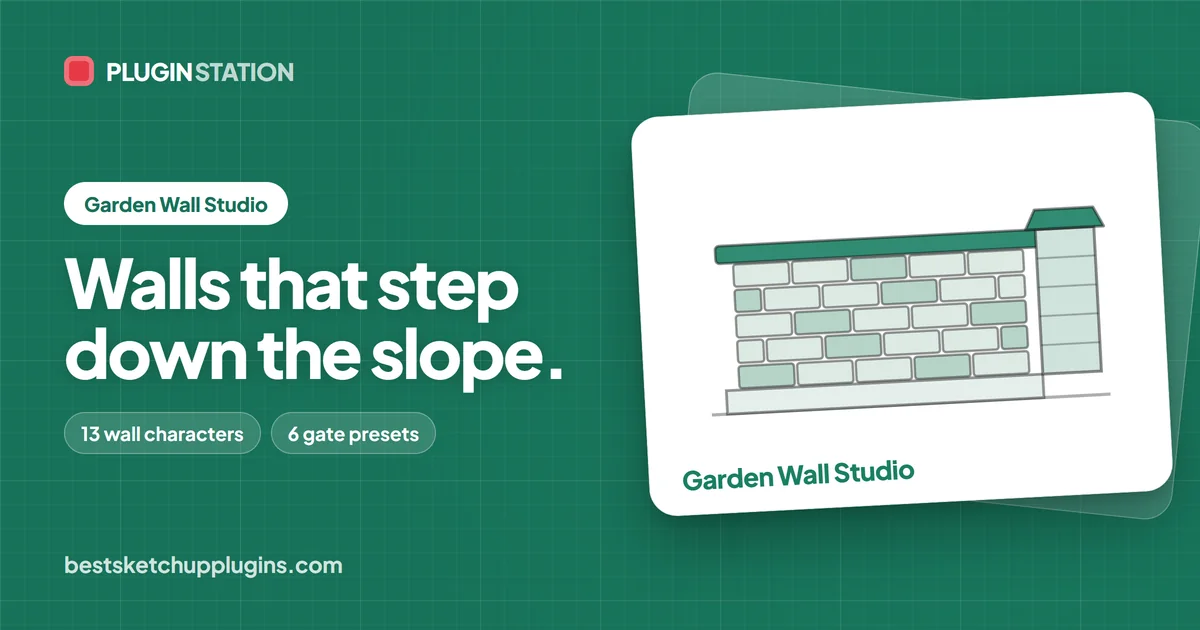
Garden Wall Studio: boundary walls that step down the slope in SketchUp

Without losing an afternoon stepping a wall down the slope by hand: Garden Wall Studio builds the parcel boundary from the lines you already drew, gate and take-off included, in a single run.

Read →Garden Wall Studio: boundary walls that step down the slope in SketchUp

Start here

What a plugin is, where it goes, what it costs and what it cannot do.

22 October 2026 · 8 min read

SketchUp Extension Warehouse: How to Find, Install and Manage Extensions Safely, Free or Paid

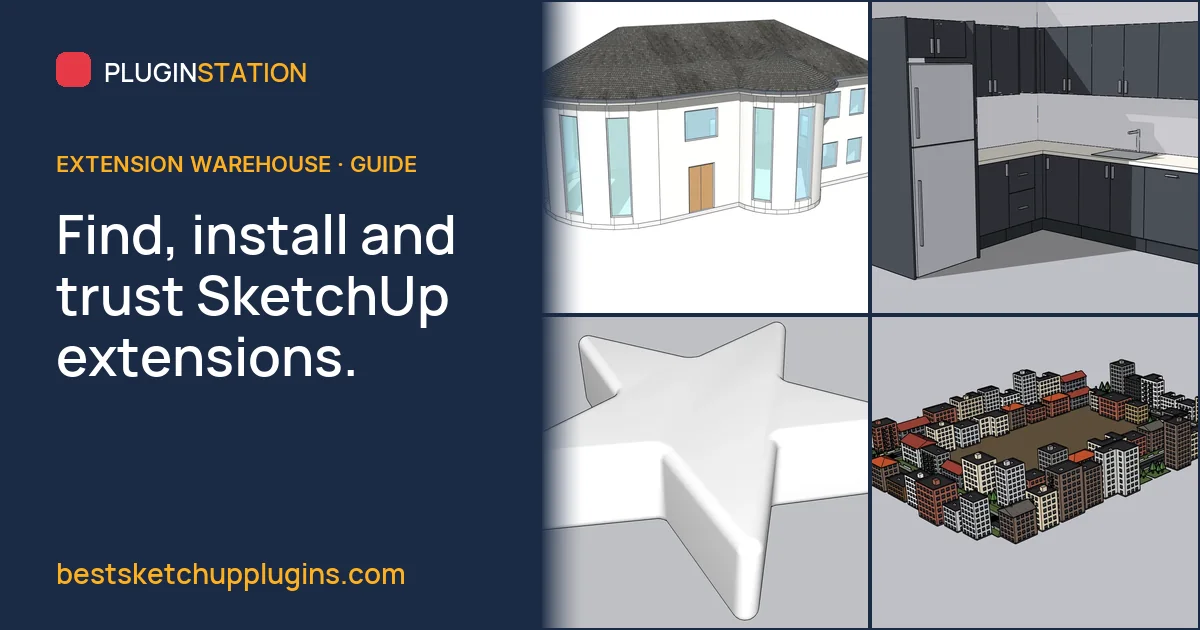
Never wonder again where a plugin came from: how SketchUp's official Extension Warehouse works, from searching by SketchUp version and installing with your Trimble ID to updates, loading policy, trials and licences, plus how to judge sources outside it.

Read →SketchUp Extension Warehouse: How to Find, Install and Manage Extensions Safely, Free or Paid

16 October 2026 · 7 min read

The Best Free SketchUp Plugins in 2026: A Checked List of Free Extensions That Still Work

Without installing a "free" plugin that turns out to need a licence: the best free SketchUp extensions in 2026, checked on their official listings for price, SketchUp version and dependencies, plus the free tools we make ourselves.

Read →The Best Free SketchUp Plugins in 2026: A Checked List of Free Extensions That Still Work

2 October 2026 · 6 min read

What Is PluginStation? The SketchUp Plugin Station Behind bestsketchupplugins.com

Without gambling on tools nobody has tried on a real project: why this SketchUp plugin store is called PluginStation, who builds its plugins, how a tool earns its place, and what is free here, 946 2K PBR textures included.

Read →What Is PluginStation? The SketchUp Plugin Station Behind bestsketchupplugins.com

29 September 2026 · 3 min read

SketchUp Download: Free, Go, Pro or Studio, and Why a Cracked Copy Costs More

Without picking an edition you do not need or risking client files on a cracked copy: which SketchUp to download (browser, iPad, desktop with LayOut or the rendering bundle), what each edition includes, where to download it safely, and what a cracked copy or plugin really does on a work machine.

Read →SketchUp Download: Free, Go, Pro or Studio, and Why a Cracked Copy Costs More

29 September 2026 · 3 min read

SketchUp Ruby: the Ruby Console, the Ruby API and How Extensions Are Built

Without waiting for a menu that does not exist: every SketchUp extension is Ruby, and the Ruby Console answers in a few lines. Three lines that draw geometry, how to make a script undo in one step, what an .rbz really contains, and where the official documentation and tools live.

Read →SketchUp Ruby: the Ruby Console, the Ruby API and How Extensions Are Built

29 September 2026 · 3 min read

The Fastest Way Out of SketchUp Files That Keep Crashing and Slowing Down: Picking 3D Warehouse Models Right

Without a file that freezes in front of the client: the fastest way to keep SketchUp light is picking 3D Warehouse models right. How to judge a model before downloading it, load it straight into your model, purge what you do not use, check what you are allowed to do with it, and clean models from anywhere else.

Read →The Fastest Way Out of SketchUp Files That Keep Crashing and Slowing Down: Picking 3D Warehouse Models Right

28 September 2026 · 4 min read

Popular SketchUp Extensions Explained: JointPushPull, Shape Bender, Zorro2, Mirror, V-Ray and More

Without filling your toolbar with extensions you will never open: what JointPushPull, Shape Bender, Zorro2, Mirror, V-Ray and the other famous names really do, where SketchUp already does the same thing natively, and where one purpose-built tool is the shorter road.

Read →Popular SketchUp Extensions Explained: JointPushPull, Shape Bender, Zorro2, Mirror, V-Ray and More

28 September 2026 · 3 min read

What Is SketchUp, What Is It Used For, and Where Do Plugins Come In?

Without learning a heavy 3D program first: SketchUp lets people build a room in their first hour with one idea, draw a face and push it into a volume. What it is, who uses it, the editions, LayOut and the Warehouses, and why almost everyone who uses it seriously ends up installing extensions.

Read →What Is SketchUp, What Is It Used For, and Where Do Plugins Come In?

8 September 2026 · 8 min read

Why Use Plugins in SketchUp at All?

Without forty extensions or an afternoon of repeated clicks: what a .rbz really is, whether it is safe, what it costs you at startup, and the two jobs SketchUp will never do on its own.

Read →Why Use Plugins in SketchUp at All?

1 September 2026 · 8 min read

5 Hidden SketchUp Plugins That Cut 10 Hours of Modelling Down to 15 Minutes

Without losing the evening to one wall the client moved: the 5 hidden SketchUp plugins that cut 10 hours of repeat modelling down to 15 minutes, job by job, and which bottleneck to fix first.

Read →5 Hidden SketchUp Plugins That Cut 10 Hours of Modelling Down to 15 Minutes

30 August 2026 · 7 min read

The Best Free SketchUp Plugins We Make, and What They Leave Out

Without trusting a cracked .rbz or hunting for a fifth tool behind an email form: the four free tools in this catalogue, what each one gives you today and what it will not do, answered straight.

Read →The Best Free SketchUp Plugins We Make, and What They Leave Out

27 August 2026 · 7 min read

How to Add and Install Plugins in SketchUp, and What to Do When Nothing Shows Up

Without losing an afternoon to a plugin that installs and never appears: the one-minute .rbz flow, the exact Plugins folder paths on Windows and macOS, the Extension Manager setting that quietly ignores an install, and how to read the Ruby Console when no toolbar shows up.

Read →How to Add and Install Plugins in SketchUp, and What to Do When Nothing Shows Up

24 August 2026 · 7 min read

What is a SketchUp plugin, and what does one actually do?

Without guessing what an extension really does to your model: a SketchUp plugin is a Ruby program that builds geometry through the same API as the native tools, in a second instead of an afternoon. What the API can and cannot do, how to use one, and the safety question answered straight.

Read →What is a SketchUp plugin, and what does one actually do?

21 August 2026 · 7 min read

The best SketchUp plugins for rendering are not renderers

Without blaming the engine for what the model got wrong: the faults that really ruin a SketchUp render (reversed faces, fake tiles, heavy imports, empty context) and the tool that removes each one before the engine even opens.

Read →The best SketchUp plugins for rendering are not renderers

26 May 2026 · 7 min read

Why a Plugin Works in SketchUp 2025 but Not 2022

Without losing a deadline morning to a toolbar that never appears: what really changes between SketchUp versions (Ruby, the API, the dialog browser) and what to check first.

Read →Why a Plugin Works in SketchUp 2025 but Not 2022

One job at a time

Stairs, facades, floors, take-offs - the deep end of a single task.

21 October 2026 · 9 min read

SketchUp Parametric Library Plugin: Beyond Component Folders and Dynamic Components, and How to Choose One

For designers and makers who would rather answer the client on the spot than redraw at night: what a parametric library plugin for SketchUp is, how it differs from component folders and Dynamic Components, and what to check before you choose one, with CabinetWizard as the worked example.

Read →SketchUp Parametric Library Plugin: Beyond Component Folders and Dynamic Components, and How to Choose One

21 October 2026 · 9 min read

SketchUp Developer Needed for Bespoke Cabinet & Kitchen Asset Library App? The Spec Checklist, and the App That Already Does It

Before you pay a developer to learn kitchen rules one bug at a time: the spec checklist for a SketchUp cabinet and kitchen library app, the questions to ask, and KitchenFun Studio, which already drags cabinets onto the wall and writes the cut list and CNC files.

Read →SketchUp Developer Needed for Bespoke Cabinet & Kitchen Asset Library App? The Spec Checklist, and the App That Already Does It

21 October 2026 · 9 min read

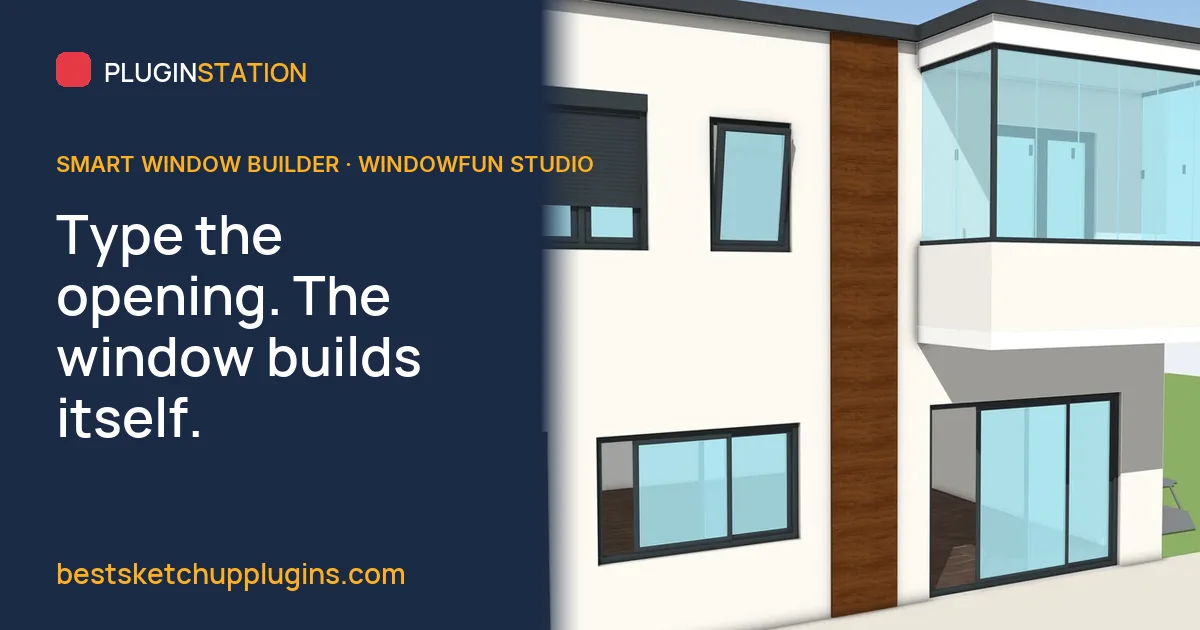
Smart Window Builder for SketchUp: Type the Opening, and the Frame, Sashes, Glass and Quote Build Themselves

For the architect whose facades look considered and the window maker who quotes at the table: a smart window builder turns a typed opening size into frame, sashes, gaskets and glass, rebuilds them in place when the opening changes, and counts the take-off from the same geometry.

Read →Smart Window Builder for SketchUp: Type the Opening, and the Frame, Sashes, Glass and Quote Build Themselves

9 October 2026 · 8 min read

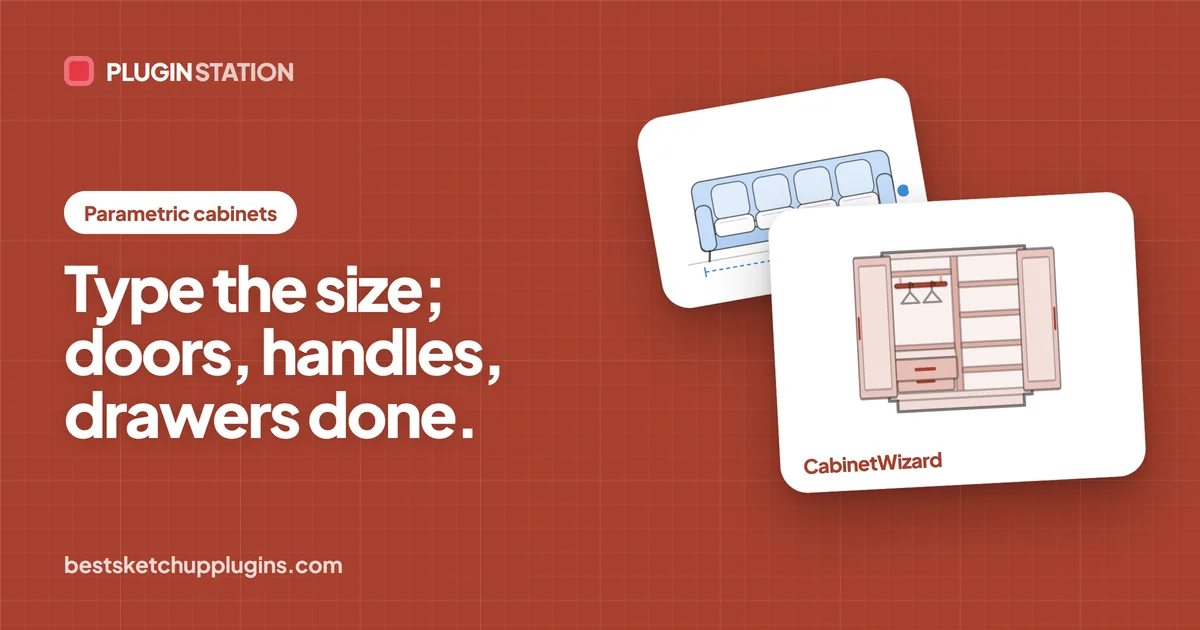
Parametric Cabinet Library Plugin for SketchUp: Change Sizes, Doors, Handles, Drawers and Materials Without Redrawing a Panel

For the maker whose workshop makes no mistakes and the designer who closes the sale at the table: change the size, door style, handle, drawers and finish in front of the client, while CabinetWizard rebuilds every panel from formulas and writes the quote and CNC cut list from the same numbers.

Read →Parametric Cabinet Library Plugin for SketchUp: Change Sizes, Doors, Handles, Drawers and Materials Without Redrawing a Panel

9 October 2026 · 8 min read

Retaining Wall Plugin for SketchUp: Stepped Walls and Garden Terraces on a Slope Without the Step Maths

For landscape architects and architects who want the site to look built, not like a flat slope: how to model a stepped retaining wall in SketchUp, what to watch for on sloping ground, and a plugin that builds the wall, its footing and the take-off in minutes, while the statics stay with the engineer.

Read →Retaining Wall Plugin for SketchUp: Stepped Walls and Garden Terraces on a Slope Without the Step Maths

9 October 2026 · 8 min read

HVAC Duct Plugin for SketchUp: Clash-Free Ducts Without Drawing Every Elbow by Hand

Without drawing every elbow, tee and reducer by hand: how architects and MEP designers can model ventilation ducts in SketchUp that look professional and stay clash-free, what a click-to-place HVAC duct plugin should do, and a checklist for choosing one.

Read →HVAC Duct Plugin for SketchUp: Clash-Free Ducts Without Drawing Every Elbow by Hand

29 September 2026 · 3 min read

SketchUp STL: How to Import and Export STL Files for 3D Printing

Without a print that fails halfway or an import that lands as triangle soup: STL is the file every 3D printer and slicer understands. Install the free official SketchUp STL extension, export a model that actually prints, bring an STL back in and clean it up.

Read →SketchUp STL: How to Import and Export STL Files for 3D Printing

29 September 2026 · 3 min read

SketchUp Textures: Where to Get Them, How to Apply Them, and How to Stop Them Stretching

Without tiles that make a room look half its size or wood that stretches over a rounded edge: where to find free, properly licensed SketchUp textures, how to size and place them so tiles and planks read at the right scale, and how to stop them stretching on curves.

Read →SketchUp Textures: Where to Get Them, How to Apply Them, and How to Stop Them Stretching

28 September 2026 · 3 min read

How to Round Corners in SketchUp: Follow Me, RoundCorner and Soft Edge

Without patching broken faces one by one: three ways to round corners and edges in SketchUp, from the native Follow Me fillet to a free one-click plugin, and the exact point where each one starts to fail.

Read →How to Round Corners in SketchUp: Follow Me, RoundCorner and Soft Edge

28 September 2026 · 3 min read

SketchUp Cut List: Three Ways to Get One From Your Model, and Why It Is Often Wrong

Without a mis-cut panel in the workshop: a SketchUp cut list is only as right as the model behind it. The three ways to get one, from Generate Report to the OpenCutList extension to parts that carry their own cut size, and the modelling habits that quietly break all three.

Read →SketchUp Cut List: Three Ways to Get One From Your Model, and Why It Is Often Wrong

28 September 2026 · 3 min read

SketchUp Cabinets: How to Model Kitchen and Wardrobe Cabinets That Can Actually Be Built

Without drawing cabinets that render well and cannot be built: how to model the kind a workshop can make in SketchUp, with panels as components, doors with real gaps and the heights a kitchen has to respect, so one file becomes the drawing, the cut list and the quote. Plus where cabinet design software takes over.

Read →SketchUp Cabinets: How to Model Kitchen and Wardrobe Cabinets That Can Actually Be Built

28 September 2026 · 3 min read
How to Make Windows in SketchUp: Openings, Frames and Glass That Behave

Without redrawing forty windows every time the facade changes: build a SketchUp window as a component that cuts its own opening, with a frame and sash of real depth and glass that is one face, place it so it really cuts the wall, and take the shortcut when the whole project needs them.

Read →How to Make Windows in SketchUp: Openings, Frames and Glass That Behave

28 September 2026 · 3 min read

How to Make a Door in SketchUp: Opening, Frame, Leaf and Swing

Without carving the wall by hand at every revision: how to make a SketchUp door that survives the next change, with a clean opening through a thick wall, a frame and casing, a leaf with a real gap, a handle and a swing you can show in plan. Then the one-click version.

Read →How to Make a Door in SketchUp: Opening, Frame, Leaf and Swing

28 September 2026 · 3 min read

Landscape in SketchUp: Terrain, Planting and Paths Without the Three-Hour Detour

Without the three-hour detour every time the levels change: a terrain you can trust, paths and pads that sit on it, and planting that keeps the model light. The native SketchUp way to do each, where it slows down, and the tools that make a site look like a lived place.

Read →Landscape in SketchUp: Terrain, Planting and Paths Without the Three-Hour Detour

18 August 2026 · 6 min read

SketchUp Flooring: Patterns, Grout and a Real Cut List

Without hand-laying tiles one by one: how patterns, grout and clipping really work in SketchUp, and how 45 minutes of floor laying comes down to 45 seconds, cut list included.

Read →SketchUp Flooring: Patterns, Grout and a Real Cut List

4 August 2026 · 7 min read

Windows and Doors: Where SketchUp Models Go Wrong

Without openings that fall apart at the first revision: how to cut a SketchUp wall properly, keep doors and windows editable when the client moves them, and still get a schedule out.

Read →Windows and Doors: Where SketchUp Models Go Wrong

21 July 2026 · 7 min read

Context Buildings in SketchUp: A Site Model in an Hour

Without leaving your building alone on a grey plane, and without losing two days to blocks nobody zooms into: convincing blocks, terrain-following roads and planting, at a level of detail that gives you the day back.

Read →Context Buildings in SketchUp: A Site Model in an Hour

7 July 2026 · 7 min read

Stairs and Ramps in SketchUp That Pass Review

Without redrawing the stair every time the slab moves: the numbers a reviewer actually checks, and how to model stairs and ramps parametrically so a floor height change costs one edit.

Read →Stairs and Ramps in SketchUp That Pass Review

23 June 2026 · 7 min read

SketchUp Quantity Take-Off: From Model to Cut List

Without three days of measuring by hand after the client nods: what has to be true in a SketchUp model before its take-off can be trusted, and how clean cut lists reach the workshop.

Read →SketchUp Quantity Take-Off: From Model to Cut List

9 June 2026 · 7 min read

Facade Cladding in SketchUp: ACM Panels and Rainscreens

Without a stretched texture pretending to be a facade: how to set out ACM panels and a ventilated rainscreen in SketchUp, and leave with a panel schedule the fabricator can work from.

Read →Facade Cladding in SketchUp: ACM Panels and Rainscreens