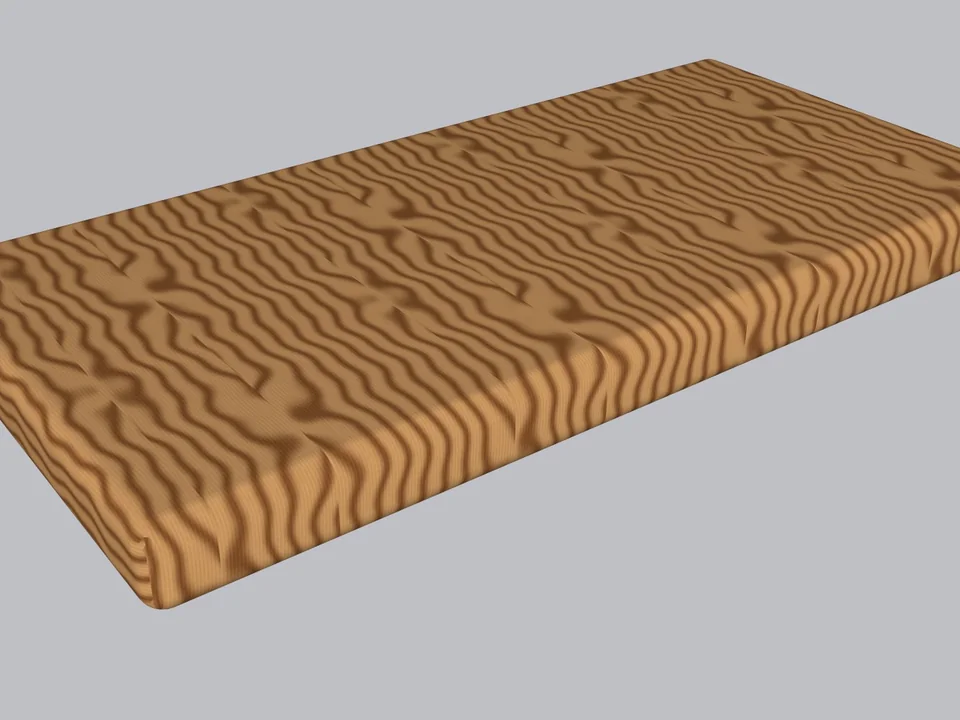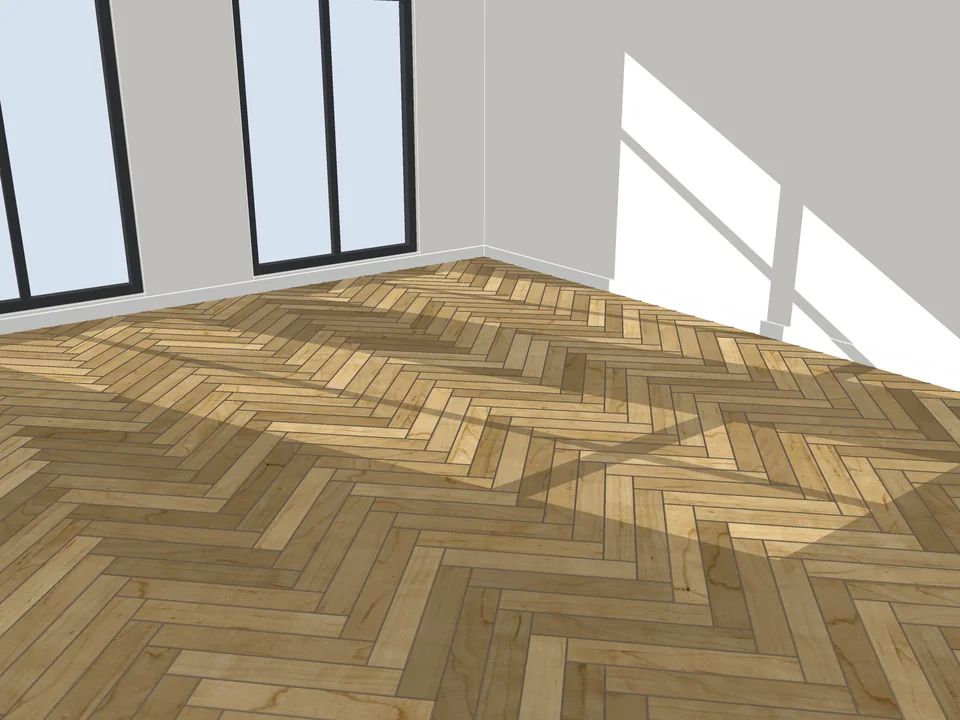
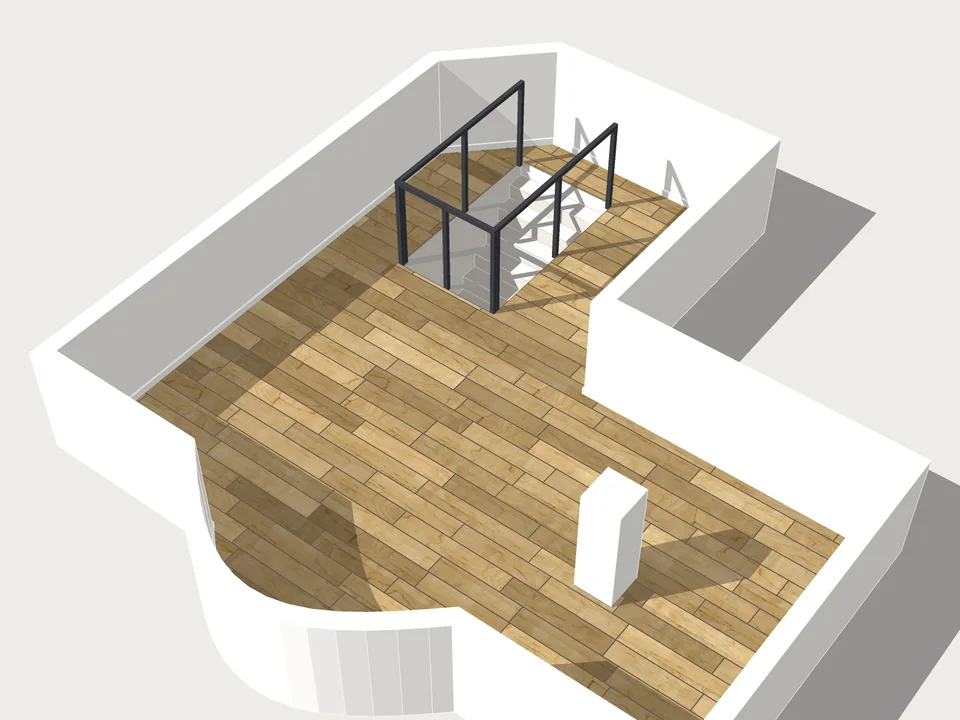
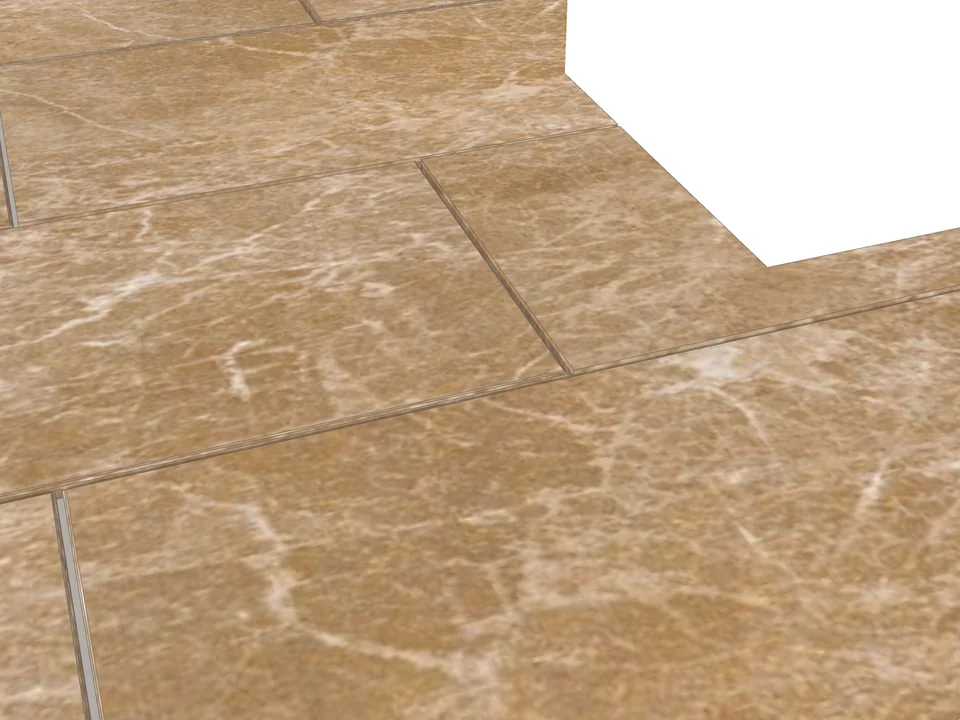
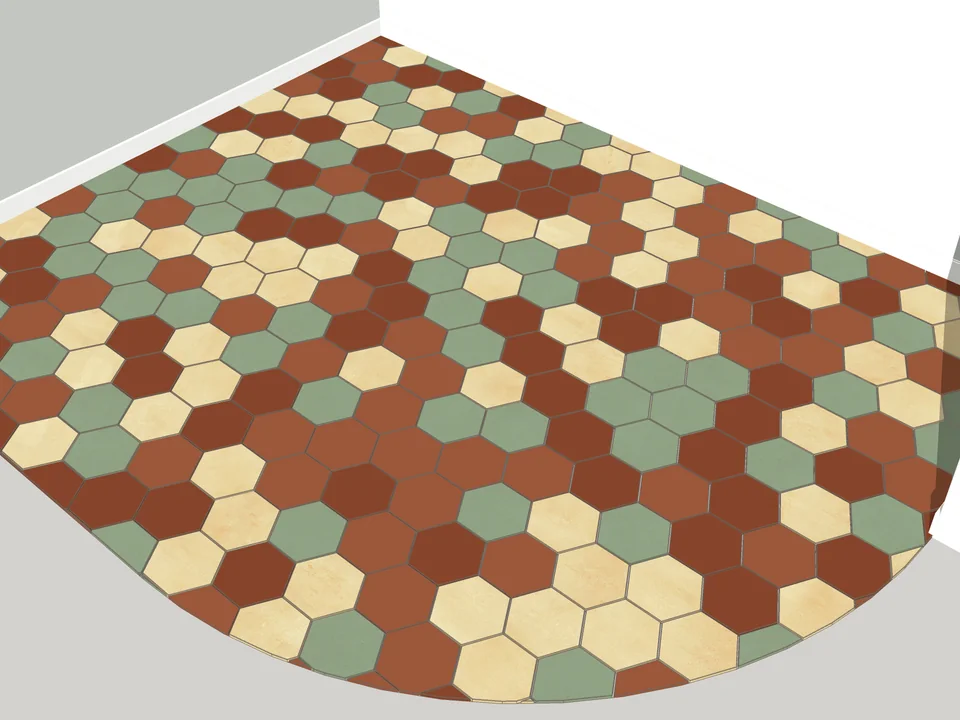
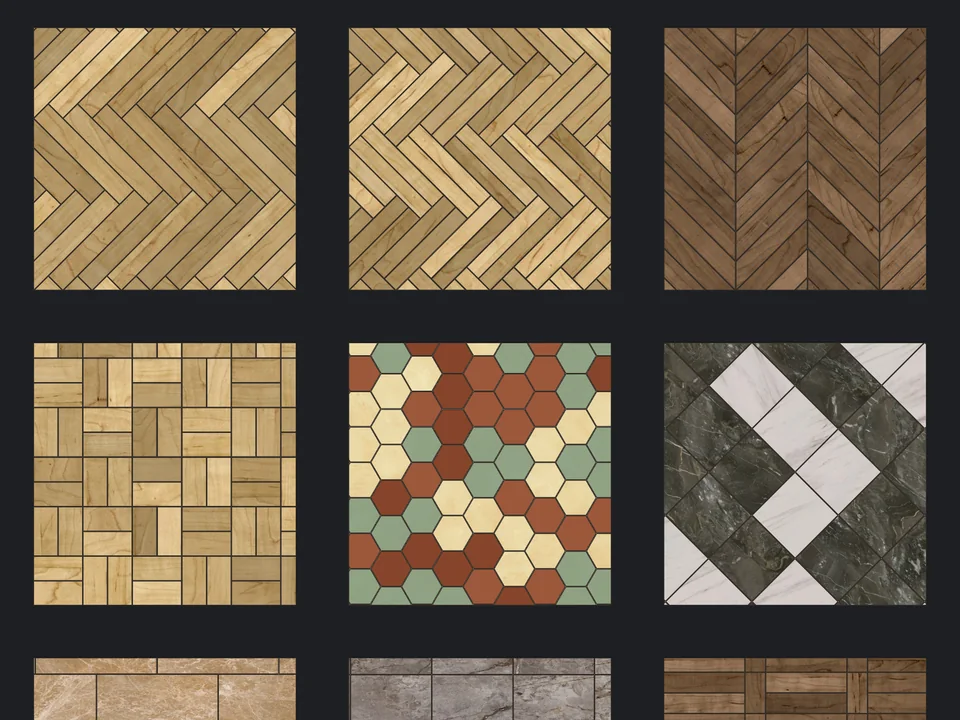
Pick a face, pick a pattern. Floor laid.
Flooring
$39
FloorStudio
Skip the tile-by-tile copying: every board cut, counted, out as CSV.
- 13 patterns
- SketchUp 2021-2026
- CSV take-off
SketchUp 2021–2026v3.3.0
22 tools
Pick the job that wears you out most. We’ll show you the tool that does it for you.
Pick a face, pick a pattern. Floor laid.
Skip the tile-by-tile copying: every board cut, counted, out as CSV.
SketchUp 2021–2026v3.3.0
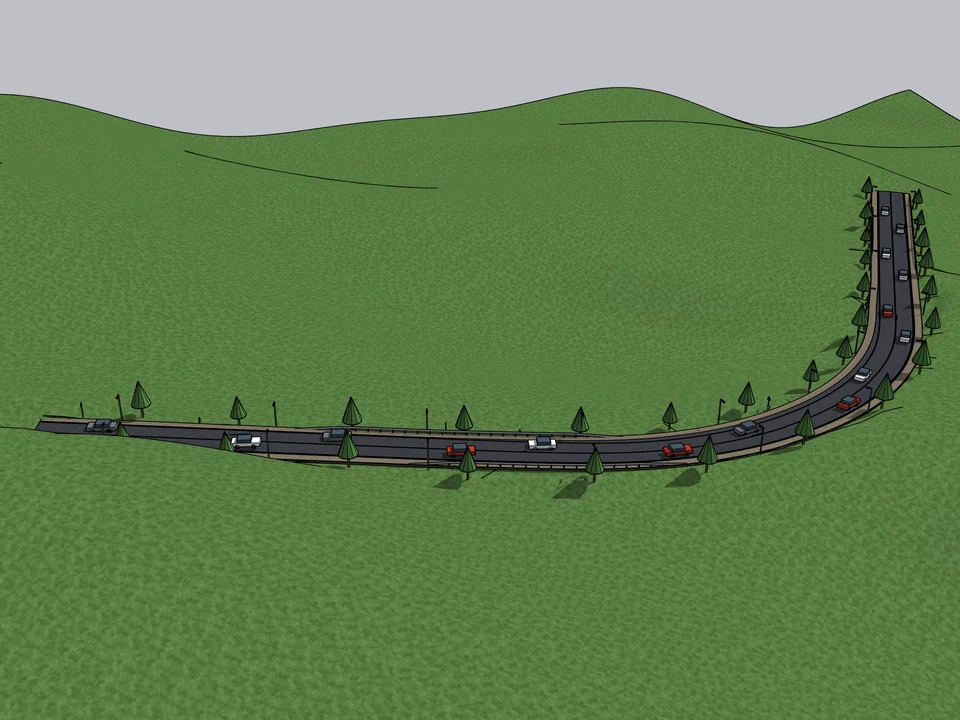
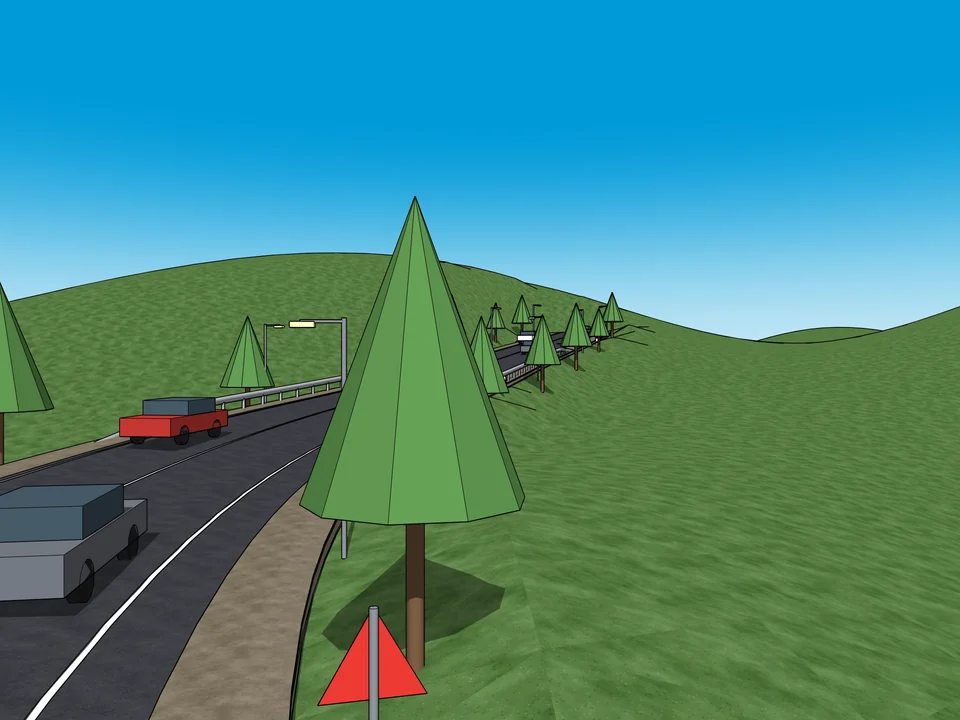
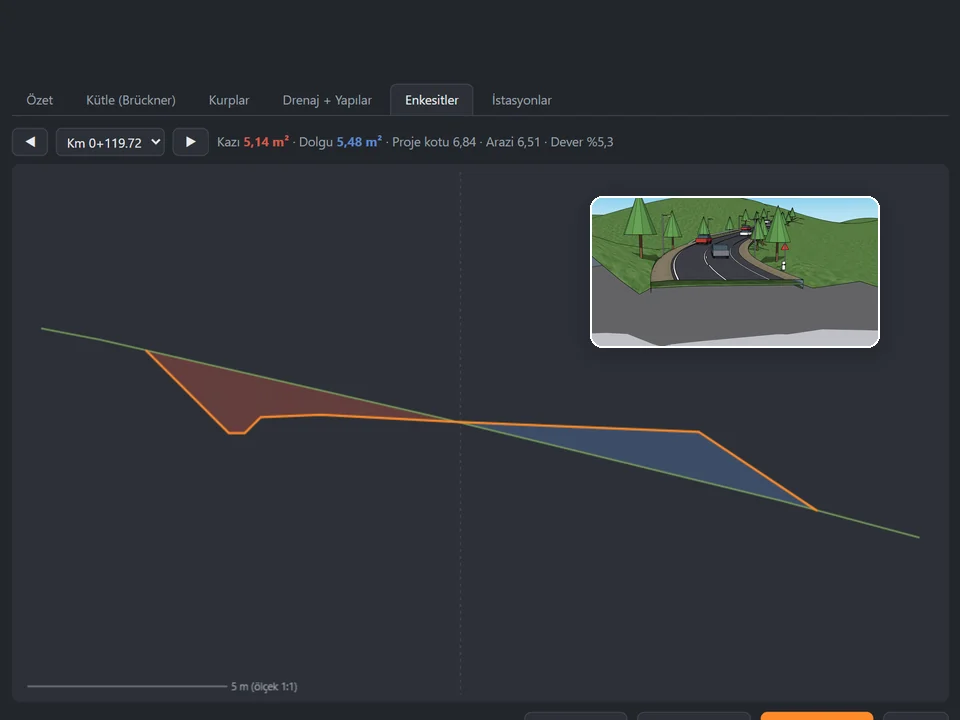
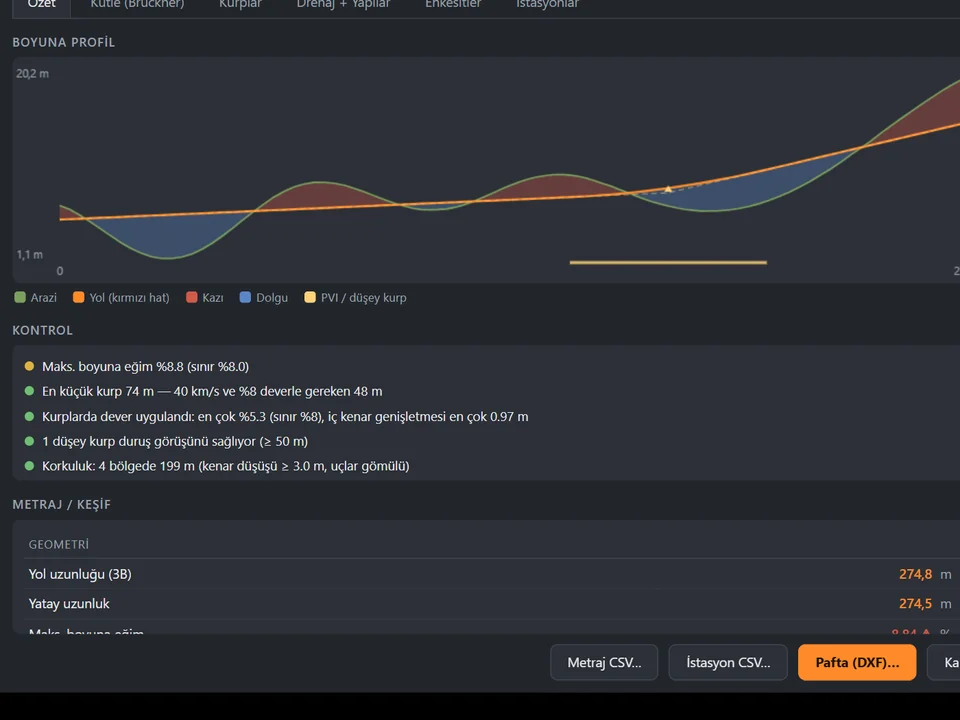
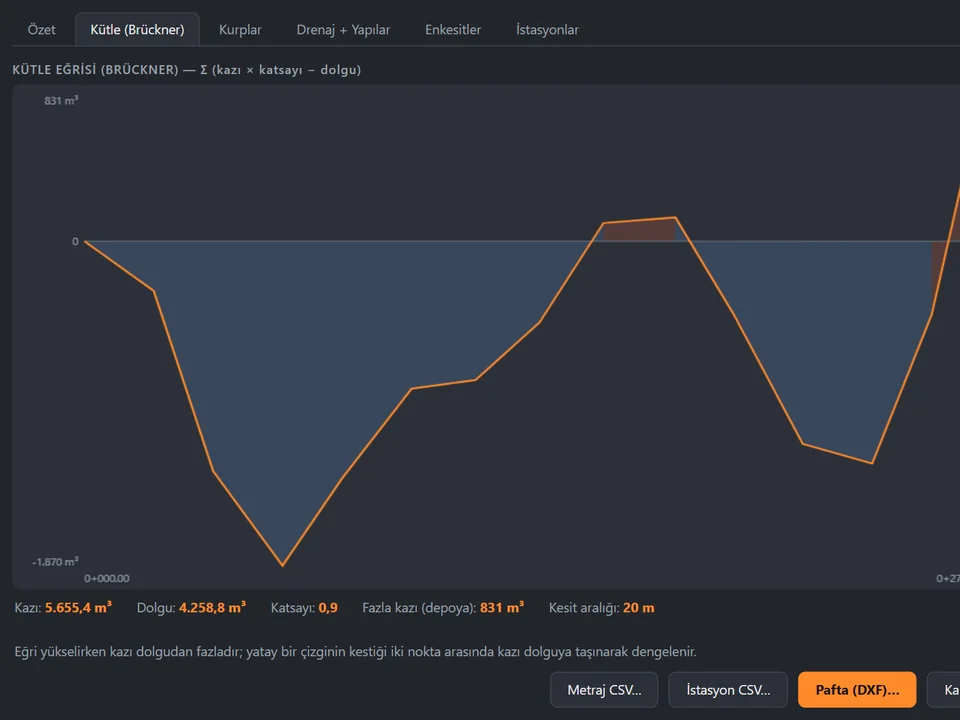
Click a route. The road sits on the land.
Click a route; road, terrain fit and quantities follow, no hand-fitting.
SketchUp 2021–2026v1.16.0
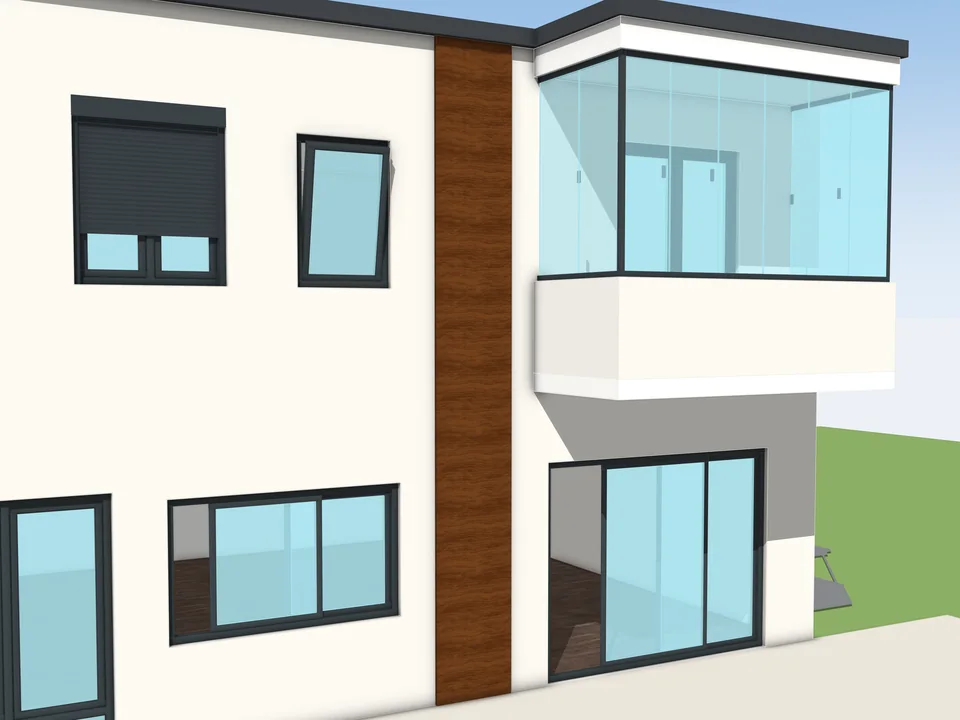
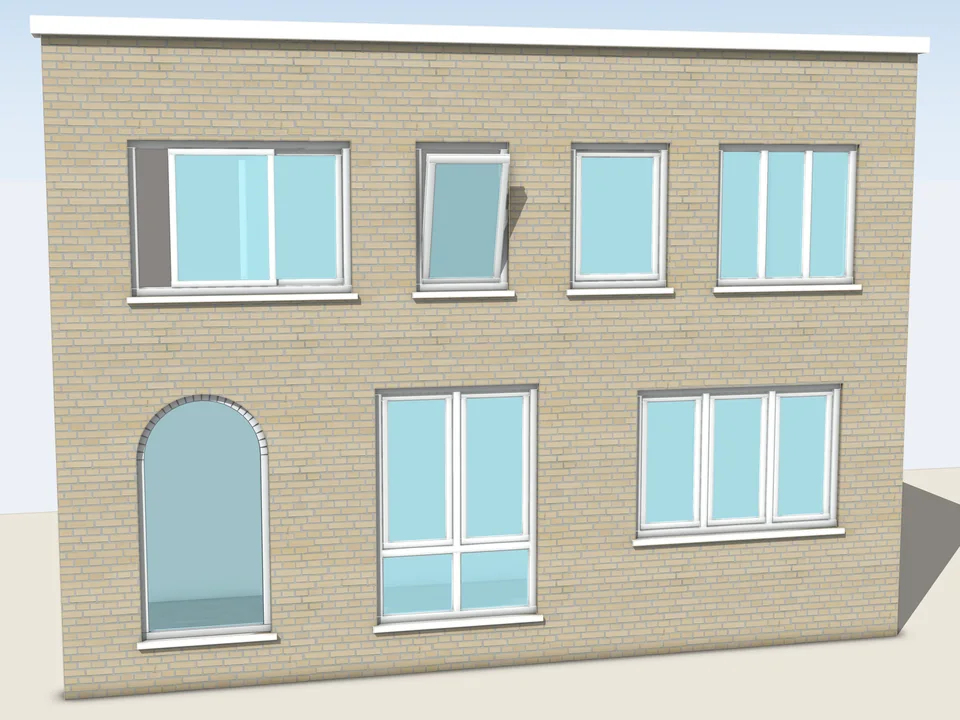
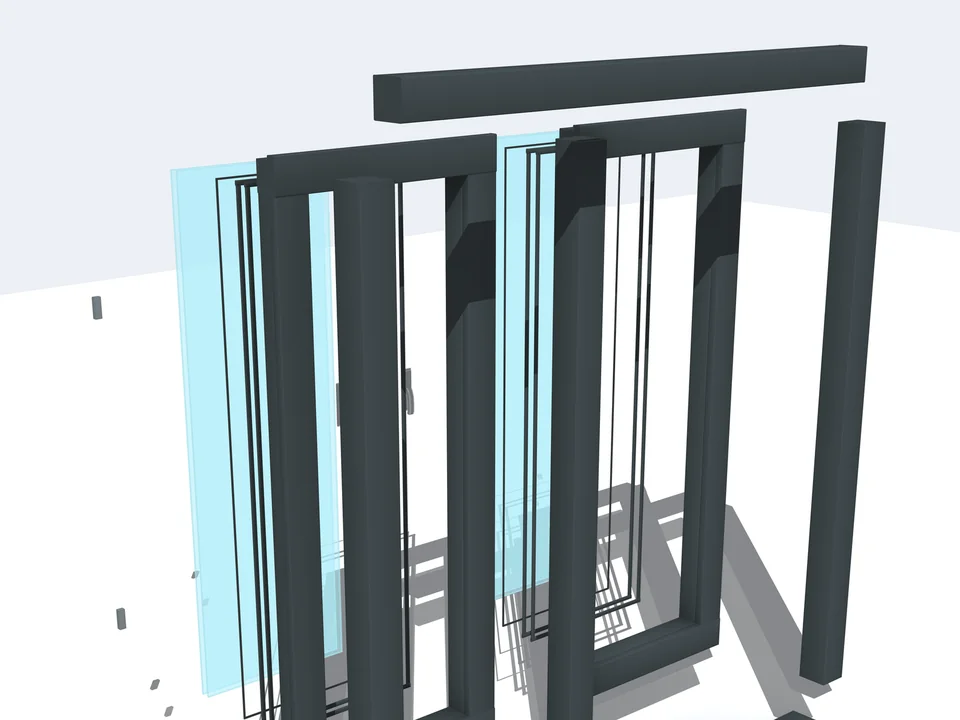
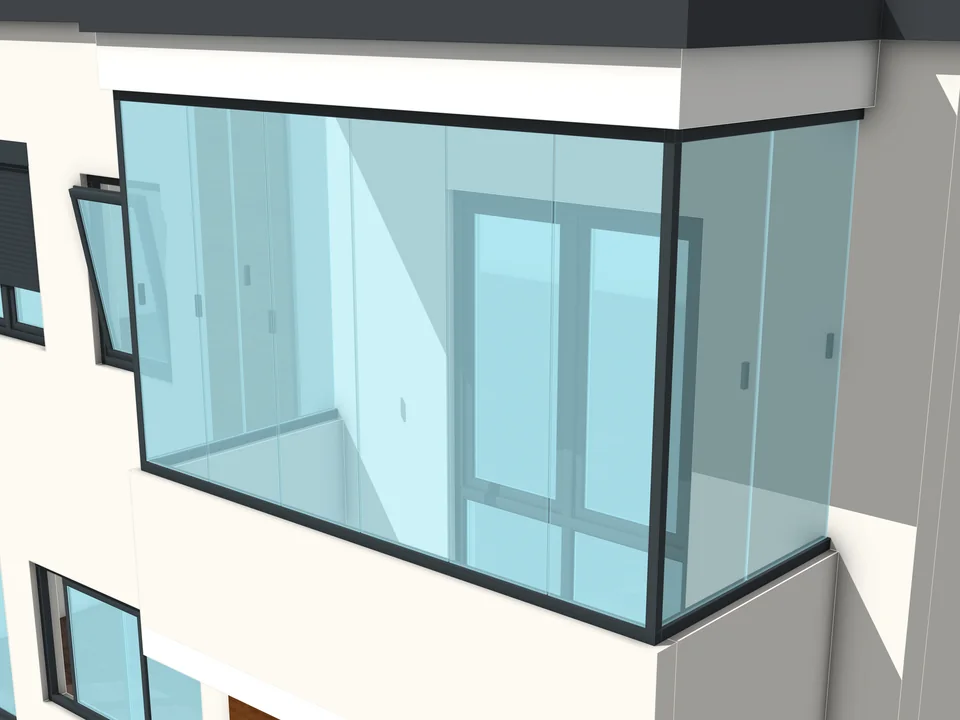
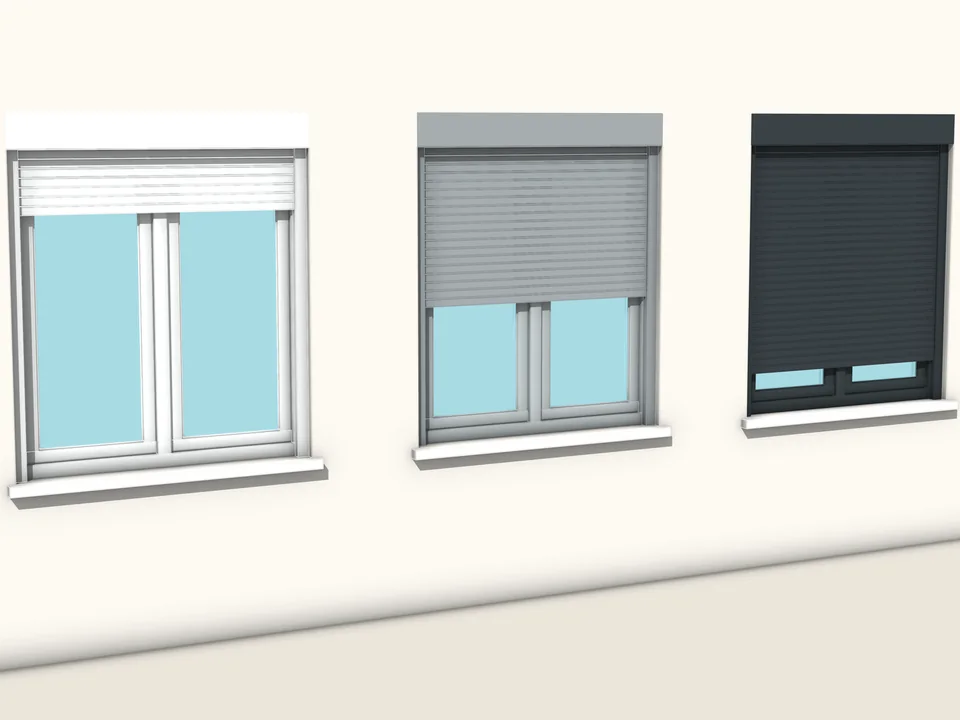
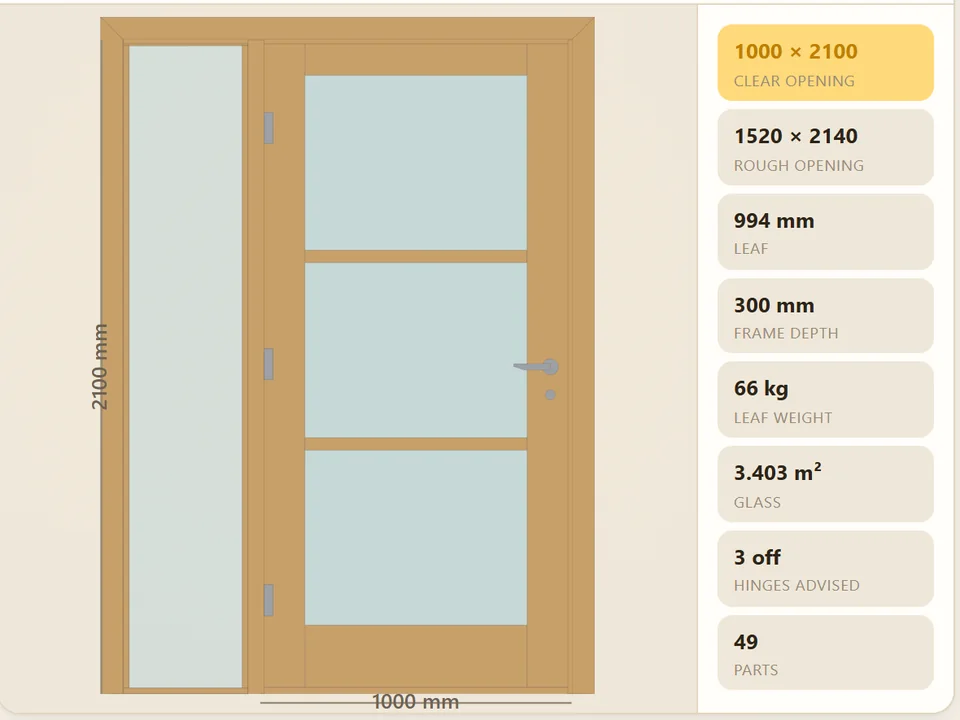
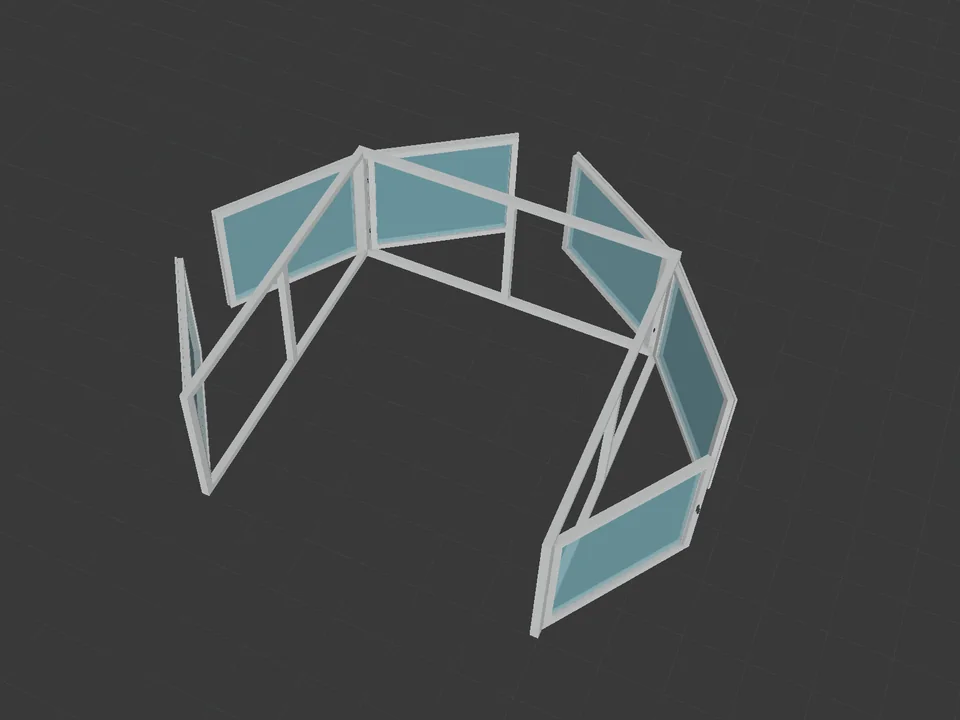
Type the size. The window builds itself.
Don't draw windows one by one: type the size, get window and quote.
SketchUp 2024–2026v1.1.0
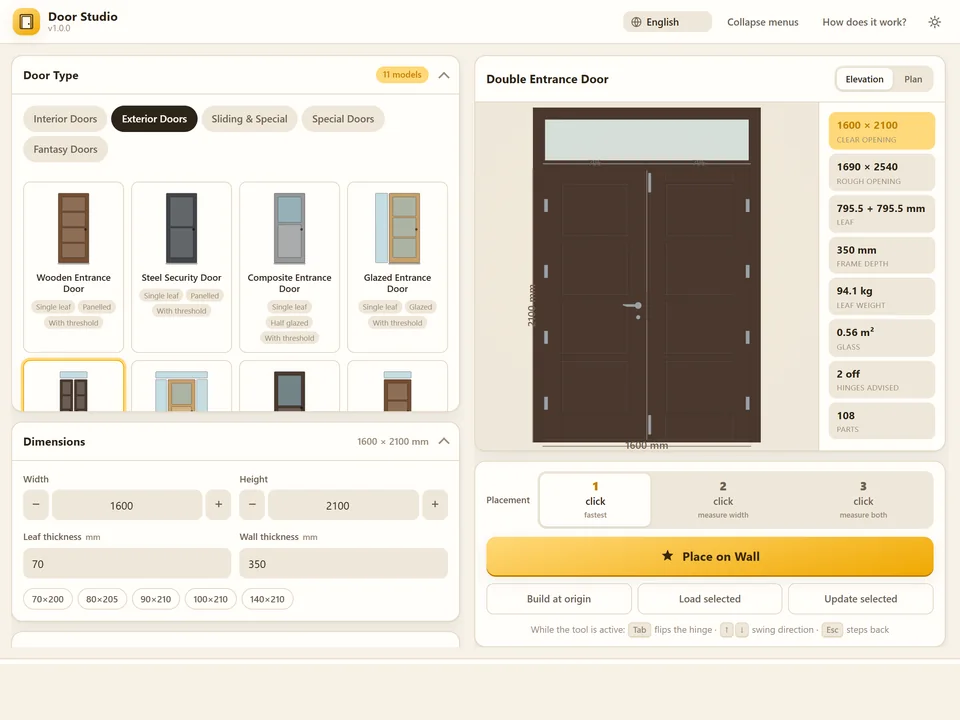
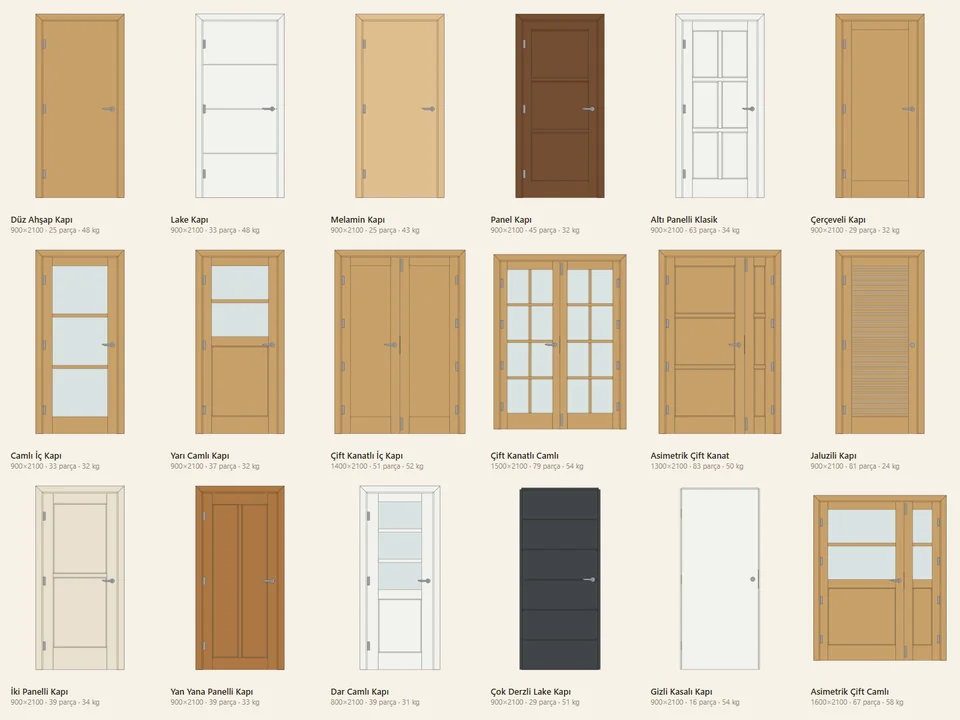
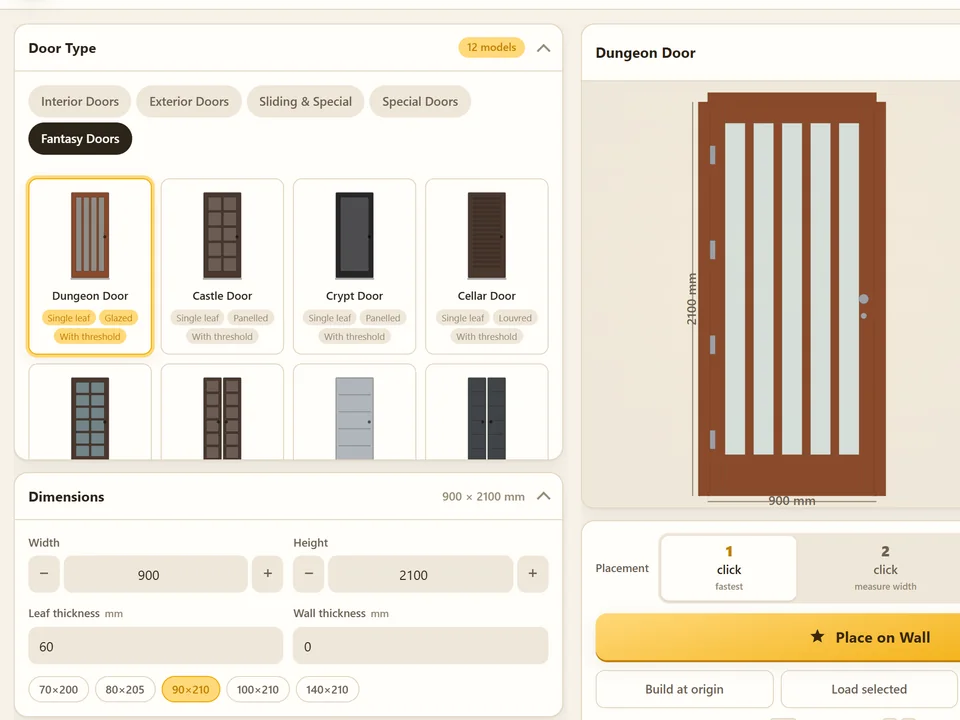
Pick a door, click the wall. It fits itself.
No walls cut by hand: pick a door, click the wall, it fits itself.
SketchUp 2021–2026v1.6.0
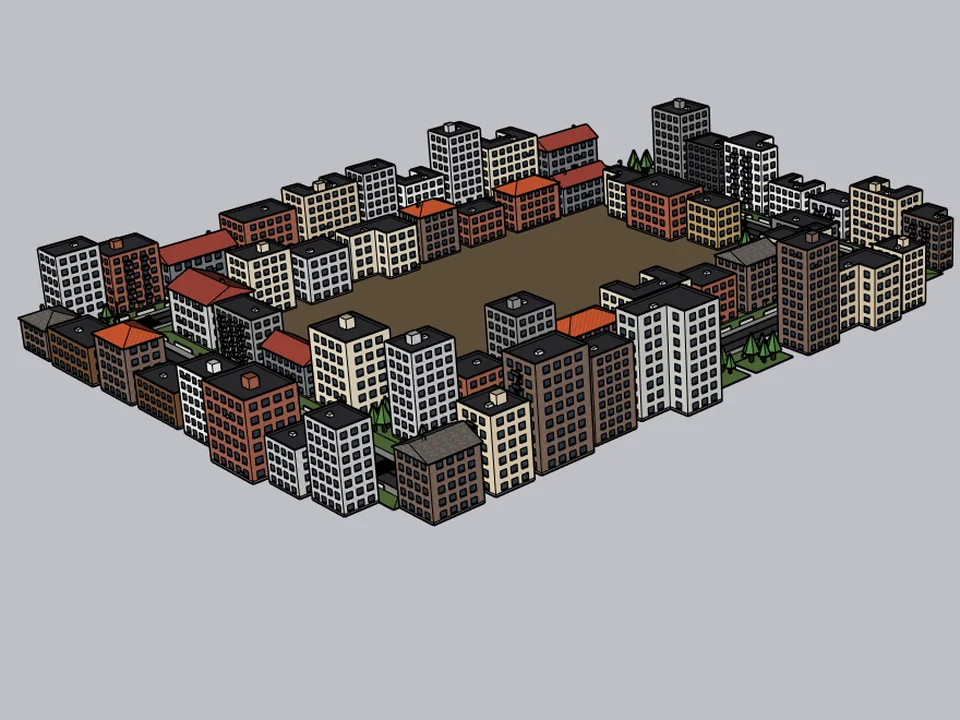
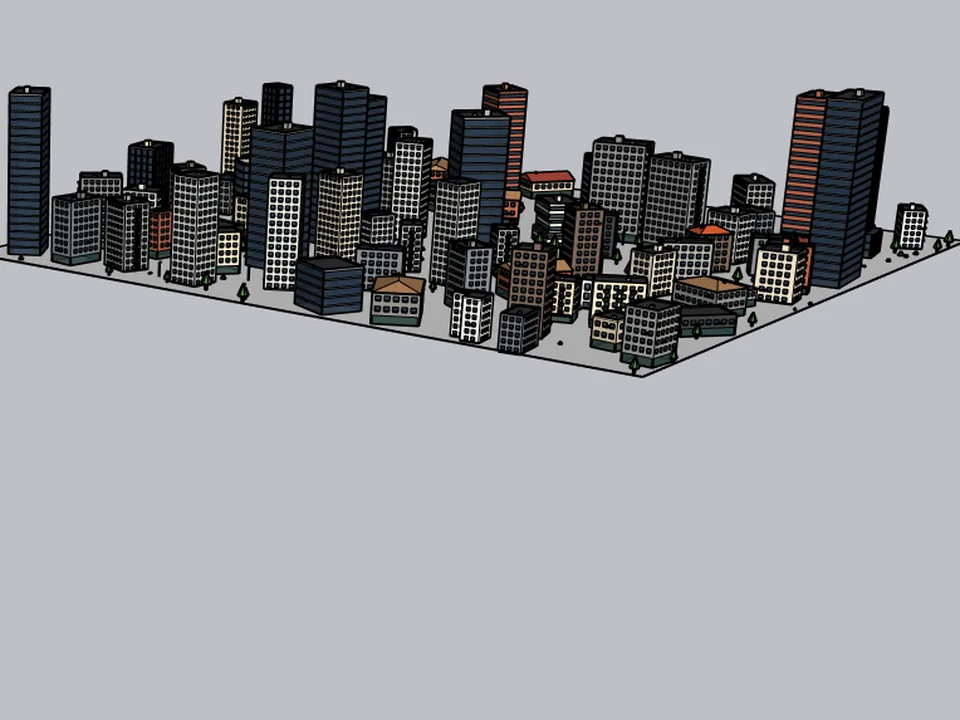
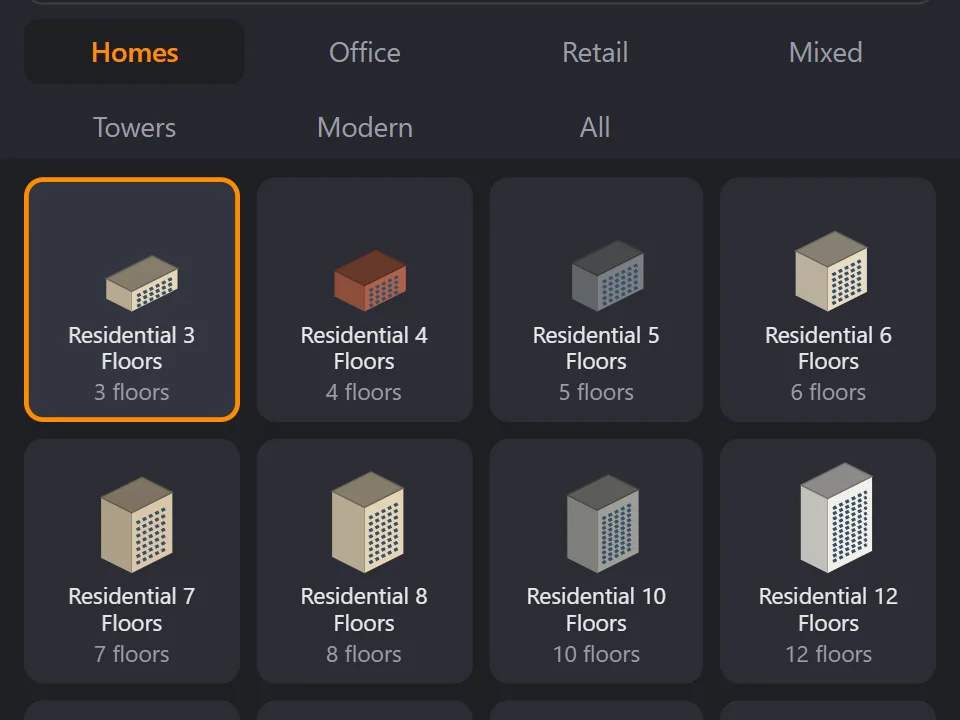
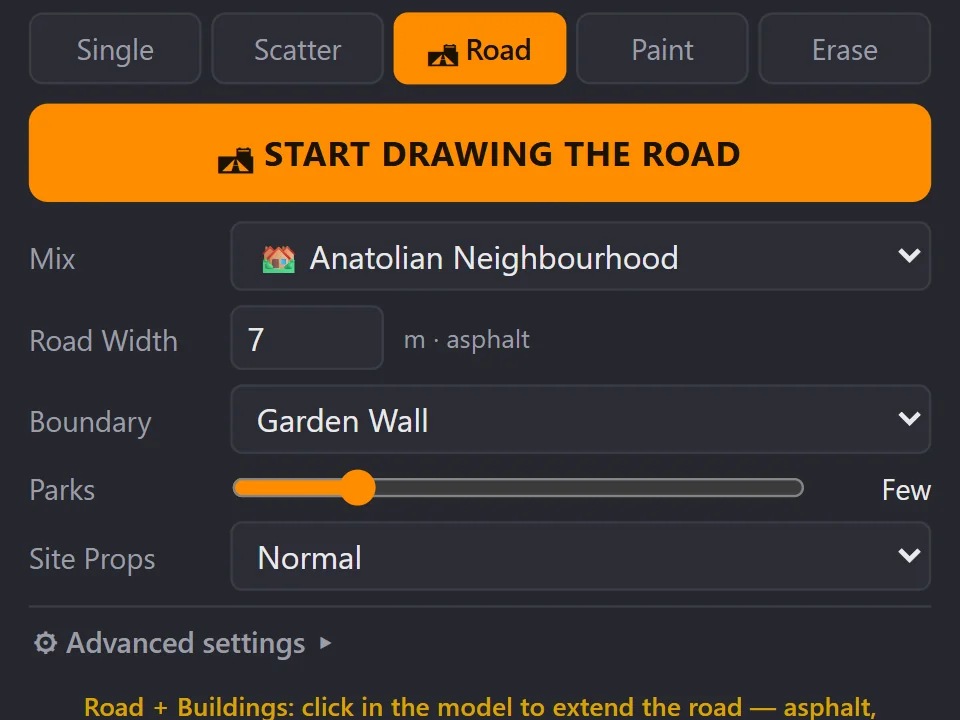
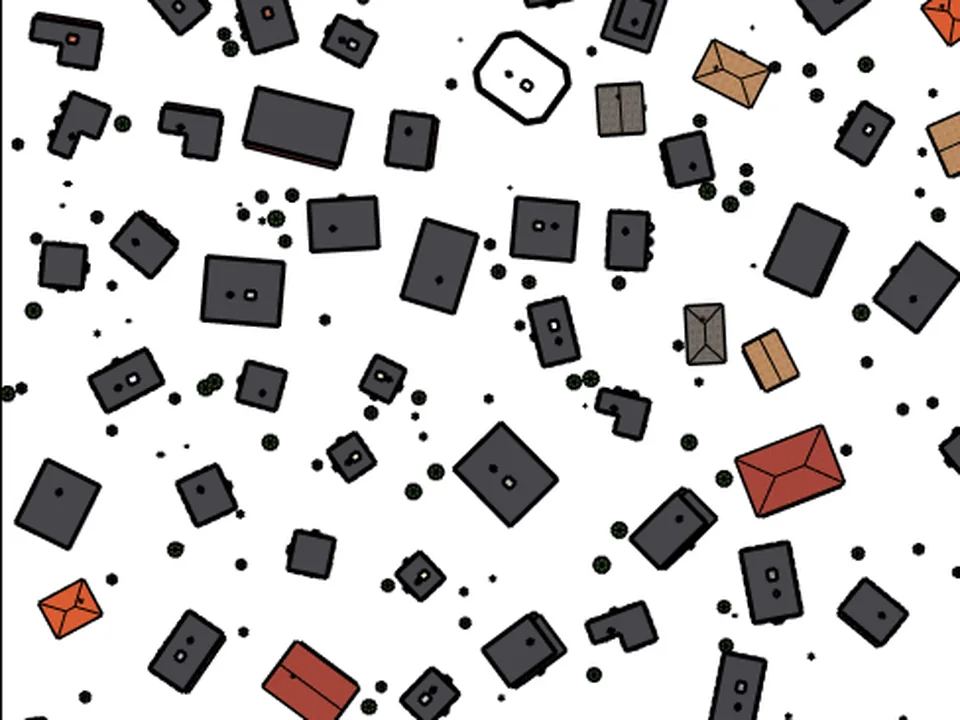
Draw the road. The street grows with it.
No white void around your design: fill the city in a few clicks.
SketchUp 2021–2026v2.0.0
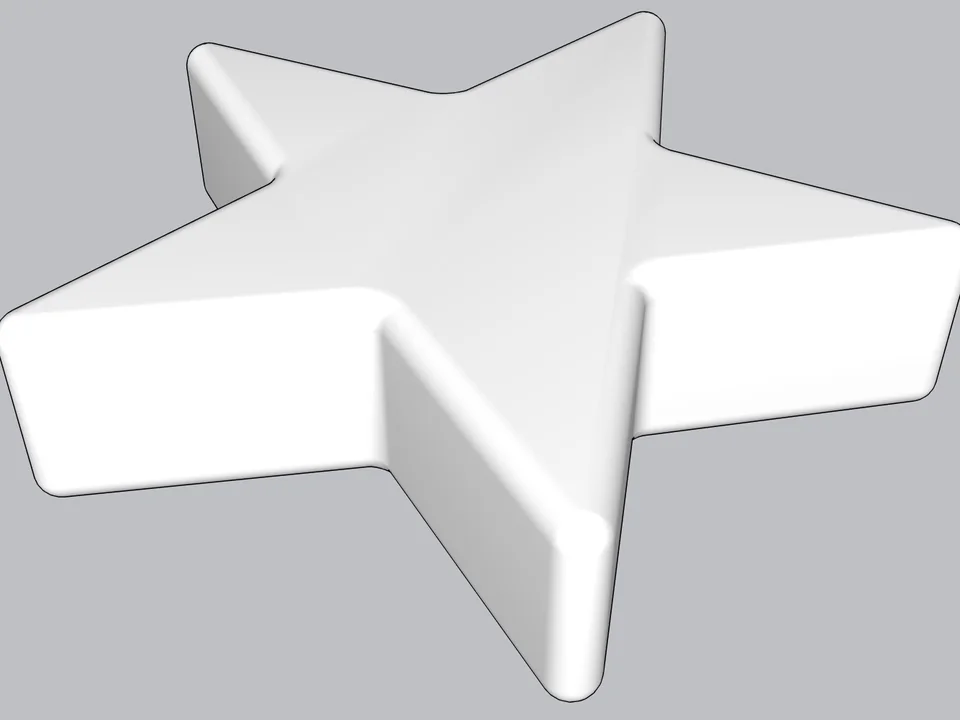
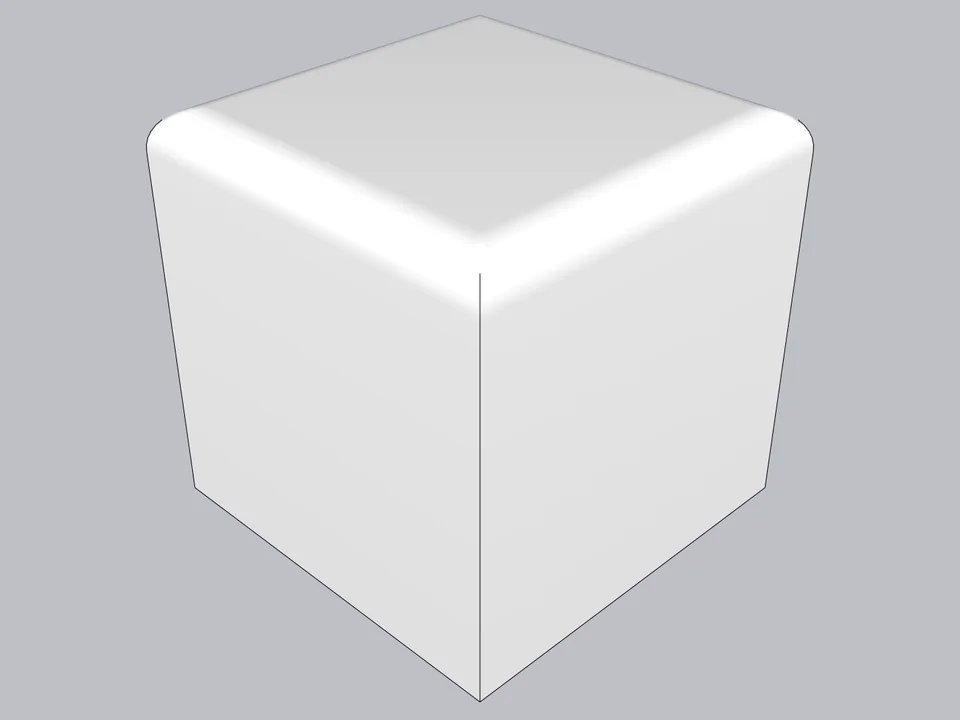
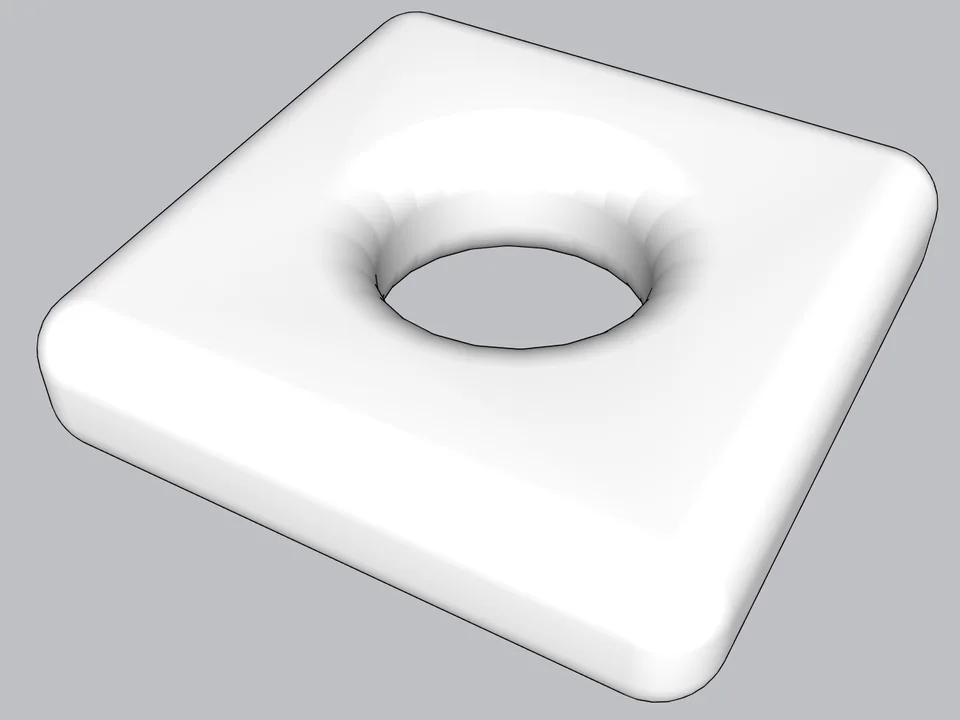
Type a radius, click: every edge goes soft.
Skip hand filleting: round or chamfer in one click, always editable.
SketchUp 2021–2026v0.8.1
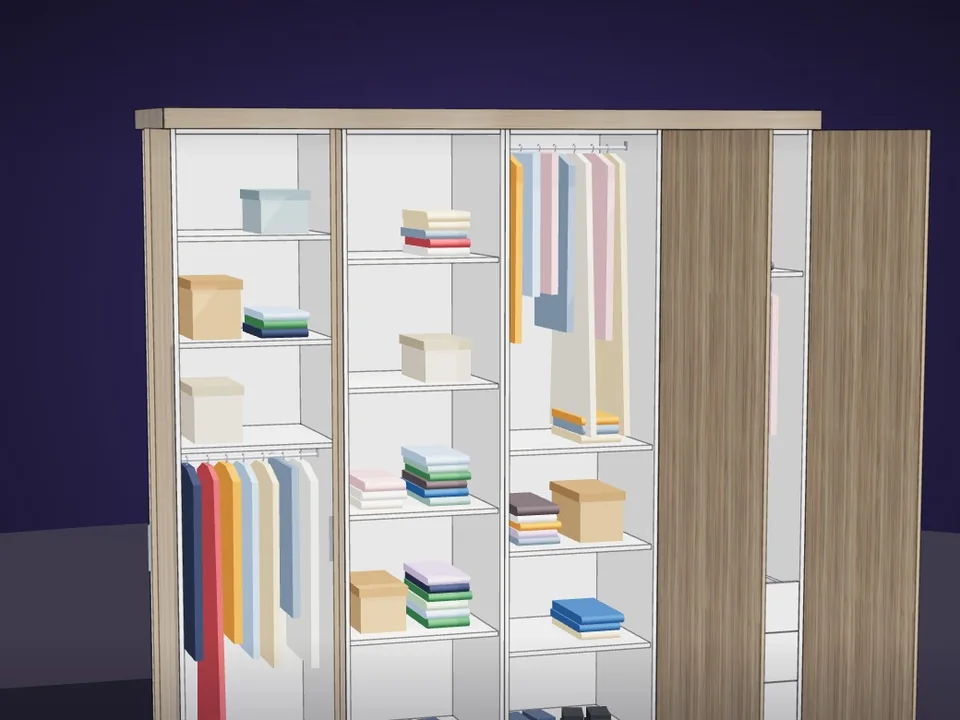
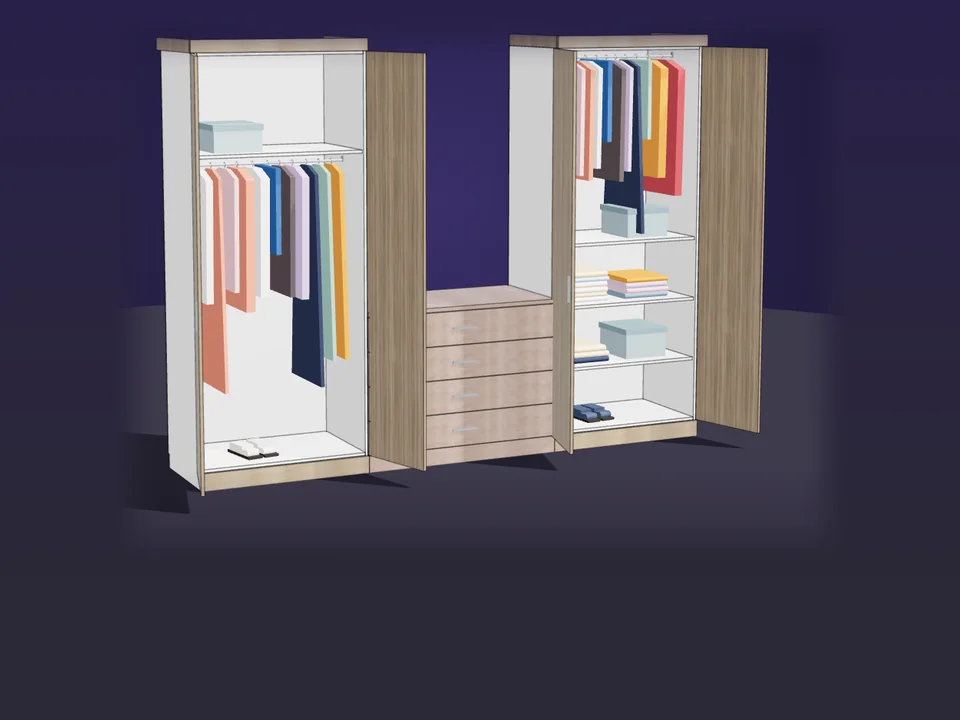
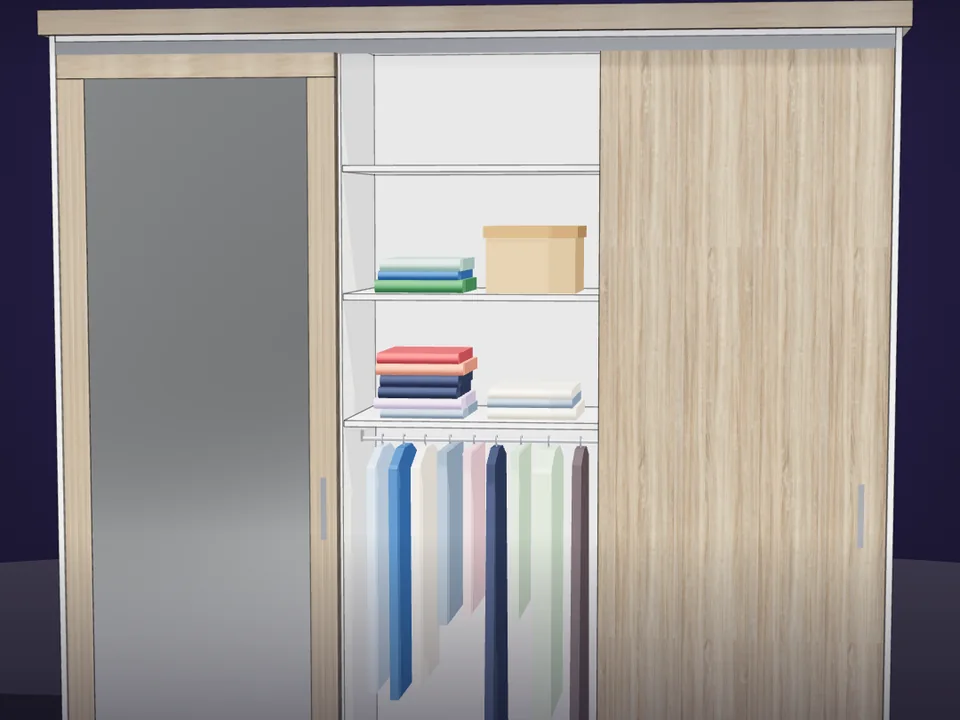
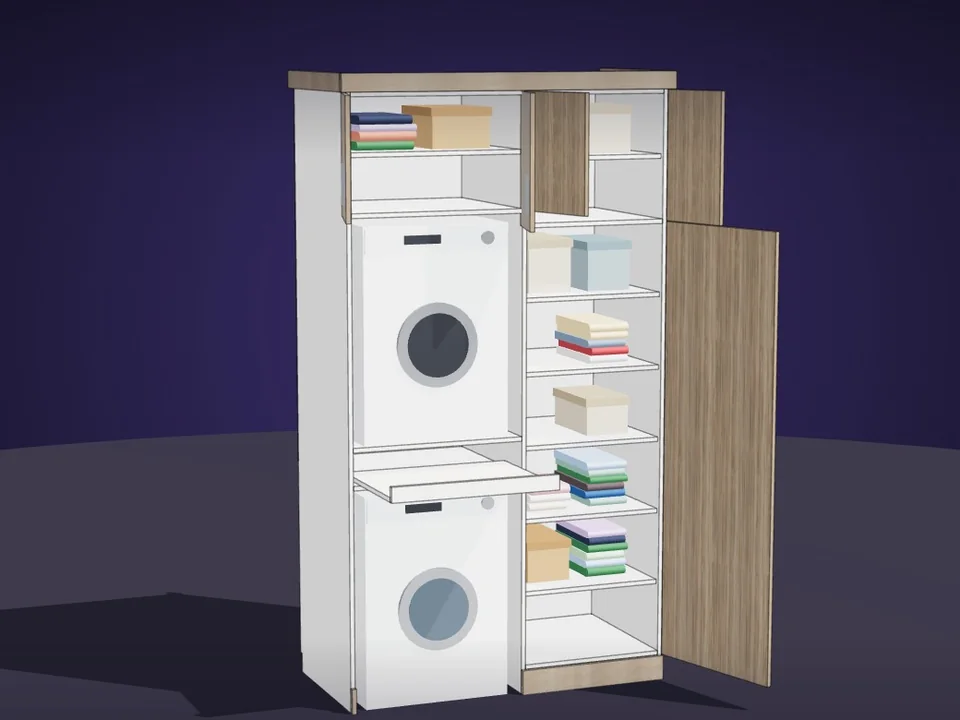
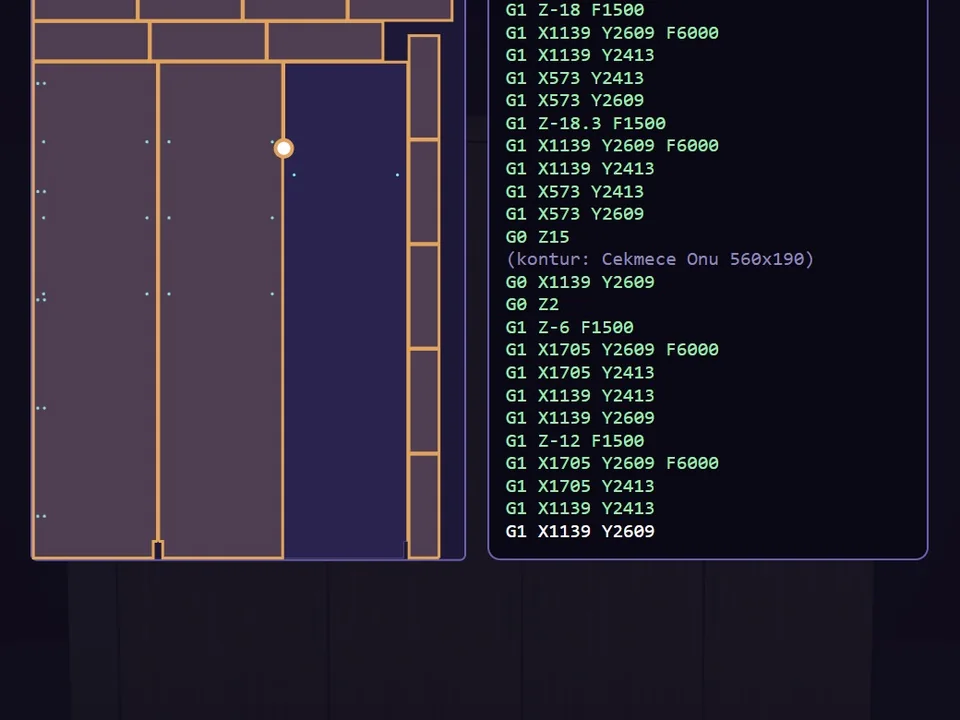
Type the size. The whole wardrobe builds itself.
No panel-by-panel drawing: type the size, get quote and CNC files.
SketchUp 2017–2026v1.19.0
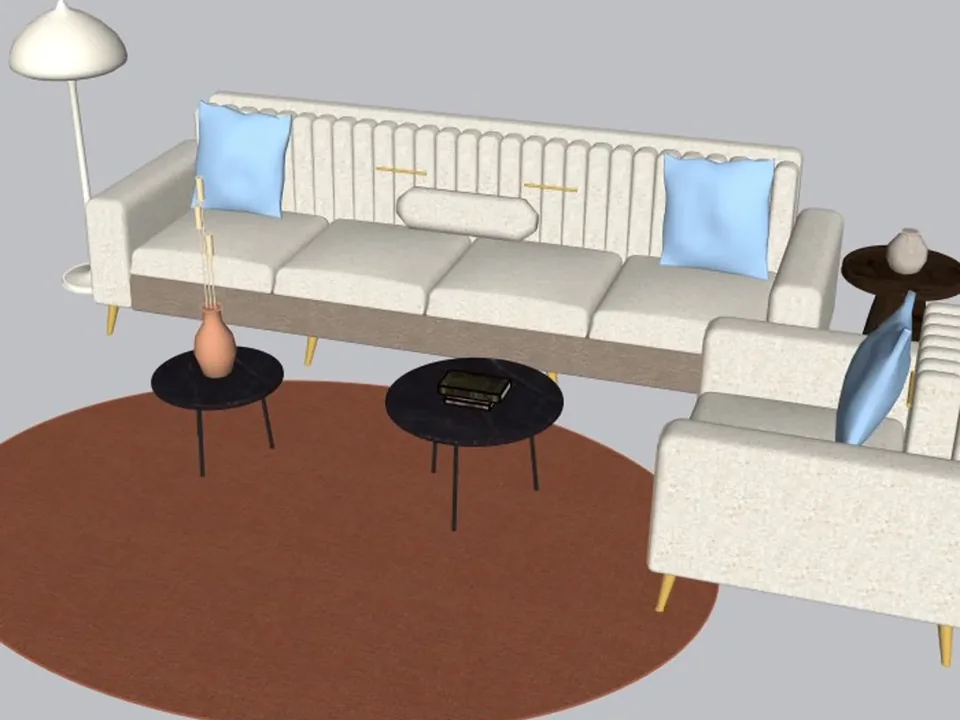
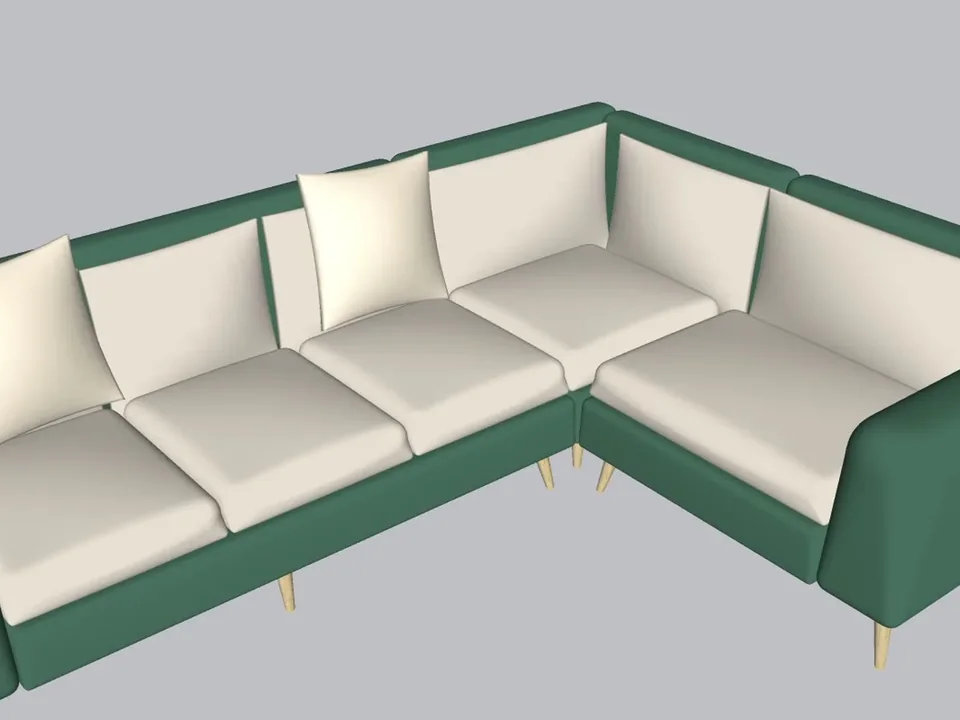
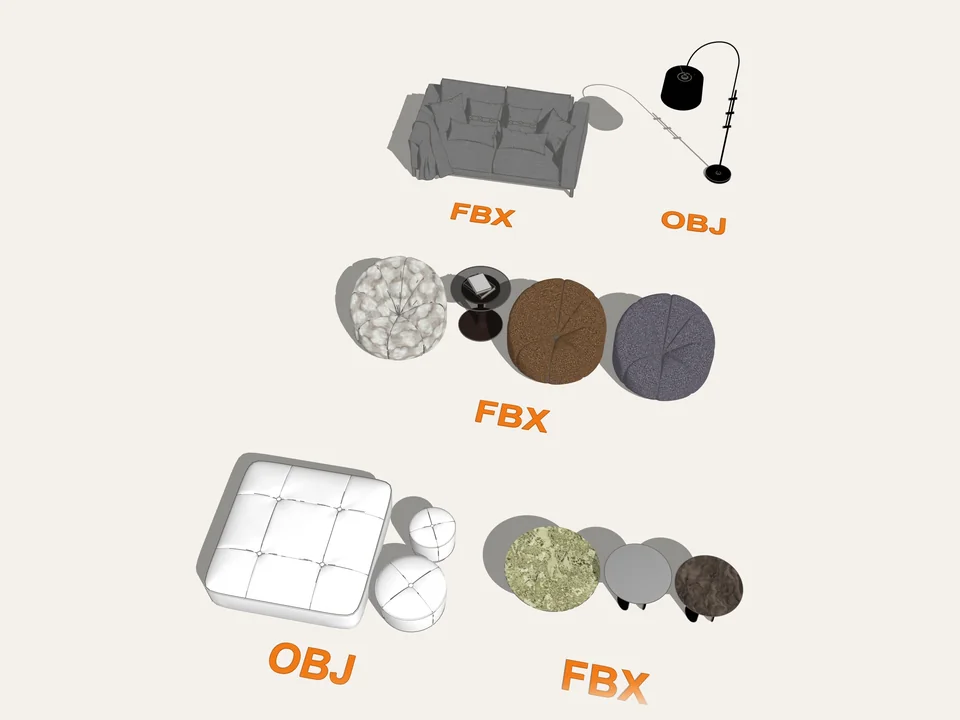
A whole living room set in one click.
No empty boxes: two clicks, real furniture; pull the ball, it grows.
SketchUp 2021–2026v1.14.0
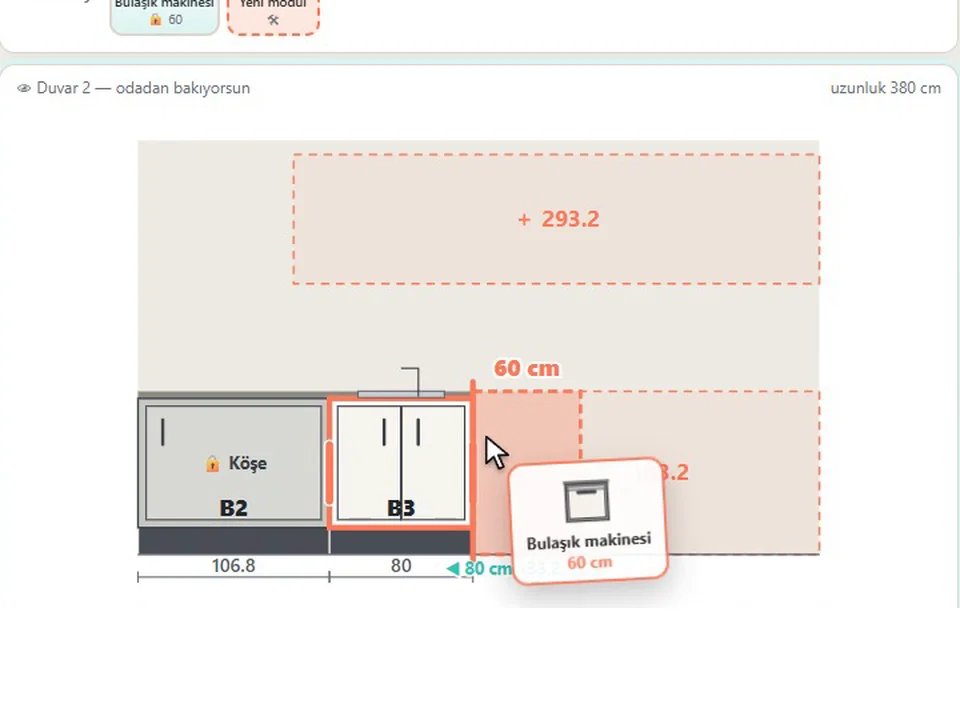
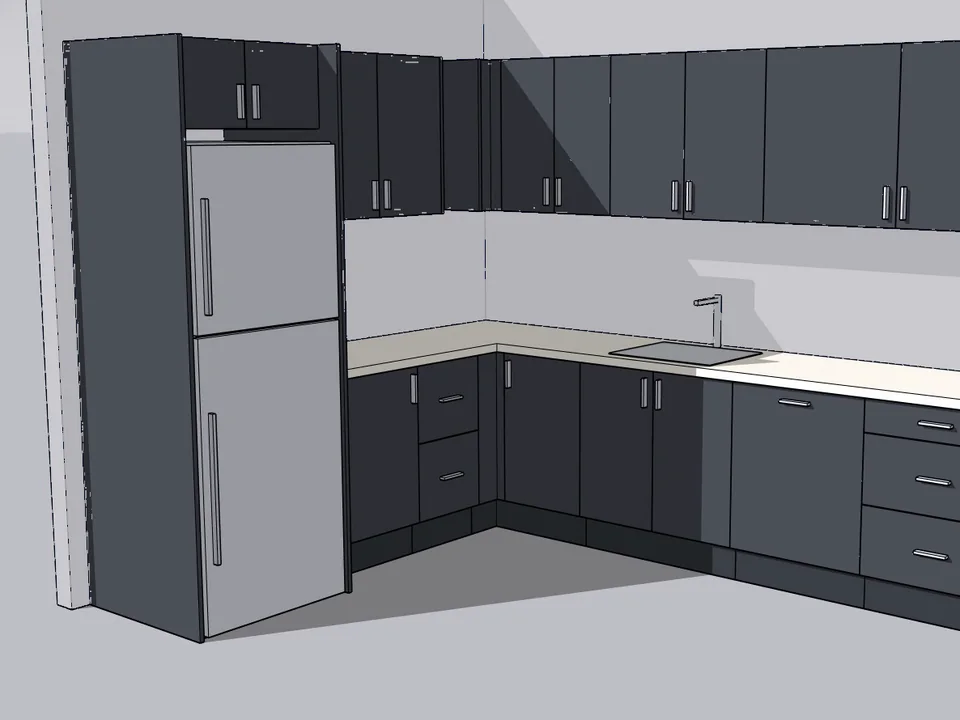
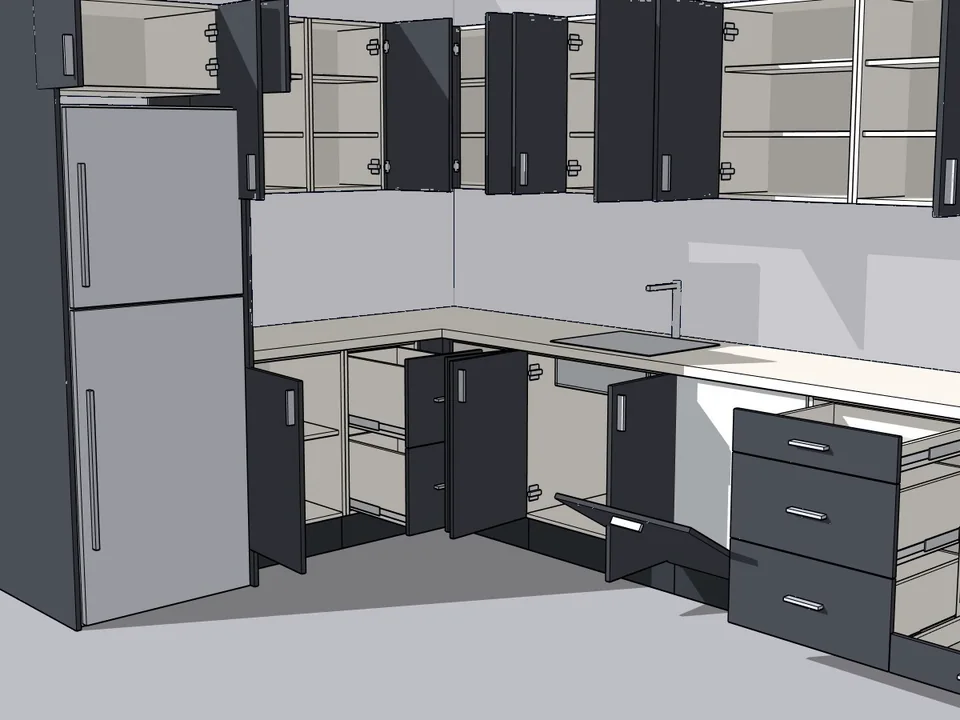
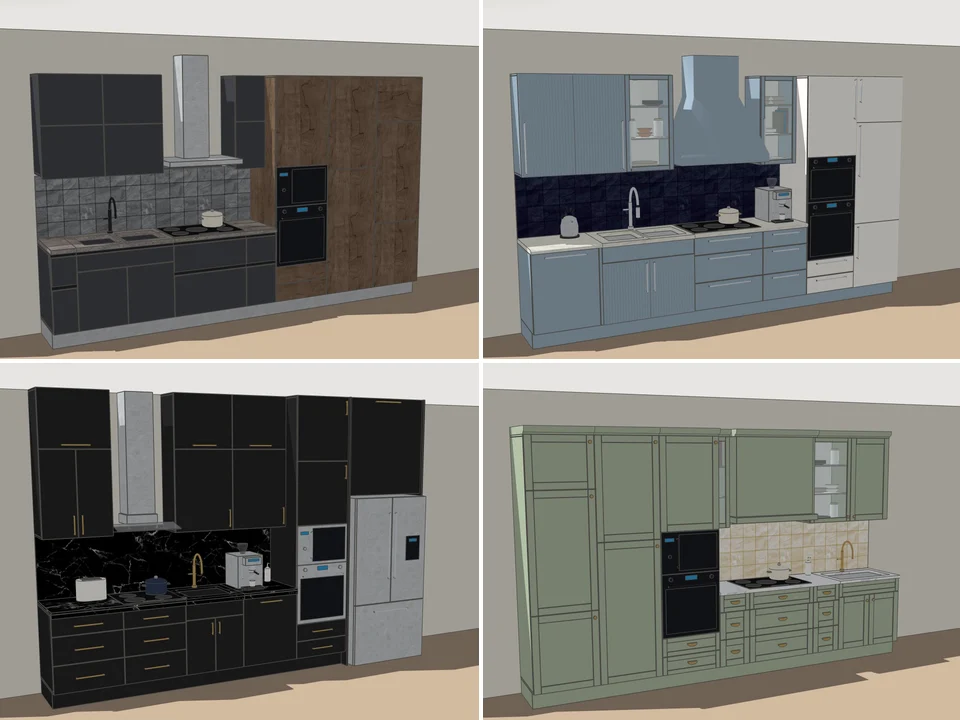
Grab a cabinet, drop it on the wall. Kitchen done.
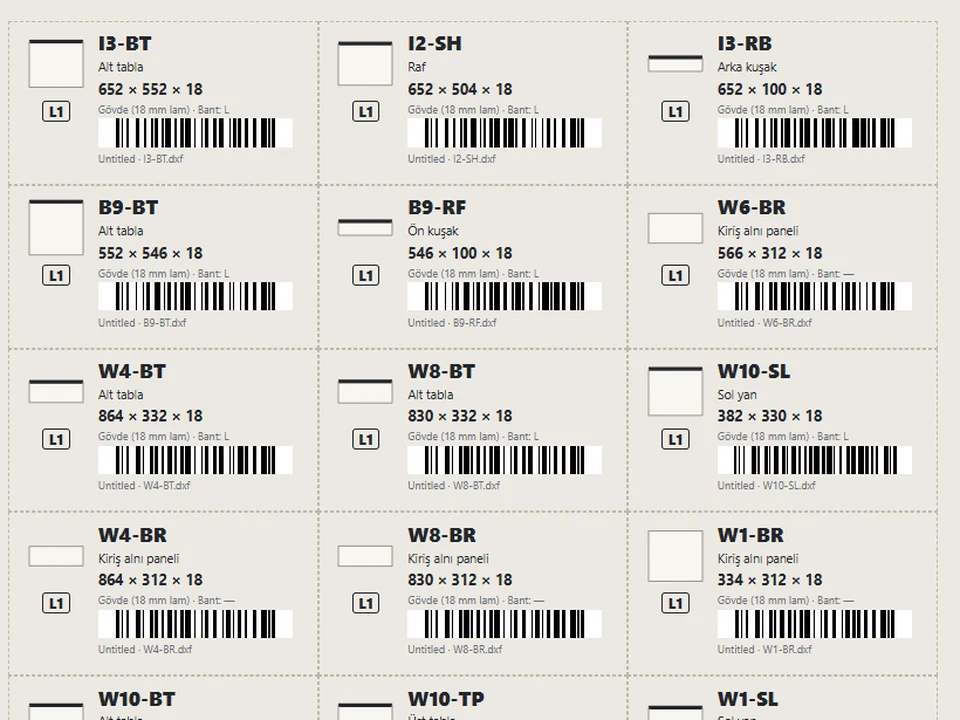
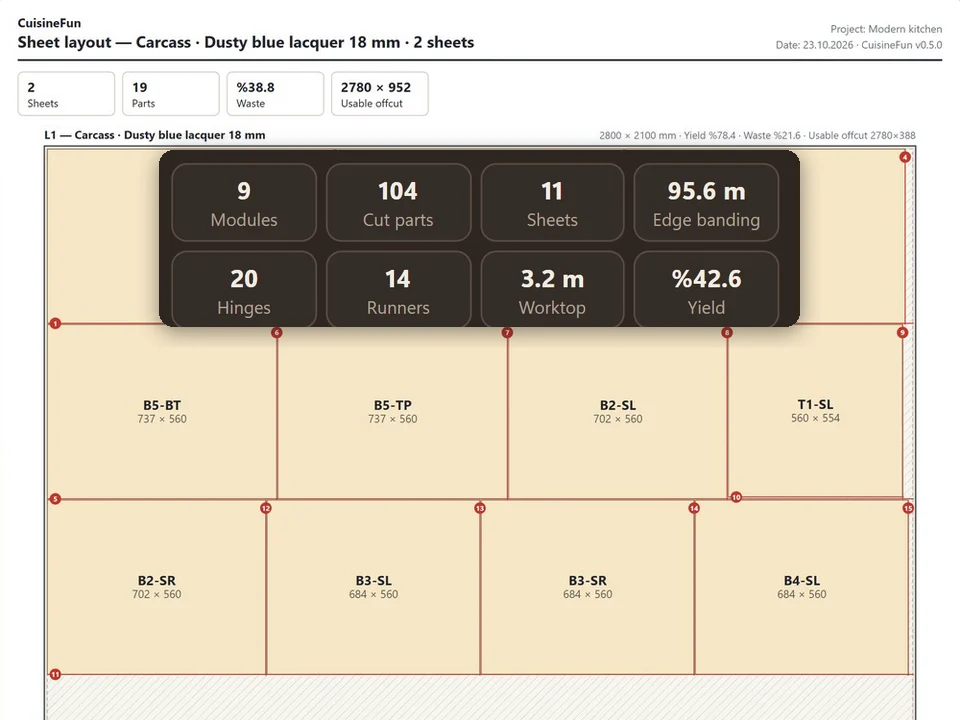
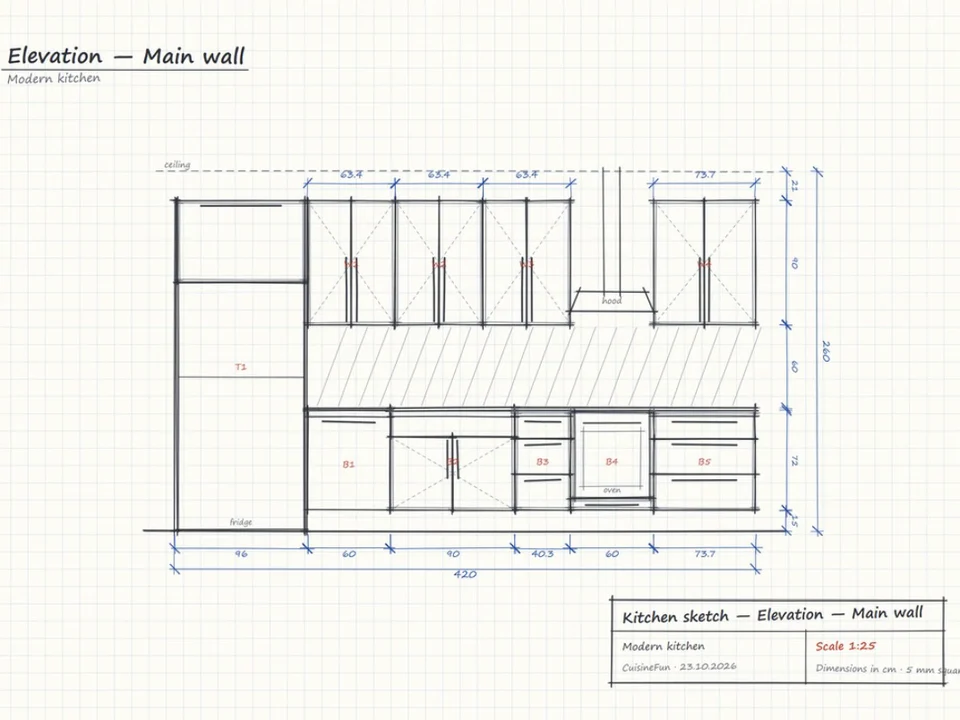
No re-drawing, no re-typing: drag the cabinets onto the wall, get the kitchen, cut list and CNC files.
SketchUp 2021–2026v1.28.1
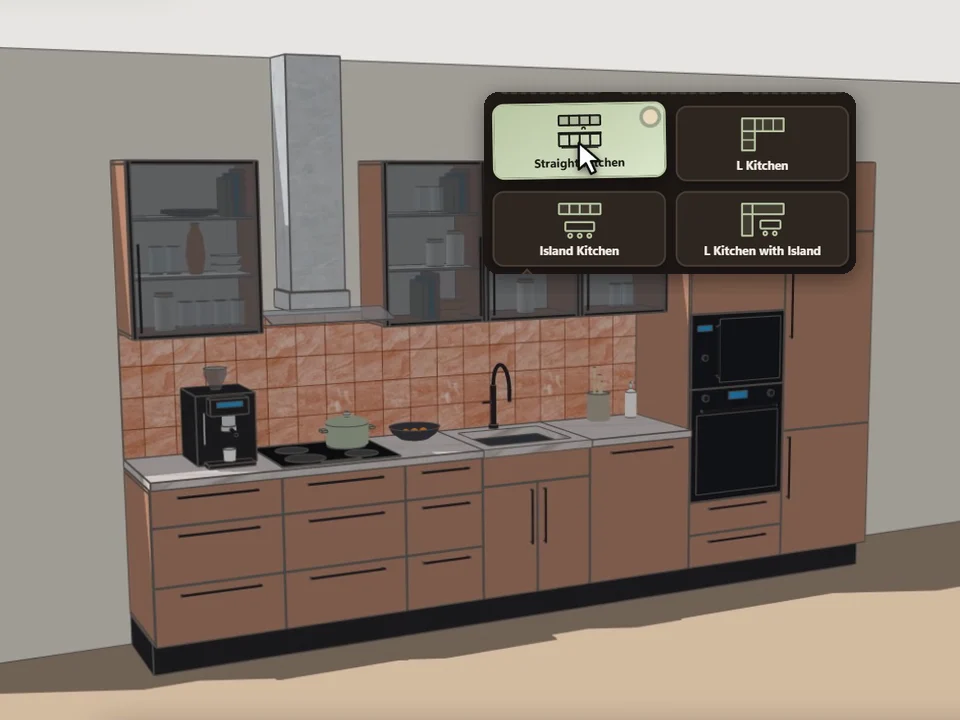
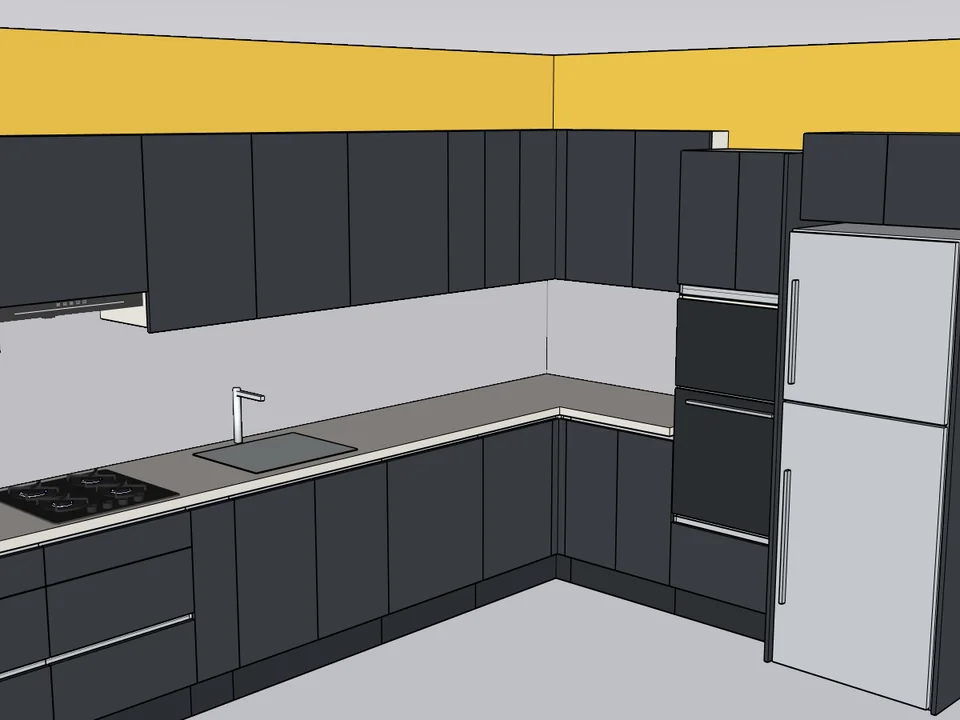
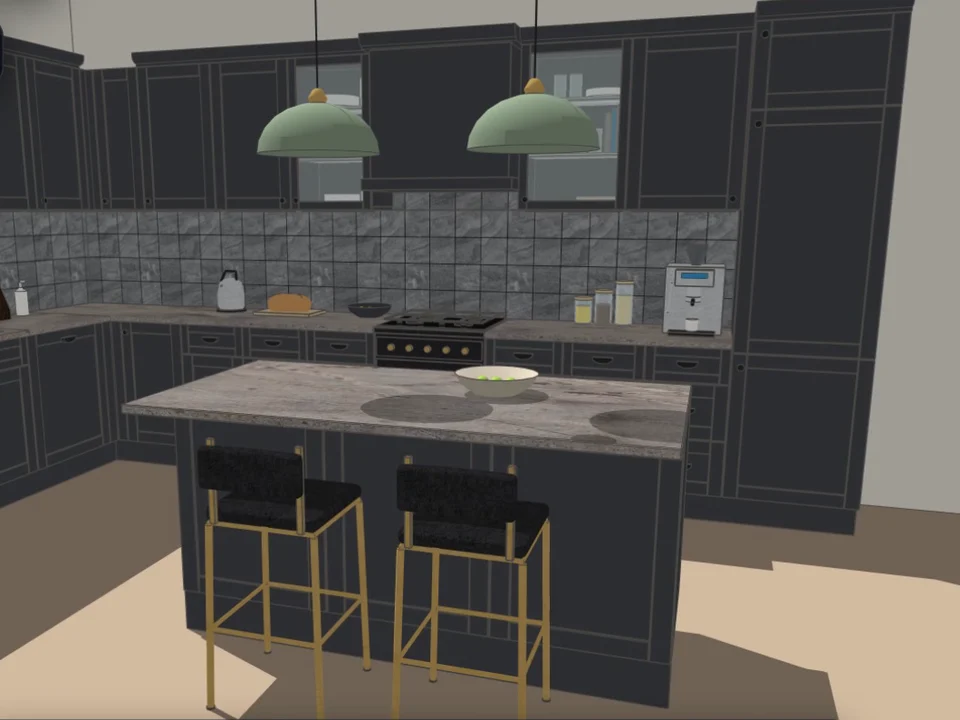
Pick a card, click the wall. Whole kitchen done.
Pick a card, draw along the wall: a fully furnished kitchen, new every time.
SketchUp 2021–2026v0.5.0
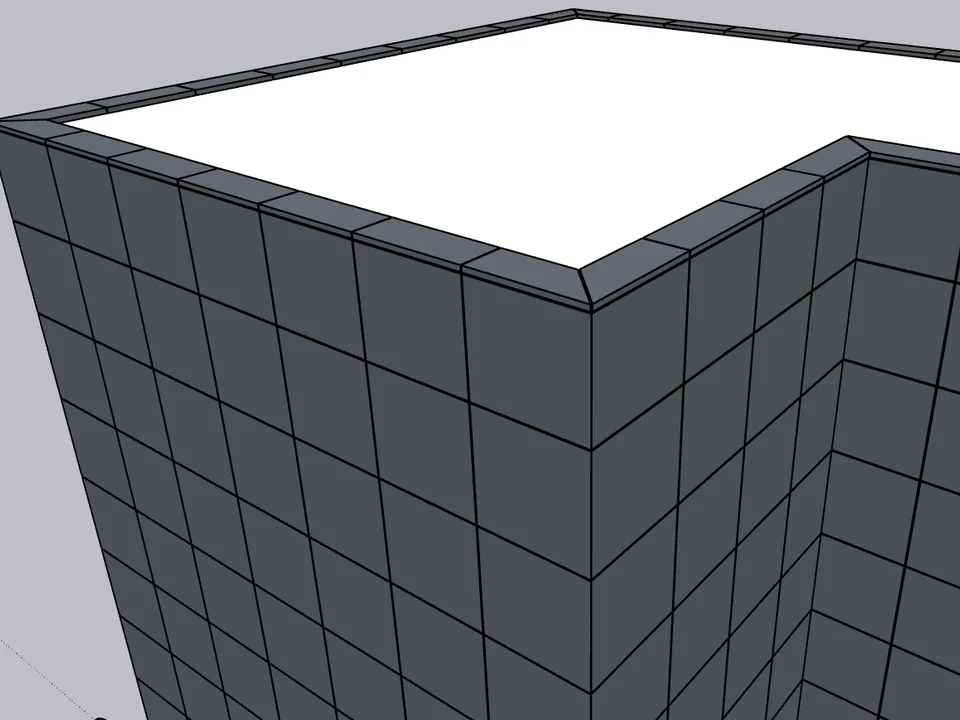
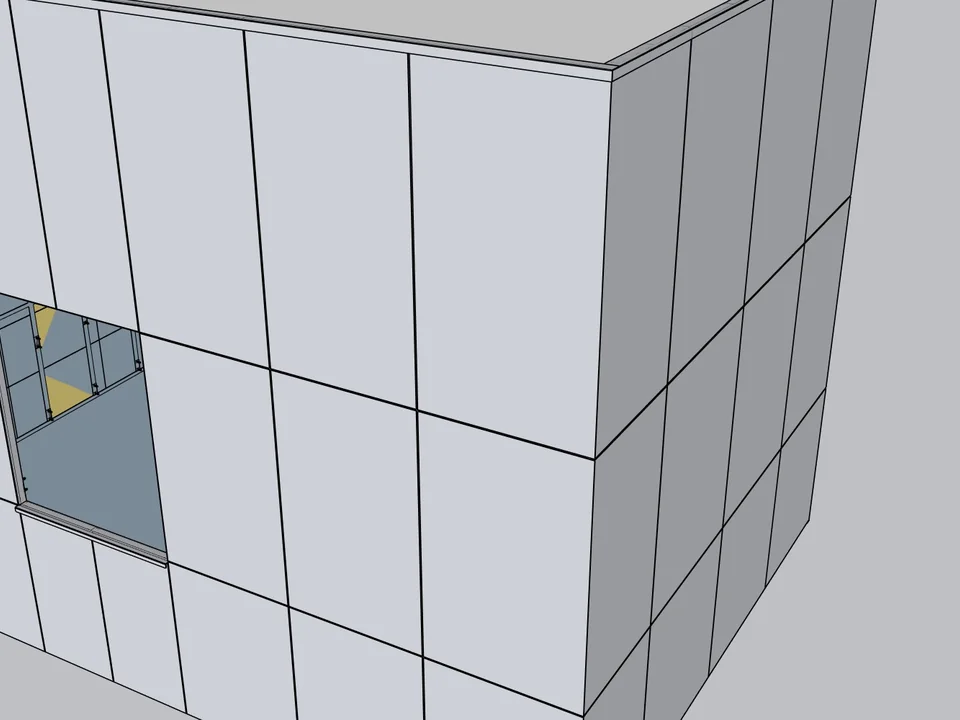
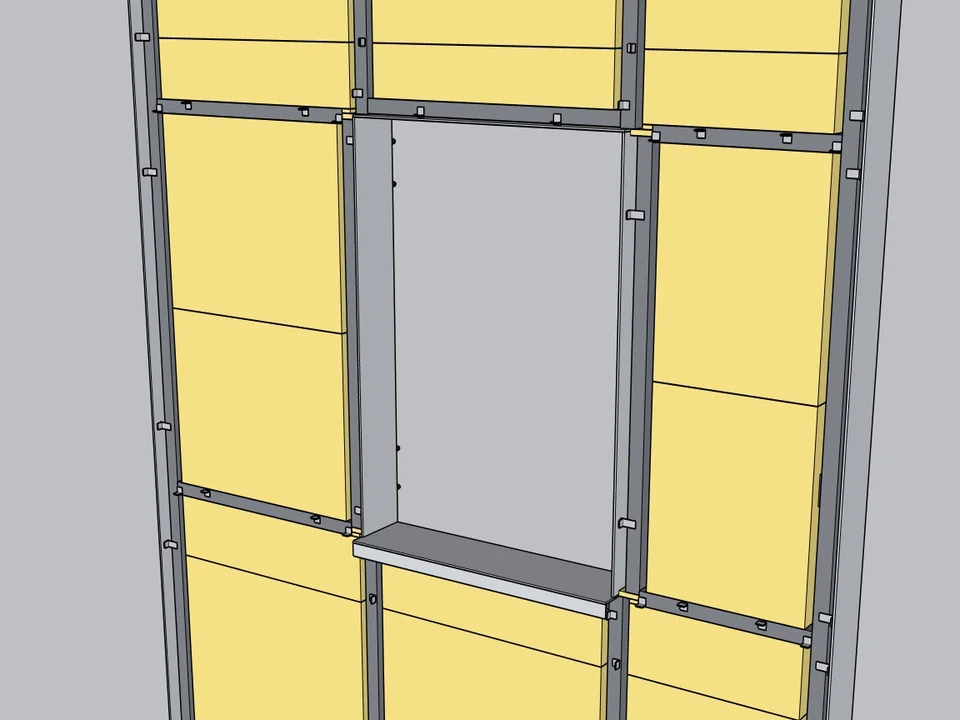
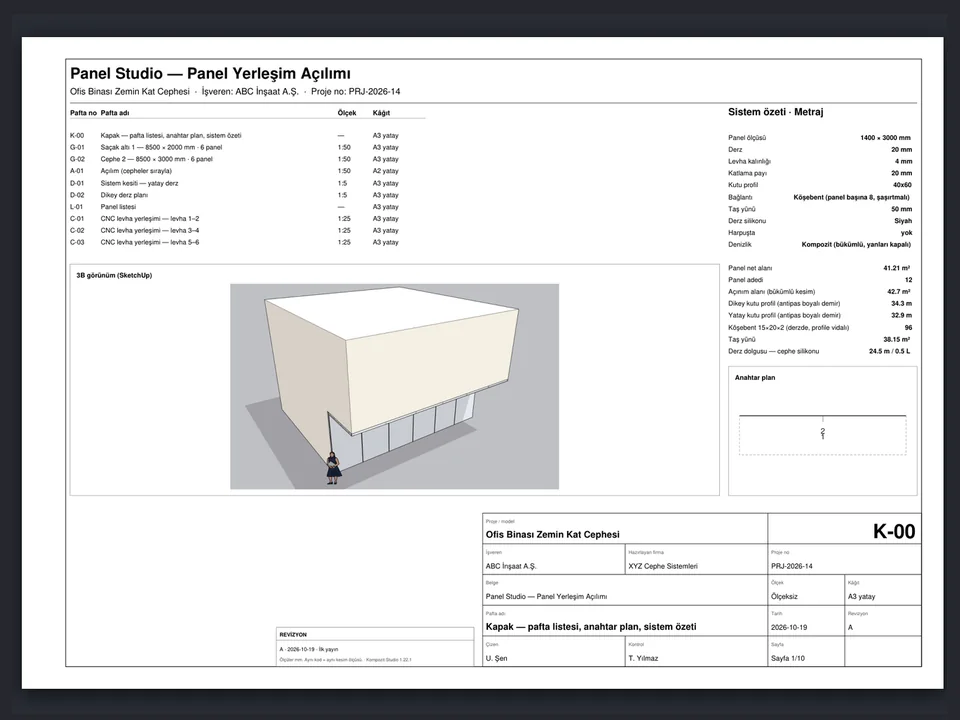
Select the walls. The facade clads itself.
No sizing panel by panel: select the walls, get the ACM facade, take-off, CNC and drawings.
SketchUp 2021–2026v1.22.1
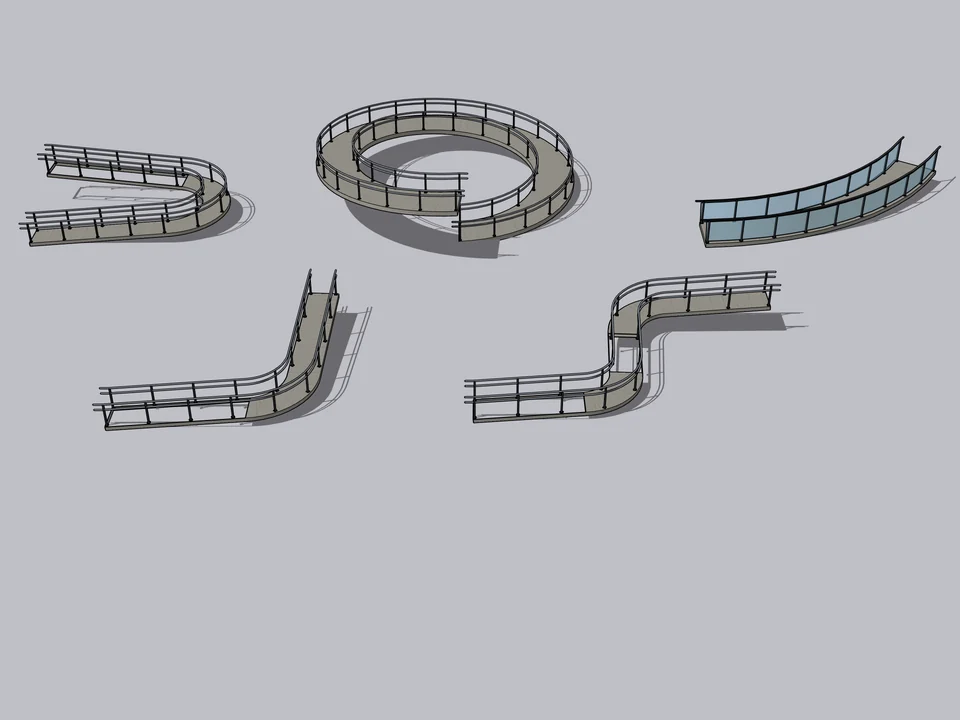
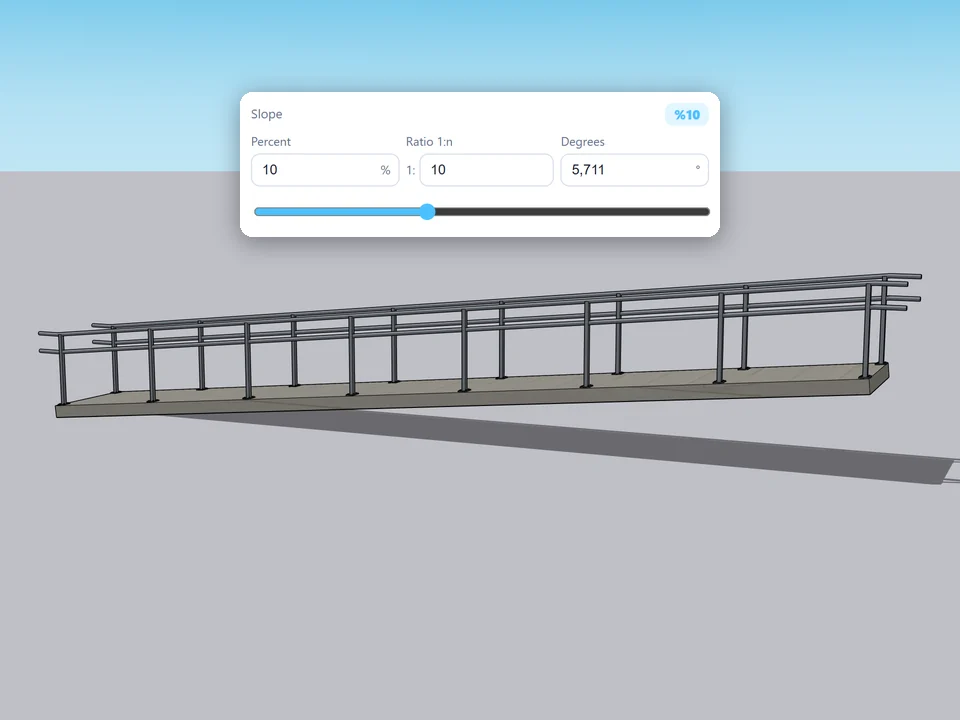
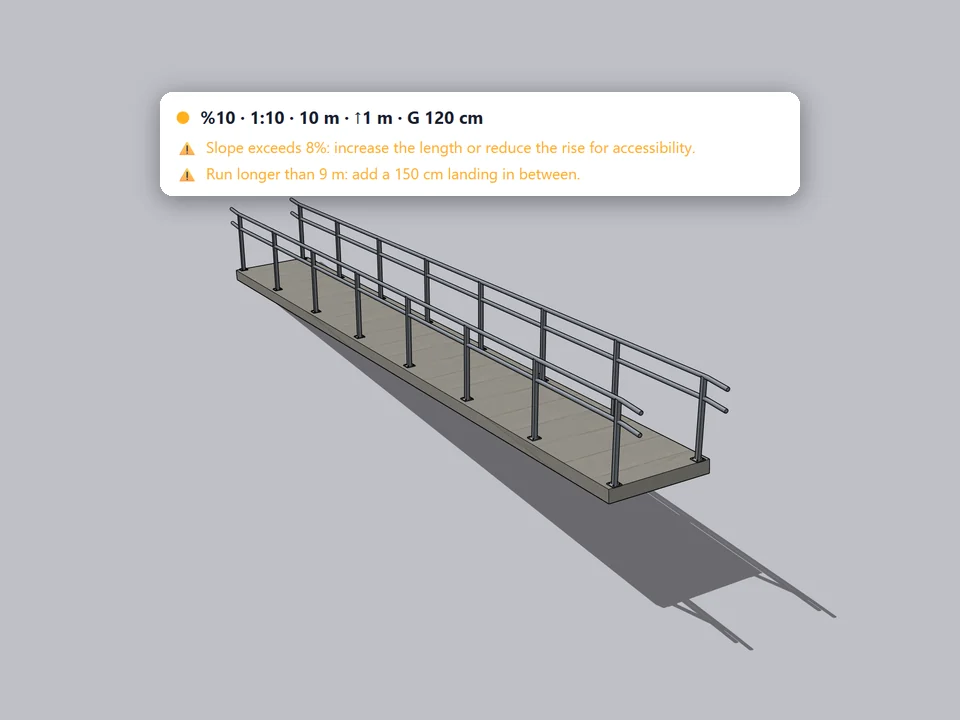
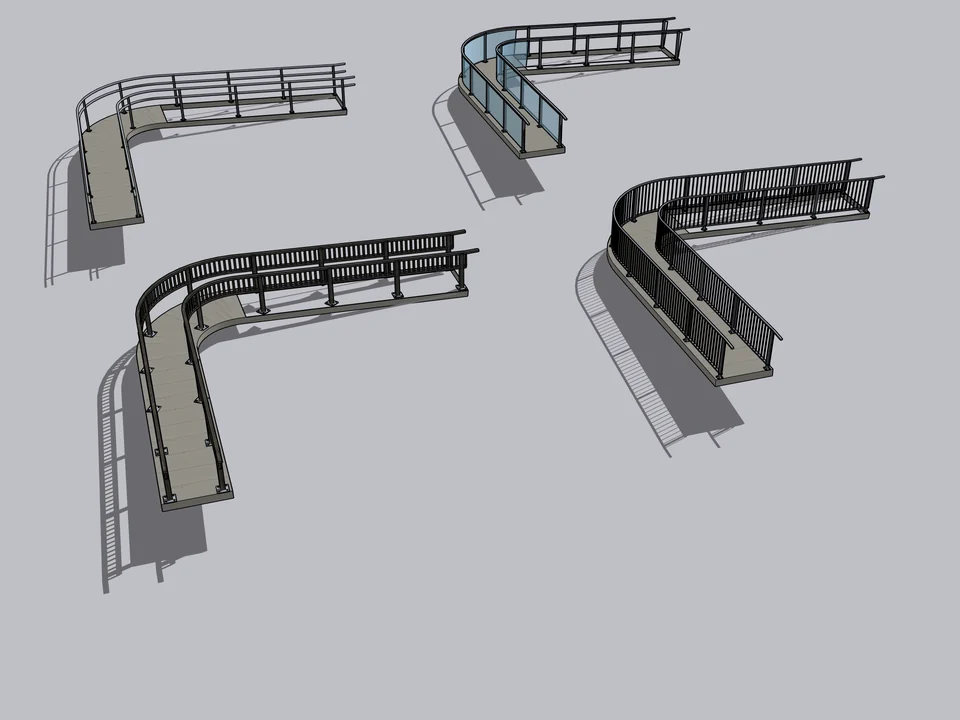
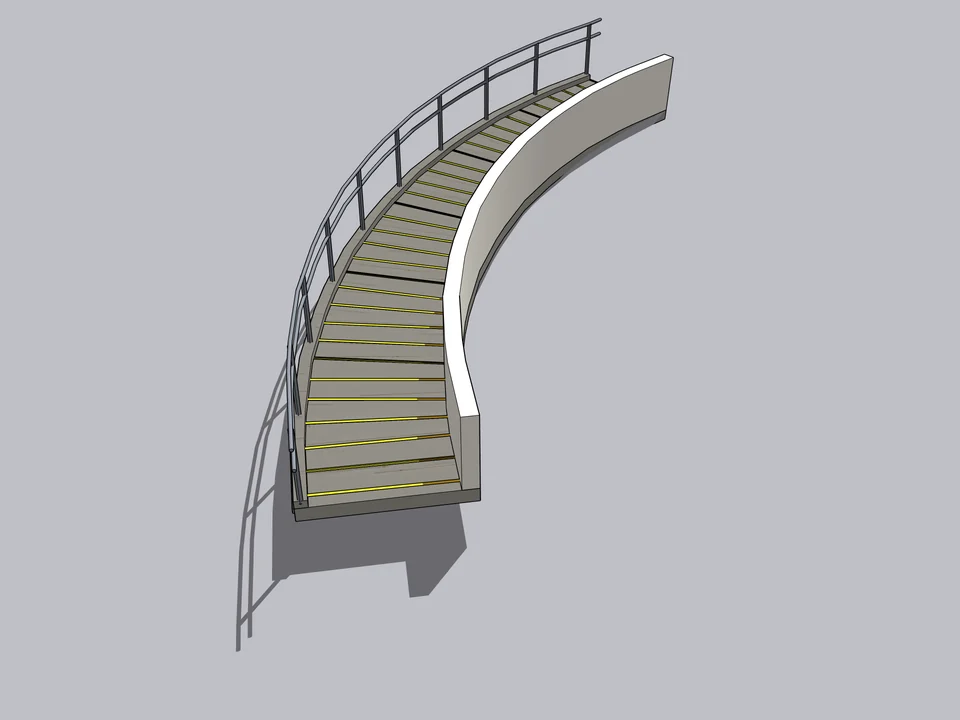
50 presets: pick one, click twice, done.
No slope maths: draw a line, get a code-checked ramp, railings included.
SketchUp 2021–2026v1.0.0
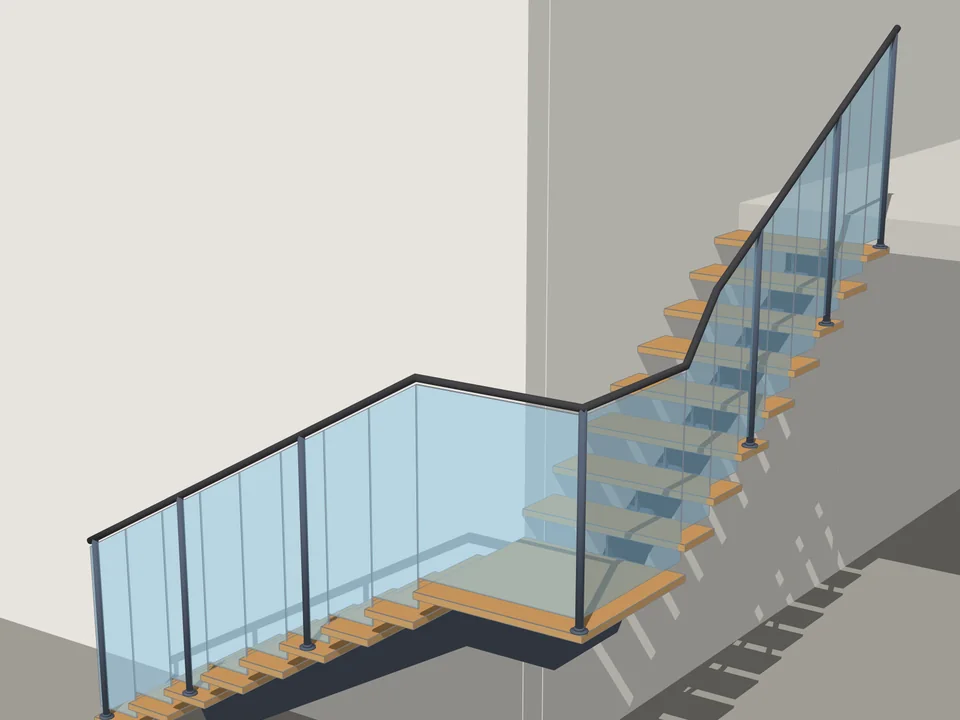
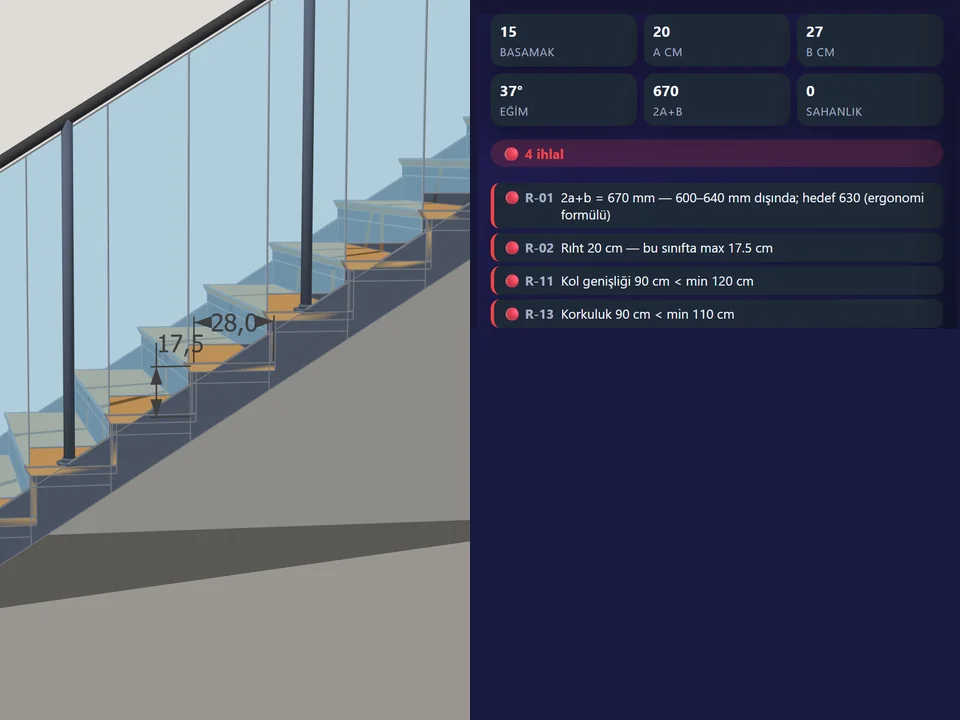
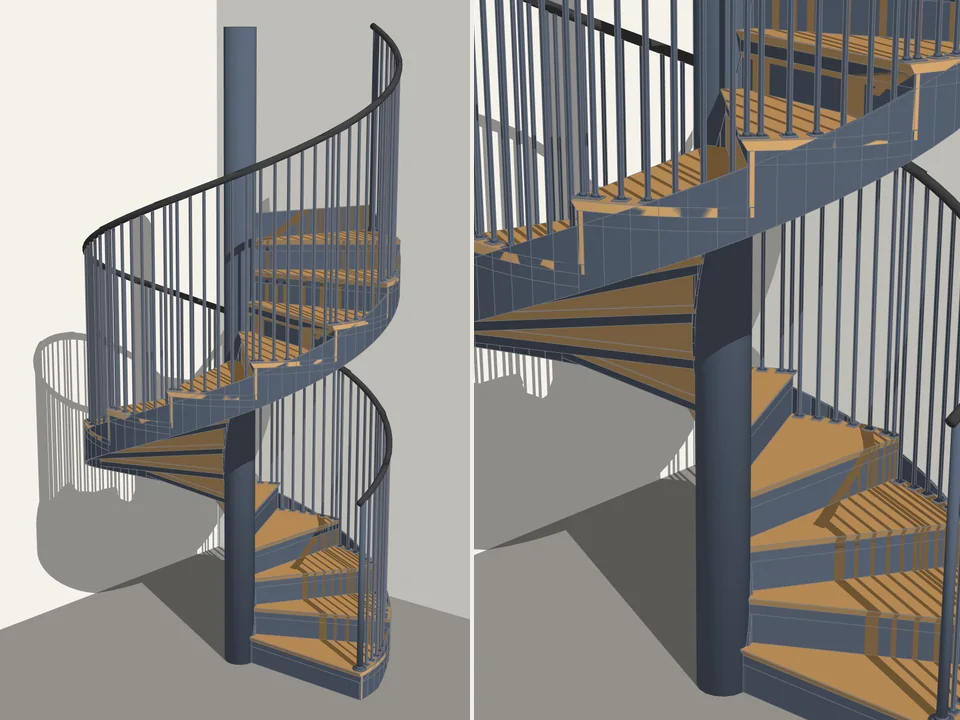
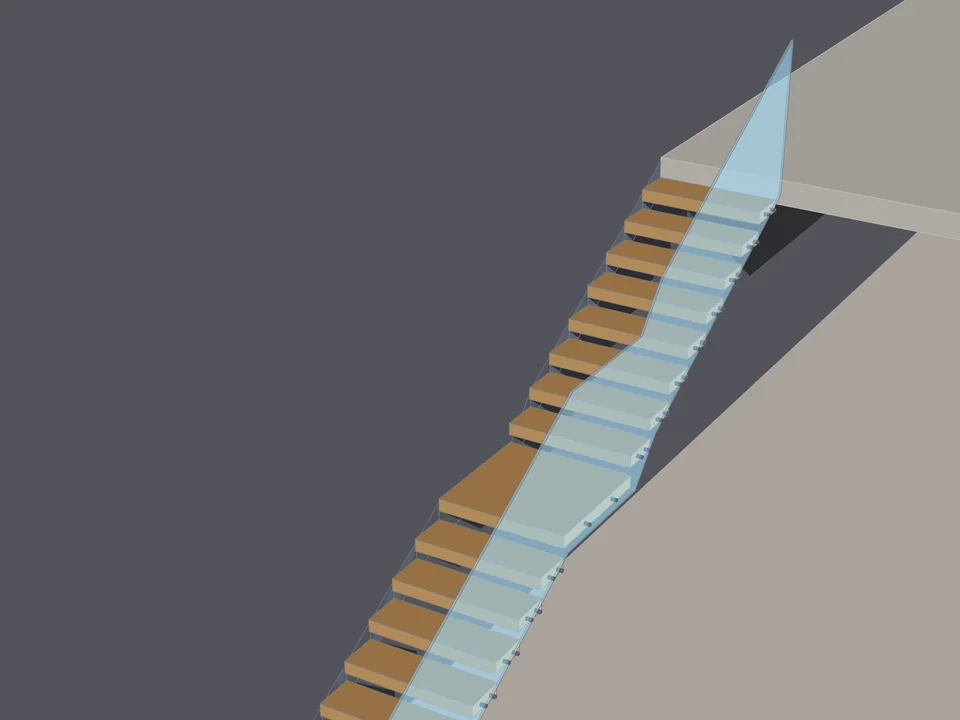
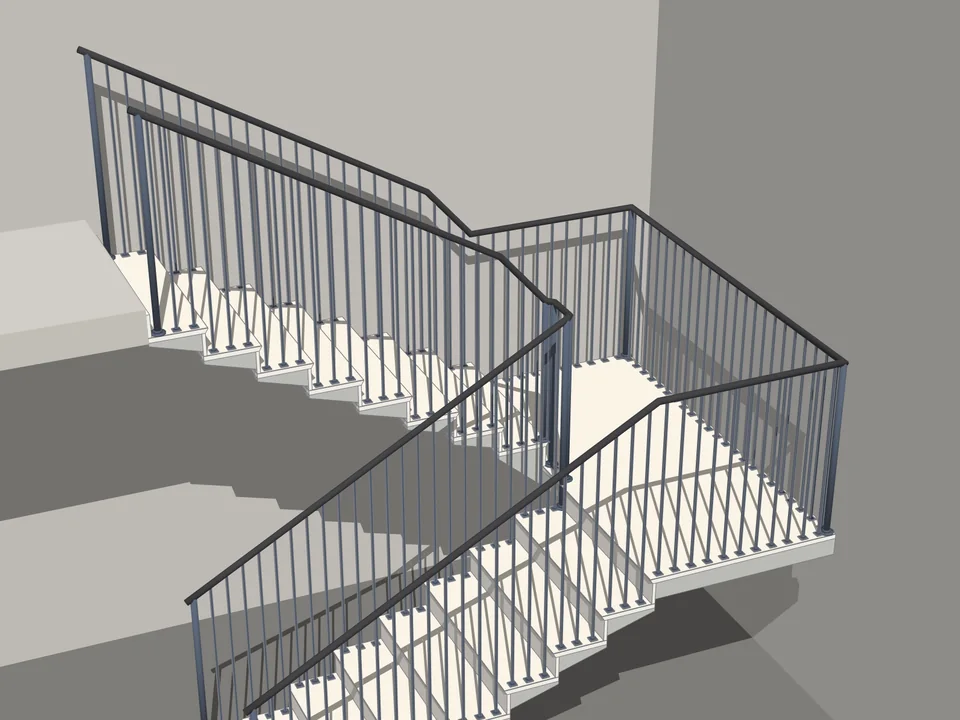
Type the floor height. The stair is done.
No stair maths: code-compliant stairs in two clicks, editable forever.
SketchUp 2021–2026v1.0.12
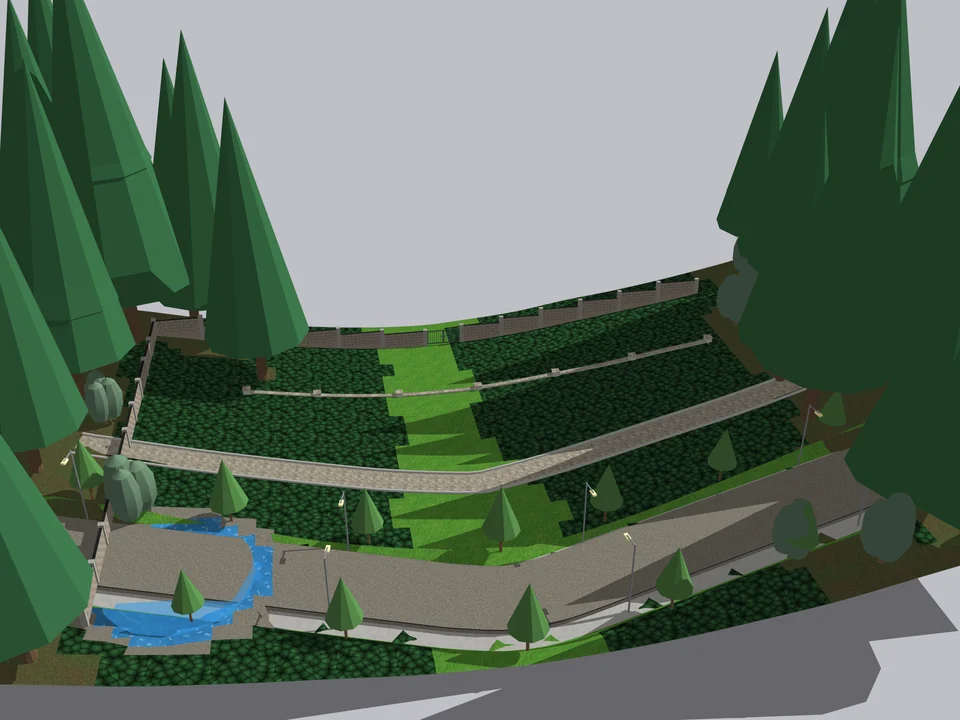
Shape the ground once. The site follows.
No fixing after every edit: shape the ground once, the site follows.
SketchUp 2021–2026v1.6.0
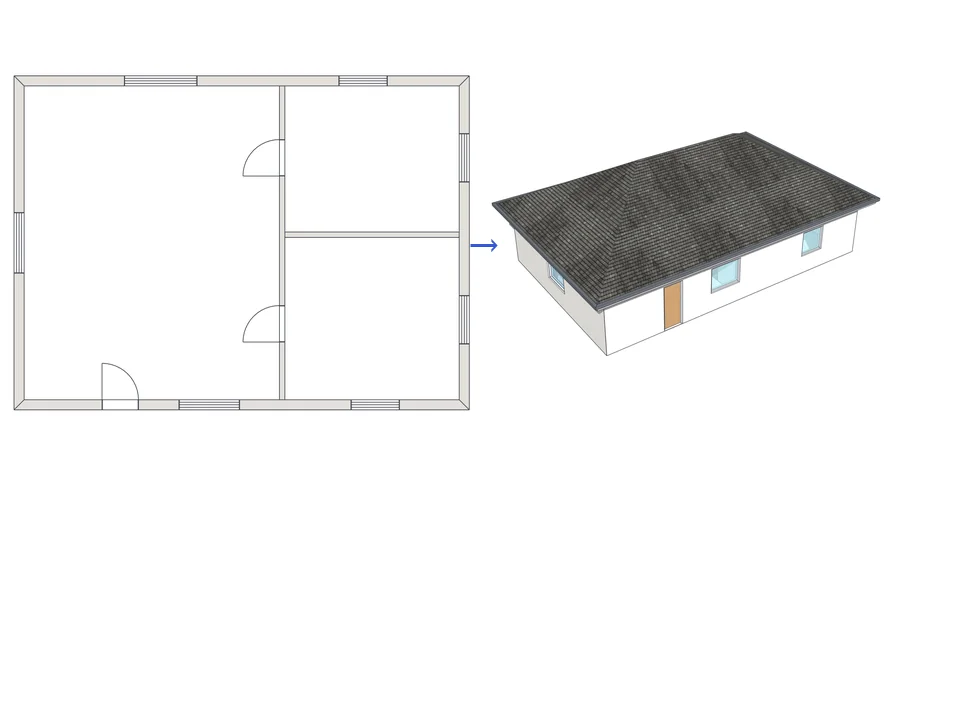
Draw the plan. One click, it's 3D.
Draw the plan once; move a wall and the building rebuilds itself.
SketchUp 2021–2026v1.72.0
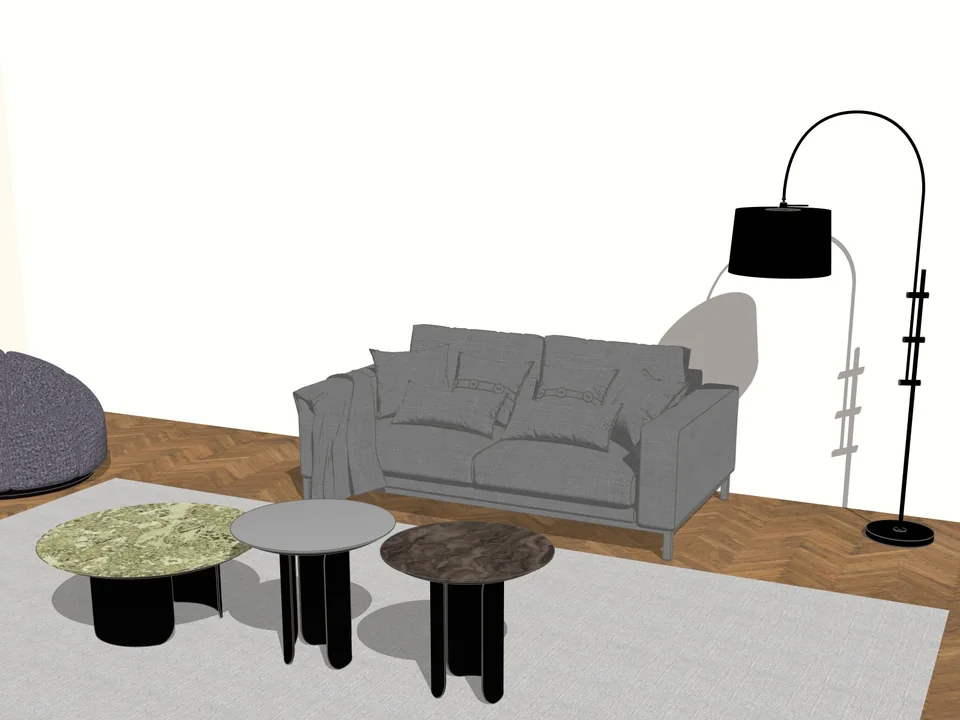
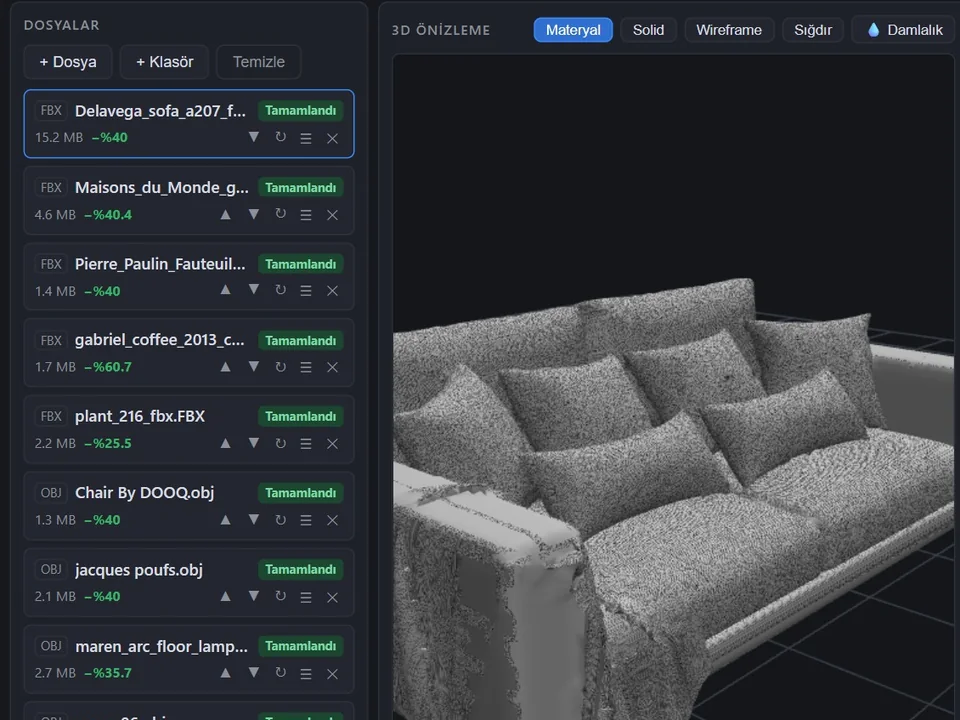
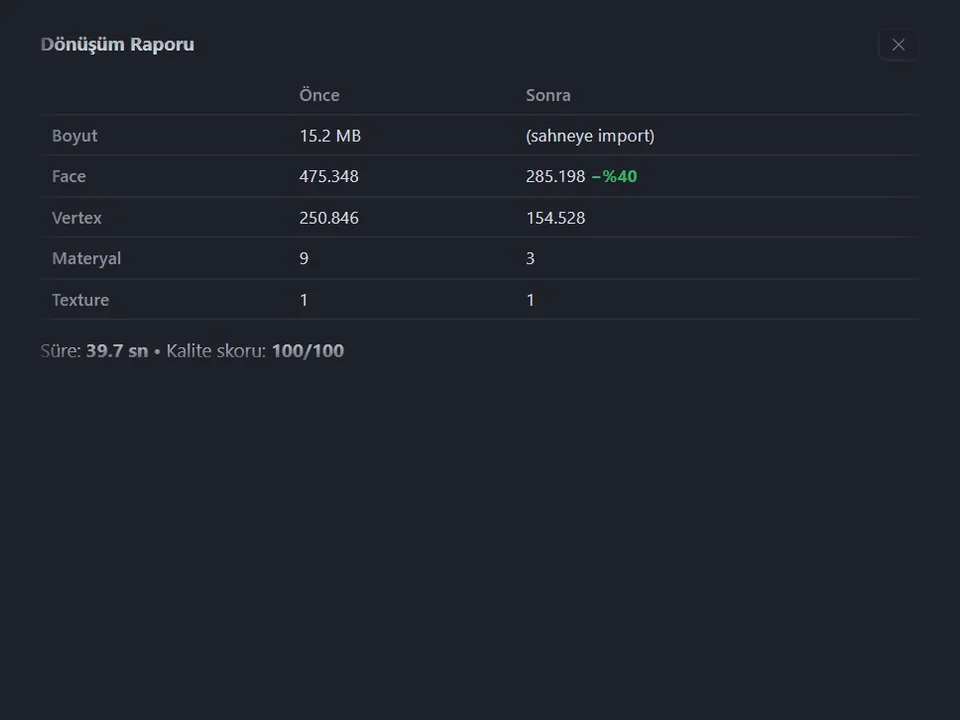
Any mesh in, clean SketchUp geometry out.
No hours of clean-up: any mesh in, clean SketchUp geometry out.
SketchUp 2024–2027v1.17.0
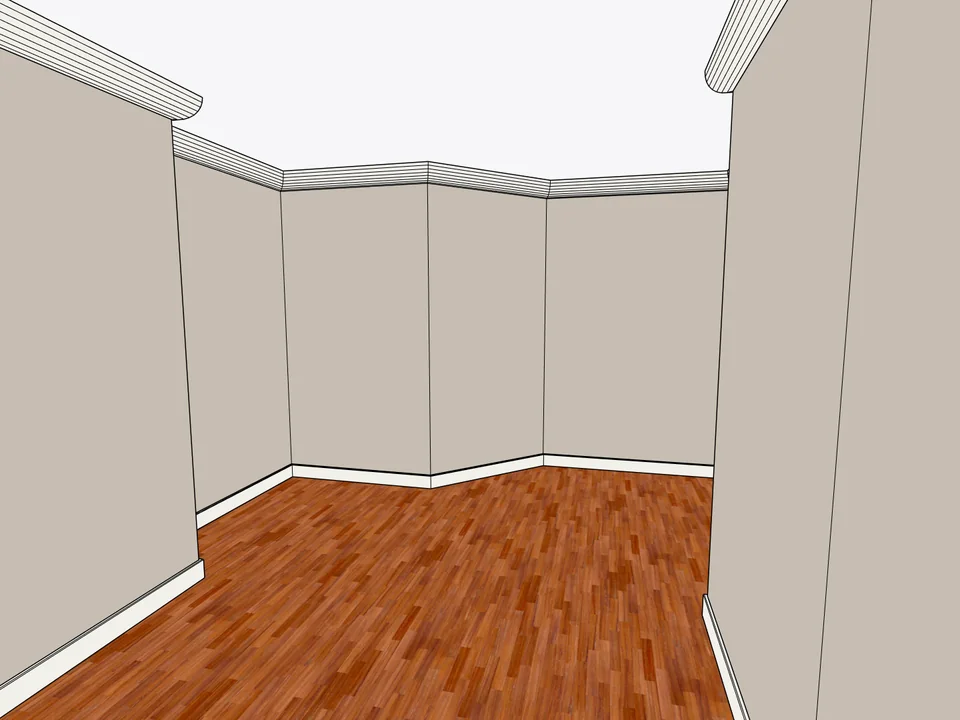
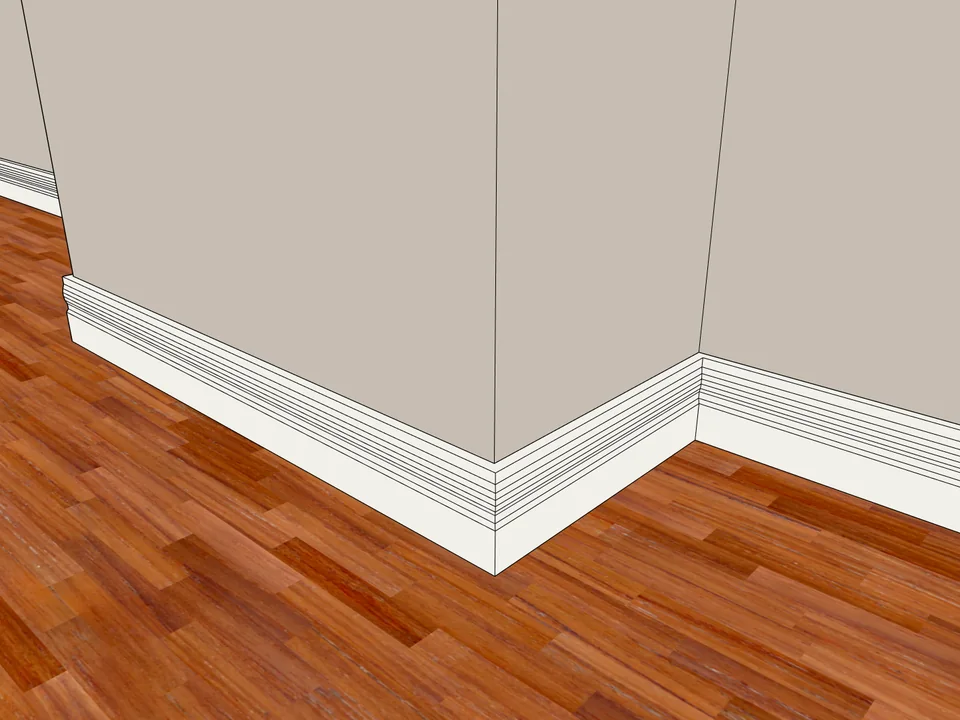
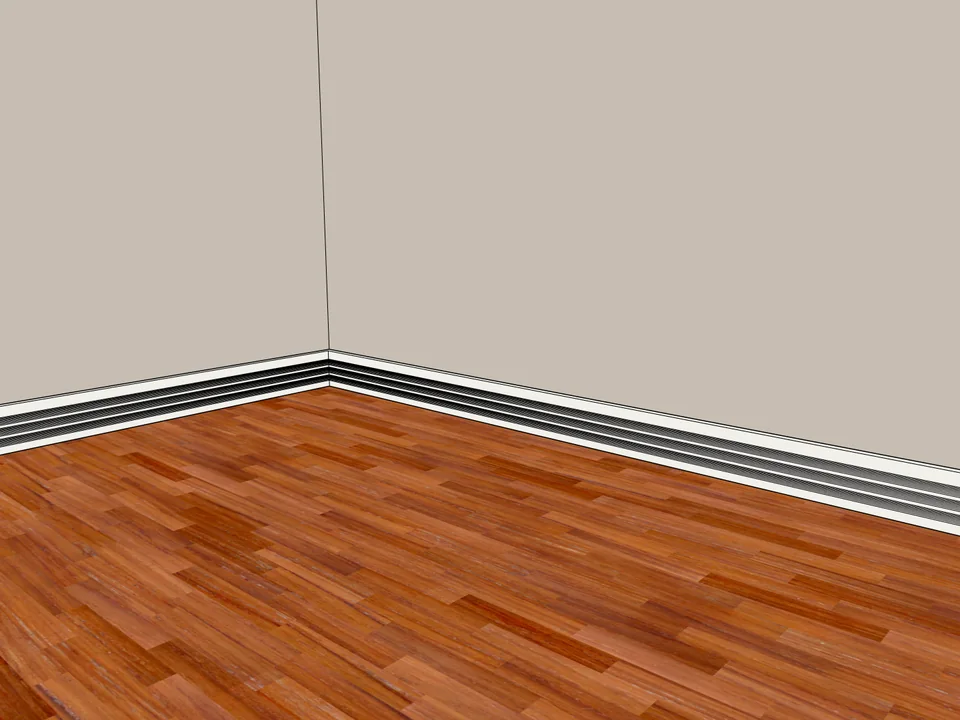
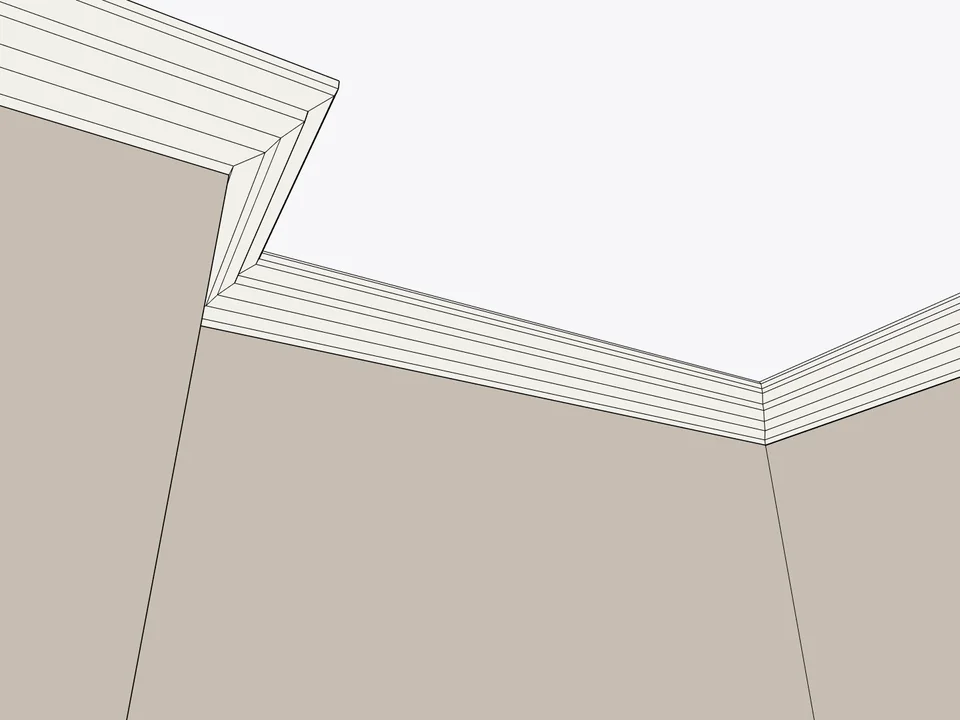
Click the floor. The whole room is skirted.
No hand-cut mitres: skirting and cornice, one click per room.
SketchUp 2024–2026v1.3.2
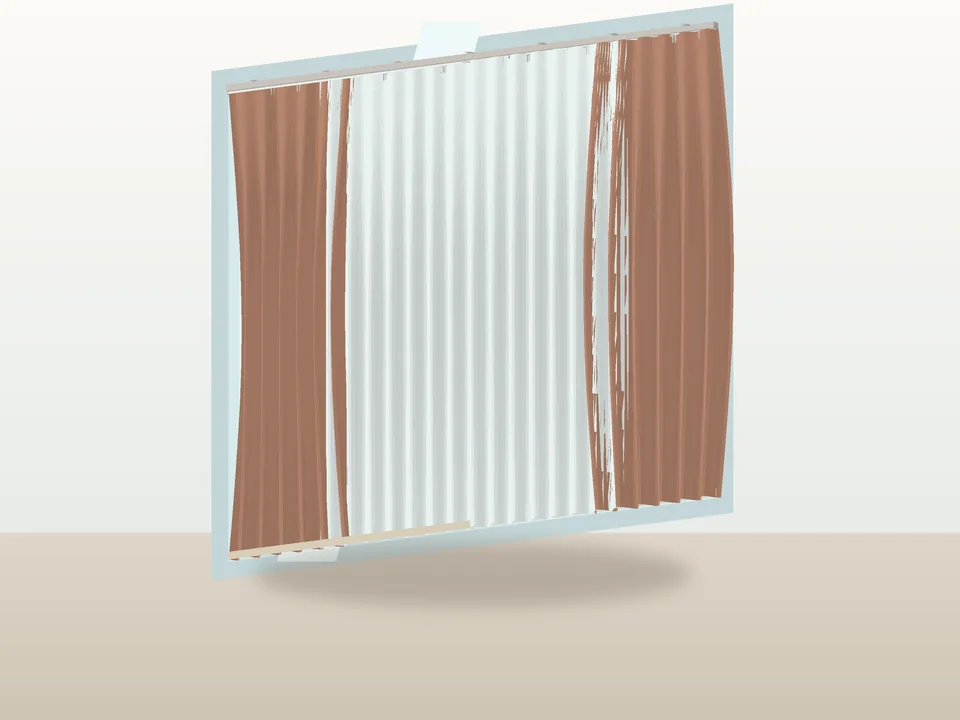
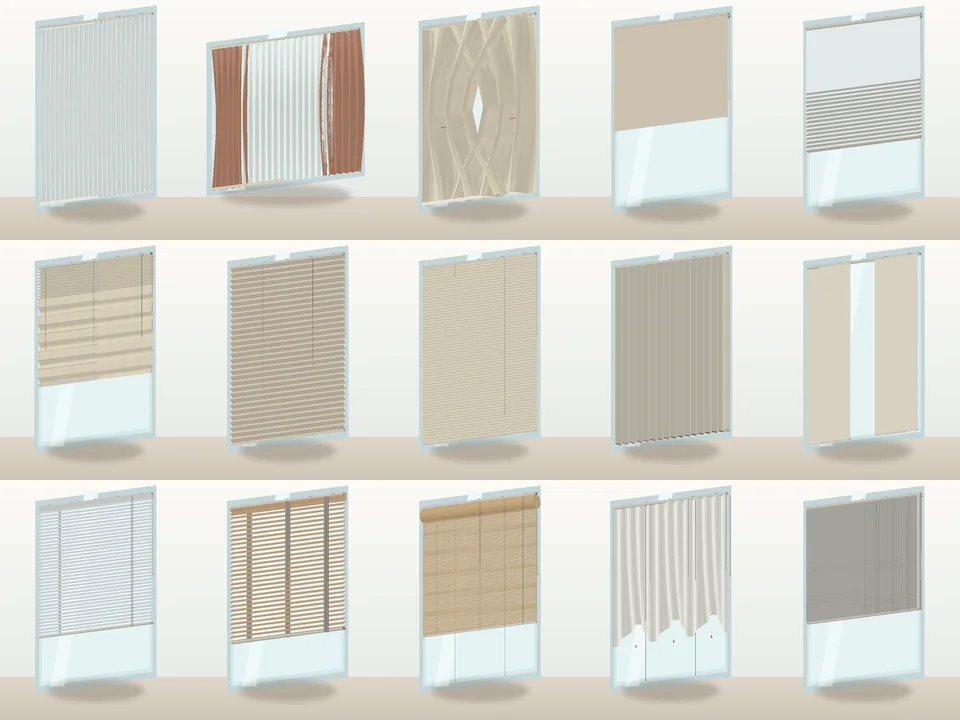
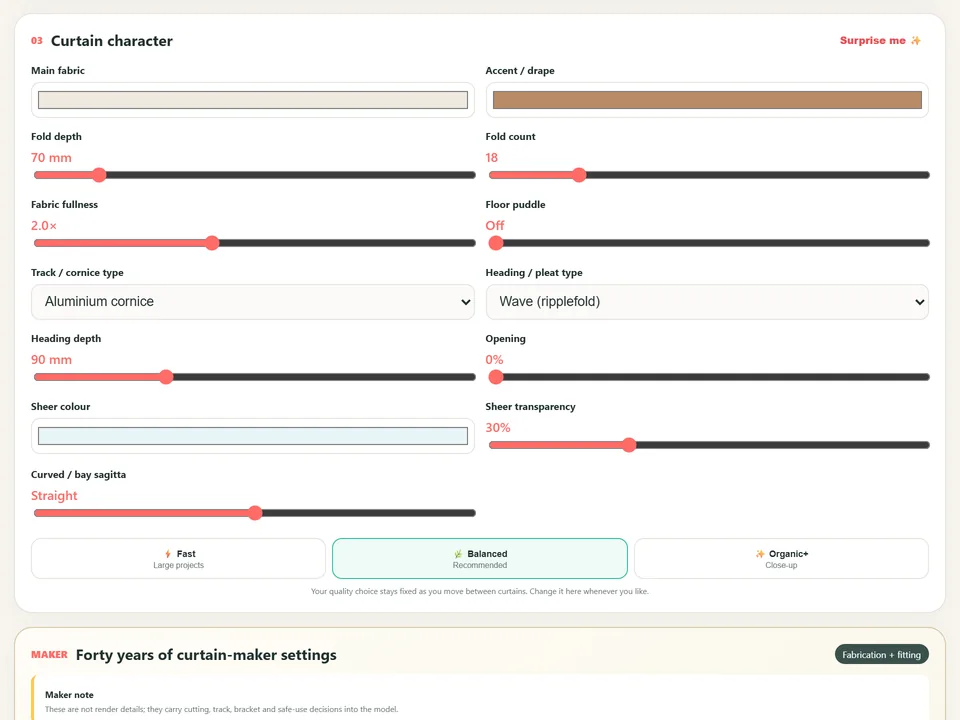
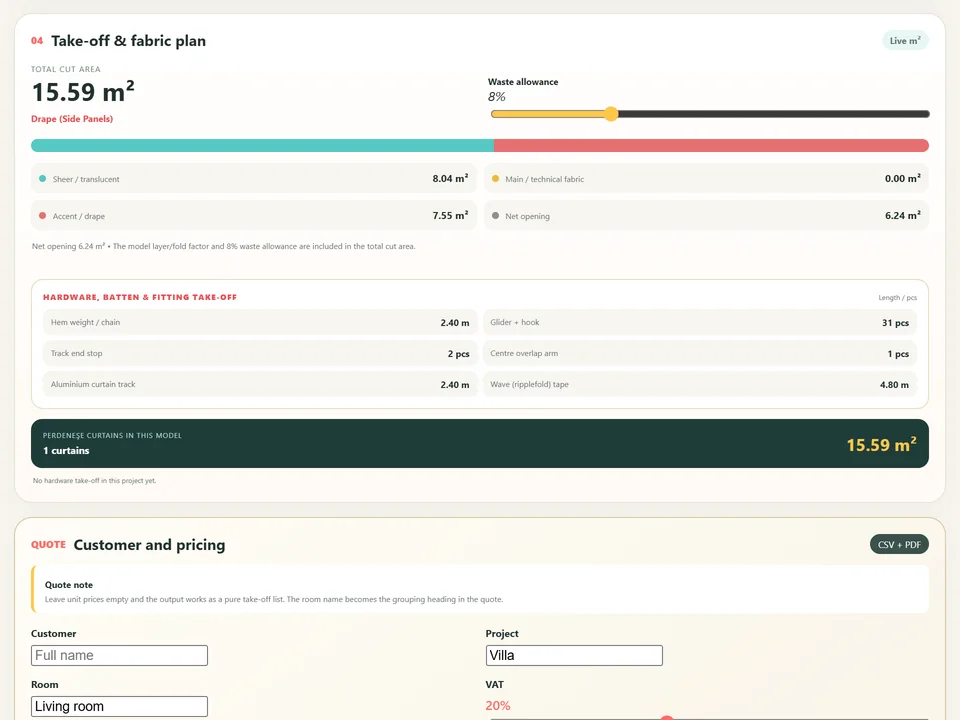
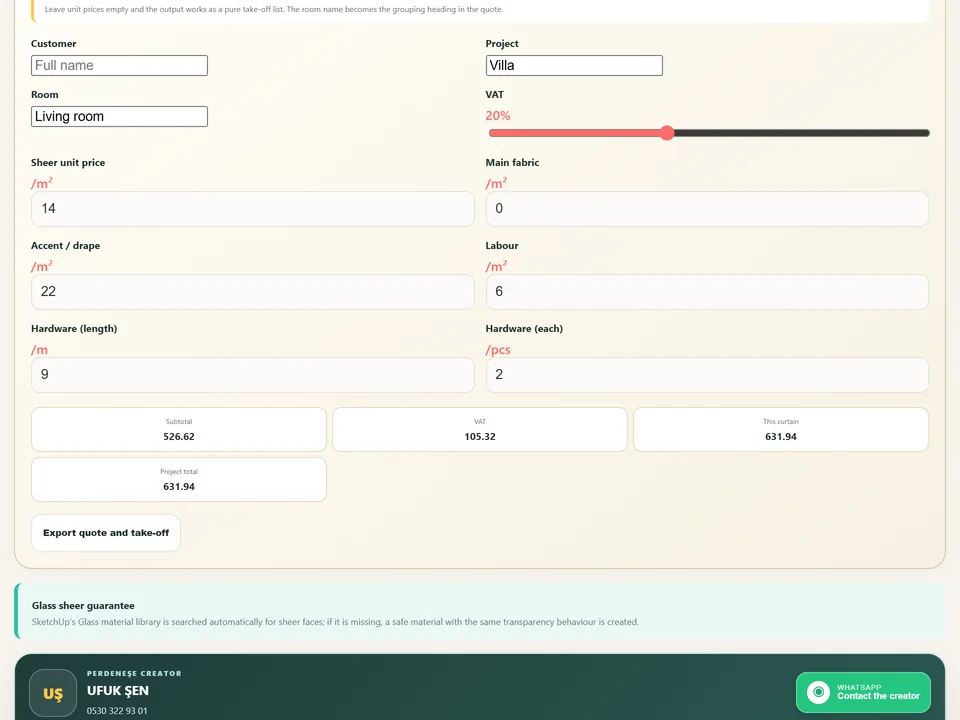
Three clicks and the window is dressed.
No fold-by-fold modelling: three clicks, curtain, rail and quote.
SketchUp 2021–2026v2.2.1
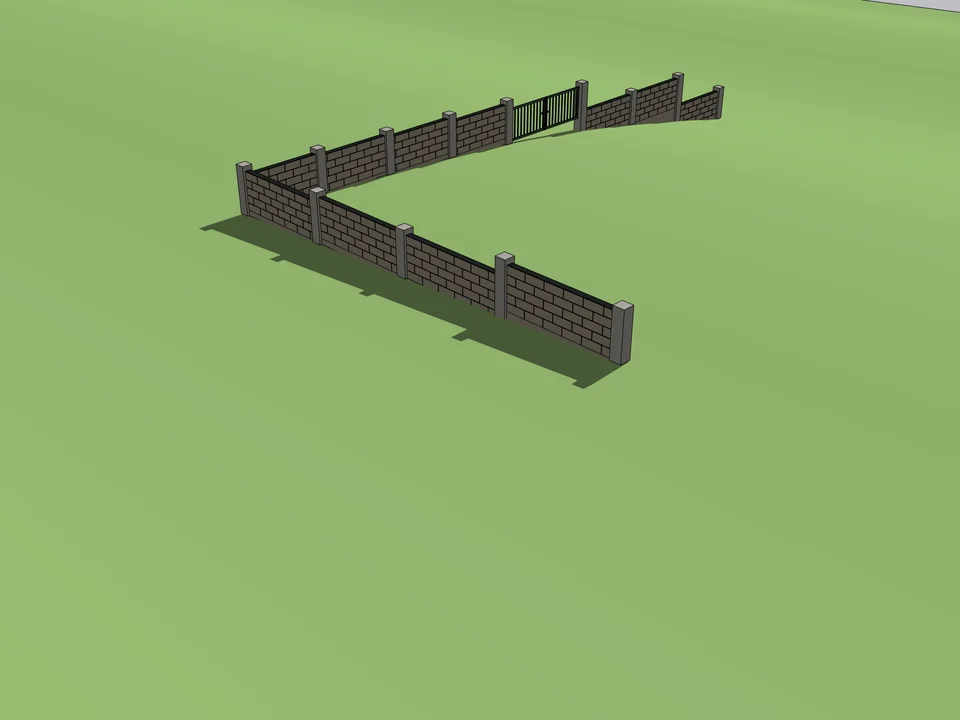
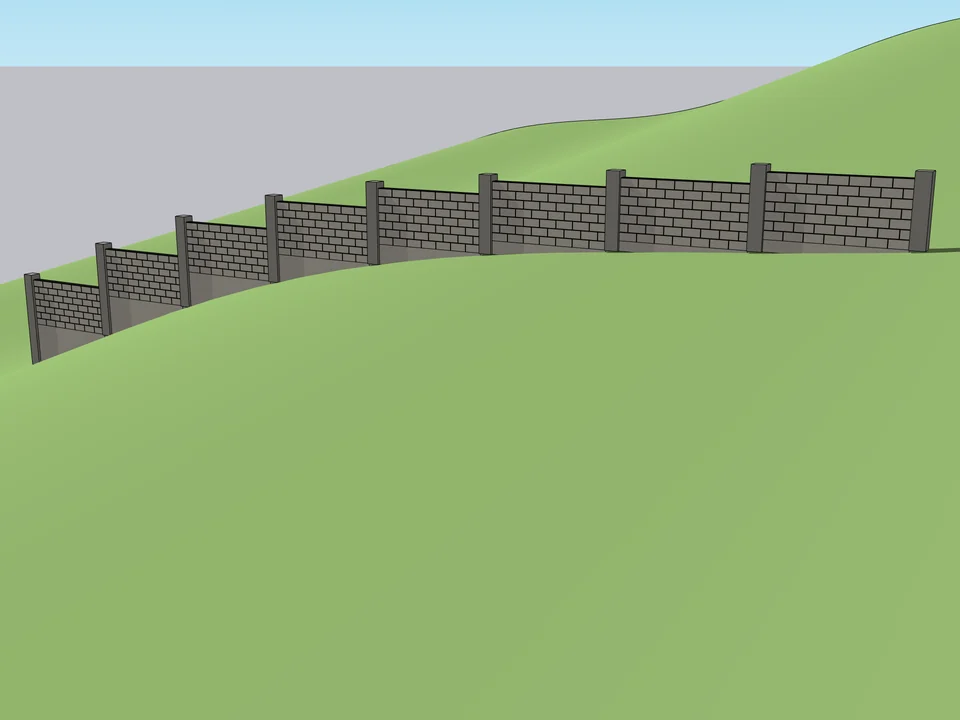
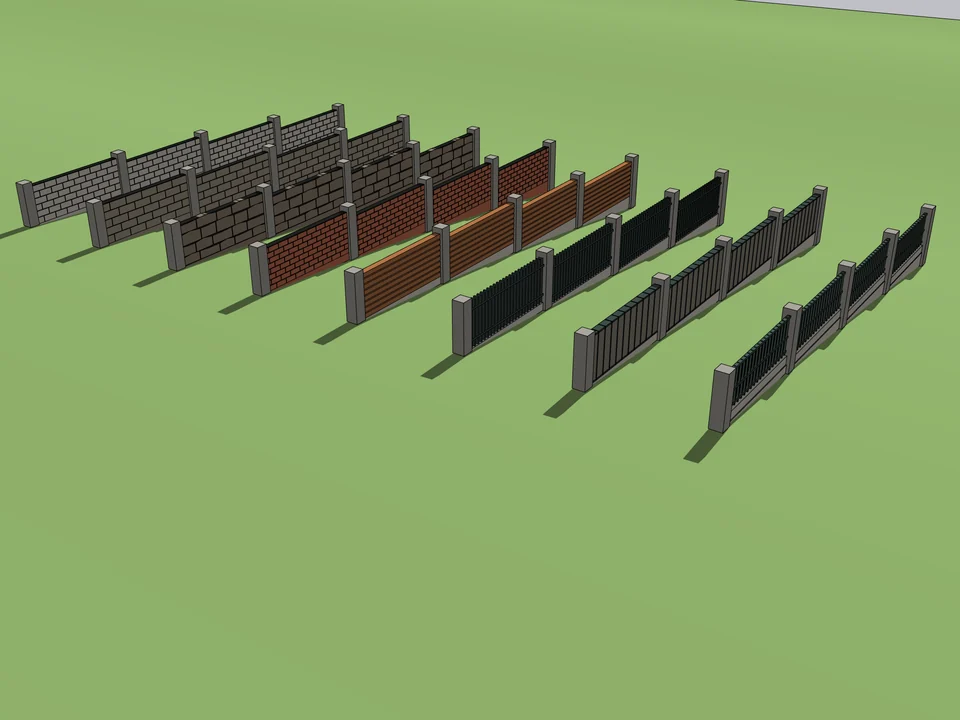
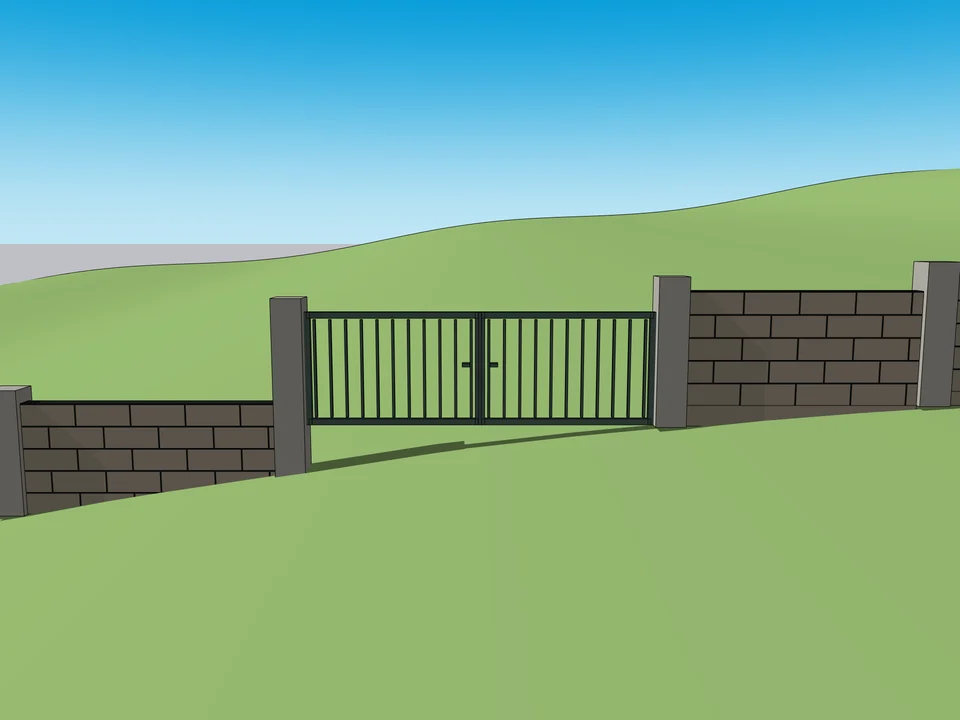
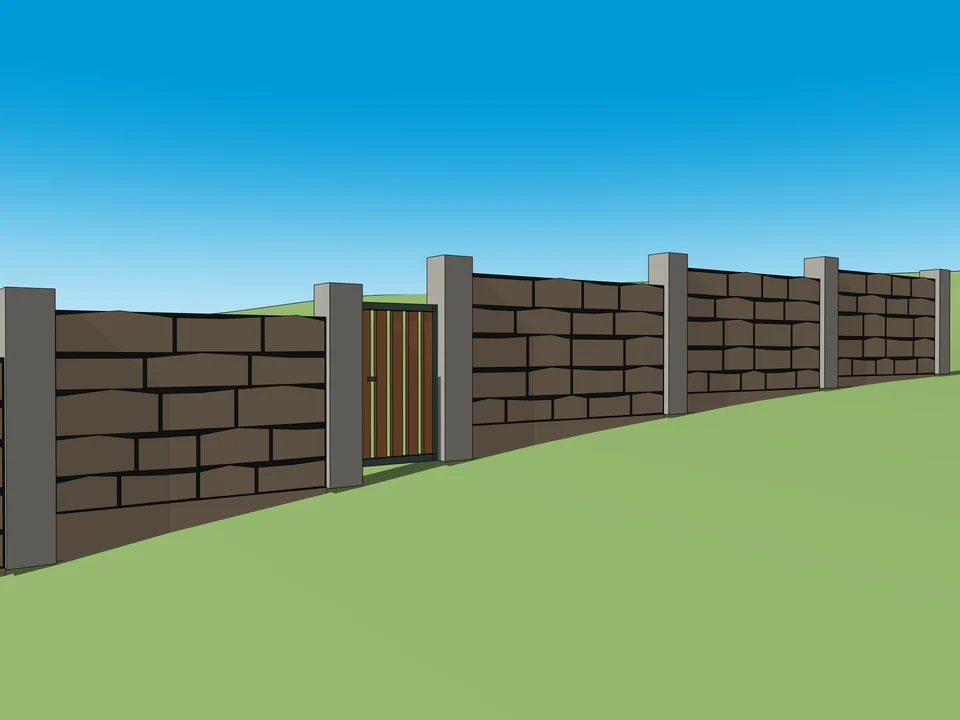
Draw the boundary. The wall builds itself.
No step maths on a slope: stepped garden walls, gates included.
SketchUp 2021–2026v1.5.0
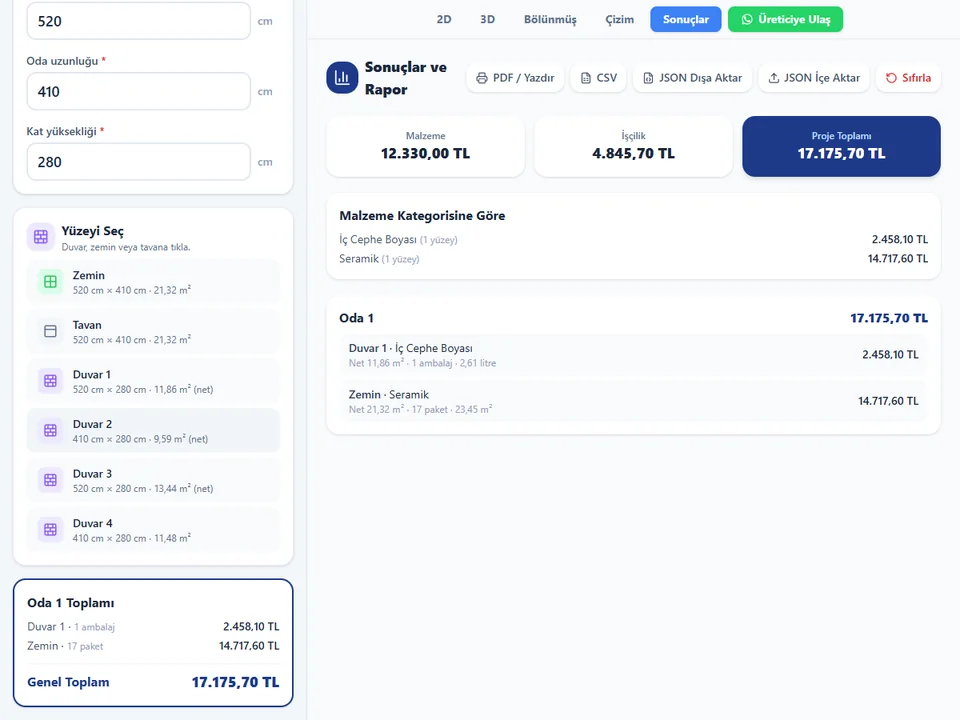
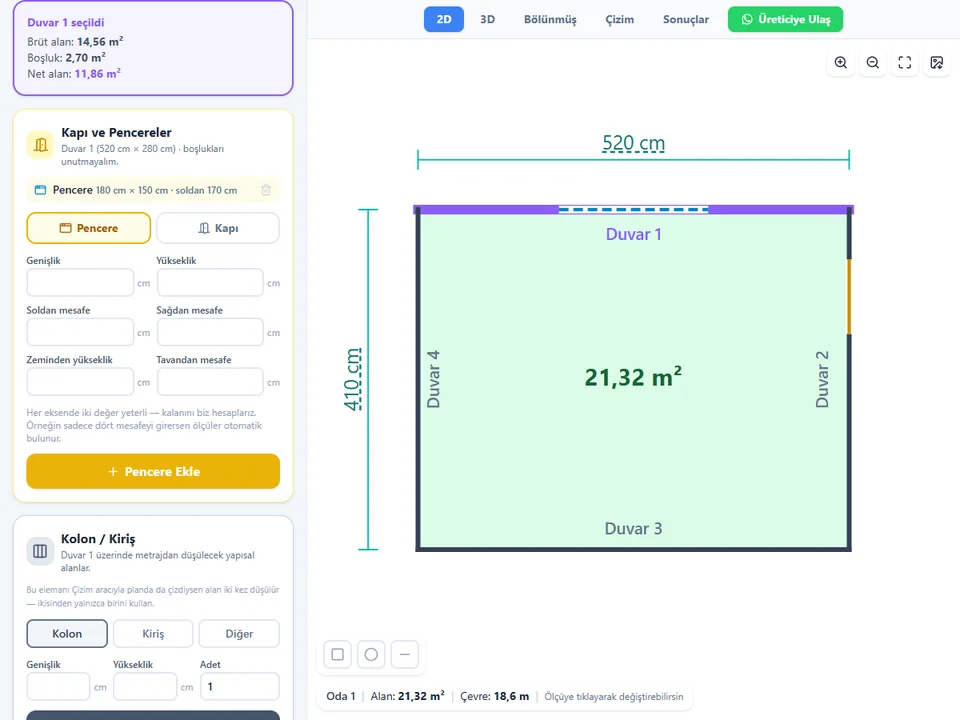
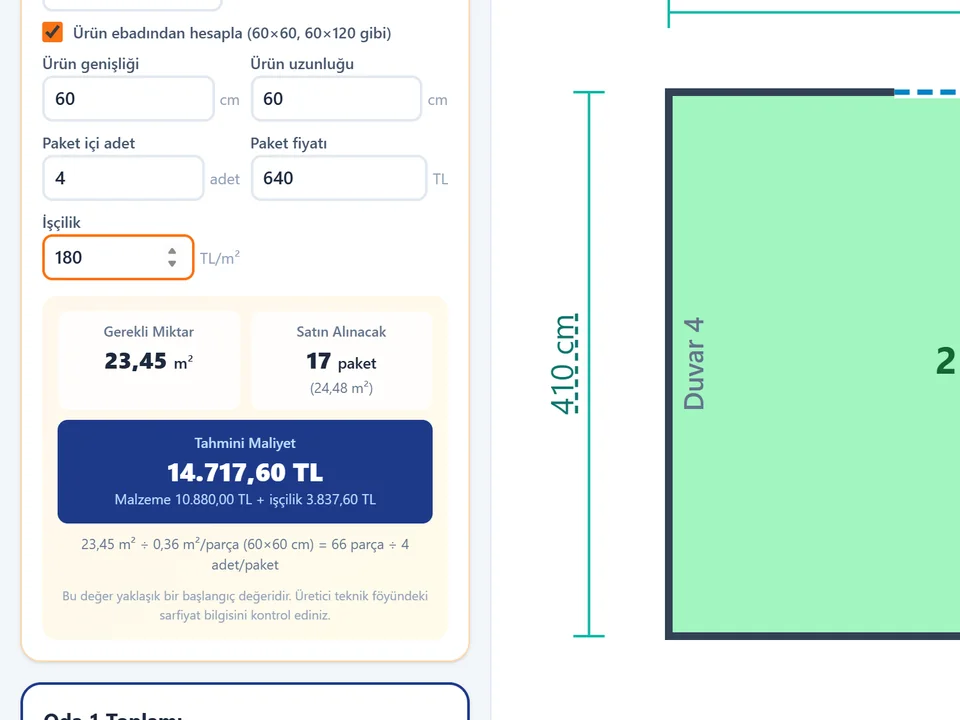
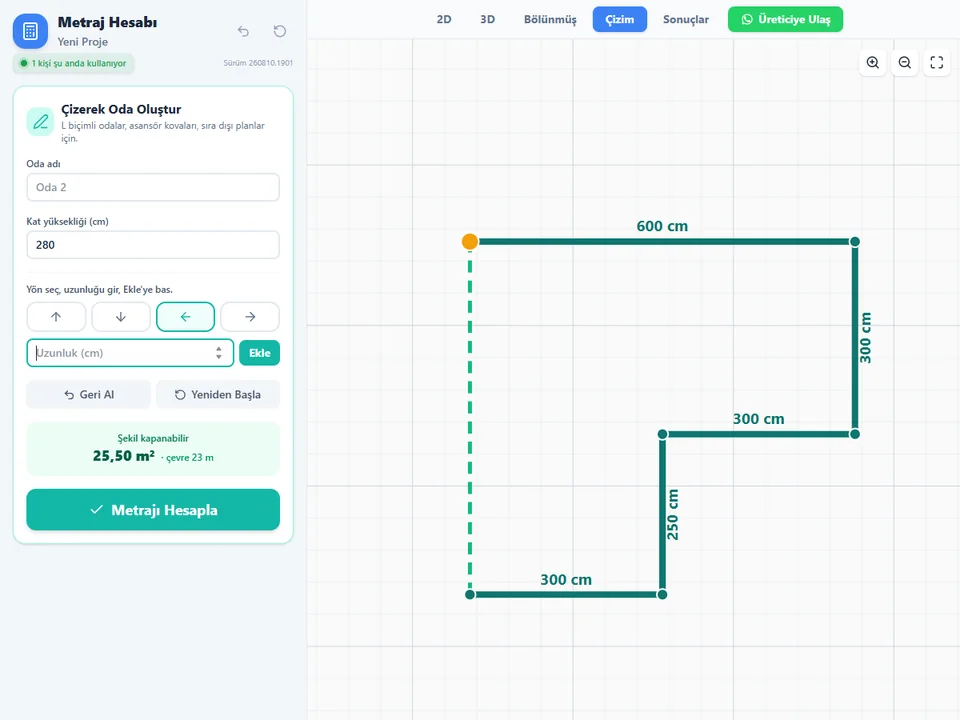
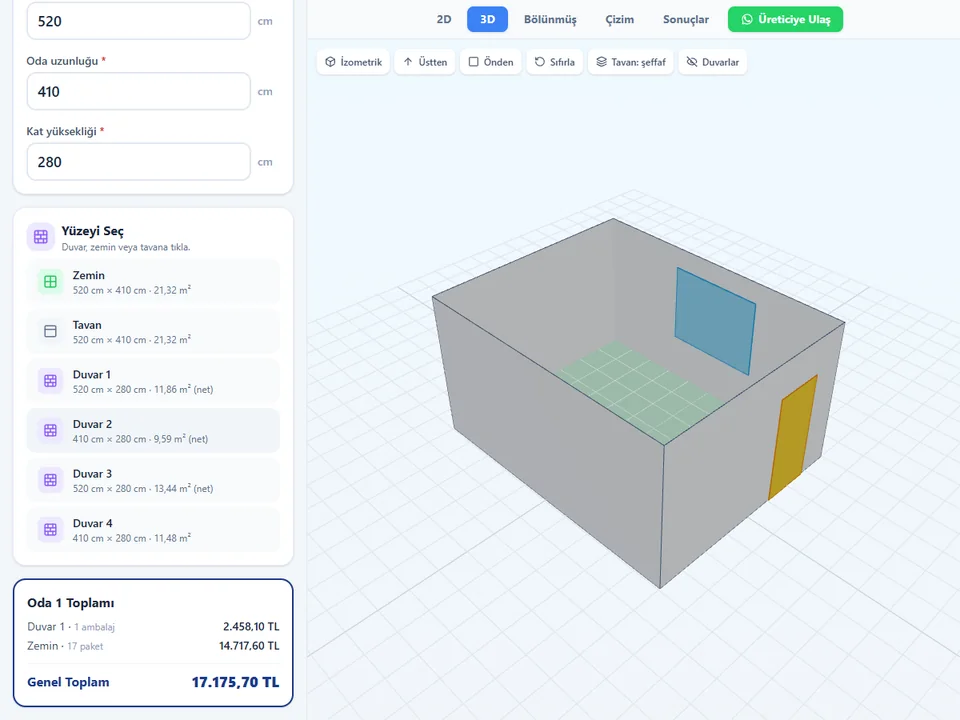
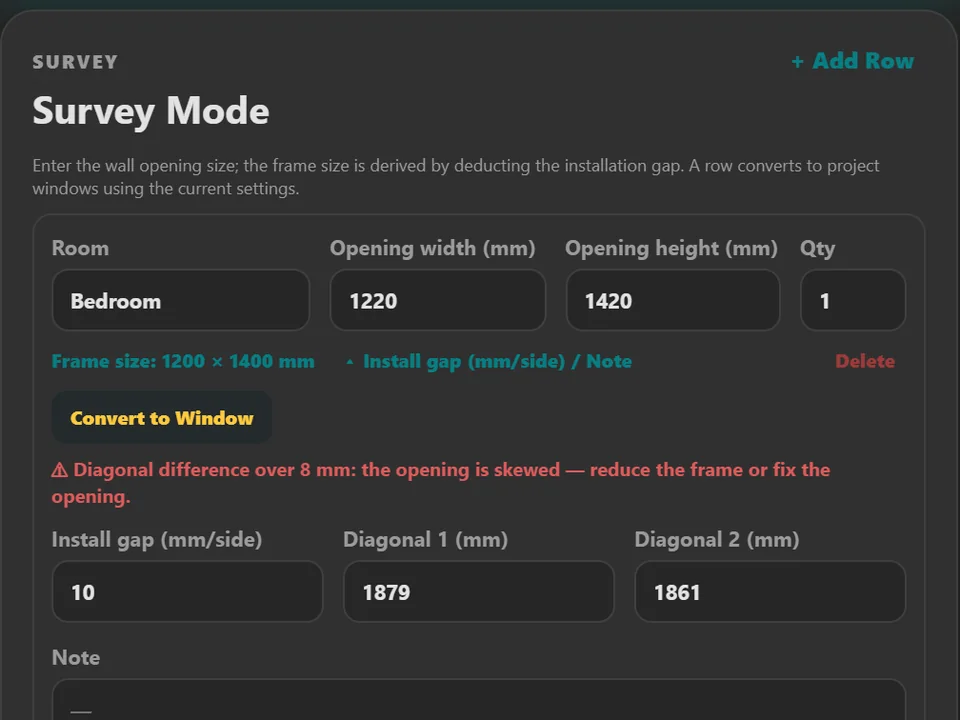
Room sizes in, materials and cost out.
No hand maths behind the quote: room sizes in, materials and costs out.
Runs in your browser
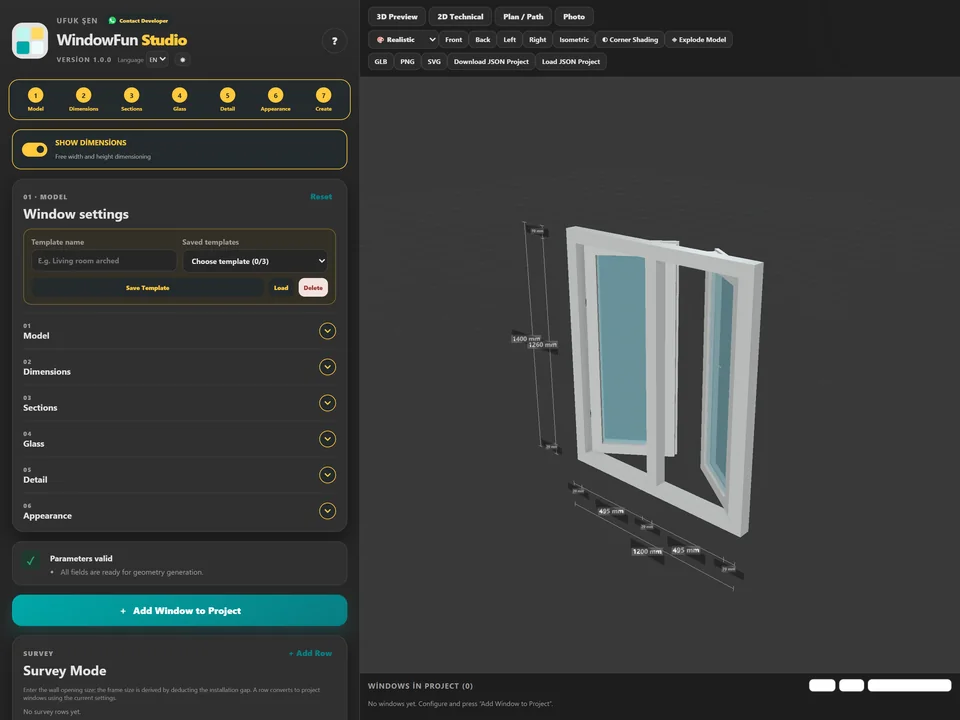
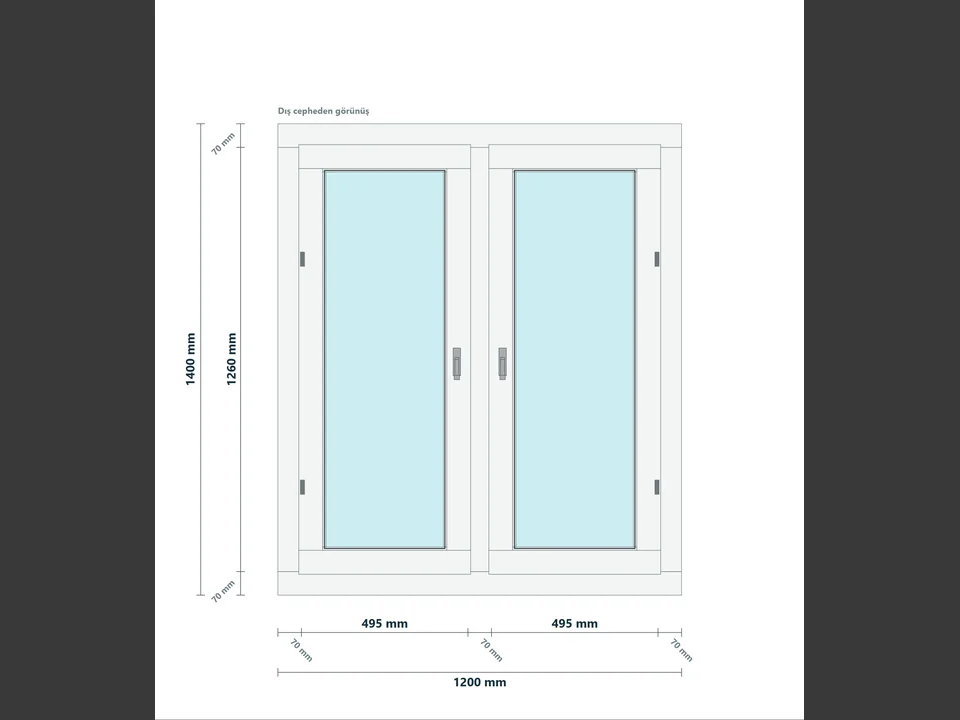
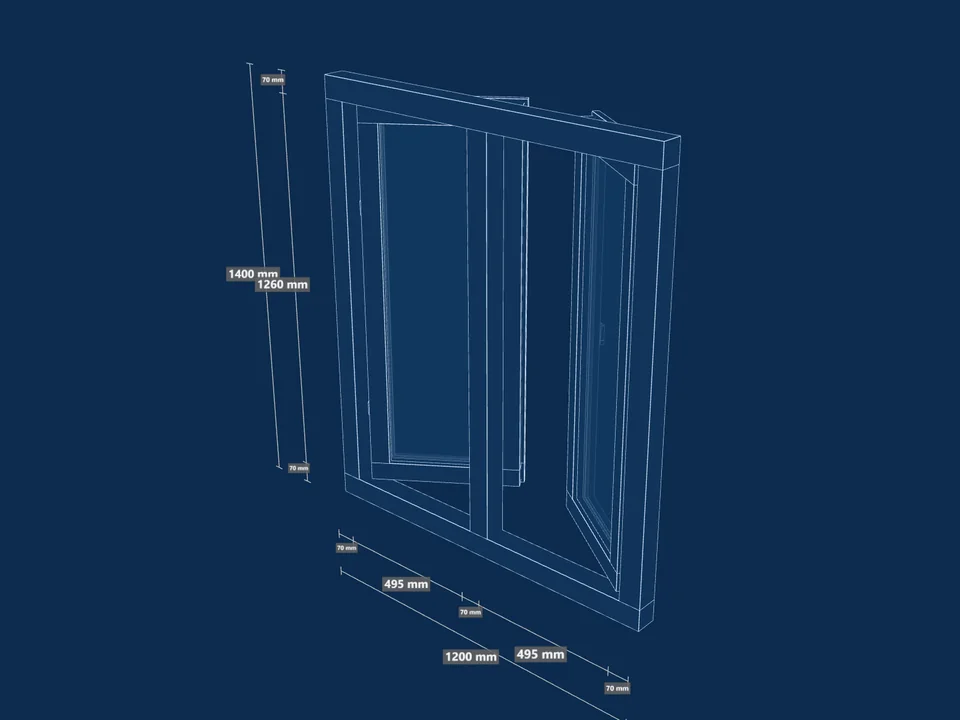
Type the size, watch it build in 3D.
No hours of quote maths: design the window, get quote and cut list.
Runs in your browserv1.0.0
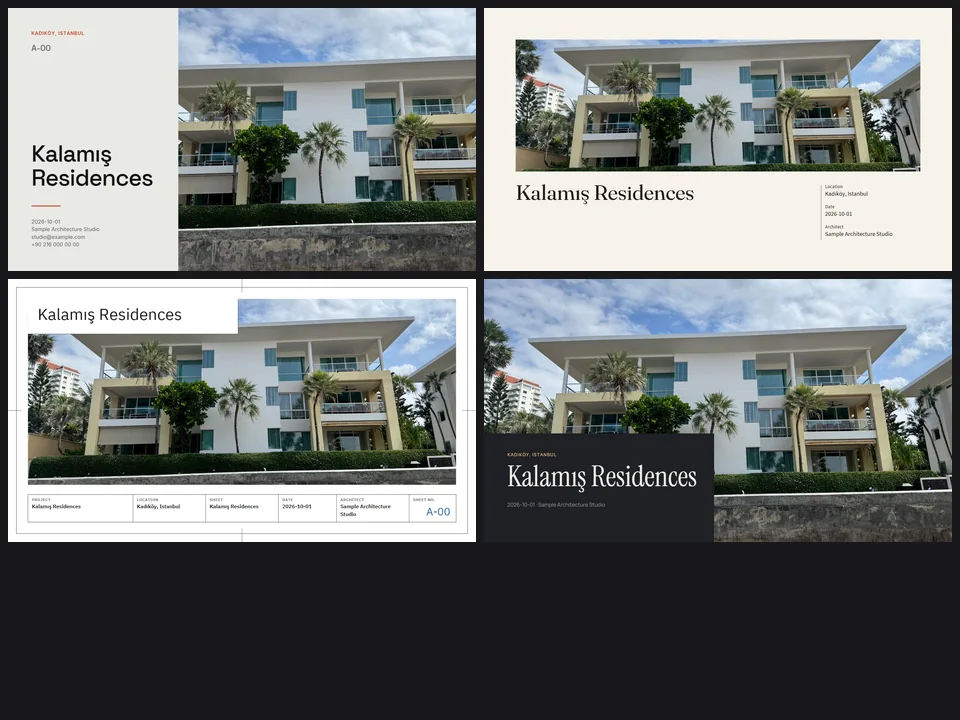
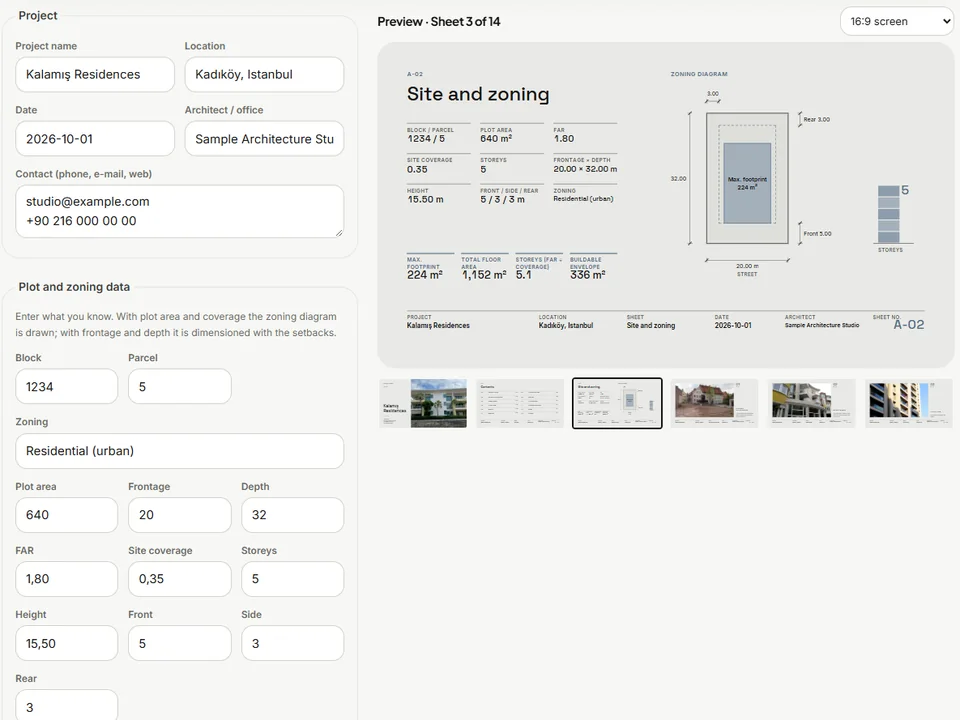
Four sheet templates. Your renders, jury-ready.
Skip slide-by-slide layout: renders in, a designer-grade sheet set out.
Runs in your browserv1.0.0