Skip to content

21 tools · SketchUp 2021 - 2026

With the best SketchUp plugins,
build what you want in under a minute.

To get the projects that come your way approved by the client, you need a fast, efficient system. Draw what you need in seconds with these SketchUp plugins. Built on the experience of a SketchUp instructor with 18 years of teaching and 7,269 students on Udemy.

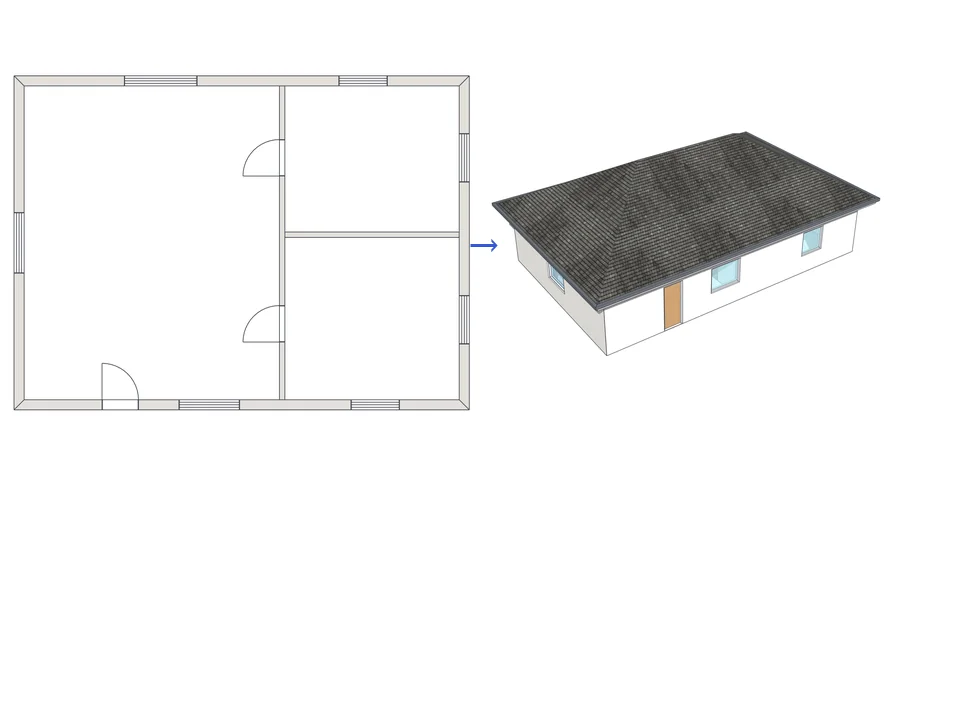
Drawn in six seconds. Modelled about as fast.

Scroll to build ↓

Best SketchUp plugins and extensions for architects and interior designers: floors, doors, windows, stairs, cabinets with cut lists, landscape and round corners.
Which plugin is right for me?No hours spent comparing plugins: find the one that fits you with 12 short questions, in 2 minutes.Take the 2-minute test →

Pick the job that wears you out most. We’ll show you the tool that does it for you.

What do you want SketchUp to do for you?

Free

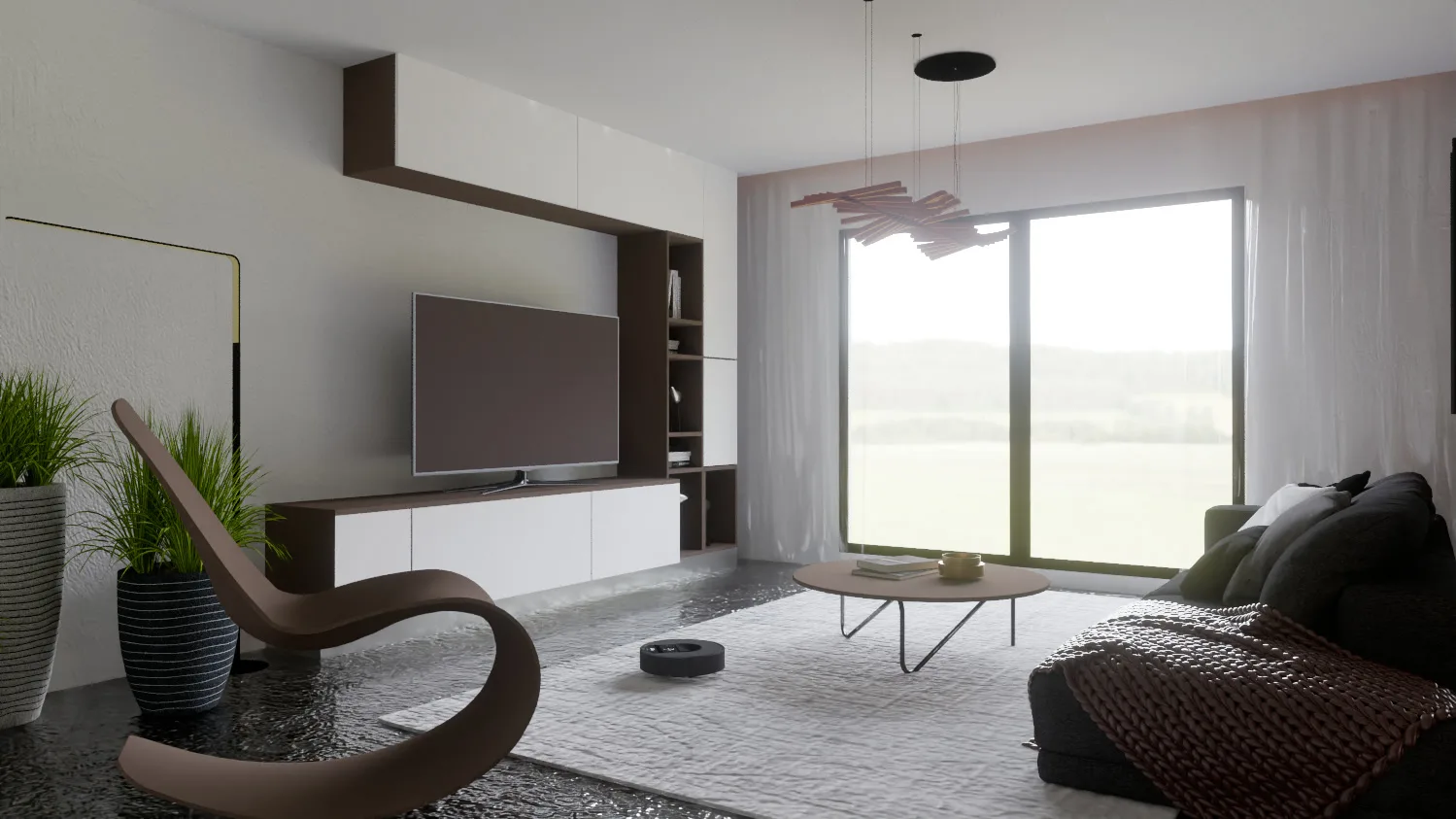
Render Fun: our free render engine for SketchUp

Türkiye’s first render engine, made by us. Render inside SketchUp with real light; the first image comes at once and sharpens while you watch.

Download free →
A living room rendered with Render Fun inside SketchUp 2026

Yes. Actually free.

Free SketchUp plugins. Real productivity, from day one.

Zero learning curve: install it and make your first model within 2 minutes.

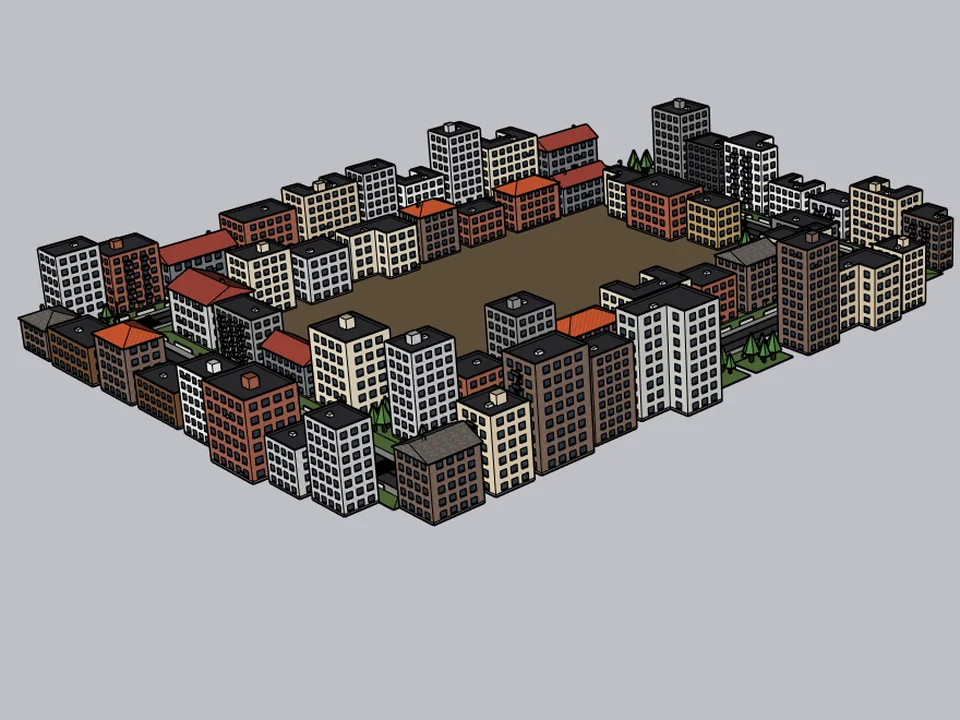
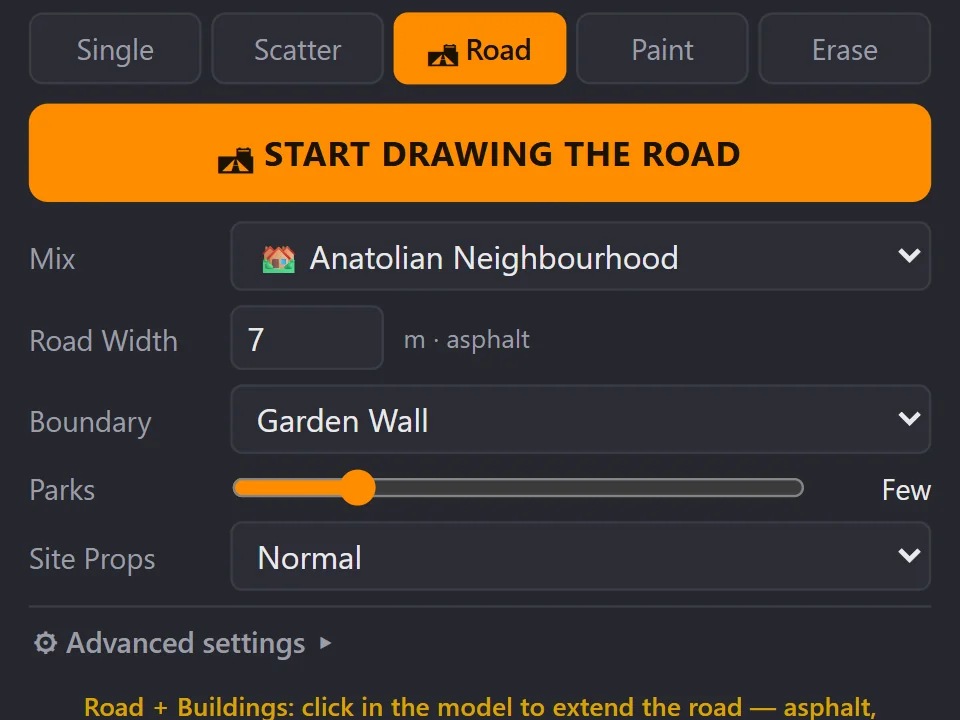
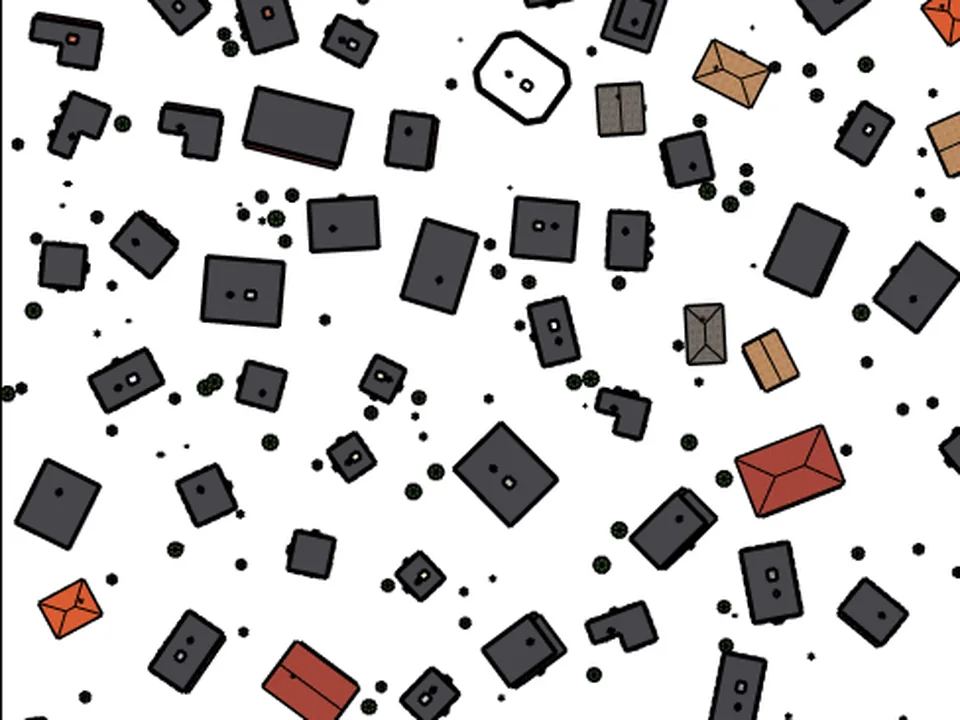
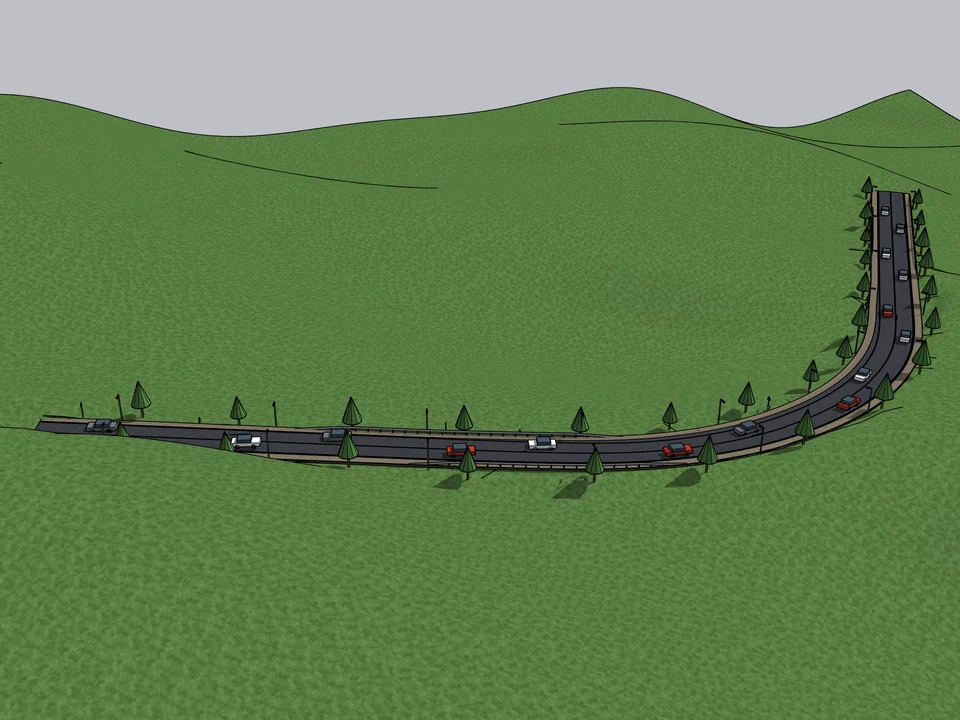
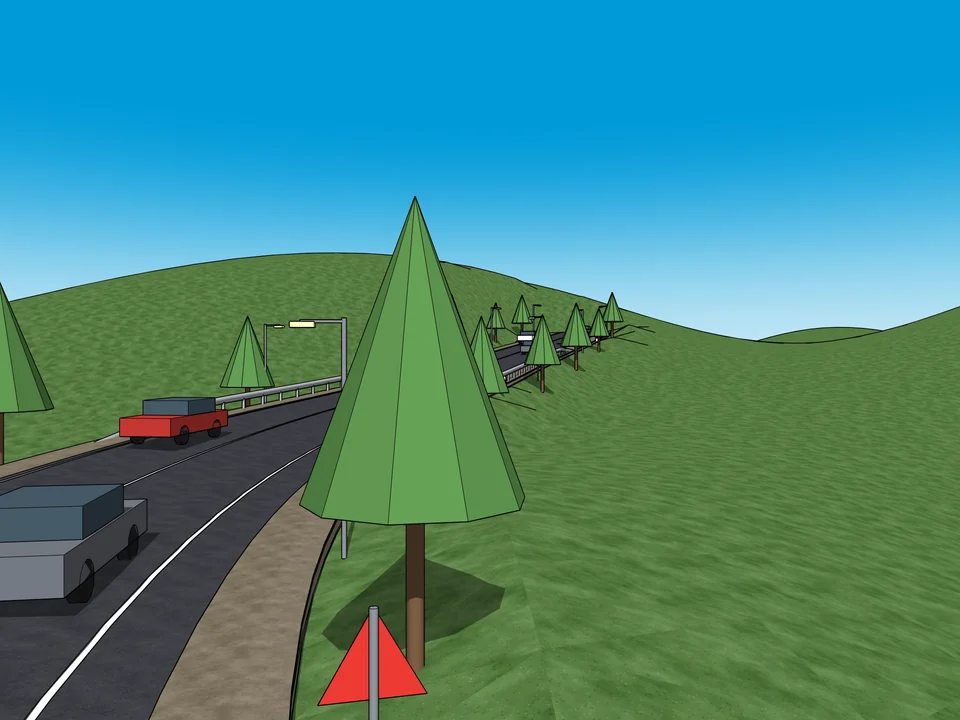
CityFill — Draw the road. The street grows with it.

Draw the road. The street grows with it.

FREE

CityFill

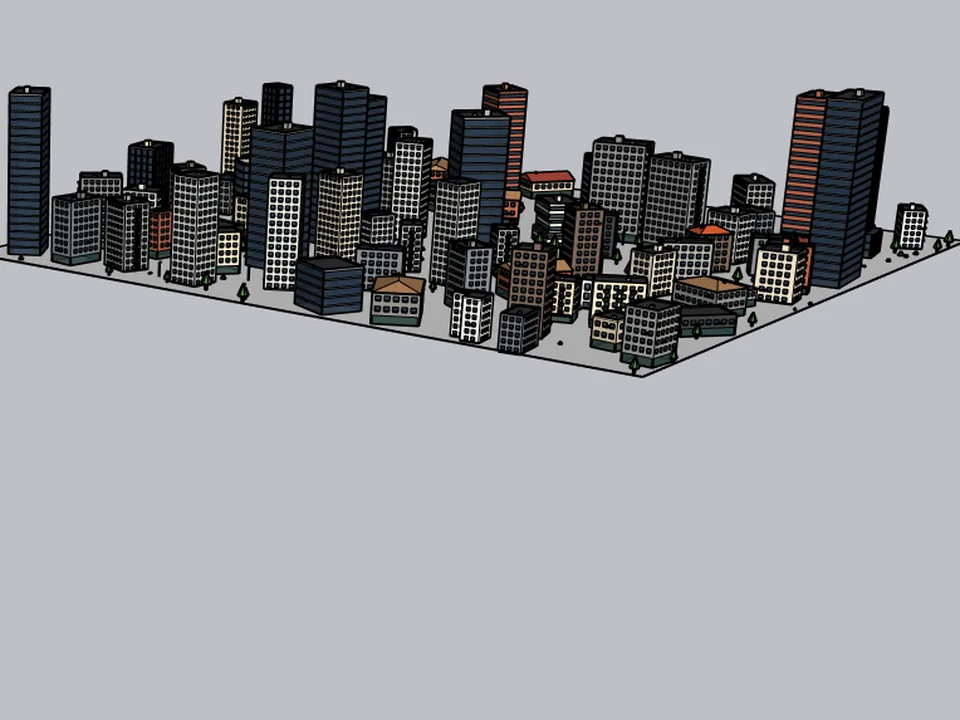
No white void around your design: fill the city in a few clicks.

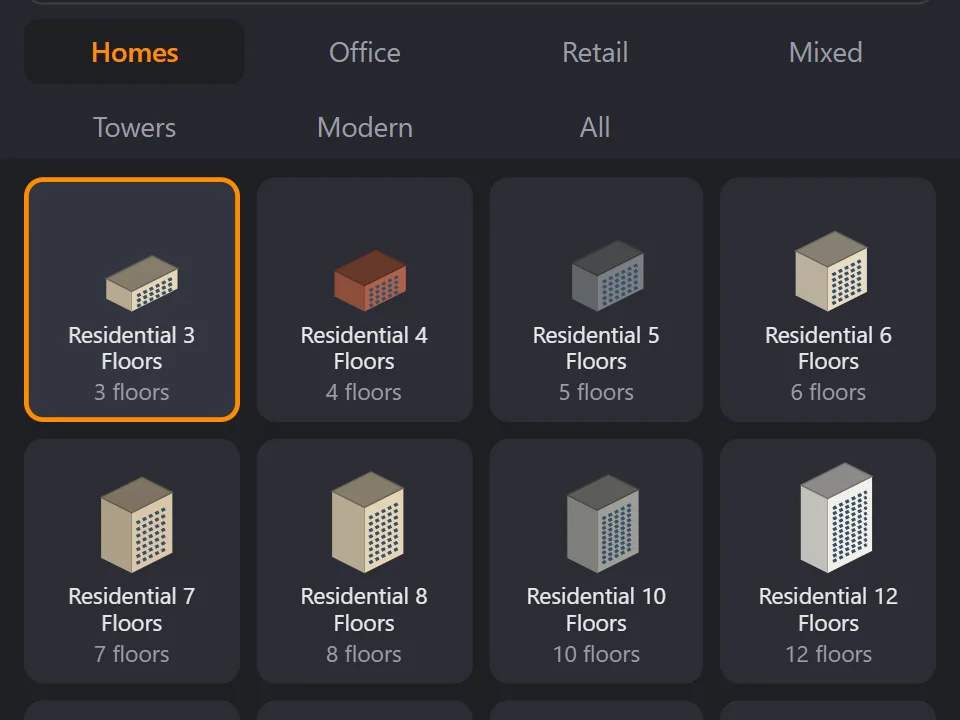
  • 154 presets
  • 3 placement modes
  • SketchUp 2021-2026

SketchUp 2021–2026v2.0.0

CityFill
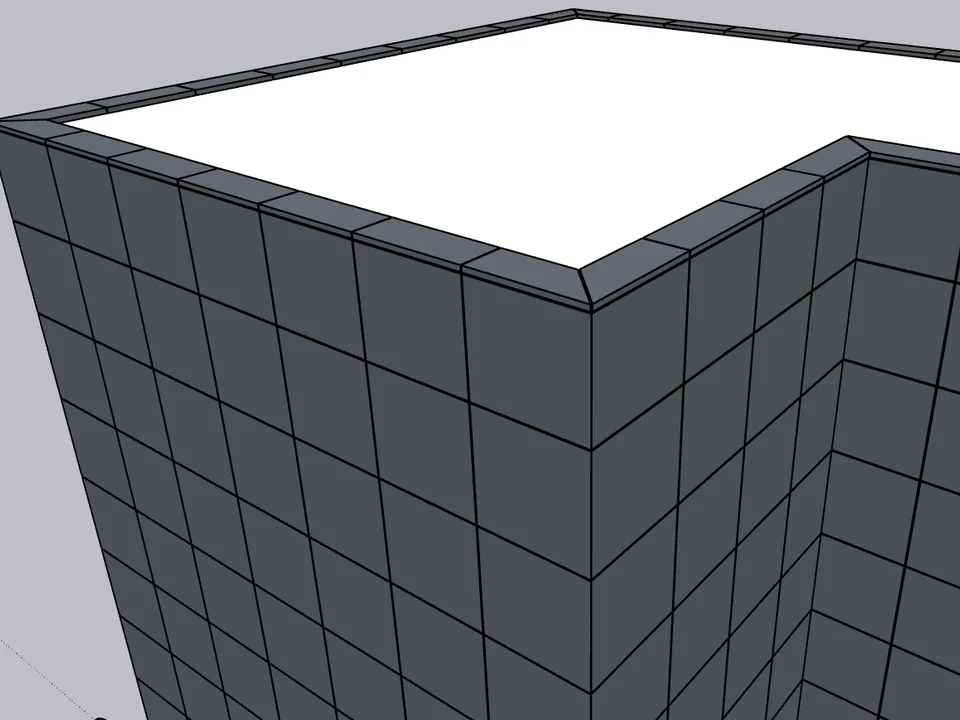
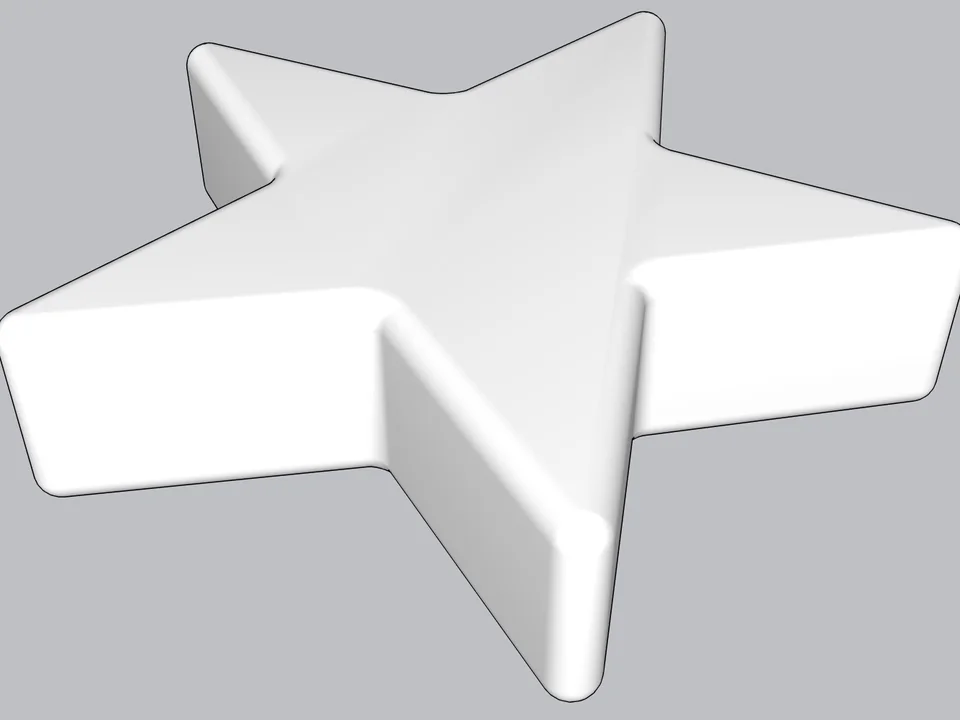
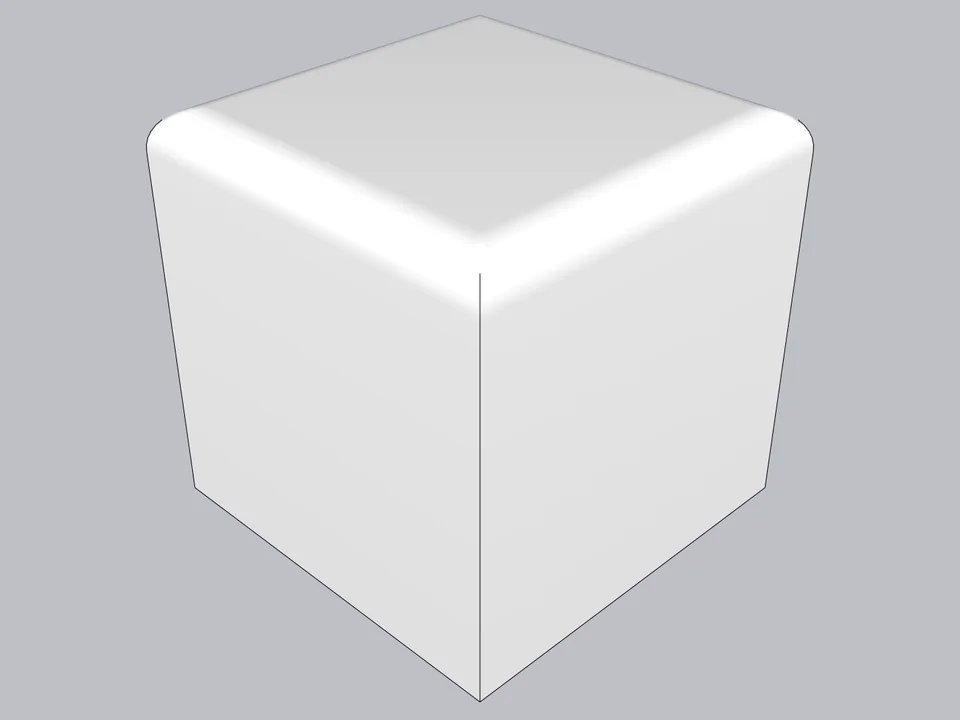
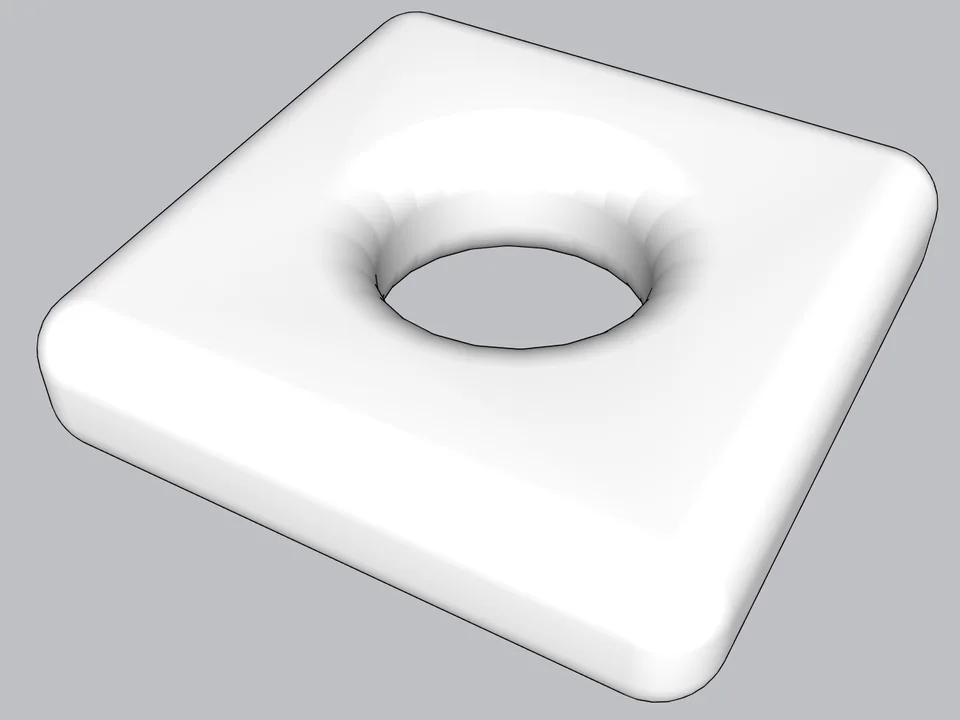
Soft Edge — Type a radius, click: every edge goes soft.

Type a radius, click: every edge goes soft.

FREE

Soft Edge

Skip hand filleting: round or chamfer in one click, always editable.

  • Round + chamfer
  • SketchUp 2021-2026
  • Free

SketchUp 2021–2026v0.8.1

Soft Edge
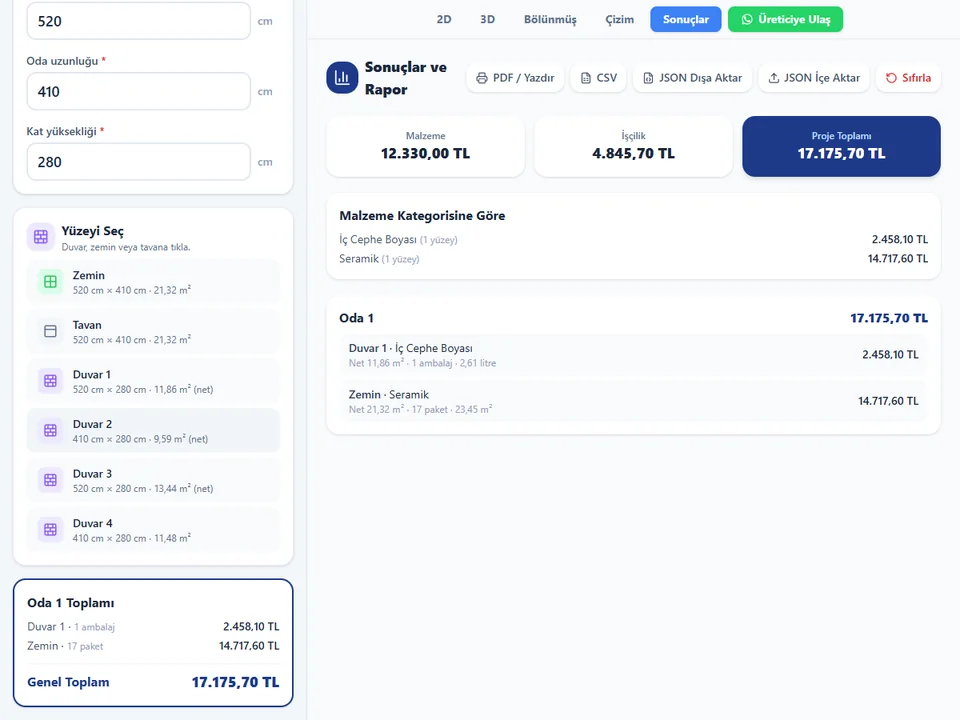
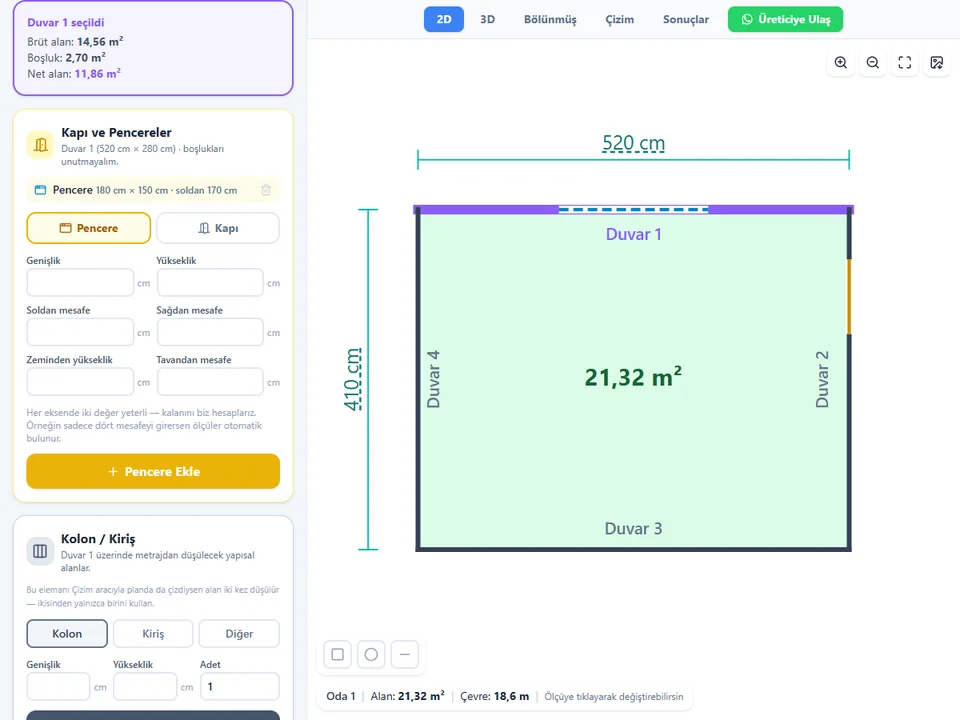
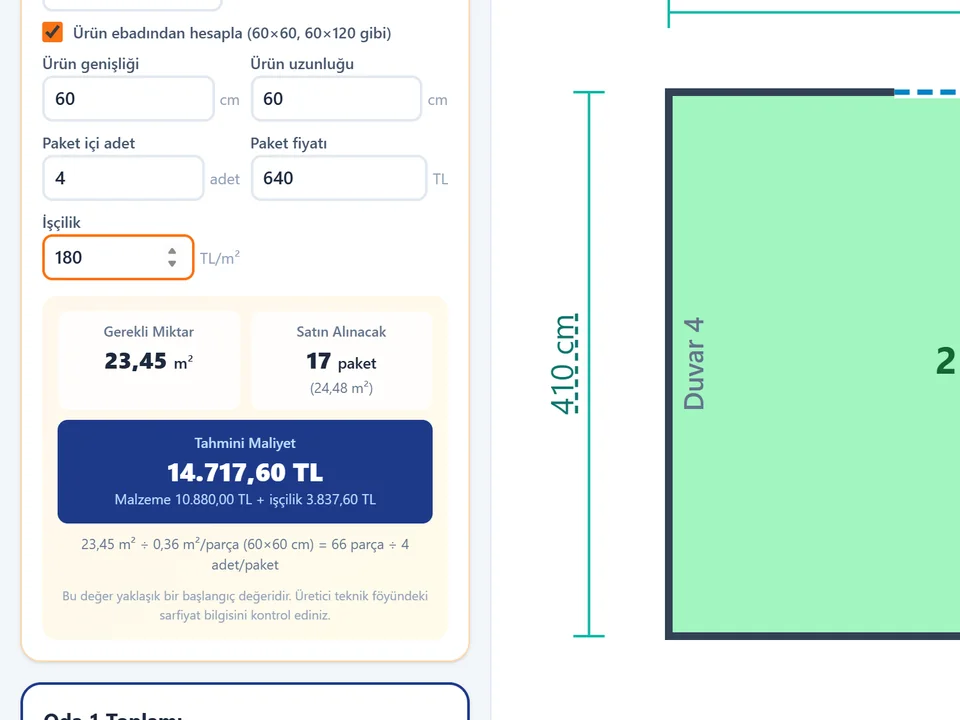
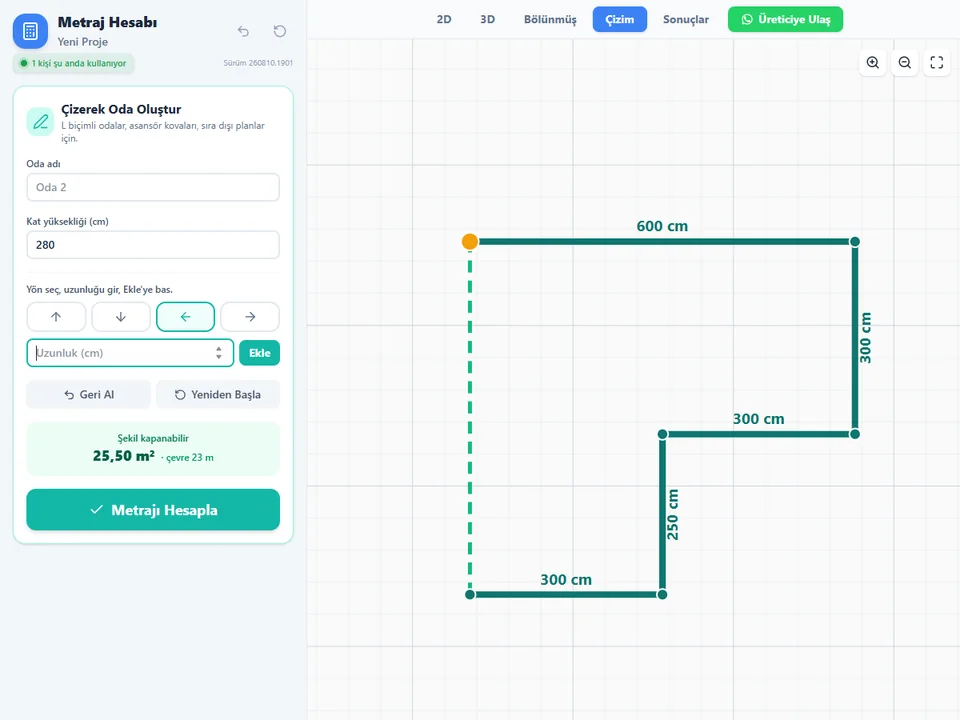
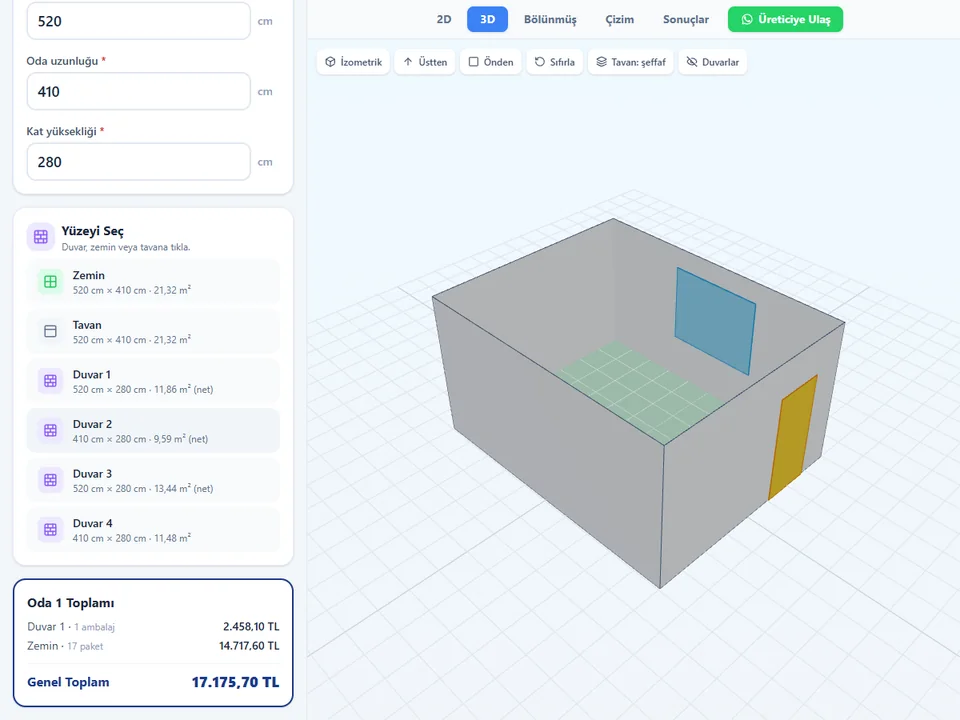
Metraj — Room sizes in, materials and cost out.

Room sizes in, materials and cost out.

FREE

Metraj

No hand maths behind the quote: room sizes in, materials and costs out.

  • 11 material types
  • 119 tests green
  • PDF · CSV · JSON · PNG

Runs in your browser

Metraj

Free tools

Free tools that work right here

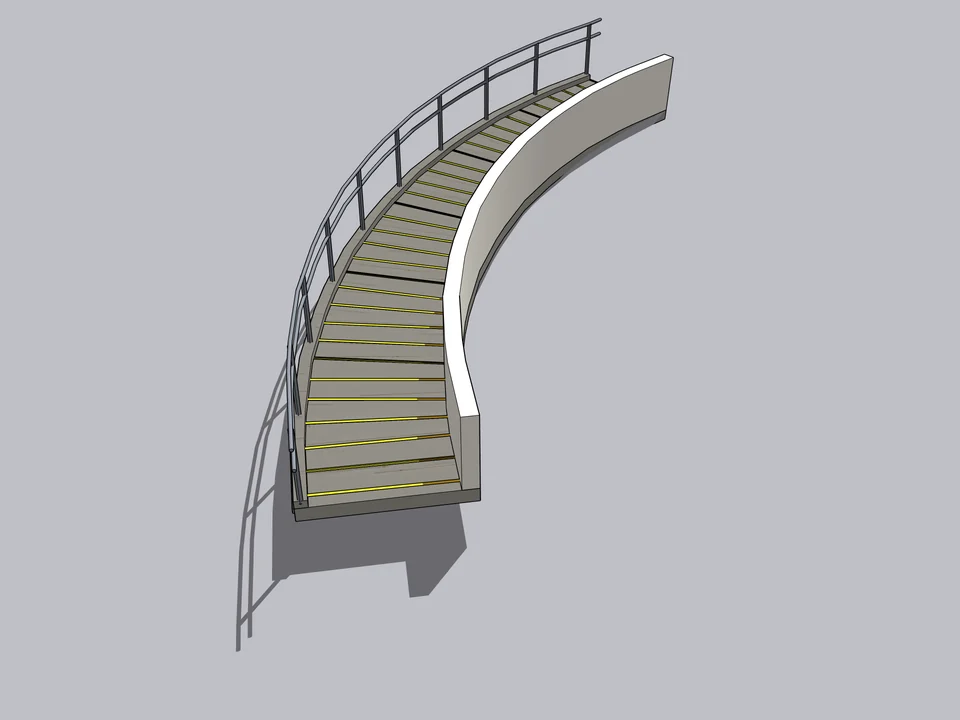
Type a floor height and the stair is worked out while you watch; type a RAL or paint code and take it to SketchUp. More tools are on the way.

Risers
16
Riser height
6 3/4″
Tread (going)
11 5/16″
  • Complies · International Residential Code 2021, R311.7
Open the full calculator

Anthracite grey

RAL 7016 · RAL Classic

HEX
#3B4044
RGB 0–255
59, 64, 68
Open the full color tool

FloorStudio

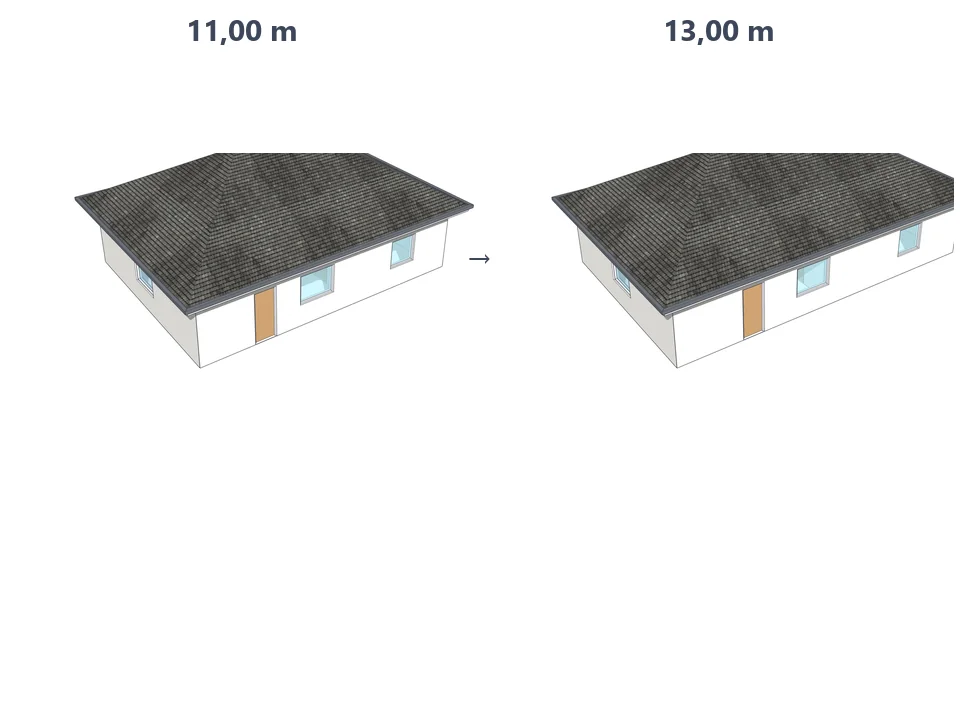
The same job: your hours, or the plugin’s seconds?

Drag me

With the plugin

45 sec

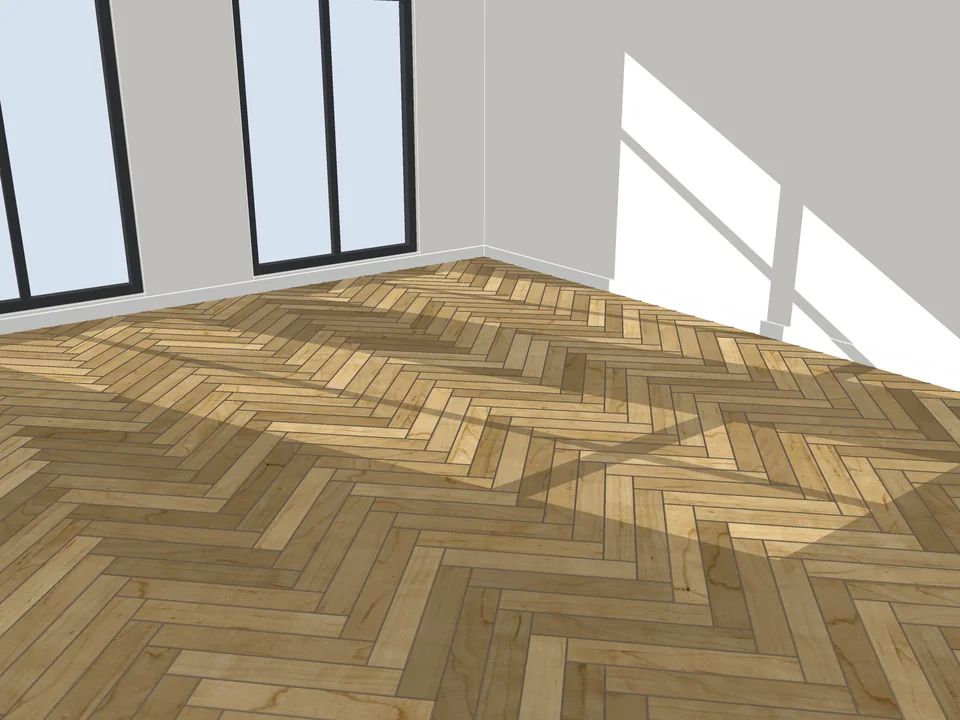
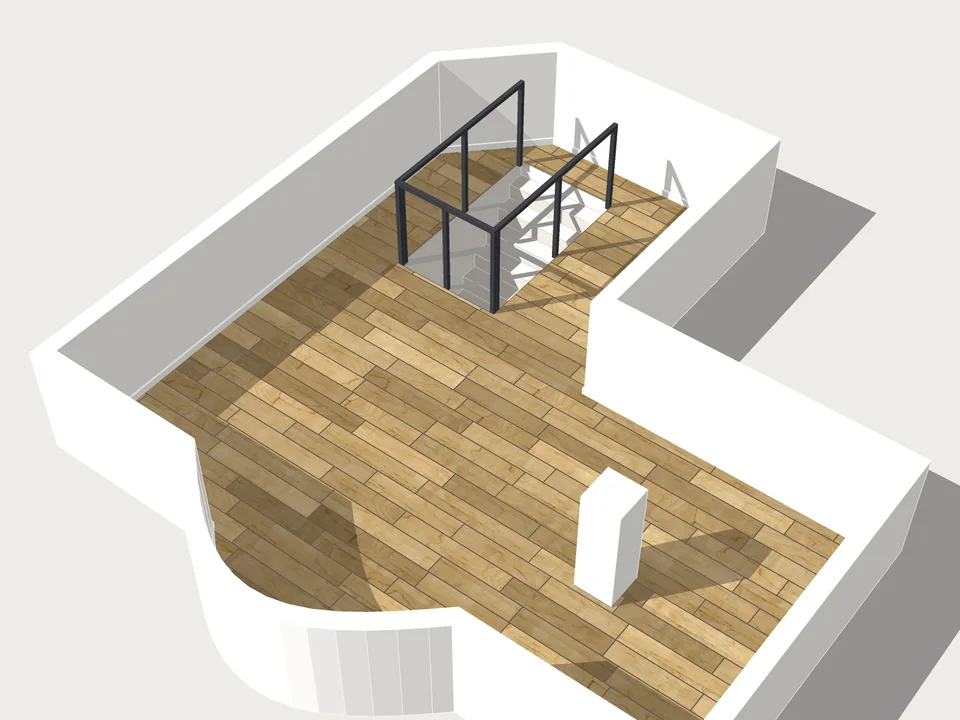
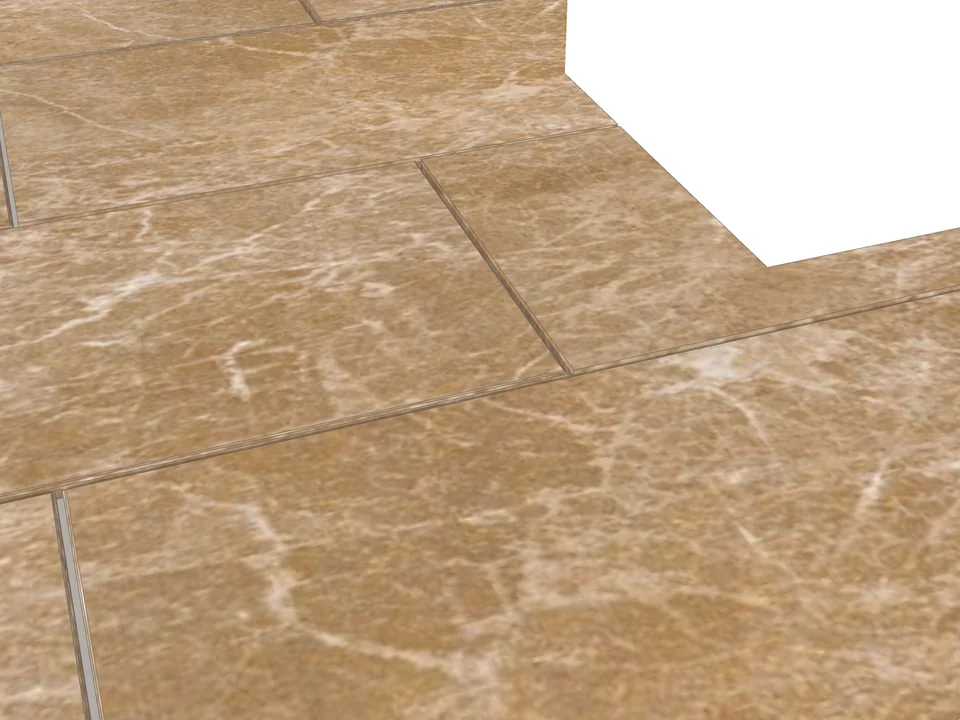
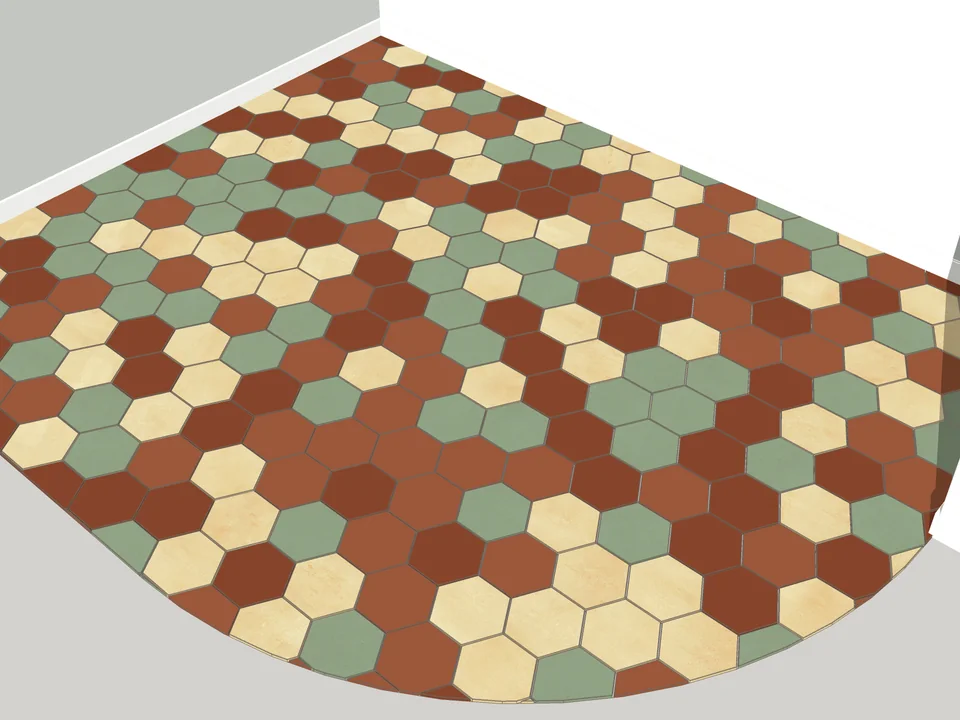
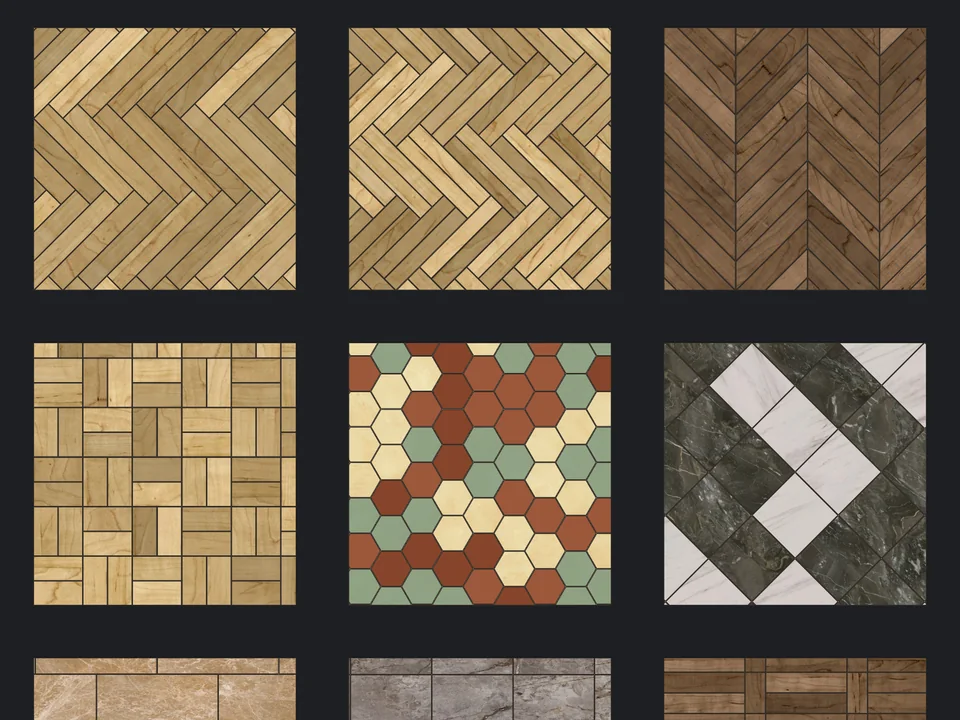
Pick a face, pick a pattern, commit

By hand

45 min…

Drawing, array-copying and trimming a floor by hand

Drag me

How many evenings could this give you back?

flooring per project

Estimate based on a typical workflow. Your mileage will vary - usually upward.

Saved every month

0,0hours

Saved every year

0 hours


0 work days

You just found 92 hours of your life.

Most popular

The most popular SketchUp plugins

Swipe to discover →

Which plugin should you start with?

Two questions. Twenty seconds.

Take the 2-minute test →

Question 1 of 2

What do you model most?

Bundles

SketchUp plugin bundles: buy the workflow, not the tool.

Grouped the way a real project runs: set up the whole workflow at once, and pay less together.

For people who model rooms

Interior Designer Pack

Everything that finishes a room: the floor under it, the openings in it and the trim around it.

  • FloorStudio$39
  • Door Studio$30
  • WindowFun Studio$30
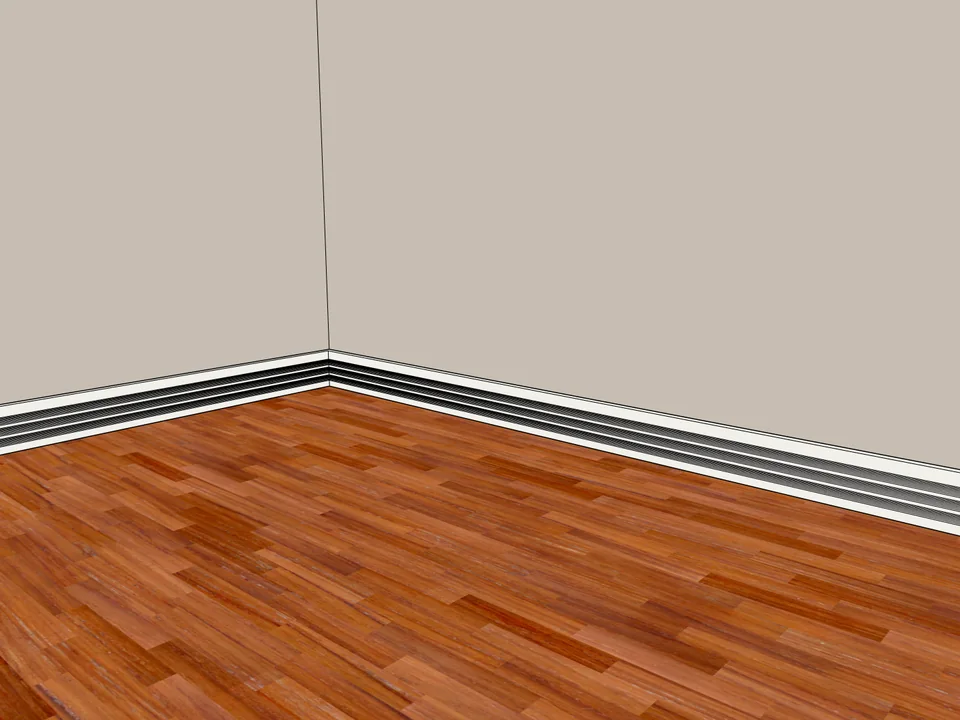
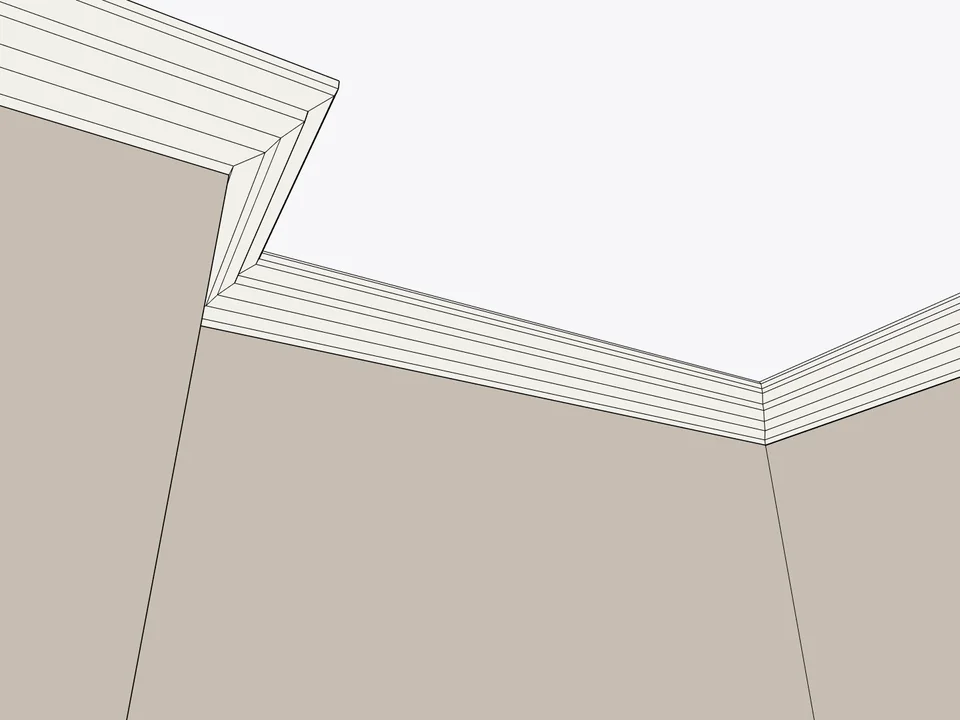
  • Dynamic Skirting$25
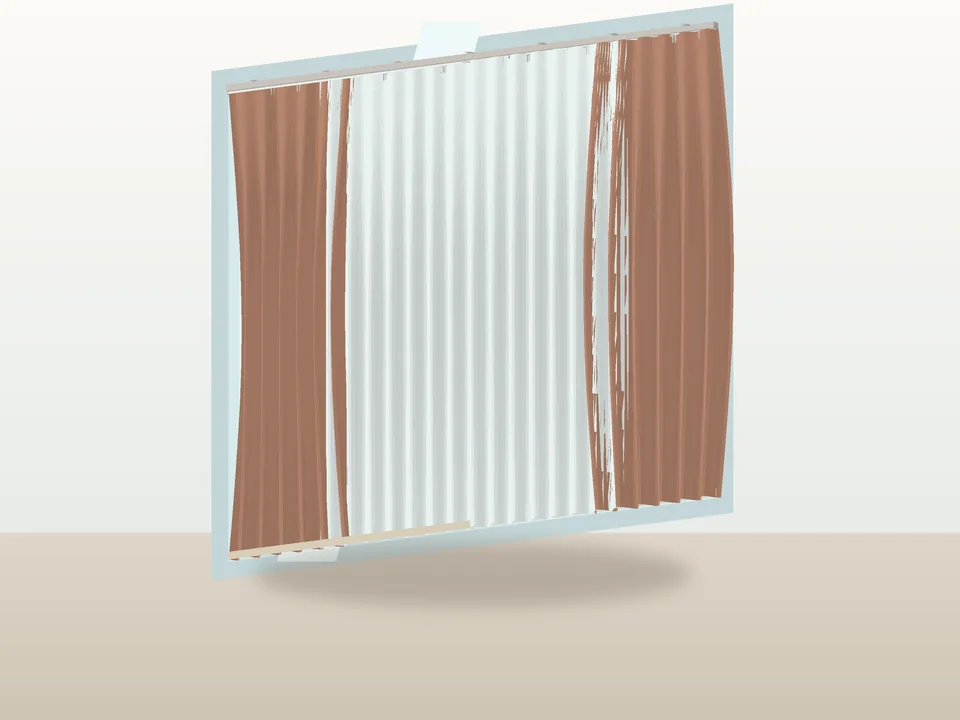
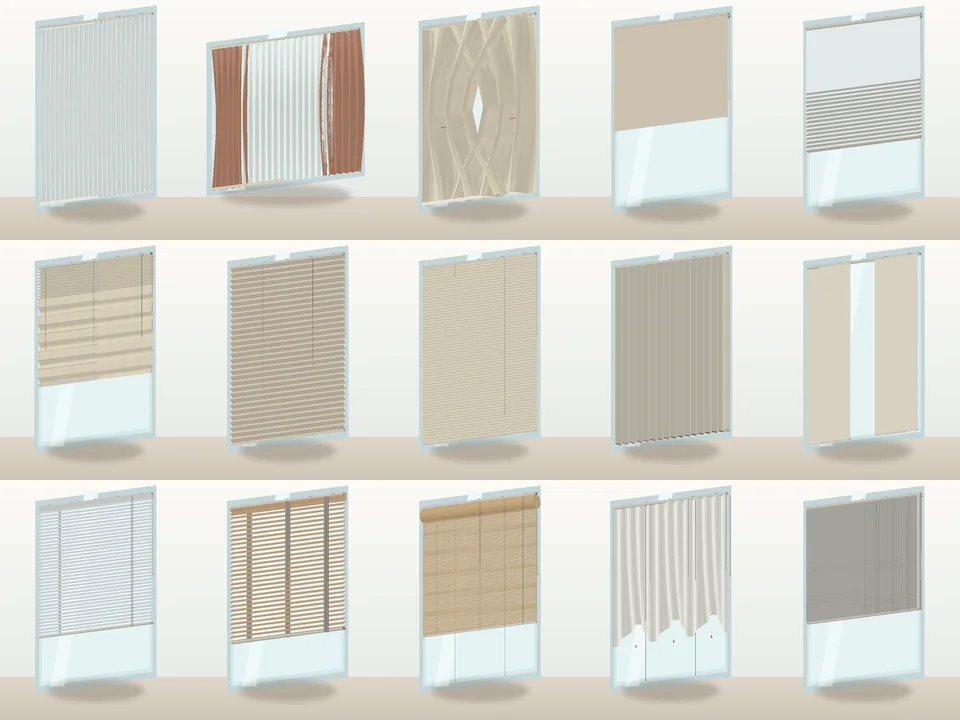
  • PerdeNeşe Studio$25

Bought separately $149

$112

You save 25%
Get the Bundle
Interior Designer Pack

For people who present buildings in context

Site & Context Pack

The stuff around the building. Roads that follow terrain, neighbours that appear, planting that belongs here.

  • RoadFlow$40
  • CityFillFREE
  • Landscape Studio$45
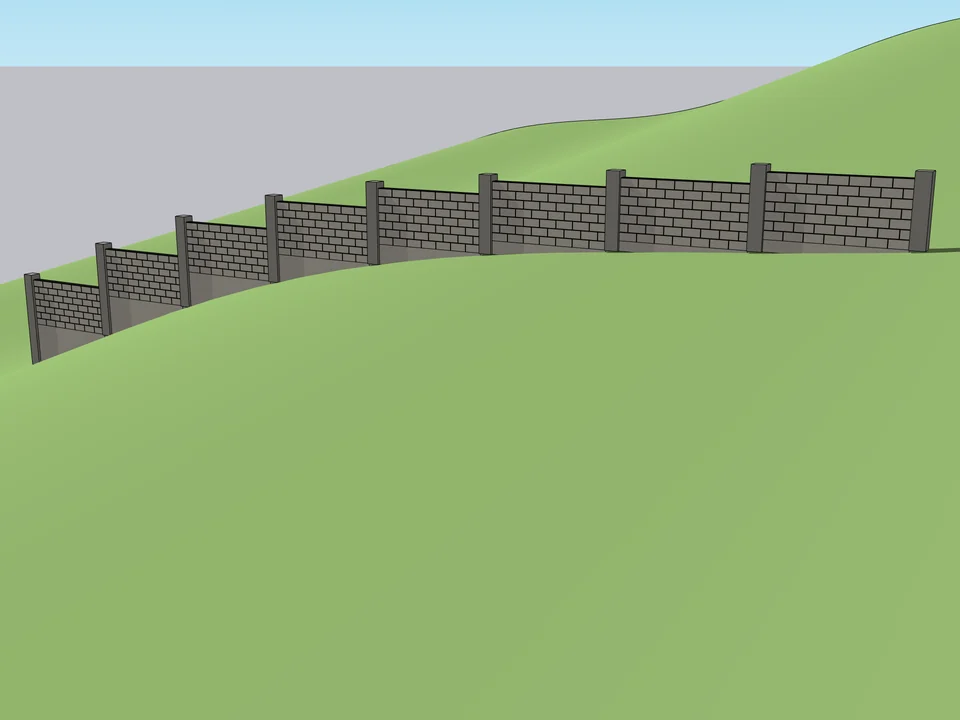
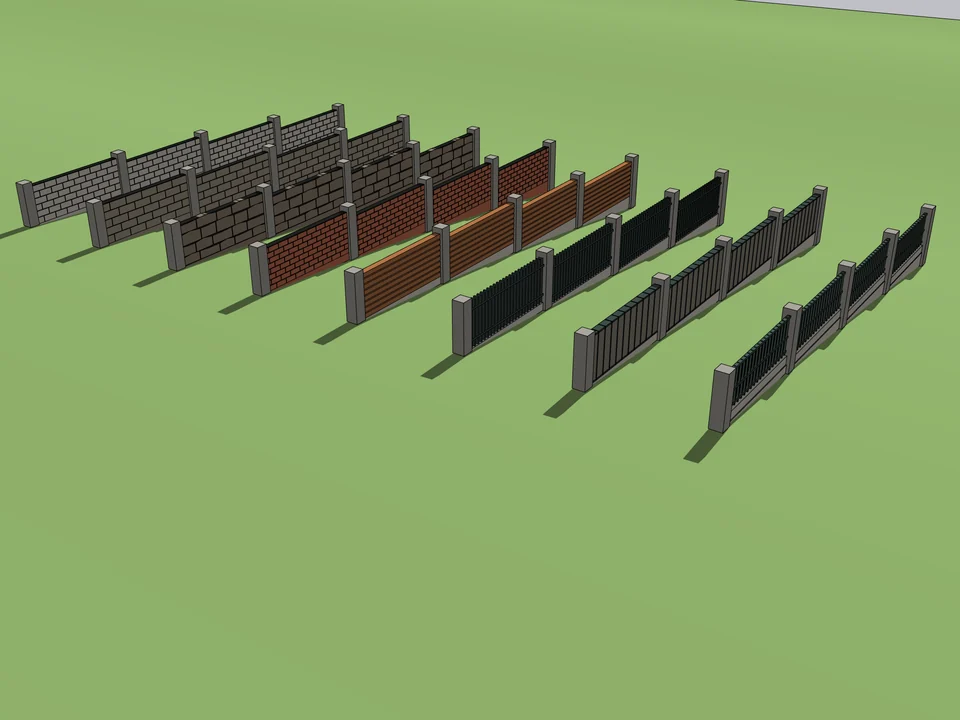
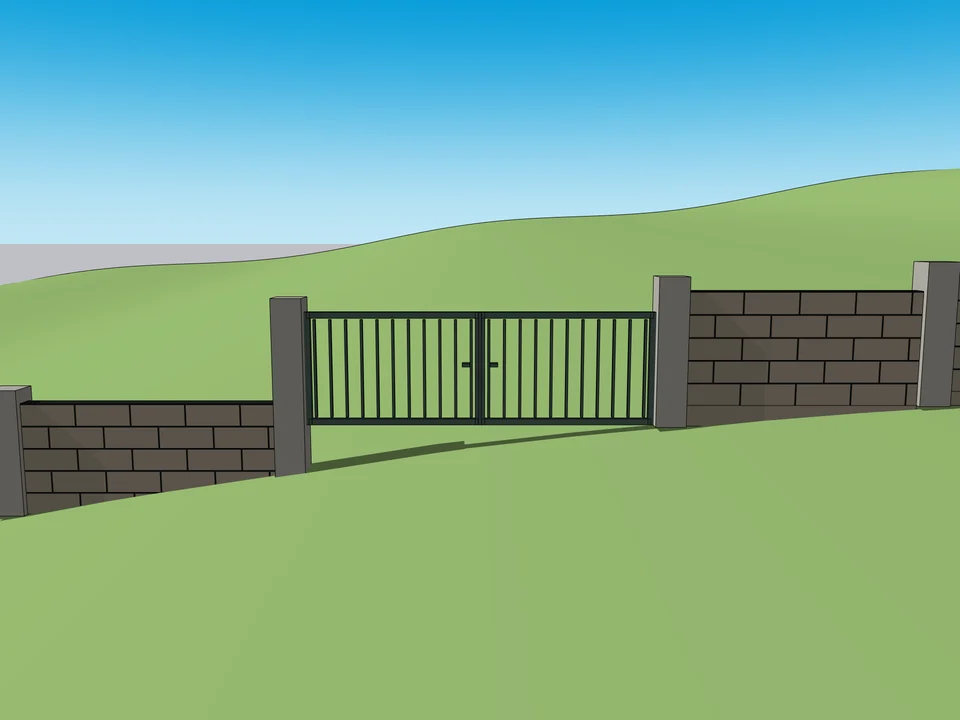
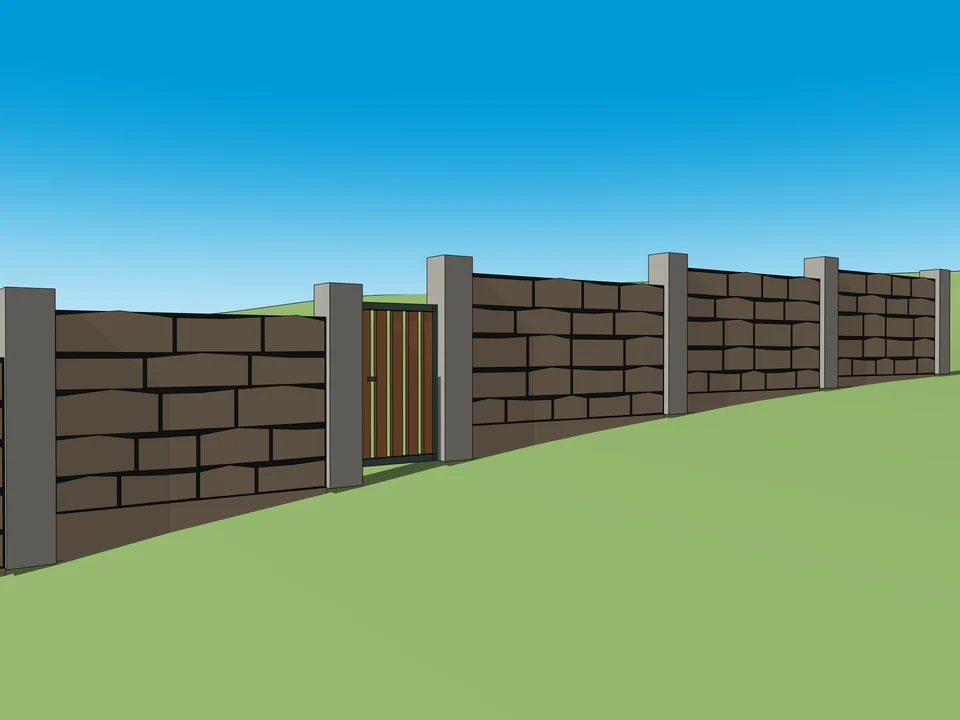
  • Garden Wall Studio$15

Bought separately $100

$75

You save 25%
Get the Bundle
Site & Context Pack

For people who detail elevations

Facade Pack

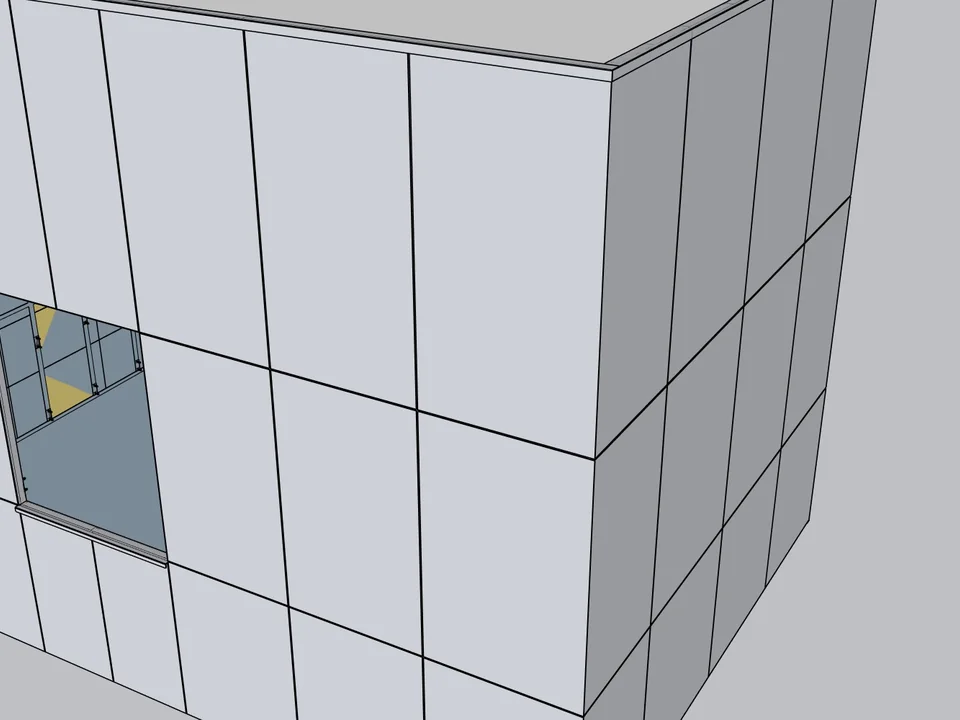
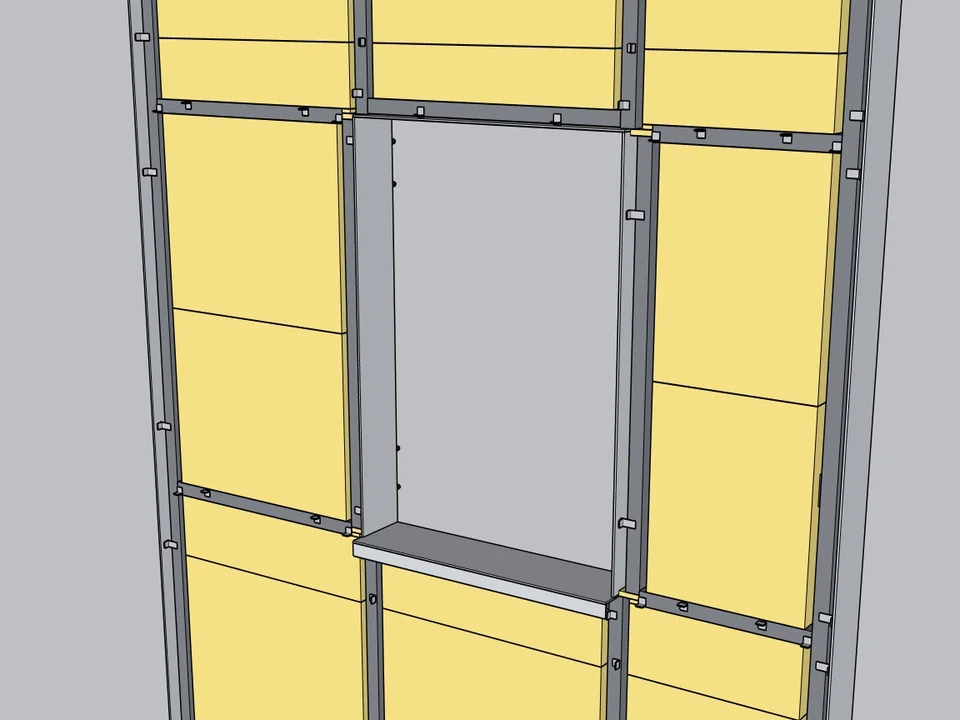
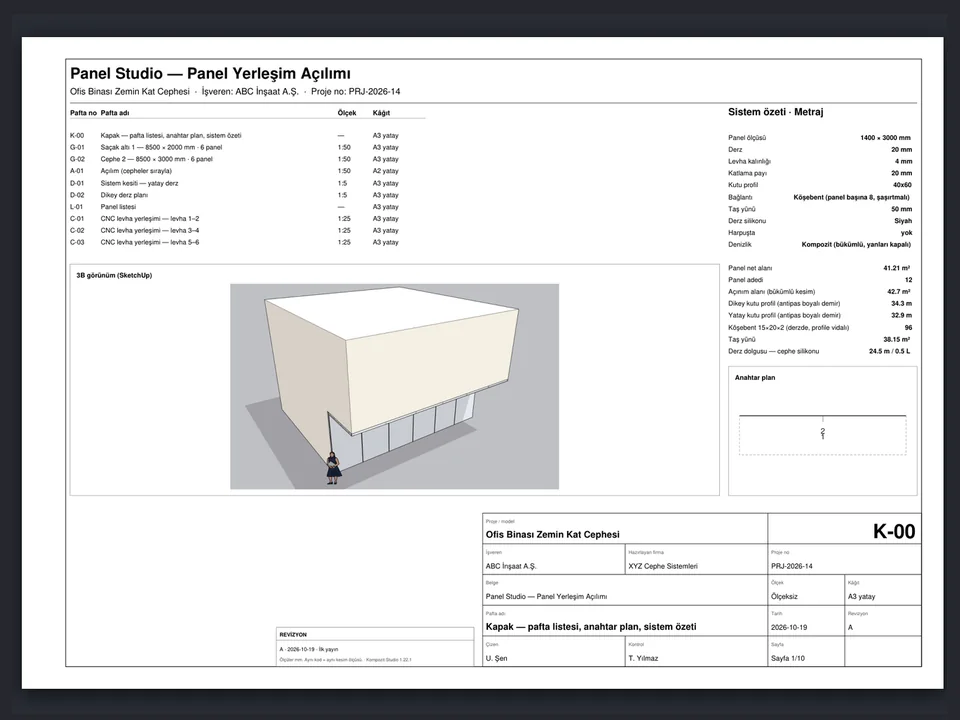
Cladding that comes with real setting-out, not a texture stretched over a box.

  • Kompozit Studio$299
  • WindowFun Studio$30

Bought separately $329

$263

You save 20%
Get the Bundle
Facade Pack

Tutorials

SketchUp plugin tutorials, 3 minutes each

Do not believe the screenshots. Watch it work.

Soft Edge

Soft Edge: round corners in SketchUp with a free plugin

WindowFun Studio

WindowFun Studio: drawing a window in SketchUp now takes seconds

CabinetWizard

This one is in Turkish for now

CabinetWizard: TV units, bathroom cabinets and shoe cabinets

The same catalogue, read from your desk.

Which SketchUp plugins are best for what you draw?

Blog

Fewer clicks, more design: SketchUp workflow notes

What really eats your time in SketchUp, and how to get it back for the work you’re proud of.

10 September 2026 · 12 min read

The Best SketchUp Plugins for 2026, Sorted by the Job They End

Without spending three days pushing rectangles around: nineteen SketchUp tools sorted by the job you are sick of doing, from walls, openings and floors to stairs, facades, roads and take-offs. Real numbers, honest limits.

Read →The Best SketchUp Plugins for 2026, Sorted by the Job They End

22 October 2026 · 8 min read

SketchUp Extension Warehouse: How to Find, Install and Manage Extensions Safely, Free or Paid

Never wonder again where a plugin came from: how SketchUp's official Extension Warehouse works, from searching by SketchUp version and installing with your Trimble ID to updates, loading policy, trials and licences, plus how to judge sources outside it.

Read →SketchUp Extension Warehouse: How to Find, Install and Manage Extensions Safely, Free or Paid

21 October 2026 · 9 min read

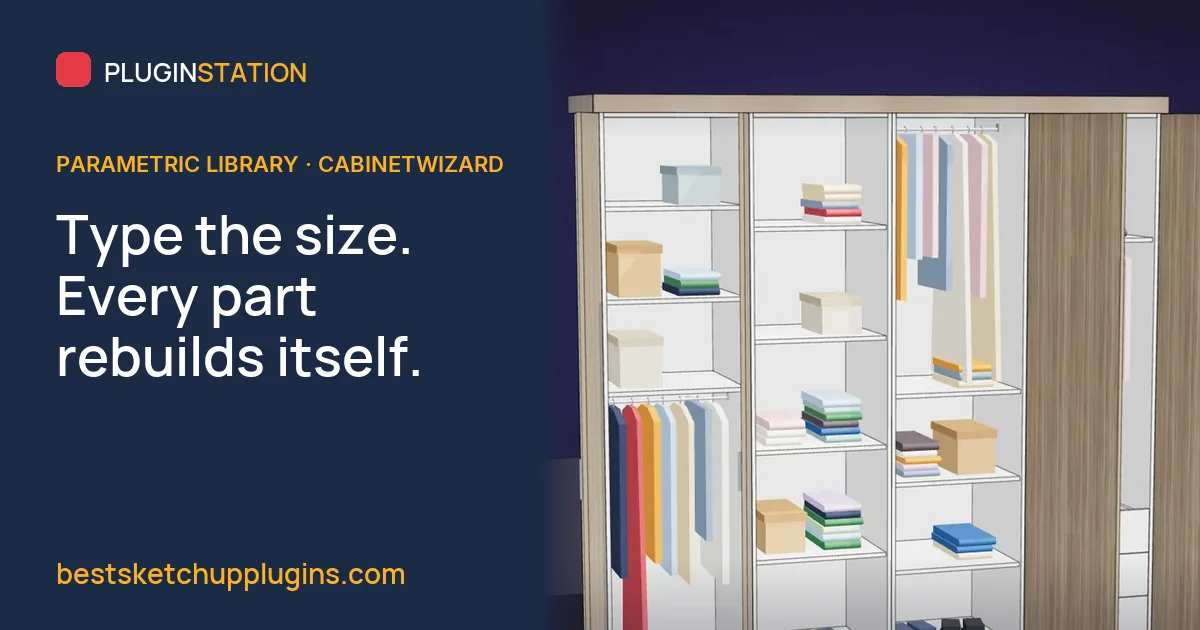
SketchUp Parametric Library Plugin: Beyond Component Folders and Dynamic Components, and How to Choose One

For designers and makers who would rather answer the client on the spot than redraw at night: what a parametric library plugin for SketchUp is, how it differs from component folders and Dynamic Components, and what to check before you choose one, with CabinetWizard as the worked example.

Read →SketchUp Parametric Library Plugin: Beyond Component Folders and Dynamic Components, and How to Choose One

🧪

Plugin Lab

SketchUp extensions currently on the workbench.

IN THE LAB

Prefab Studio

No hand-counted steel: drag a slider, the prefab and takeoff update.

🏠 Architecture

IN THE LAB

PanelCut Studio

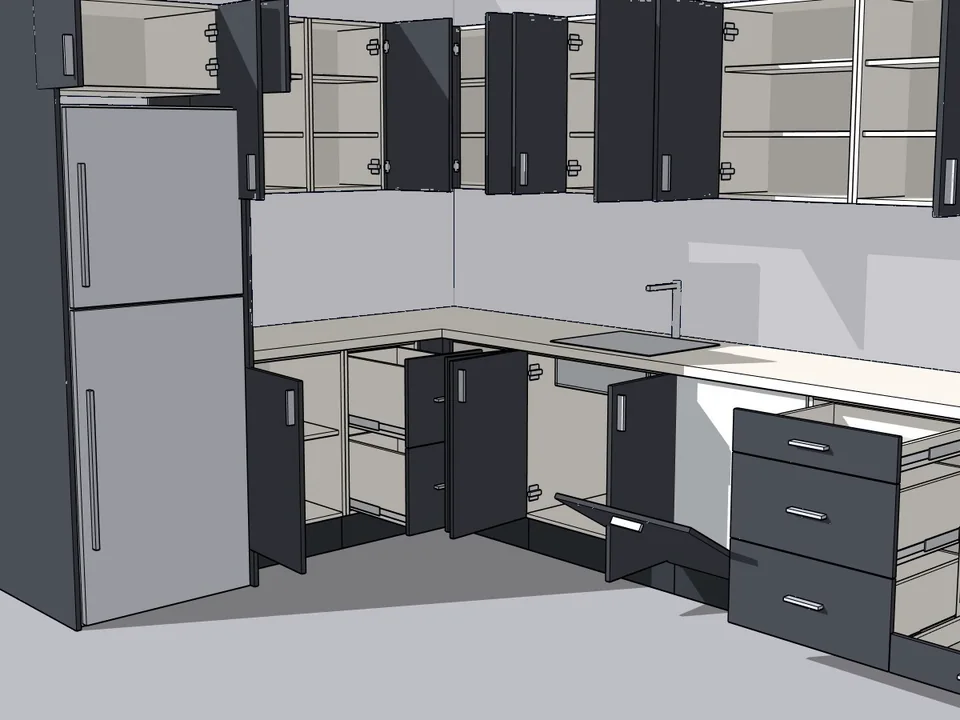
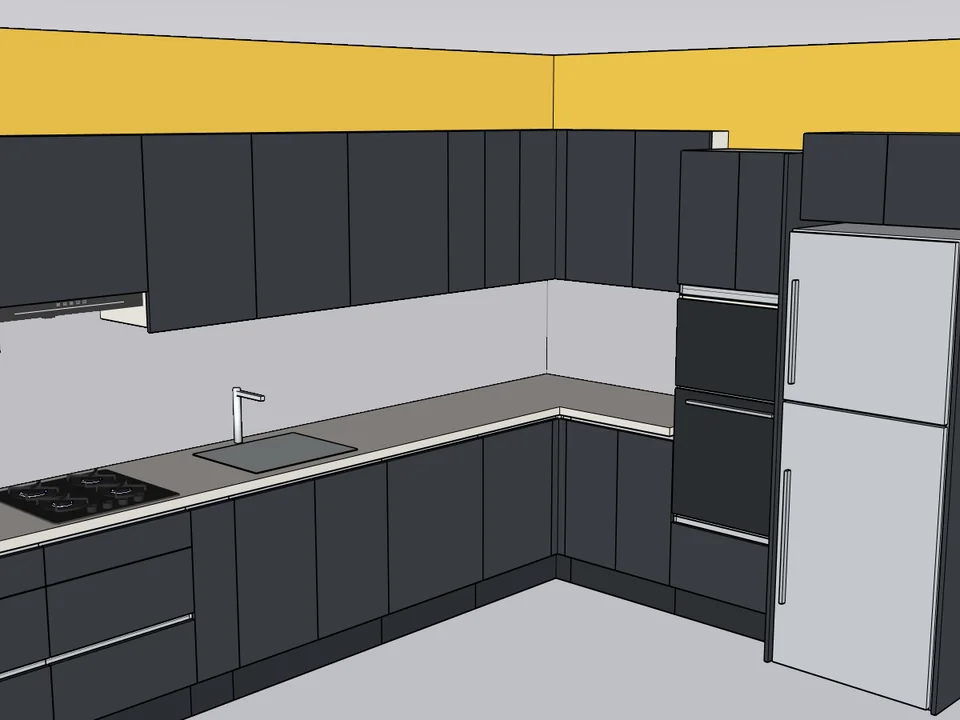
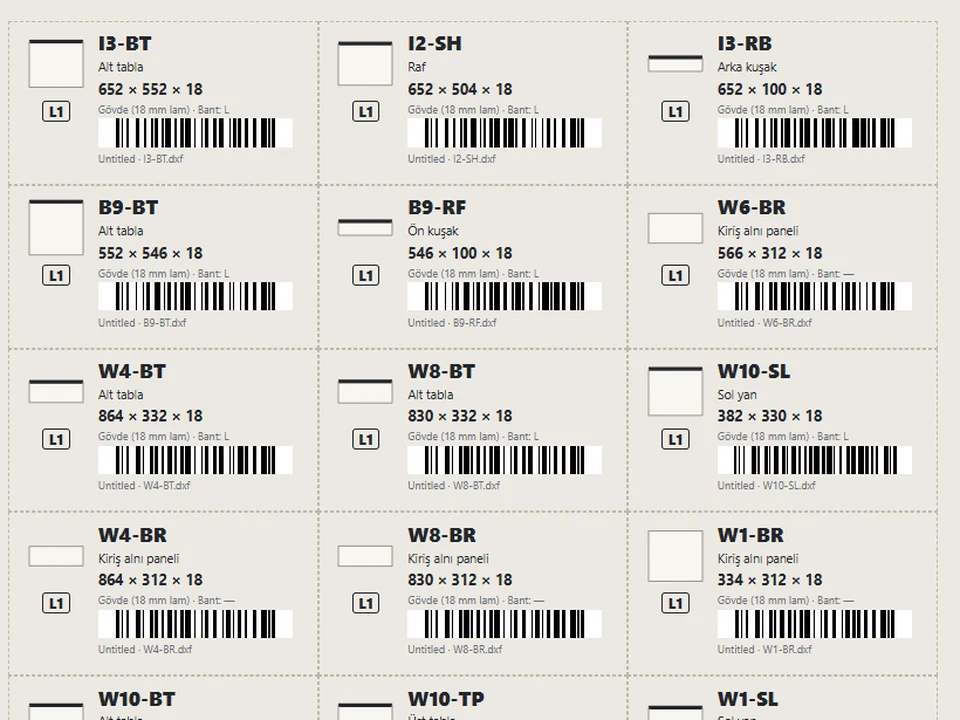
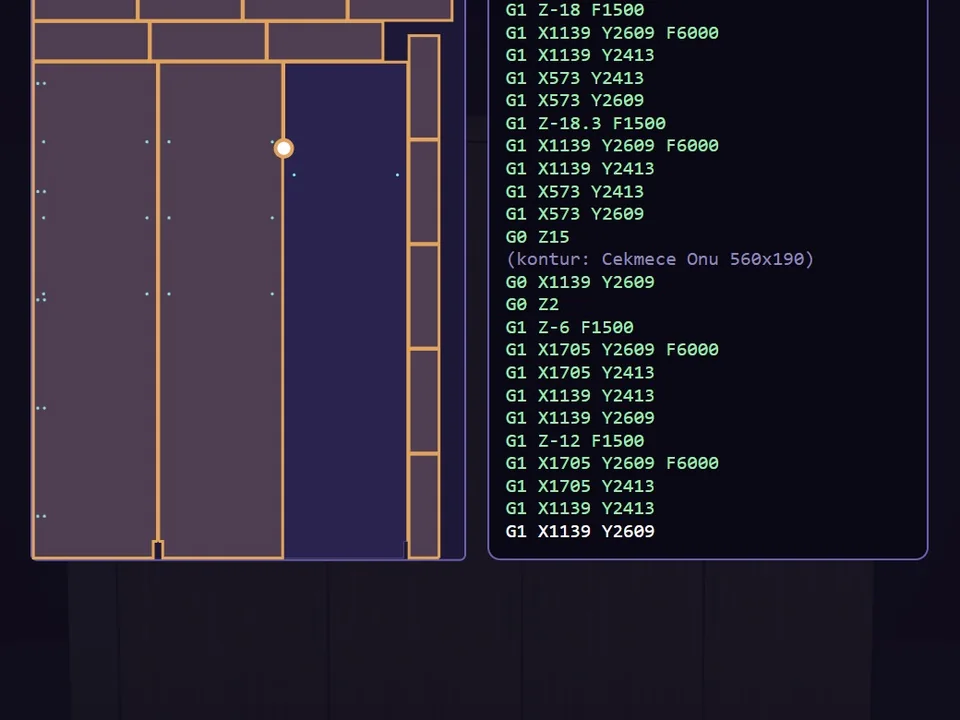
No cut lists by hand: draw the panel once, cut list and CNC DXF follow.

📐 Productivity

About

Made by a SketchUp instructor of 18 years.
Every tool here started as a job I got tired of doing by hand. Chances are, you’re tired of it too.

Ufuk Şen

0

tools shipped

0

SketchUp releases supported

0

interface languages

Every one of these started as a job I got tired of doing by hand on a real project. I wrote them for myself first, then shared them once they turned out to work.

Ufuk Şenborn 1979, 3D visualisation specialist, instructor and plugin developer, Ankara

Be the first to use new tools when they ship.

Free plugins, new releases and early access. No noise.
No spam. Leave whenever you want.

FREE

CityFill

No white void around your design: fill the city in a few clicks.

Get It Free