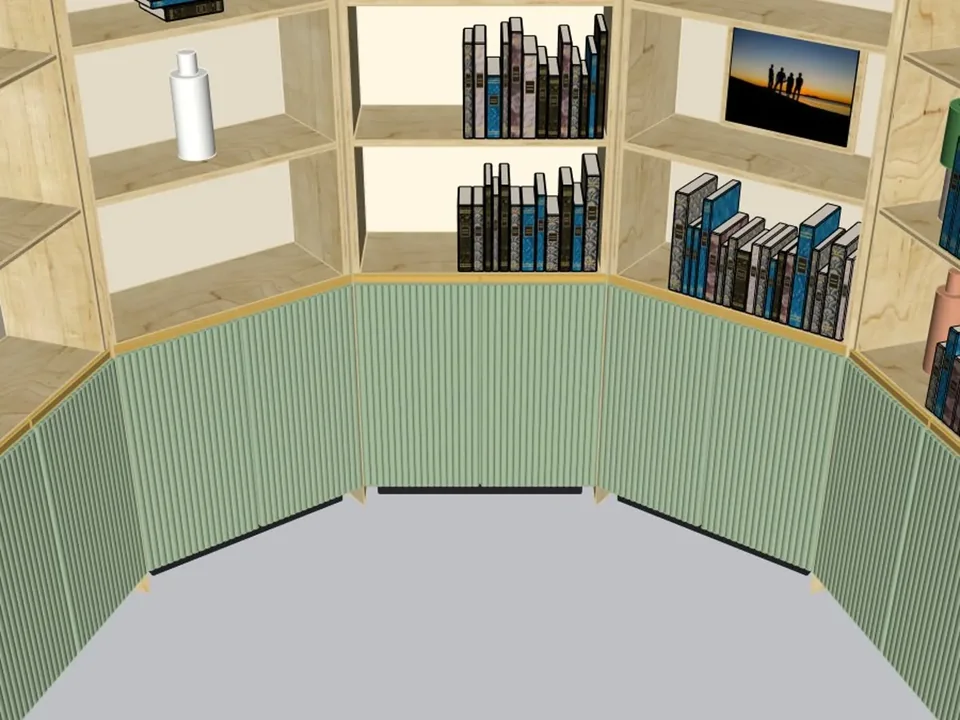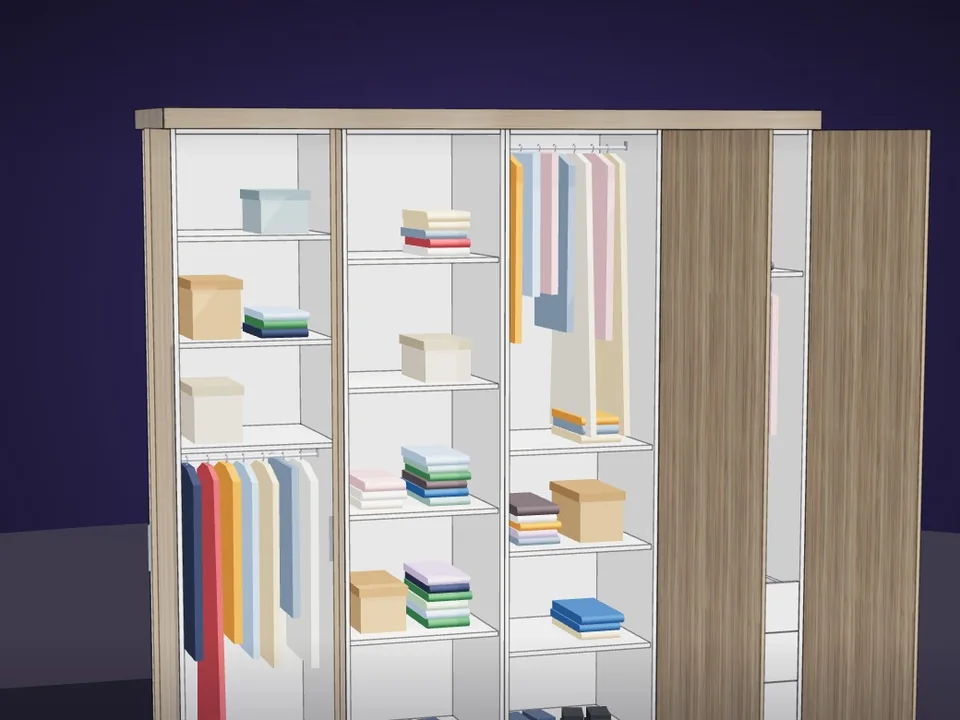
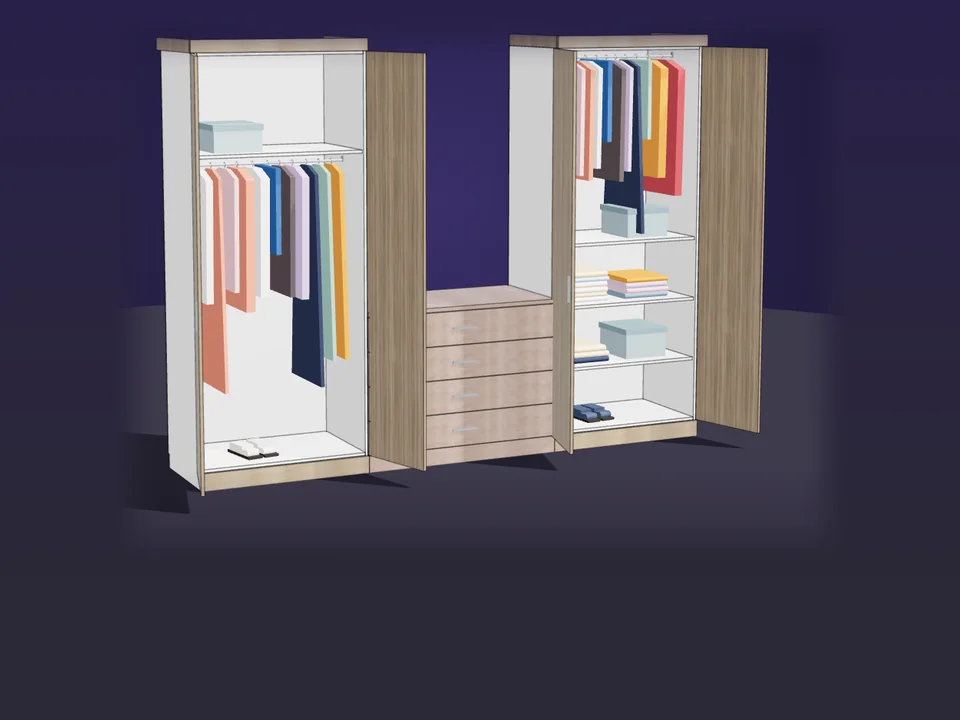
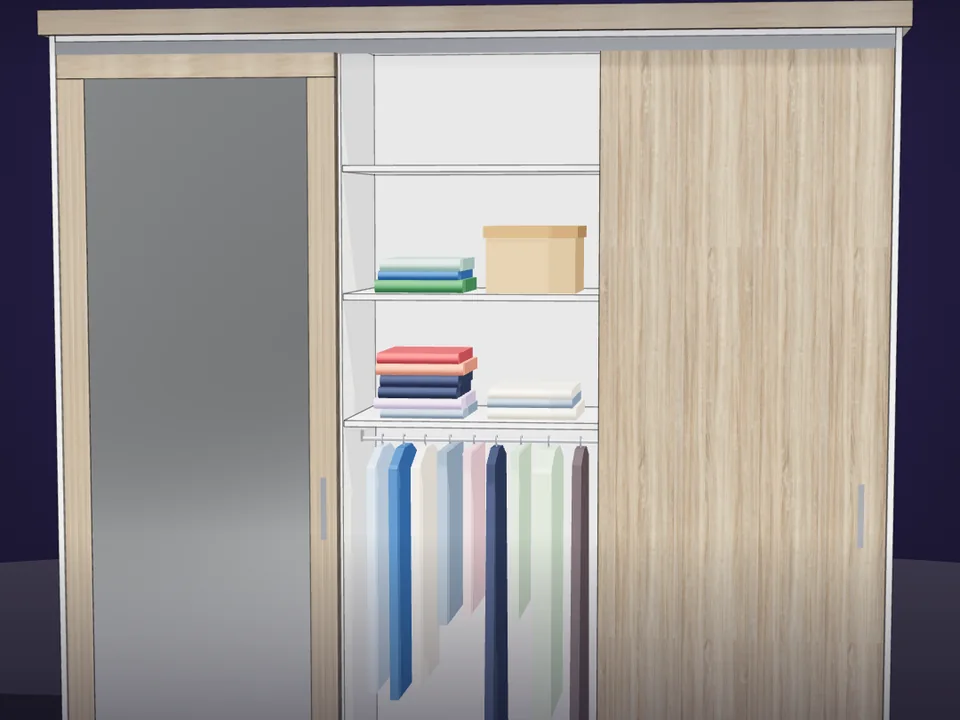
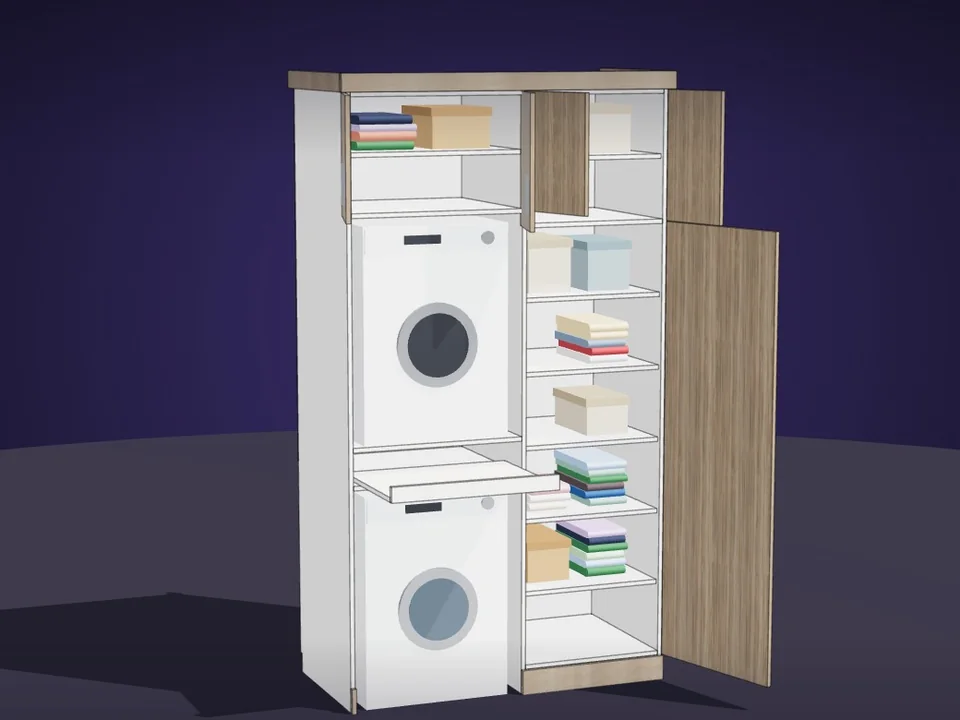
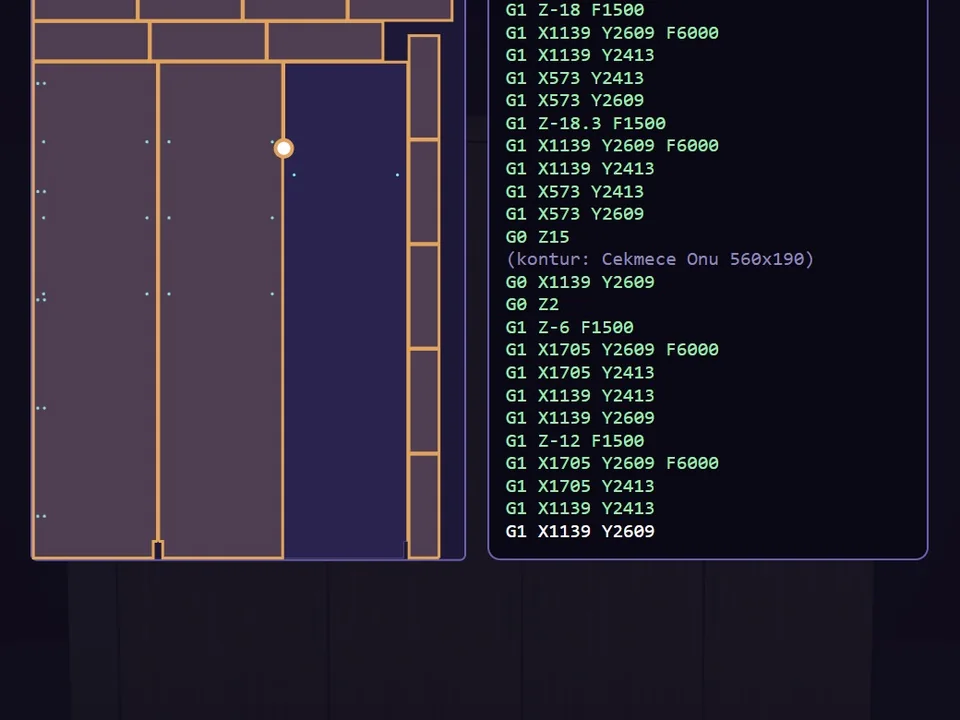
Type the size. The whole wardrobe builds itself.
$65
CabinetWizard
No panel-by-panel drawing: type the size, get quote and CNC files.
- 131 solids from 20 components
- 12 finishes, 7 door styles
- 164 tests, SketchUp 2017+
SketchUp 2017–2026v1.19.0
🛋 6 tools
Cabinets, curtains, skirting - the room finished properly.
Type the size. The whole wardrobe builds itself.
No panel-by-panel drawing: type the size, get quote and CNC files.
SketchUp 2017–2026v1.19.0
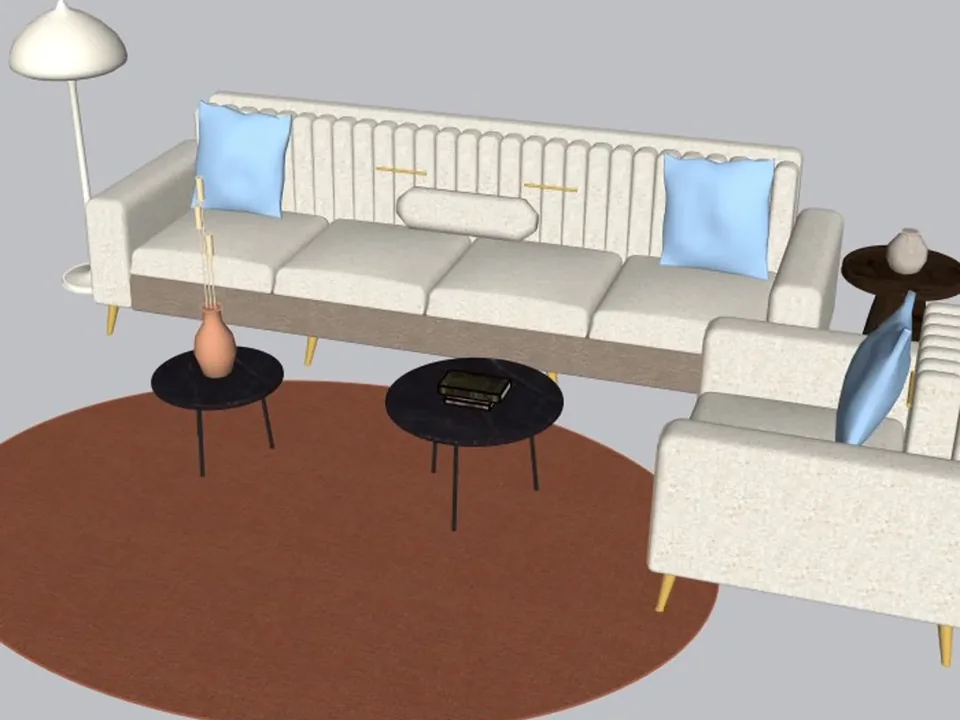
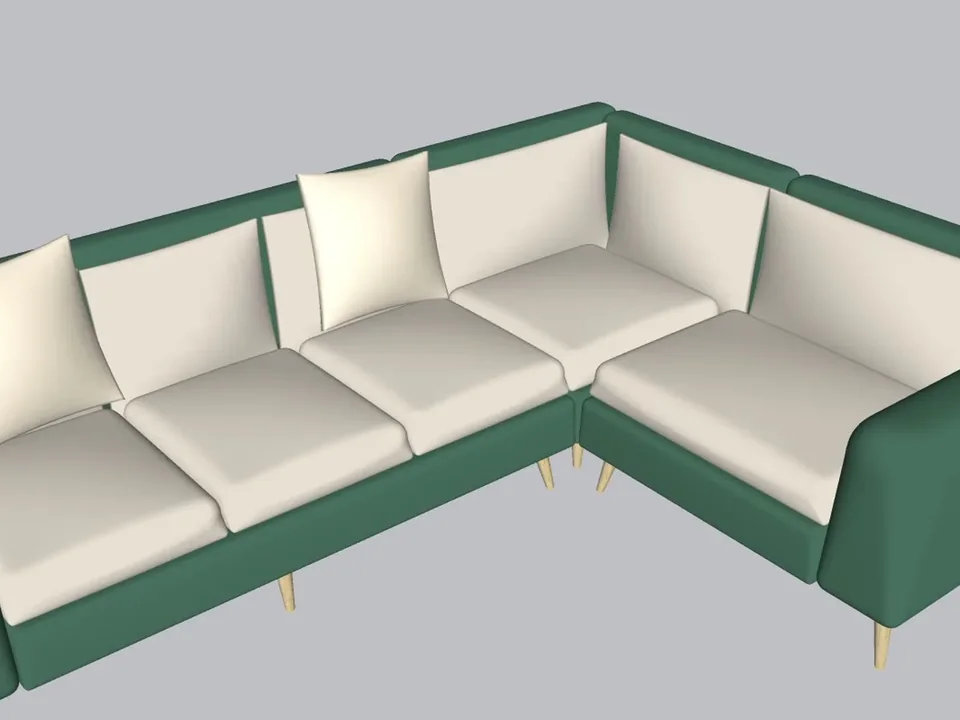
A whole living room set in one click.
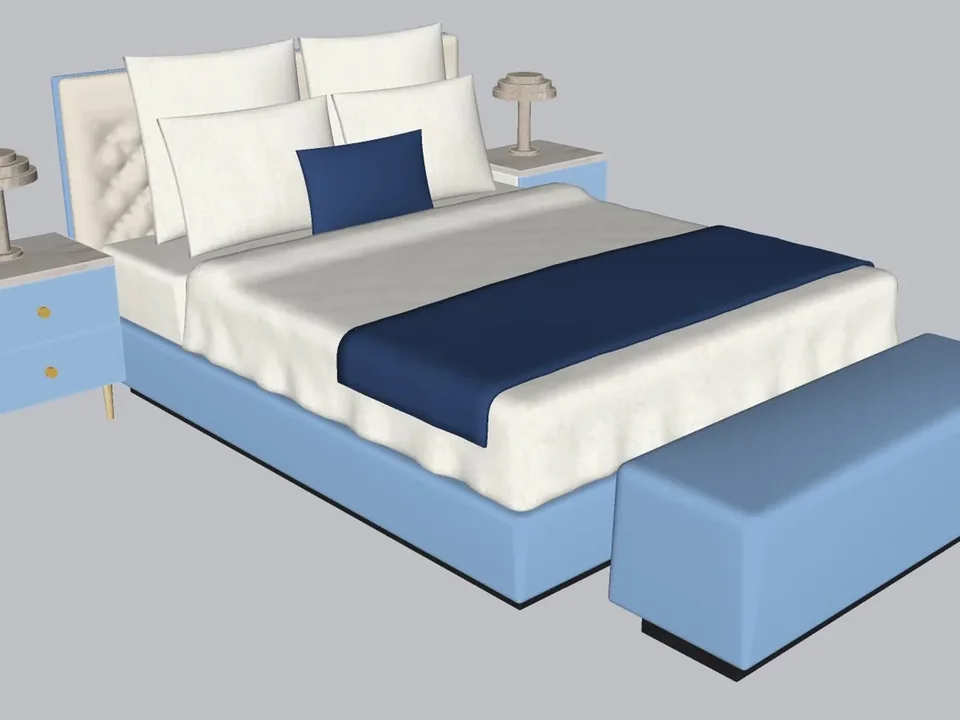
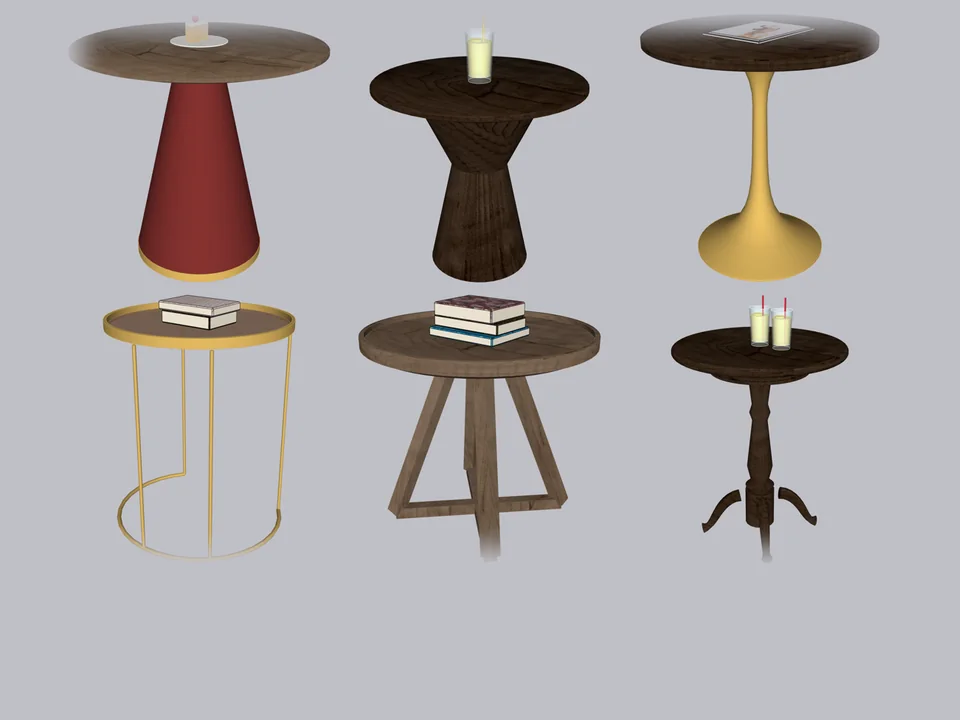
No empty boxes: two clicks, real furniture; pull the ball, it grows.
SketchUp 2021–2026v1.14.0
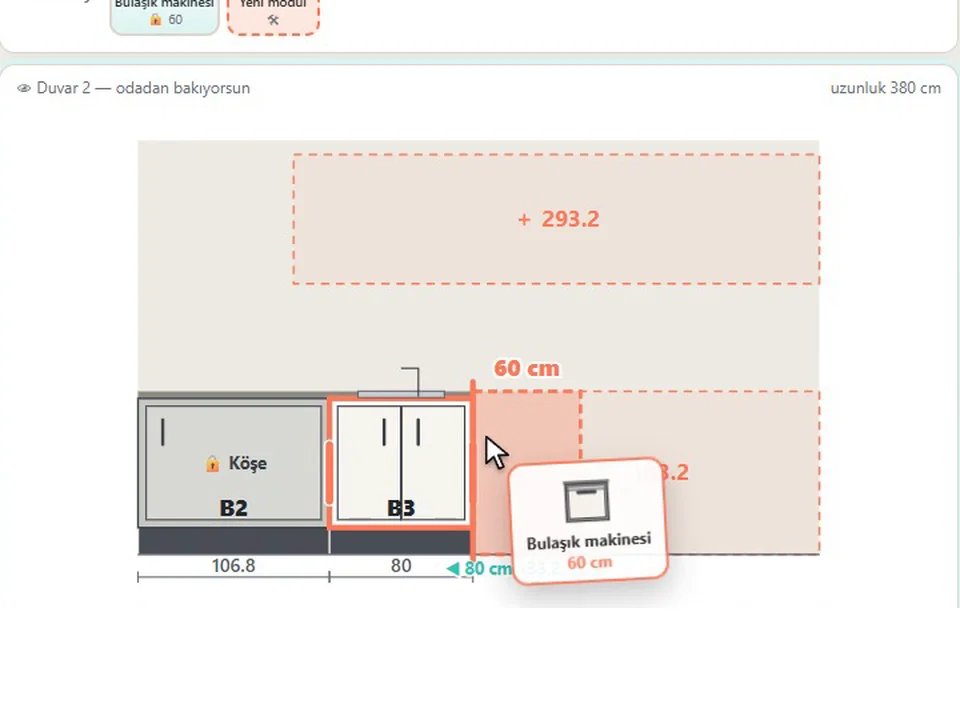
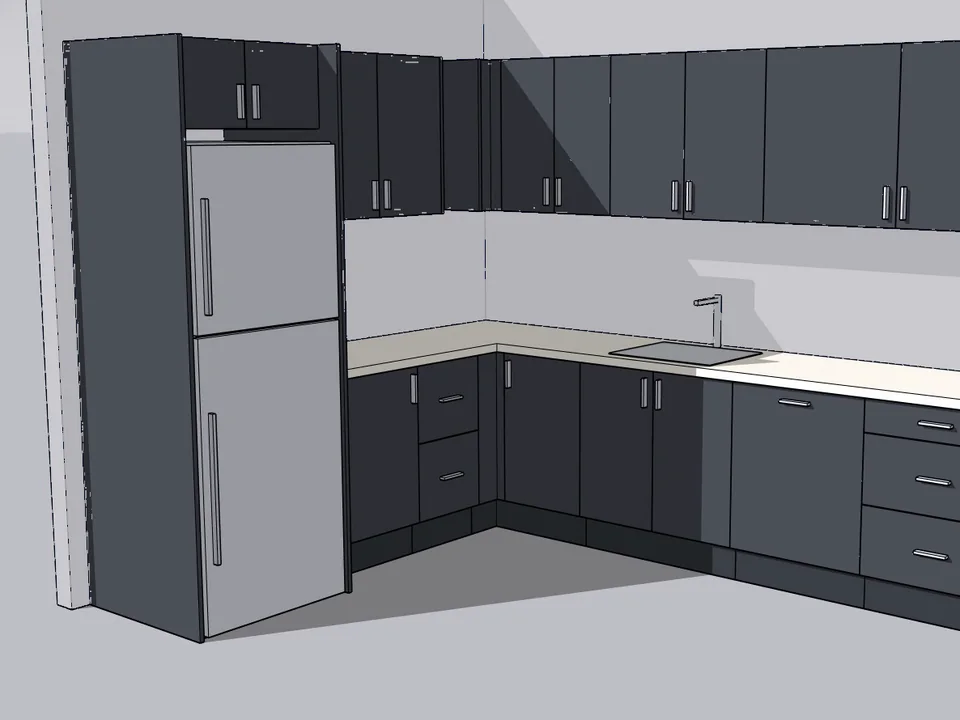
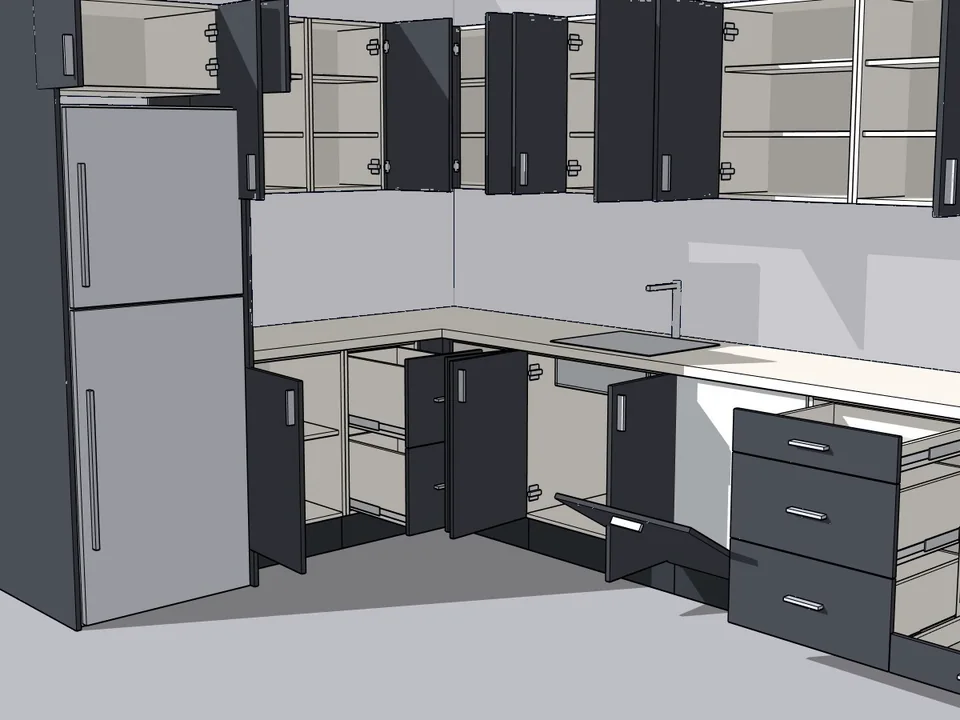
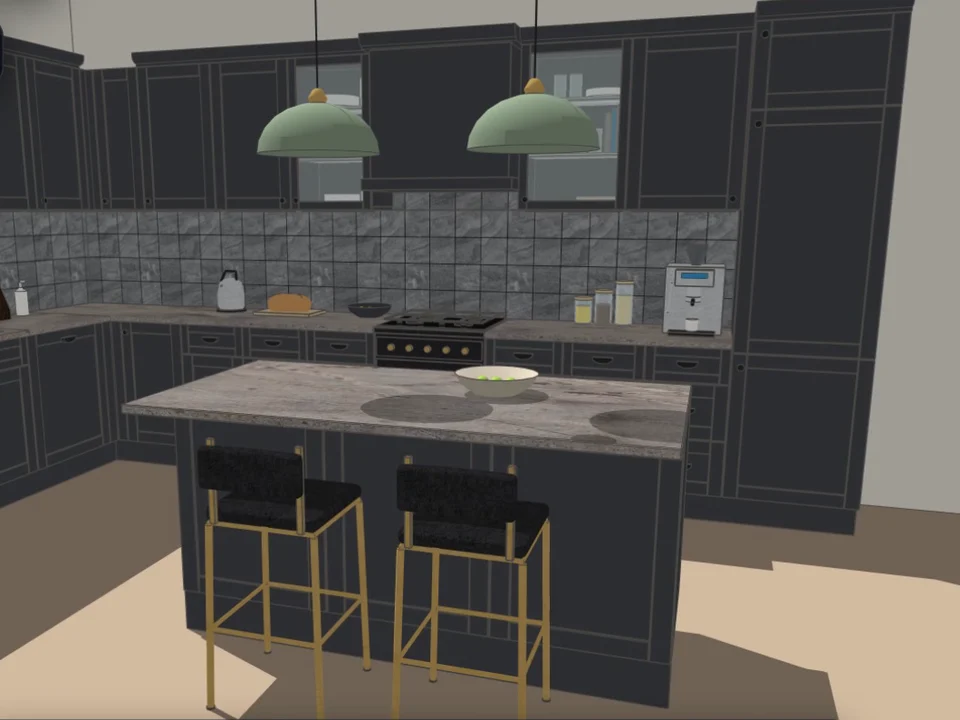
Grab a cabinet, drop it on the wall. Kitchen done.
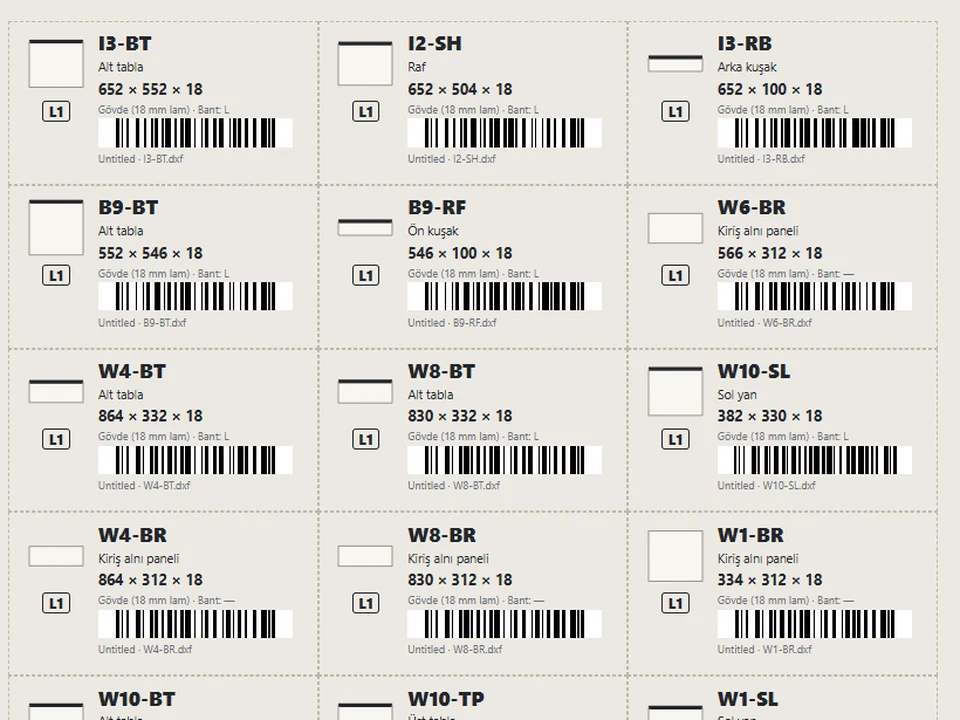
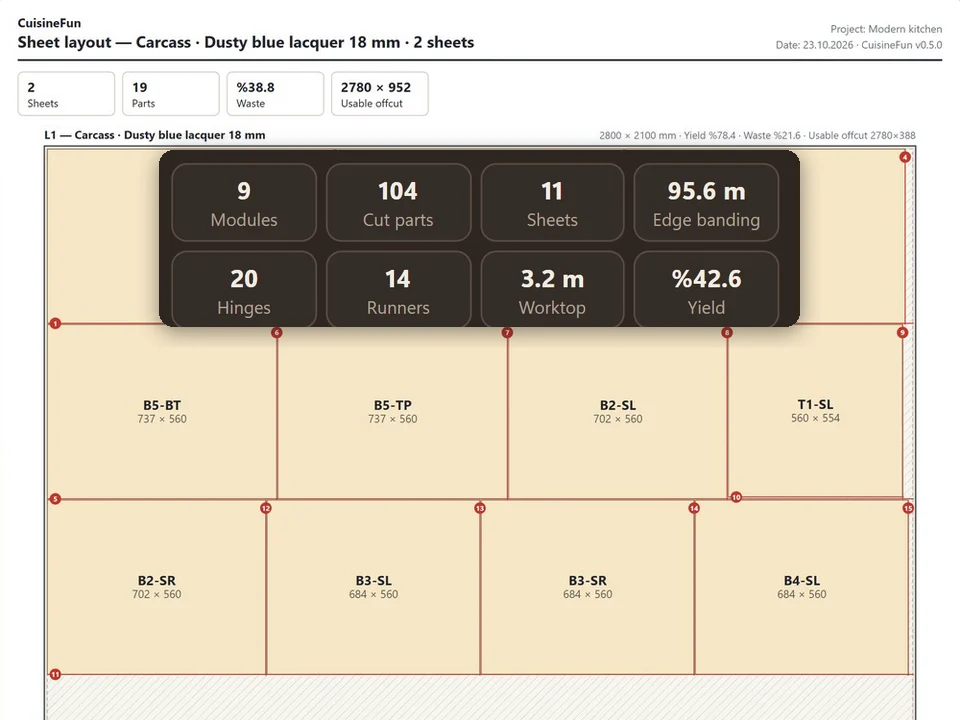
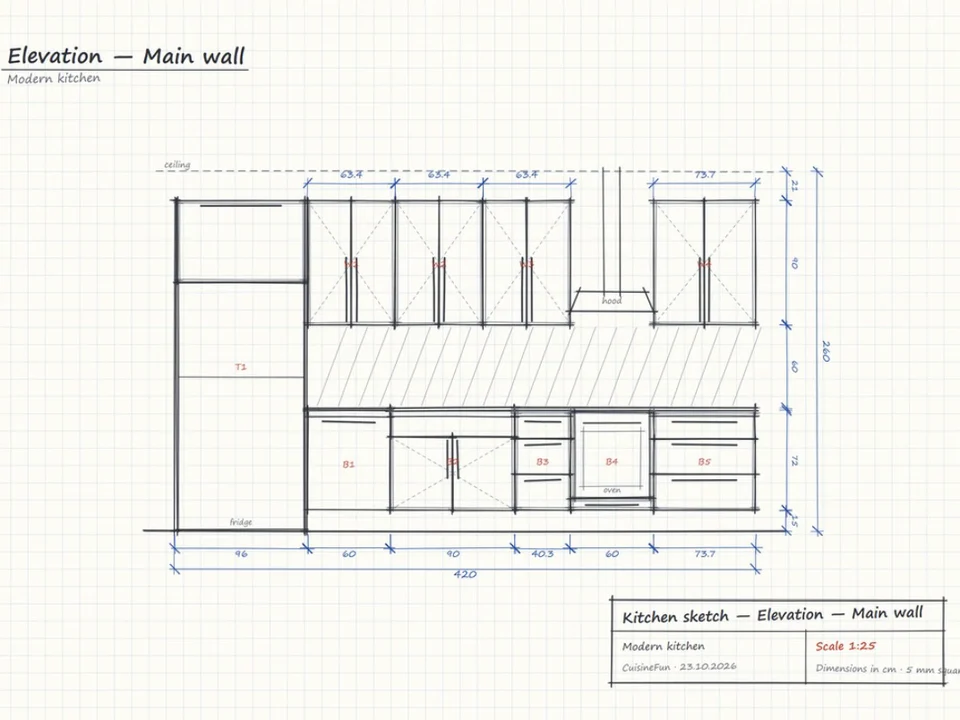
No re-drawing, no re-typing: drag the cabinets onto the wall, get the kitchen, cut list and CNC files.
SketchUp 2021–2026v1.28.1
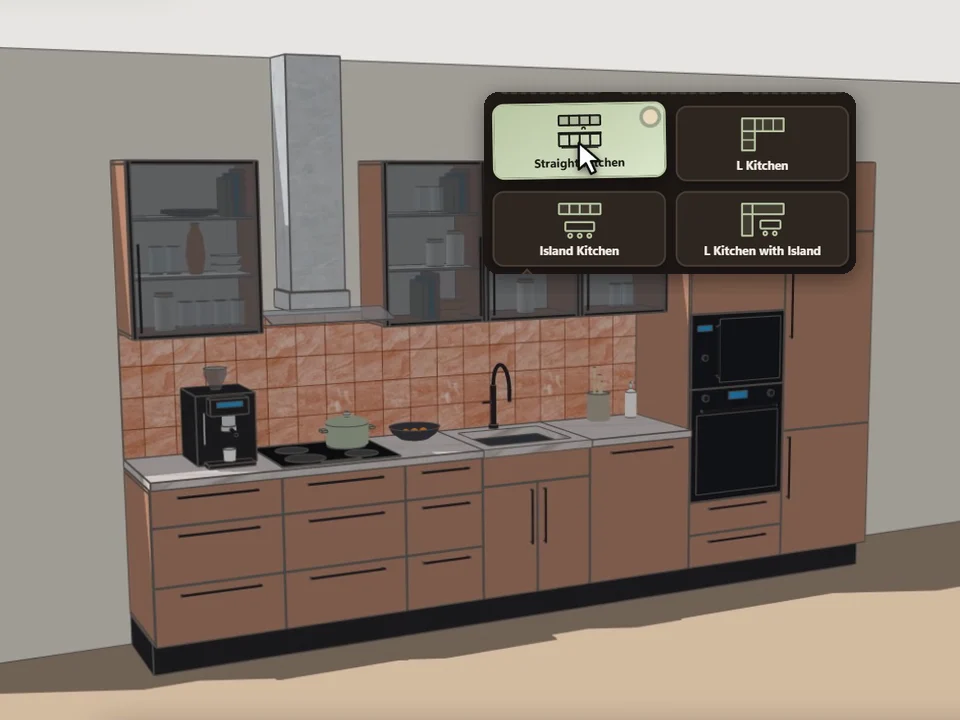
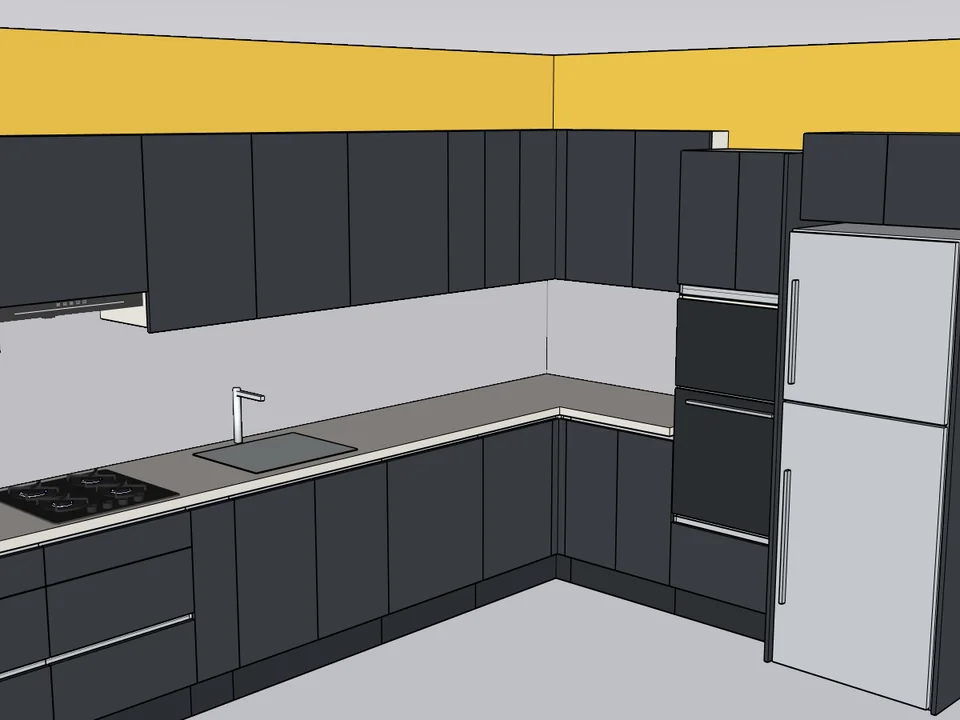
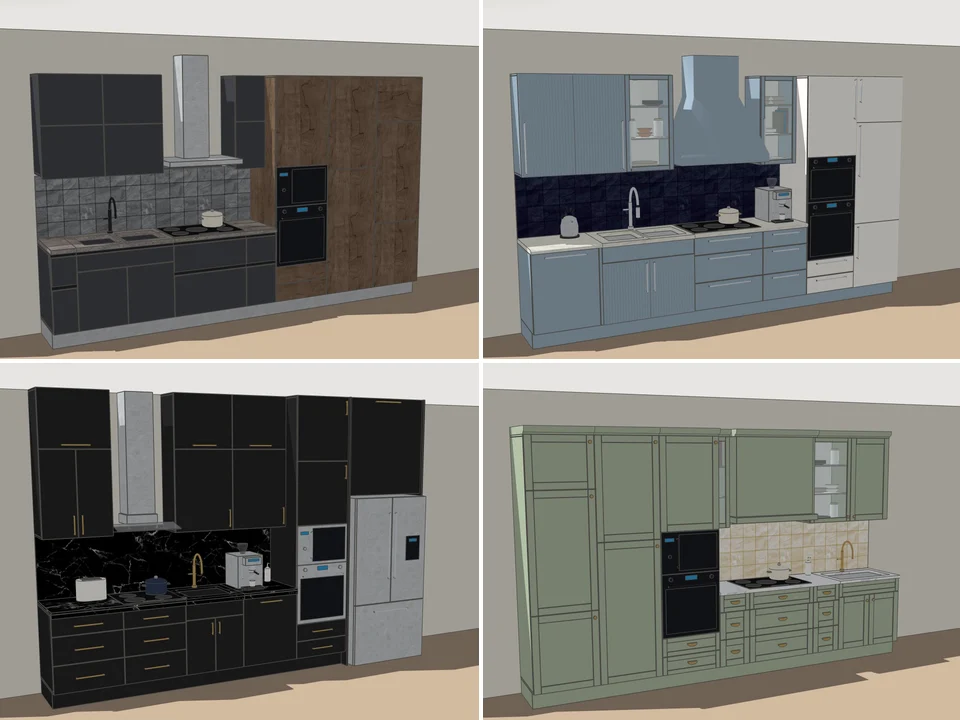
Pick a card, click the wall. Whole kitchen done.
Pick a card, draw along the wall: a fully furnished kitchen, new every time.
SketchUp 2021–2026v0.5.0
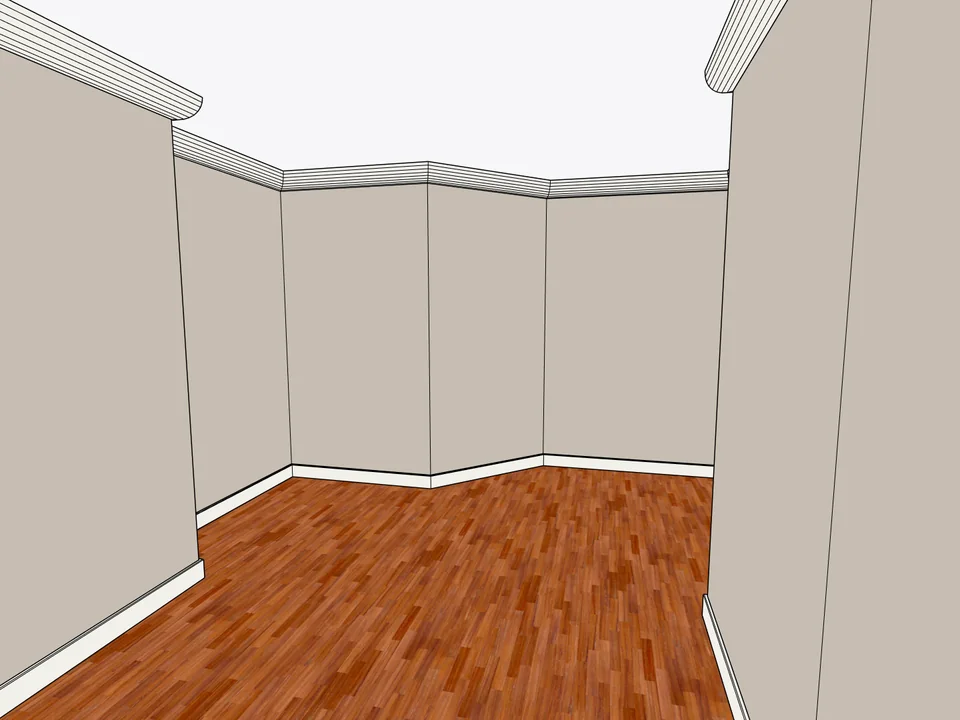
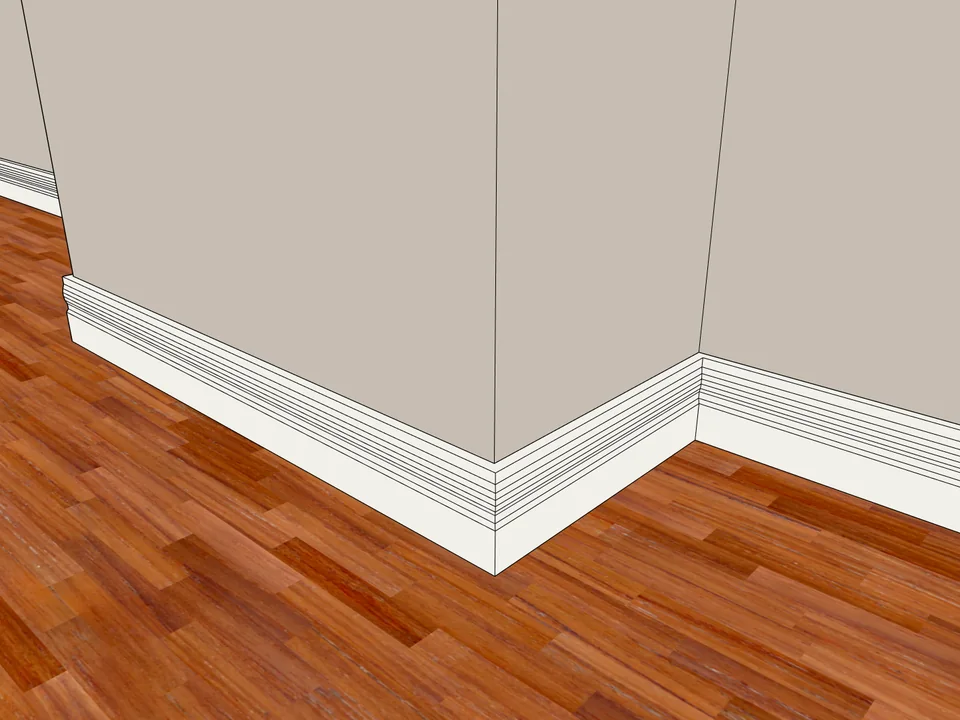
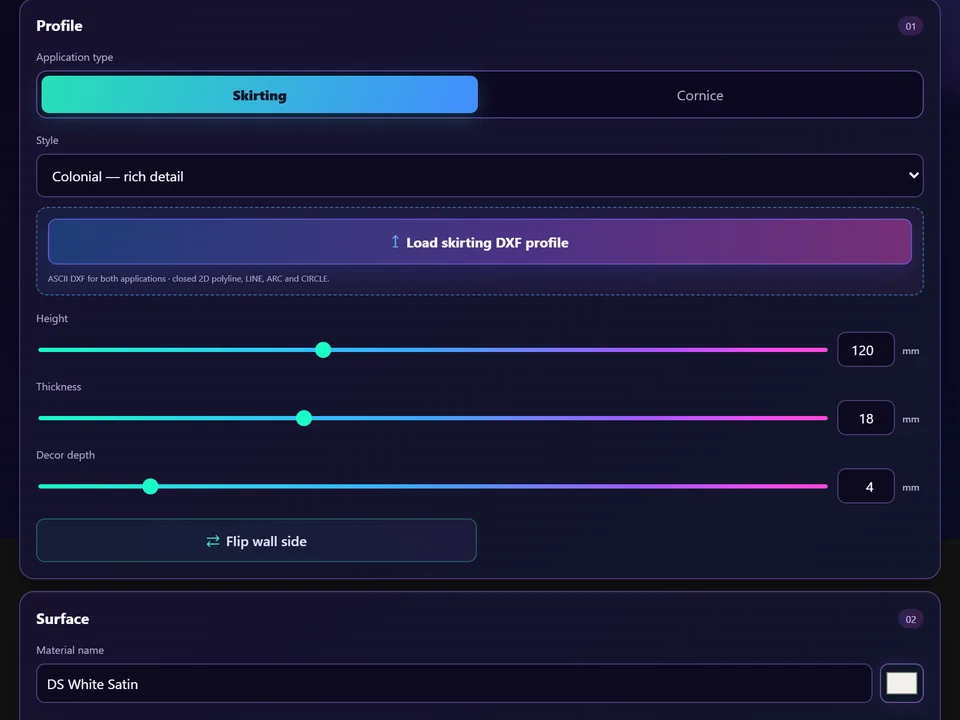
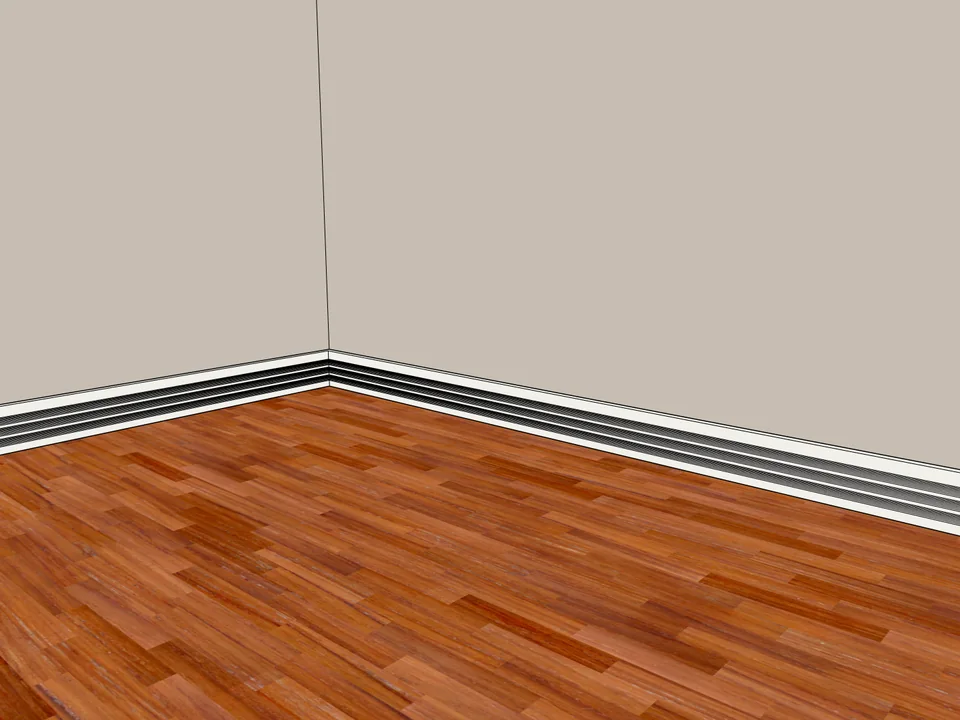
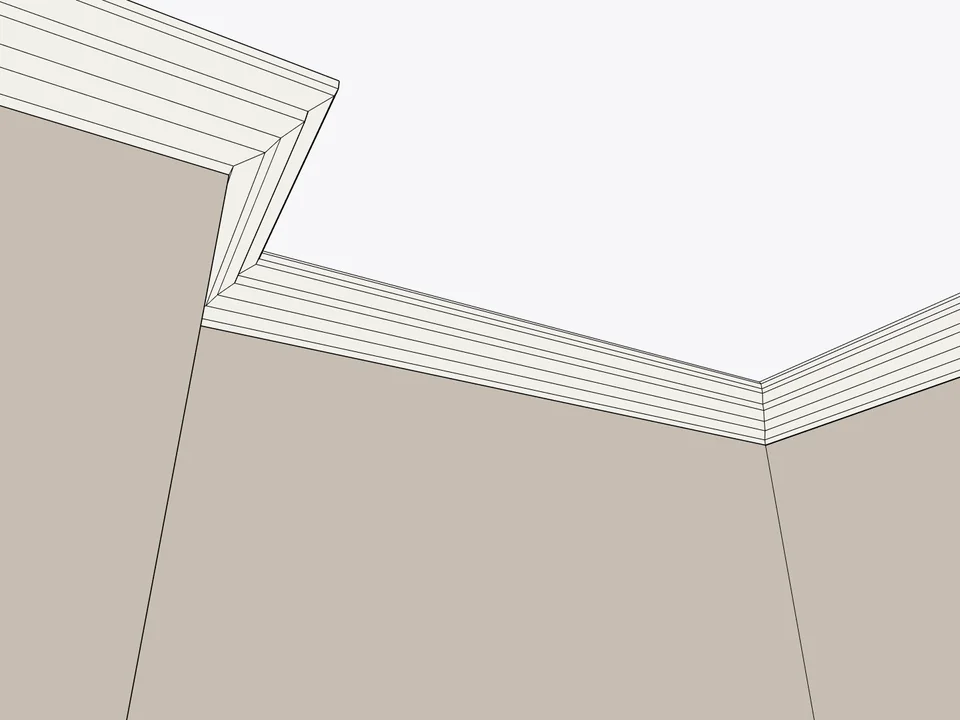
Click the floor. The whole room is skirted.
No hand-cut mitres: skirting and cornice, one click per room.
SketchUp 2024–2026v1.3.2
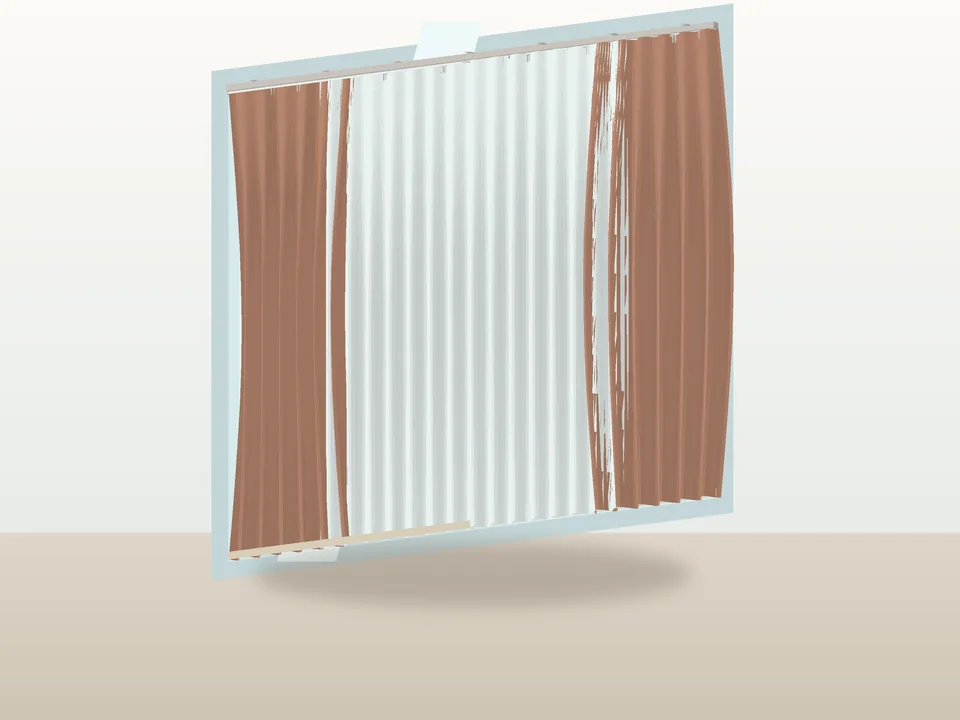
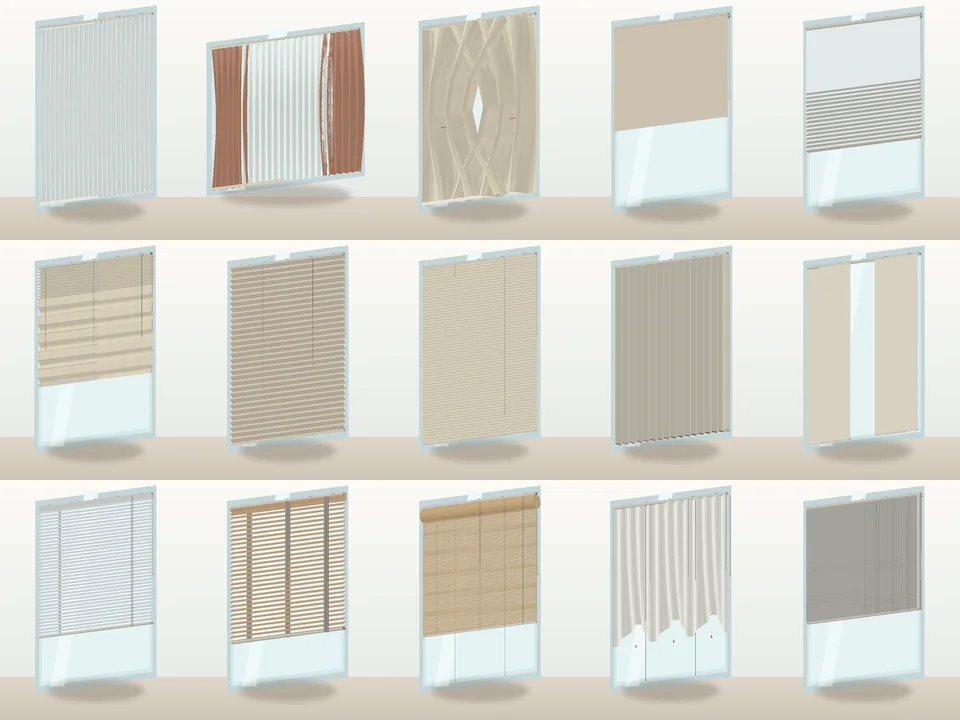
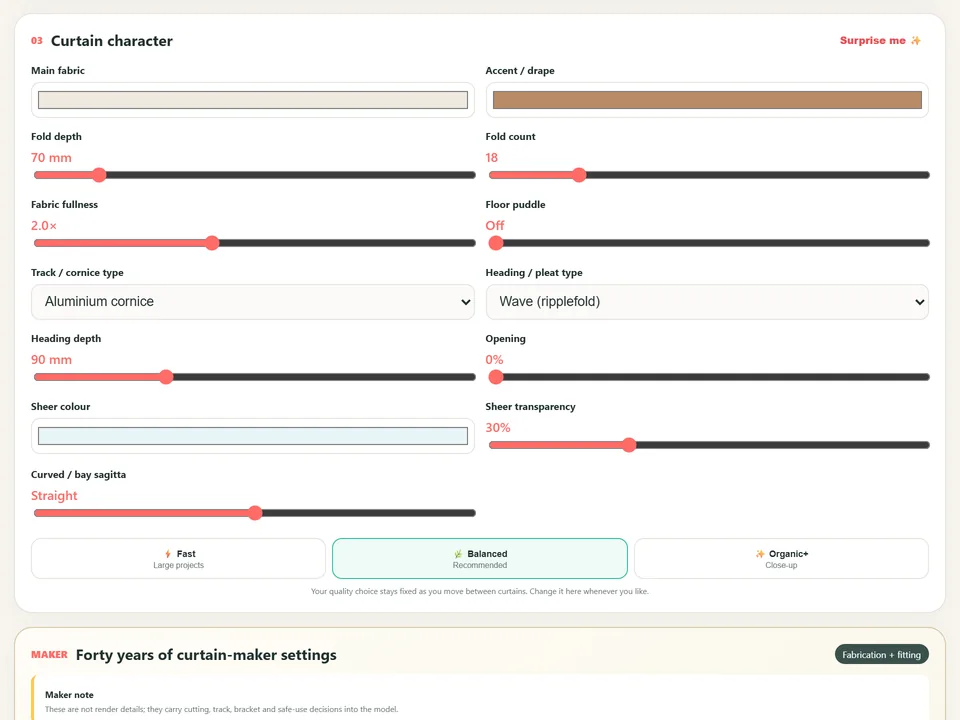
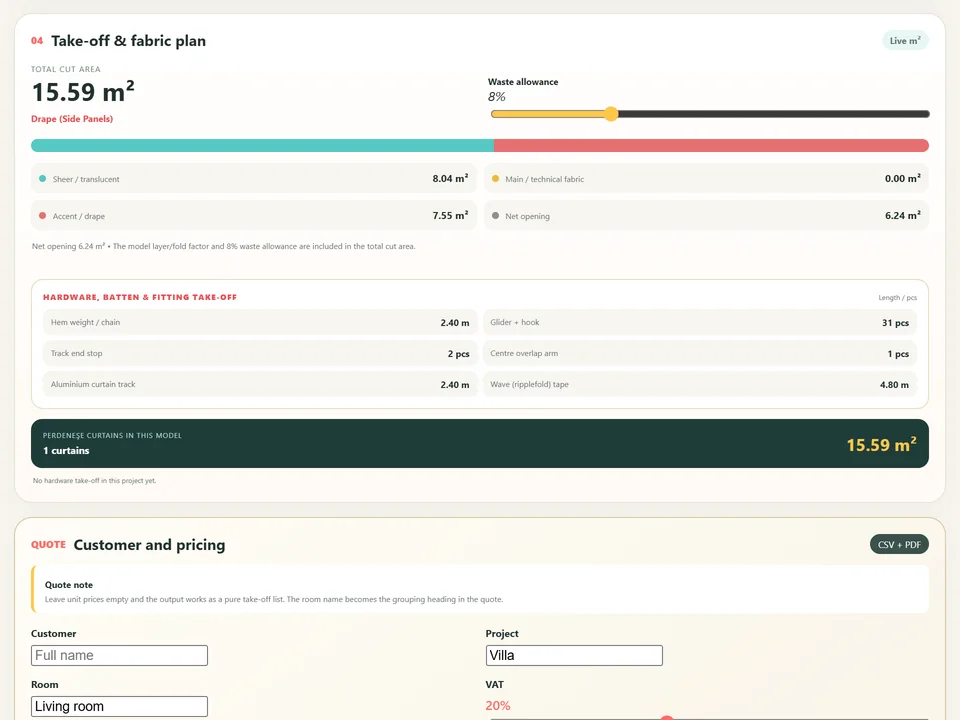
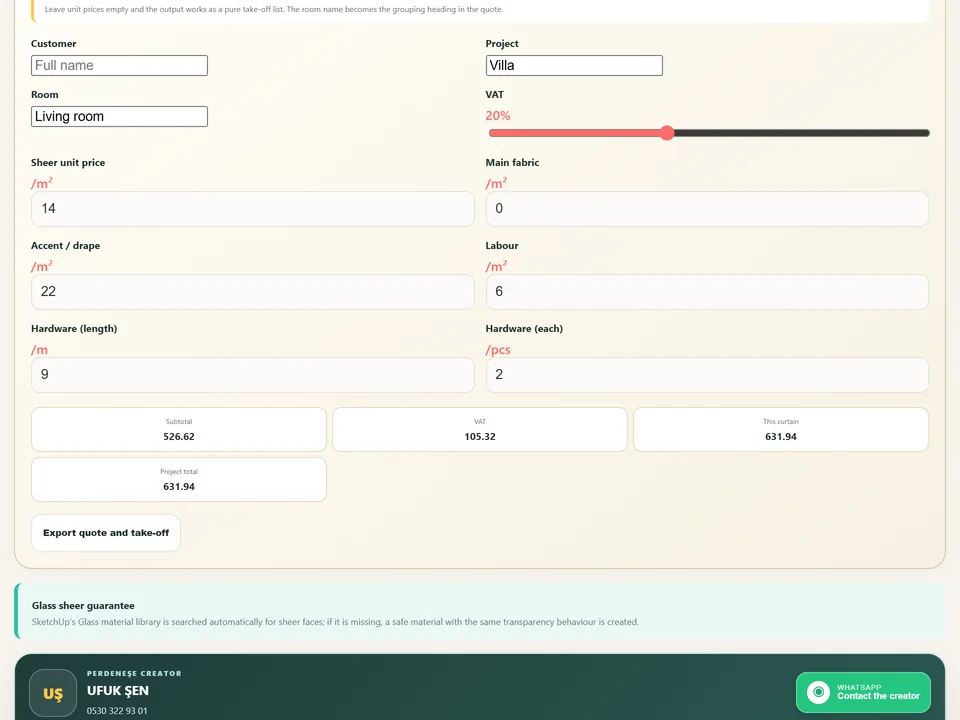
Three clicks and the window is dressed.
No fold-by-fold modelling: three clicks, curtain, rail and quote.
SketchUp 2021–2026v2.2.1