01
Rebuilt from formulas, never scaled
Change a width, height or section and every carcass panel, shelf, door and drawer is rebuilt, so thicknesses and joints never distort.
You type the size with the client sitting across from you; they see the wardrobe and the quote before they leave the table, and the cut sizes that reach the workshop match the drawing. Dimensions, model, quote, CNC in one SketchUp window. Change a number and every part rebuilds from formulas, then lands in your model as real solids.
Lifetime licence and lifetime updates
Be working with it tonight: the file is on screen and in your inbox the moment you pay.
Prices are in US dollars. Gumroad converts to your local currency at checkout.
SketchUp 2017 or newer · SketchUp 2024 · SketchUp 2025 · SketchUp 2026 · Windows · macOS · v1.19.0
Left: the job by hand. Right: the same job with the plugin.
CabinetWizard
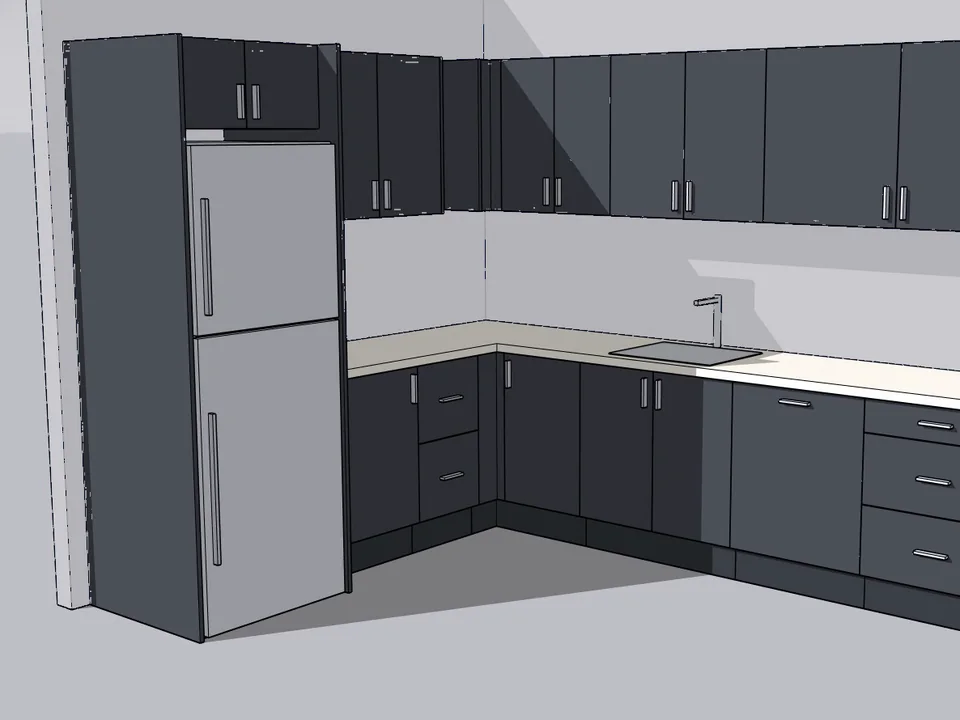
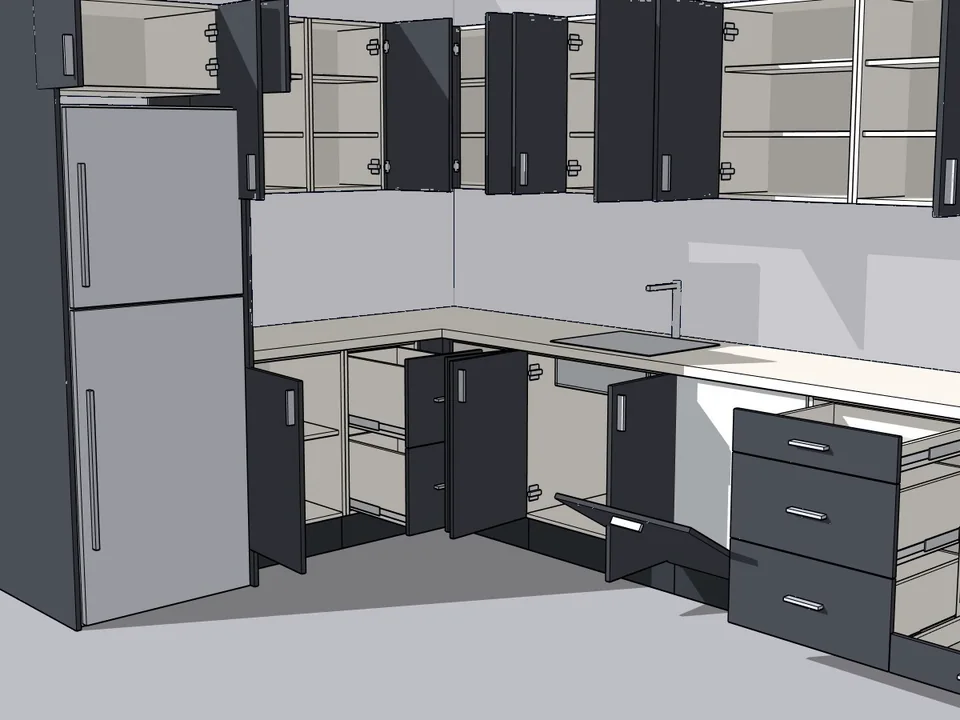
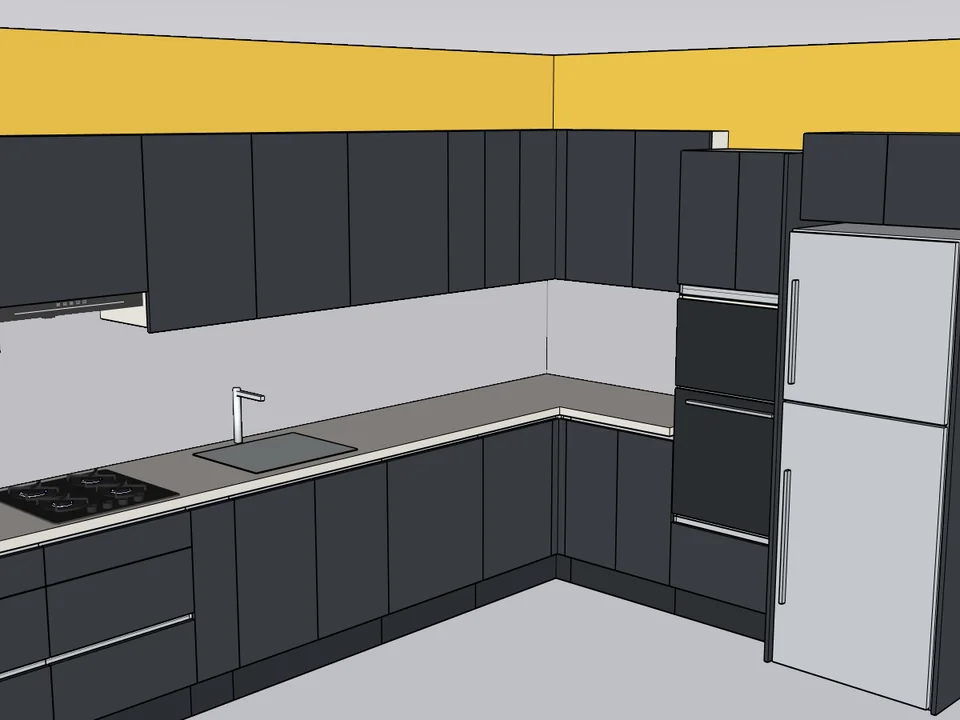
What the plugin does for you, drawn rather than listed.
Change a width, height or section and every carcass panel, shelf, door and drawer is rebuilt, so thicknesses and joints never distort.
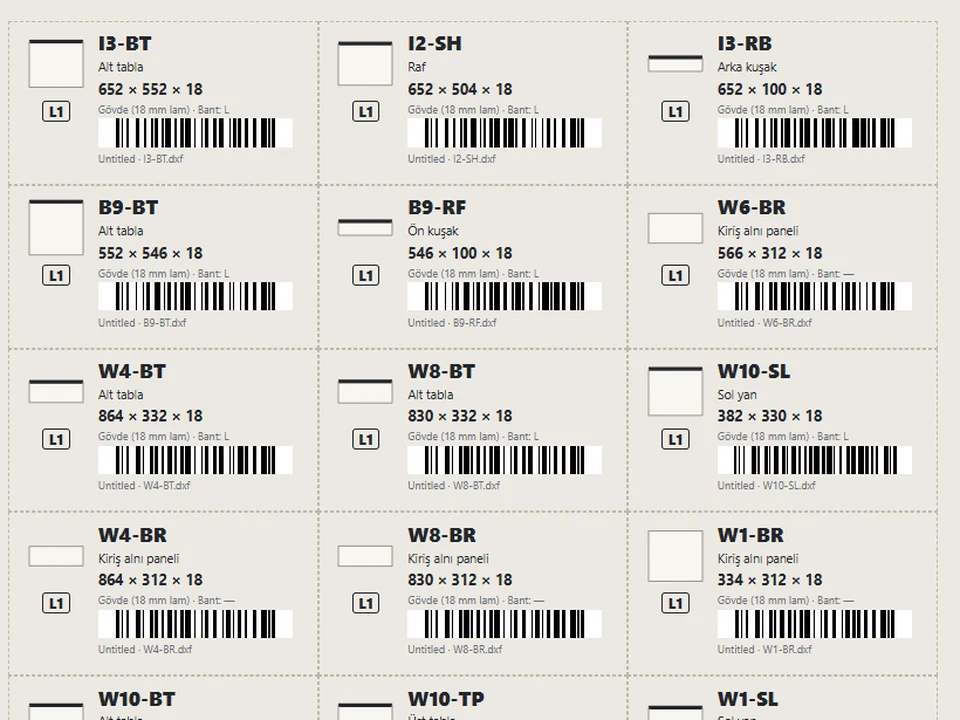
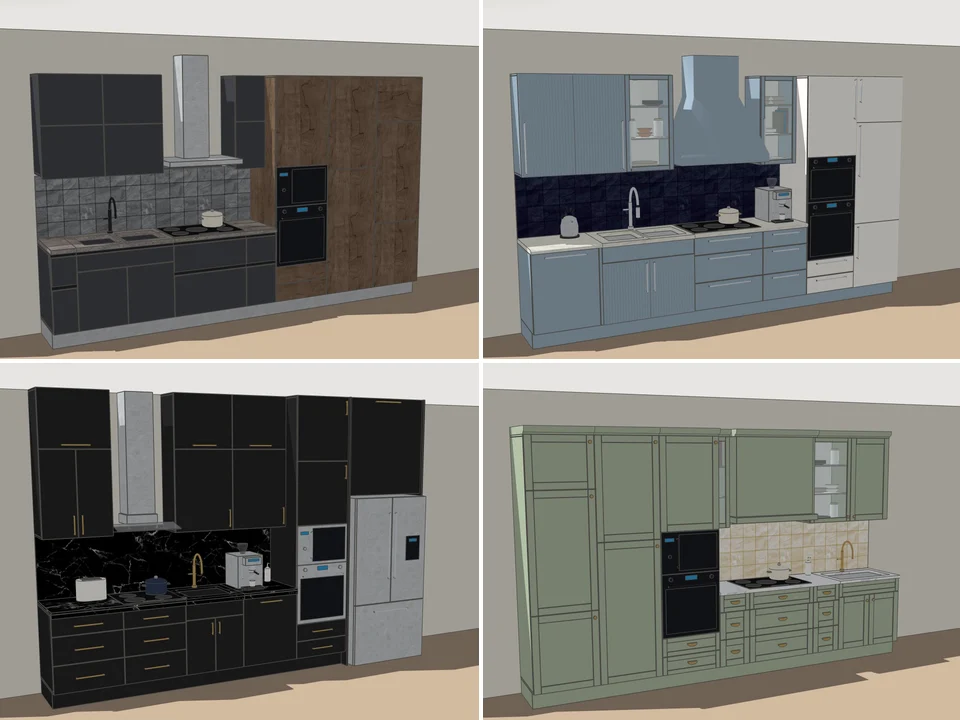
Carcass, shelves, doors, drawers and hardware land in their own groups and tags, and every part is named with its own cut size.
Hanging, full-height hanging, shelved, mixed, drawers and shoe rack, with the section count adapting by itself as the width changes.
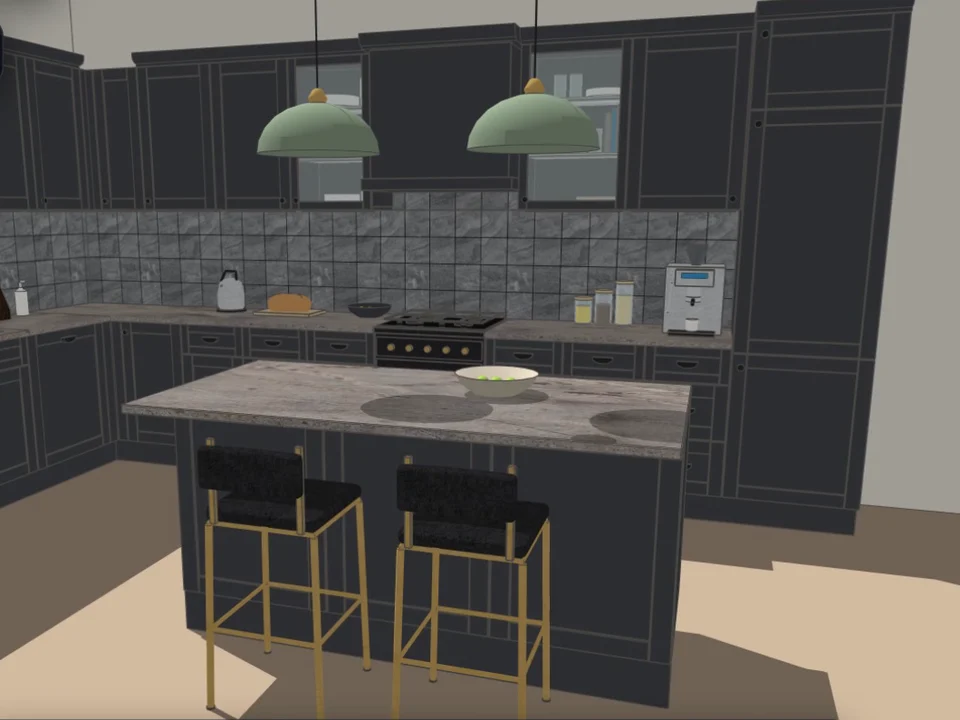
Left, right, lift-up, sliding or no door, combined with 7 door faces; handles, legs, crown and 12 production finishes are yours to pick.
Sheet, edge banding, hardware, labour, margin and VAT are priced from your own price book, and the quote opens ready to print or save as PDF.
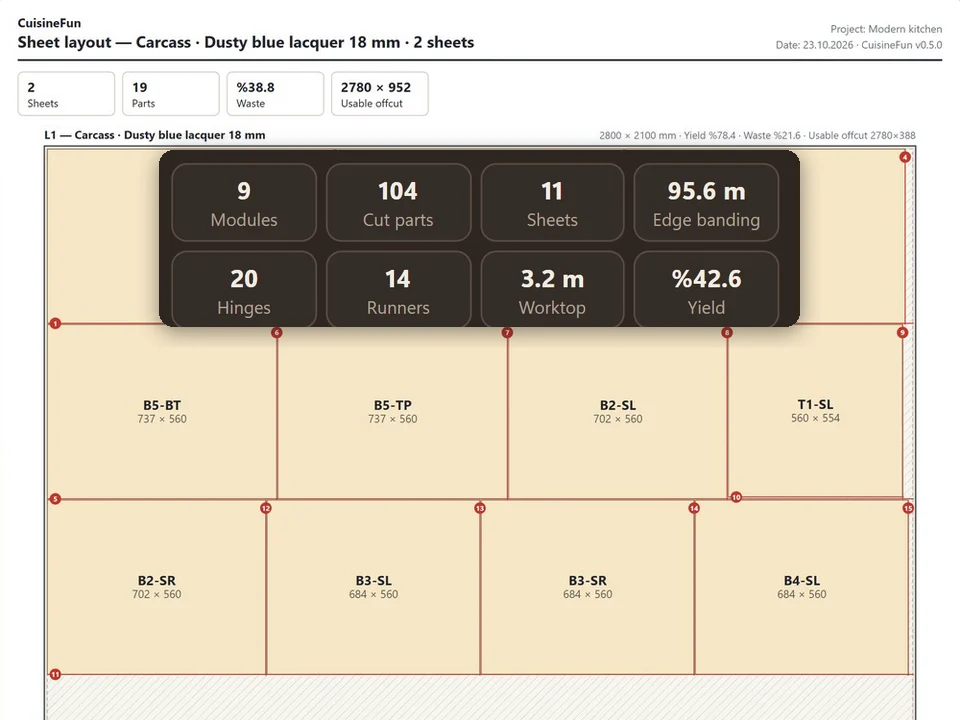
The same build gives grain-aware sheet nesting, a CSV cutting list, a drilling schedule for hinges and shelf pins, and a DXF for the CNC.
Workload test
By handModelling every panel by hand, then typing the cutting list
2 h
With CabinetWizardType the opening, press Add to Model
2 min
98%
less time on this job
80×
faster
The time the same job takes by hand and with the plugin; the share and the speed-up are worked out from those two times.
The SketchUp versions this plugin runs on:
It also runs on SketchUp 2017 and newer. Windows and macOS. Your version is under Help › About in SketchUp. Not sure? Just ask.

Ufuk Şen
3D visualisation specialist, instructor and plugin developer, Ankara
SketchUp instructor of 18 years · 34 courses on Udemy · 7,269 students · 899 reviews
Ask before you buy; the person who made the plugin answers.
Drag me
With the plugin
2 min
Type the opening, press Add to Model
By hand
2 h…
Modelling every panel by hand, then typing the cutting list
One click drops the whole wardrobe into SketchUp as real solids — grouped, tagged, every part named with its own cut size. Nobody in the workshop has to ask which part is which.
Change a dimension and every part is rebuilt from formulas — nothing is scaled. Update Selected refits it in place, camera untouched, so a client's change of mind finds you ready.
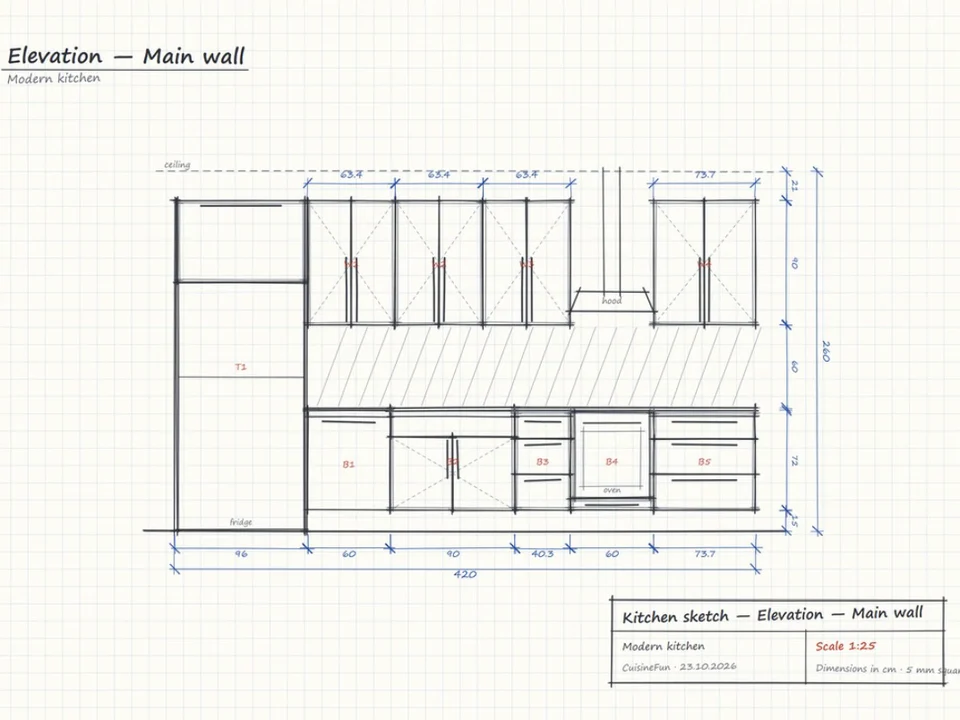
The same build result produces the quote, the nesting layout, the cutting list, the drilling schedule and the DXF. Nothing gets re-measured, so the talk is about profit, not waste.
wardrobe modelling and quoting per project
Estimate based on a typical workflow. Your mileage will vary - usually upward.
Saved every month
0,0hours
Saved every year
0 hours
0 work days
You just found 230 hours of your life.
For the people who read the manual first.
Shipped, and what is next.
Shipped
Next
SketchUp 2017 and newer, on Windows and macOS; it is checked against 2024, 2025 and 2026. The code deliberately avoids everything removed in Ruby 3.x (WEBrick, URI.escape, unpack1) and anything newer than Ruby 2.2, and a compatibility test scans the source to enforce that - which is what the 2017+ claim rests on. It ships unsigned, so Extension Manager's Loading Policy must be set to something other than "Identified Extensions Only". The only feature tied to a newer engine is the path-traced studio render, which needs WebGL2 in the embedded browser; the wardrobe, the quote and the CNC files do not.
One-time, $65, for version 1.19.0, delivered as an .rbz you install from SketchUp's Extension Manager. There is no account step and nothing to sign in to: the interface is served by a local static server on the fixed 5320-5339 port range, and your price book, company details and language choice stay on your own machine (Sketchup.write_default). Quotes, cutting lists, drilling schedules and DXF files are written straight to disk.
The DXF is R12 with an ENTITIES section only - lines, text and circles for holes - so it drops into a CAM program cleanly but it is not a layered CAD drawing. The quote is HTML opened in your browser to print or save as PDF, not a PDF written by the plugin. The six presentation styles and the studio render never touch the geometry or the numbers, and the studio render needs WebGL2 in SketchUp's embedded browser. And a few geometry paths (push-pull solids, the follow-me sphere, cone top-ring scaling) are still confirmed by hand on each SketchUp release rather than by test alone.
Tutorial for
CabinetWizard
This one is in Turkish for now
CabinetWizard
This one is in Turkish for now
The Best SketchUp Plugins for 2026, Sorted by the Job They End
Without spending three days pushing rectangles around: nineteen SketchUp tools sorted by the job you are sick of doing, from walls, openings and floors to stairs, facades, roads and take-offs. Real numbers, honest limits.
Read →
SketchUp Parametric Library Plugin: Beyond Component Folders and Dynamic Components, and How to Choose One
For designers and makers who would rather answer the client on the spot than redraw at night: what a parametric library plugin for SketchUp is, how it differs from component folders and Dynamic Components, and what to check before you choose one, with CabinetWizard as the worked example.
Read →
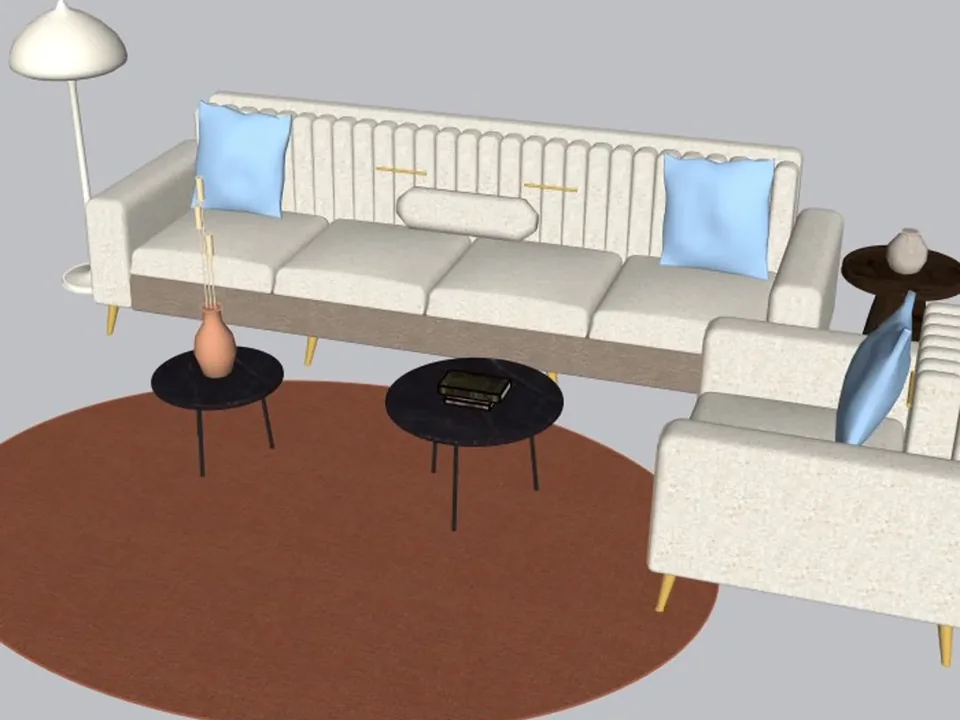
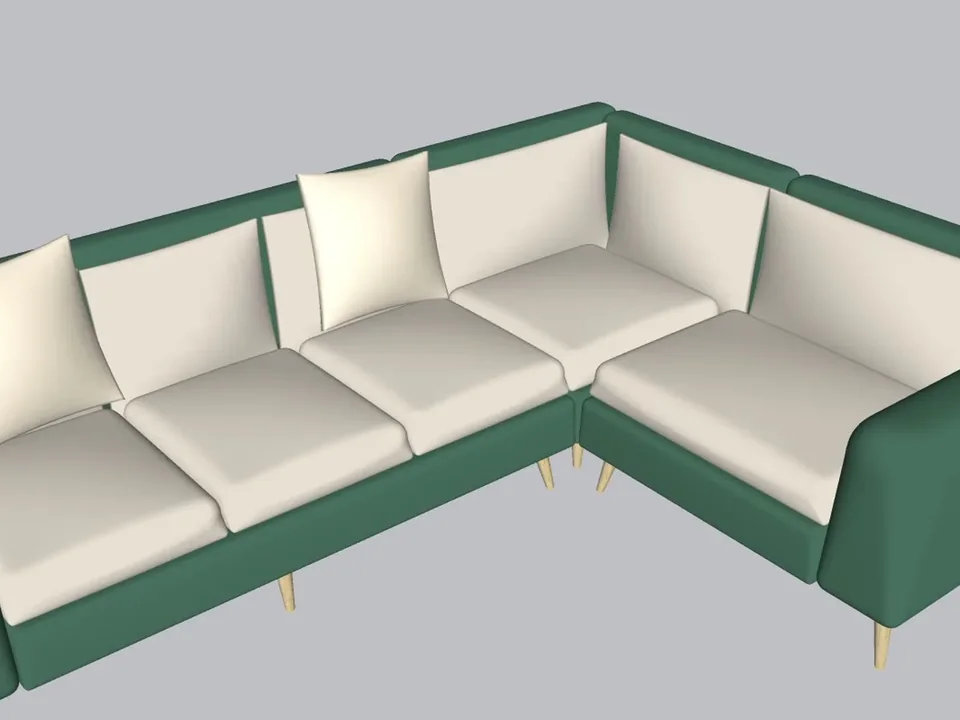
A whole living room set in one click.
No empty boxes: two clicks, real furniture; pull the ball, it grows.
SketchUp 2021–2026v1.14.0
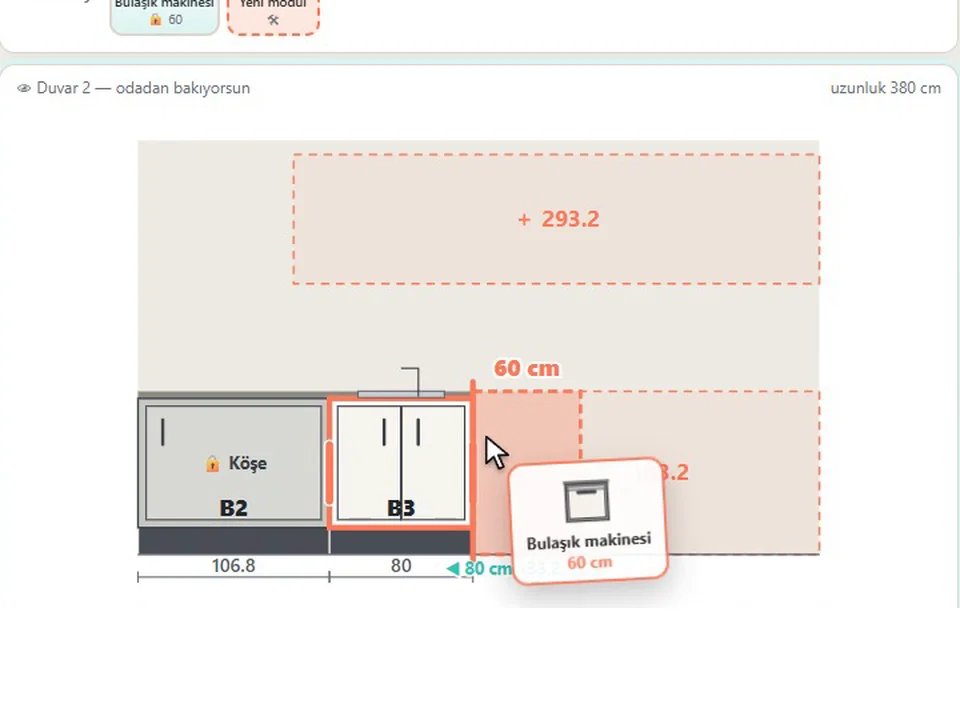
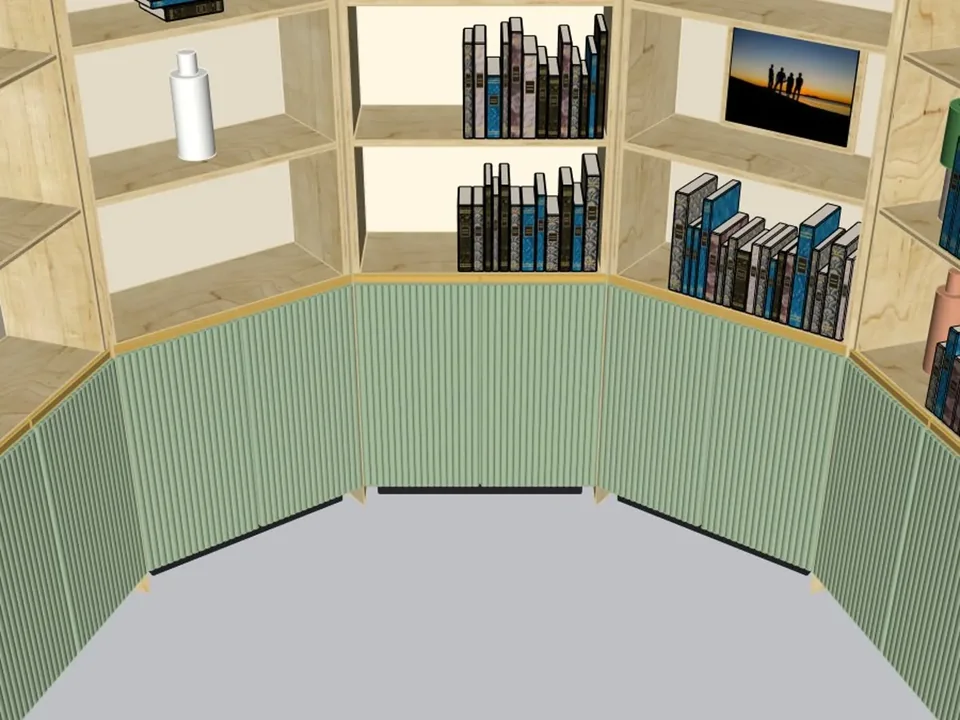
Grab a cabinet, drop it on the wall. Kitchen done.
No re-drawing, no re-typing: drag the cabinets onto the wall, get the kitchen, cut list and CNC files.
SketchUp 2021–2026v1.28.1
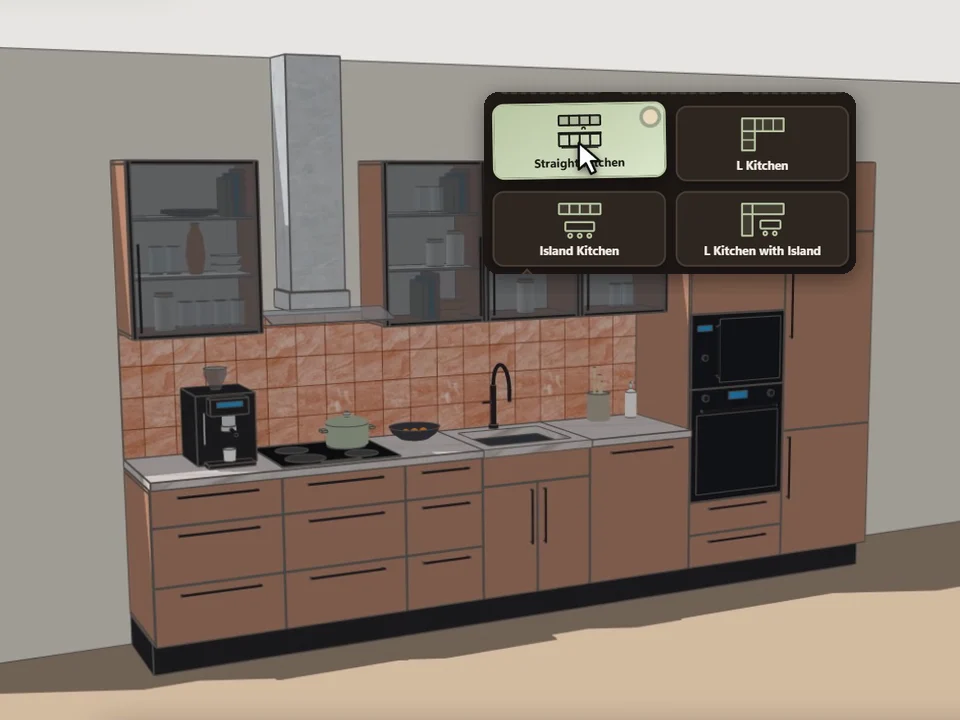
Pick a card, click the wall. Whole kitchen done.
Pick a card, draw along the wall: a fully furnished kitchen, new every time.
SketchUp 2021–2026v0.5.0