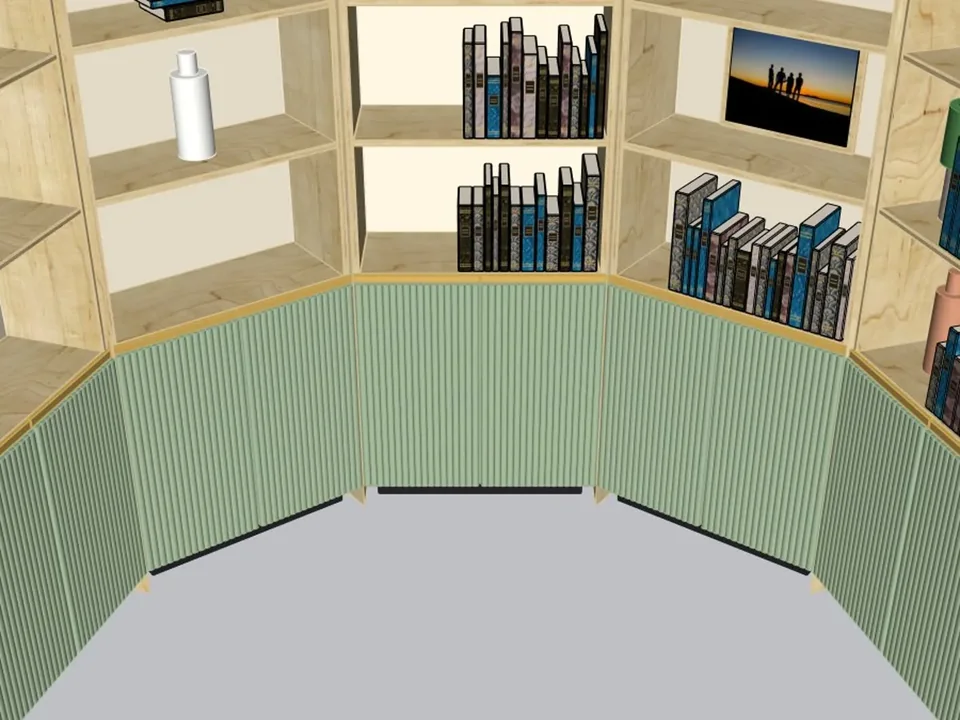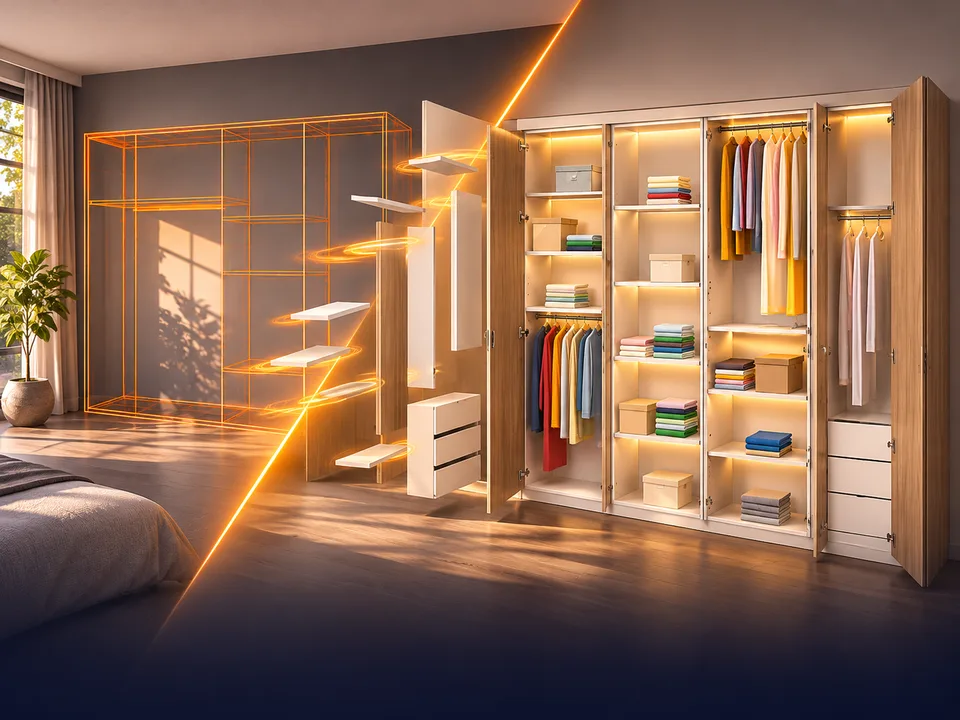
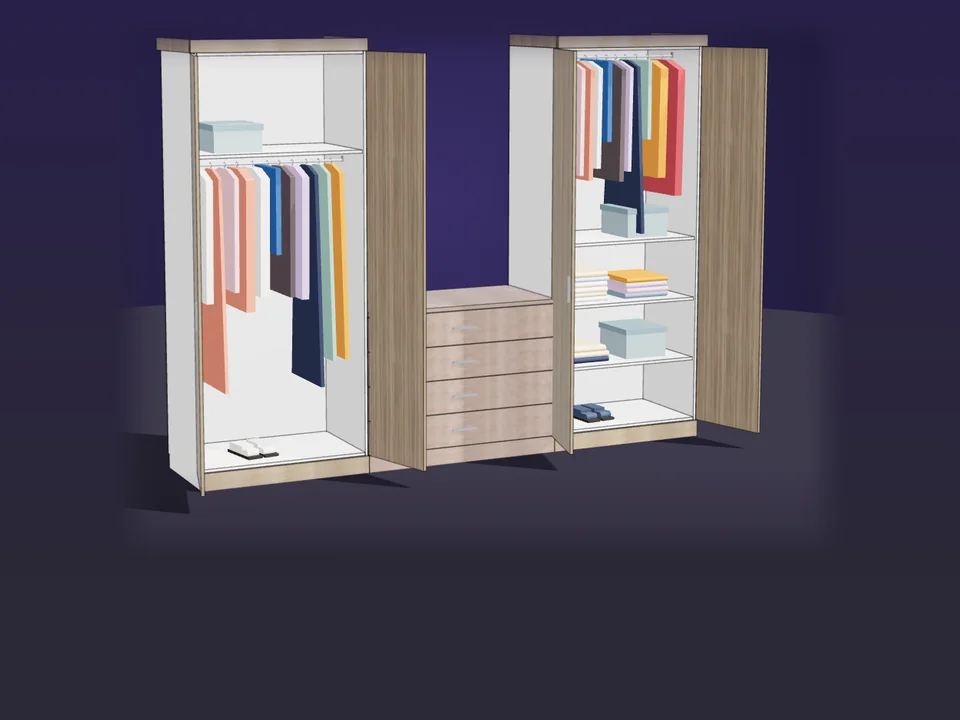
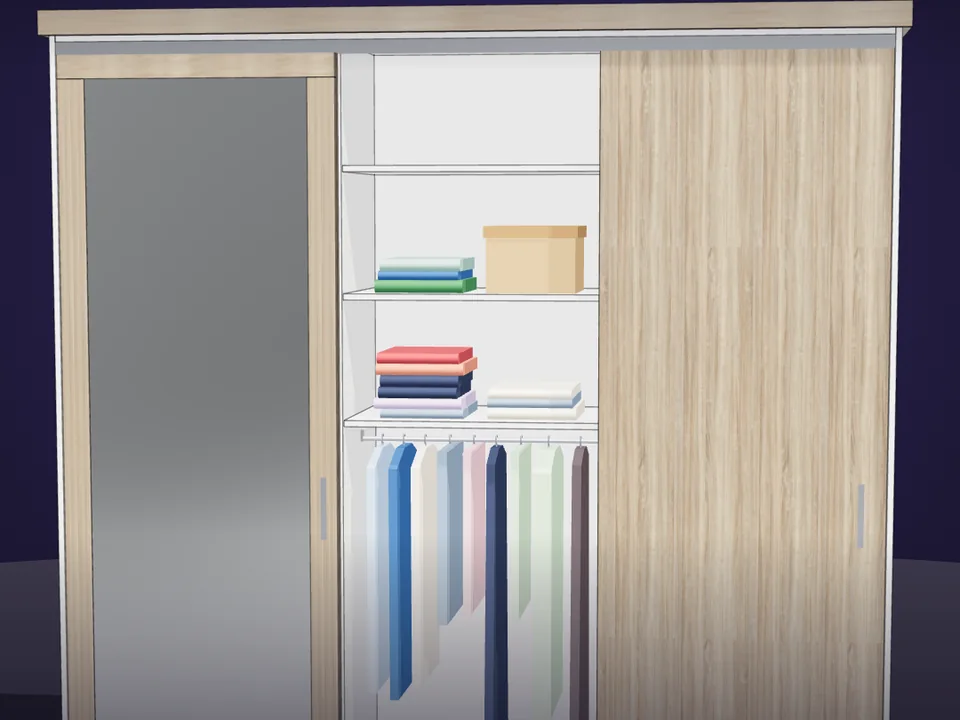
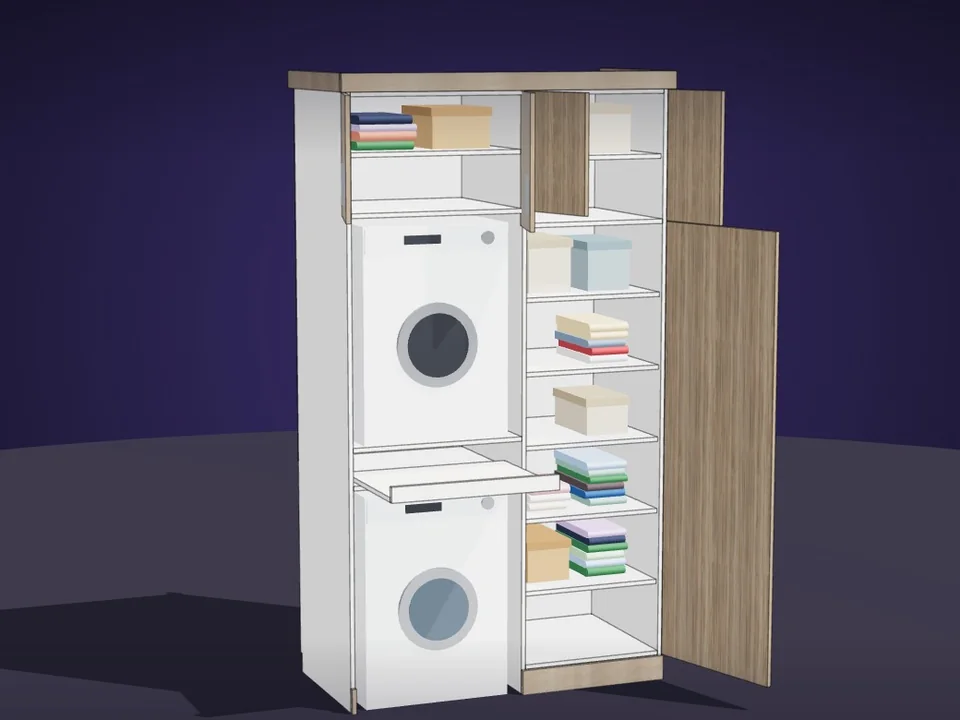
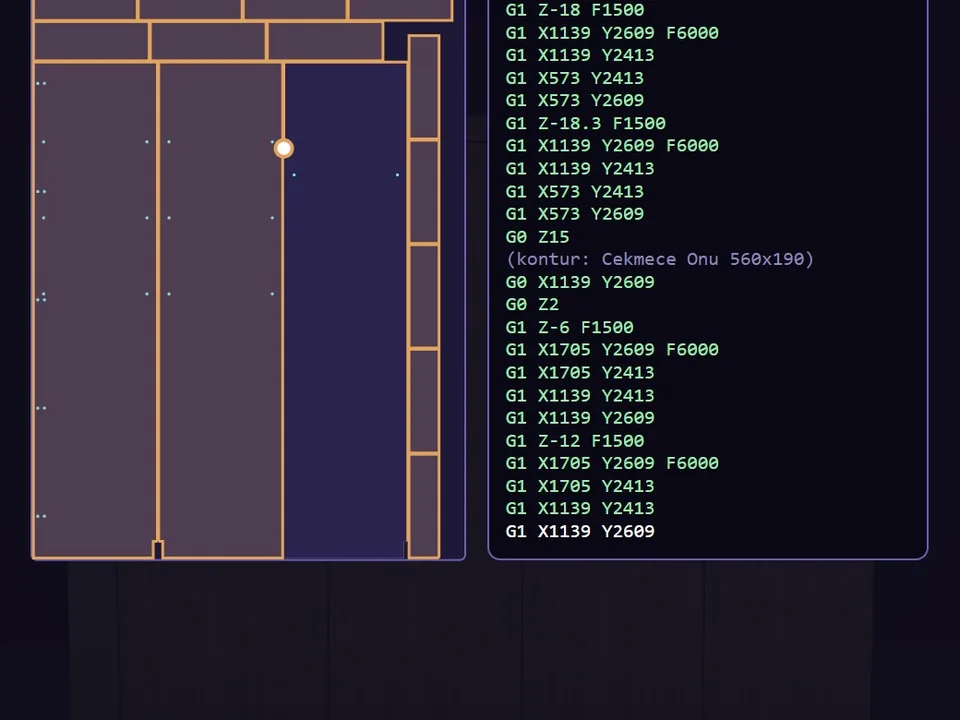
Type the size. The whole wardrobe builds itself.
Interior
CabinetWizard
No panel-by-panel drawing: type the size, get quote and CNC files.
- 131 solids from 20 components
- 12 finishes, 7 door styles
- 164 tests, SketchUp 2017+
SketchUp 2017–2026v1.19.0
Be the designer whose office scenes look finished the first time the client sees them. Tap a card, click twice on the floor, and OfficeFun builds the furniture in SketchUp: work desks in straight, L or U shape, benching with felt acoustic screens, ergonomic task chairs, storage cabinets full of binders, and on the Executive Office tab a director’s desk with a leather executive chair, visitor chairs and a lit wall unit behind it. The desks arrive dressed: slim and curved monitors with wallpapers on the screens, keyboard, mouse, printer, lamp, leather desk pad and cup. Every drawing is a brand-new design.
International checkout for this plugin is being prepared. Leave your address and you will hear the moment it opens. Buying from Türkiye? You can buy it now by bank transfer.
SketchUp 2021 · SketchUp 2022 · SketchUp 2023 · SketchUp 2024 · SketchUp 2025 · SketchUp 2026 · v0.3.0
Workload test
By handModelling desks, chairs, cabinets and every desk-top object piece by piece
3 h
With OfficeFunTapping a card and clicking twice on the floor
2 min
99%
less time on this job
120×
faster
The time the same job takes by hand and with the plugin; the share and the speed-up are worked out from those two times.
Drag me
With the plugin
2 min
Tapping a card and clicking twice on the floor
By hand
3 h…
Modelling desks, chairs, cabinets and every desk-top object piece by piece
Six executive desk families: capsule top on a drum leg, classic double pedestal, two-tone leather wraparound with a gold band, fluted front, fluted wood with a diagonal gold line, and a floating top with LED. On the desk: leather desk pad, monitor or laptop, lamp, porcelain cup and saucer, books with a brass globe, pen holder, leather folder and a photo frame. Behind it a leather executive chair, in front of it visitor chairs.
Electric sit-stand desks with three-stage columns, motor, LED handset and cable chain; cable trays and grommets on every desk; task chairs with a five-star base, casters, gas lift, mechanism and armrests; lockable and sliding-door cabinets sized in folder heights; a laser printer with tray, scanner and control panel; full-size keyboards with a numeric keypad and mice with a real mouse shape.
Pull the blue ball at the end of a piece or type +40: it lengthens with the same family, colours and legs, while desks, chairs and screens are redistributed. Draw again for a brand-new design, or roll the New design dice on a selected piece. Eight office palettes, from Nordic Oak to Walnut Executive and Champagne.
office and executive-office furnishing per project
Estimate based on a typical workflow. Your mileage will vary - usually upward.
Saved every month
0hours
Saved every year
0 hours
0 work days
You just found 108 hours of your life.
Not on sale yet
For the people who read the manual first.
Shipped, and what is next.
Shipped
Next
SketchUp 2021 to 2026, with an English and Turkish interface and a built-in user guide. Install the .rbz from the Extension Manager; no restart is needed.
No. OfficeFun is the office sibling of FurniFun and OutdoorFun but a separate plugin that works on its own; textures ship inside it and no internet is needed.
No. Stretching keeps the family, colours and legs; desks, chairs and screens are redistributed for the new length. For a different design, draw again or press the New design dice.
Yes. The Accessories and chairs switch in the panel turns monitors, keyboards, the printer, desk supplies, plants, cabinet binders and task chairs on or off.
Choose L corner or U shape under Desk shape. An L takes three clicks (end, corner, end of the arm), a U takes four; each arm has its own blue ball and you can type the arm lengths in the panel.
It is built to stay light: identical parts such as casters, columns, screens and binders share one component definition, and on a click the body comes first with the accessories right after.
Type the size. The whole wardrobe builds itself.
No panel-by-panel drawing: type the size, get quote and CNC files.
SketchUp 2017–2026v1.19.0
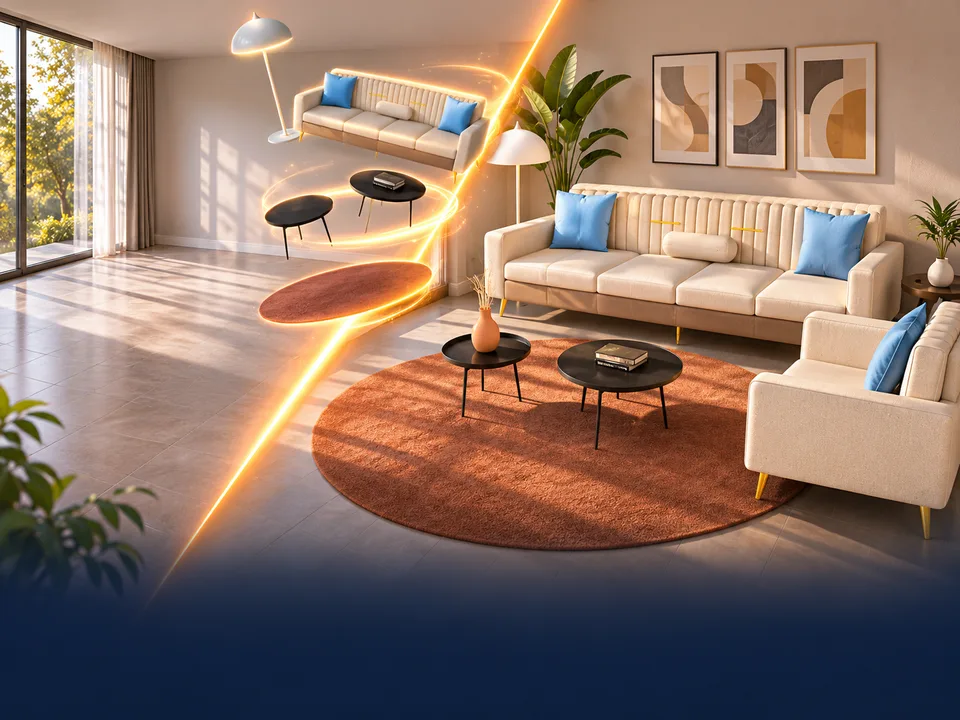
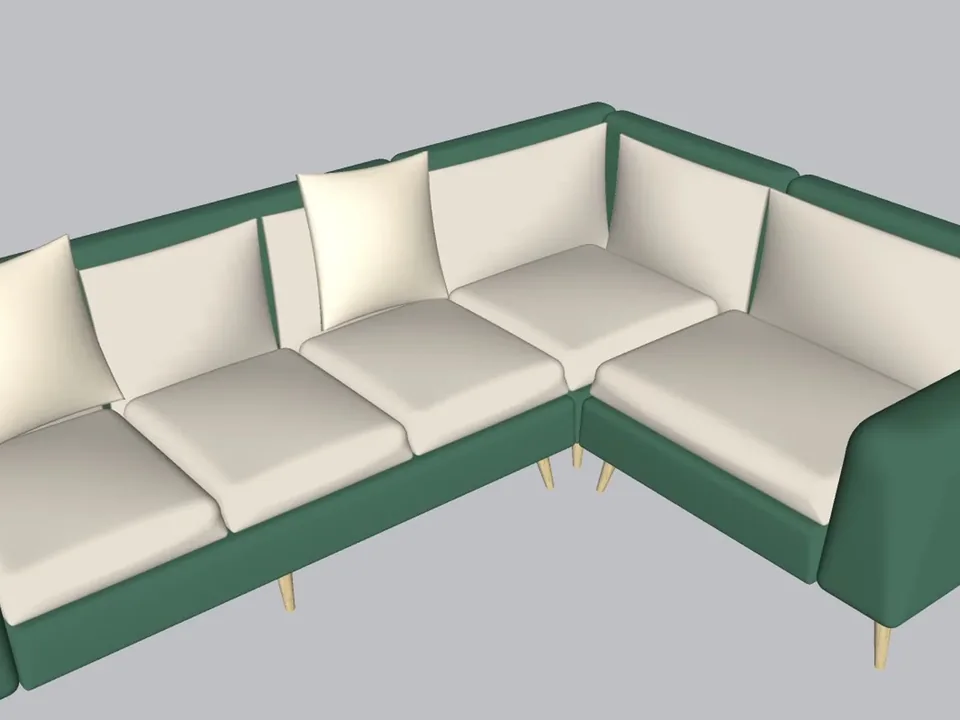
A whole living room set in one click.
No empty boxes: two clicks, real furniture; pull the ball, it grows.
SketchUp 2021–2026v1.14.0
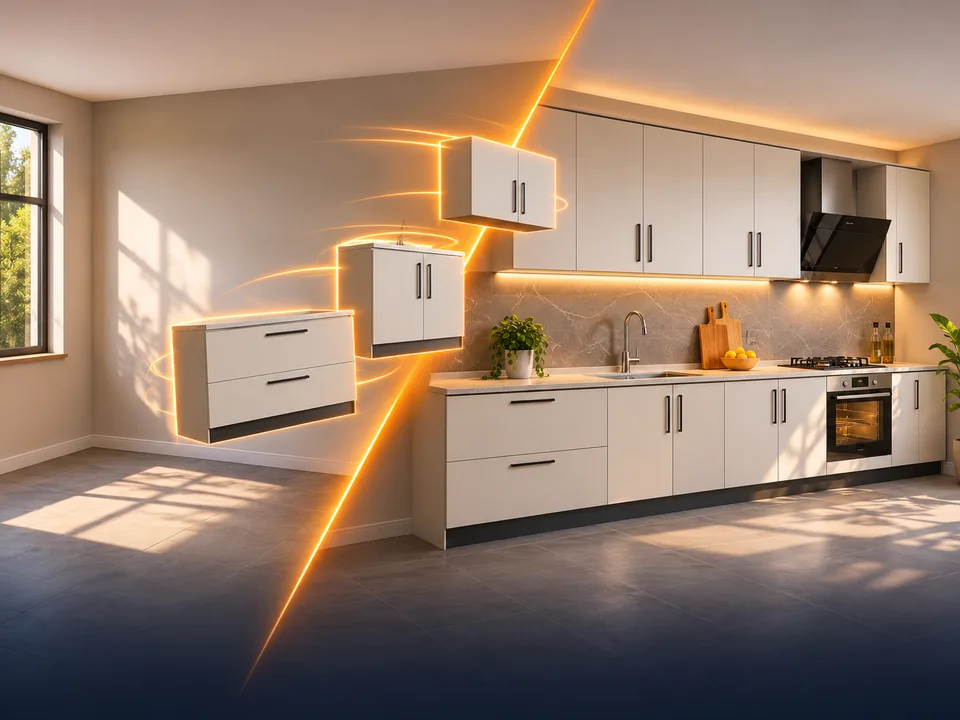
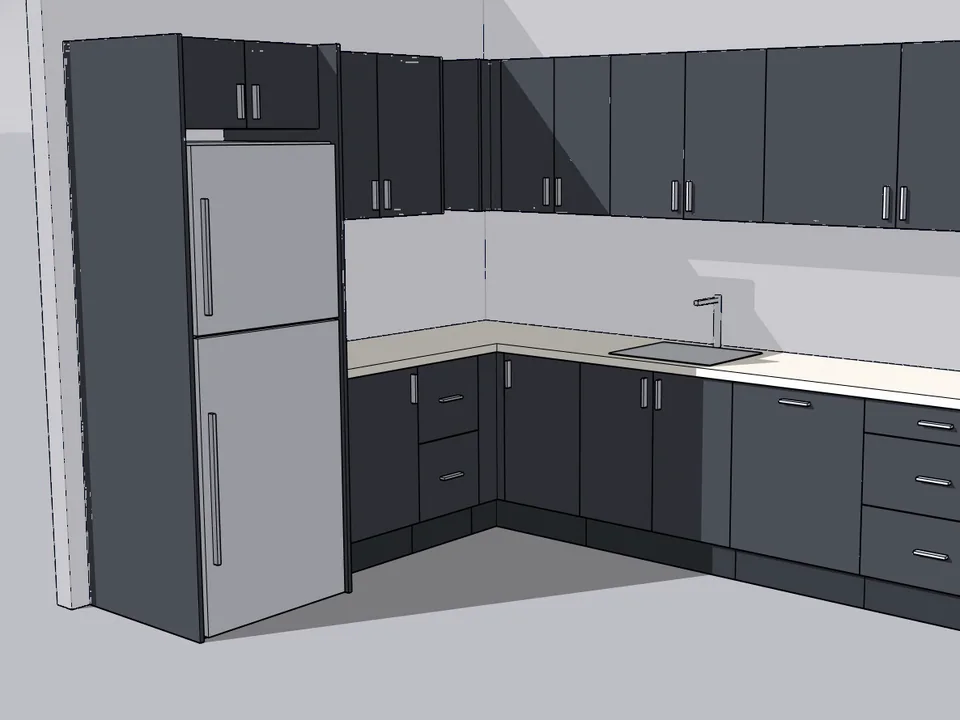
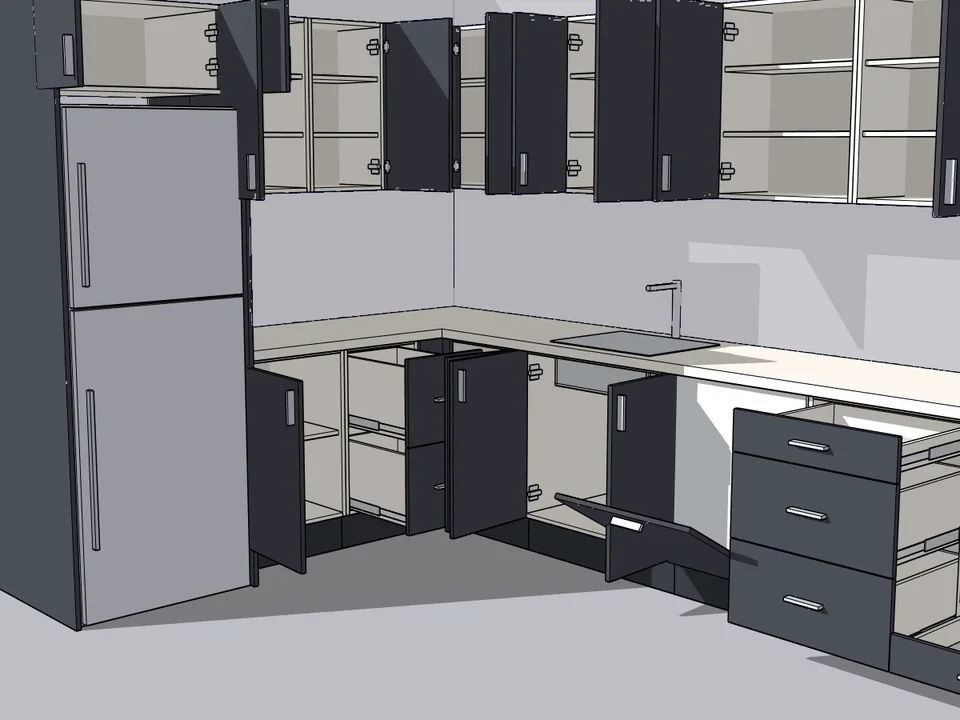
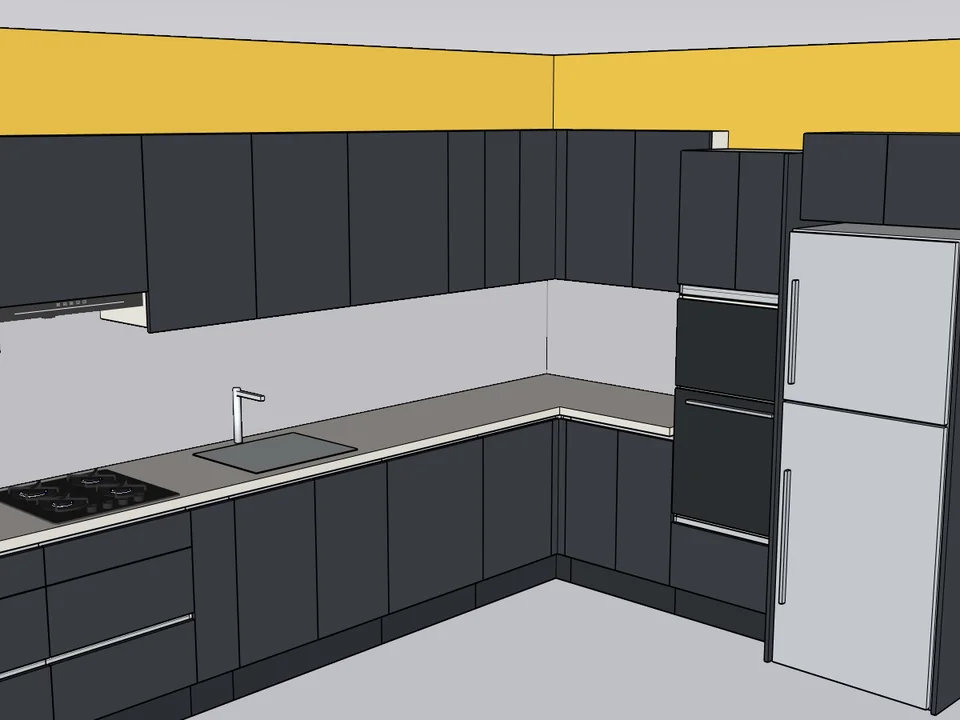
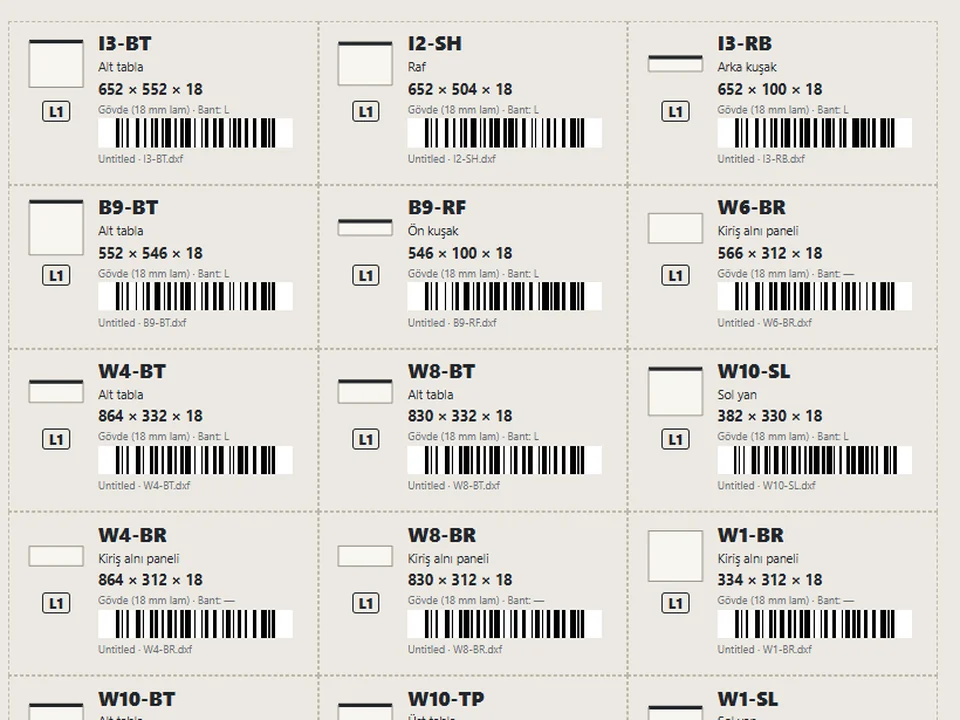
Grab a cabinet, drop it on the wall. Kitchen done.
No re-drawing, no re-typing: drag the cabinets onto the wall, get the kitchen, cut list and CNC files.
SketchUp 2021–2026v1.28.1