This page is for companies and professionals who need custom SketchUp plugin development around their own workflow: kitchen and cabinet makers, facade and window manufacturers, architects, fabricators. If the plugin you need is not in our catalogue, we can build it for you, privately.
Why do off-the-shelf SketchUp plugins stop where your business starts?
Every good SketchUp plugin on the market is built for the average customer. That is its strength and its limit. It knows how a cabinet, a window or a facade panel is usually made. It does not know how your company makes it: the carcass depth your workshop always uses, the board your supplier keeps in stock, the gap your installers insist on, the quote layout your clients recognise as yours.
So your team closes the gap by hand. They draw with the generic tool, correct it, retype the sizes into a spreadsheet, redraw the parts for the CNC. Each of those steps is small. Together they are where your best people spend the hours you hired them to spend on design.
A custom SketchUp extension starts from the other end: from your rules, your sizes, your materials and your output formats. It is the difference between a suit off the rack and one cut to your measurements.
Off-the-shelf tool or custom plugin?
- Draws common geometry fast
- Built for itBuilt for it
- Uses your own sizes and materials
- Partly, with workaroundsBuilt for it
- Enforces your company rules
- Not coveredBuilt for it
- Outputs your quote and cut-list format
- Not coveredBuilt for it
- Feeds your CNC machine and drawings
- Partly, with workaroundsBuilt for it
- Only your team has it
- Not coveredBuilt for it
What does a custom SketchUp plugin do inside a company?
Inside a company, a bespoke SketchUp extension does three quiet jobs. All three are about your internal workflow, not about drawing faster for its own sake:
- 1
It removes repeated clicks
The steps everyone repeats on every job become one command. A designer types a size once; the plugin builds the rest.
- 2
It enforces your rules
Minimum gaps, standard sizes, material thicknesses, the checks a senior person used to do by eye are built in, so a new colleague draws like your most experienced one.
- 3
It turns the model into your outputs
Quote, cut list, CNC files, shop drawings, in the exact format your workshop, office and clients already use. The parts in the model are the parts on the list; nothing is retyped.
That is where the efficiency comes from: not from a faster mouse, but from fewer hand-offs between people and programs. If you are curious what a plugin is under the hood, our guide what is a SketchUp plugin explains it in plain words, and SketchUp Ruby and the Ruby API shows how extensions are built.
Today, by hand
6 separate steps, again on every job
- 1Draw each part
- 2Check company rules by eye
- 3Measure, then retype sizes
- 4Build the cut list in a sheet
- 5Redraw for the CNC
- 6Lay out the drawings
With your own plugin
Type once, press once
Private by design: an advantage your competitors cannot buy
A plugin you buy from a store, your competitor can buy tomorrow. A plugin built for your workflow is not listed on any marketplace: not on this site, not on Extension Warehouse. Nobody else can download the same advantage.
It also keeps your know-how in the company. The rules that live in your senior people’s heads, how you detail a corner, which hardware you trust, how you work out a job, become part of a tool that stays with the company when people move on.
Who owns the plugin, and on what licence your team uses it, is agreed per project and written down before work begins. We would rather discuss it openly than promise a template.
In one sentence: a custom SketchUp plugin is a piece of your company’s know-how that works at the speed of software and belongs only to you.
What we have already built from real workflows
Every product on this site started the same way: someone showed us how they worked and where the hours went. Here are a few of them; each one began as a real workflow in a real business.
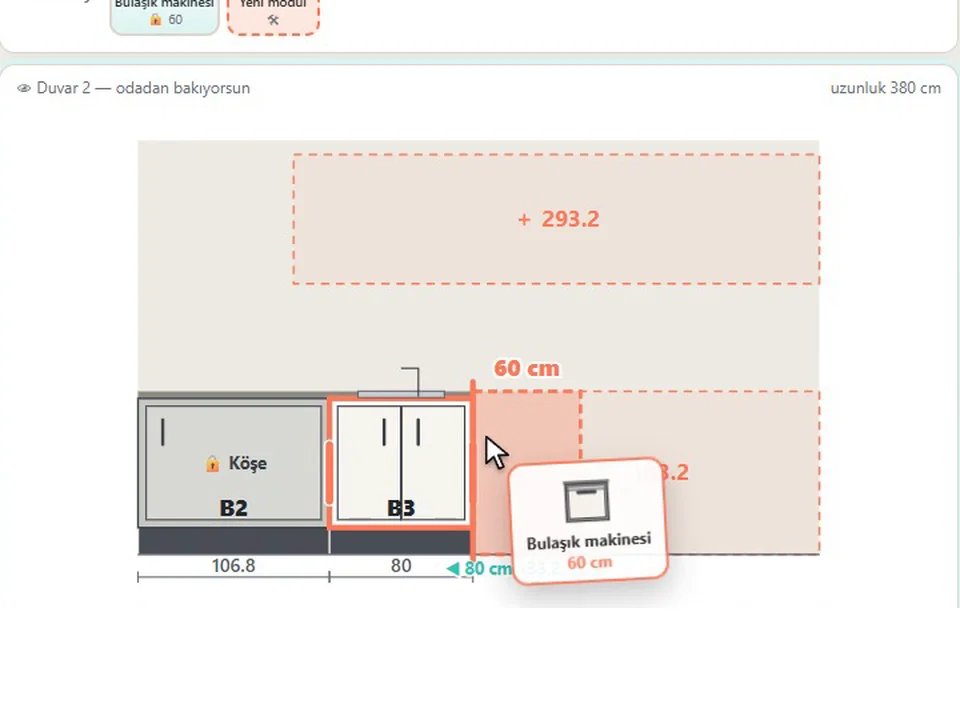
For kitchen workshops
KitchenFun Studio
No re-drawing, no re-typing: drag the cabinets onto the wall, get the kitchen, cut list and CNC files.
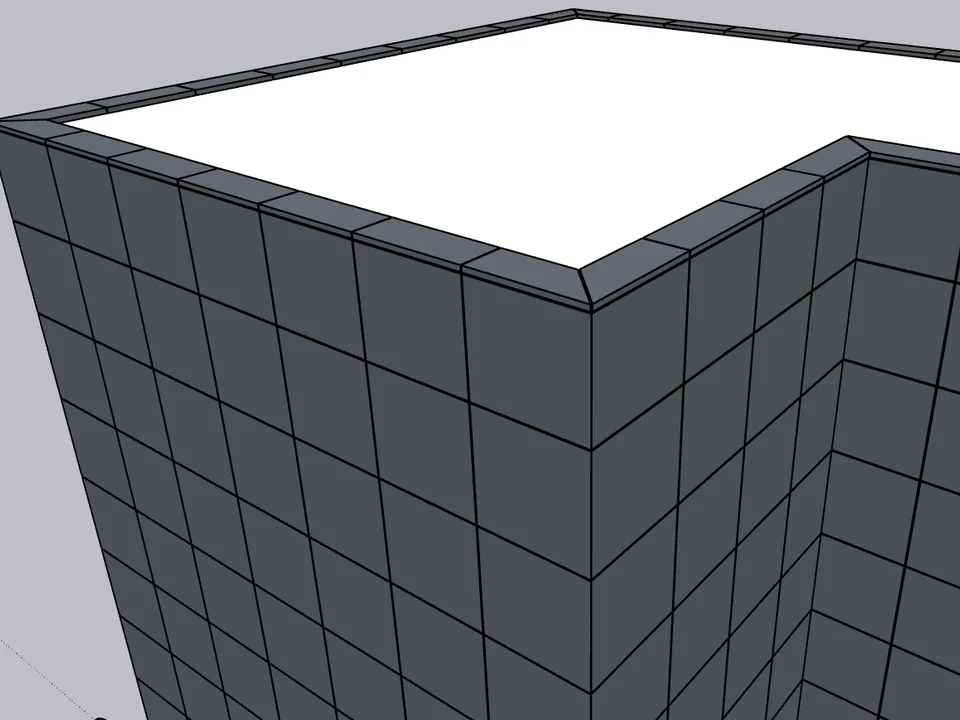
For facade cladding contractors
Kompozit Studio
No sizing panel by panel: select the walls, get the ACM facade, take-off, CNC and drawings.
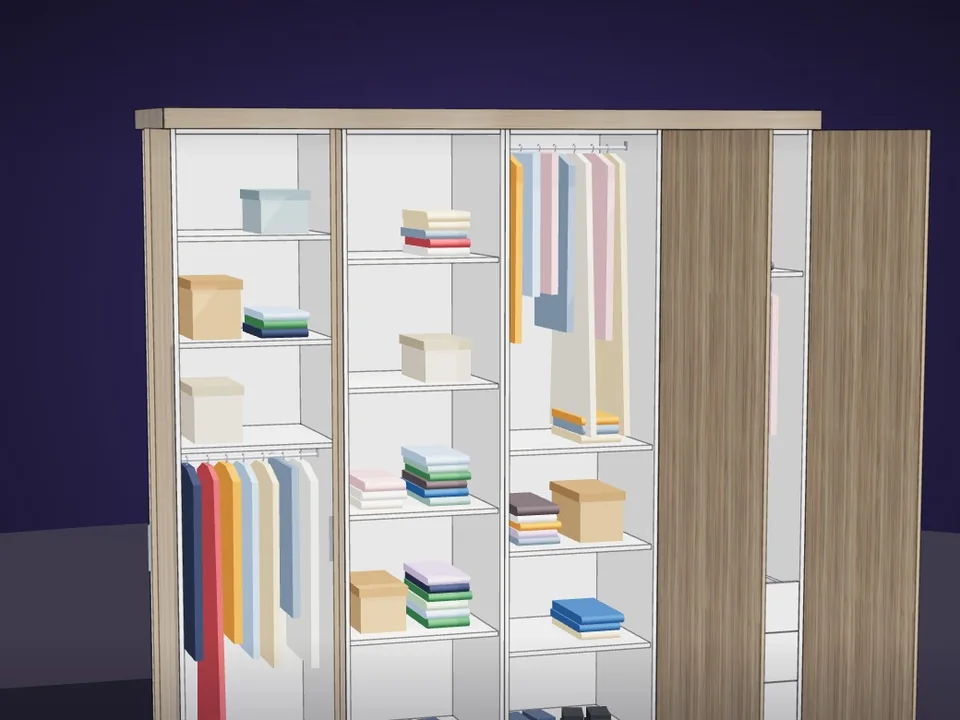
For cabinet and wardrobe makers
CabinetWizard
No panel-by-panel drawing: type the size, get quote and CNC files.
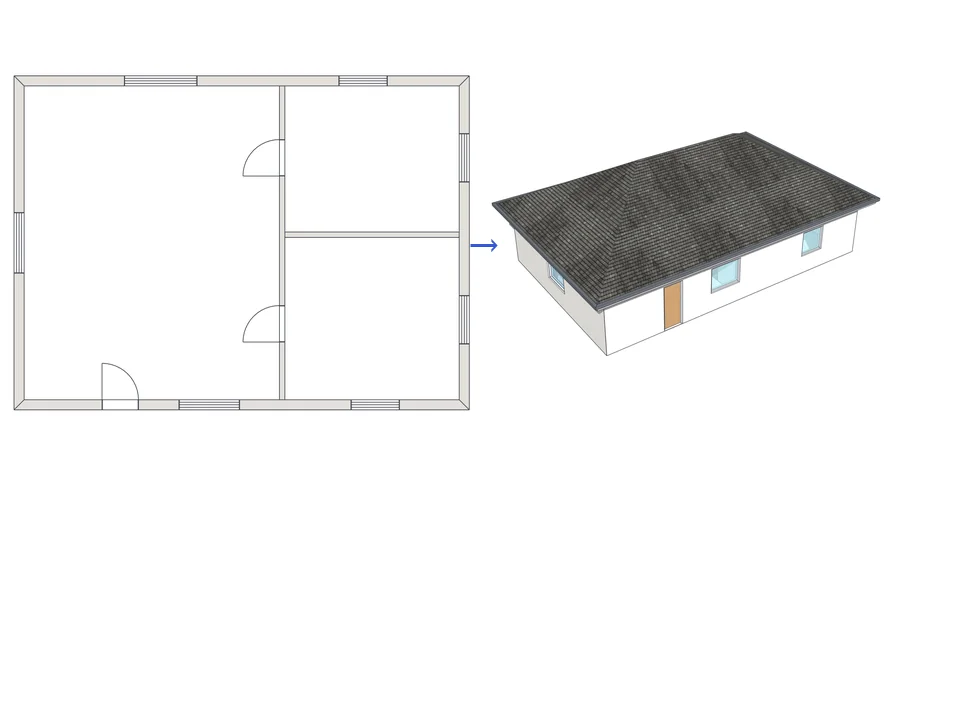
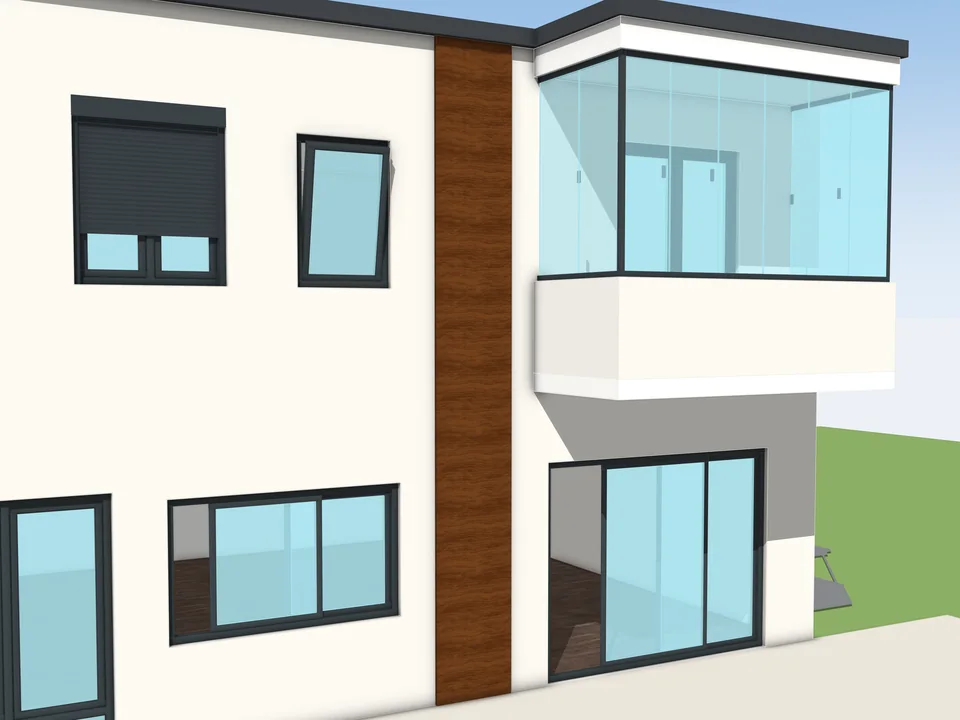
For window manufacturers
WindowFun Studio
Don't draw windows one by one: type the size, get window and quote.
There are 22 plugins on the site today. Many companies find that one of them already covers most of the job; then the fastest path can be a version shaped around their rules. KitchenFun Studio, for example, carries kitchen workshop rules and a one-click production package, and Kompozit Studio brings facade cladding, shop drawings and CNC together. If you are about to hire a developer for a kitchen library, our spec checklist for a bespoke cabinet and kitchen library app lists what such a brief has to include.
Is there real demand for custom SketchUp plugins?
We looked before we wrote this page. In October 2026 we went through public freelance boards and the official SketchUp forum to see what people ask developers to build, and whether they get it.
The demand is there; the answers are not
Bids received by a single request
Scale: 0–120 bids
2 / 105
Paid requests on the SketchUp forum that say a developer was found
28 / 31
Recent Freelancer.com requests that closed without an award
On Freelancer.com, a parametric library plugin request received 102 bids and a DWG/DXF export request received 108. Plenty of people offer. Yet of 105 paid requests on the official SketchUp forum, only 2 say a developer was found, and 28 of 31 recent Freelancer.com requests closed without an award. Bidding is easy; a finished plugin that fits a real workflow is rare. That gap is where we work: we design, write and ship SketchUp plugins ourselves, and the 22 on this site are the proof.
How does custom plugin development work?
Five steps, no jargon. We do not promise timelines or prices on this page, because both depend on your workflow; they are discussed openly with you once we understand it.
- 1
Message us on WhatsApp
One line is enough: what you draw, what you hand to the workshop or the client, and where the time goes. Photos of a drawing or a spreadsheet help.
- 2
We learn your workflow
We ask how your team really works: your sizes, your materials, your rules, the exact output your workshop or office expects.
- 3
A short scope and a first prototype
You get a plain-language scope of what the plugin will do, then a first working version in SketchUp, so you judge it on your screen, not on paper.
- 4
Testing on your real projects
Your team runs it on real jobs. Whatever breaks or feels slow comes back to us and gets fixed in the next version.
- 5
Delivery and updates
You receive the installable plugin with its guide. How updates and new SketchUp versions are handled is agreed with you for the project.
Questions about custom SketchUp plugins
Will my custom plugin be sold to anyone else?
A plugin built for your workflow is not listed on this site or on any marketplace. Who may use it, and whether any part of it may ever be reused, is written down with you at the start of the project.
Who owns the plugin and its source code?
Ownership and licence are agreed per project. Some companies want a licence for their own team, others want more; we discuss the options openly before any work starts.
Which SketchUp versions will it run on?
The versions your team actually uses. Our own plugins run on SketchUp 2021 to 2026, and some reach back further; the exact range for your plugin is set in the scope and tested before delivery.
Can you extend one of your existing plugins for my company?
Often that is the fastest route. If KitchenFun Studio, CabinetWizard, Kompozit Studio or another of our plugins already does most of the job, we can talk about a version shaped around your rules and outputs.
Do I need to know programming?
No. You explain your work the way you would explain it to a new colleague; turning that into a SketchUp Ruby extension is our job.
How do we start?
Press the WhatsApp button on this page and write one line about what you want to stop doing by hand. If you prefer email, the address is under the button.