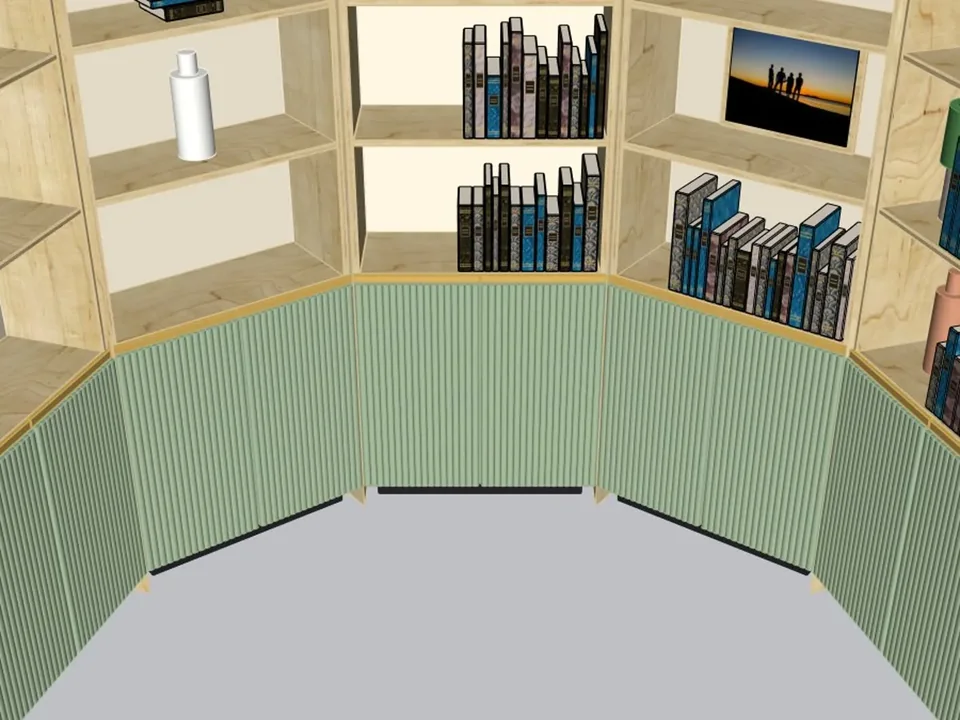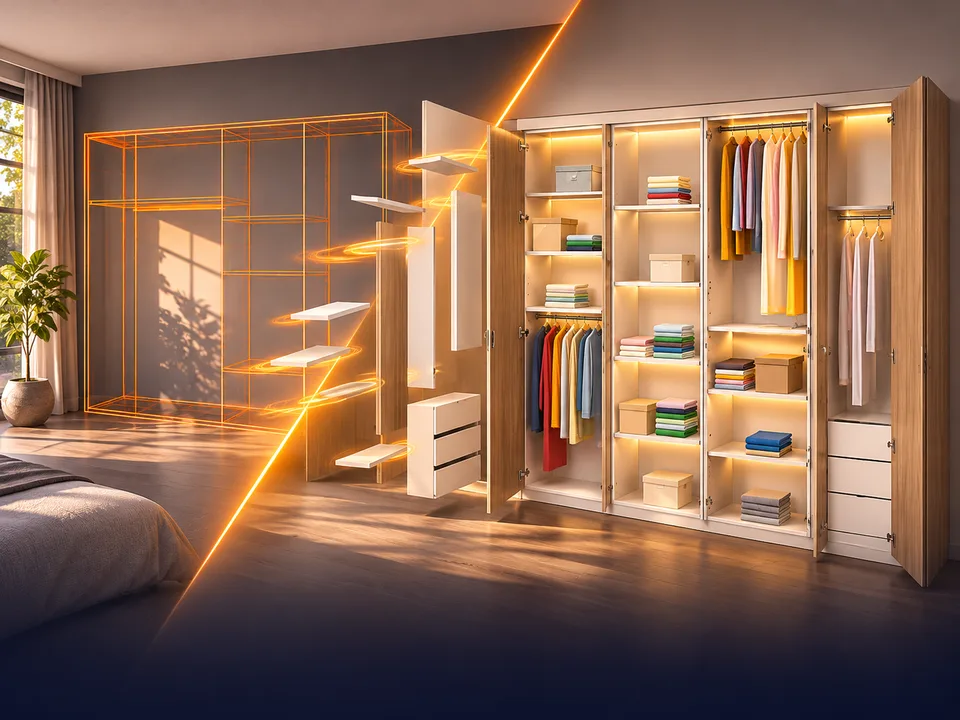
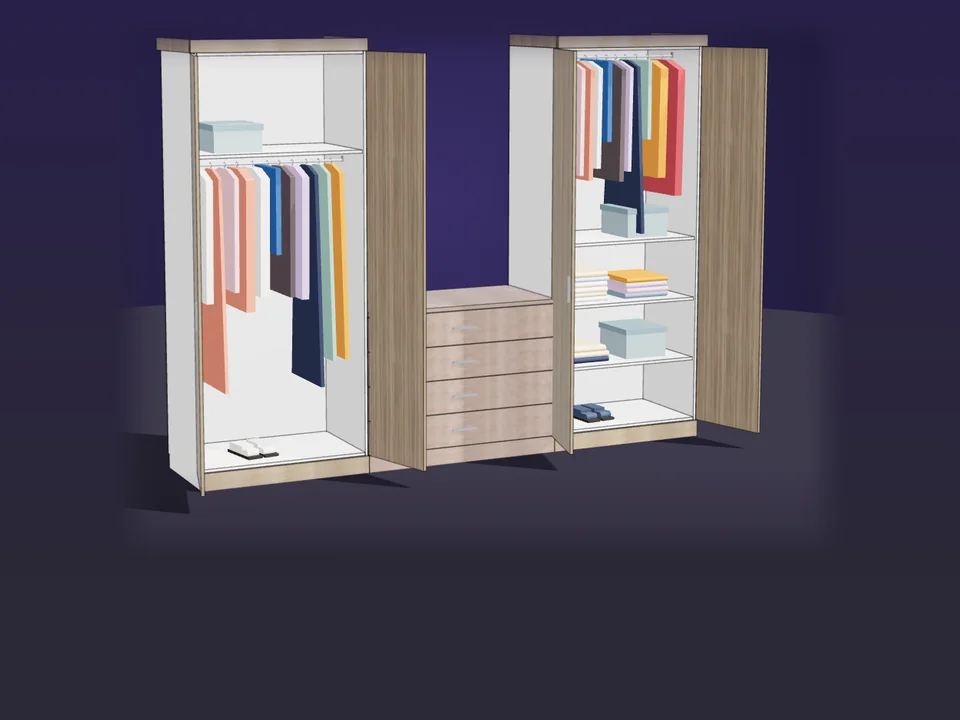
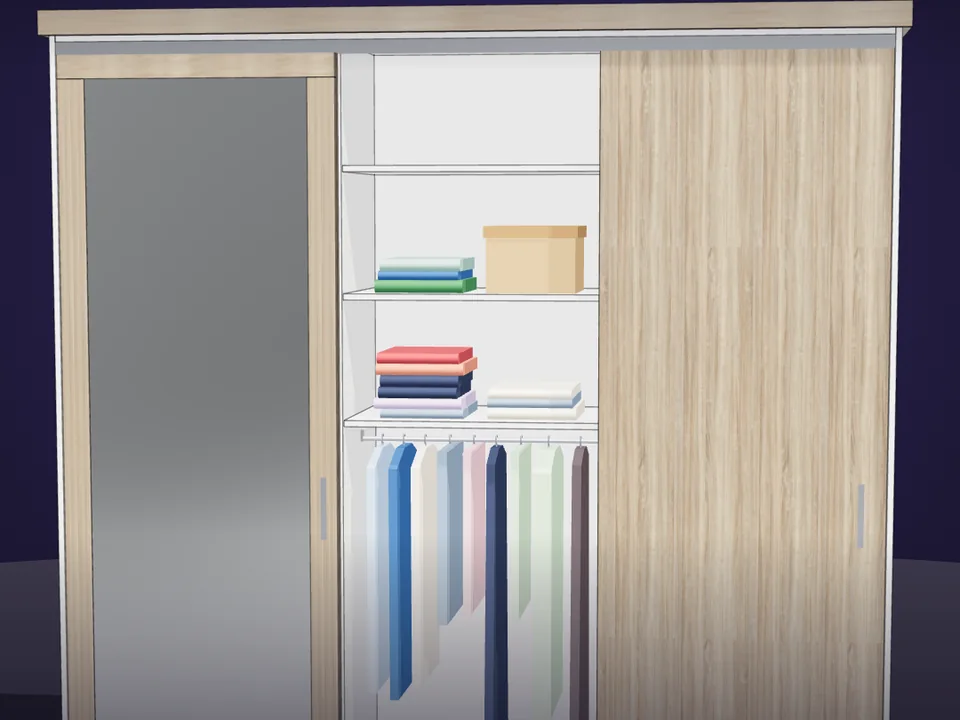
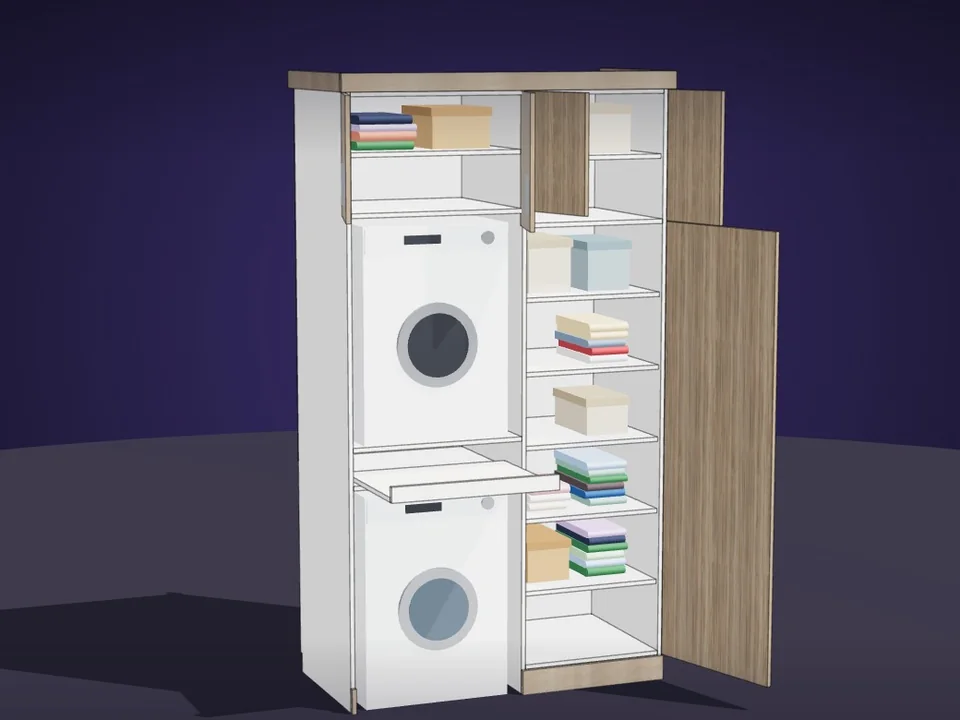
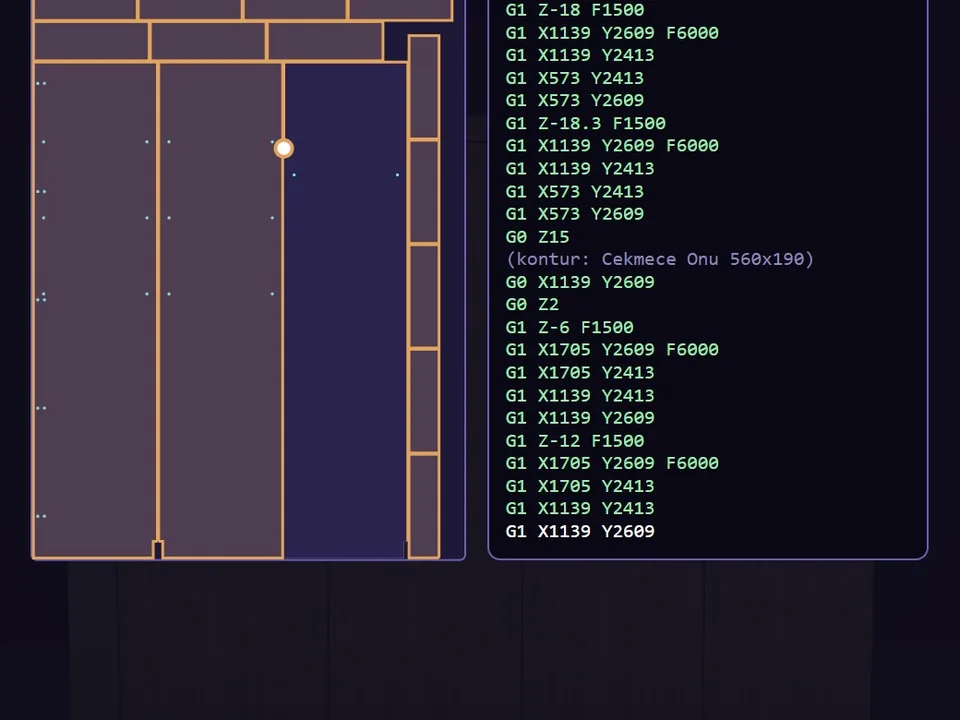
Type the size. The whole wardrobe builds itself.
Interior
CabinetWizard
No panel-by-panel drawing: type the size, get quote and CNC files.
- 131 solids from 20 components
- 12 finishes, 7 door styles
- 164 tests, SketchUp 2017+
SketchUp 2017–2026v1.19.0
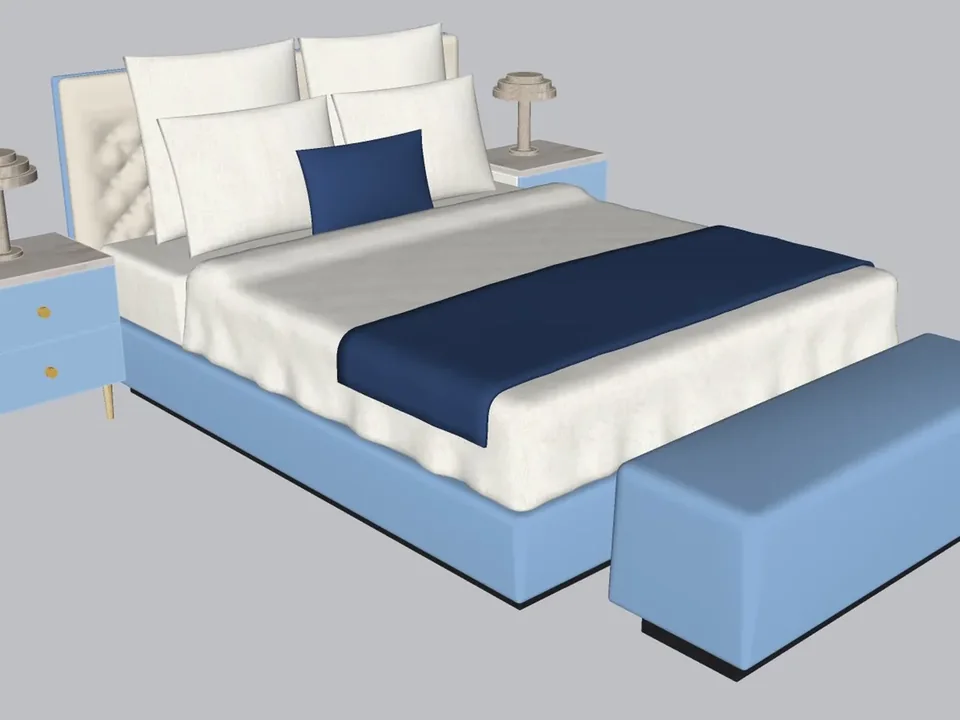
Be the designer whose scenes feel lived in. Stiff boxes for tablecloths and flat planes for curtains are what give a model away; ClothFun lets the fabric fall the way it really does. Select the table, pick the Tablecloth preset, press play: the cloth drops, drapes over the corners and settles into folds while you watch it live in the panel. One click on Bake and it lands in your model as soft, smooth geometry with its pattern. Curtains, awnings, flags, quilted duvets, tufted cushions, inflated objects, balloon letters, vacuum-wrapped covers, even objects that shatter and fall: all from the same panel, and SketchUp never stutters while the cloth moves.
International checkout for this plugin is being prepared. Leave your address and you will hear the moment it opens. Buying from Türkiye? You can buy it now by bank transfer.
SketchUp 2021 · SketchUp 2022 · SketchUp 2023 · SketchUp 2024 · SketchUp 2025 · SketchUp 2026 · v1.5.0
Workload test
By handPushing and pulling folds into a tablecloth or curtain by hand until it looks almost right
1 h 30 m
With ClothFunSelecting the target, picking a preset, pressing play and Bake
1 min
98%
less time on this job
90×
faster
The time the same job takes by hand and with the plugin; the share and the speed-up are worked out from those two times.
Drag me
With the plugin
1 min
Selecting the target, picking a preset, pressing play and Bake
By hand
1 h 30 m…
Pushing and pulling folds into a tablecloth or curtain by hand until it looks almost right
Drop a cloth onto the groups and components you pick, or hang it from a curtain rod edge, an object or a point. It collides with your model, folds over corners and sways in the wind; scrub the timeline back to any frame you like. Move the target while it runs and the cloth reacts to the new position.
Pick a stitch pattern and the cloth is sewn in two layers: every chamber between the seams puffs up. Square quilting for a duvet, an edge seam for a pillow, buttons for a tufted cushion; click a chamber to leave it half full or flat, or draw lines on a face in SketchUp and they become the seams.
Bake turns the frame on screen into one group with soft, smooth inner edges and the pattern on both sides. Bake with the film strip re-runs the fall and makes one group, tag and scene per frame, ready for File, Export, Animation. Inflate, balloon text, vacuum wrap and break-and-drop bake the same way, and every result comes off with a single Undo.
tablecloths, curtains, bedding and soft furnishings per project
Estimate based on a typical workflow. Your mileage will vary - usually upward.
Saved every month
0,0hours
Saved every year
0 hours
0 work days
You just found 115 hours of your life.
Not on sale yet
For the people who read the manual first.
Shipped, and what is next.
Shipped
Next
No. The physics runs inside the ClothFun panel, and SketchUp only works for a short moment when it reads the targets and when you bake. On a slower computer, switch on Performance Mode or lower the resolution.
SketchUp 2021 to 2026, with an English and Turkish interface and a step-by-step user guide. It works on its own, with no other extension required.
Yes. Bake with the film strip re-runs the simulation and creates one group, one tag and one scene per frame, without transitions. Export it with File › Export › Animation. A second animation is kept separately, so the first one is not touched.
Yes. Pick one of six stitch patterns and set the stitch spacing, or divide a face with lines in SketchUp, select all the pieces and press Turn selected face into cloth: your lines become the seams. Click a chamber in the preview to leave it half full or flat.
First check that the table really is in the target list. Then raise the cloth thickness a little under Advanced, or set the substeps to 6–8.
Yes. A bake, an animation bake with its groups, tags and scenes, a Drop Objects apply and a break-and-drop apply each come off with a single Undo.
Type the size. The whole wardrobe builds itself.
No panel-by-panel drawing: type the size, get quote and CNC files.
SketchUp 2017–2026v1.19.0

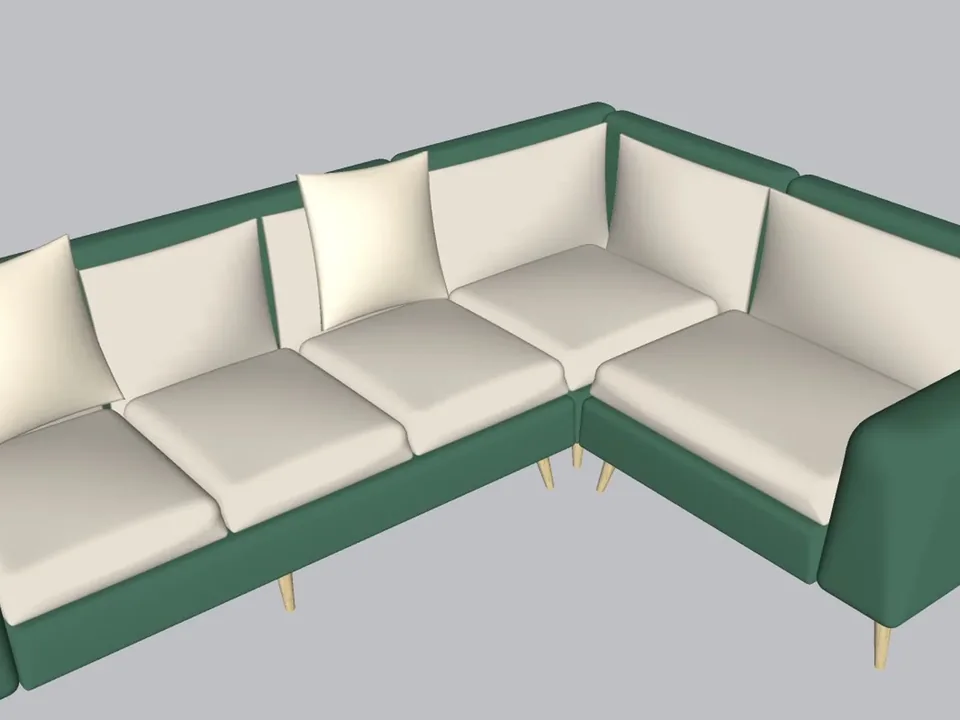
A whole living room set in one click.
No empty boxes: two clicks, real furniture; pull the ball, it grows.
SketchUp 2021–2026v1.14.0
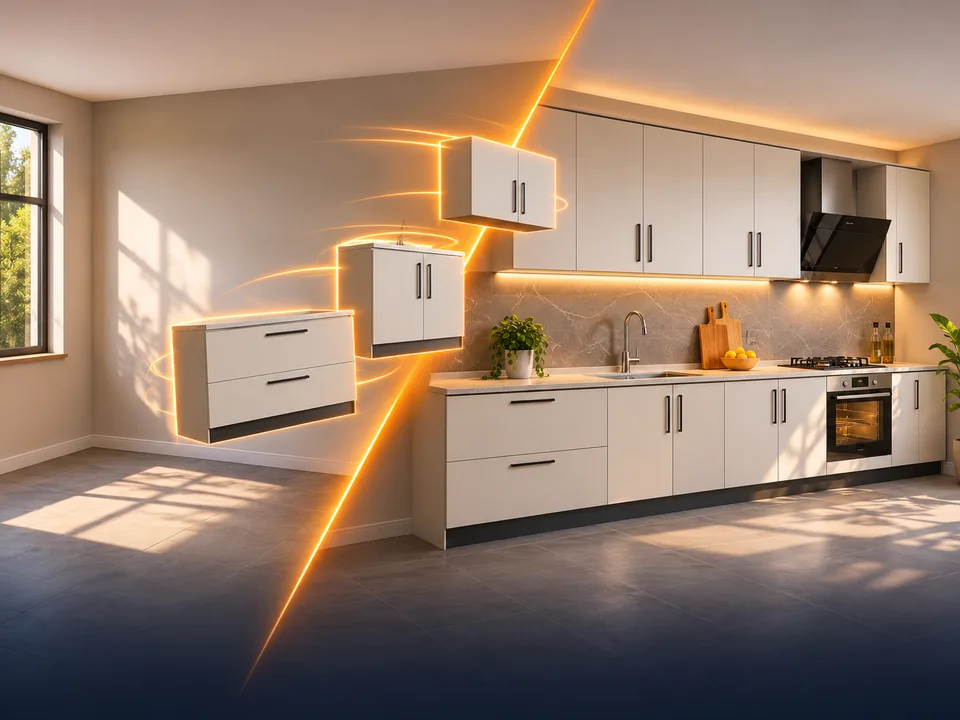
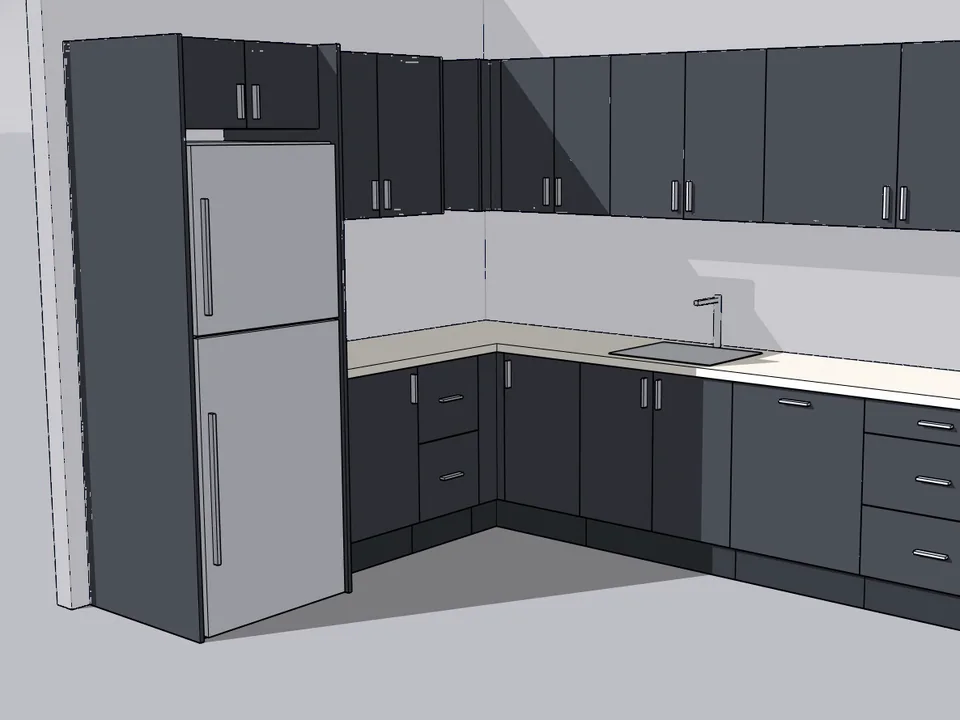
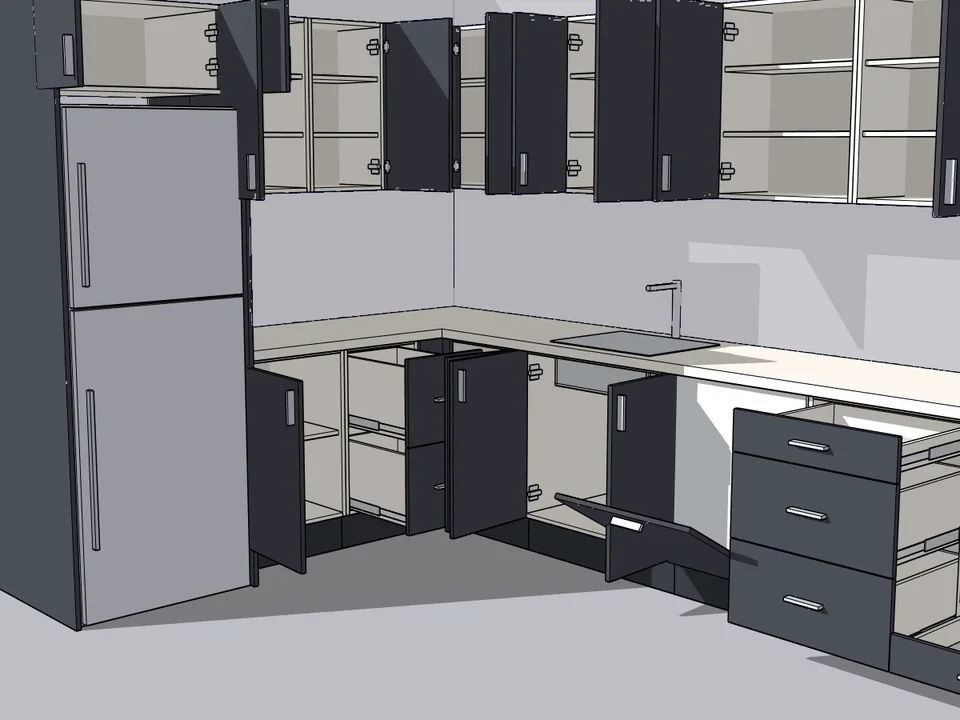
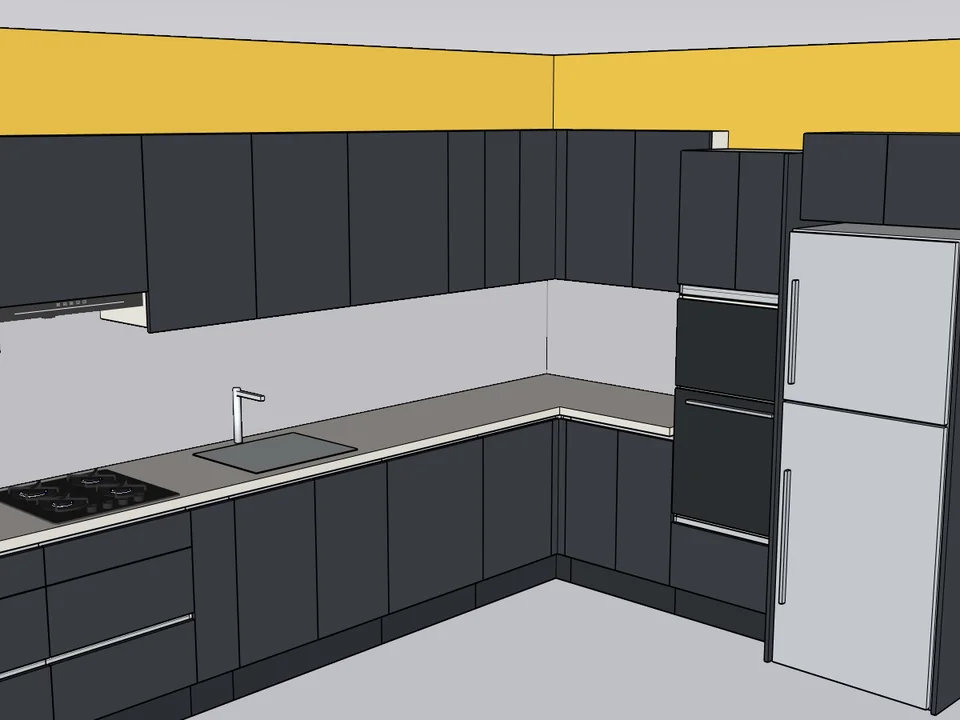
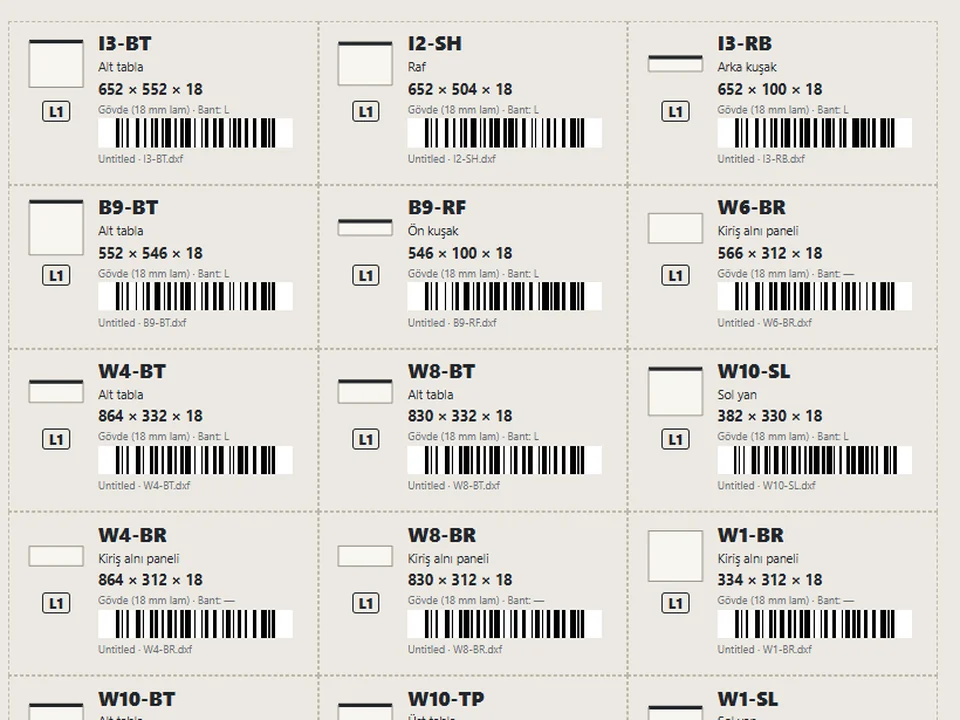
Grab a cabinet, drop it on the wall. Kitchen done.
No re-drawing, no re-typing: drag the cabinets onto the wall, get the kitchen, cut list and CNC files.
SketchUp 2021–2026v1.28.1