01
Three clicks, a dressed window
Start point, width, Z height: three clicks bring pleats, rail, brackets and rings in a single undo step.
A dressed window makes the room look finished; bare glass leaves the presentation half done. 19 parametric curtain and blind systems that stay editable, measure their own fabric in m², and export a room-by-room CSV plus a printable HTML quote.
Lifetime licence and lifetime updates
Be working with it tonight: the file is on screen and in your inbox the moment you pay.
Prices are in US dollars. Gumroad converts to your local currency at checkout.
SketchUp 2021 · SketchUp 2022 · SketchUp 2023 · SketchUp 2024 · SketchUp 2025 · SketchUp 2026 · v2.2.1
Left: the job by hand. Right: the same job with the plugin.
PerdeNeşe Studio
What the plugin does for you, drawn rather than listed.
Start point, width, Z height: three clicks bring pleats, rail, brackets and rings in a single undo step.
From drapes to roller, folding, cellular, vertical and natural blinds, every model is parametric and stays editable.
Select the window faces and bulk mode measures each one's width, height and room side, then dresses them all in a single undo step.
Right-click, edit settings, pick a new fullness, heading or rail, and the curtain rebuilds in the same spot.
Six heading types, five rails from a slim track to a rustic pole with finials, cassettes and cornice boxes, plus three detail levels to choose from.
Fabric m² and 80+ hardware lines are measured room by room and leave as an Excel-ready CSV and a printable quote with unit prices and VAT.
Workload test
By handModelling one curtain by hand, then measuring its fabric
35 min
With PerdeNeşe StudioThree clicks — take-off included
40 sec
98%
less time on this job
53×
faster
The time the same job takes by hand and with the plugin; the share and the speed-up are worked out from those two times.
The SketchUp versions this plugin runs on:
Your version is under Help › About in SketchUp. Not sure? Just ask.

Ufuk Şen
3D visualisation specialist, instructor and plugin developer, Ankara
SketchUp instructor of 18 years · 34 courses on Udemy · 7,269 students · 899 reviews
Ask before you buy; the person who made the plugin answers.
Drag me
With the plugin
40 sec
Three clicks — take-off included
By hand
35 min…
Modelling one curtain by hand, then measuring its fabric
Start point, width, Z height. Three left clicks and the window is dressed — pleats, rail, brackets, rings — in a single undo step. No modelling folds one by one.
The curtain stays parametric. Right-click, edit settings, and it rebuilds in place — new fullness, new heading, new rail, same spot. Every new request is one setting away.
Fabric m² and 80+ hardware lines, room by room — measured as you model, exported as Excel-ready CSV and a printable quote. No measuring fabric separately.
curtain modelling and take-off per project
Estimate based on a typical workflow. Your mileage will vary - usually upward.
Saved every month
0,0hours
Saved every year
0 hours
0 work days
You just found 245 hours of your life.
For the people who read the manual first.
Shipped, and what is next.
Shipped
Next
SketchUp 2021 through 2026, desktop only - it installs as an .rbz, so SketchUp Free on the web is out of scope. The real-SketchUp smoke test passes on 24.0.594, 25.0.571 and 26.1.189 (all Ruby 3.2.2), and a 369-check compatibility suite keeps the code on a Ruby 2.7 syntax base so 2021 and 2022 load the very same file. Nothing else is required: no second extension, no external library, no CAD round-trip - the curtain, the take-off and the quote all come out of this extension.
A one-off 25 USD purchase on Gumroad (ufuksen.gumroad.com/l/SketchupCurtainCraft) gets you the extension as an .rbz for your own commercial project work. Updates come as new .rbz packages through the same download link - 24 releases have shipped between 1.0.0 and the current 2.2.1 - and you install one over the previous one from Extension Manager. The extension SHA-256 verifies its own author identity as it loads, so a tampered copy is caught before it draws anything.
It dresses windows, it does not model them: you bring the wall and the opening (or select window faces for bulk mode), and bulk mode reads vertical faces only. Folds are measured parametric geometry, not a cloth solver, so a hand-thrown random drape is not on the menu. The quote does the arithmetic but not the pricing - unit prices, VAT and waste percentage are values you type, there is no supplier price feed. PDF comes from printing the HTML quote in the browser, and 50 mm is the smallest dimension the builder will accept.
The Best SketchUp Plugins for 2026, Sorted by the Job They End
Without spending three days pushing rectangles around: nineteen SketchUp tools sorted by the job you are sick of doing, from walls, openings and floors to stairs, facades, roads and take-offs. Real numbers, honest limits.
Read →
Best SketchUp Plugins for Architecture: One Project, From the First Wall to the Final Render
Without spending the design time on modelling chores: the SketchUp plugins for architecture we make, in the order a project actually needs them, from walls and openings to finishes, site context and a photo-real render.
Read →
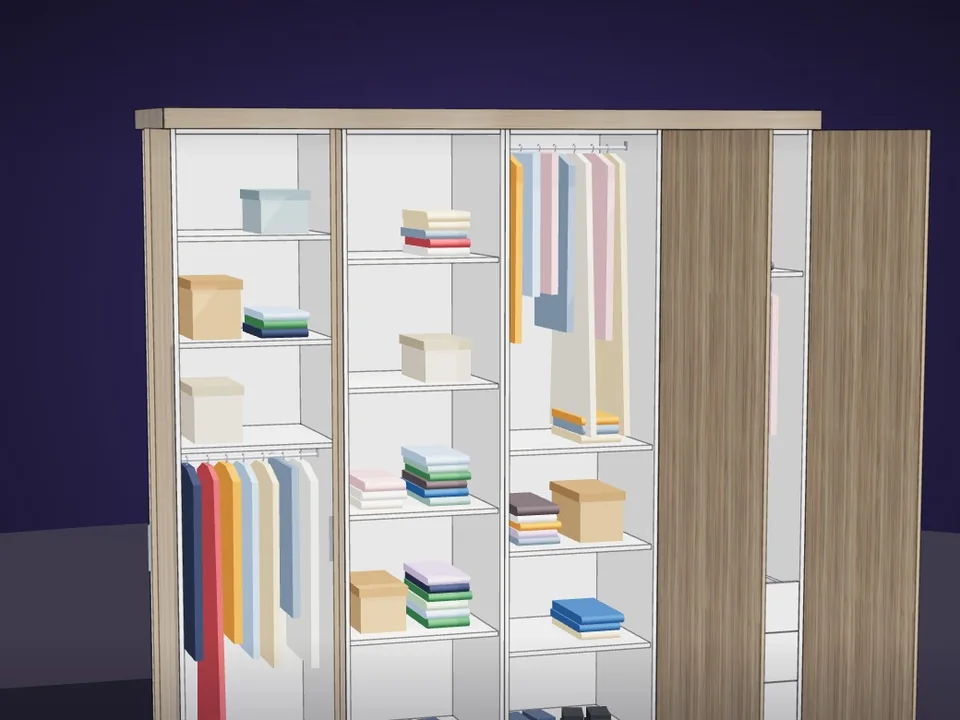
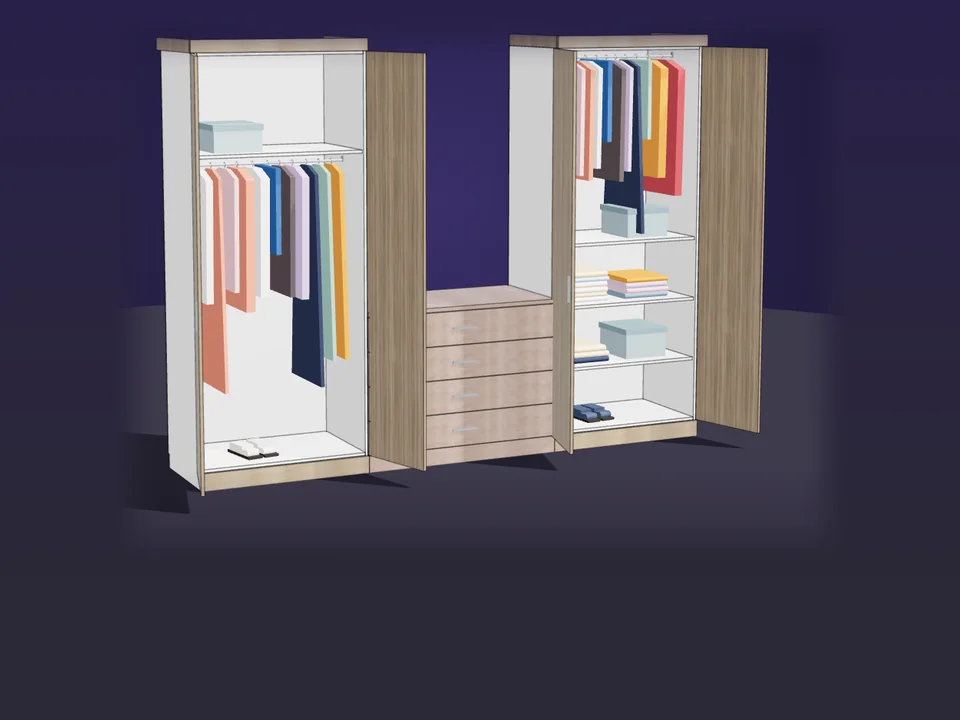
Type the size. The whole wardrobe builds itself.
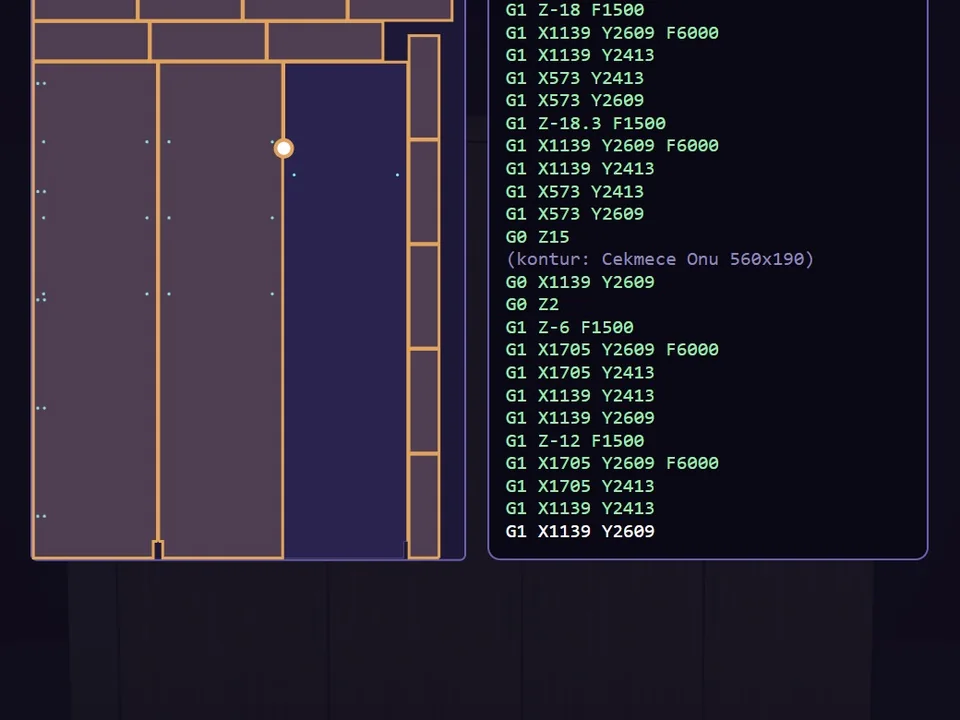
No panel-by-panel drawing: type the size, get quote and CNC files.
SketchUp 2017–2026v1.19.0
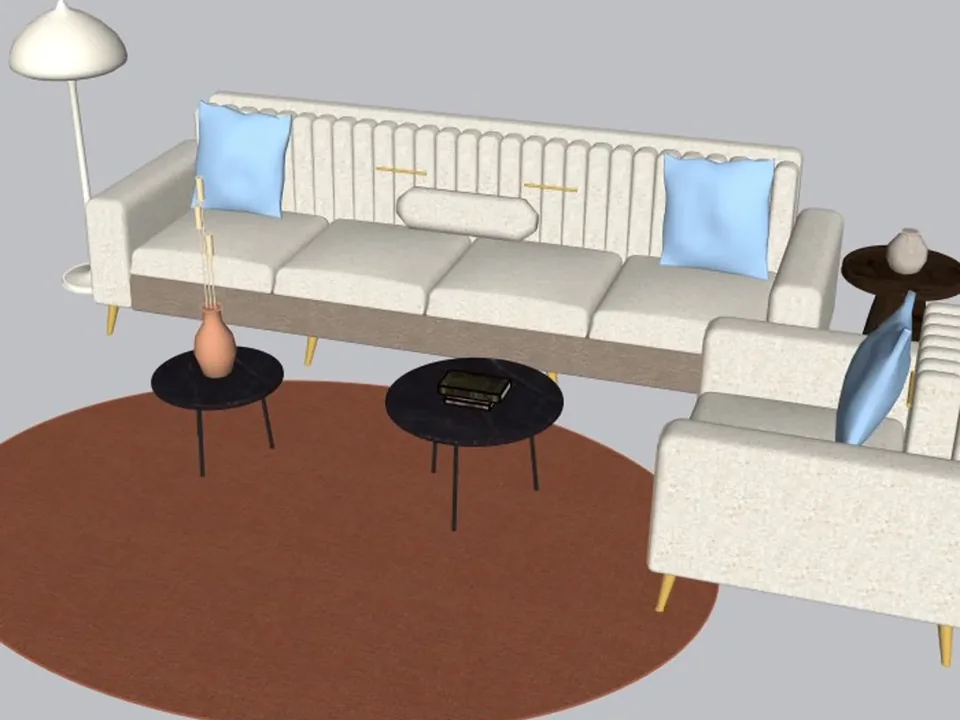
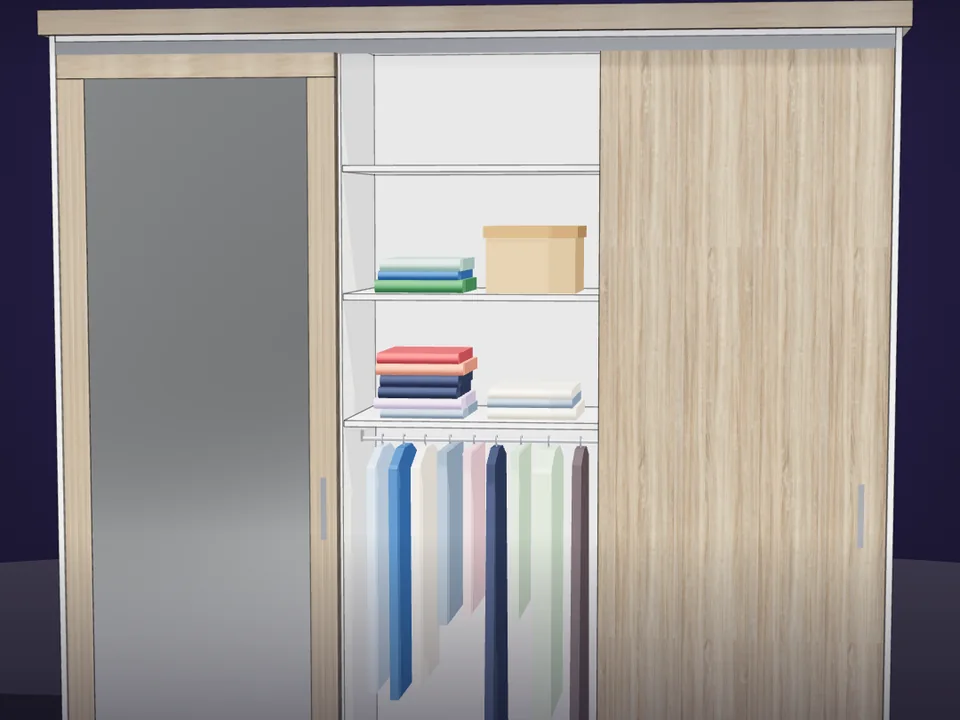
A whole living room set in one click.
No empty boxes: two clicks, real furniture; pull the ball, it grows.
SketchUp 2021–2026v1.14.0
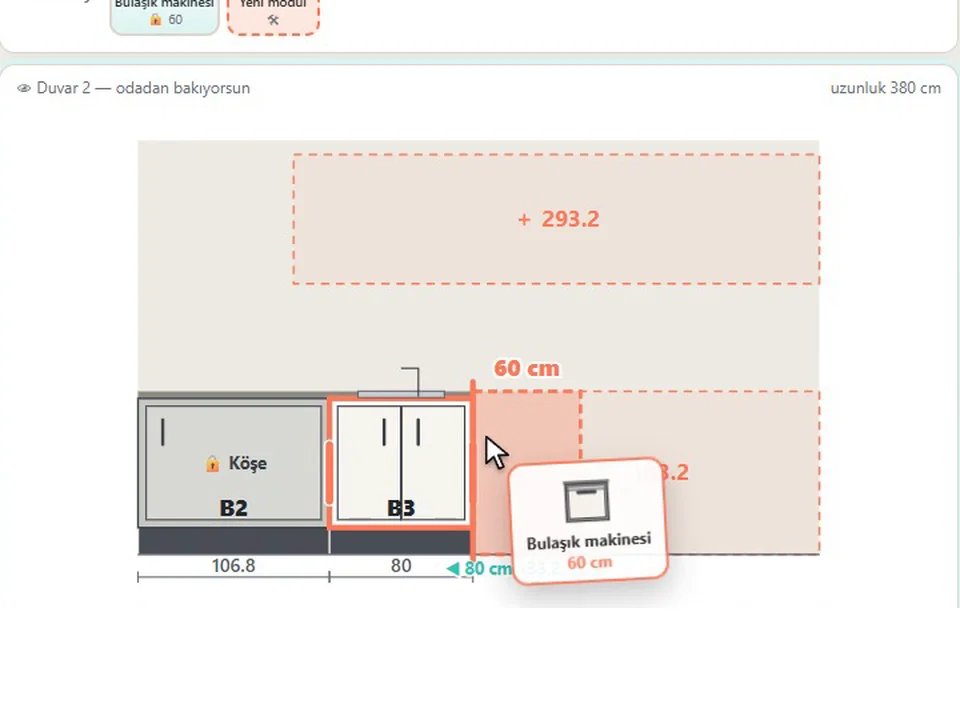
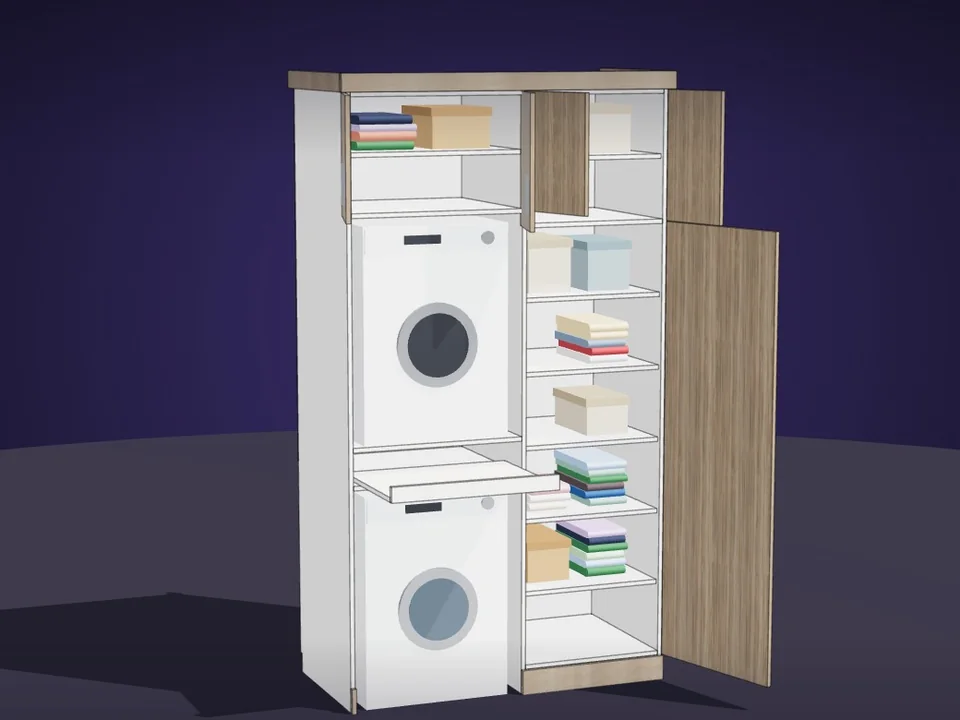
Grab a cabinet, drop it on the wall. Kitchen done.
No re-drawing, no re-typing: drag the cabinets onto the wall, get the kitchen, cut list and CNC files.
SketchUp 2021–2026v1.28.1