01
Terrain shaped with 12 brushes
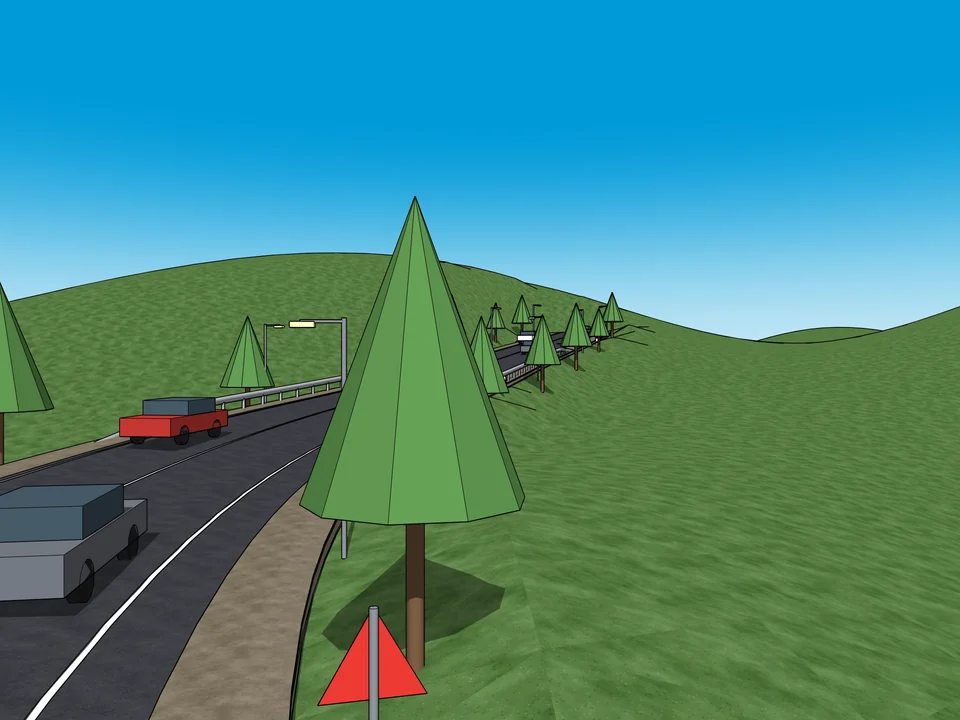
Raise, lower, flatten, terrace or erode, with radius and strength on the keyboard; paths, walls and plants all read the same ground.
Your project stops looking like a grey box and reads like a lived-in place, with planting, paths and water. Terrain, zones, plants, paths, walls, water and irrigation all read the same heightfield grid — and the quantities report writes itself.
This one is not listed on Gumroad yet. Leave your address and you will hear the moment it is.
SketchUp 2021 · SketchUp 2022 · SketchUp 2023 · SketchUp 2024 · SketchUp 2025 · SketchUp 2026 · Windows · v1.6.0
Left: the job by hand. Right: the same job with the plugin.
Landscape Studio
What the plugin does for you, drawn rather than listed.
Raise, lower, flatten, terrace or erode, with radius and strength on the keyboard; paths, walls and plants all read the same ground.
Paint lawn, paving and planting beds by brush, polygon or a magic wand that selects by slope; every zone reports its plan area, true surface and slope.
Filter species mapped to 81 cities by sun, water and hardiness; 17 ready mixes fill a zone with plants that keep their spacing and stay off the path.
Paths drape over the terrain with real joint lines; ramps stay within 8% and get their landings, guard curb and handrail on their own.
Ponds, streams and rain gardens are carved into the terrain and report their volume; irrigation heads lay out head to head, with coverage and piping.
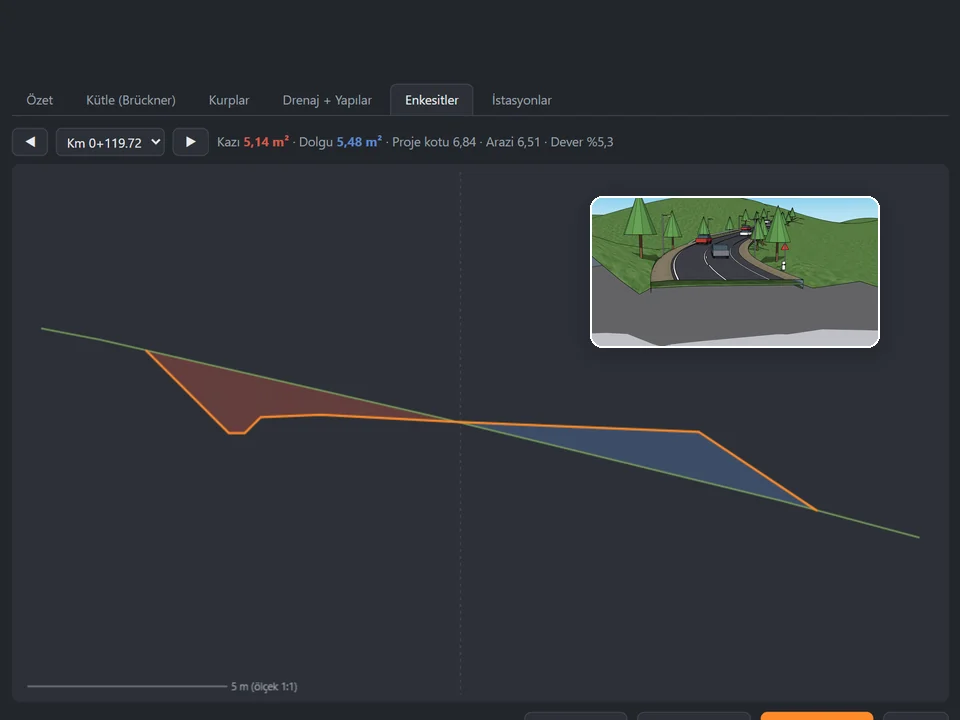
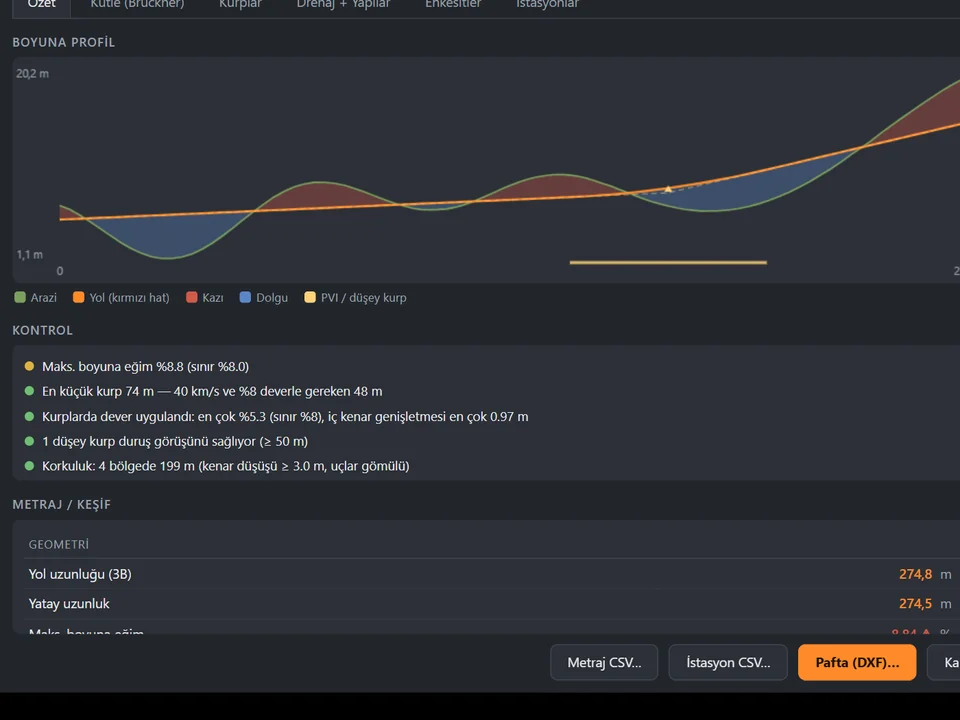
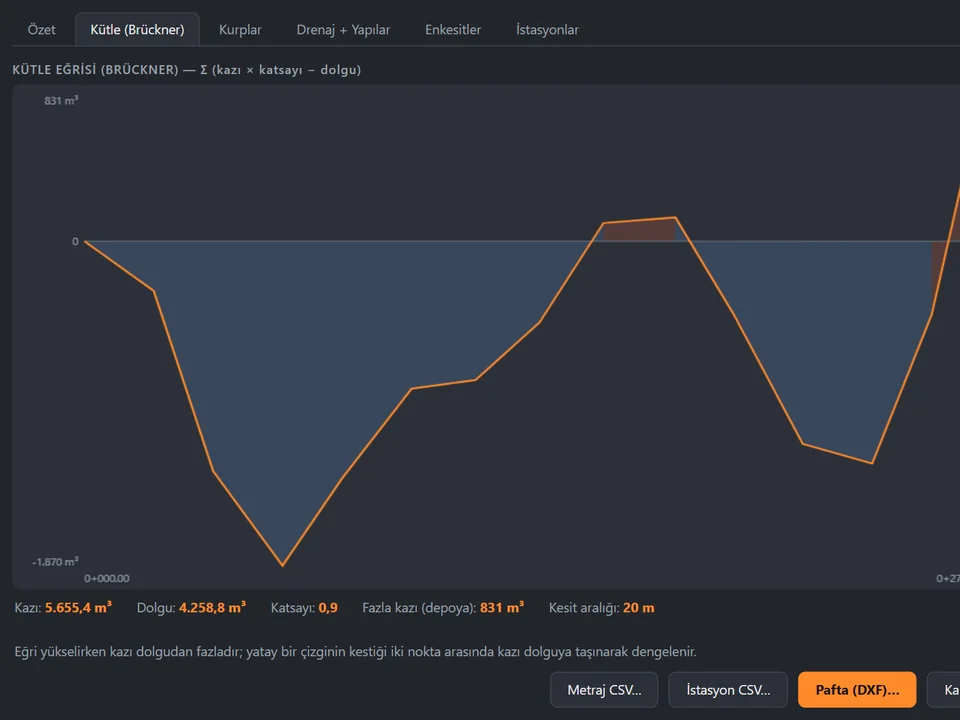
Slope, aspect, drainage with flow arrows and cut and fill are analysed; areas, plant counts and volumes leave as an HTML report and a CSV.
Workload test
By handSandbox the terrain, then place 300 plants one by one
3 h 30 m
With Landscape StudioSculpt the grid, paint the zone, scatter the mix
45 sec
99%
less time on this job
280×
faster
The time the same job takes by hand and with the plugin; the share and the speed-up are worked out from those two times.
Drag me
With the plugin
45 sec
Sculpt the grid, paint the zone, scatter the mix
By hand
3 h 30 m…
Sandbox the terrain, then place 300 plants one by one
Twelve brushes shape one heightfield grid. Paths, walls, water and every plant read that same ground, so nothing is left floating.
Raise the slope late in the job. Ramps hold 8%, walls regrow to the new height, paths re-drape on the ground, and your work stays intact.
Counting is not your job: areas, plant counts, cut and fill leave as an HTML or CSV report. Nothing gets retyped into a spreadsheet.
site terrain and planting per project
Estimate based on a typical workflow. Your mileage will vary - usually upward.
Saved every month
0hours
Saved every year
0 hours
0 work days
You just found 216 hours of your life.
Not on sale yet
For the people who read the manual first.
Shipped, and what is next.
Shipped
Next
SketchUp 2021 through 2026. The compatibility module declares 2021-2026 as supported with 2021 as the minimum, and the project rule is that every feature has to work across that whole range - not only on the newest release. It installs as a standard .rbz, with a PowerShell one-click installer for Windows. It needs no other extension, no companion software and no internet connection while you work.
$45 is a suggested one-time price per seat, not a subscription and not a per-project fee. Everything runs locally inside SketchUp: no cloud account, no online check while you model, no data leaving your machine. Licensing details are still being finalised, so treat the figure as the planned one-off price rather than a live checkout - ask for the current build and terms before you buy.
It produces geometry and numbers, not renders: groups and components in your open model plus HTML/CSV reports, so lighting and photoreal output stay with your usual renderer. The plant database is Turkey-first - 151 species mapped to 81 cities - so outside Turkey you lean on the .skp plant import to bring your own palette. Ramps are deliberately hard-capped at 8% (1/12). And while v1.6.0 is feature-complete with 571 tests green, manual testing inside SketchUp is still running and the newest package in dist/ is v1.5.1, so ask which build you are getting.
The Best SketchUp Plugins for 2026, Sorted by the Job They End
Without spending three days pushing rectangles around: nineteen SketchUp tools sorted by the job you are sick of doing, from walls, openings and floors to stairs, facades, roads and take-offs. Real numbers, honest limits.
Read →
Retaining Wall Plugin for SketchUp: Stepped Walls and Garden Terraces on a Slope Without the Step Maths
For landscape architects and architects who want the site to look built, not like a flat slope: how to model a stepped retaining wall in SketchUp, what to watch for on sloping ground, and a plugin that builds the wall, its footing and the take-off in minutes, while the statics stay with the engineer.
Read →
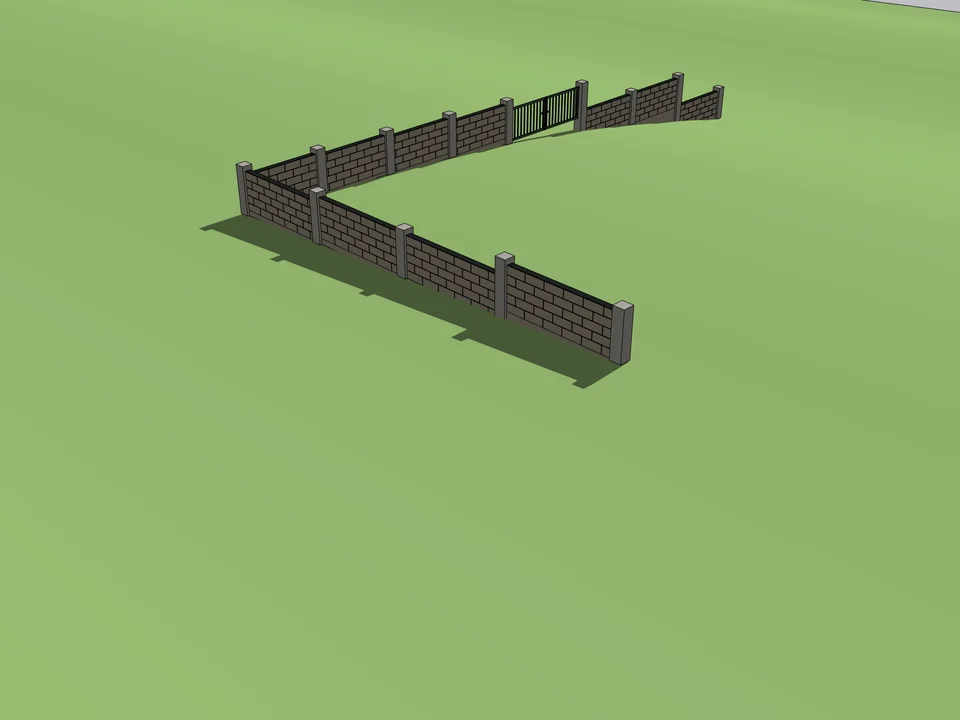
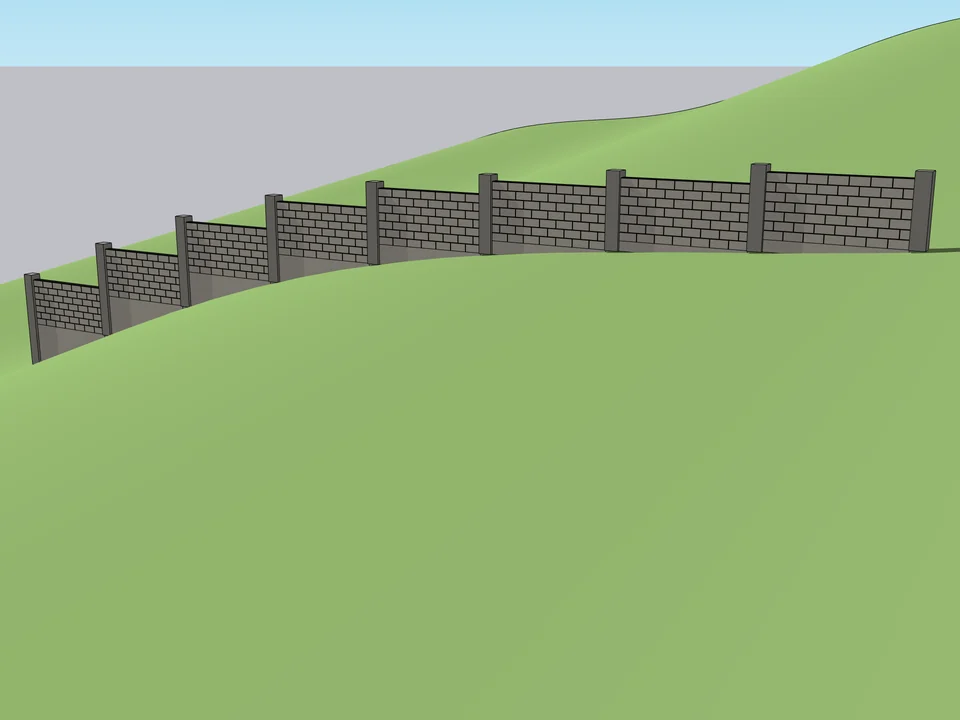
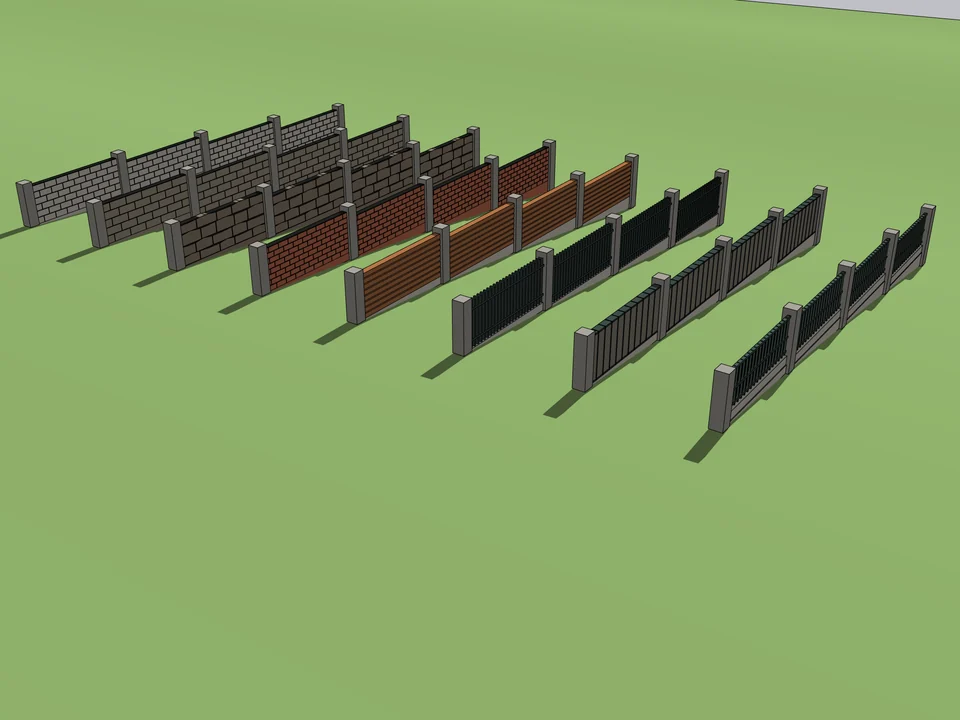
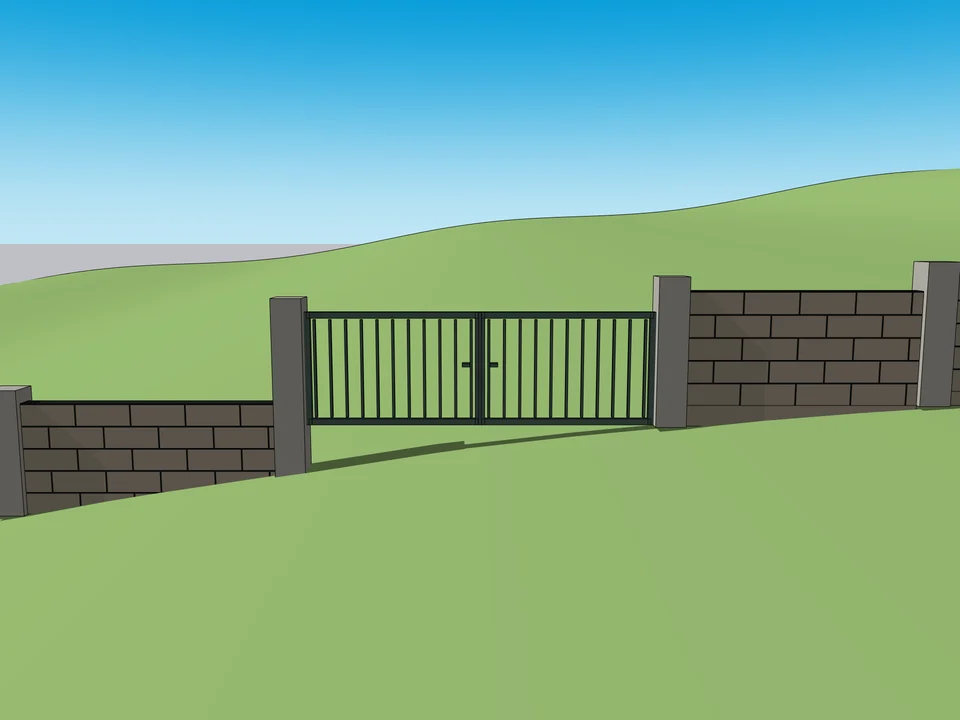
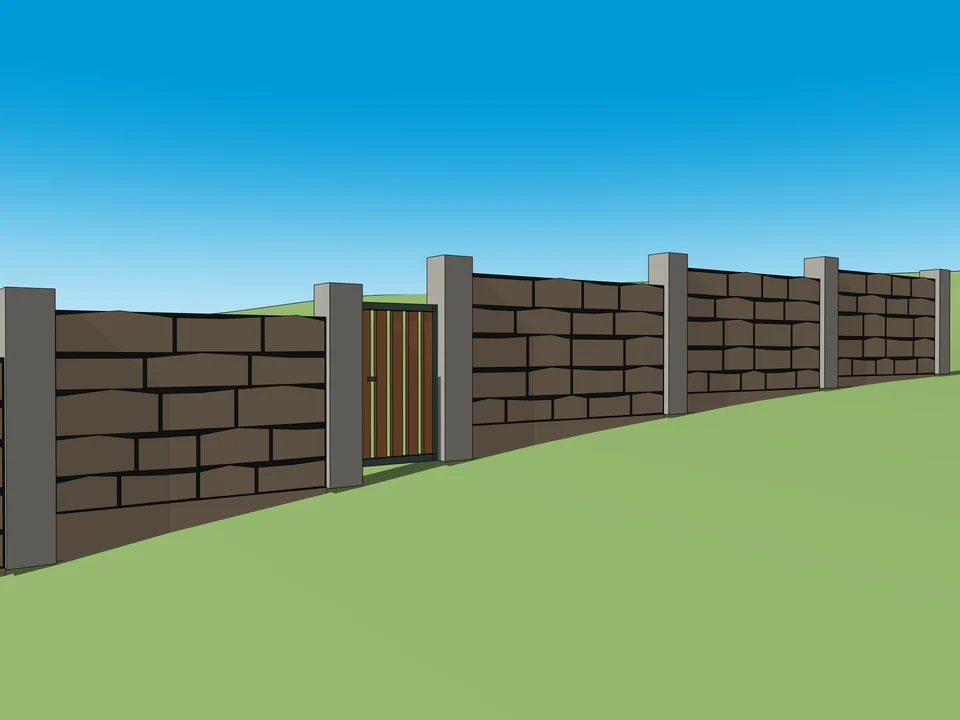
Draw the boundary. The wall builds itself.
No step maths on a slope: stepped garden walls, gates included.
SketchUp 2021–2026v1.5.0
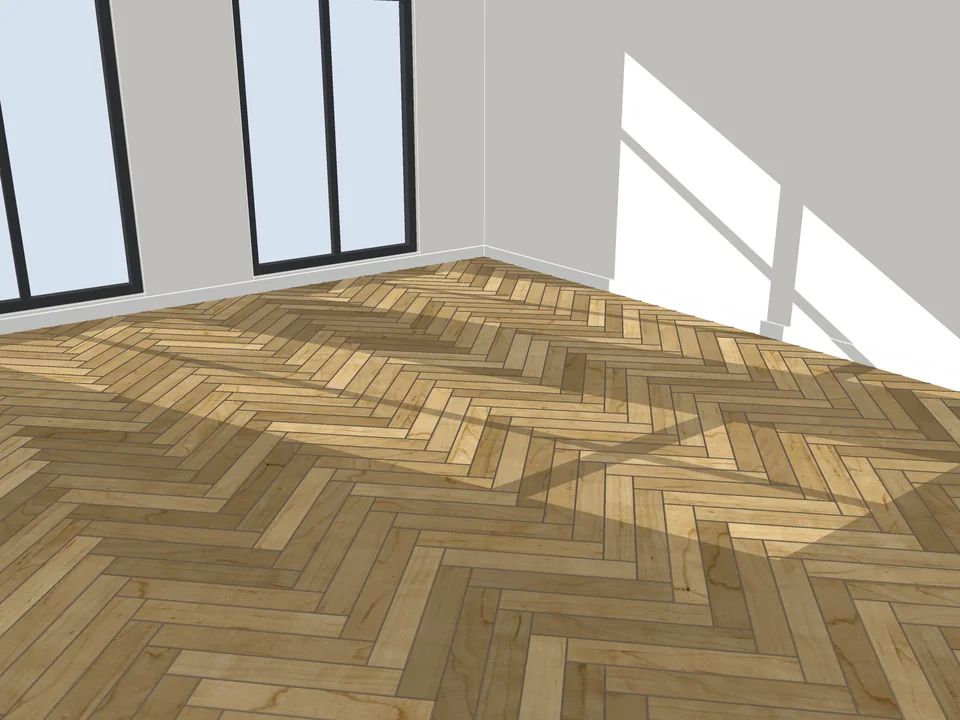
Pick a face, pick a pattern. Floor laid.
Skip the tile-by-tile copying: every board cut, counted, out as CSV.
SketchUp 2021–2026v3.3.0
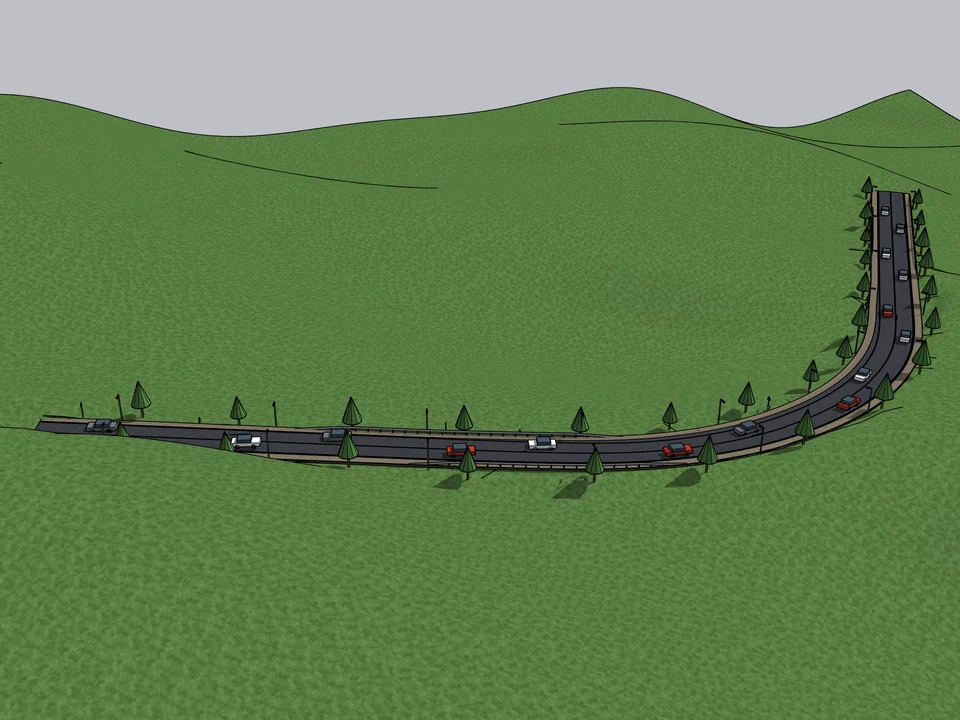
Click a route. The road sits on the land.
Click a route; road, terrain fit and quantities follow, no hand-fitting.
SketchUp 2021–2026v1.16.0