01
13 ready patterns
From straight boards to herringbone, hexagon and basket weave: pick one and watch the floor lay itself out in a live preview.
Clients look at the floor first: one crooked joint cheapens the whole presentation, a true one tells them you care about detail before you say a word. Pick a face, pick a pattern. 13 layouts, real physical grout, every board clipped to walls, holes and columns, plus the take-off and a CSV.
Lifetime licence and lifetime updates
Be working with it tonight: the file is on screen and in your inbox the moment you pay.
Prices are in US dollars. Gumroad converts to your local currency at checkout.
SketchUp 2021 · SketchUp 2022 · SketchUp 2023 · SketchUp 2024 · SketchUp 2025 · SketchUp 2026 · v3.3.0
Recorded inside SketchUp, with the plugin itself.
FloorStudio
What the plugin does for you, drawn rather than listed.
From straight boards to herringbone, hexagon and basket weave: pick one and watch the floor lay itself out in a live preview.
Spread several materials over one floor; length, width, colour tone and grain direction vary at random, so no repeat shows.
Boards are trimmed to the real room outline, stairwells, shafts and columns; not one hangs over an edge.
Grout X and grout Y are entered separately as real sizes; change one and the floor lays itself out again.
An optional true bevel on the top edges, with its width and segment count yours to set, so the floor reads as boards close up.
Whole and cut pieces, grout area, waste allowance and the suggested box count, out as a CSV in one click.
Workload test
By handDrawing, array-copying and trimming a floor by hand
45 min
With FloorStudioPick a face, pick a pattern, commit
45 sec
98%
less time on this job
60×
faster
The time the same job takes by hand and with the plugin; the share and the speed-up are worked out from those two times.
The SketchUp versions this plugin runs on:
Your version is under Help › About in SketchUp. Not sure? Just ask.

Ufuk Şen
3D visualisation specialist, instructor and plugin developer, Ankara
SketchUp instructor of 18 years · 34 courses on Udemy · 7,269 students · 899 reviews
Ask before you buy; the person who made the plugin answers.
Drag me
With the plugin
45 sec
Pick a face, pick a pattern, commit
By hand
45 min…
Drawing, array-copying and trimming a floor by hand
Every board is trimmed to the real outline: walls, stairwells, shafts, columns. Nothing hangs past the edge, nothing crosses a hole, so the floor reads clean from every angle.
Grout X and Grout Y are physical distances you type, not a scale trick. Change one and the whole floor lays itself out again, with no evening spent fixing it by hand.
Full pieces, cut pieces, grout area, waste allowance, box count: measured while the floor is built, out as CSV in one click. No recounting boxes before you order.
flooring per project
Estimate based on a typical workflow. Your mileage will vary - usually upward.
Saved every month
0,0hours
Saved every year
0 hours
0 work days
You just found 92 hours of your life.
For the people who read the manual first.
Shipped, and what is next.
Shipped
Next
SketchUp 2021 through 2026, on the Ruby 2.7, 3.1 and 3.2 runtimes those versions ship with. The .rbz installs into every version on the machine, and at start-up FloorStudio checks 10 host APIs by name; the Diagnostics window shows you which profile it detected. The full six-version manual test pass is still in progress, so Self Test is there to confirm the state on your own install before you lay a floor.
One payment, one user, no subscription and no per-project fee. Install it on the SketchUp versions you actually use on your own machines - 2021 to 2026 side by side is fine - and v3.x updates are included. There is no licence server and no phone-home: the plugin runs entirely offline, so nothing about your model leaves your computer.
Above 20,000 tiles it asks for confirmation; 100,000 tiles or 120,000 pattern polygons is a hard stop, and preview draws the first 1,800 so the dialog stays responsive. It works on one selected face at a time, with a 1 mm minimum board size, and a tile that fails to build is skipped and counted rather than killing the run. Export today is CSV only - the PDF cut sheet is the next item. The interface is in English and Turkish, switched from the window header.
Tutorial for
FloorStudio
The Best SketchUp Plugins for 2026, Sorted by the Job They End
Without spending three days pushing rectangles around: nineteen SketchUp tools sorted by the job you are sick of doing, from walls, openings and floors to stairs, facades, roads and take-offs. Real numbers, honest limits.
Read →
Best SketchUp Plugins for Architecture: One Project, From the First Wall to the Final Render
Without spending the design time on modelling chores: the SketchUp plugins for architecture we make, in the order a project actually needs them, from walls and openings to finishes, site context and a photo-real render.
Read →
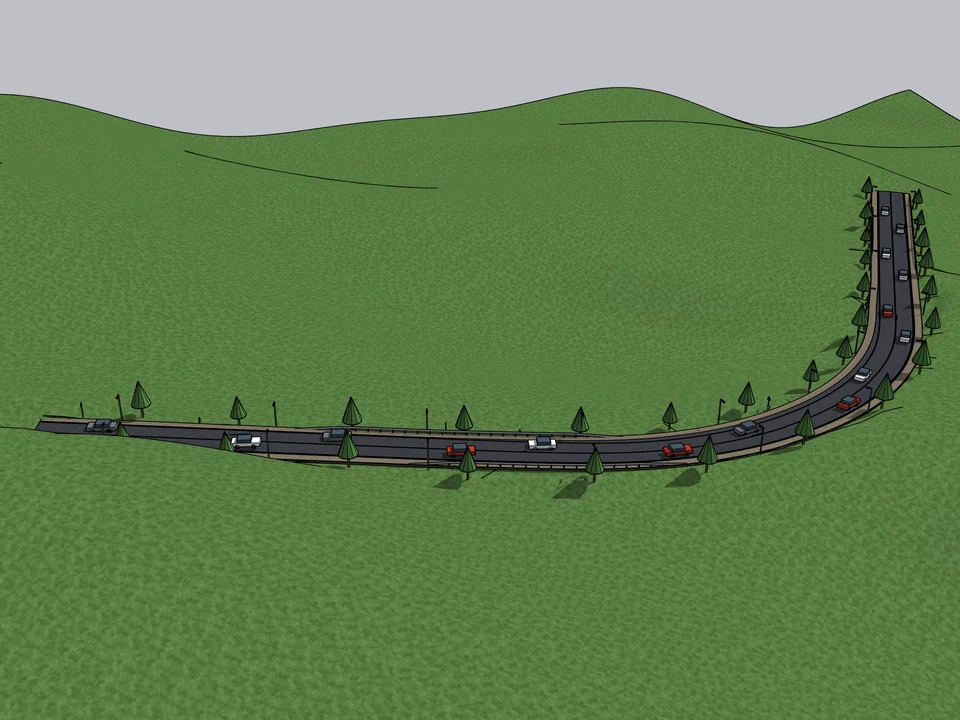
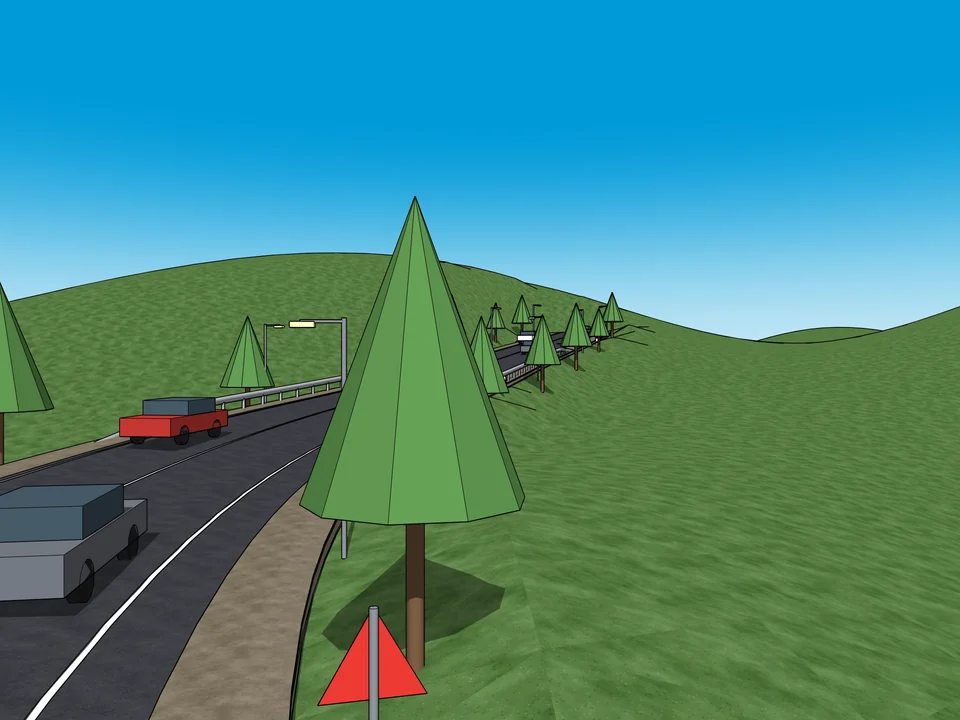
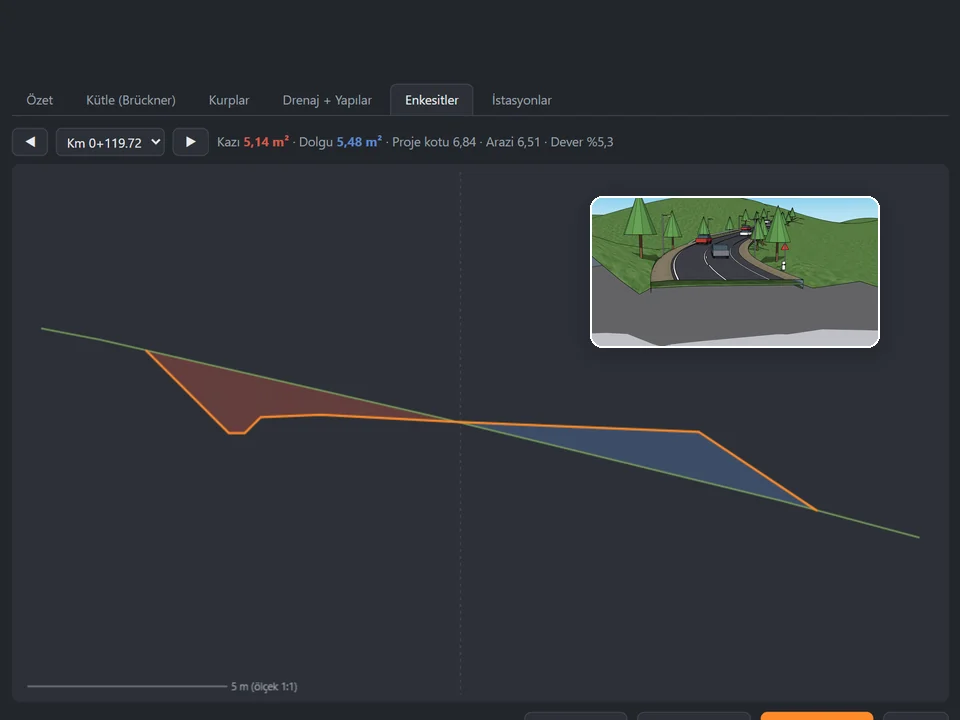
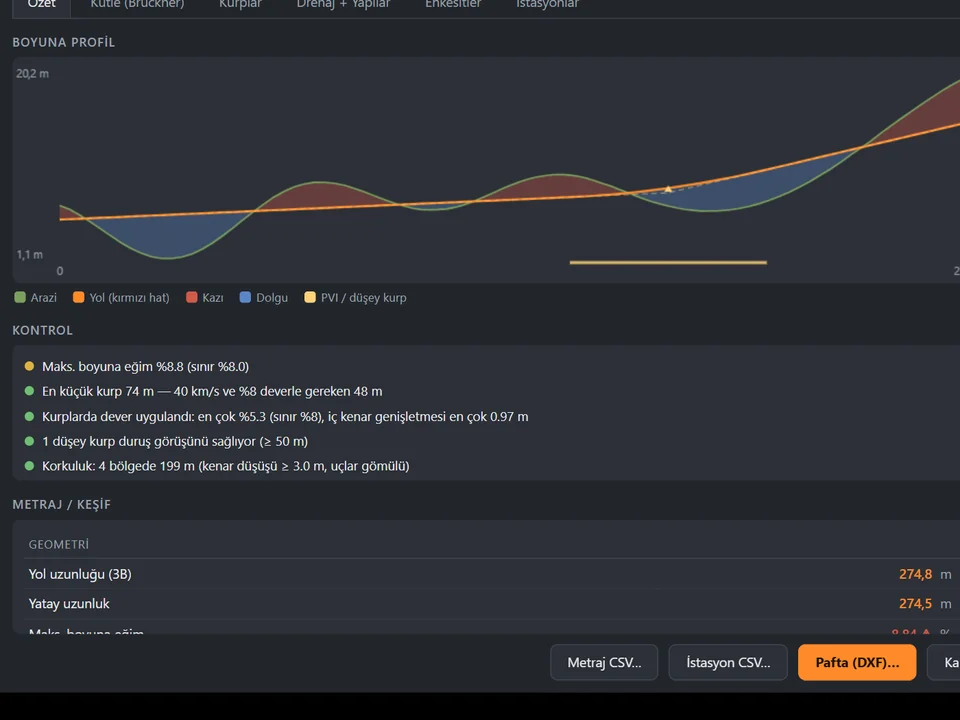
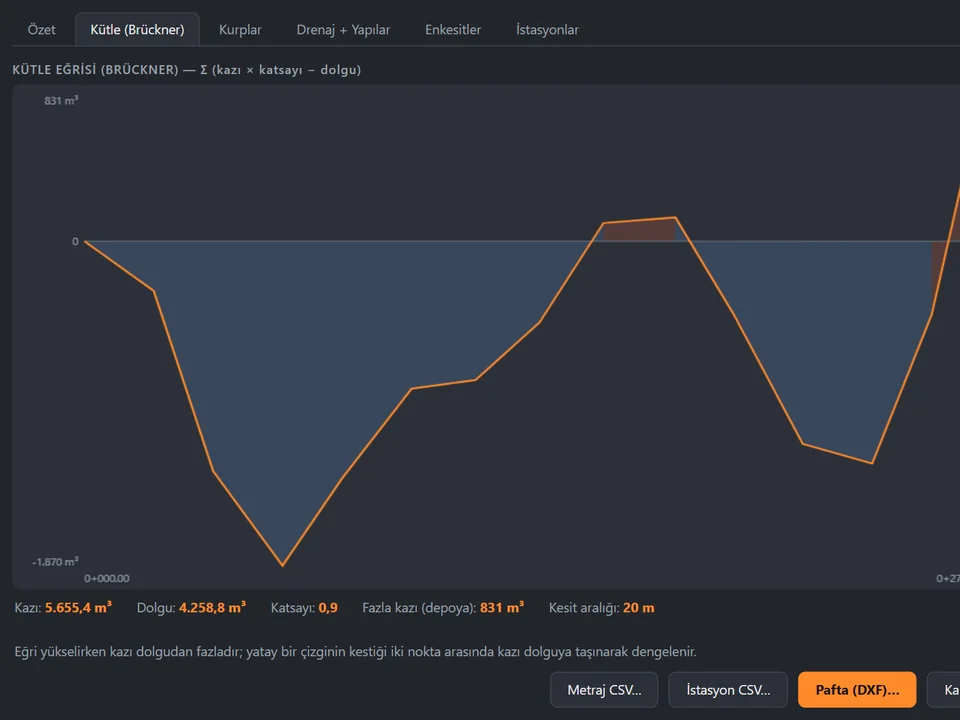
Click a route. The road sits on the land.
Click a route; road, terrain fit and quantities follow, no hand-fitting.
SketchUp 2021–2026v1.16.0
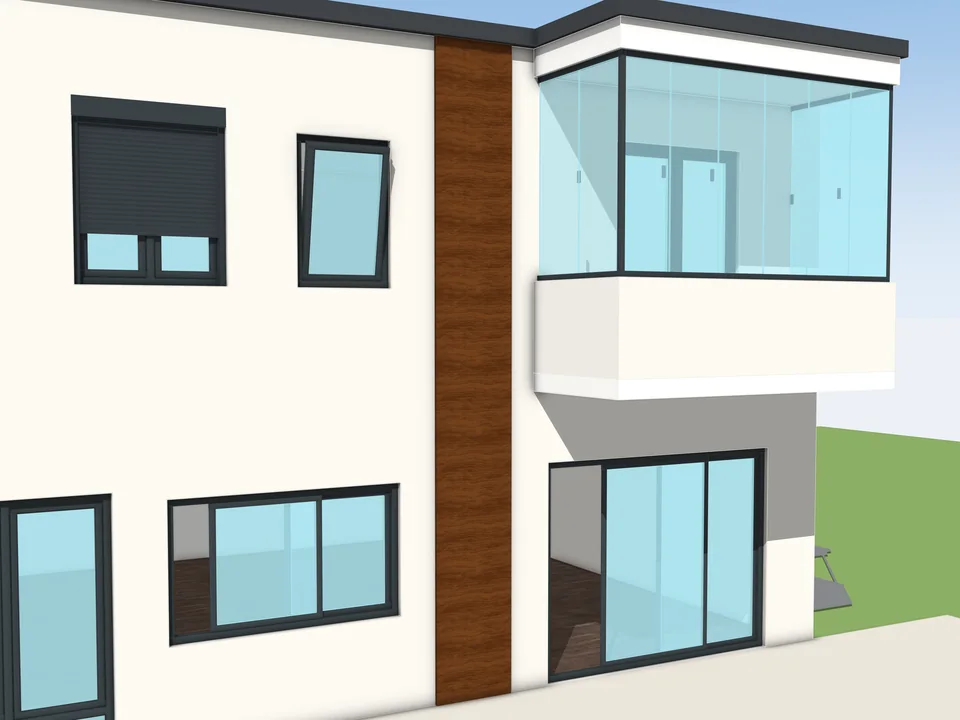
Type the size. The window builds itself.
Don't draw windows one by one: type the size, get window and quote.
SketchUp 2024–2026v1.1.0
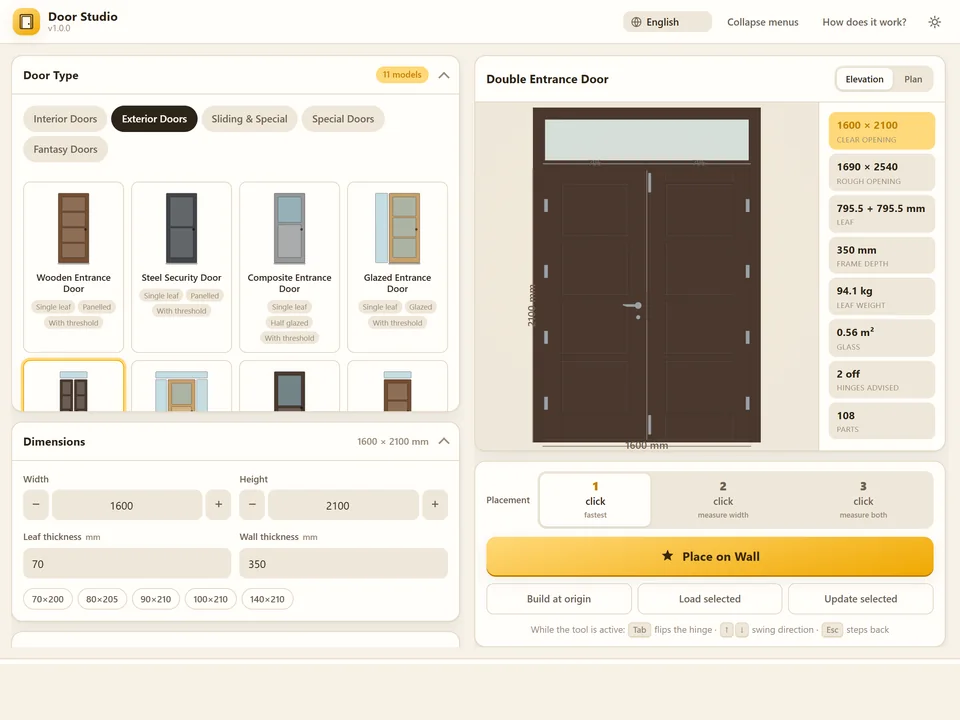
Pick a door, click the wall. It fits itself.
No walls cut by hand: pick a door, click the wall, it fits itself.
SketchUp 2021–2026v1.6.0