01
Draw the boundary, get the wall
Select the parcel edges or click the corners; posts, panels, footings and gates arrive as one group and one undo step.
Even on a sloping plot, your project shows a boundary that sits true to the ground. Select the parcel edges, pick one of 13 wall characters, and get a stepped, terrain-following wall with gates and a quantity report in one group.
Lifetime licence and lifetime updates
Be working with it tonight: the file is on screen and in your inbox the moment you pay.
Prices are in US dollars. Gumroad converts to your local currency at checkout.
SketchUp 2021 · SketchUp 2022 · SketchUp 2023 · SketchUp 2024 · SketchUp 2025 · SketchUp 2026 · v1.5.0
Left: the job by hand. Right: the same job with the plugin.
Garden Wall Studio
What the plugin does for you, drawn rather than listed.
Select the parcel edges or click the corners; posts, panels, footings and gates arrive as one group and one undo step.
Concrete, block, natural stone, rubble, brick, mesh fence, timber, metal picket, gabion or glass: pick the one that suits your boundary.
The wall reads the terrain; every bay steps to its own level, panels stay level, the footing follows the grade and posts reach the next level.
Two clicks on a finished wall remove the panel between them, keep both end posts and fit one of six gate presets to the ground level.
No more than 15 stones and at least 2 bond stones per m², stone depth never under 16 cm and true joints, built into the geometry itself.
Length, panel area, post and stone counts, footing concrete and waste, priced with your own unit rates, out as a CSV or a PDF.
Workload test
By handModelling the wall post by post, then counting it by hand
3 h
With Garden Wall StudioSelect the edges, pick a character, read the report
2 min
99%
less time on this job
120×
faster
The time the same job takes by hand and with the plugin; the share and the speed-up are worked out from those two times.
The SketchUp versions this plugin runs on:
Your version is under Help › About in SketchUp. Not sure? Just ask.

Ufuk Şen
3D visualisation specialist, instructor and plugin developer, Ankara
SketchUp instructor of 18 years · 34 courses on Udemy · 7,269 students · 899 reviews
Ask before you buy; the person who made the plugin answers.
Drag me
With the plugin
2 min
Select the edges, pick a character, read the report
By hand
3 h…
Modelling the wall post by post, then counting it by hand
Select the parcel edges, or click the corners yourself. Posts, panels, stepped footings and gates arrive as one group, one undo. No modelling post by post.
Rays read the terrain, every bay steps to its own level, panels stay square and true, and the footing follows the grade underneath. You never work out the levels.
You walk into the quote prepared: length, panel area, post and stone counts, footing concrete, waste and your unit prices give a costed report and a CSV, not a tally sheet.
boundary wall and take-off per project
Estimate based on a typical workflow. Your mileage will vary - usually upward.
Saved every month
0,0hours
Saved every year
0 hours
0 work days
You just found 122 hours of your life.
For the people who read the manual first.
Shipped, and what is next.
Shipped
Next
SketchUp 2021 through 2026, and nothing else. It is pure Ruby with no external gems, no separate converter and no dependency on another extension: install the RBZ from Extension Manager and its own four-icon toolbar appears. Outside that range a version guard shows a clear warning instead of registering menus, so it never half-loads. The 2021-2026 matrix is covered by 10 automated tests and 407 assertions; the real-application smoke pass was recorded on 2023.1.315 (Ruby 2.7.7) and 2026.1.189 (Ruby 3.2.2), with 2024 and 2025 verified statically.
One licence per person, used on your own workstations. You download the RBZ and install it yourself; the current build has no online activation step. The suggested price is 30 USD, kept deliberately low for a 1.5.0 beta whose engine is finished - 13 development phases, 8 released packages from 1.0.0 to 1.5.0 - while the panel interface is still being finished. Updates within the 1.x line are included. You are buying the version described on this page, not a promise about the next one.
Three honest limits. First, the dialog is Turkish: the TR/EN tabs exist but the translation dictionary behind them does not yet, so today only the estimate report and its CSV carry full English labels. Second, it draws walls, it does not engineer them - no retaining-wall statics, no soil pressure, no reinforcement schedule; the rules it enforces are craft rules (stones per m2, bond stones, joint widths, minimum stone depth). Third, it is bounded on purpose: MAX_STATIONS 20,000 and MAX_DECORATIVE_PARTS 100,000, gate widths capped per preset, and terrain following needs a visible top surface to shoot rays at - with no surface it falls back to the line's own Z.
Tutorial for
Garden Wall Studio
The Best SketchUp Plugins for 2026, Sorted by the Job They End
Without spending three days pushing rectangles around: nineteen SketchUp tools sorted by the job you are sick of doing, from walls, openings and floors to stairs, facades, roads and take-offs. Real numbers, honest limits.
Read →
Best SketchUp Plugins for Architecture: One Project, From the First Wall to the Final Render
Without spending the design time on modelling chores: the SketchUp plugins for architecture we make, in the order a project actually needs them, from walls and openings to finishes, site context and a photo-real render.
Read →
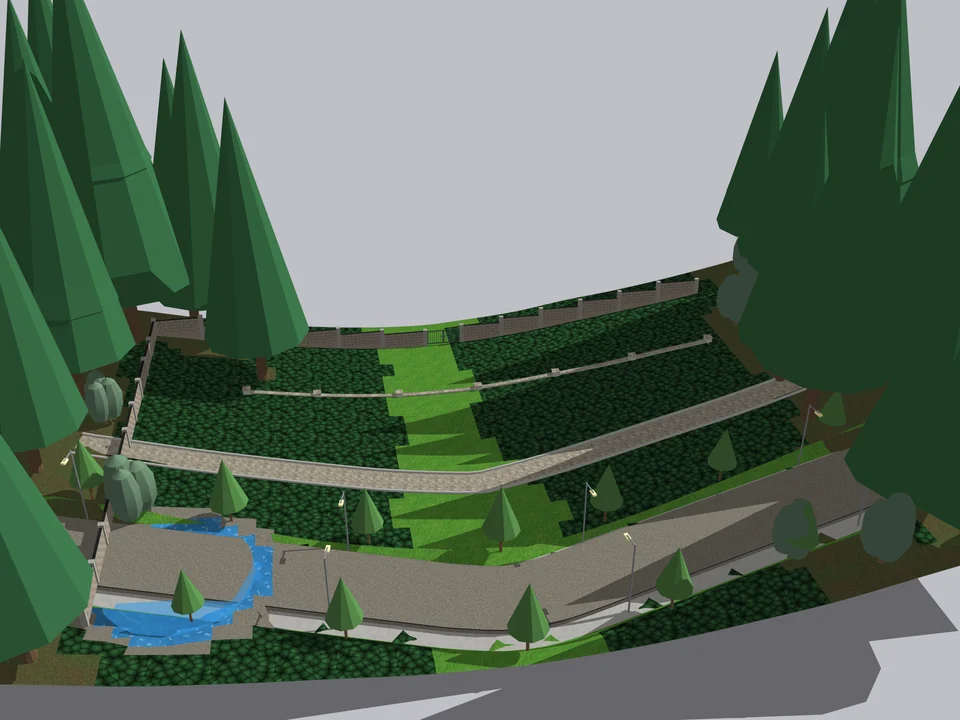
Shape the ground once. The site follows.
No fixing after every edit: shape the ground once, the site follows.
SketchUp 2021–2026v1.6.0
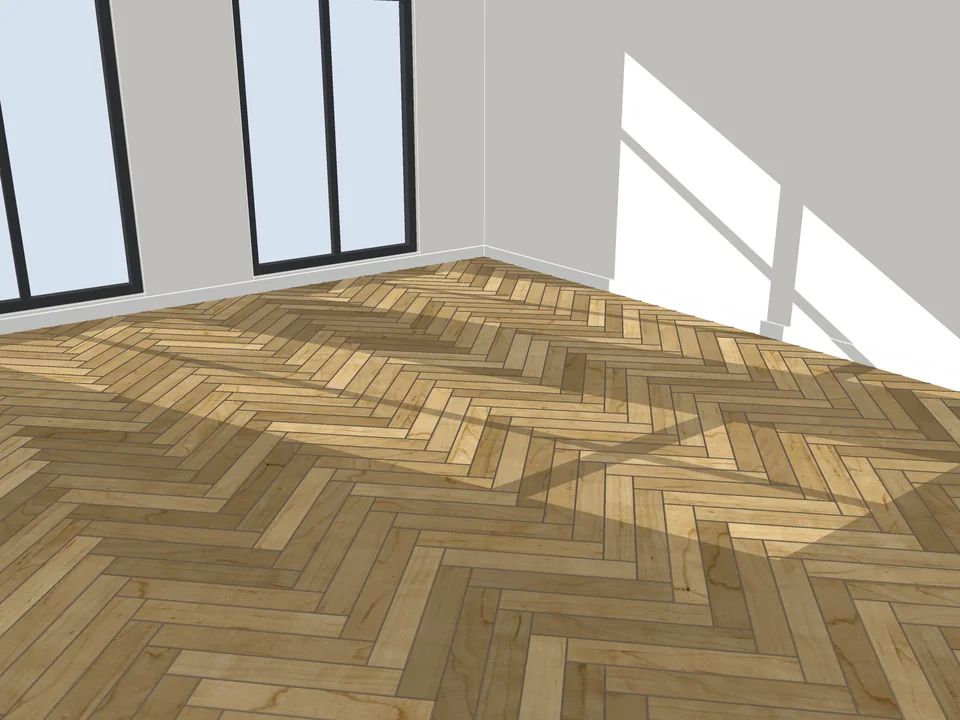
Pick a face, pick a pattern. Floor laid.
Skip the tile-by-tile copying: every board cut, counted, out as CSV.
SketchUp 2021–2026v3.3.0
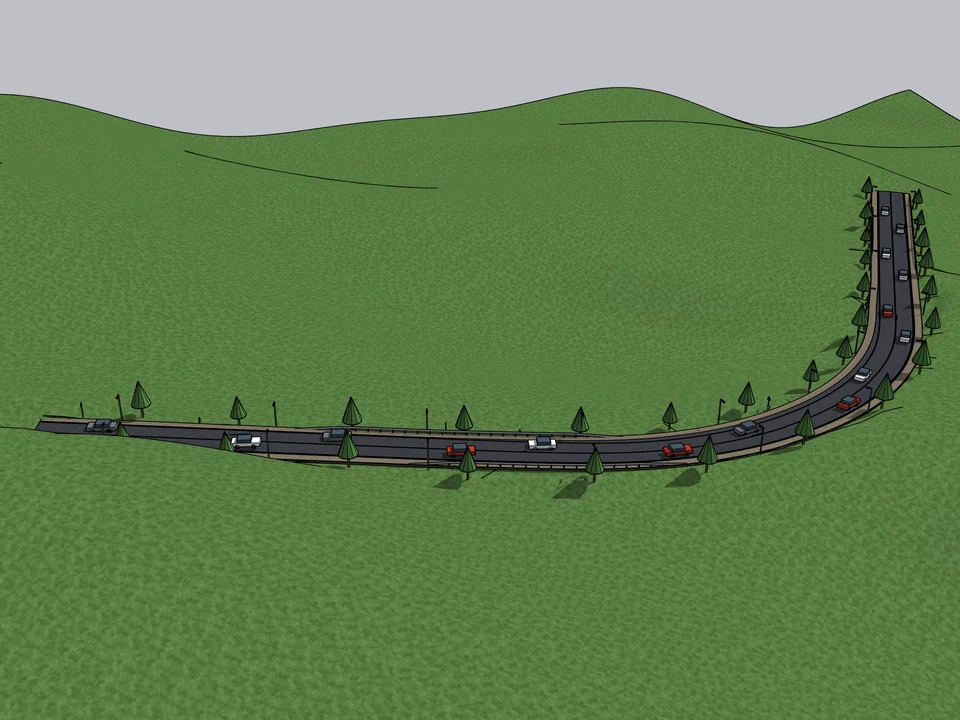
Click a route. The road sits on the land.
Click a route; road, terrain fit and quantities follow, no hand-fitting.
SketchUp 2021–2026v1.16.0