01
Type it once, the room is measured
Enter width, length and height once; floor, ceiling and all four walls come back measured, in the 2D plan and the 3D view alike.
Instead of juggling a tape, a notepad and Excel, you give the client the figure on the spot. Type room sizes; openings and columns come off automatically. Net areas become 11 materials, packs, material and labour cost, and a printable report.
Free and runs in your browser — nothing to install, no account.
Desktop browser - no install, no account · Tablet · Phone (mobile layout with collapsible panel) · WebGL required for the 3D and Split tabs (tabs auto-hidden without it) · Data stored locally in the browser (LocalStorage); JSON export to move projects between devices
Left: the job by hand. Right: the same job with the plugin.
Metraj
What the plugin does for you, drawn rather than listed.
Enter width, length and height once; floor, ceiling and all four walls come back measured, in the 2D plan and the 3D view alike.
Doors, windows, columns and beams come off the gross area on their own, so every material works from the same net figure, not a rough guess.
Paint inside and out, satin plaster, epoxy, wallpaper, ceramic, granite, marble, laminate, PVC and carpet, each with its quantity, packs and cost.
Ceramic, granite and marble work from the real size, like 60×60 or 60×120, and the pieces per box, so piece and box counts are true.
Draw right-angled plans on squared paper by direction and length; area and perimeter show live, and materials and report work as usual.
Edit a size or a price and the totals in TRY, USD or EUR follow at once; the report leaves as a PDF with the plan, Excel-ready CSV, JSON or PNG.
Workload test
By handTape measure, notepad, then Excel
35 min
With MetrajType the room, read the totals
2 min
95%
less time on this job
23×
faster
The time the same job takes by hand and with the plugin; the share and the speed-up are worked out from those two times.
Drag me
With the plugin
2 min
Type the room, read the totals
By hand
35 min…
Tape measure, notepad, then Excel
Width, length, height — once. Floor, ceiling and four walls come back measured, in 2D and 3D, ready to price.
Doors, windows, columns and beams come off the gross area on their own. Every material works from the same net figure, so the quote never rests on a rough guess.
Ready even at the negotiating table: move a wall or edit a price, and quantity, packs, labour and project totals follow — then leave as PDF, CSV, JSON or PNG.
quantity takeoff per project
Estimate based on a typical workflow. Your mileage will vary - usually upward.
Saved every month
0,0hours
Saved every year
0 hours
0 work days
You just found 173 hours of your life.
For the people who read the manual first.
Shipped, and what is next.
Shipped
Next
No install and no account - it opens in a browser on desktop, tablet or phone, and the left panel collapses on small screens. The 3D and Split tabs need WebGL and hide themselves on devices that lack it, so a modest tablet still gets the 2D plan, the material engine and the report. Projects live in that browser's local storage, so use the JSON export to carry a job from the office machine to the site tablet.
It is free: no licence key, no seat count, no sign-up. Everything runs in your browser - room dimensions, your prices and the reports stay on your own machine in local storage; the only network feature is an optional "who is online" badge. Use it on paid jobs as you like; the printed report already carries the note that the figures are approximate.
It is a takeoff and budgeting tool, not a certified estimate: quantities follow the consumption, waste, coats, pack size and prices you type, so check site measurements, product data sheets and current prices before you bid. Not there yet: skirting length, applying one material to several surfaces at once, editing a drawn room's dimensions after the fact, and detection of self-intersecting drawn plans. The interface is Turkish only for now.
The Best SketchUp Plugins for 2026, Sorted by the Job They End
Without spending three days pushing rectangles around: nineteen SketchUp tools sorted by the job you are sick of doing, from walls, openings and floors to stairs, facades, roads and take-offs. Real numbers, honest limits.
Read →
The Best Free Tools for Architects: Render, Context, Stairs, Colours, Quantities and Presentations
Without buying another licence for every step: the free tools on bestsketchupplugins.com and what each one saves an architect, from a photo-real render inside SketchUp to a stair checked against the code and a presentation sheet set.
Read →
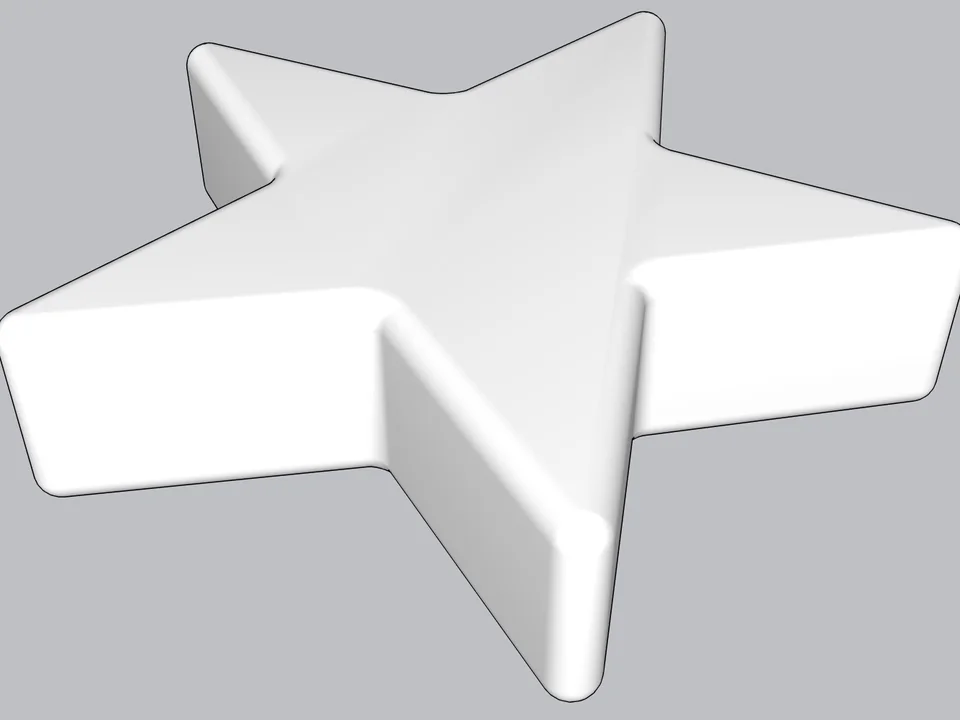
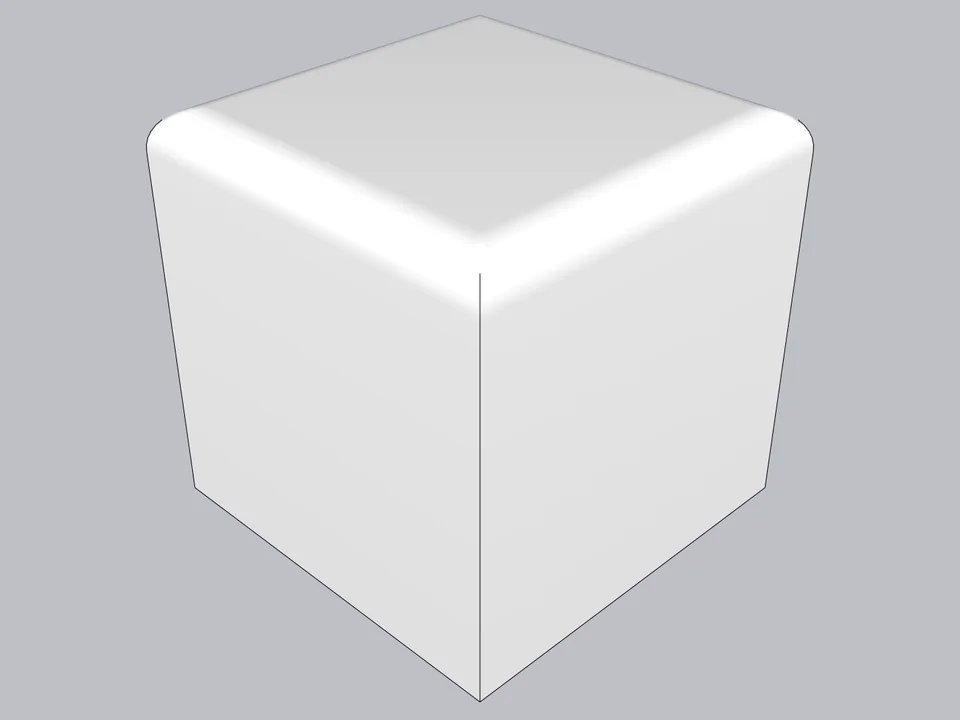
Type a radius, click: every edge goes soft.
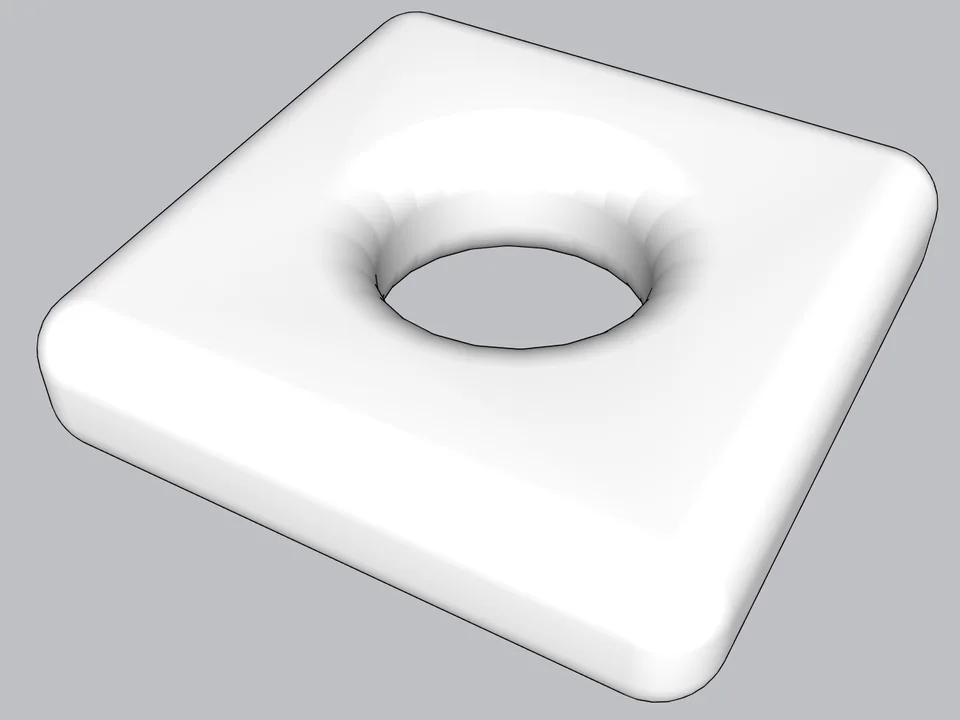
Skip hand filleting: round or chamfer in one click, always editable.
SketchUp 2021–2026v0.8.1
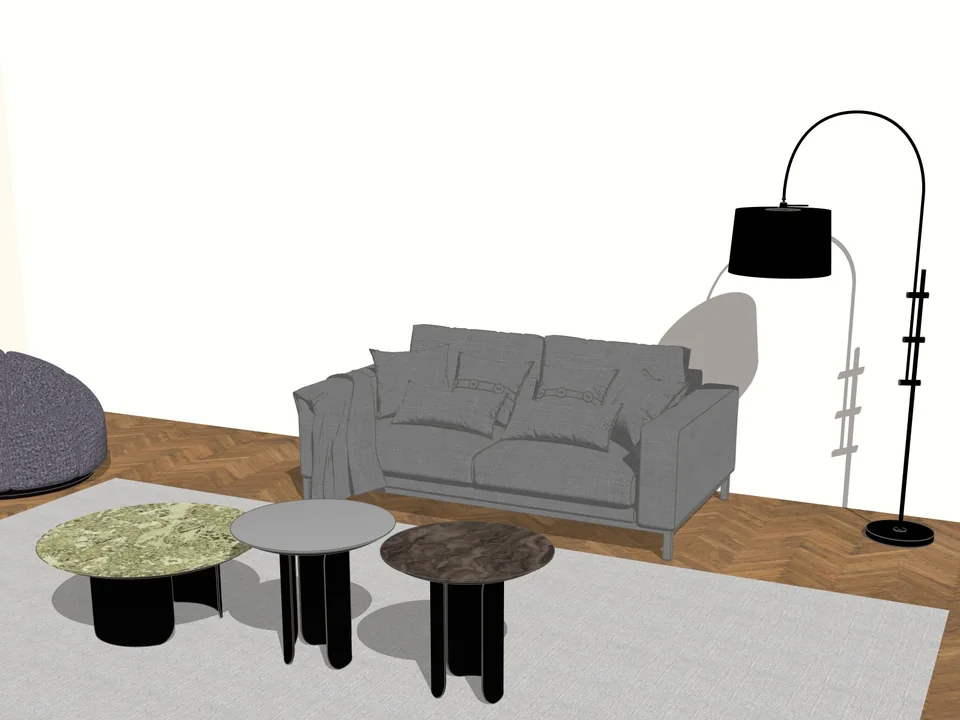
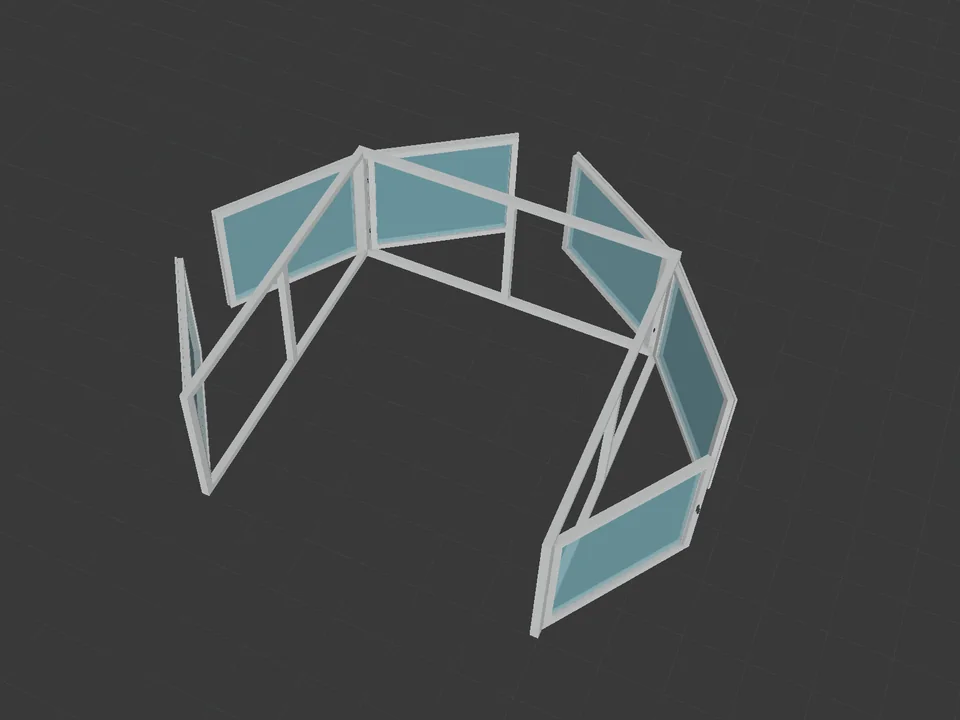
Any mesh in, clean SketchUp geometry out.
No hours of clean-up: any mesh in, clean SketchUp geometry out.
SketchUp 2024–2027v1.17.0
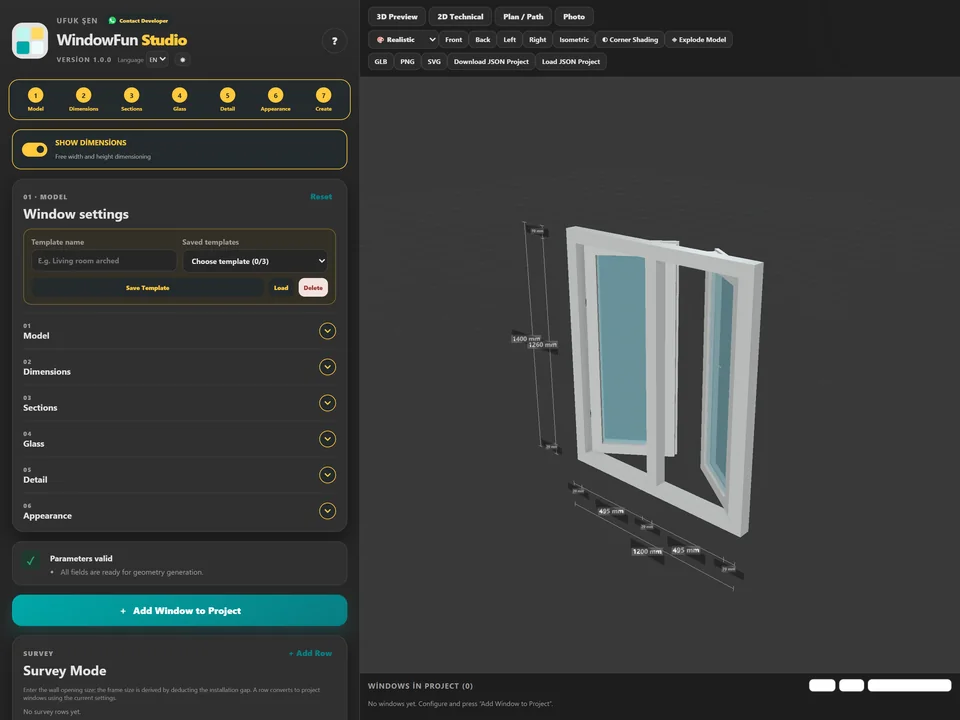
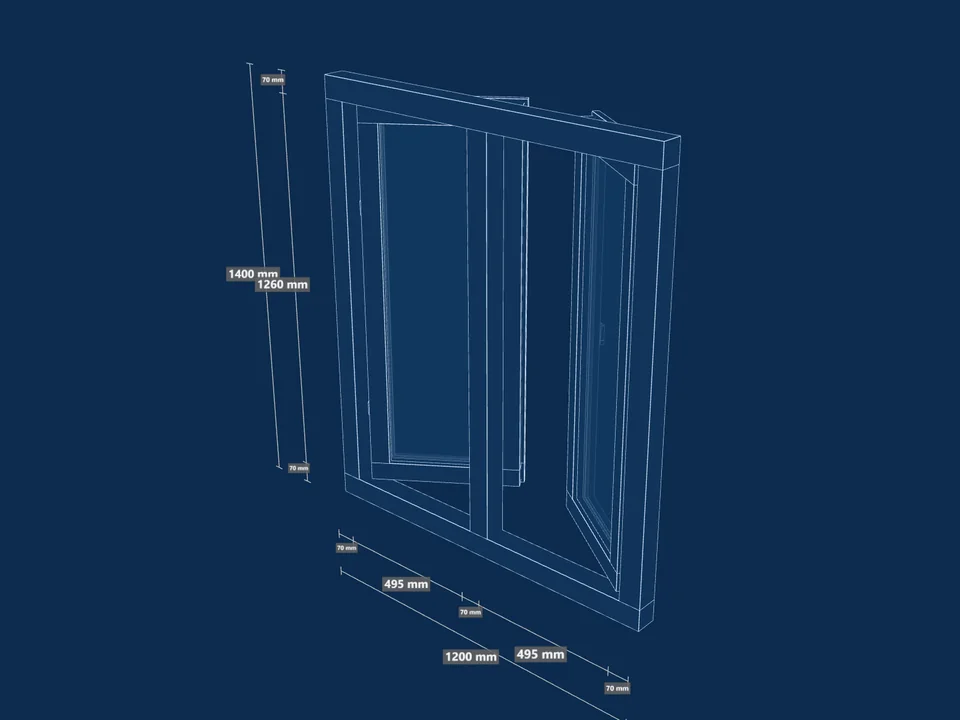
Type the size, watch it build in 3D.
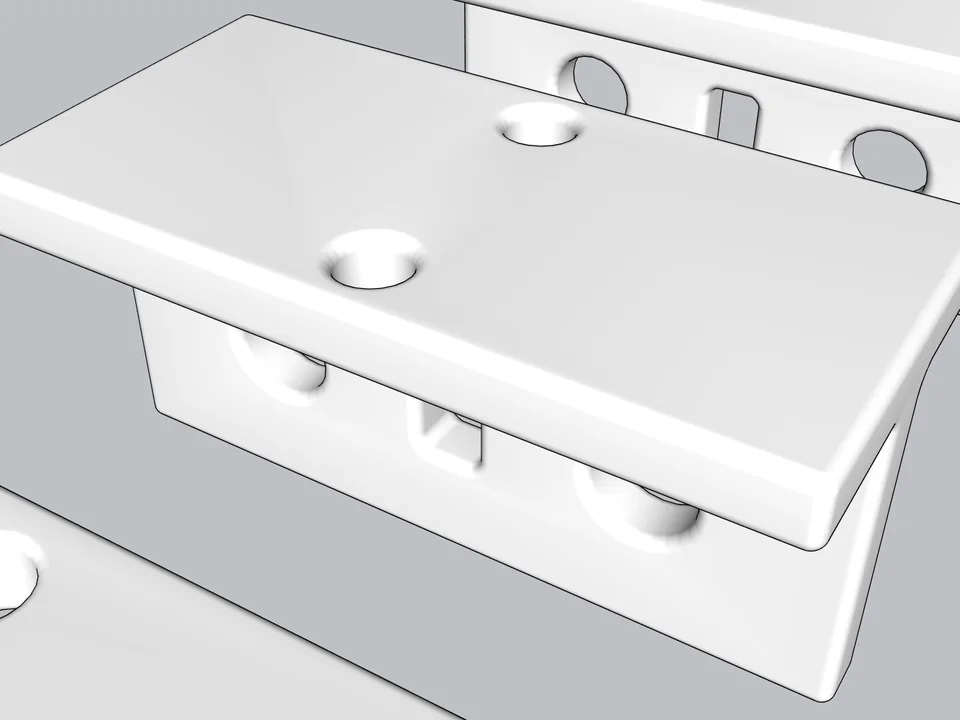
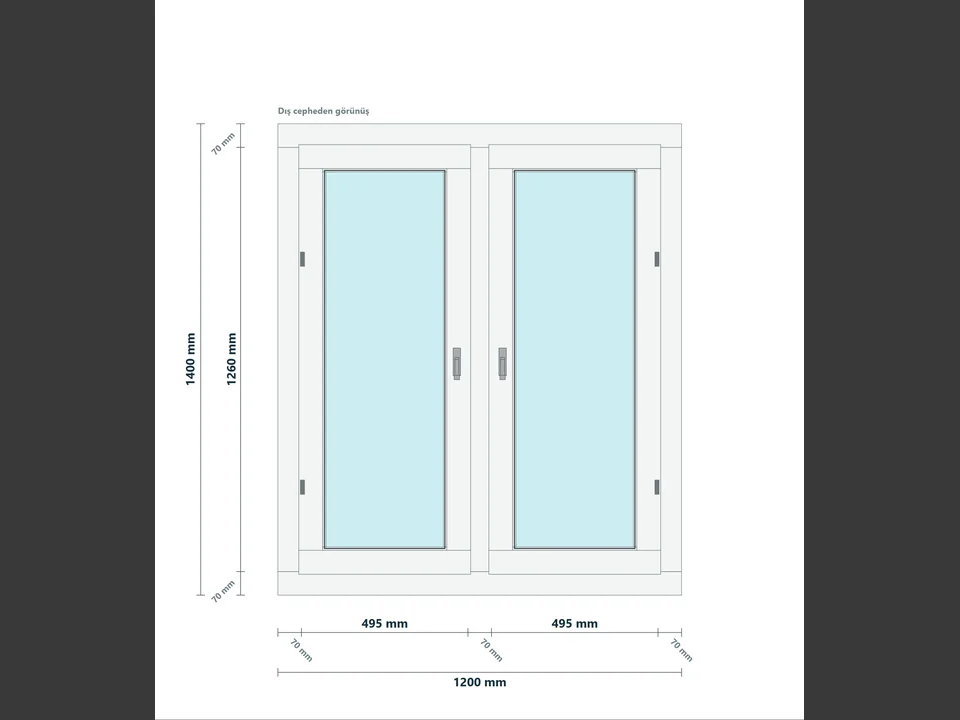
No hours of quote maths: design the window, get quote and cut list.
Runs in your browserv1.0.0