01
Six formats, one clean order
FBX, OBJ, 3DS, DAE, STL and GLTF/GLB come in and are normalised to metres and Z up, so every file lands in SketchUp the same orderly way.
The model you bring in arrives ready for the presentation, with no night lost to broken faces and stray edges. FBX, OBJ, 3DS, DAE, STL and GLTF/GLB run through a 16-stage pipeline you cannot switch off, and land in your model as clean, welded, textured geometry.
This one is not listed on Gumroad yet. Leave your address and you will hear the moment it is.
SketchUp 2024 · SketchUp 2025 · SketchUp 2026 · SketchUp 2027 · Windows · Mac · v1.17.0
Left: the job by hand. Right: the same job with the plugin.
Universal Converter
What the plugin does for you, drawn rather than listed.
FBX, OBJ, 3DS, DAE, STL and GLTF/GLB come in and are normalised to metres and Z up, so every file lands in SketchUp the same orderly way.
Vertices are welded, broken and duplicate faces cleared, the mesh simplified and edges softened, so no file reaches your model uncleaned.
Maximum Optimization, Balanced or Quality Priority: a profile only changes how hard the pipeline pushes, with face ratio and smooth angle under Advanced.
One file or a whole folder: pause, cancel a file, retry the failed ones, and one bad file never stops the run.
The source folder and subfolders like maps and textures are scanned and a diffuse image matched per part; the eyedropper handles the rest part by part.
Parts that arrive without UVs get a box, cylindrical or planar projection, with the texture tiled at a real size you set in centimetres.
Workload test
By handHand-cleaning one imported mesh
35 min
With Universal ConverterDrop it in the queue, read the report
45 sec
97%
less time on this job
47×
faster
The time the same job takes by hand and with the plugin; the share and the speed-up are worked out from those two times.
Drag me
With the plugin
45 sec
Drop it in the queue, read the report
By hand
35 min…
Hand-cleaning one imported mesh
FBX, OBJ, 3DS, DAE, STL, GLTF/GLB. Six format families, six readers, one common mesh model in metres, Z-up. Wherever the file comes from, it lands in SketchUp the same orderly way.
Sixteen stages run on every file: weld, clean, simplify, smooth, QC. Profiles change the pressure, never the pipeline, so no file reaches your model uncleaned.
It scans the maps and textures folders, matches a diffuse image per part, and projects UVs onto parts that arrived with none. No reassigning materials by hand.
downloaded models cleaned per project
Estimate based on a typical workflow. Your mileage will vary - usually upward.
Saved every month
0hours
Saved every year
0 hours
0 work days
You just found 408 hours of your life.
Not on sale yet
For the people who read the manual first.
Shipped, and what is next.
Shipped
Next
SketchUp 2024, 2025, 2026 and 2027, on Windows and Mac. Files: .fbx, .obj, .3ds, .dae, .stl, .gltf and .glb, up to 500 MB each. FBX has to be 7.x - 6.x and older are not read, so re-export as 7.x - and Draco-compressed glTF is not supported. The .skp files it writes are saved in SketchUp 2021 format, so an older seat can still open the results.
One .rbz through SketchUp's Extension Manager, and that is the whole setup - the licence covers every version listed above, 2024 through 2027, on Windows and Mac alike. Everything runs locally in Ruby: no account, no subscription, no upload step, so your meshes never leave the machine. The current build is 1.17.0.
PBR maps are the big one: metallic, roughness and normal collapse to a flat colour plus the diffuse texture, and the report names every map that could not be transferred. FBX 6.x and Draco-compressed glTF stay out. Part splitting gives up on materials with more than 16 disjoint pieces, the preview stops drawing past 60,000 faces, and picking several files at once means the + Folder button rather than multi-select in the dialog. Optimization itself is never optional - the profiles only decide how hard it pushes.
The Best SketchUp Plugins for 2026, Sorted by the Job They End
Without spending three days pushing rectangles around: nineteen SketchUp tools sorted by the job you are sick of doing, from walls, openings and floors to stairs, facades, roads and take-offs. Real numbers, honest limits.
Read →
SketchUp STL: How to Import and Export STL Files for 3D Printing
Without a print that fails halfway or an import that lands as triangle soup: STL is the file every 3D printer and slicer understands. Install the free official SketchUp STL extension, export a model that actually prints, bring an STL back in and clean it up.
Read →
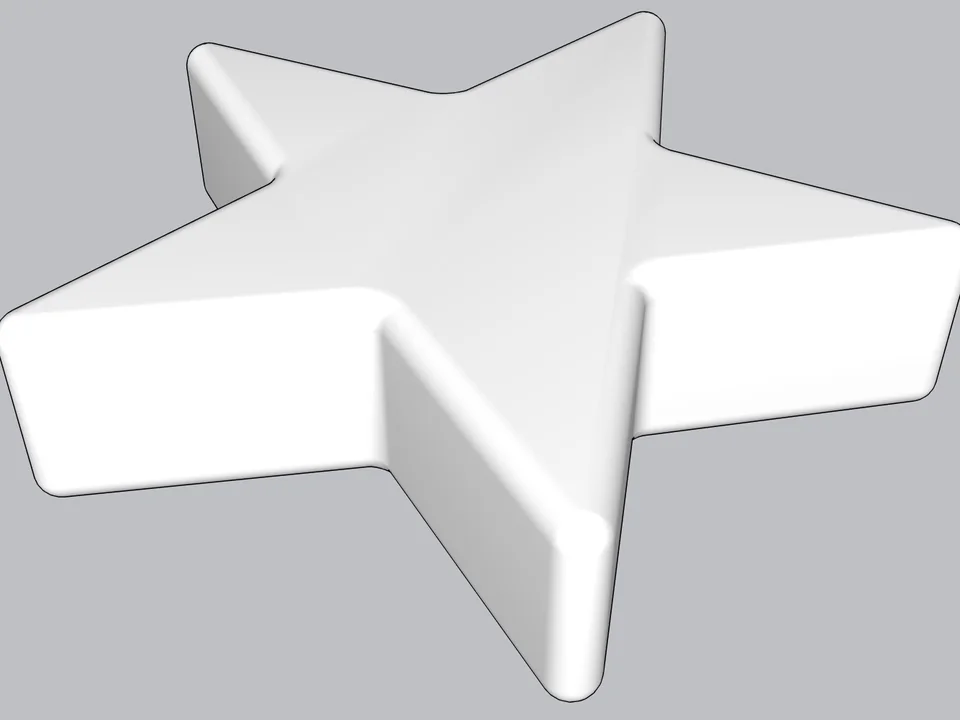
Type a radius, click: every edge goes soft.
Skip hand filleting: round or chamfer in one click, always editable.
SketchUp 2021–2026v0.8.1
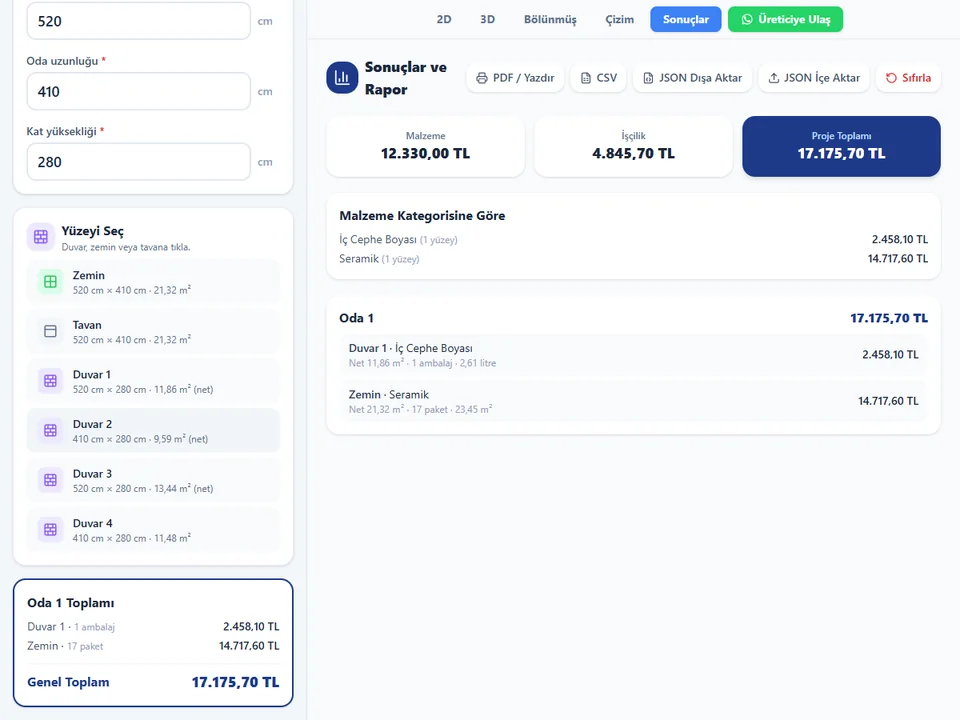
Room sizes in, materials and cost out.
No hand maths behind the quote: room sizes in, materials and costs out.
Runs in your browser
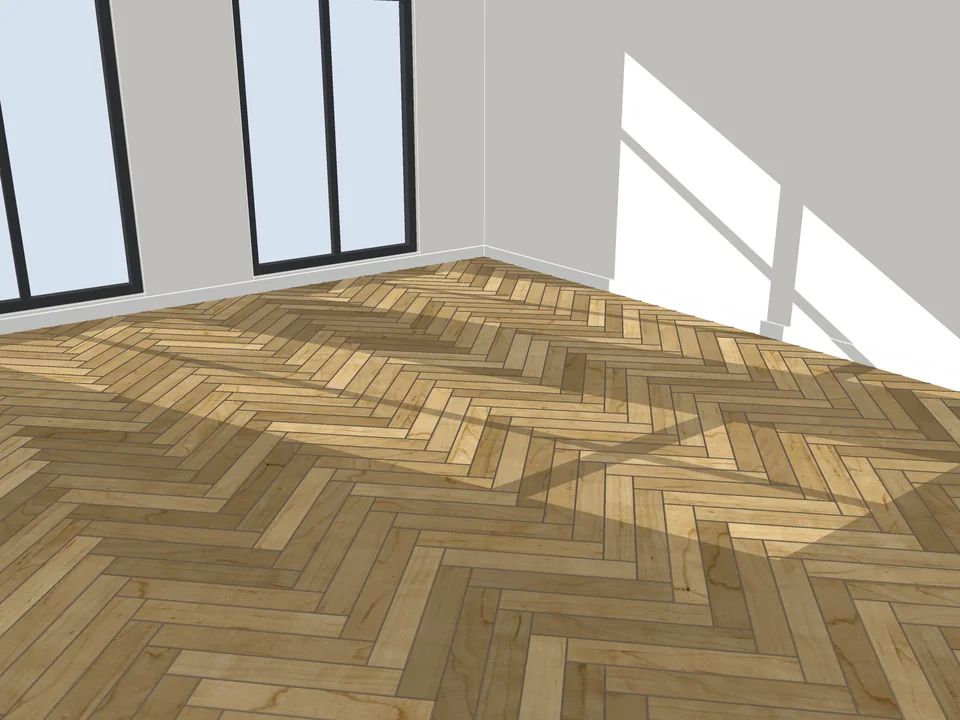
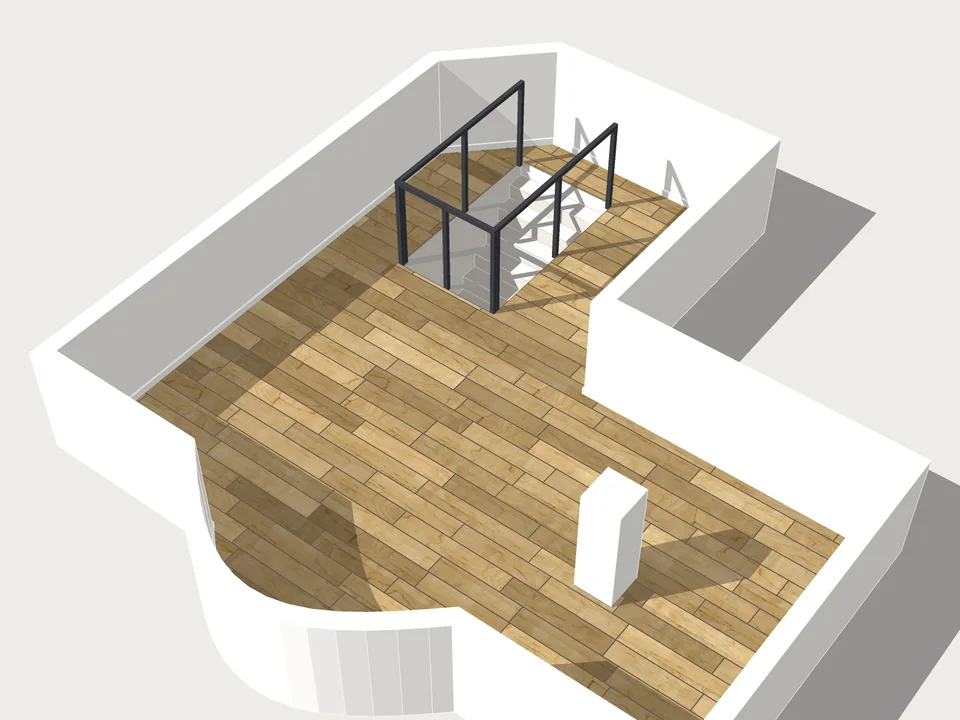
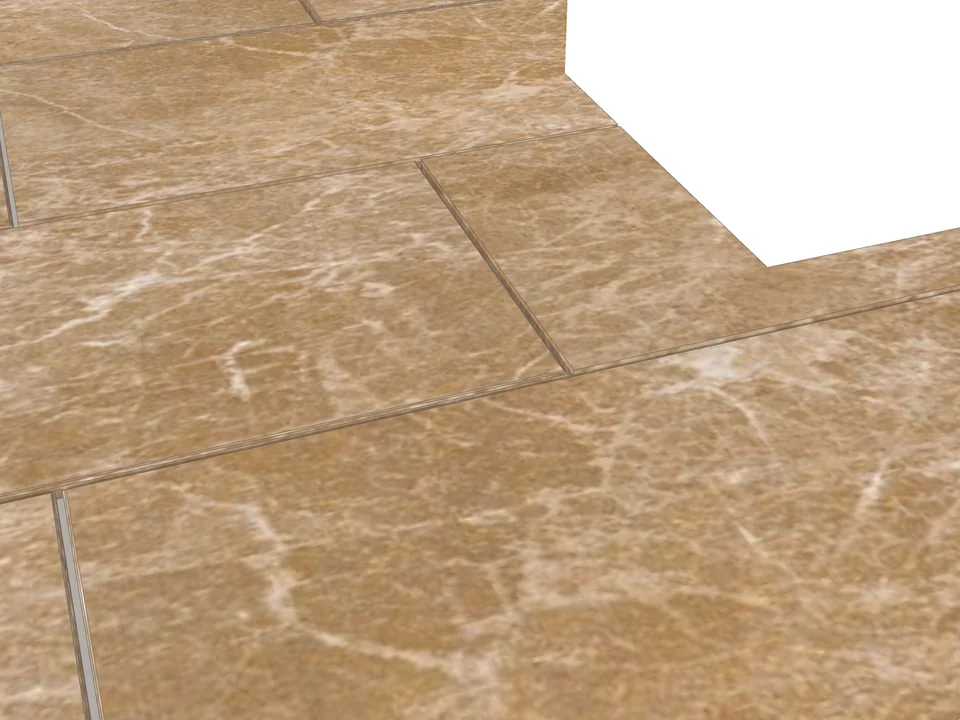
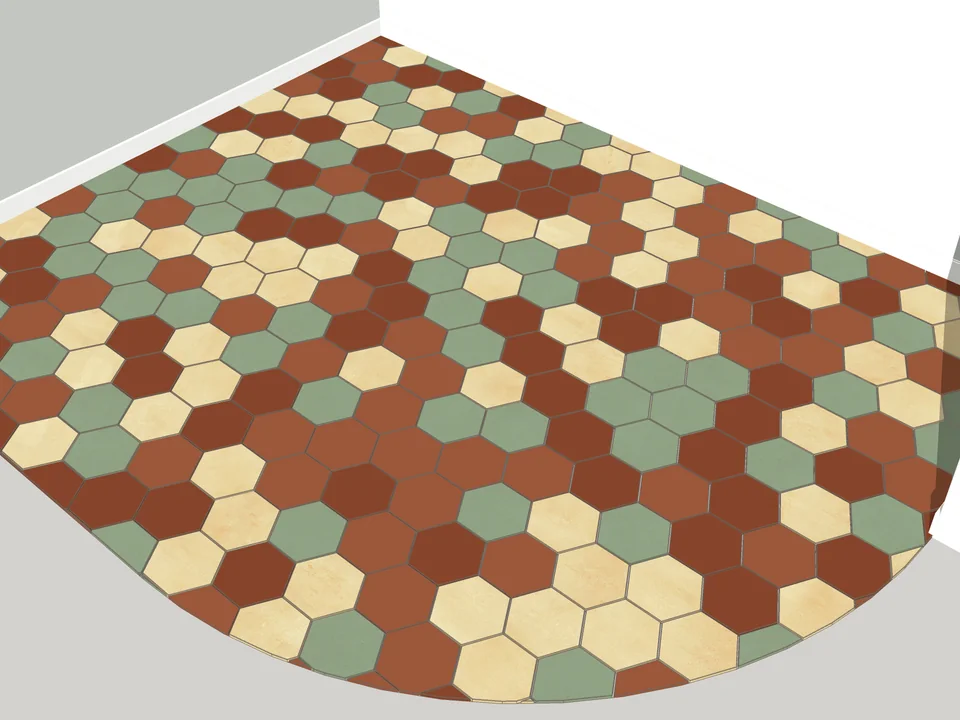
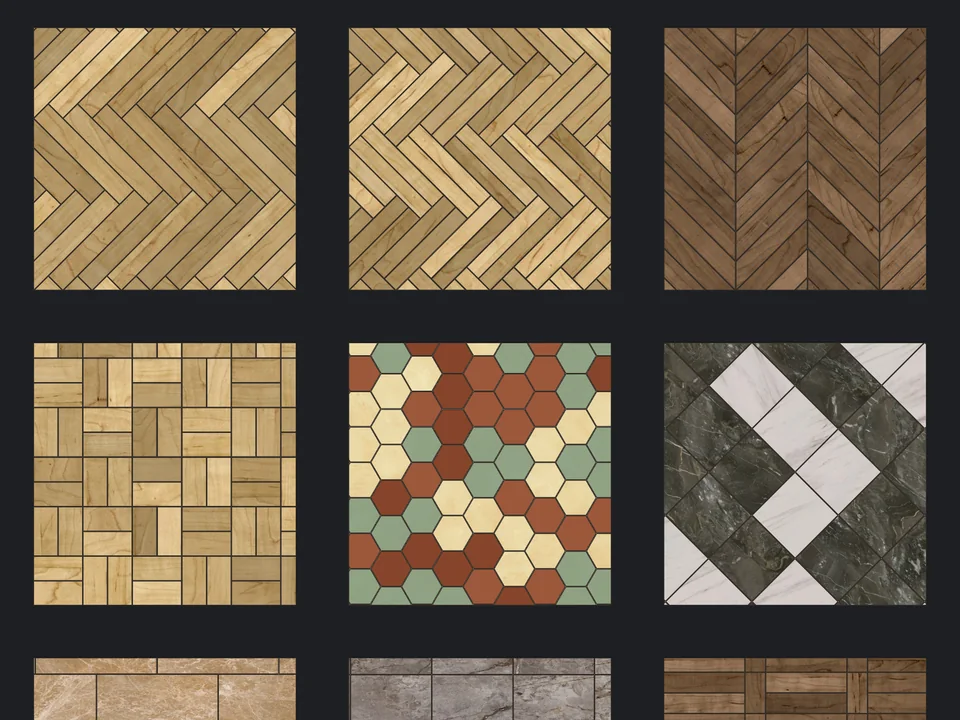
Pick a face, pick a pattern. Floor laid.
Skip the tile-by-tile copying: every board cut, counted, out as CSV.
SketchUp 2021–2026v3.3.0