01
Build the carcass or bring a DXF
Set up sides, top, bottom, back, up to 8 dividers and shelves by size, or bring in a drawing from the CAD you already use as a DXF.
In the workshop, the file goes straight from the drawing to the machine, not via a hand-typed list. Build the carcass or import a DXF, and PanelCut nests it, adds kerf and edge banding, then exports both the machine DXF and the dimensioned shop drawing.
SketchUp extensions currently on the workbench.
Desktop browser · Tablet browser · Phone browser · Static hosting - no Node.js, PHP or database needed · Apache / cPanel (only for the optional PHP licence gate) · Nginx (example config documented) · v0.26.0-alpha
Left: the job by hand. Right: the same job with the plugin.
PanelCut Studio
What the plugin does for you, drawn rather than listed.
Set up sides, top, bottom, back, up to 8 dividers and shelves by size, or bring in a drawing from the CAD you already use as a DXF.
Guillotine-safe layouts for the panel saw, free layouts for the router; grain-directed faces never rotate, and 3 wood sheet sizes come ready.
Net size and cut size stay apart: kerf, edge trim and per-edge banding are added, and your part notes survive when the geometry changes.
Assembly, translucent, exploded and single-part 3D views sit beside the sheet layout; click a part in the model and it is picked in the table, and back.
25 validation rules feed a three-level issue list; a critical error locks the production export before any material goes to waste.
The nested sheet with true contours for the machine and a dimensioned sheet for the bench, plus PDF, CSV, SVG and GLB, all from the same data.
Workload test
By handCut list by hand, then redraw it in CAD
55 min
With PanelCut StudioSet the panel, export both DXFs
30 sec
99%
less time on this job
110×
faster
The time the same job takes by hand and with the plugin; the share and the speed-up are worked out from those two times.
One carcass, or one imported contour, feeds the nesting, the cut list, the machine DXF and the dimensioned shop drawing. You never type the same size twice.
Move a thickness, a kerf, a joint mode. The layout, the labels and both DXF files come back correct - your part notes stay put.
Saw kerf, edge banding, V-groove unfolding, K-factor bends - computed. 25 rules stop a bad sheet before anyone cuts it, so material goes into the job, not the scrap bin.
For the people who read the manual first.
Shipped, and what is next.
Shipped
Next
No. PanelCut Studio opens in the browser - desktop, tablet or phone - and installs nothing. The app itself is static: no Node.js, no PHP, no database on the server. Build the carcass in the app, or bring geometry in as DXF from whatever CAD you already use (LINE, LWPOLYLINE with arcs, POLYLINE, ARC, CIRCLE, ELLIPSE, SPLINE, INSERT blocks). It gives back DXF R12 for the machine, a dimensioned DXF sheet for the bench, plus PDF, CSV, SVG, GLB and glTF. Project data never leaves your browser.
The furniture panel side - PanelCut Studio - is free, with no key and no account. The paid one is its sibling page, KompozitCut Studio, for aluminium composite facade cassettes: same codebase, same engine, different job. Its pricing is still phase 16 on the roadmap, so there is no checkout yet. When it opens, the licence check runs on the server rather than in the browser, keys are stored only as hashes, a key covers a few machines, and the application code is not downloadable without a valid one. None of it applies to the free app.
Version 0.26.0-alpha, and honest about the gaps. There is no 2D sketch editor for free profiles or custom holes, no CNC operation UI for holes, grooves and pockets, and no machine-specific post-processor or G-code - you get the DXF and set the machine up yourself. Nesting is rectangle-based (shelf and MaxRects); true-shape nesting is not in yet, apart from mirrored trapezoid twins. Parts run 50 to 6000 mm with at most 8 dividers. Read the issue list, then check the first sheet before you cut it.
The Best SketchUp Plugins for 2026, Sorted by the Job They End
Without spending three days pushing rectangles around: nineteen SketchUp tools sorted by the job you are sick of doing, from walls, openings and floors to stairs, facades, roads and take-offs. Real numbers, honest limits.
Read →
Parametric Cabinet Library Plugin for SketchUp: Change Sizes, Doors, Handles, Drawers and Materials Without Redrawing a Panel
For the maker whose workshop makes no mistakes and the designer who closes the sale at the table: change the size, door style, handle, drawers and finish in front of the client, while CabinetWizard rebuilds every panel from formulas and writes the quote and CNC cut list from the same numbers.
Read →
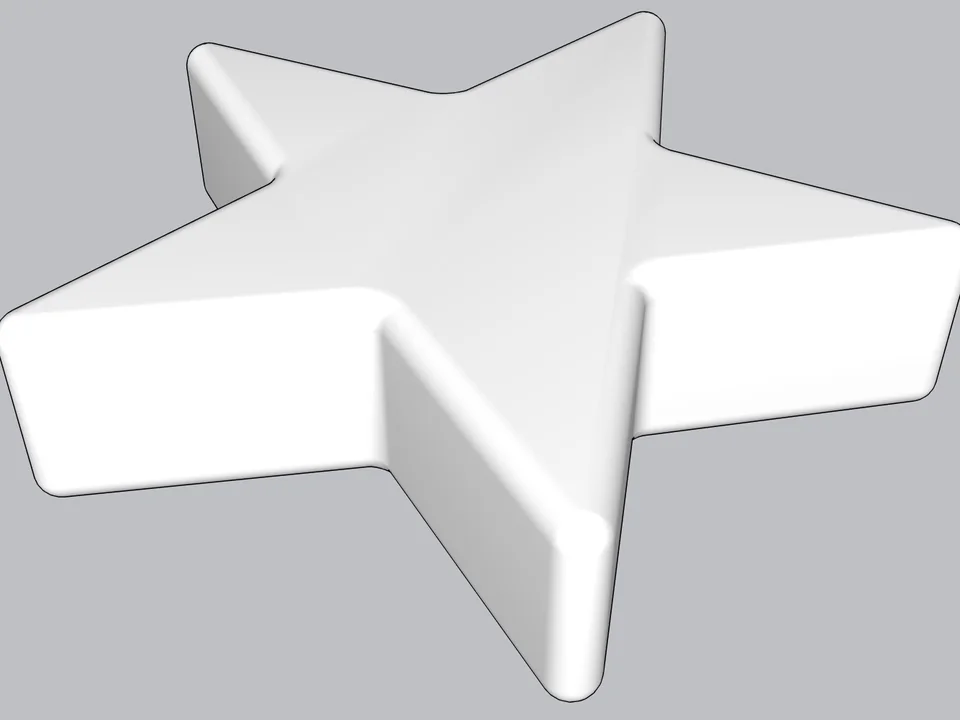
Type a radius, click: every edge goes soft.
Skip hand filleting: round or chamfer in one click, always editable.
SketchUp 2021–2026v0.8.1
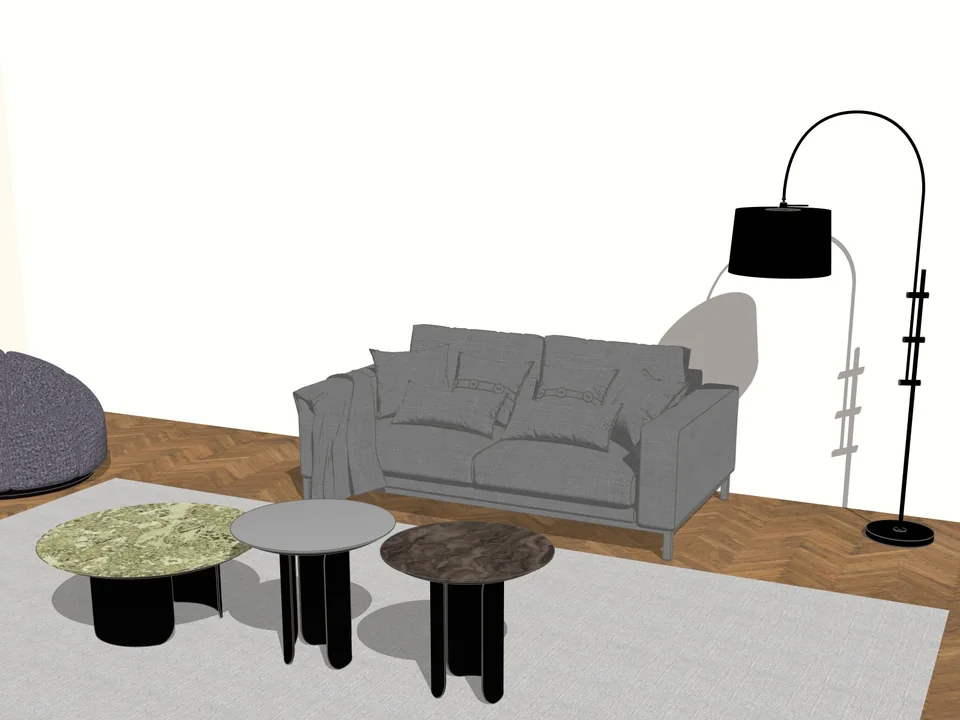
Any mesh in, clean SketchUp geometry out.
No hours of clean-up: any mesh in, clean SketchUp geometry out.
SketchUp 2024–2027v1.17.0
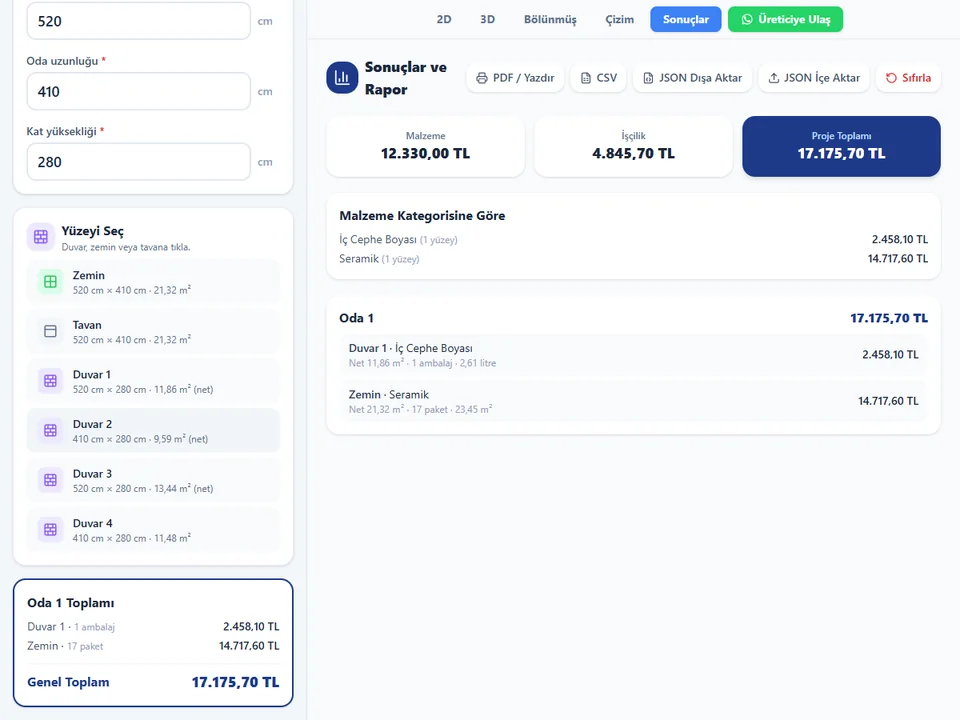
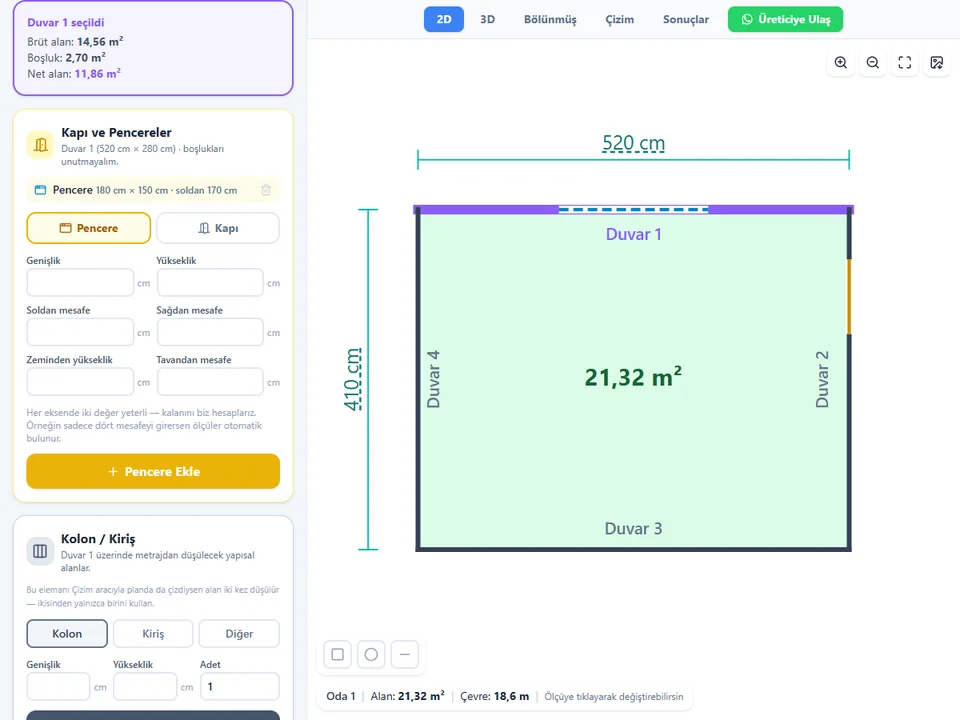
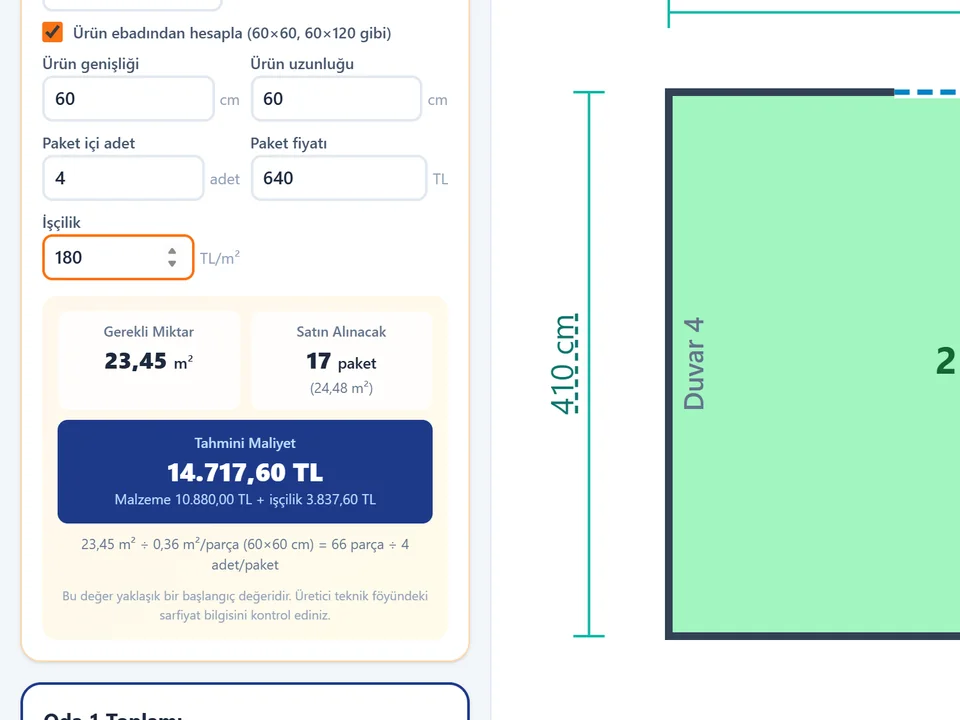
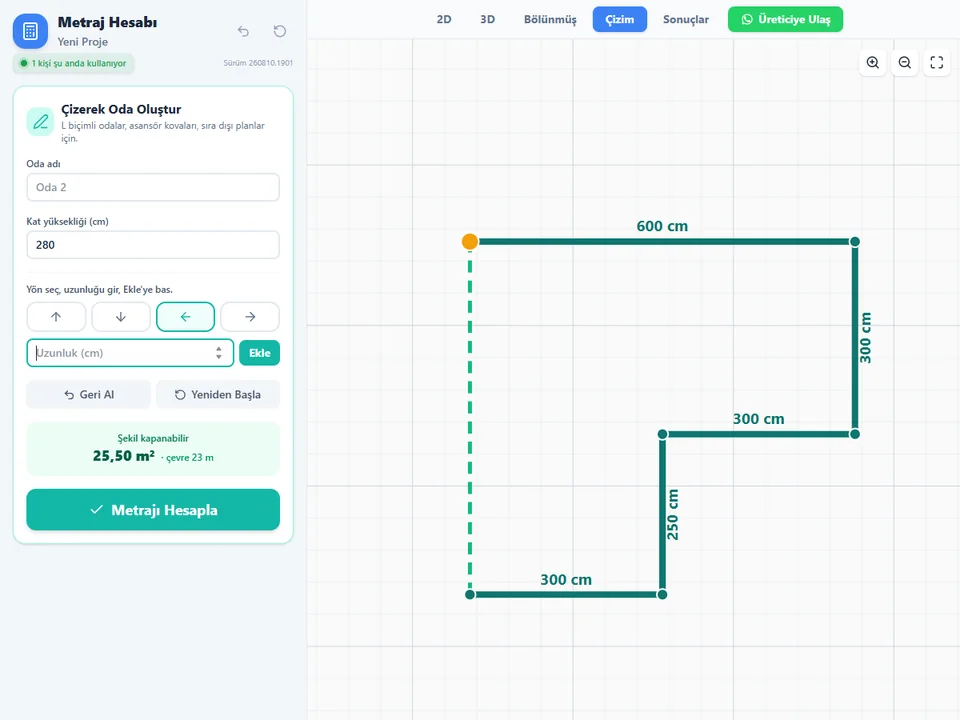
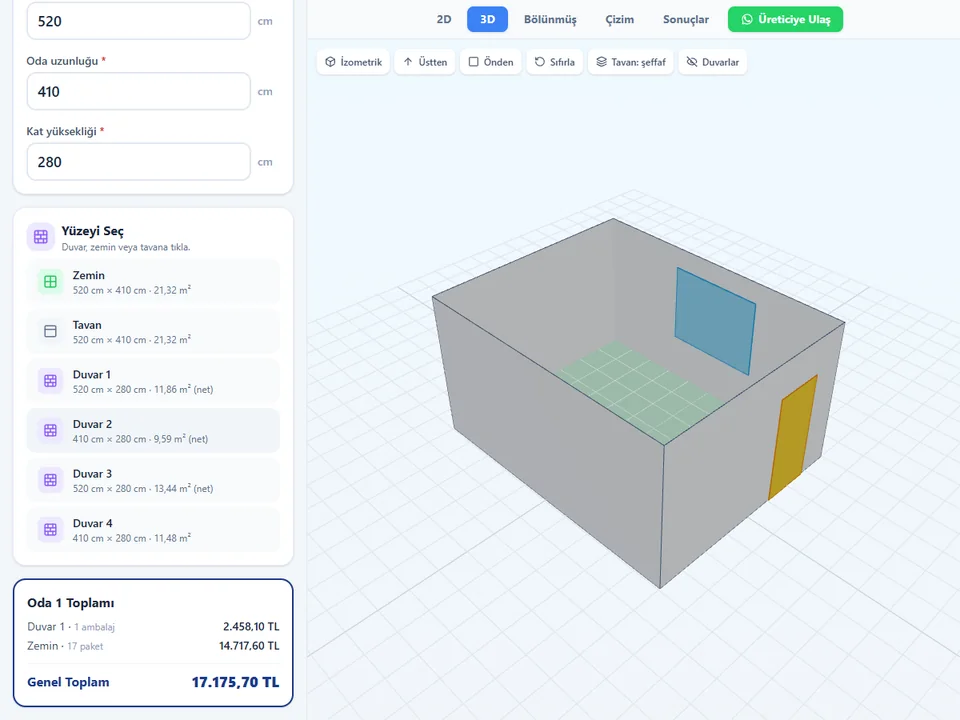
Room sizes in, materials and cost out.
No hand maths behind the quote: room sizes in, materials and costs out.
Runs in your browser