01
Any line becomes a ramp
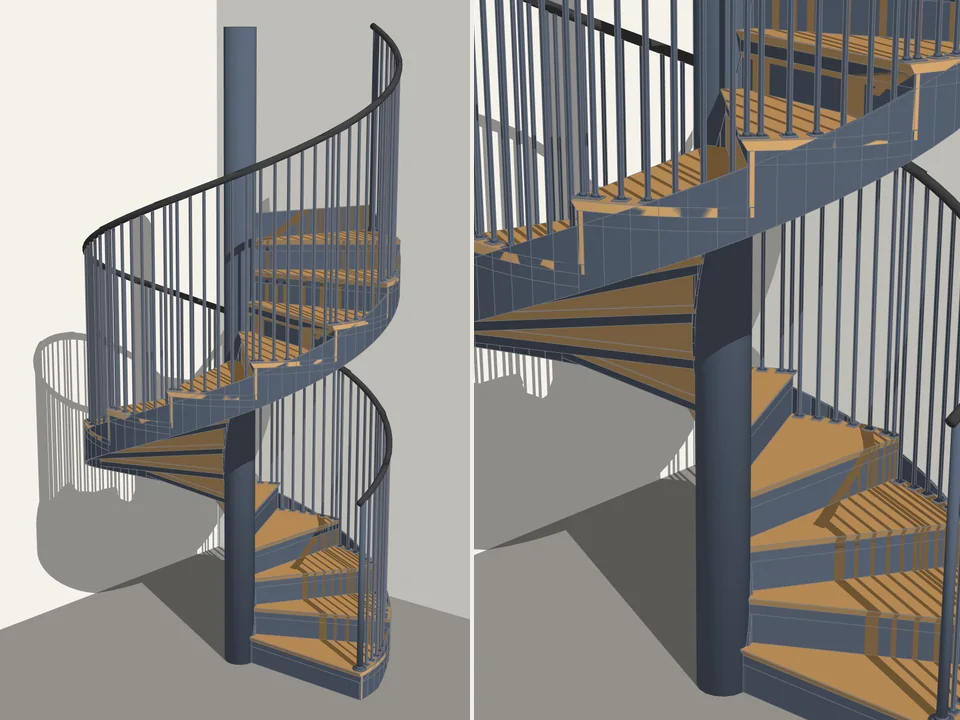
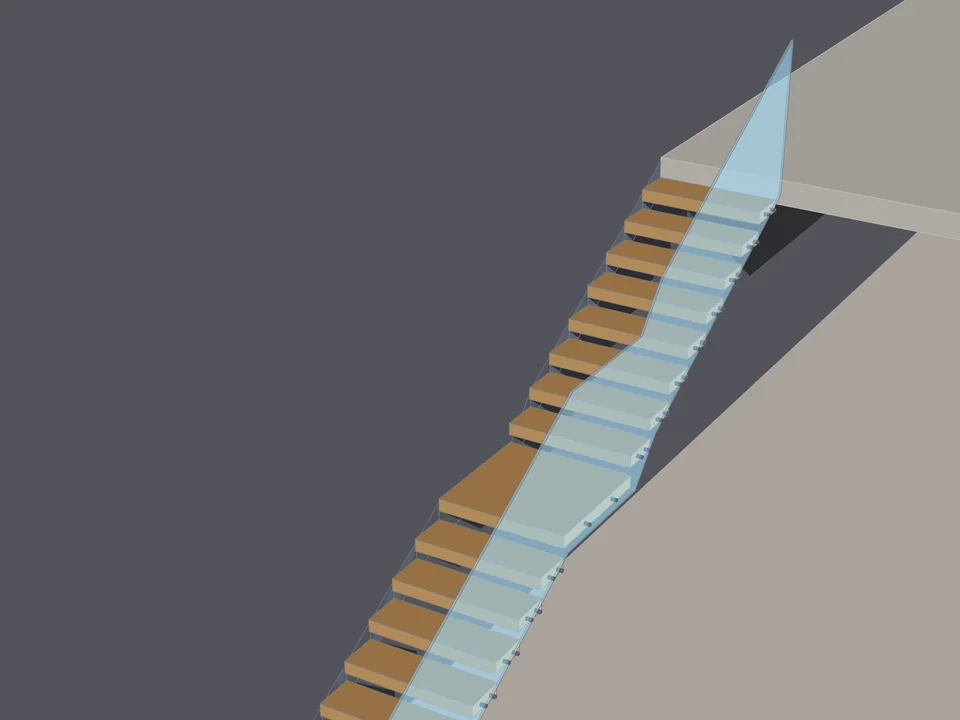
Point at any line, arc or curve in your model, or pick one of 13 path generators; even on a full helix the width stays constant and the deck never tilts.
When someone asks about the slope, you point to the number on screen, not a calculator. Path-based ramps — straight, L/U/Z, circular, spiral, helical — with 8 railing types, kerbs and anti-slip strips, re-solved live when any number changes.
Lifetime licence and lifetime updates
Be working with it tonight: the file is on screen and in your inbox the moment you pay.
Prices are in US dollars. Gumroad converts to your local currency at checkout.
SketchUp 2021 · SketchUp 2022 · SketchUp 2023 · SketchUp 2024 · SketchUp 2025 · SketchUp 2026 · Windows · v1.0.0
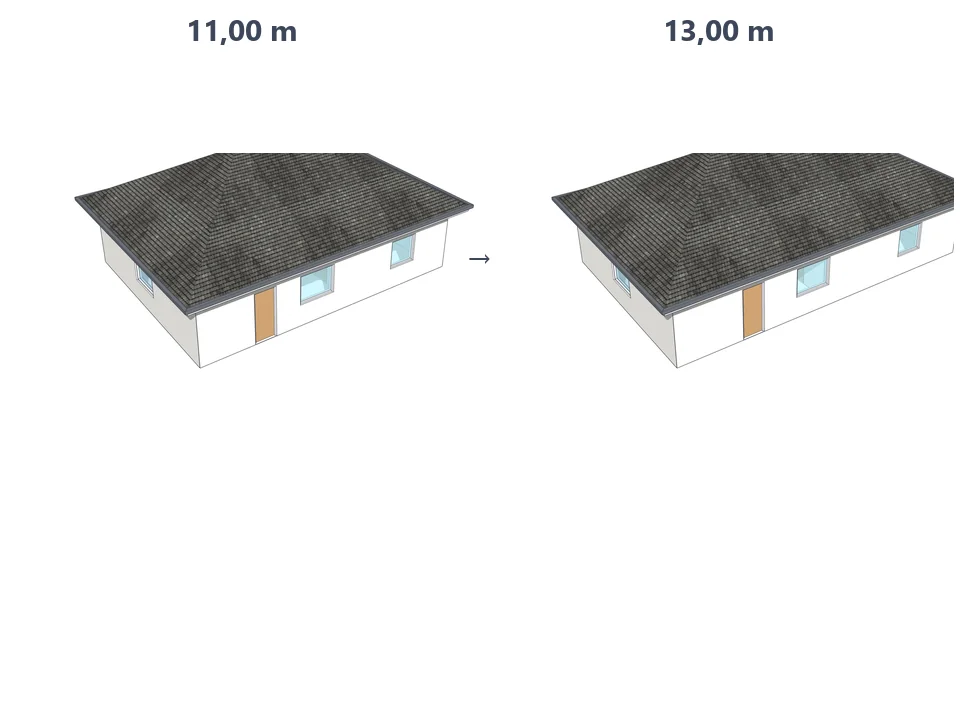
Left: the job by hand. Right: the same job with the plugin.
Ramp Studio
What the plugin does for you, drawn rather than listed.
Point at any line, arc or curve in your model, or pick one of 13 path generators; even on a full helix the width stays constant and the deck never tilts.
Type a percentage (8%), a ratio (1:12.5) or degrees (4.57°) and the other two follow; width, run, rise and slope solve for one another.
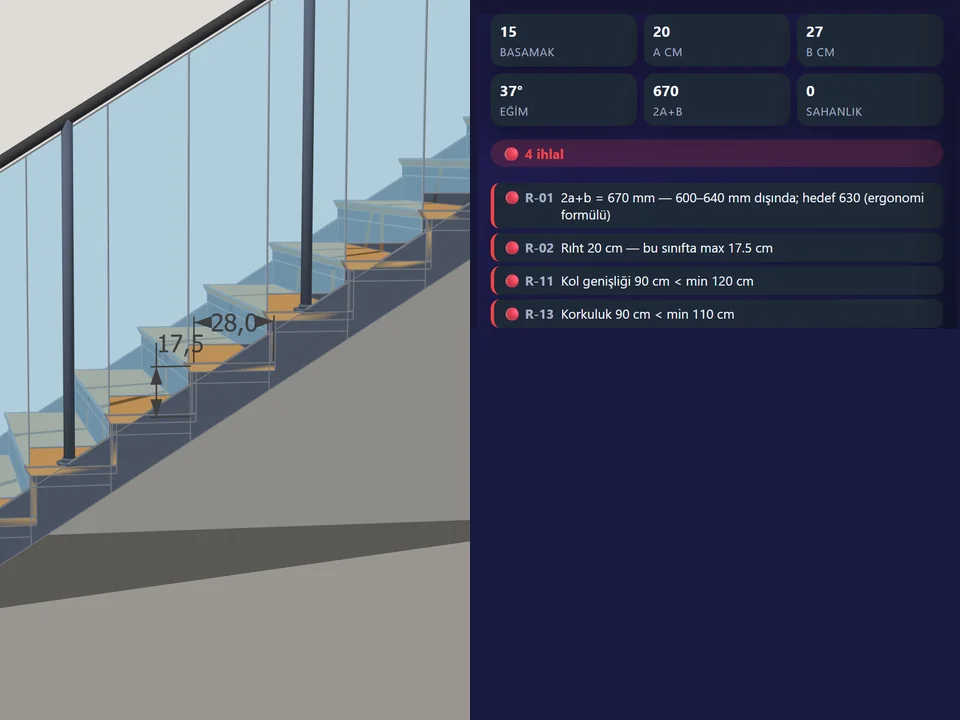
An accessibility warning past 8%, a hard error past 25% and a landing on runs over 9 m; slope, rise and walking distance read out as you draw.
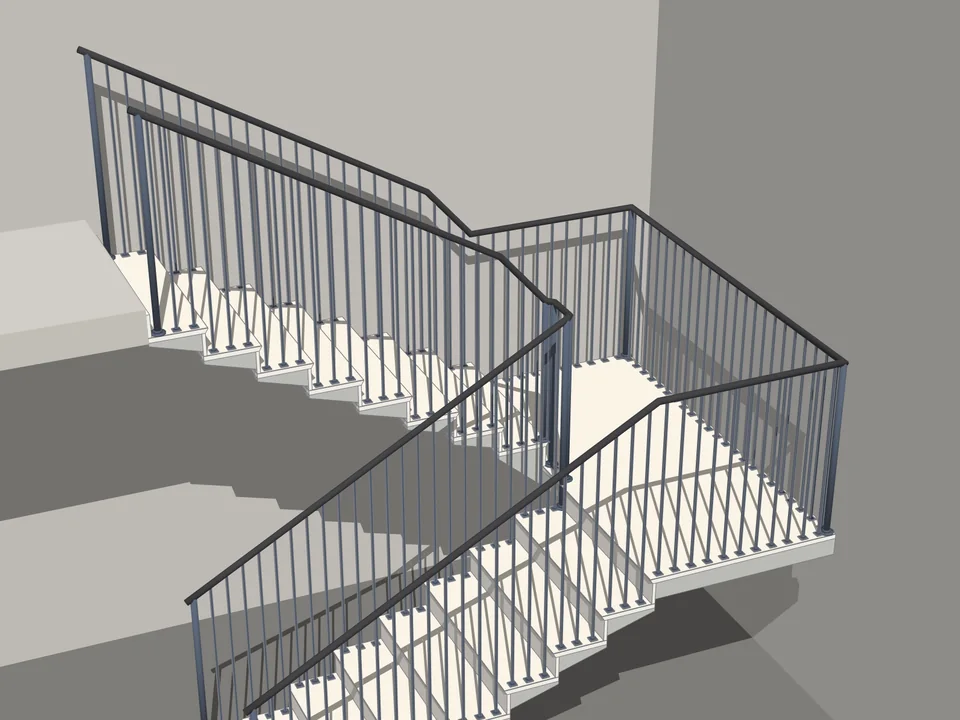
Metal, glass, tube, double tube, vertical or horizontal bars, minimal or timber, left, right or both sides; the handrail runs on 300 mm by default.
Five edge details: kerb, side wall, band, anti-slip strips and expansion joints, each with its own side, size and material.
Select the ramp and the panel binds to it; slope, width, railings or kerbs, every change lands in the model at once and one Ctrl+Z undoes it.
Workload test
By handHand-modelling one ramp with railings
45 min
With Ramp StudioPick a preset, click twice
40 sec
98%
less time on this job
68×
faster
The time the same job takes by hand and with the plugin; the share and the speed-up are worked out from those two times.
The SketchUp versions this plugin runs on:
Windows only. Your version is under Help › About in SketchUp. Not sure? Just ask.

Ufuk Şen
3D visualisation specialist, instructor and plugin developer, Ankara
SketchUp instructor of 18 years · 34 courses on Udemy · 7,269 students · 899 reviews
Ask before you buy; the person who made the plugin answers.
Drag me
With the plugin
40 sec
Pick a preset, click twice
By hand
45 min…
Hand-modelling one ramp with railings
Any line, arc or curve becomes the ramp. The sweep keeps the deck upright and the width constant — even on a full helix. Even the boldest form stays as you drew it.
Select the ramp and the panel binds to it. Slope, width, railings, kerbs — every change re-solves live, one Ctrl+Z undoes it. Try anything.
You never do the maths: slope, ratio, angle, rise, run and walking distance are read out as you build — a warning past 8%, a landing past 9 m.
ramps per project
Estimate based on a typical workflow. Your mileage will vary - usually upward.
Saved every month
0,0hours
Saved every year
0 hours
0 work days
You just found 230 hours of your life.
For the people who read the manual first.
Shipped, and what is next.
Shipped
Next
SketchUp 2021 through 2026, on Windows. A Ruby 2.7 syntax guard keeps the code loading on the older versions, and the same 38 plugin files are verified identical across all six installs by the bundled install checker. You can run the PowerShell installer (install.ps1) to write it into every SketchUp you have, or install dist/ramp_studio_v1.0.0.rbz by hand from Extension Manager. macOS is untested: the RBZ is plain Ruby, but the installer script is Windows-only and nobody has verified the plugin on a Mac yet.
Yes — whatever you model with it is your geometry, and it goes into commercial work with no strings. The $30 is a one-time price for the v1.0.0 beta, sold on Gumroad, and covers one user across their own workstations, plus v1.x updates. There is no activation server and no online check today: it installs as a plain RBZ and keeps working offline. Being honest about the stage: v1.0.0 is beta, installed and green on all six SketchUp versions here, with the manual test pass in SketchUp 2026 still under way.
Three things worth knowing before you buy. First, there is no export code: output is native SketchUp geometry (components in your model, and the RBZ package itself), so IFC and DXF, quantity and cost reports and printable PDF sheets all have to go through SketchUp's own exporters for now — they are v1.1+ roadmap items. Second, the compliance checks are practical guardrails on the common thresholds (8% warning, 25% hard error, landing over 9 m, minimum width), not a certified check against a specific national accessibility code — verify against your local regulation before submission. Third, the interface is Turkish and English only, 263 keys each; no other language is bundled.
Tutorial for
Ramp Studio
The Best SketchUp Plugins for 2026, Sorted by the Job They End
Without spending three days pushing rectangles around: nineteen SketchUp tools sorted by the job you are sick of doing, from walls, openings and floors to stairs, facades, roads and take-offs. Real numbers, honest limits.
Read →
Best SketchUp Plugins for Architecture: One Project, From the First Wall to the Final Render
Without spending the design time on modelling chores: the SketchUp plugins for architecture we make, in the order a project actually needs them, from walls and openings to finishes, site context and a photo-real render.
Read →
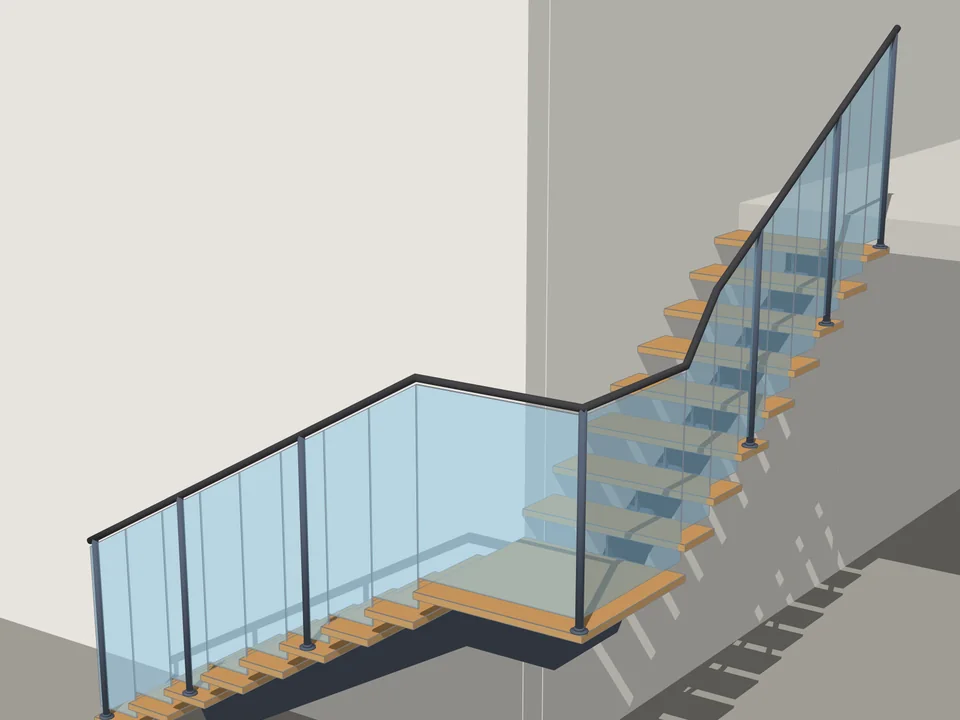
Type the floor height. The stair is done.
No stair maths: code-compliant stairs in two clicks, editable forever.
SketchUp 2021–2026v1.0.12
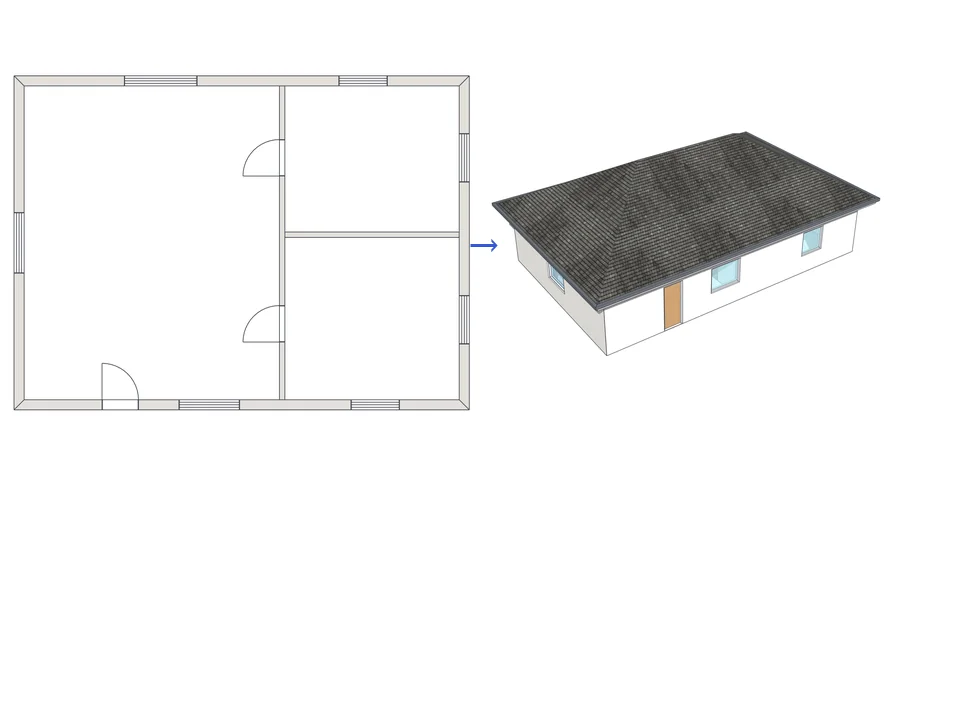
Draw the plan. One click, it's 3D.
Draw the plan once; move a wall and the building rebuilds itself.
SketchUp 2021–2026v1.72.0
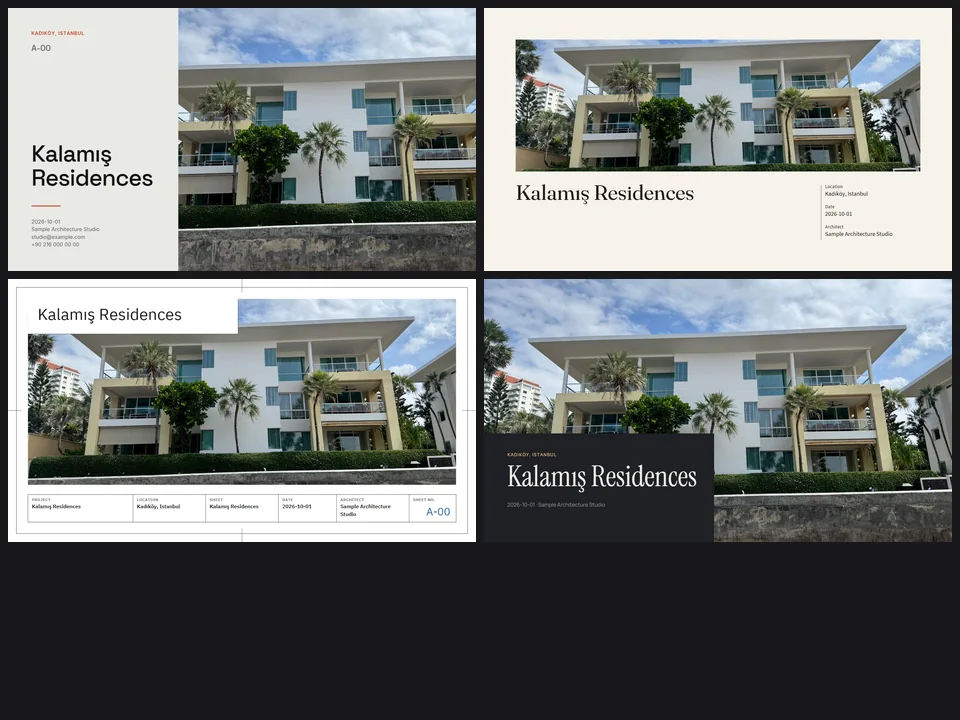
Four sheet templates. Your renders, jury-ready.
Skip slide-by-slide layout: renders in, a designer-grade sheet set out.
Runs in your browserv1.0.0