01
Straight to spiral, ramp included
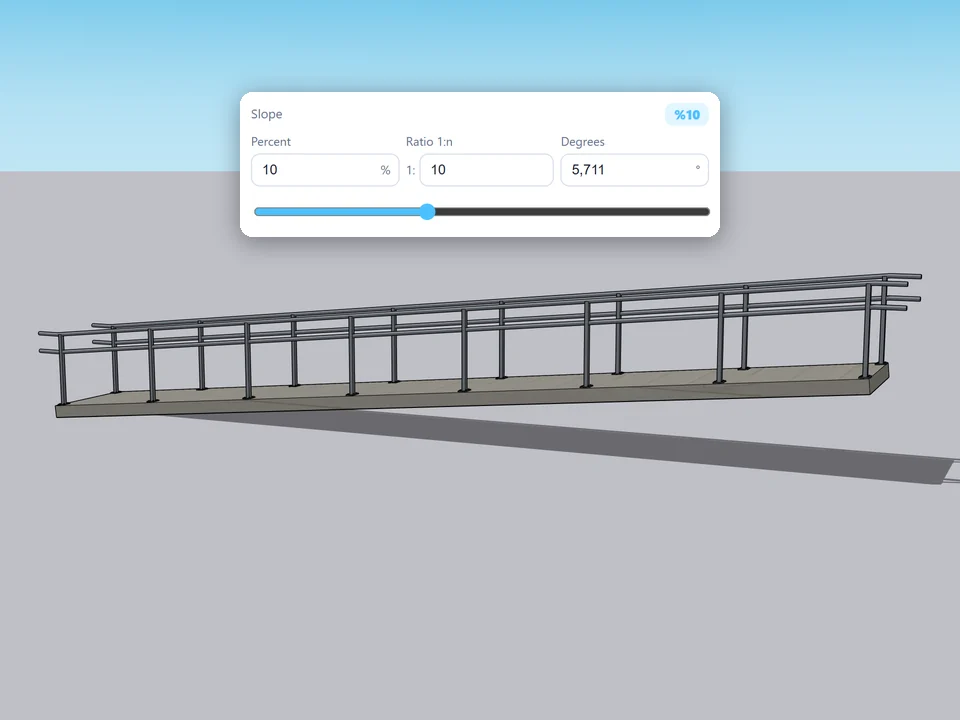
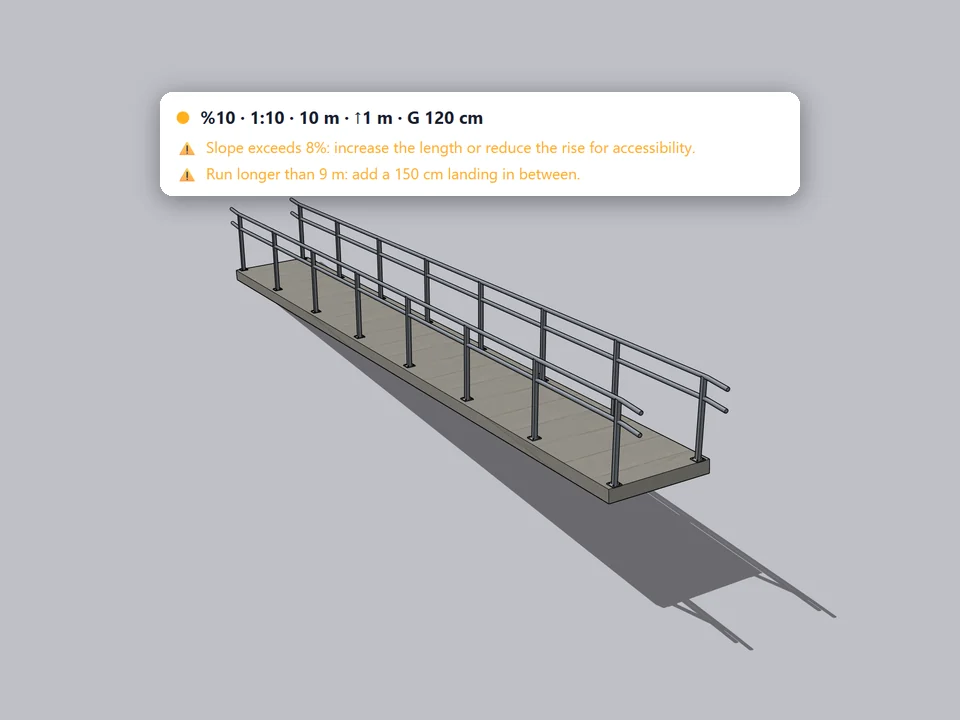
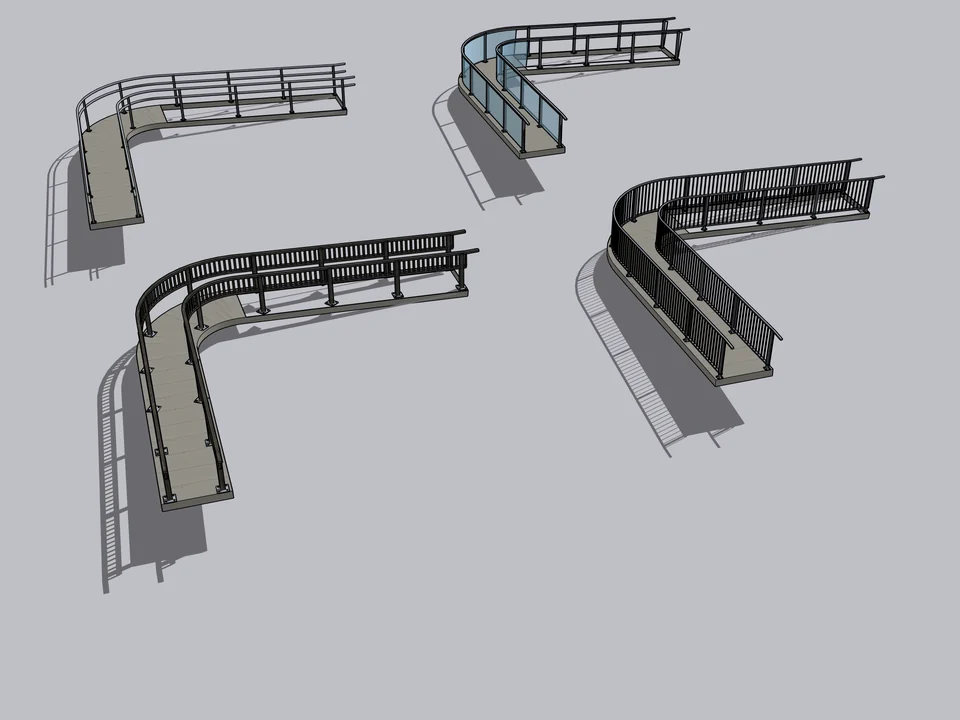
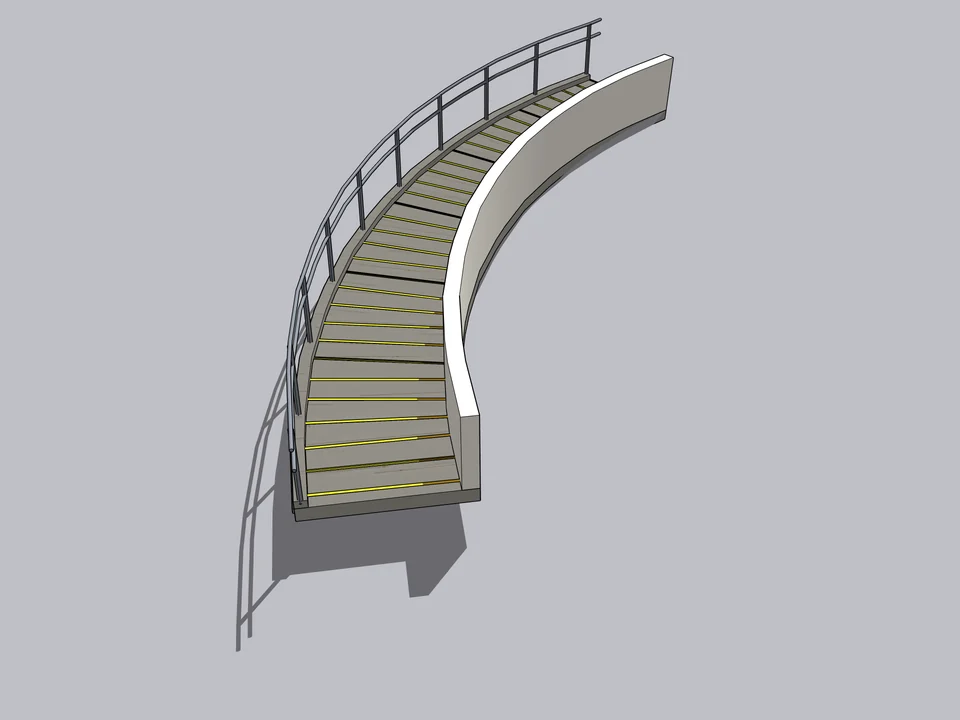
Straight, L and U turns, spiral, circular, cantilevered, fire escape and an accessible ramp; each one is a card you click, not a setting to hunt for.
Instead of counting risers, you type the floor height and get back to design. Pick a form, click a start point and a direction, type the floor height. Structure, railing, labels and the R-code report come out as one editable component.
This one is not listed on Gumroad yet. Leave your address and you will hear the moment it is.
SketchUp 2021 · SketchUp 2022 · SketchUp 2023 · SketchUp 2024 · SketchUp 2025 · SketchUp 2026 · v1.0.12
Left: the job by hand. Right: the same job with the plugin.
StairFun Studio
What the plugin does for you, drawn rather than listed.
Straight, L and U turns, spiral, circular, cantilevered, fire escape and an accessible ramp; each one is a card you click, not a setting to hunt for.
The first click sets the start, the second the direction, then you type the floor height; treads, stringer, railing and labels arrive as one component.
Forty-four code rules run live while you set the stair; anything off turns red or yellow, and one click brings it back into line.
Past 16 risers an intermediate landing goes in on its own, and 2100 mm of headroom is checked with the slab thickness taken into account.
Sloped concrete slab, steel stringer, timber, a wall cantilever on hidden steel sleeves or a single spine, with five finishes and five railing types.
A print-ready report with the code table, riser schedule and cut list, a CSV cut list and a 9:16 assembly animation out as MP4.
Workload test
By handCounting risers, then drawing every tread by hand
1 h 15 m
With StairFun StudioPick a form, click twice, type the floor height
40 sec
99%
less time on this job
113×
faster
The time the same job takes by hand and with the plugin; the share and the speed-up are worked out from those two times.
Drag me
With the plugin
40 sec
Pick a form, click twice, type the floor height
By hand
1 h 15 m…
Counting risers, then drawing every tread by hand
Start point, direction, floor height in the VCB. Treads, stringer, railing and numbered labels arrive as one component. No drawing treads one by one.
You design, it watches the code: 44 rule IDs run live while you set the stair. Anything off turns red or yellow, and one click pulls it back into line.
Reopen the component, change one number, and the stair rebuilds in a single Ctrl+Z. Riser schedule and cut list export themselves, so nobody types the shop list by hand.
stairs per project
Estimate based on a typical workflow. Your mileage will vary - usually upward.
Saved every month
0,0hours
Saved every year
0 hours
0 work days
You just found 77 hours of your life.
Not on sale yet
For the people who read the manual first.
Shipped, and what is next.
Shipped
Next
Desktop SketchUp 2021 through 2026 - the extension declares its supported range as 2021..2026 and installs as an .rbz from Extension Manager. Older versions and the browser-based free version are out, because it needs the Ruby API. Everything works the same in Pro and non-Pro desktop installs except the stairwell slab cut, which relies on Pro's solid tools. Interface in Turkish and English.
No. The licence layer was deliberately removed in v1.0.2, so there is no key to enter, no activation server to reach and nothing that phones home - install the .rbz and it works offline. Updates arrive as new builds; 13 have shipped so far, v1.0.0 through v1.0.12. The $35 is a suggested price while the extension is in beta.
It is beta, so four things are worth knowing. The stairwell opening uses SketchUp Pro's solid tools - without Pro the stair still builds, the slab just stays closed. Menu titles only pick up a language change after SketchUp restarts. The MP4 export needs ffmpeg on the machine; without it you get the pure-Ruby AVI fallback. And the rule set is written to Turkish regulations plus TS 9111, DIN 51130 and EN 1991-1-1, so outside Turkey treat the badges as a sanity check rather than a stamp of approval.
The Best SketchUp Plugins for 2026, Sorted by the Job They End
Without spending three days pushing rectangles around: nineteen SketchUp tools sorted by the job you are sick of doing, from walls, openings and floors to stairs, facades, roads and take-offs. Real numbers, honest limits.
Read →
How to Make Stairs in SketchUp: Straight, L-Shaped and Spiral, With the Maths Done First
Without drawing the same stair twice: start with the arithmetic (how many risers, how tall, how deep), then model straight, L-shaped and spiral stairs the fastest native way and pass the checks a reviewer will make.
Read →
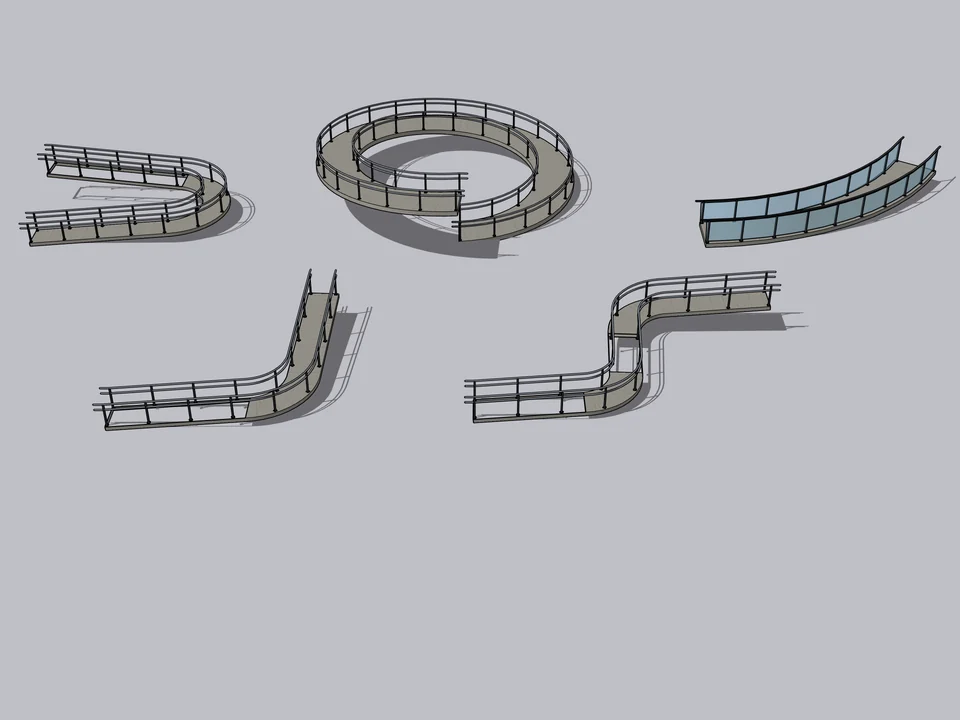
50 presets: pick one, click twice, done.
No slope maths: draw a line, get a code-checked ramp, railings included.
SketchUp 2021–2026v1.0.0
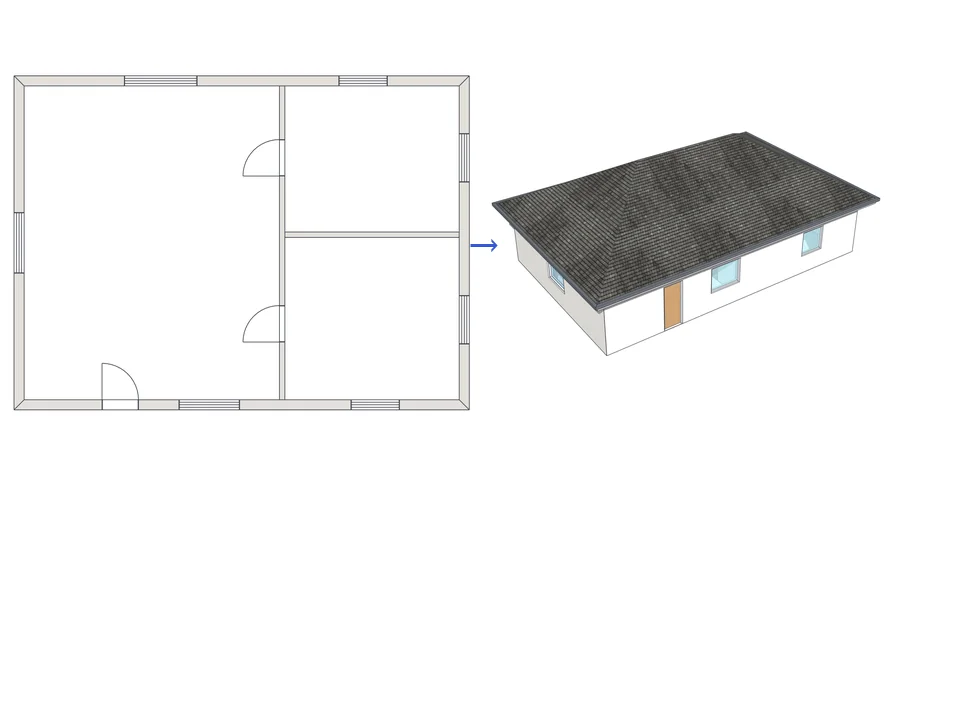
Draw the plan. One click, it's 3D.
Draw the plan once; move a wall and the building rebuilds itself.
SketchUp 2021–2026v1.72.0
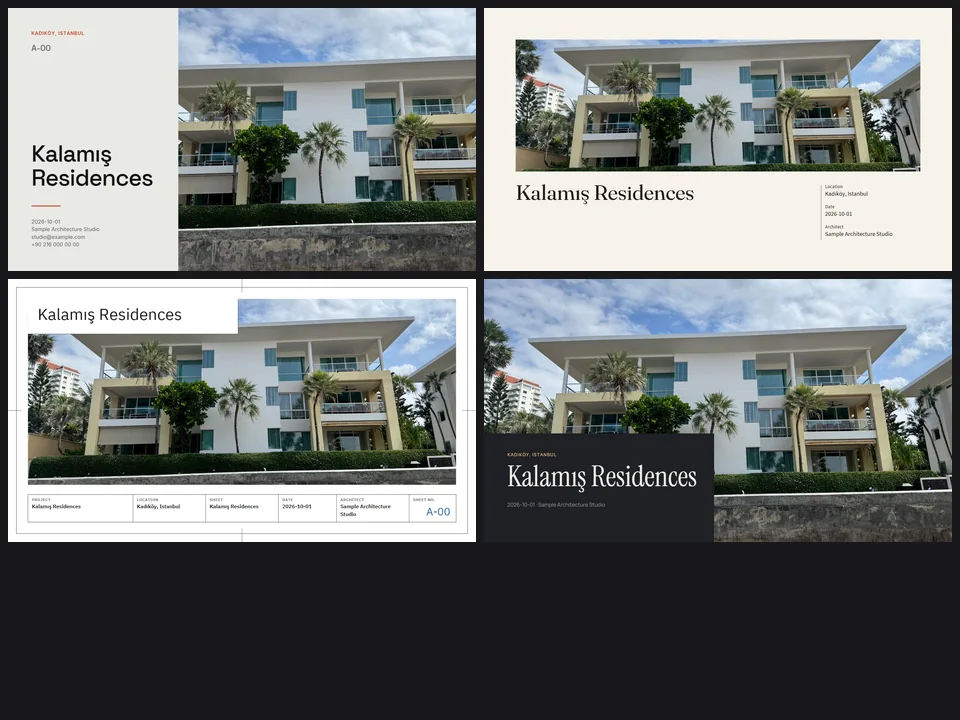
Four sheet templates. Your renders, jury-ready.
Skip slide-by-slide layout: renders in, a designer-grade sheet set out.
Runs in your browserv1.0.0