For an interior designer the material is half the story, and a client feels a wrong scale before they can name it. Picture the same room twice: oversized tiles shrinking it, or planks and joints at their real size letting it feel as large as it is. A texture is only an image, but in SketchUp it is also a size. A wood grain at the wrong scale reads as a toy; tiles 20 cm too large make a room look half its size. Most texture problems are not about finding a nice image, they are about telling SketchUp how big it is.
Where to get free textures
- Poly Haven and ambientCG publish textures under CC0: free for any use, commercial included, no attribution required. Download the colour (albedo/diffuse) map at a sensible resolution; 2K is plenty for most SketchUp work.
- Manufacturers' websites often offer their tiles, laminates and fabrics as images with the real size stated - the most accurate source for a specified product.
- Texture libraries with free tiers exist too; read each licence before using one in client work.
Apply it at the right size
Create a material from the image in the Materials panel (Create Material, then the texture image) and type the real width of what the image shows: if the photo covers four 60 cm tiles, the width is 120 cm. Then paint with the Paint Bucket. To shift or rotate the pattern on one face, right-click the face > Texture > Position and drag the pins; the red pin moves, the green one rotates and scales.
Why textures stretch on curves and rounded edges
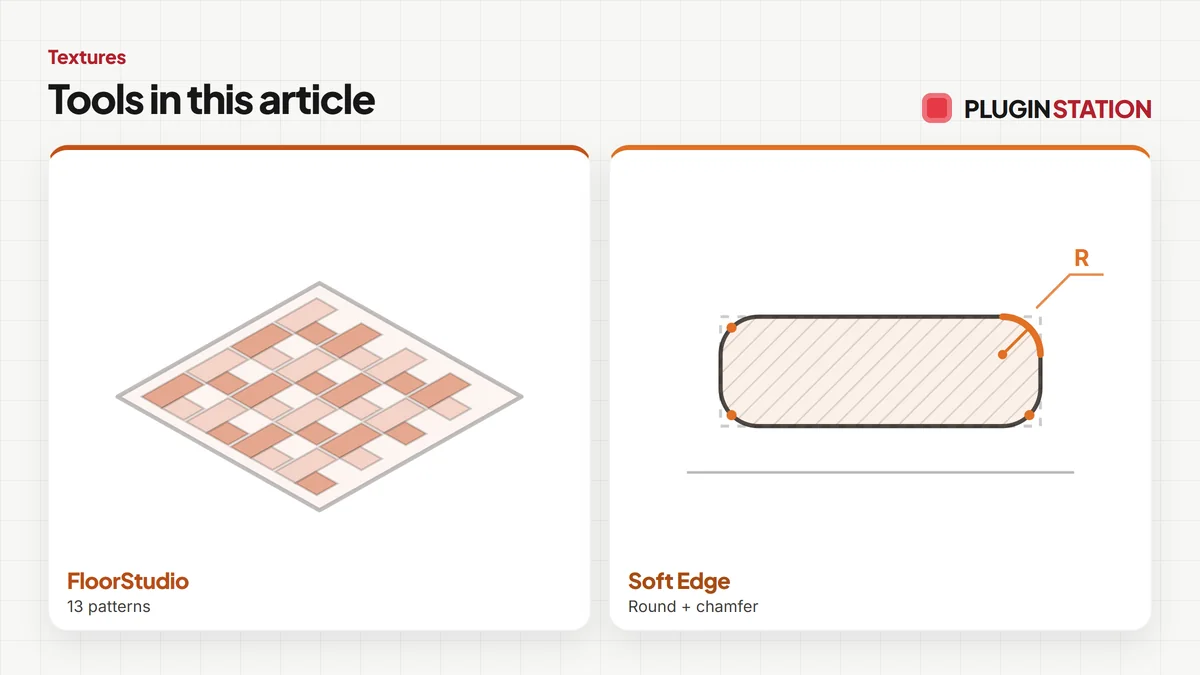
Every small face of a curved surface gets its own texture placement. On a cylinder or a rounded edge that means seams and stretching. Two native fixes: turn on Hidden Geometry, fix the texture on one flat face and sample it onto the others; or use a projected texture (Texture > Projected) and paint the curve from one view. Rounded edges are where this bites most, which is why Soft Edge, our free rounding extension, places texture on the new curve itself: Fixed, Wrap (the texture flows from the largest face over every rounded edge without stretching, a wood table top) or Box.
Floors are the other place scale goes wrong, because every tile or plank has to be laid, trimmed and counted. FloorStudio lays 13 patterns with physical grout, clips every piece to the walls and columns and hands you the take-off as CSV.
The advantage is a render whose materials tell the truth about the room, so the client trusts the rest of it too. For floors, FloorStudio lays tiles and planks with physical grout, clips them to the room and counts them; open its page and see a floor laid to the walls.
- FREE ProductivitySoft Edge
Soft Edge
Skip hand filleting: round or chamfer in one click, always editable.
- Round + chamfer
- SketchUp 2021-2026
- Free
SketchUp 2021–2026v0.8.1
- Flooring$39FloorStudio
FloorStudio
Skip the tile-by-tile copying: every board cut, counted, out as CSV.
- 13 patterns
- SketchUp 2021-2026
- CSV take-off
SketchUp 2021–2026v3.3.0