01
154 presets in six types
Residential, office, commercial, mixed-use, skyscraper and modern buildings, generated in SketchUp at real metric size with nothing to import.
Your design stops floating in a white void and stands in a living street. 154 parametric presets you can scatter, paint or line up along a road tool that grows asphalt, curb, sidewalk and buildings per click. One group, one undo.
Gumroad sends you the file. Yes, actually free.
SketchUp 2021 · SketchUp 2022 · SketchUp 2023 · SketchUp 2024 · SketchUp 2025 · SketchUp 2026 · Windows (primary) · macOS (stated compatible) · v2.0.0
Left: the job by hand. Right: the same job with the plugin.
CityFill
What the plugin does for you, drawn rather than listed.
Residential, office, commercial, mixed-use, skyscraper and modern buildings, generated in SketchUp at real metric size with nothing to import.
Place one building with a ghost preview and rotate it, scatter over the faces you select or paint with the brush; a whole scatter undoes in one Ctrl+Z.
Each click grows asphalt, curb, sidewalk, garden wall, buildings and pocket parks together, with the facades already turned to the road.
On sloped terrain buildings stay vertical, and a concrete plinth measured from the terrain itself drops into the gap under the base.
Pick mass, standard or detailed; when the face budget fills up, CityFill steps the detail down by itself, so even a large site stays light.
Swap a placed building for another preset, add or remove floors or re-roll a variation; the silhouette presentation mode is one click away.
Workload test
By handHunting filler buildings one by one
2 h 30 m
With CityFillFilling the whole block in one scatter
25 sec
99%
less time on this job
360×
faster
The time the same job takes by hand and with the plugin; the share and the speed-up are worked out from those two times.
The SketchUp versions this plugin runs on:
Windows and macOS. Your version is under Help › About in SketchUp. Not sure? Just ask.

Ufuk Şen
3D visualisation specialist, instructor and plugin developer, Ankara
SketchUp instructor of 18 years · 34 courses on Udemy · 7,269 students · 899 reviews
Ask before you buy; the person who made the plugin answers.
Drag me
With the plugin
25 sec
Filling the whole block in one scatter
By hand
2 h 30 m…
Hunting filler buildings one by one
Buildings are generated at real metric size inside SketchUp. No Warehouse search, no heavy imports, no purging what you never placed. Your time goes to the project.
The road tool grows asphalt, curb, sidewalk, garden wall and buildings together per click, facades already turned toward the road. Your presentation reads like a real neighbourhood.
Right-click a placed building to swap its preset, add floors or re-roll it. A whole scatter is still a single Ctrl+Z, so you can try another look freely.
context buildings per project
Estimate based on a typical workflow. Your mileage will vary - usually upward.
Saved every month
0,0hours
Saved every year
0 hours
0 work days
You just found 102 hours of your life.
For the people who read the manual first.
Shipped, and what is next.
Shipped
Next
SketchUp 2021 through 2026. Windows is the primary platform and macOS is supported. You install it like any other extension - the .rbz through Extension Manager - and on Windows the bundled install.ps1 -All copies it into every SketchUp year folder it finds, so a machine with 2023 and 2026 side by side gets both. The panel is a plain HtmlDialog with no node_modules and no external dependencies, so there is nothing else to install alongside it.
One-off, at a suggested $35. There is no subscription and no per-project fee. The 2.0.0 package installs as a plain .rbz and runs offline once it is in place, on your own workstation. Updates arrive the same way: 20 .rbz packages have shipped so far and the current one is cityfill_v2.0.0.rbz, which you simply install over the previous version.
It fills the context, not your design. Buildings are parametric masses at roughly 30-400 faces each across three detail levels: right for massing, shadow and presentation views, but with no interiors and no window-by-window detail. It also generates the city rather than importing a real one - there is no GIS or map data import, you scatter on faces you select, paint with the brush, or draw a road and let it grow the block around it. On large fields stay on the mass level: detail level times building count is what drives face count, and CityFill downgrades detail automatically when the budget is hit.
Tutorial for
CityFill
The Best SketchUp Plugins for 2026, Sorted by the Job They End
Without spending three days pushing rectangles around: nineteen SketchUp tools sorted by the job you are sick of doing, from walls, openings and floors to stairs, facades, roads and take-offs. Real numbers, honest limits.
Read →
SketchUp Extension Warehouse: How to Find, Install and Manage Extensions Safely, Free or Paid
Never wonder again where a plugin came from: how SketchUp's official Extension Warehouse works, from searching by SketchUp version and installing with your Trimble ID to updates, loading policy, trials and licences, plus how to judge sources outside it.
Read →
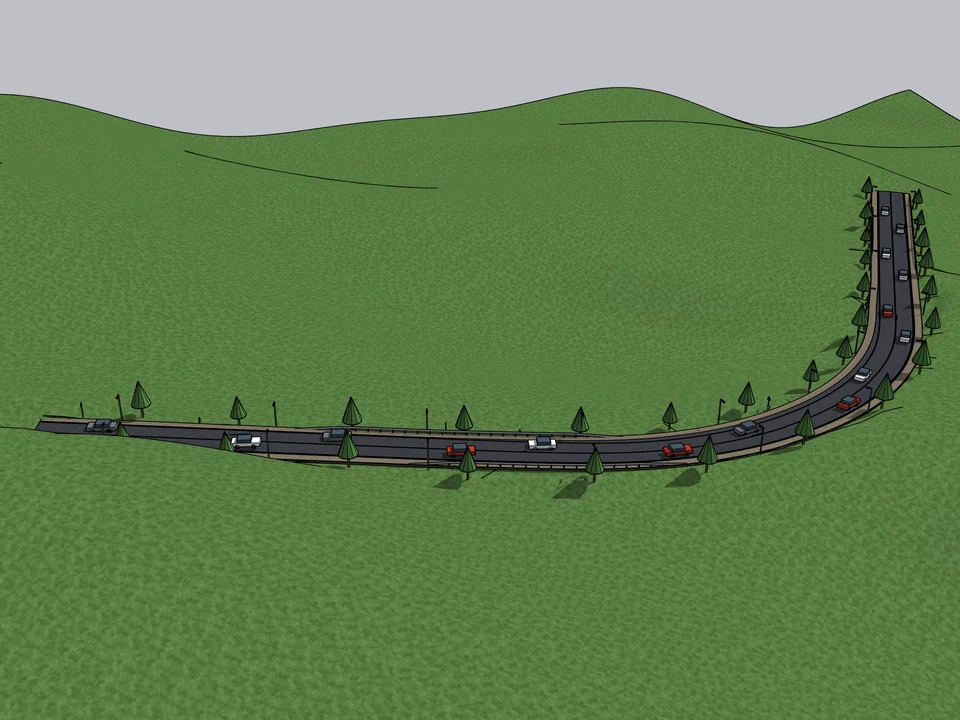
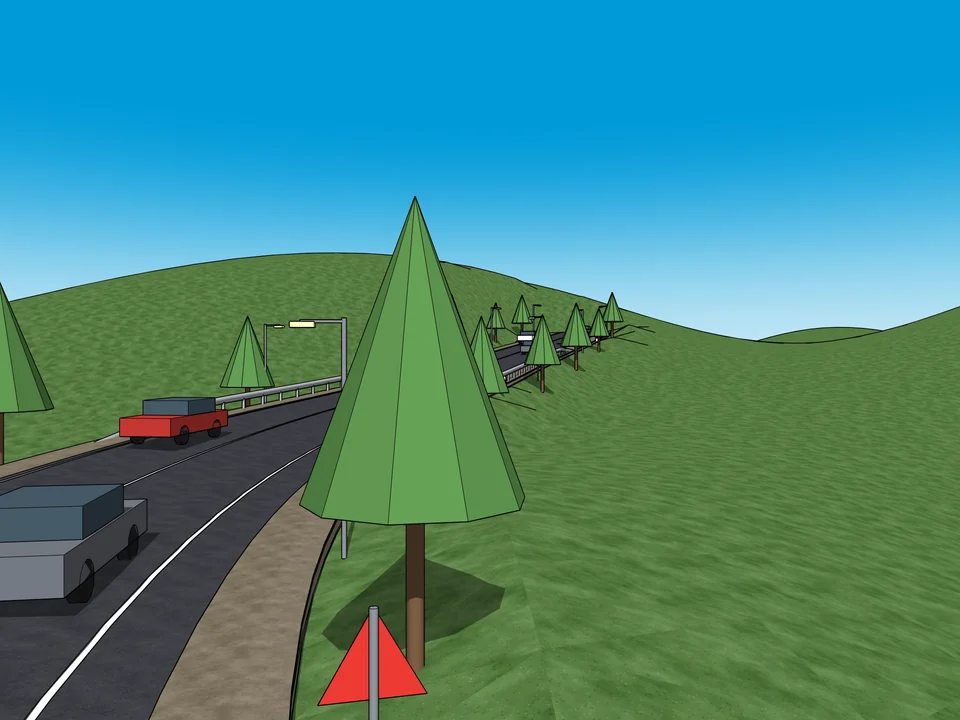
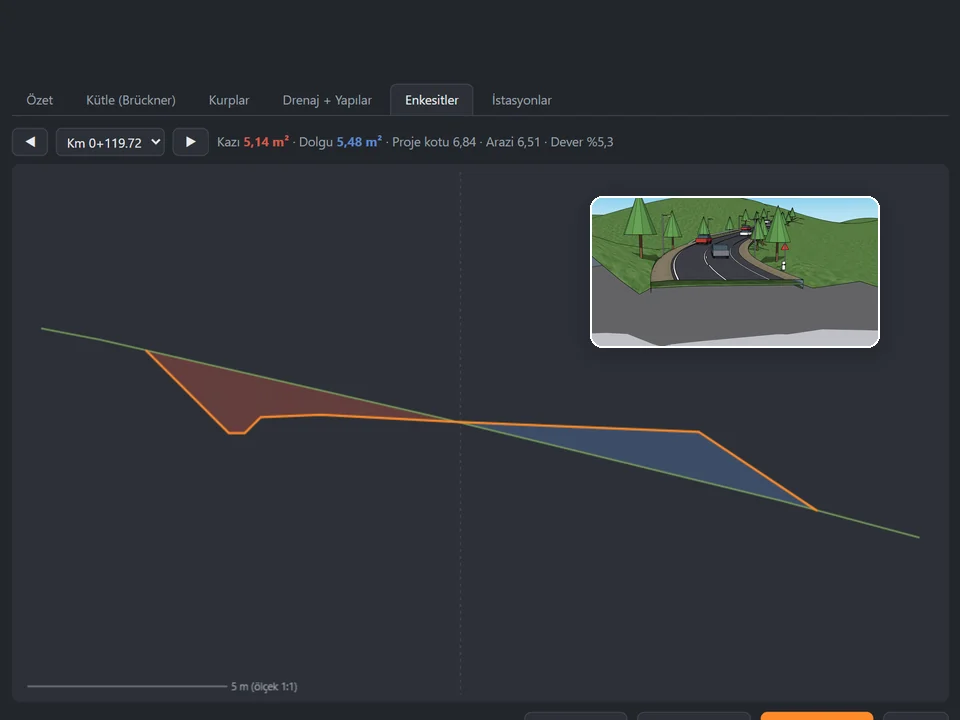
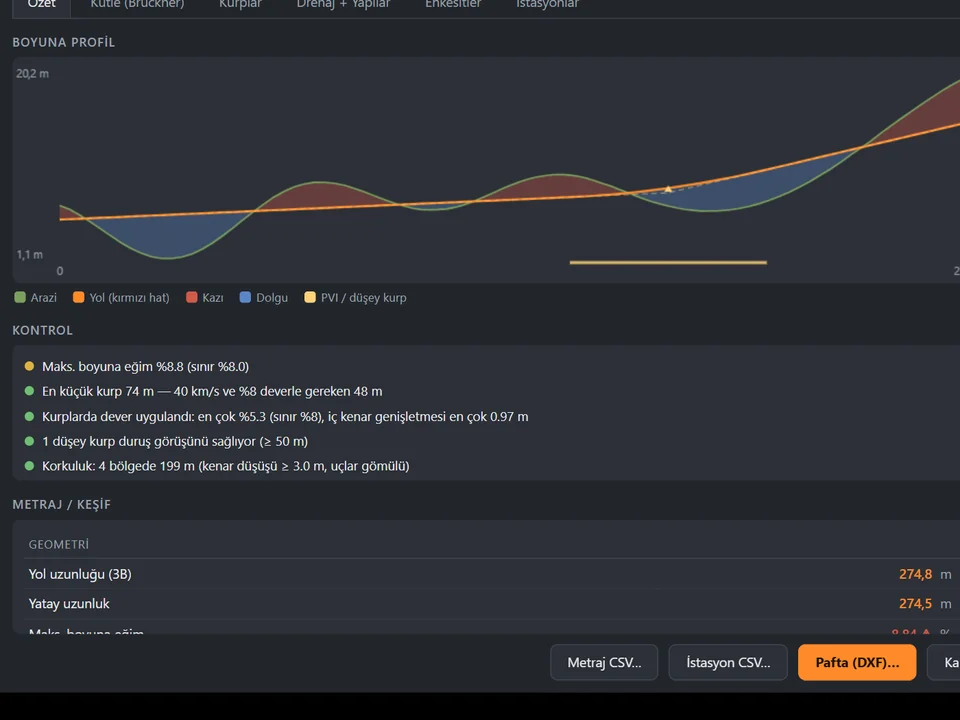
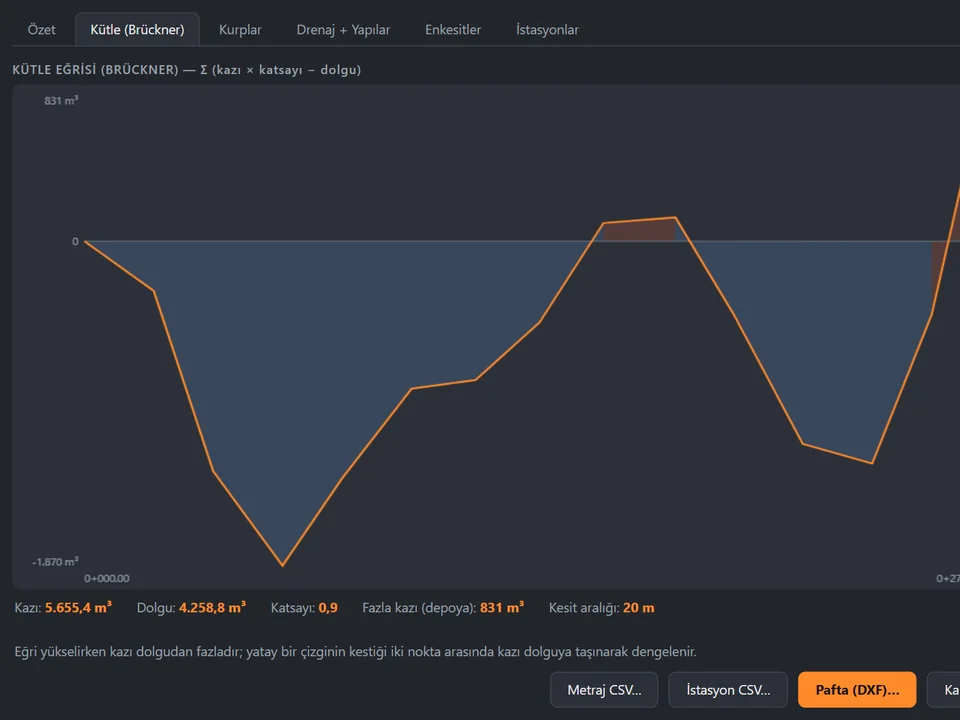
Click a route. The road sits on the land.
Click a route; road, terrain fit and quantities follow, no hand-fitting.
SketchUp 2021–2026v1.16.0
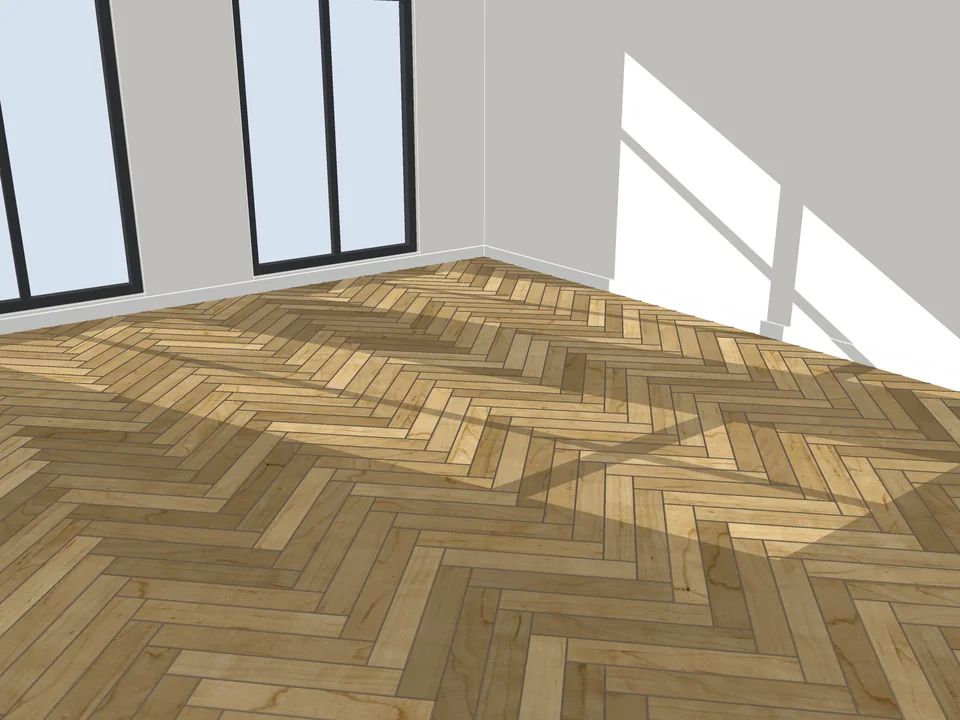
Pick a face, pick a pattern. Floor laid.
Skip the tile-by-tile copying: every board cut, counted, out as CSV.
SketchUp 2021–2026v3.3.0
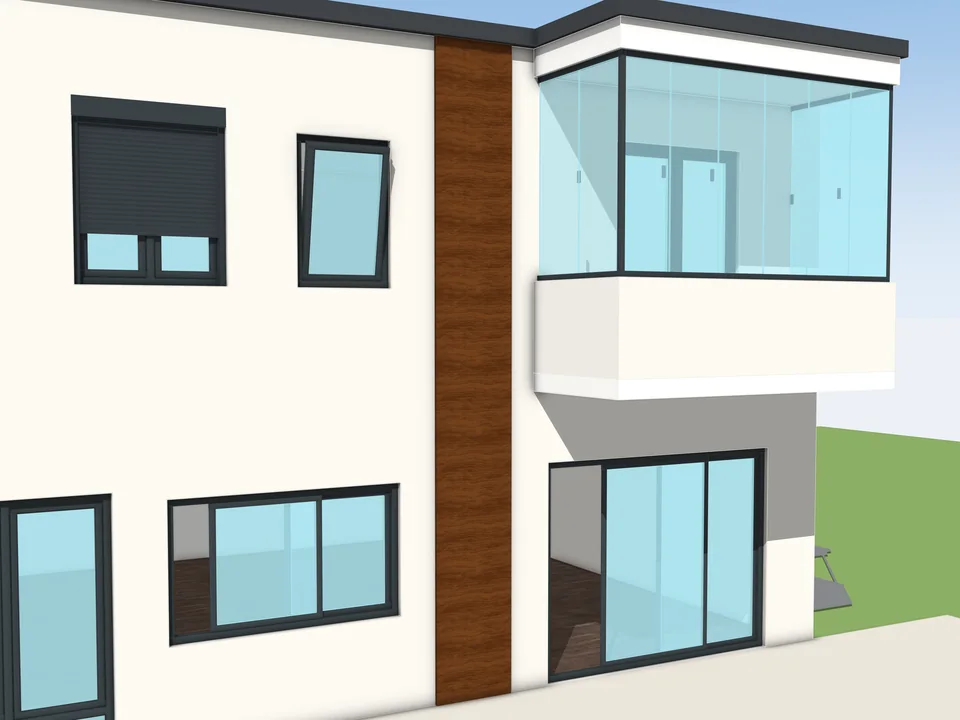
Type the size. The window builds itself.
Don't draw windows one by one: type the size, get window and quote.
SketchUp 2024–2026v1.1.0