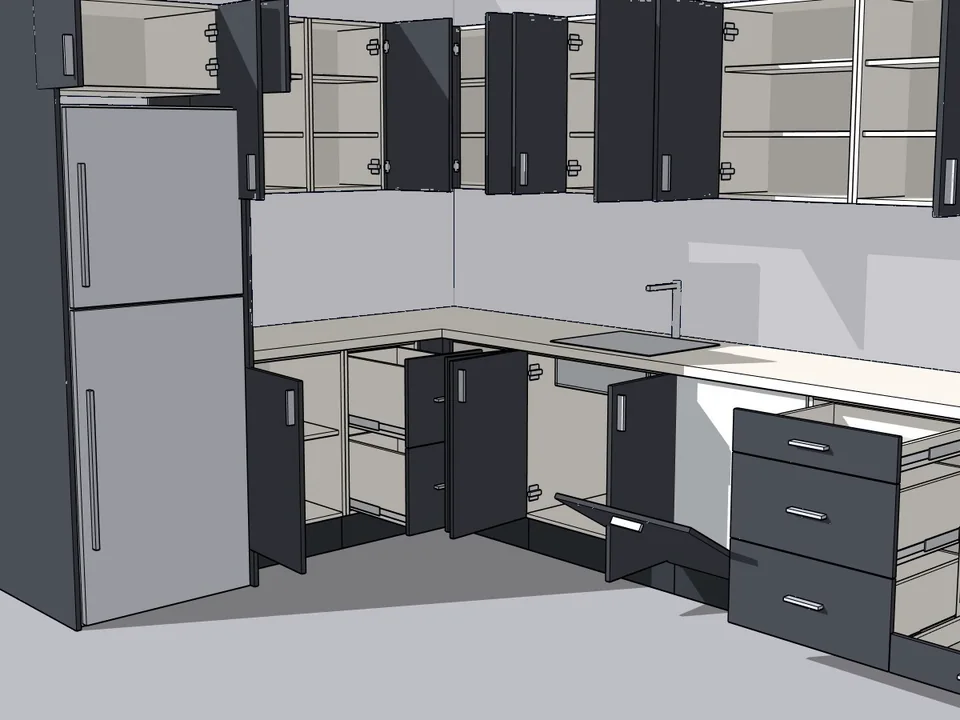
You run a kitchen business that people trust with the most used room in their home, and you are tired of a design tool that makes your team draw the same carcass again for every client. So the plan is to post a job: SketchUp developer needed, to build a custom cabinet and kitchen asset library app. Picture the result you want: a designer drags a base unit onto the wall, the sink and dishwasher fall into place, the wall cabinets respect the beam, and the workshop gets a cut list, labels and CNC files without anyone retyping a number. Before you brief a developer, know that this exact app already exists. KitchenFun Studio is a parametric kitchen cabinet plugin for SketchUp 2021 to 2026: you grab a cabinet, drop it on the wall, press Build, and every panel, door, drawer, hinge, runner, leg, plinth and worktop becomes a real part that feeds the production package. Use this article as the spec checklist for your hire, and then decide whether you still need one.
What a bespoke cabinet and kitchen asset library app must do: the spec checklist
Most job posts for a SketchUp extension developer for cabinetmakers say "parametric cabinets with a cut list" and stop there. That is how projects run over budget: the developer delivers boxes that resize, and the real kitchen, with its corner, its beam and its fridge, breaks them. Copy this list into your brief. Next to each line is what KitchenFun Studio already does, so you can see what a finished answer looks like.
- Room and walls. A straight, L or U kitchen in three steps, or your own walls drawn with columns, niches and any angle.
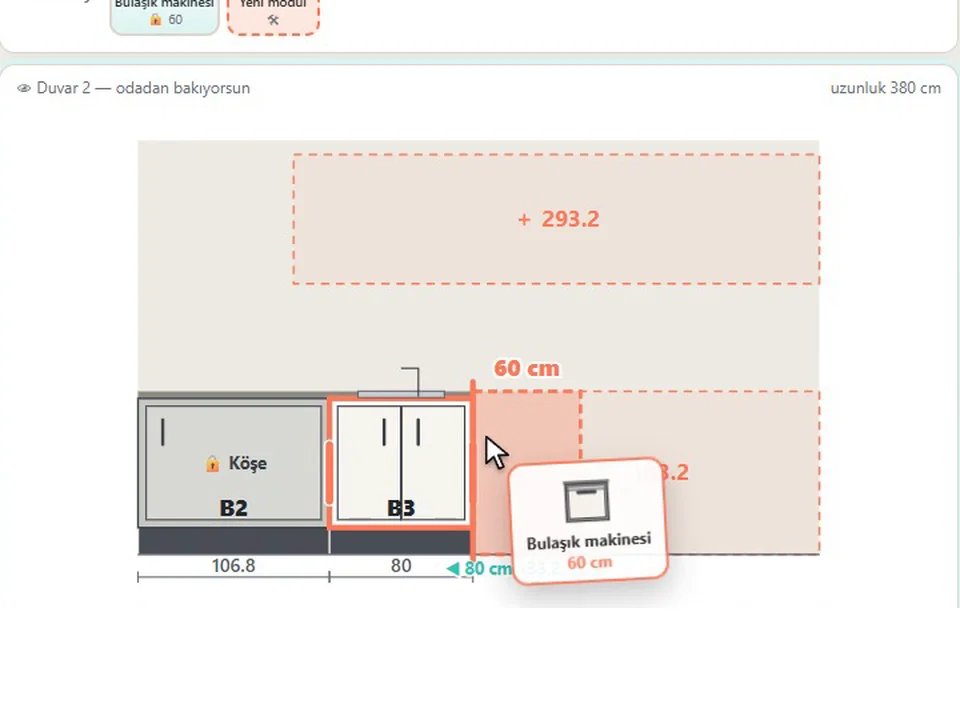
- Drag-and-drop layout. A palette with search and recent items; drag the joint between two units or a unit's left or top edge, move units between walls and rows, multi-select, copy, equalize and quick-fill.
- Parametric cabinets. Every width editable by typing or dragging, including the fridge, the sink and the tall oven unit; SketchUp Move and Scale update the design, and a wall moved with Push/Pull takes the kitchen with it.
- Your own cabinet designs. Stack doors, double, glass and lift-up doors, drawers, open shelves and oven or microwave niches, split any row into side-by-side columns and save the result to your palette.
- Workshop rules. Worktop-to-wall-cabinet gap never below 58 cm, under-worktop height at least 87 cm, no door narrower than 19 cm, no overlapping cabinets.
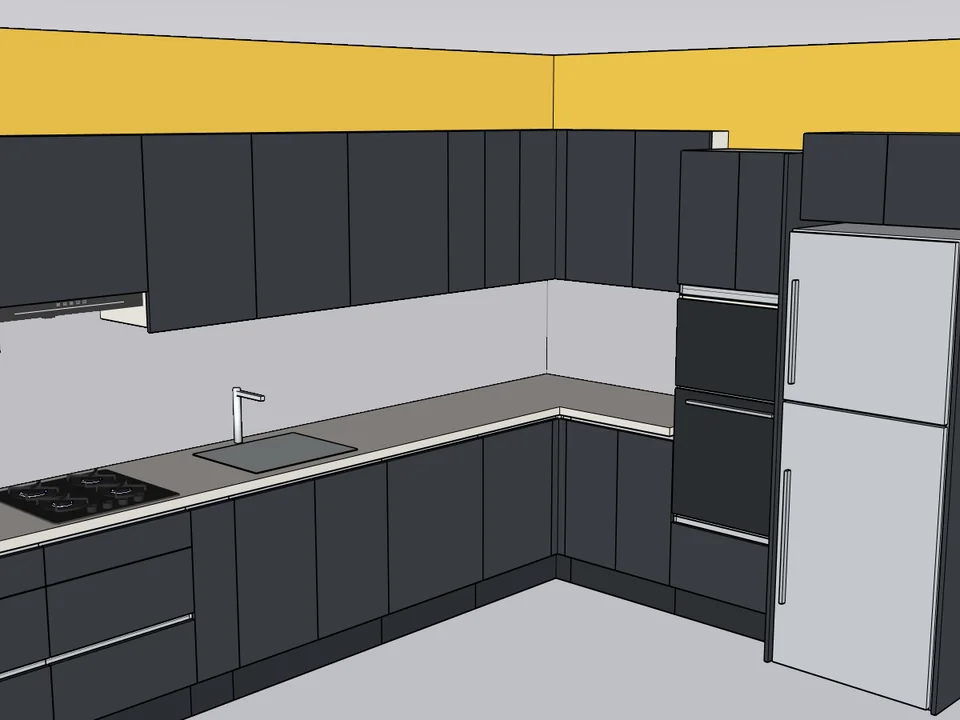
- Beams, corners and tall units. Wall cabinets drop below a beam or are notched around a thin one, tall units wrap it, with corner solutions, filler returns and end panels.
- Styles and materials. Flat, shaker, grooved, glass and raised doors; bar, knob, shell and profile handles; a Gola handleless system with real profile sections; colours, worktops, cornice, pelmet light and upstand.
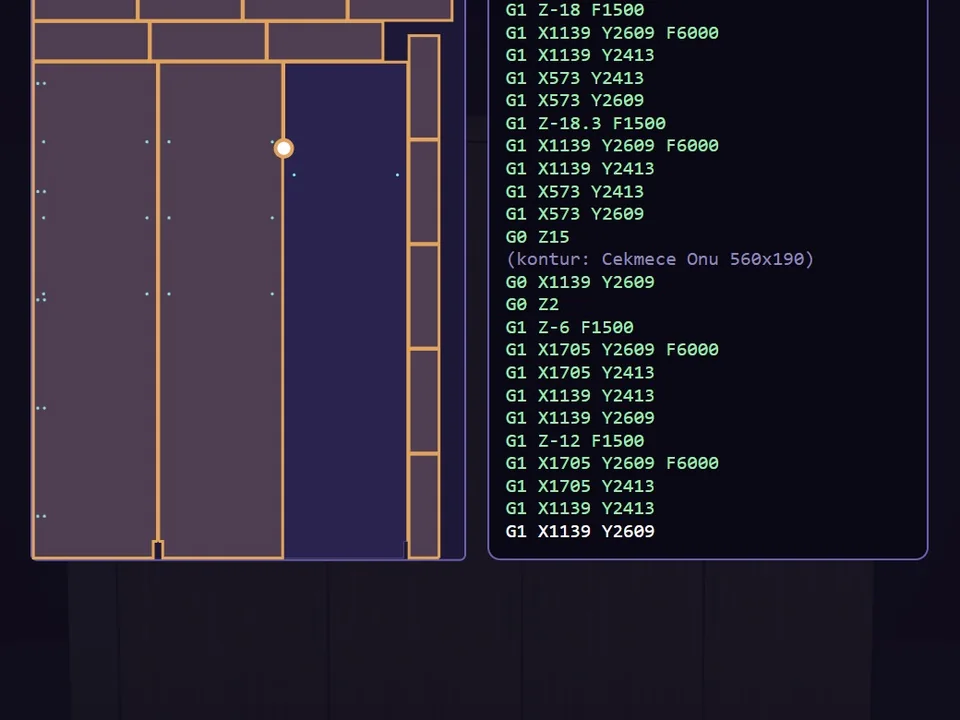
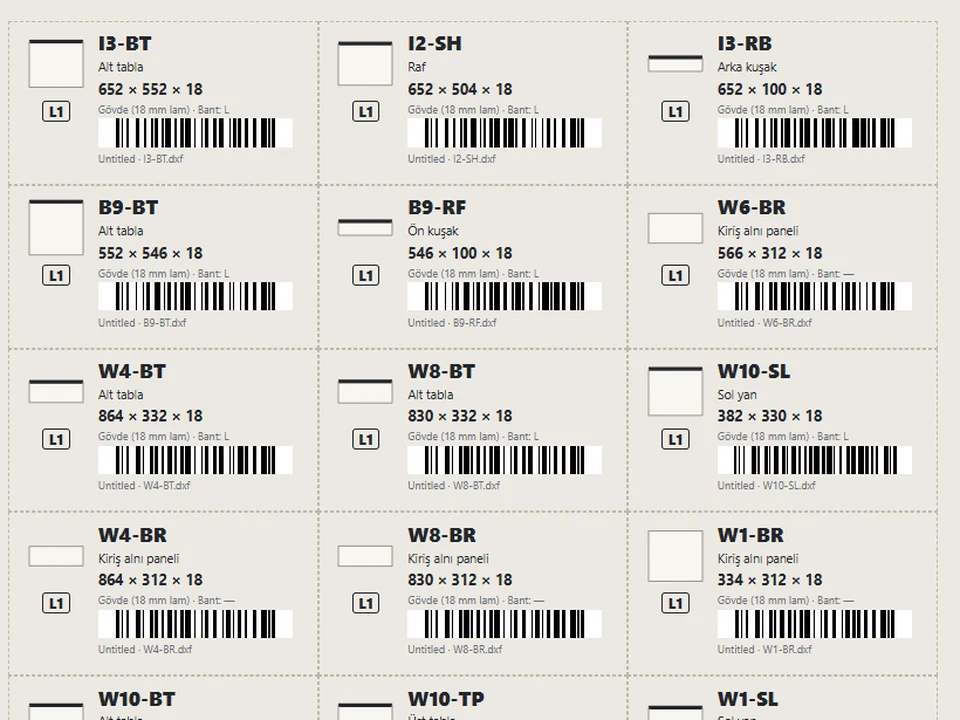
- Production output. Cut list, sheet nesting, barcode labels, hardware list, assembly sheets, CNC drilling files and a customer quote, all from the same model.
Drag-and-drop kitchen design in SketchUp: the feature your designers will use every day
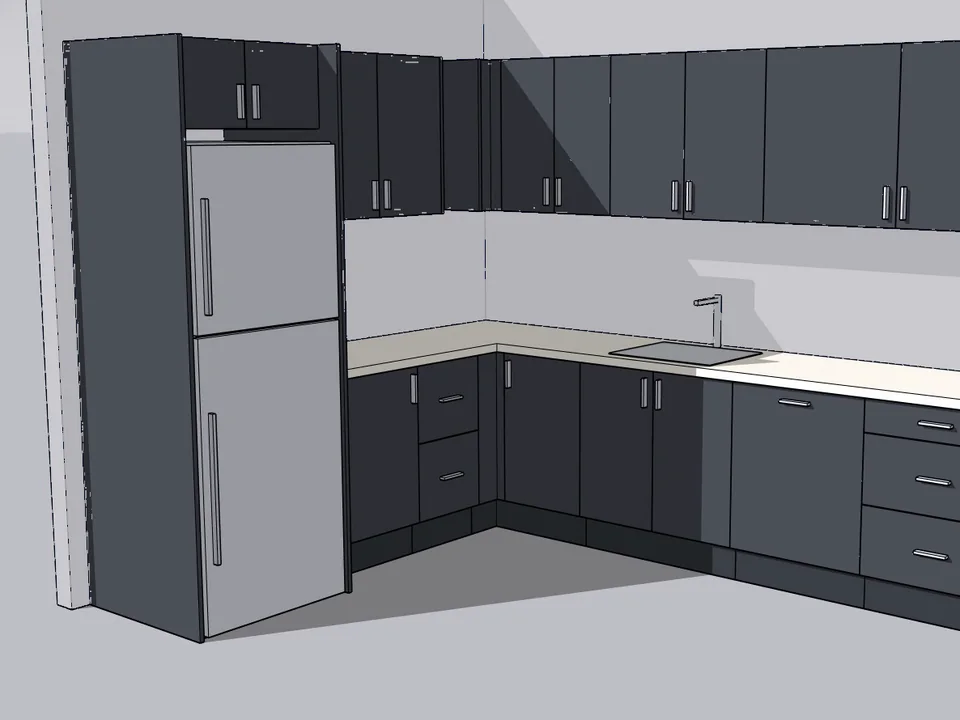
If you write only one sentence in your brief, make it this one: the designer must be able to build a kitchen by dragging, not by filling in forms. KitchenFun Studio is built around that idea. You type the wall lengths, look at the wall from the front and drag cabinets from the palette onto it. Drop a unit on a gap and it sits exactly there; pull the line between two units and one grows while the other shrinks; drag a unit to the other row or another wall. When the layout is right, one click builds it in SketchUp as real carcasses, doors and worktop.
Parametric cabinets vs Dynamic Components: what to ask for
Many developers will offer a library of SketchUp Dynamic Components because it is the quickest thing to deliver. Each component carries its own formulas, and every new cabinet type means more formulas to write and maintain. A parametric generator stores the construction rules once and rebuilds each part for the size you type, which is why its parts can go straight to the saw. Our guide to the parametric cabinet library plugin for SketchUp explains the difference in detail. In KitchenFun Studio you never author formulas: you type or drag a width, and the cabinet, its doors and its parts follow.
Kitchen workshop rules a SketchUp developer must build in
A developer who has never stood in a kitchen workshop will not know these rules, and a kitchen that breaks them is a production mistake, not a drawing mistake. Put them in your brief as non-negotiable, or check that the app you buy already enforces them. KitchenFun Studio does, even in irregular corners and under a beam:
- The gap between worktop and wall cabinets never drops below 58 cm; a beam cannot push the wall cabinets down.
- The under-worktop height is at least 87 cm, so built-in appliances fit.
- No door is narrower than 19 cm.
- Narrow leftover gaps become spice racks or fillers instead of unusable boxes.
- Cabinets never overlap, and a check keeps the dishwasher next to the sink.
These are the rules we also cover when we explain how to draw SketchUp cabinets that can actually be built. The difference is that here nobody has to remember them.
Beams, corners and the tall oven unit
Real rooms have beams, bulkheads and columns, and this is where a custom kitchen configurator usually fails first. In KitchenFun Studio a wall cabinet drops below a beam on its own, or is notched around a thin one; a tall unit wraps the beam; corners get proper corner solutions, filler returns and end panels. The tall oven unit, which Turkish workshops call the boy modül, takes built-in ovens and a microwave, and its width can be typed or dragged like any other unit.
SketchUp cut list and CNC export for kitchens: production output from the same model
This is the part your workshop will judge the app by. In KitchenFun Studio the parts in the model are the parts on the cut list, so there is nothing to retype and nothing to fall out of sync. The cut list is grouped by material and thickness, with edge banding per edge, grain direction and sheet number. If you already export by hand, our SketchUp cut list guide shows what a usable list needs. The one-click production package puts everything in one folder:
- Sheet nesting with a guillotine cut sequence, yield and waste on every sheet, and sheet drawings as PDF and DXF.
- Barcode part labels (Code 128), a hardware list and a front list with hinge positions as CSV.
- An assembly sheet for every cabinet, dimensioned elevations and a worktop sheet for the stone fabricator.
- A drilling layer: 35 mm hinge cups, hinge plates on the 32 mm system, cam lock and dowel or confirmat joints, shelf pins, runner and handle holes and back panel grooves.
- CNC files as layered DXF for any CAM, Homag/Weeke woodWOP .mpr or TpaCAD .tcn, plus a printable drilling sheet for shops without a CNC.
- A customer quote with your own prices, labour, profit and VAT.
Questions to ask a SketchUp extension developer before you hire
If you still want a bespoke build, these questions separate a developer who knows cabinetry from one who knows only Ruby. Ask for a demonstration, not a promise:
- Show me an L kitchen with a beam: what happens to the wall cabinets, and does the worktop-to-wall-cabinet gap change?
- If I widen the fridge by dragging, where does the space come from, and can two cabinets ever overlap?
- Is a part in the model the same object as a line on the cut list, or is the list generated separately?
- Which CNC formats will you write, and how will you check them before my first machine job?
- Which SketchUp versions will you support, and who updates the extension when a new version ships?
- Can my designers create their own cabinet types without calling you?
Every one of these questions has a working answer inside KitchenFun Studio today, which is the honest benchmark to hold any quote for custom development against.
Build or buy: a kitchen cabinet library app for SketchUp, ready today
A bespoke project starts with weeks of specification and testing before your first kitchen leaves the workshop. A ready app starts this afternoon. KitchenFun Studio runs on SketchUp 2021 to 2026 on Windows, with an English and Turkish interface and a built-in user manual. It works on its own, with no other extension required, and it is a one-time licence for one seat, with no subscription. The licence, the current terms and the download are on the product page.
What a ready-made kitchen app will not do for a bespoke need
Be honest with yourself about where your business is unusual. These are the limits of KitchenFun Studio today, and the places where a developer could still earn a fee:
- Windows only. It runs on SketchUp for Windows; if your team designs on macOS, that is a gap.
- Three CNC formats. Native files are woodWOP .mpr and TpaCAD .tcn, plus layered DXF for any CAM. Native files for more CNC brands are on the roadmap, added once a sample file from that machine arrives. Run a test piece before the first machine job.
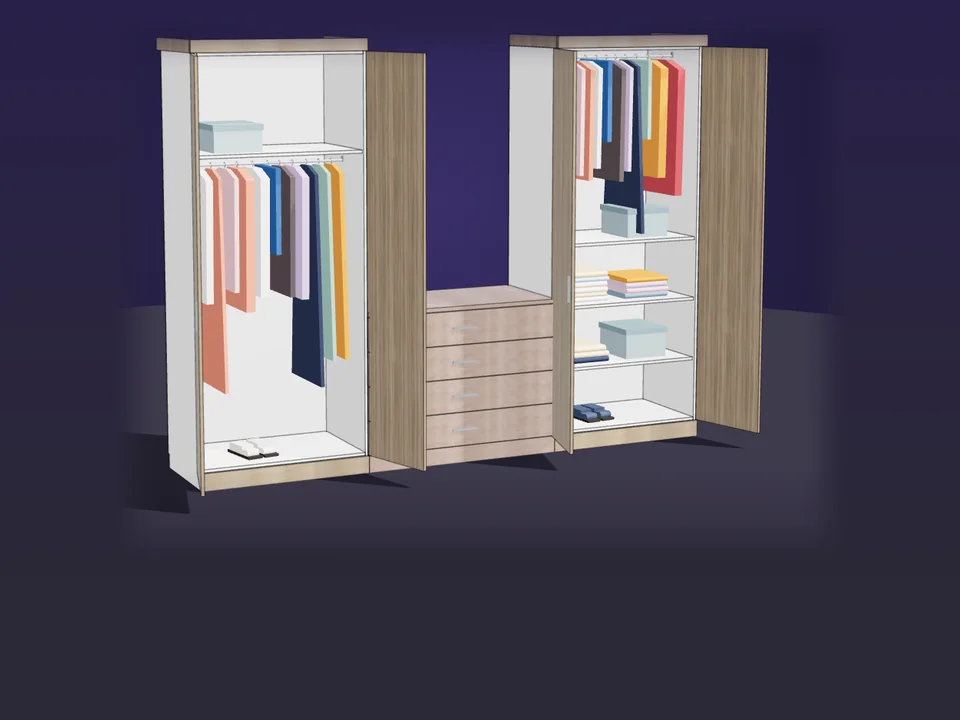
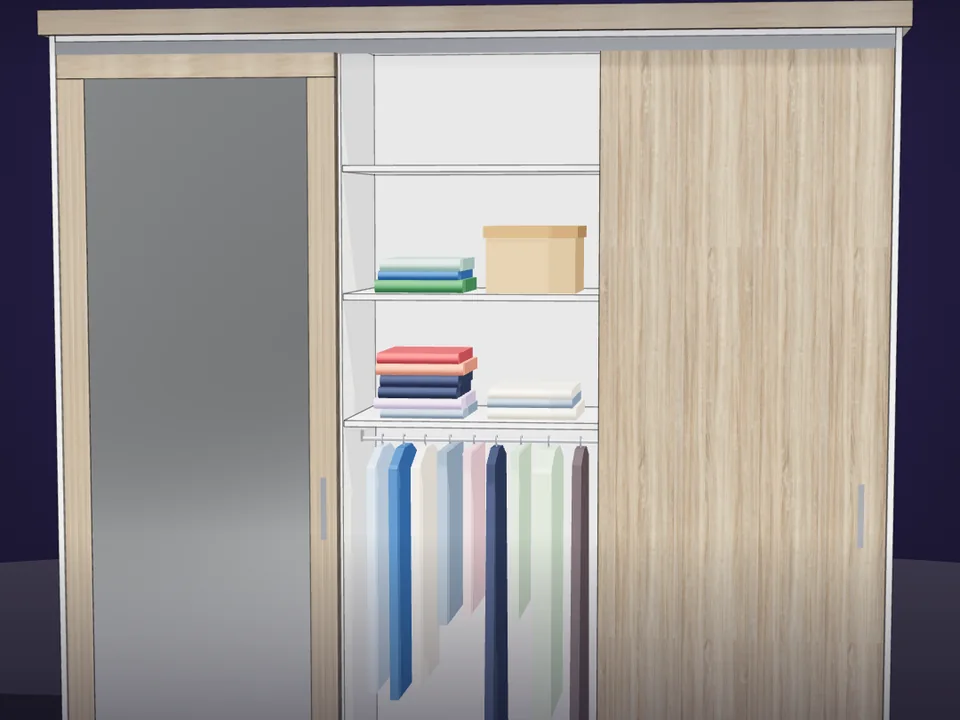
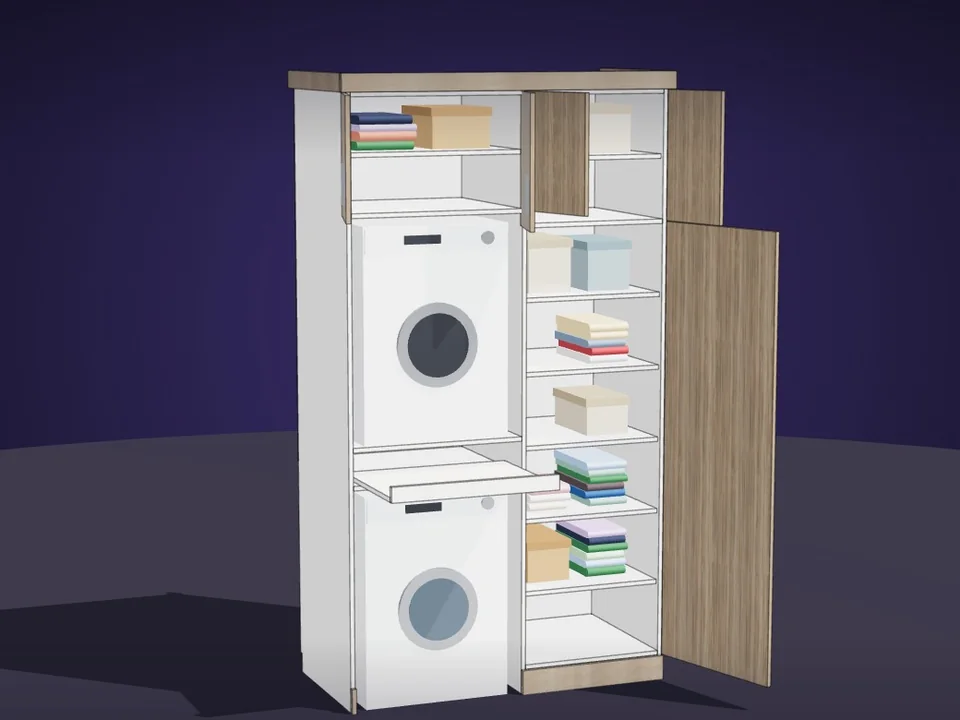
- Kitchens, not wardrobes. It is a kitchen tool. For wardrobes and built-in storage we make a separate plugin, CabinetWizard.
- Files, not a live link. It hands over its output as files (CSV, PDF, DXF, MPR, TCN). If you need the design to post orders straight into your own ordering or ERP system, that connection is bespoke work.
Questions about hiring a SketchUp developer for a cabinet library app
Should I hire a SketchUp developer or buy a kitchen cabinet plugin?
Start with the checklist above. If a ready plugin covers your layout, rules and production output, buy it and spend the development budget only on what is truly unique to you, such as a link into your own ordering system. If your kitchens are standard carcass construction, KitchenFun Studio already covers that list.
Which SketchUp versions does KitchenFun Studio run on?
SketchUp 2021 to 2026 on Windows, with an English and Turkish interface. Our article on SketchUp plugin compatibility from 2021 to 2026 explains what to check before you install any extension.
Can my team add its own cabinet types?
Yes. Double-click a cabinet or create a new one, stack doors, drawers, shelves and appliance niches, split rows into columns and save it to your palette. The workshop rules still apply to your own designs.
Which CNC machines can it write files for?
Layered DXF for any CAM, Homag/Weeke woodWOP .mpr and TpaCAD .tcn. Shops without a CNC get a printable drilling sheet. Run a test piece before the first machine job.
Is it a subscription?
No. It is a one-time licence for one seat. Current terms are on the product page.
The advantage is simple: instead of paying to discover these rules one bug at a time, your team drags its next kitchen onto the wall today, and the workshop gets numbers that match the drawing. KitchenFun Studio was written by Ufuk Şen, a SketchUp trainer for 18 years with 7,269 students on Udemy, with the master cabinet maker's rules built in. Open the KitchenFun Studio page, see what it builds, and draw your next kitchen with it.
Grab a cabinet, drop it on the wall. Kitchen done.
Interior$599KitchenFun StudioKitchenFun Studio
No re-drawing, no re-typing: drag the cabinets onto the wall, get the kitchen, cut list and CNC files.
- Drag & drop Kitchen Wizard
- Cut list + CNC (DXF / MPR / TCN)
- SketchUp 2021–2026
SketchUp 2021–2026v1.28.1
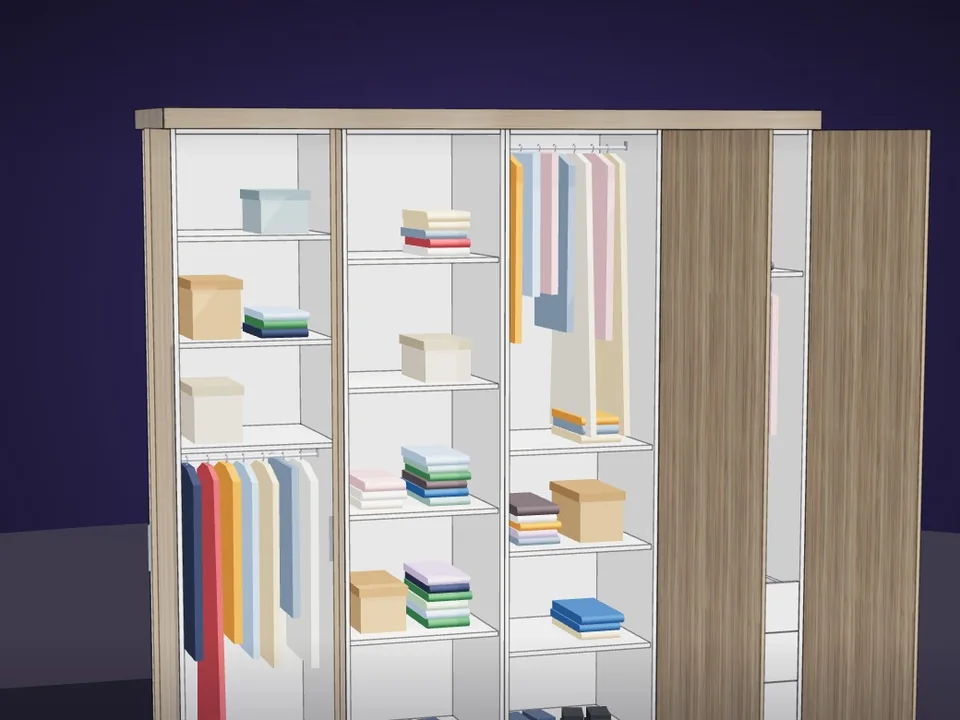
Type the size. The whole wardrobe builds itself.
Interior$65CabinetWizardCabinetWizard
No panel-by-panel drawing: type the size, get quote and CNC files.
- 131 solids from 20 components
- 12 finishes, 7 door styles
- 164 tests, SketchUp 2017+
SketchUp 2017–2026v1.19.0