You are a designer, and your tools should disappear behind the work, not stand between you and a deadline. Yet almost every SketchUp user knows this scene: You buy an extension, install it, restart SketchUp — and the toolbar never shows up. Or it shows up, you click it, and the Ruby Console answers with a line of red text about an unexpected keyword argument. Meanwhile a colleague runs the exact same .rbz on the exact same project and everything is fine.
Nobody lied to you and nothing is corrupt. Between SketchUp 2021 and SketchUp 2026 the Ruby engine underneath the entire extension system changed generation. Code that was perfectly legal in one release is a hard syntax error in another, and the failure is usually silent.
This is a practical map: what really changes between versions, how .rbz installation works under the hood, where your extensions physically live on disk, and the short honest checklist to run before you spend money.
Three moving parts, not one
Most people imagine "SketchUp version" as a single number. For an extension it is three separate systems, and a plugin can break on any one of them. The symptom is identical in all three cases: nothing happens.
- The Ruby interpreter — SketchUp 2021 and 2022 run Ruby 2.7. SketchUp 2023 moved to Ruby 3.1, 2024 to Ruby 3.2, and 2025 and 2026 stay on the 3.x line.
- The SketchUp Ruby API — new classes and methods arrive with almost every release. The Overlays API, for example, only exists from SketchUp 2023 onwards.
- The embedded browser — modern extension panels are HtmlDialog windows, which are Chromium. The Chromium build inside SketchUp 2021 is years older than the one inside 2026.
1. Ruby 2.7 to 3.x: the keyword argument split
This is the single biggest break in the period. In Ruby 2.7 you could hand a plain hash to a method that expected keyword arguments and Ruby would quietly convert it for you. Ruby 3.0 stopped doing that. A lot of otherwise healthy plugin code turned into an ArgumentError the day it met a newer SketchUp. Ruby 3 also finished off things that had been deprecated for years — URI.escape is gone, Object#taint stopped doing anything — and moved parts of the standard library out of the default set. An extension that quietly requires a library which is no longer bundled loads happily on 2022 and dies on 2024.
The reverse direction bites just as hard. Code written against Ruby 3 — newer pattern matching forms, the shorthand hash syntax — parses fine on 2024 and is a hard syntax error on 2022. Syntax errors are the nastiest kind, because the file never loads at all. No toolbar, no menu item, no message. The extension simply is not there.
2. API calls that did not exist yet
The SketchUp Ruby API grows every year. Overlays arrived in SketchUp 2023 and gave extensions a clean way to draw on top of the model. A plugin that calls Sketchup::Overlay raises a NameError on 2021 and 2022 unless the author checks the version first and falls back. Well-built extensions branch on Sketchup.version_number and degrade gracefully. Rushed ones assume the newest release and let the user discover the problem.
3. The dialog is a browser, and on old SketchUp it is an old browser
Almost every modern extension UI is an HtmlDialog: HTML, CSS and JavaScript rendered by the Chromium build shipped inside that SketchUp release. Optional chaining, the CSS :has() selector, container queries, structuredClone — all of these are fine in a recent Chromium and can be fatal in an older one. A panel developed on SketchUp 2026 can open completely blank on 2021, with nothing in the Ruby Console, because the JavaScript died before it drew a single pixel. This is the most common reason a "2021-2026" claim is technically true and practically useless on 2021.
What a "2021-2026" badge should actually mean
It should mean the developer installed the extension on each of those releases and ran it. There is one good structural proxy for whether that is plausible: pure Ruby, no compiled binaries. A compiled C extension is built against one specific Ruby ABI, so a binary made for 2.7 will not load into 3.2 at all. To cover six releases on two operating systems, the vendor has to ship and maintain a matrix of binaries. Pure-Ruby extensions simply do not have that failure surface.
Also: a narrow, precise range is a better sign than a vague one. In our own catalogue, WindowFun Studio and Dynamic Skirting say SketchUp 2024-2026 and stop there. FloorStudio, Door Studio and PerdeNeşe Studio list every release from 2021 to 2026. Both statements are useful. "Works with the latest versions of SketchUp" is not a statement at all.
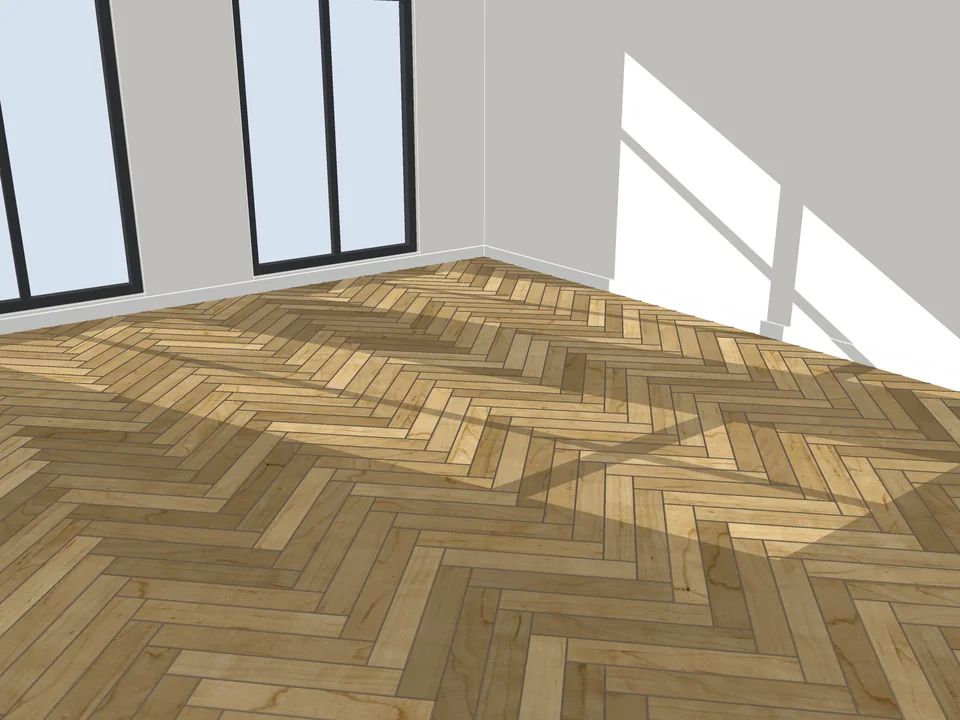
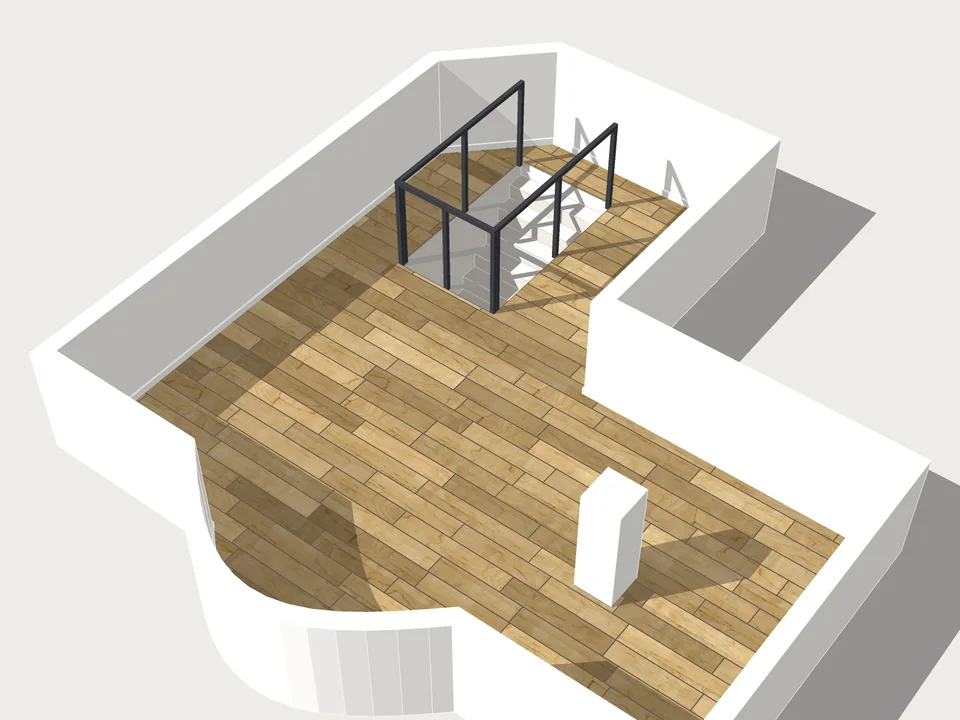
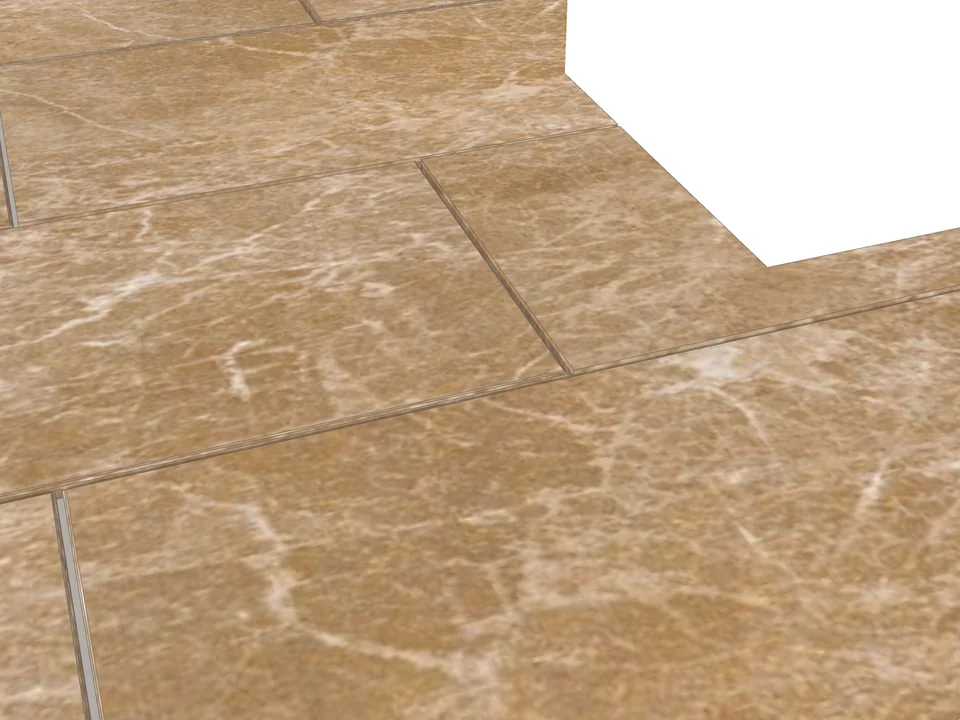
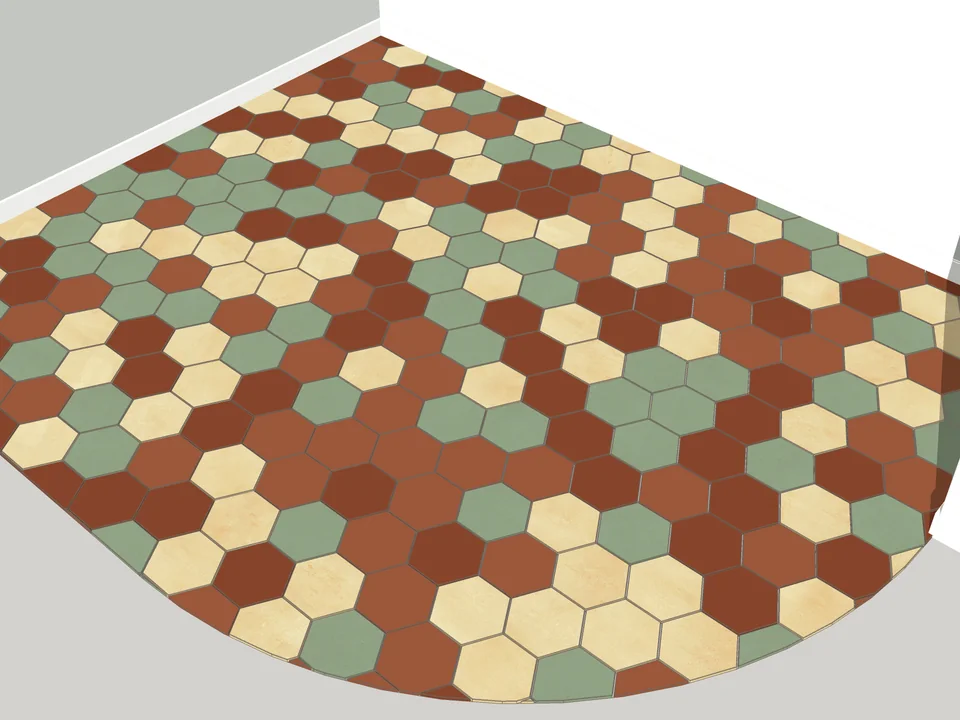
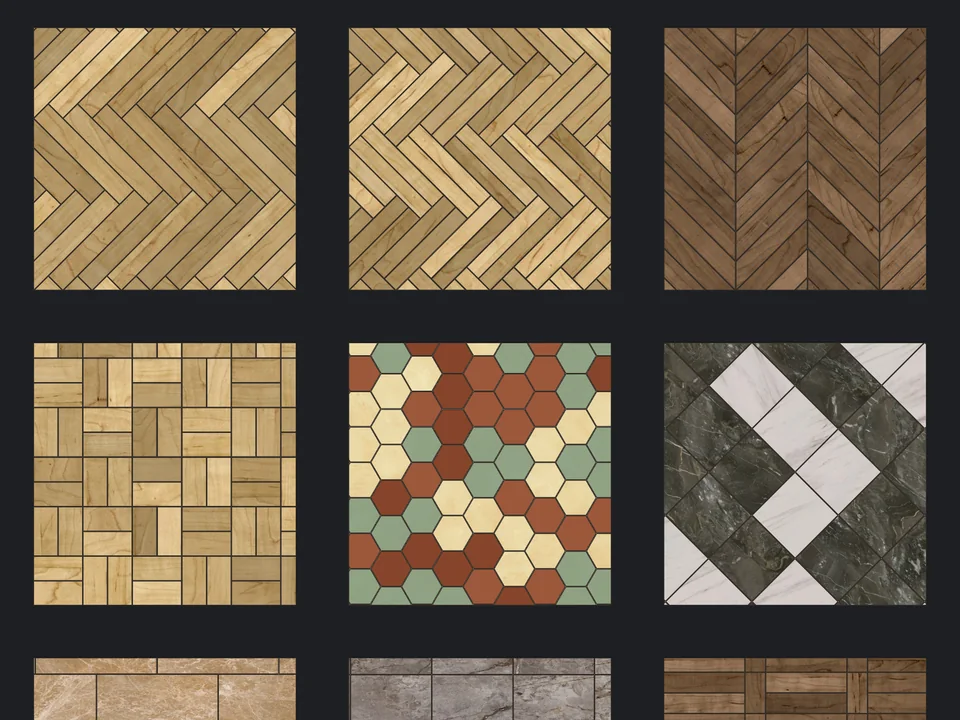
Pick a face, pick a pattern. Floor laid.
Flooring$39FloorStudioFloorStudio
Skip the tile-by-tile copying: every board cut, counted, out as CSV.
- 13 patterns
- SketchUp 2021-2026
- CSV take-off
SketchUp 2021–2026v3.3.0
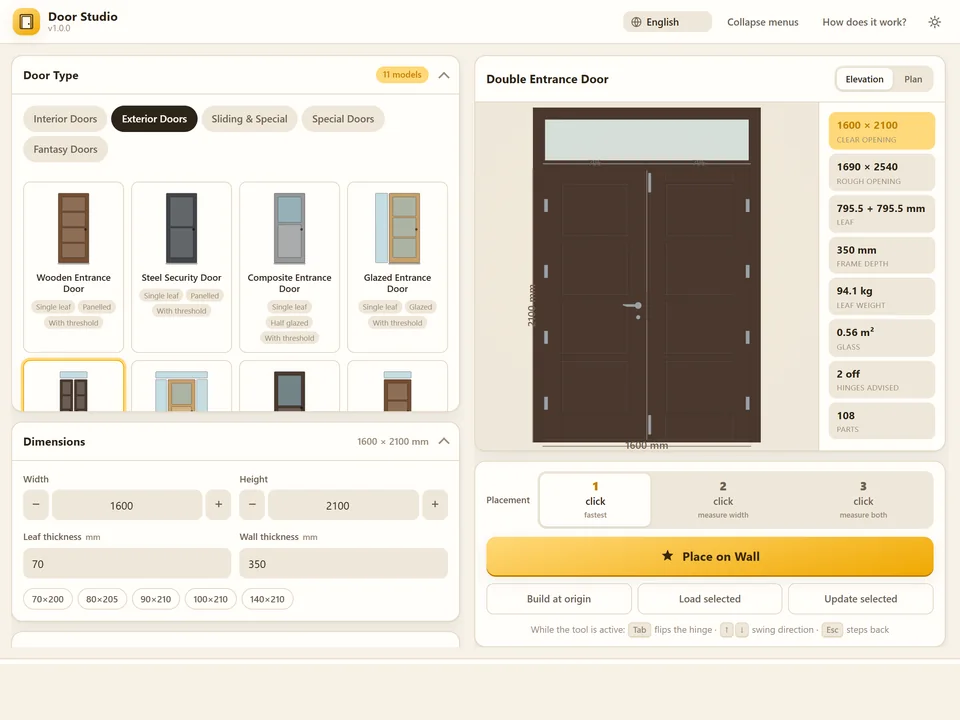
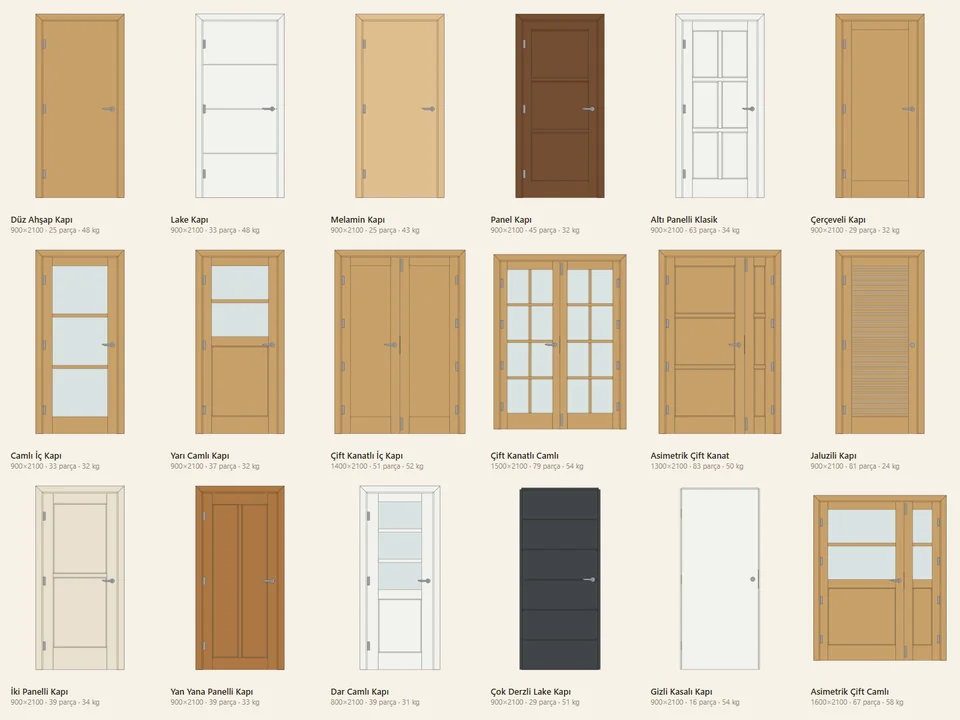
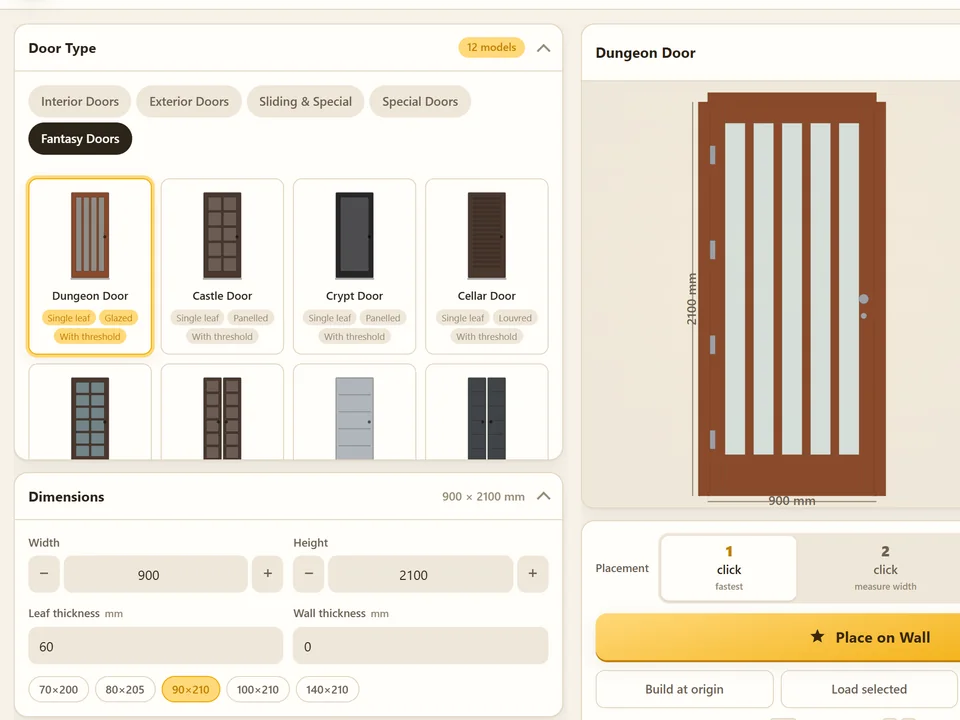
Pick a door, click the wall. It fits itself.
Windows & Doors$30Door StudioDoor Studio
No walls cut by hand: pick a door, click the wall, it fits itself.
- 51 models, 4 categories
- 1/2/3-click wall placement
- 572 tests green
SketchUp 2021–2026v1.6.0
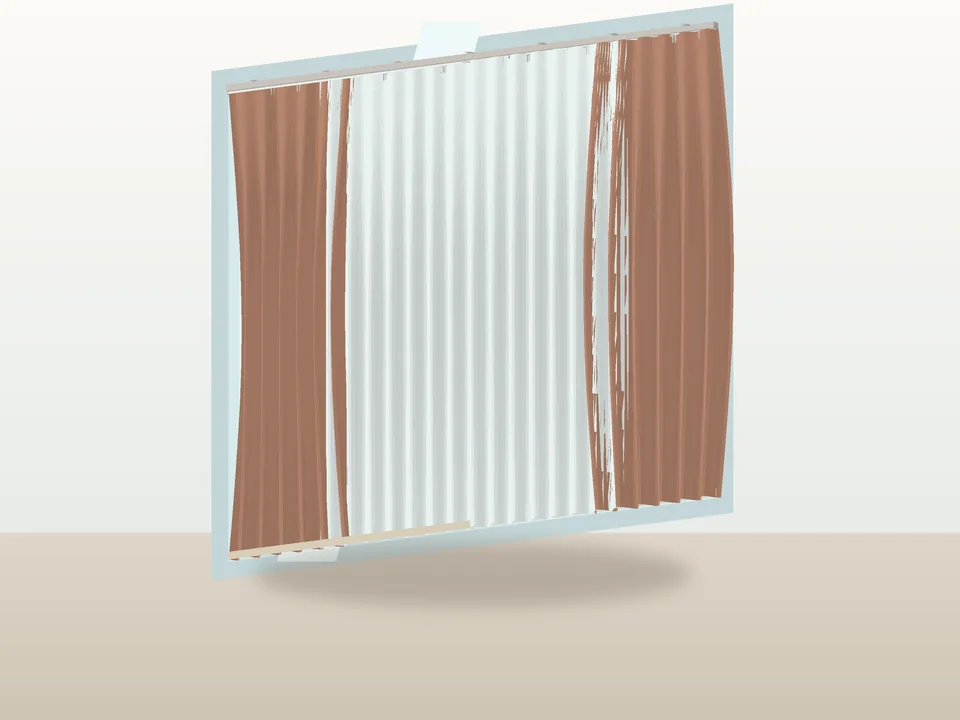
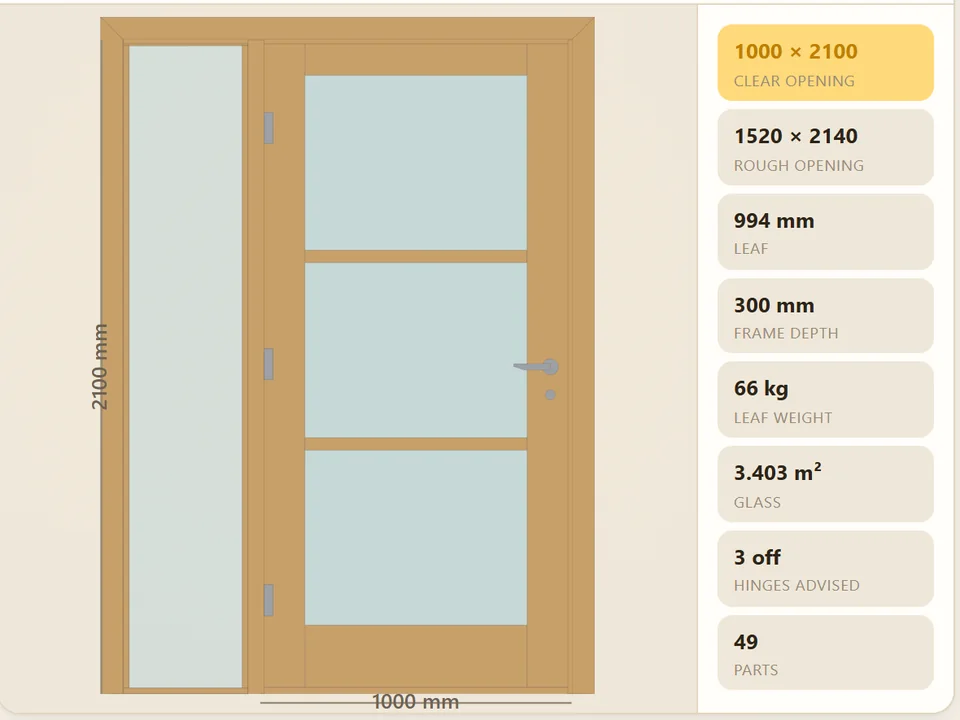
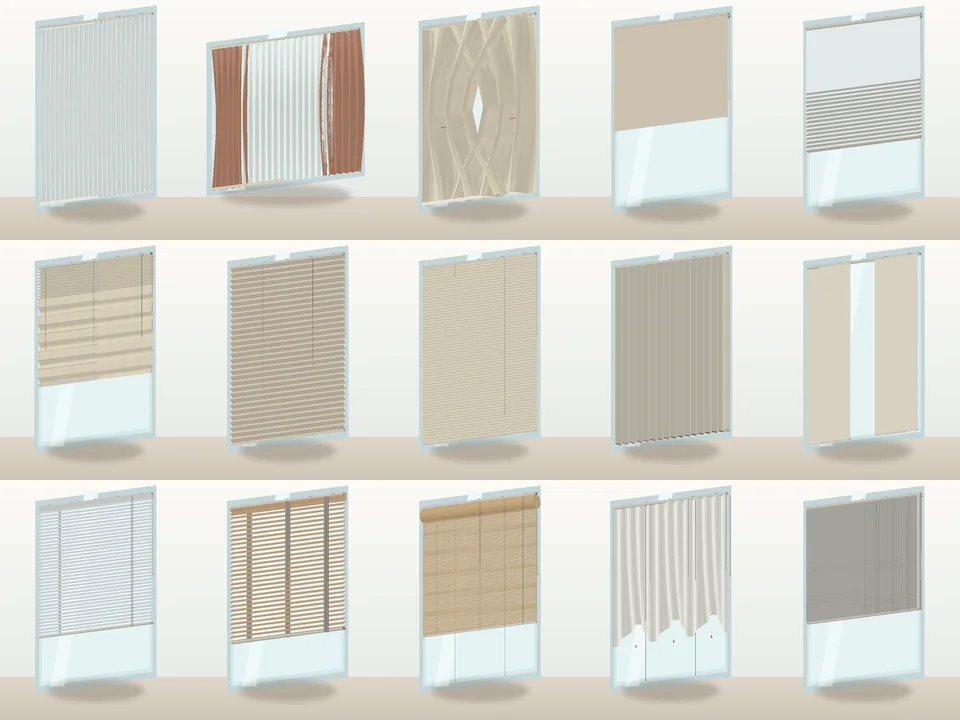
Three clicks and the window is dressed.
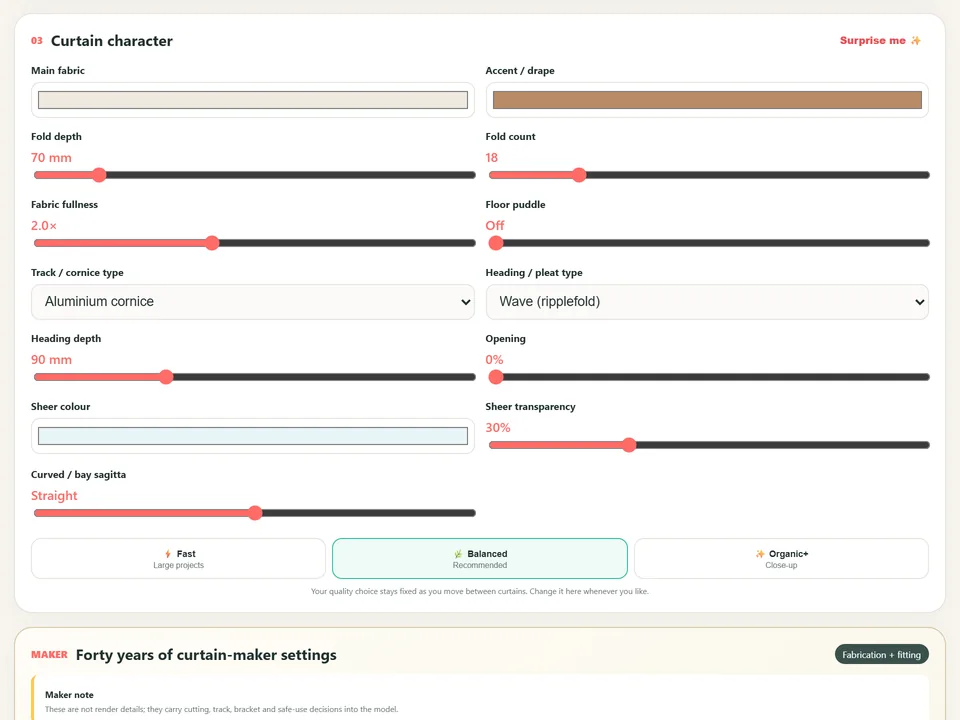
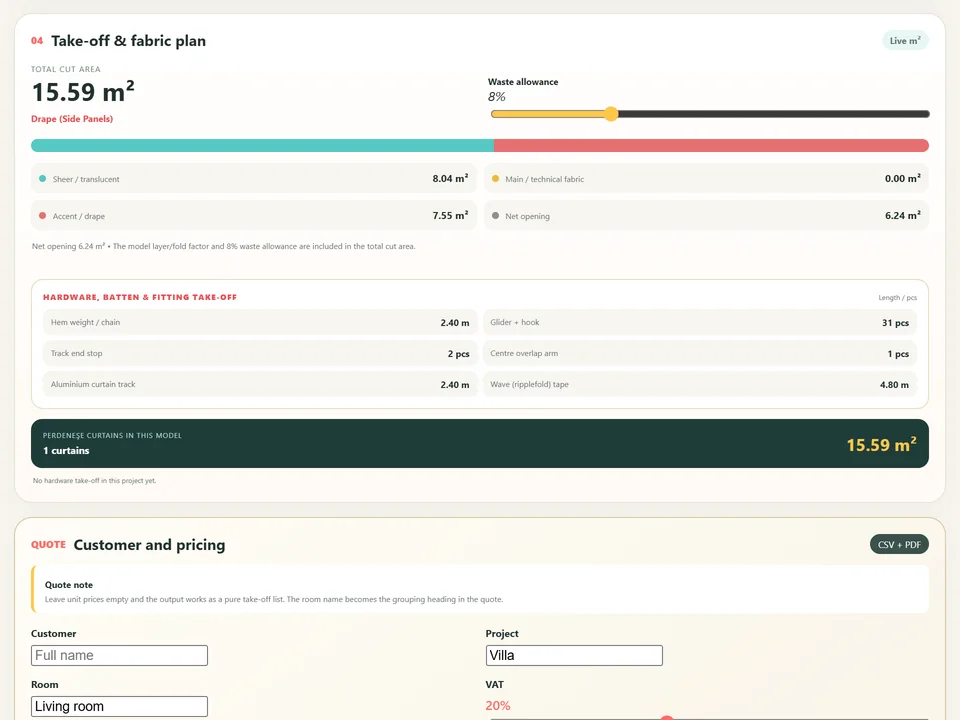
Interior$25PerdeNeşe StudioPerdeNeşe Studio
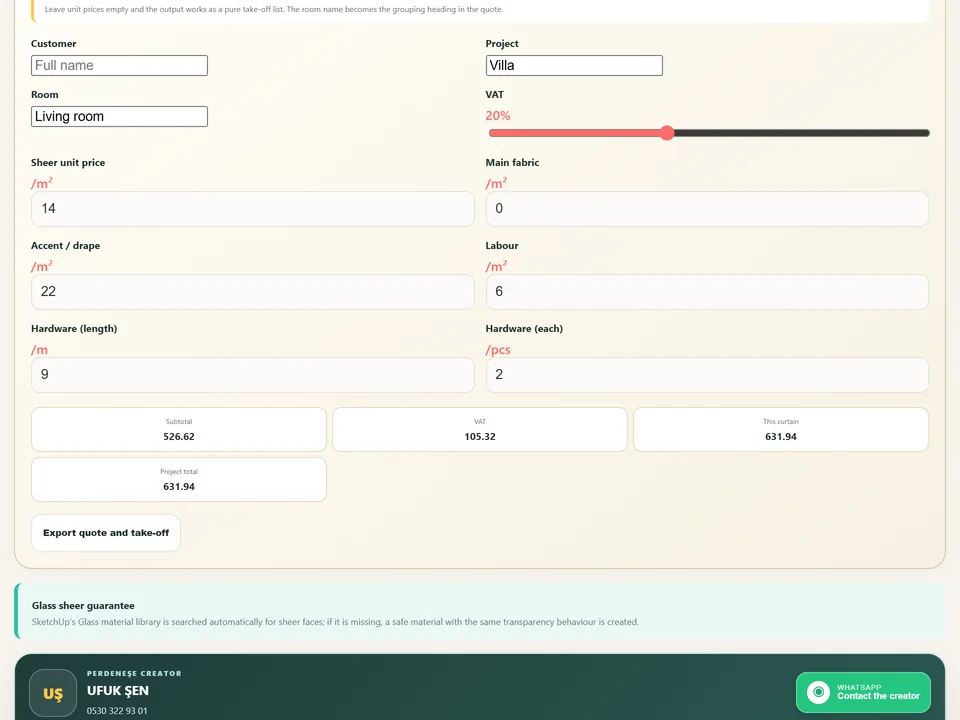
No fold-by-fold modelling: three clicks, curtain, rail and quote.
- 19 systems, 3 clicks
- 826 tests green
- TR/EN/ES · SU2021–2026
SketchUp 2021–2026v2.2.1
How .rbz installation actually works
An .rbz file is a renamed .zip, and you can open it with any archive tool to look inside. The convention is one loader .rb file at the top level plus a folder with the same name holding everything else. The loader registers a SketchupExtension object so the Extension Manager can list it, enable it and disable it. Installing simply unzips both of those into the Plugins folder of one SketchUp version.
- Window > Extension Manager > Install Extension, then pick the .rbz file.
- Approve the trust prompt if you know where the file came from.
- Restart SketchUp. It is not always required, but it is always the safer move.
- No toolbar? Check View > Toolbars on Windows, or View > Tool Palettes on macOS — the extension may have loaded with its toolbar hidden.
- Still nothing? Open the Ruby Console before restarting; load errors are printed there as SketchUp starts up.
Where extensions actually live
Every SketchUp year gets its own Plugins folder. This one fact explains most "my extensions disappeared" panics after an upgrade.
- Windows: %AppData%\SketchUp\SketchUp 2026\SketchUp\Plugins
- macOS: ~/Library/Application Support/SketchUp 2026/SketchUp/Plugins
- Swap the year for the version you are looking at. SketchUp 2025 and 2026 share nothing — not the plugins, not their settings.
So your extensions did not vanish; they are still sitting in last year's folder. The clean fix is to reinstall from the original .rbz into the new year. Copying the folder across by hand does usually work, but it skips the trust and signature step and it happily carries stale files along with it.
Signatures, and the silent refusal to load
The Extension Manager has a loading policy with three levels, from unrestricted, through approving unidentified extensions one by one, to accepting only digitally signed ones. On the strict setting an unsigned .rbz installs and then simply does not load, and SketchUp is not loud about it. If an extension appears in the list but no menu or toolbar ever arrives, open the Manage tab and check the policy before you email support.
What survives when a model changes hands
Geometry made by a plugin is ordinary SketchUp geometry — faces, edges, groups, components. Anybody can open the model without owning the extension. Parametric tools additionally store their settings in attribute dictionaries attached to the group or component, and those ride along inside the .skp. So a colleague on a different version still sees the floor, the door and the curtain exactly as modelled. They just cannot re-open the parameters and change them without the extension installed.
The .skp file itself is the real one-way street. A model saved in 2026 will not open in 2021. When you have to hand work down to an older office, use File > Save As and pick the older SketchUp format explicitly — it is easy to forget until somebody calls you.
Pick a door, click the wall. It fits itself.
Windows & Doors$30Door StudioDoor Studio
No walls cut by hand: pick a door, click the wall, it fits itself.
- 51 models, 4 categories
- 1/2/3-click wall placement
- 572 tests green
SketchUp 2021–2026v1.6.0
Three clicks and the window is dressed.
Interior$25PerdeNeşe StudioPerdeNeşe Studio
No fold-by-fold modelling: three clicks, curtain, rail and quote.
- 19 systems, 3 clicks
- 826 tests green
- TR/EN/ES · SU2021–2026
SketchUp 2021–2026v2.2.1
Six things to check before you buy
- The listing names your exact SketchUp year. Not "recent versions", not "the latest".
- Your operating system is named too. Anything with compiled code is a different build on Windows and macOS.
- There is a trial, or a refund window long enough for you to install it and open the panel yourself.
- The UI actually draws on your version — open every dialog once, not just the first one.
- The vendor says what happens at next year's upgrade: reinstall from .rbz, and whether your licence carries over.
- Somebody answers messages. Compatibility across six SketchUp releases is maintenance work, not a property a file is born with.
None of this is exotic. It is the same discipline as checking whether a detail library is in millimetres before you import it. SketchUp 2027 will ship, Ruby will move again, and the extensions that survive will be the ones whose authors installed them on six versions and actually pressed the buttons.
The advantage of knowing this is simple: you choose tools that run on the version you actually use, and your evenings go to design instead of the Ruby Console. When you are ready to pick one, the plugin finder matches extensions to your work, and every product page in our catalogue states exactly which SketchUp versions it supports.