What makes cabinet software “easy” is not the length of its feature list. Easy software is software a craftsman who knows the trade but dislikes computers can get a cabinet out of on day one. CabinetWizard was written for that: you install no other program, you are not stuck with templates, and when you get stuck the program shows you the way.
Nothing else to install
- Not a plugin, a desktop application. No SketchUp needed and no other program beside it. Click the icon and it opens.
- Activate once. The internet is needed only for the first activation; after that it works offline.
- Everything in one window. Design, production output, quote and rendering are in one place, not in separate programs.
Where you get stuck, the program shows the way
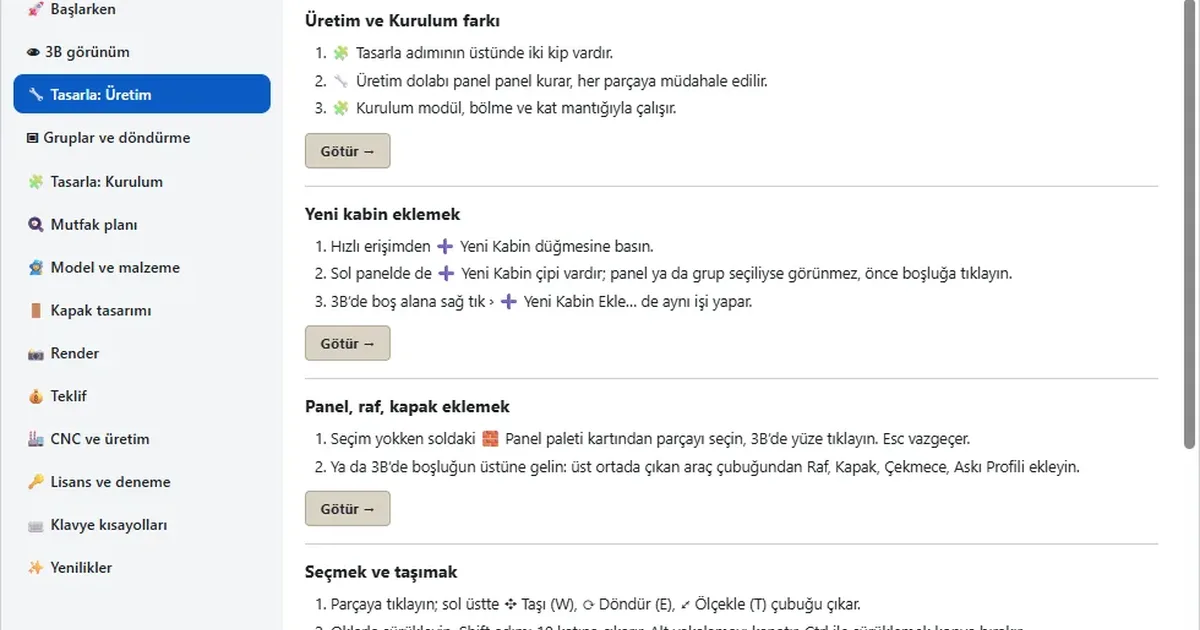
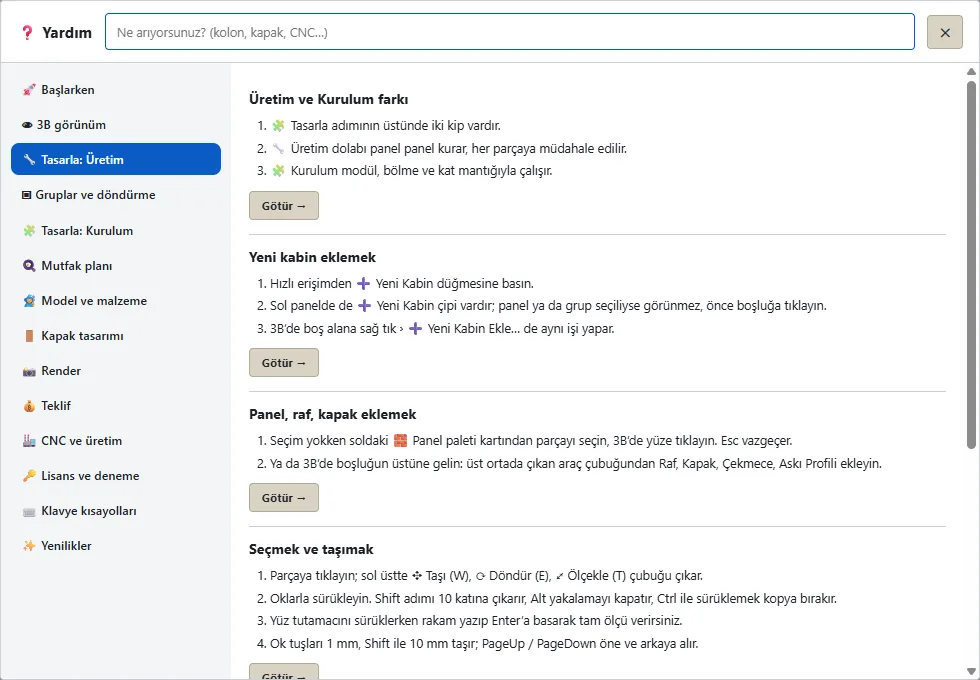
Press F1 or click ❓ Help at the top right. From the program’s flow to your first cabinet and on to the CNC, every topic is written in numbered steps. You do not just read: the Take me button takes you to the screen being explained. Type “column”, “door” or “CNC” in the search box and the matching explanation comes up.
Short lessons, not months of training
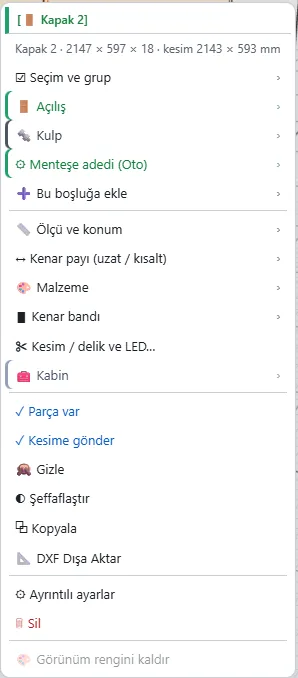
From the Production screen to the CNC output, every topic is explained in a short lesson recorded in the program itself; each lesson lasts a few minutes. For a quick start there is the 245-module library; to go faster there is a right-click menu that changes with the part and keyboard shortcuts: W · E · T move, rotate, scale; the arrows move 1 mm, 10 mm with Shift.
Frequently asked questions
I have never used cabinet software. Can I start?
Yes. You start by dragging and dropping a ready module; Help and the short lessons show every step.
How many computers does it run on?
One licence is valid for one computer; a second licence is discounted.