
You design the shelf the customer stops in front of. The presentation to the brand or the store manager should show exactly that shelf, with the real products on it, not grey boxes and a promise. Yet a planogram in plain SketchUp means placing hundreds of product boxes one by one and hoping the tall bottle really fits under the shelf above.
ShelfFun is being built for the shorter way: give it your product list as CSV, pick the fixture, and get a filled shelf, a fit check and the report that goes to the store.
What a planogram plugin for SketchUp should do
A planogram is a promise about space: which product, how many facings, on which shelf, and whether it physically fits. A plugin has to know the fixture, know the products by their real dimensions, and check every placement against the shelf, its neighbours and the shelf above. ShelfFun works in four steps, Fixture, Products, Place and Report.
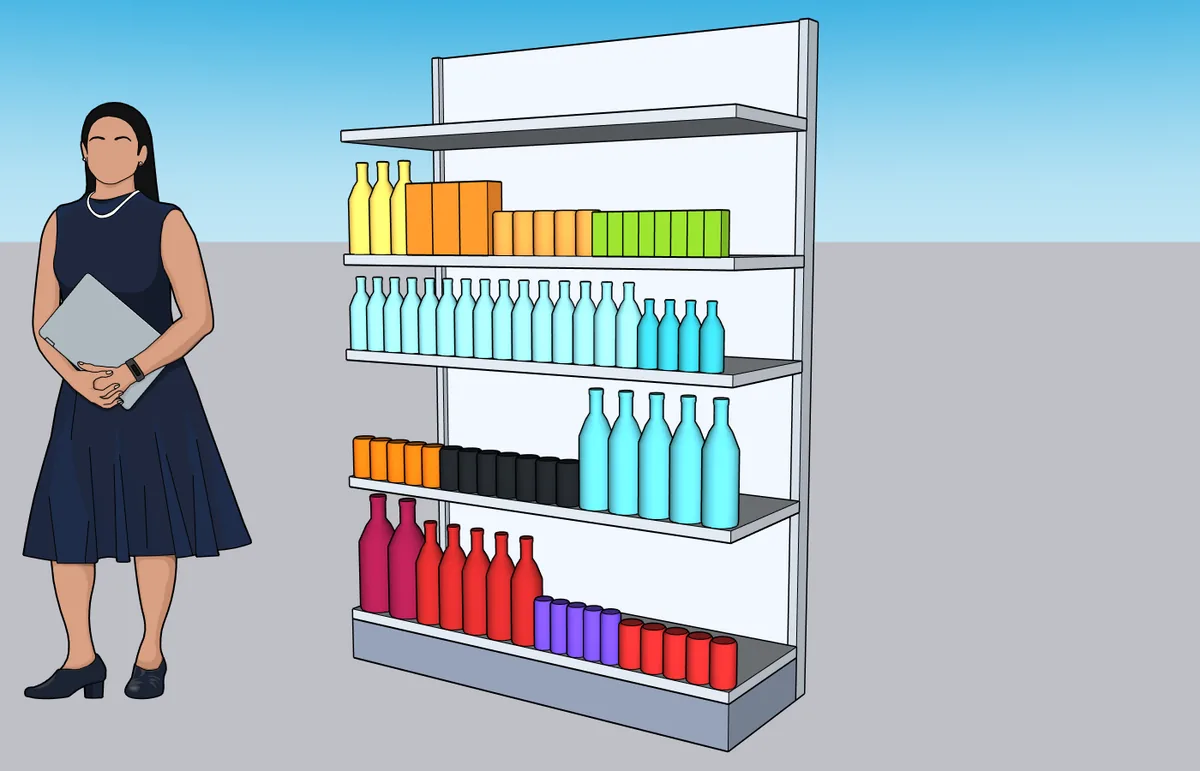
Fixtures: gondolas, wall units, endcaps, chillers, pegboards and your own
- Five parametric fixtures: single or double-sided gondola with a back spine, wall unit with header sign, endcap with side panels, chiller with glass doors, and pegboard with hook rails.
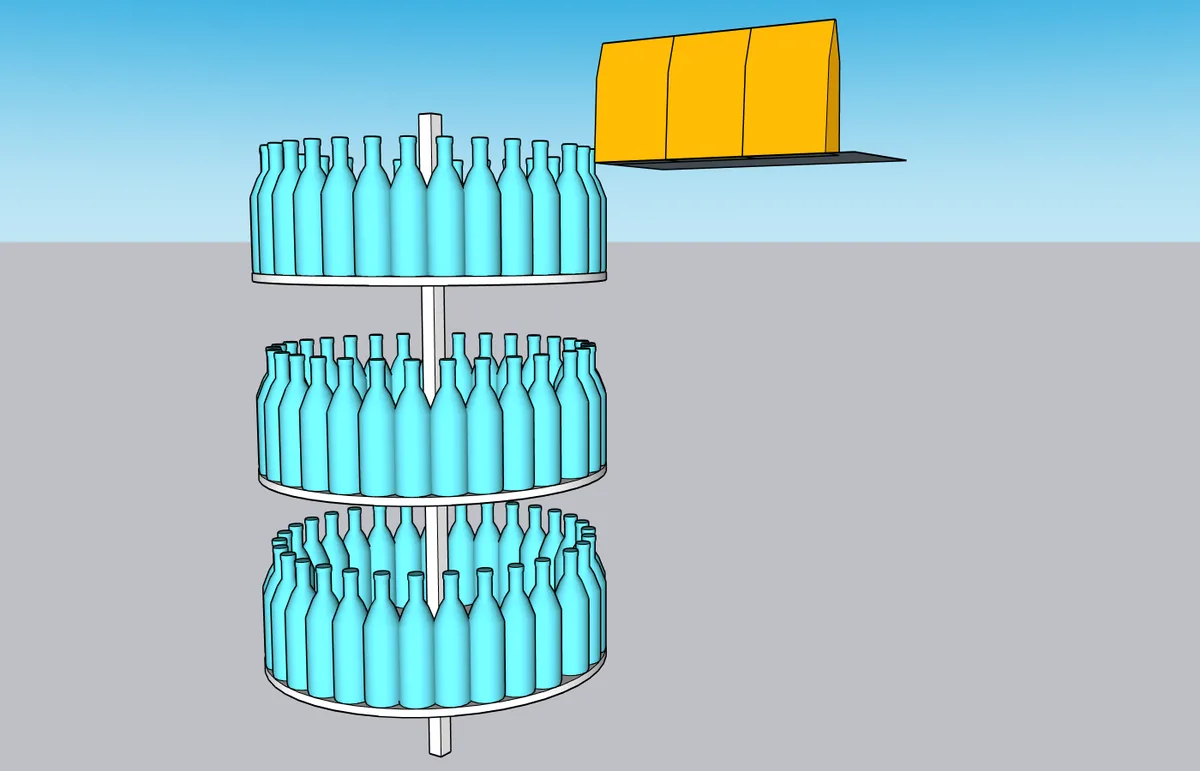
- Your own fixture: select any SketchUp object and click each shelf’s top face; a round face becomes a rotating radial shelf. Your geometry is never modified.
- Live preview while you type width, height, depth and shelf count; copy, mirror, place side by side, number the bays and save templates; tilt shelves from -45 to 45 degrees and lock a shelf’s height.
Products from CSV, placed with real facings
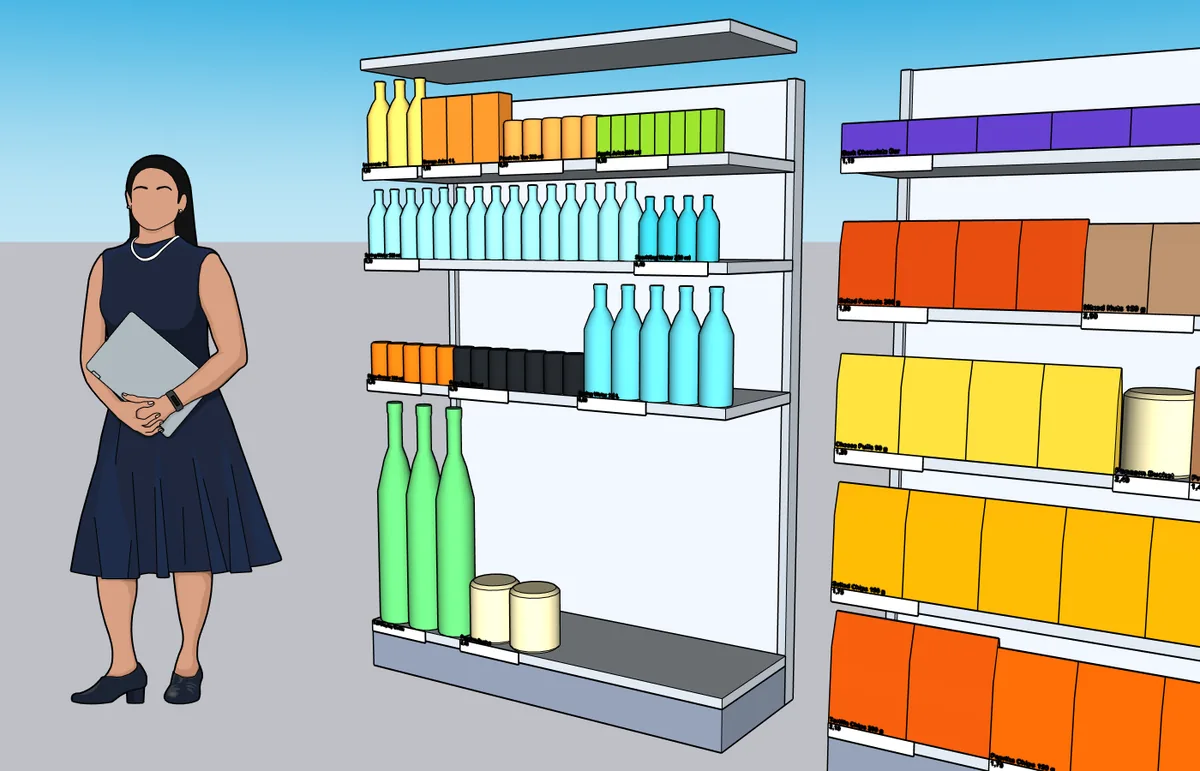
Products come in from CSV with column mapping that recognises Turkish and English headers, any common delimiter, and millimetres, centimetres or inches. Bad rows are listed with their row numbers, duplicate SKUs are caught, and a re-import updates products by SKU. Each product can carry front, side and top images, a shape (box, bottle, can, pouch or your own model), price, weekly sales and stacking rules. Click a shelf to place a product, set facings and stack, or use the 3D placement tool with a ghost preview at the cursor.
Fit check, automatic shelf height and auto arrange
- Width overflow, collisions, the shelf above, the unit top, depth, stacking and peg rows are all checked; anything that does not fit gets a red see-through box and a line in the warning list.
- A tall product pushes the shelf above up to the next slot; "Compact shelves" lowers every shelf to its lowest correct height.
- Auto arrange by brand or category, sorted by size, best seller or name, with facings in proportion to sales.
Space analysis and the store report
The analysis shows occupancy, brand and category share, facings, capacity and days of stock, and the model can be coloured by brand, category, sales heat or free space. Shelf-edge labels carry name and price as 3D text, every bay gets a front-view scene, and the store report is an HTML page you print to PDF. Product lists, analysis and a transparent front-view PNG export too, and two versions of a planogram can be compared.
Current limits
- Excel files are not read directly: save the sheet as CSV UTF-8. Images must be PNG or JPG.
- On pegboards auto arrange does not yet account for hook-row height with long pouches.
- It runs on SketchUp 2021 to 2026, tested so far on Windows in SketchUp 2023, 2025 and 2026; macOS is untested and the manual test round is still open.
Can you make a planogram in SketchUp?
Yes, but natively it is a modelling exercise: you draw the fixture, make each product a component and place and count them yourself. A planogram plugin turns it into a data exercise, the product list drives the shelf, so changing a facing or a product updates the 3D view and the report together.
The advantage: a presentation that shows the real shelf, and a report the store can follow on the first day.