You want a faster model, not a surprise at the checkout. Most "free SketchUp plugins" lists were written years ago, and some of their favourites now ask for a licence after a 30-day trial or stop at SketchUp 2018. Your time is worth more than an evening spent finding that out.
So this list was checked on 16 October 2026 against each extension’s official listing: is it free today, which SketchUp versions does the listing name, and does it need a library installed first. The free tools we make ourselves are at the end, marked as ours.
Clean and fix the model
CleanUp³ by ThomThom purges unused items, erases hidden geometry, duplicate faces and stray edges, repairs split edges and merges coplanar faces and identical materials; the listing covers SketchUp 2014 to 2026. Solid Inspector², also by ThomThom, shows why a group or component is not a solid, a hole or a stray face, lets you step through the errors with Tab and repairs many of them; it matters before 3D printing or a solid operation, and the listing covers 2014 to 2026.
Select and edit faster
- Selection Toys (ThomThom): keep only the edges or faces of a selection, select by material, layer or orientation, select edge loops or every instance of a component. Listing: up to SketchUp 2026.
- Edge Tools² (ThomThom): simplify curves with too many segments, close the small gaps in imported DWG lines, divide edges. Useful when terrain or a plan comes from CAD. Listing: up to SketchUp 2026.
- QuadFace Tools (ThomThom): loop and ring selections, adding and removing loops and UV mapping on quad-based models. Listing: SketchUp 2014 to 2027.
- Eneroth 3D Rotate Tool (Eneroth3): rotates entities freely around a point. Listing: up to SketchUp 2026.
Curves, bending and terrain
- Bezier Curve Tool (SketchUp Team): draws Bézier curves from the Draw menu. Listing: SketchUp 2022 to 2027.
- Sandbox Tools (SketchUp Team): makes and edits TIN terrain surfaces. Listing: SketchUp 2022 to 2027.
- Solar North (SketchUp Team): shows and changes solar north for shadow studies; open source. Listing: SketchUp 2022 to 2027.
- Flowify (Anders L.): bends a group or component onto a curved quad surface through a projection grid. Listing: SketchUp 2014 to 2025.
- Weld (Smustard): joins connected edges and arcs into one curve. Note that its listing names SketchUp up to 2024.
Free classics whose listings stop at an older SketchUp
Two famous free extensions are still free, but their listings only name old versions: Shape Bender by Chris Fullmer, which bends a group along a curve, is listed up to SketchUp 2018, and 1001bit Tools (Freeware), an architectural toolkit for stairs, openings, walls and roofs, is listed up to SketchUp 2015. They may still run, but nobody promises it, so test them on a copy of your model first.
Once free, now paid: check before you install
Several plugins that older lists still call free now need a licence. Fredo6’s Curviloft, Joint Push Pull, FredoScale and RoundCorner became paid extensions in March 2022, with a trial period first. s4u Slice is a free download with an in-app purchase, and Profile Builder, Skimp and Artisan need a trial or a paid licence. Nothing wrong with paying for good tools; just know it before you build a workflow around one.
Our own free tools
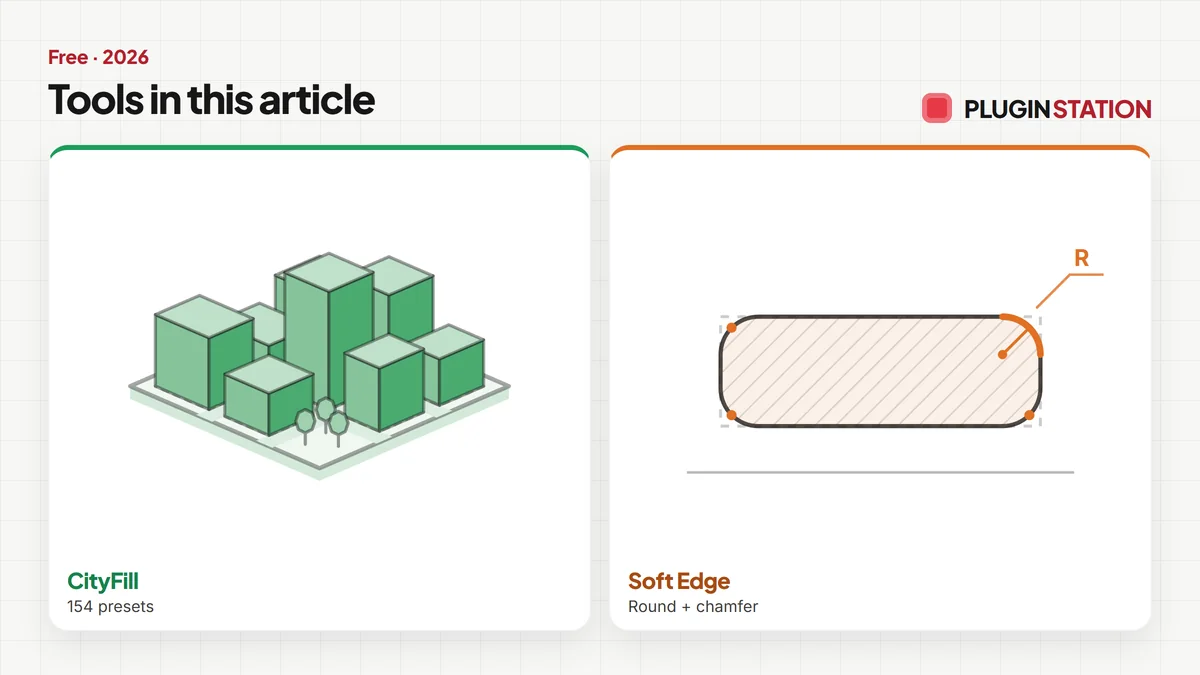
We make these ourselves, so judge them with that in mind. Render Fun is a free render engine that runs inside SketchUp, for personal and commercial work, with scene presets, an AI denoiser and a Before / After video. CityFill places 154 parametric context buildings around your site. Soft Edge rounds or chamfers edges in one click and keeps the original. The texture library holds 946 free 2K PBR textures, and the browser tools include a stair calculator and RAL and paint colours to SketchUp.
- FREE Urban DesignCityFill
CityFill
No white void around your design: fill the city in a few clicks.
- 154 presets
- 3 placement modes
- SketchUp 2021-2026
SketchUp 2021–2026v2.0.0
- FREE ProductivitySoft Edge
Soft Edge
Skip hand filleting: round or chamfer in one click, always editable.
- Round + chamfer
- SketchUp 2021-2026
- Free
SketchUp 2021–2026v0.8.1
How to tell if a free SketchUp plugin is safe and current
- Download it only from its official listing or the author’s own site, never as a loose .rbz from a forum mirror.
- Read the supported versions on the listing and compare them with the SketchUp you use.
- Look for words like "trial", "licence" or "in-app purchase" in the description.
- Check whether it needs a library such as TT_Lib² first.
Which free SketchUp plugin should I install first?
For most people, CleanUp³: a lighter, cleaner model helps every other tool and every render. Then the one that matches your work, Solid Inspector² for 3D printing, Sandbox Tools for terrain, Edge Tools² for CAD imports, and a free renderer for the images.
The advantage of a checked list: every tool here is free today, and you know before installing which ones are current.