A professional toolbar is chosen, not collected: every icon on it should earn its place. Picture it after a year of downloads, rows of icons and only a handful you actually click. Type "sketchup plugin" into a search box and the suggestions are not categories, they are names: JointPushPull, Shape Bender, Zorro, Mirror, V-Ray. None of them are ours. They were written by other developers, most of them years ago, and they are still installed on a large share of the SketchUp machines I see in offices.
So here is a plain guide to what each famous extension does, what SketchUp already does on its own, and the cases where a tool built for one job ends it faster. Licences and prices change, so check each developer’s own page before you install.
JointPushPull: push-pull for curved and grouped faces
JointPushPull, by Fredo6, does what the native Push/Pull tool refuses to do: it offsets many faces at once, including curved and soft surfaces, and keeps them joined. It is the classic way to give a curved roof, a shell or a terrain skin real thickness in one step.
The most common support question about it is not about the tool at all. Fredo6’s extensions need his shared library, LibFredo6, installed first; without it the extension installs and then does nothing. The same rule applies to RoundCorner and Curviloft below.
Shape Bender: bend a straight object along a curve
Chris Fullmer’s Shape Bender takes a group or component you modelled straight, a straight reference line and a curved path, and bends the object to follow the curve. Curved benches, handrails on an arc, text around a cylinder: model it flat, then bend it. It only bends what exists, so a long object needs enough segments along its length or it bends in visible straight pieces.
Zorro2: slice a model along a plane
Zorro2, by Whaat, cuts real geometry along a line or a section plane, so you can split a building in half, cut a terrain along a road edge or separate the part of a model you need. Natively, a Section Plane only hides geometry visually; right-clicking it and choosing Create Group from Slice gives you the cut outline, and SketchUp Pro’s Solid Tools can Split solids. Zorro2 is still the quickest when the model is not a clean solid.
Mirror plugins, and the mirror SketchUp already has
"SketchUp plugin mirror" is one of the most searched phrases in this whole topic, and the honest answer is that you may not need one. Right-click a group or component and choose Flip Along a red, green or blue axis; SketchUp 2023 and later also have a Flip tool on the toolbar. Scaling by -1 along one axis does the same. Mirror extensions on the Extension Warehouse add what the native tools lack: a mirror plane you pick anywhere and a mirrored copy in one step, which saves time on symmetric plans.
RoundCorner and Curviloft: fillets and lofted skins
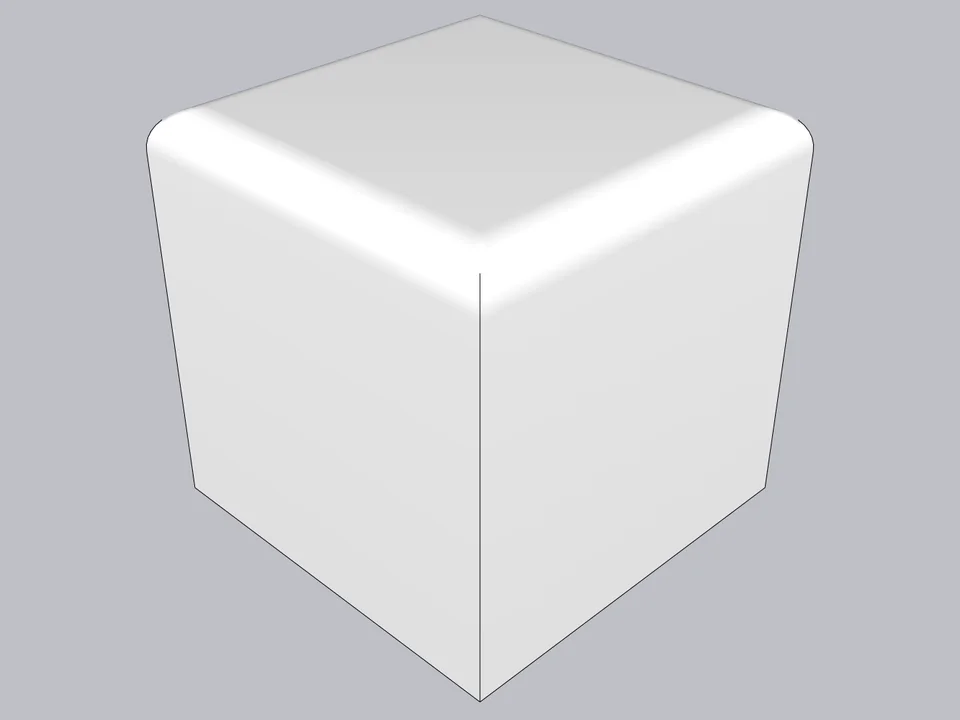
RoundCorner, also by Fredo6, rounds or bevels selected edges and corners; Curviloft builds a skin between two or more curves, the loft that SketchUp has never had. Both are the kind of tool you reach for twice a month and are glad to have.
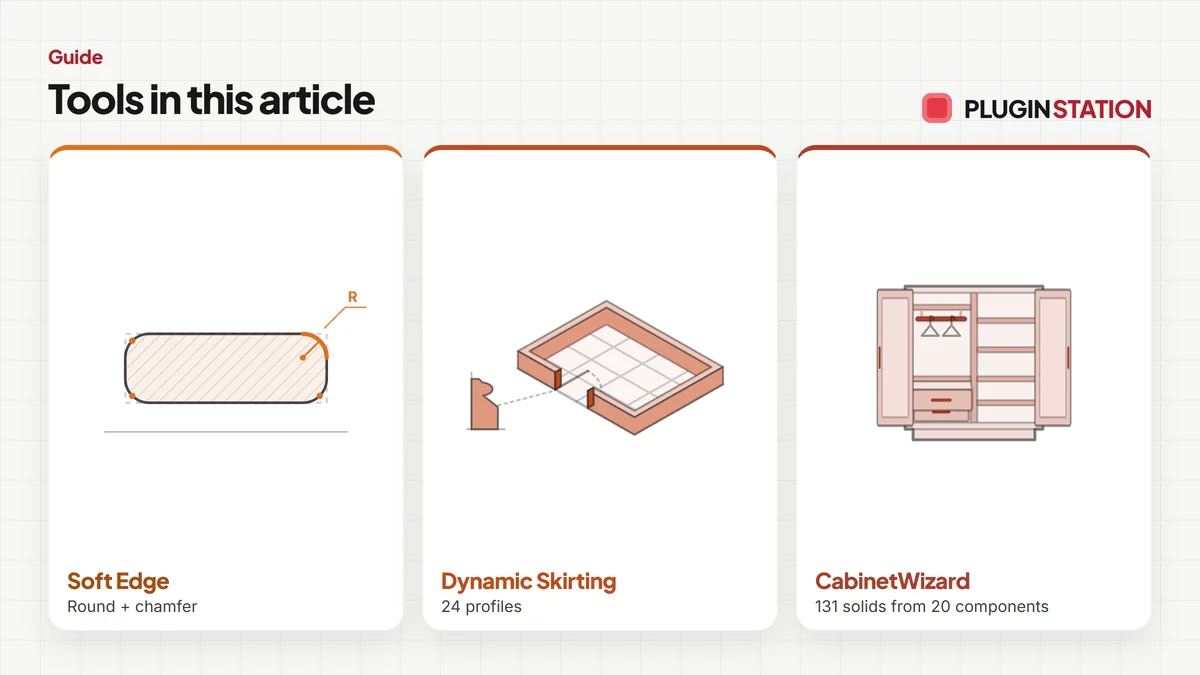
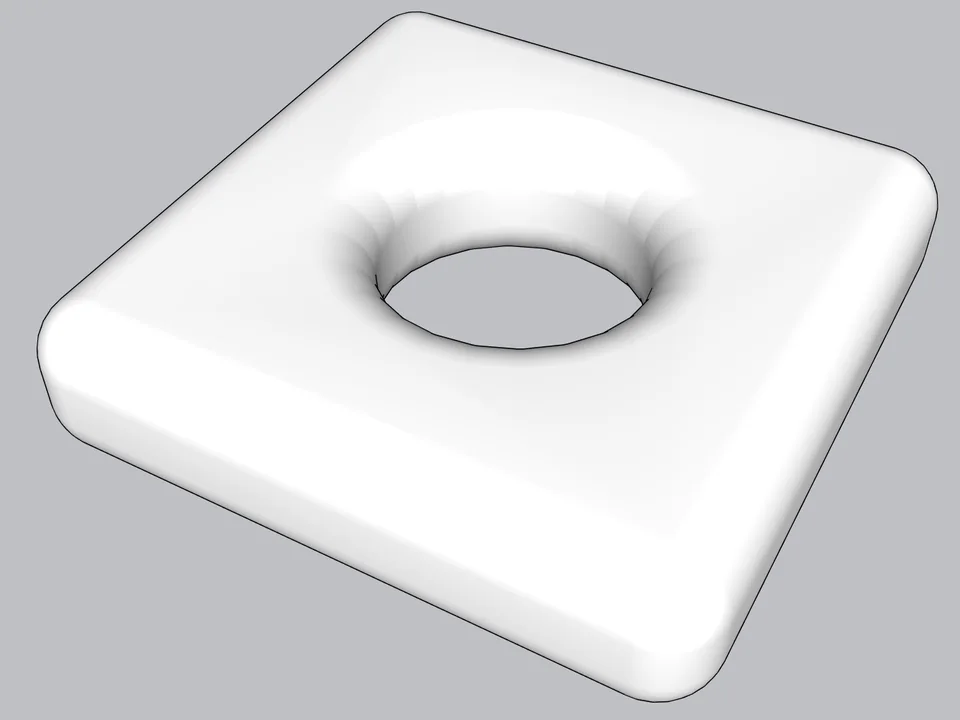
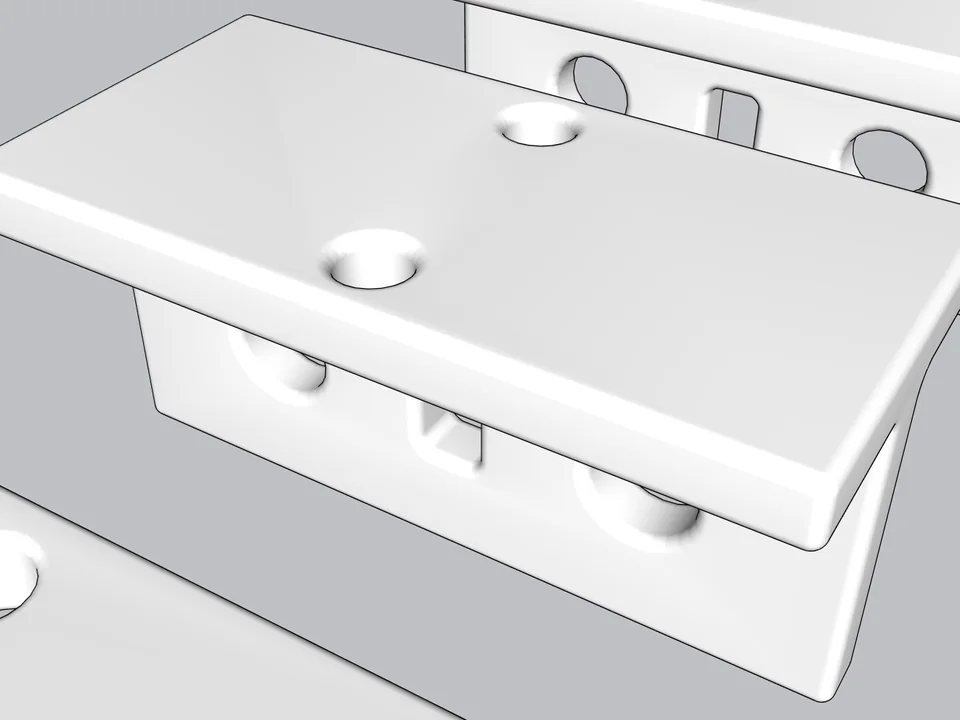
For the rounding half there is also our Soft Edge, which is free: select a group, a face or just one to three edges, type one radius, and every edge gets the same true radius with the corners closed. It keeps the original solid, so you can rebuild or restore it later. The step-by-step comparison is in how to round corners in SketchUp.
Profile Builder: profiles along paths
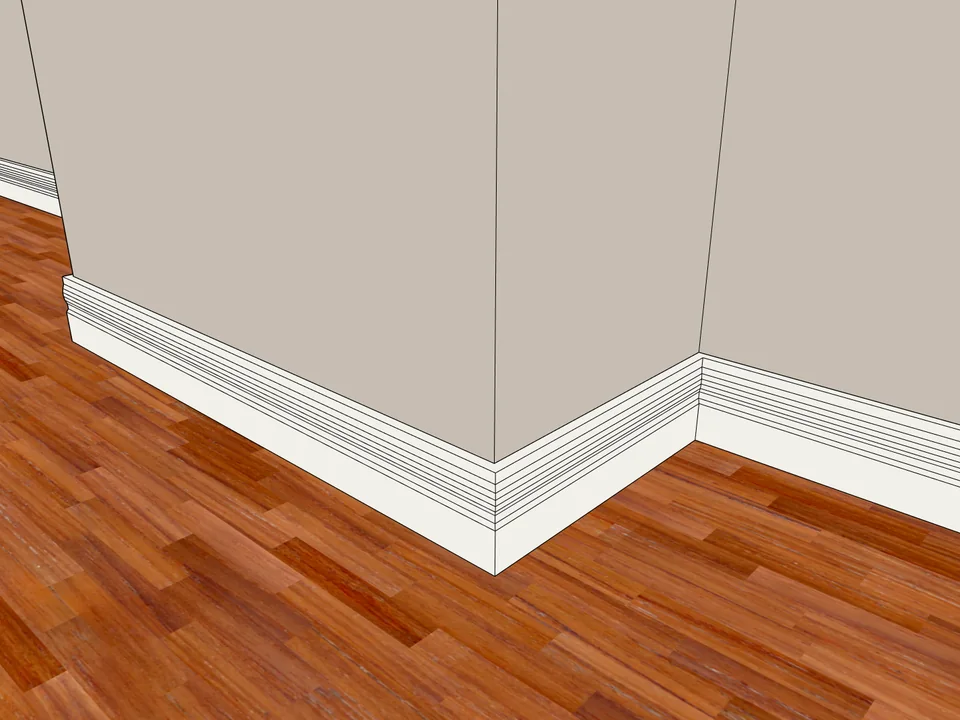
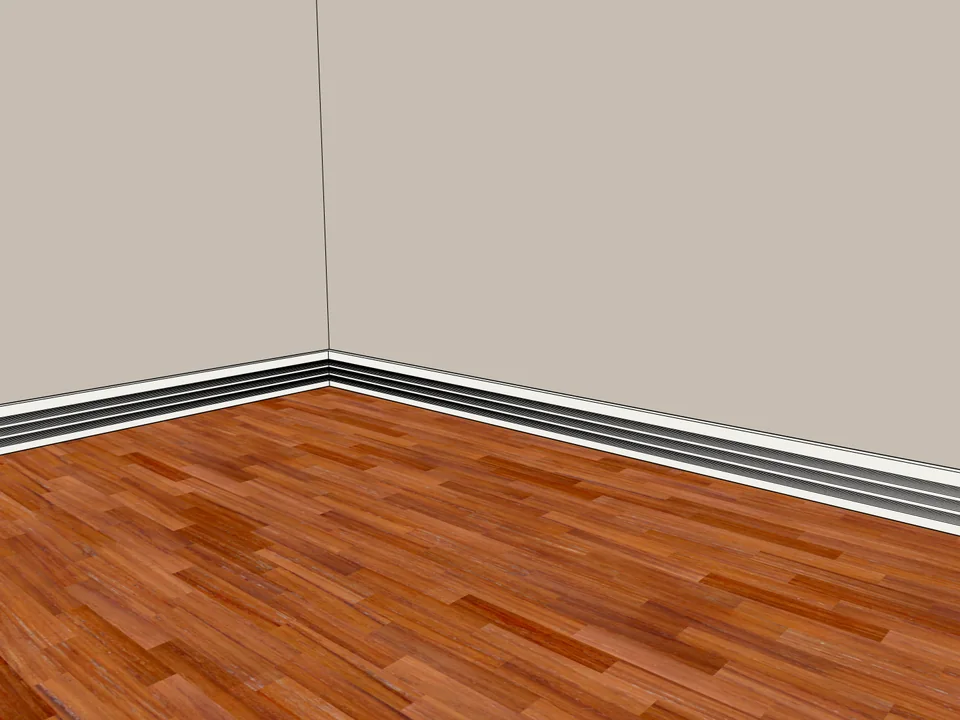
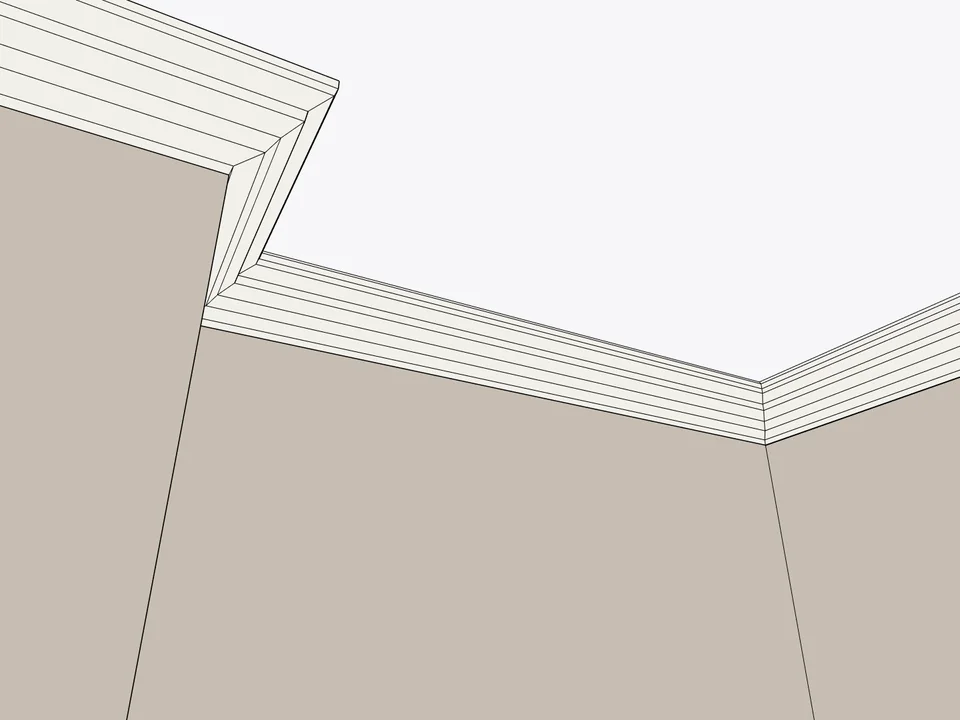
Profile Builder, from Mind Sight Studios, sweeps smart profiles along paths: mouldings, walls, railings, kerbs. It is the general-purpose answer to Follow Me’s twisting corners. If the only profiles you sweep are skirting and cornice, Dynamic Skirting does that one job with a click per floor or ceiling face and mitres every corner.

Type a radius, click: every edge goes soft.
FREE ProductivitySoft EdgeSoft Edge
Skip hand filleting: round or chamfer in one click, always editable.
- Round + chamfer
- SketchUp 2021-2026
- Free
SketchUp 2021–2026v0.8.1
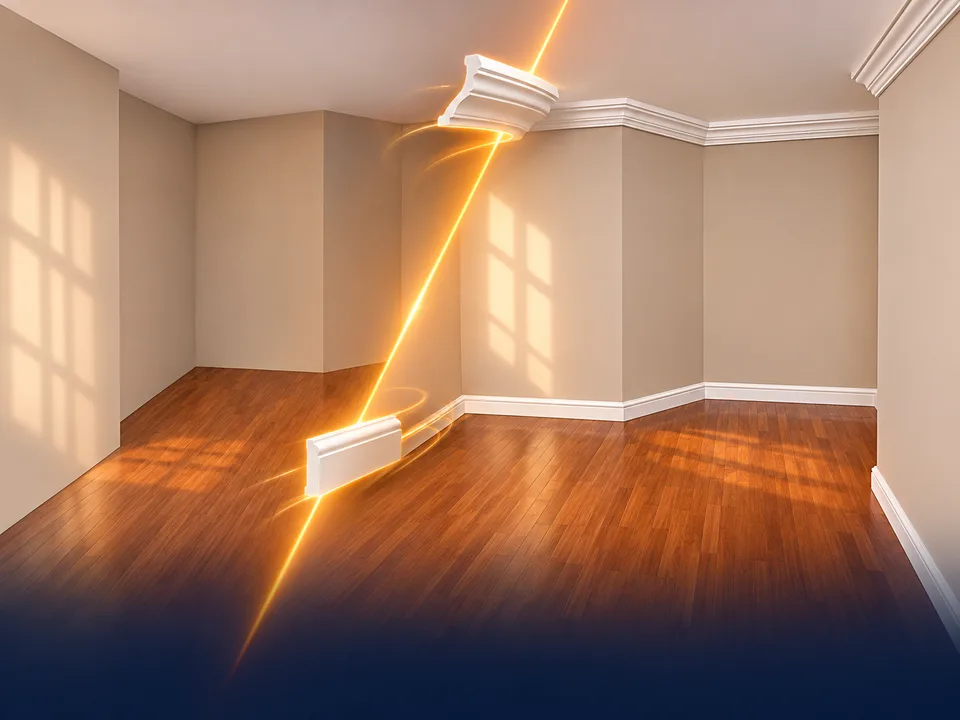
Click the floor. The whole room is skirted.
Interior$25Dynamic SkirtingDynamic Skirting
No hand-cut mitres: skirting and cornice, one click per room.
- 24 profiles
- SketchUp 2024-2026
- TR / EN / ES
SketchUp 2024–2026v1.3.2

V-Ray, Enscape, Lumion, D5 and Twinmotion: renderers, not modellers
Search "sketchup plugin vray" or "sketchup lumion eklentisi" and you are really asking how to connect a render engine. V-Ray and Enscape (both Chaos) run inside SketchUp; Lumion, D5 Render and Twinmotion are separate programs that keep a live link to your SketchUp model through a small sync plugin. Whichever you pick, the result depends less on the engine than on the model you feed it: clean faces, real thickness, materials named once. That preparation is the subject of the best SketchUp plugins for rendering.
OpenCutList: the cut list most woodworkers start with
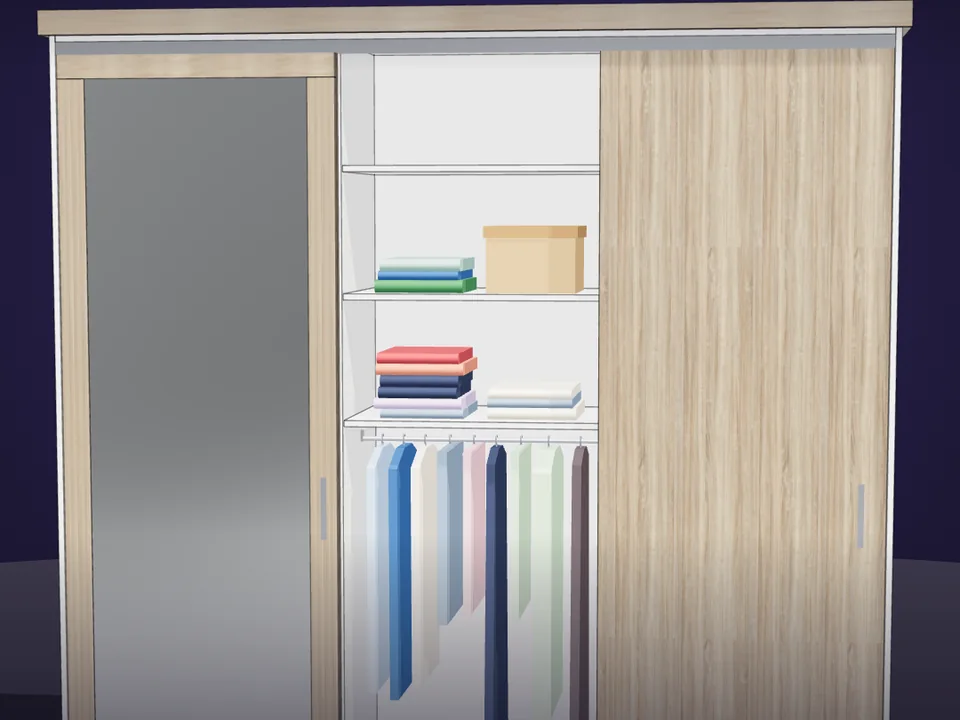
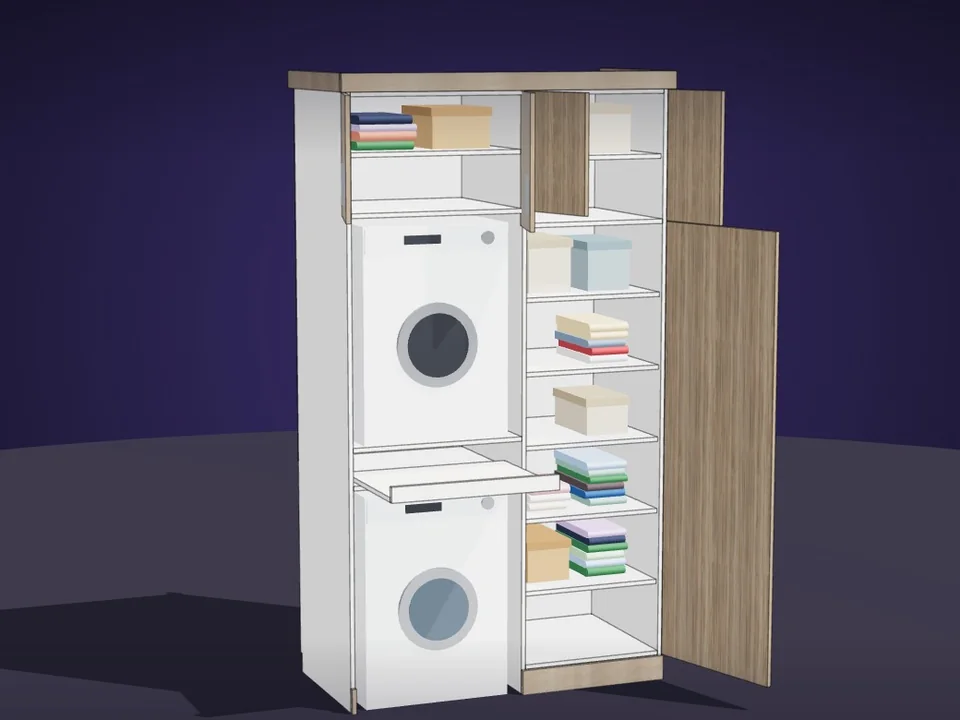
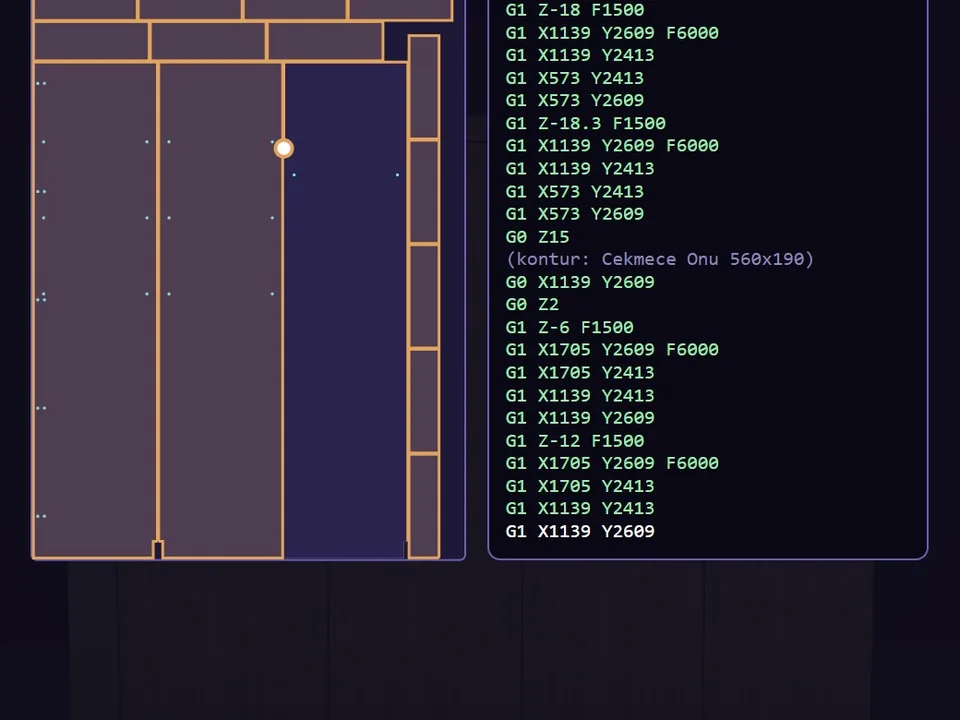
OpenCutList is a free, open-source extension that reads your components and groups and turns them into a cut list with cutting diagrams and labels. It is only as right as the model: one part per component, real dimensions, a material on every part. How to set a model up so any cut list comes out right is in SketchUp cut list: three ways to get one; our CabinetWizard takes the other road and names every part with its cut size as it builds it.

Type the size. The whole wardrobe builds itself.
InteriorCabinetWizardCabinetWizard
No panel-by-panel drawing: type the size, get quote and CNC files.
- 131 solids from 20 components
- 12 finishes, 7 door styles
- 164 tests, SketchUp 2017+
SketchUp 2017–2026v1.19.0

How to choose, whichever names you install
- One job, one extension. Ten toolbars you have to scan cost more time than they save.
- Check the SketchUp versions it supports before you install, not after the upgrade.
- Install shared libraries first (LibFredo6 for Fredo6’s tools), then restart SketchUp.
- Prefer the native tool when it exists: Flip for mirroring, Solid Tools for splitting, Section Planes for cuts.
- Keep the .rbz files: reinstalling into a new SketchUp year is a two-minute job with them.
If an extension installs and then nothing appears, the fix is almost always in how to install SketchUp plugins.
The advantage is a lighter SketchUp: fewer extensions, each one doing a job you actually have. If you would rather start from your work than from a list of names, the plugin finder asks what you draw and points you to the tool that ends that job fastest.