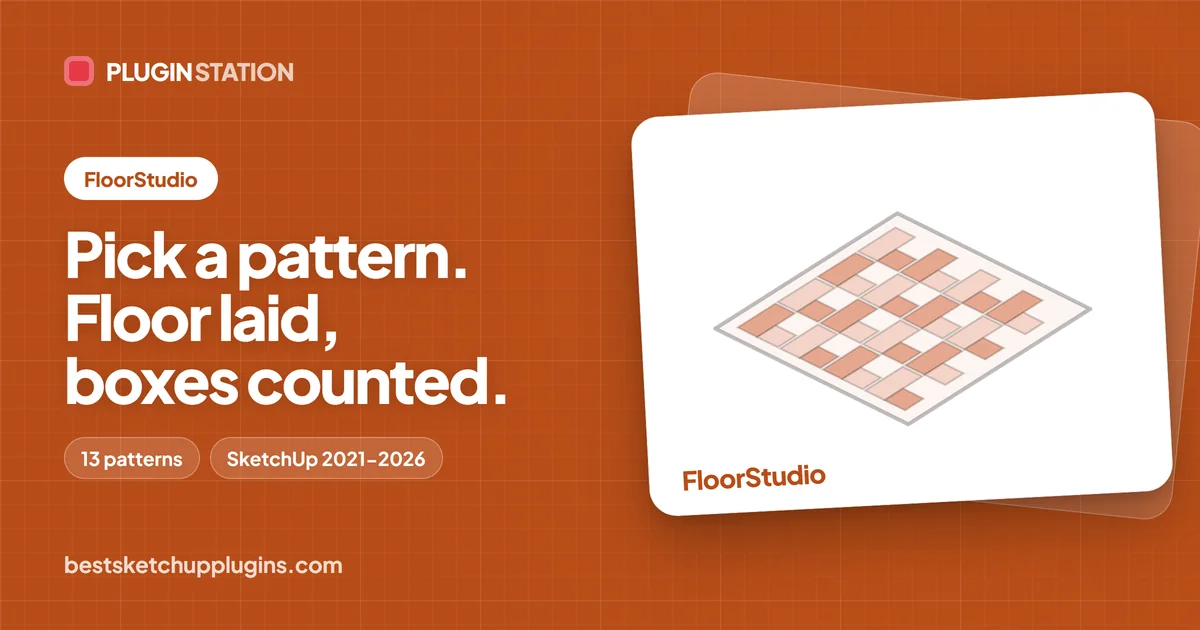
A floor tells the client at first glance that you care about detail, and the tile order should be as exact as the drawing. Picture it: you select the room, pick herringbone, and every plank is already cut to the walls with the box count waiting. The first floor you model by hand teaches you the whole job. Draw one plank, array it across the room, then trim every piece that crosses a wall, a column or a stair opening. Change the plank length and you do all of it again, and the tile count for the order is still a guess.
FloorStudio turns that into three steps: select the face, pick a pattern, commit.
FloorStudio: a SketchUp floor generator that works on the real room outline
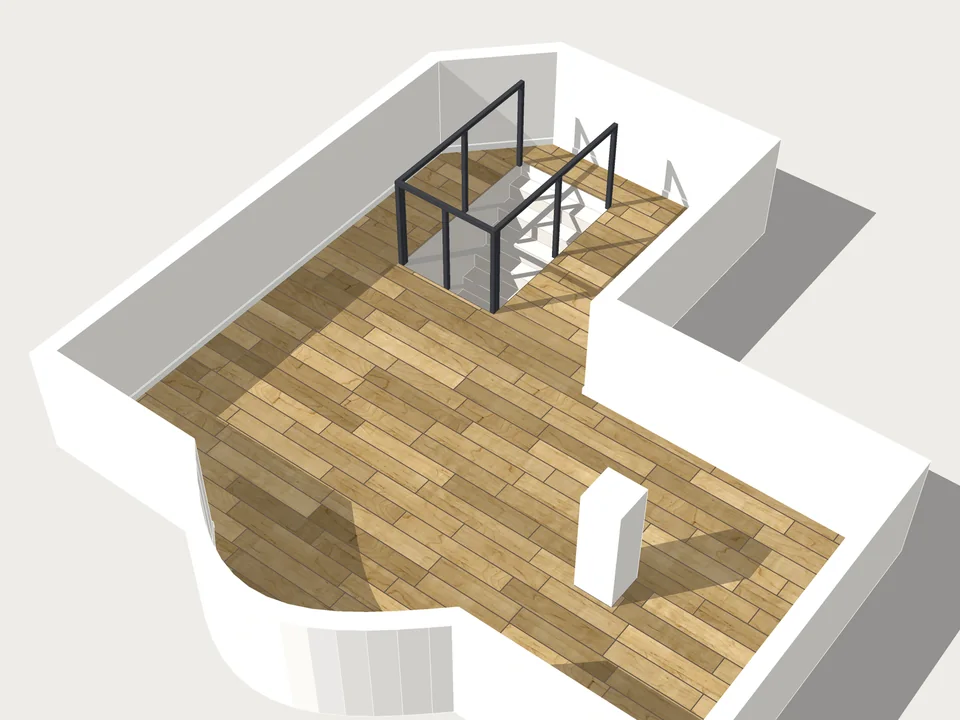
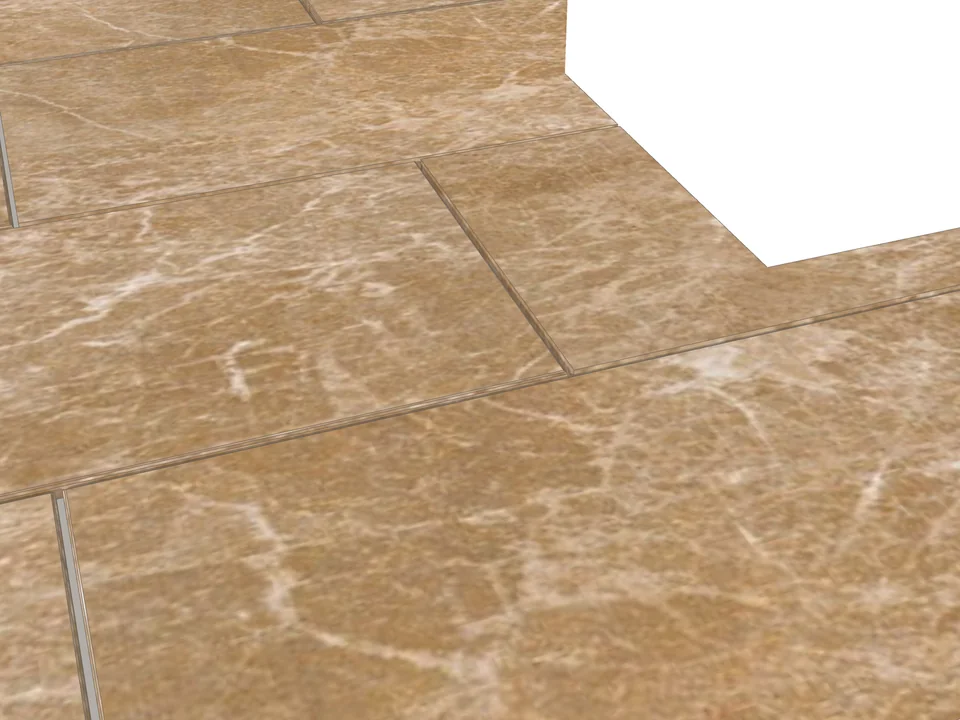
Every board is trimmed to the actual outline of the face - L-shaped rooms, irregular walls, and holes such as stairwells, shafts and columns. A pure-2D Ruby core first sorts each piece into inside, outside or genuinely cut, so SketchUp's own boolean only runs on the pieces that really cross a boundary. That classifier is checked against a brute-force reference over four room geometries with 4,000 random tiles each. Nothing hangs past the edge and nothing crosses a hole.
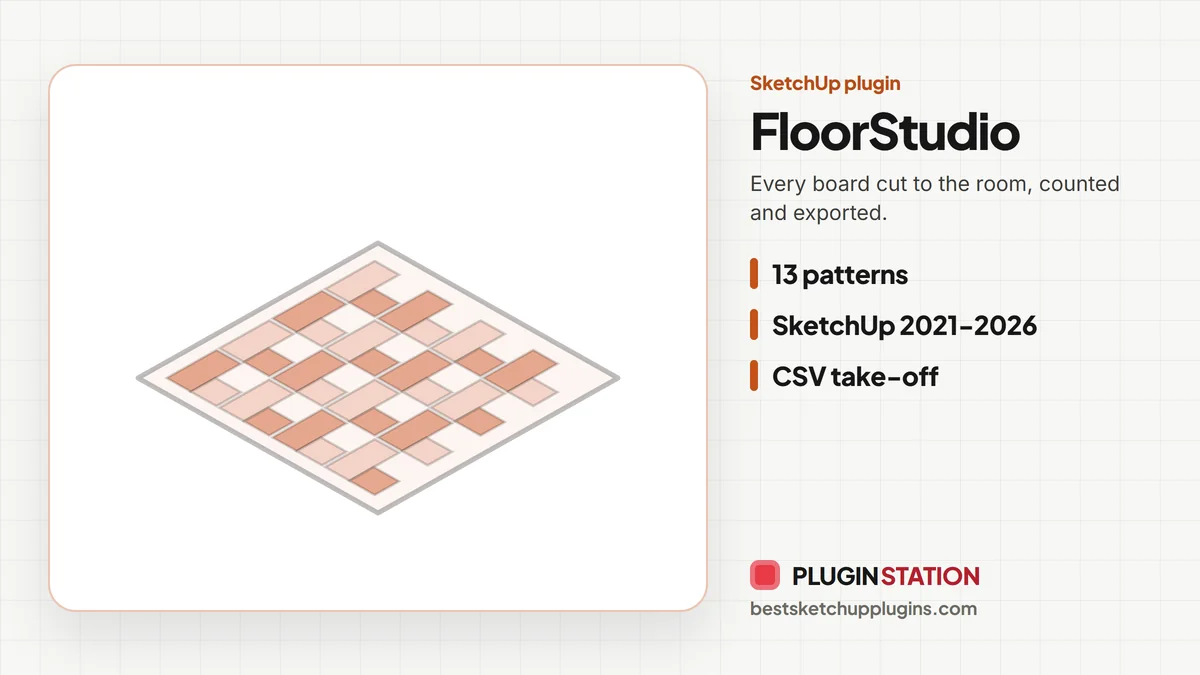
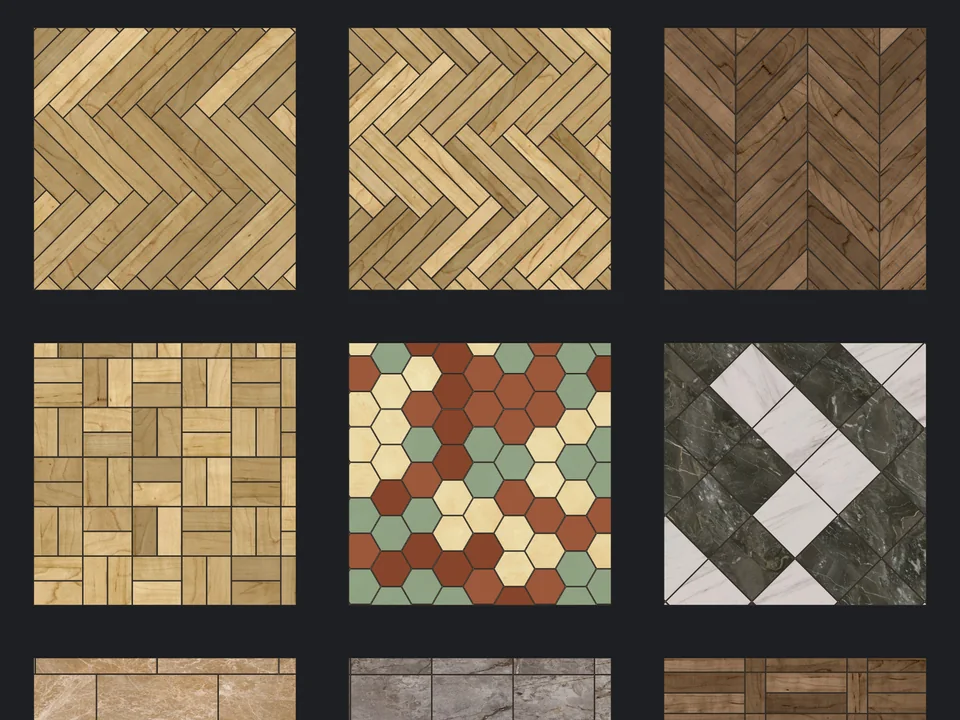
13 flooring patterns, from running bond to triple herringbone
- Planks and tiles: Wood Straight, Stack Bond, and Running Bond at 1/2, 1/3 and 1/4 offset.
- Angled: Diamond 45°, Chevron, and Herringbone single, double and triple.
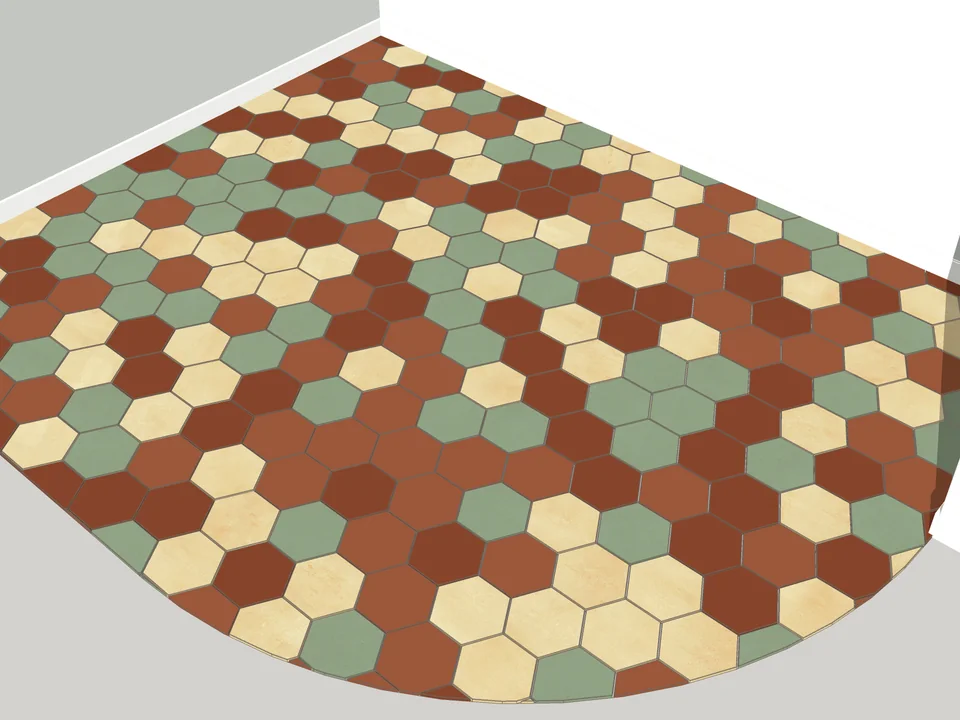
- Special: Hexagon, Basket Weave 2x2 and Ladder.
Board length, width, thickness, rotation and fit-to-area sit next to the pattern, and the live preview redraws 750 ms after your last change - or stays off if you prefer to commit blind on a big floor.
Grout is a real dimension, in both directions
Grout X and Grout Y are typed separately as physical distances, not a texture scale trick, so a 3 mm joint is 3 mm in the model and in the take-off. Change either one and the whole floor lays itself out again. An optional true bevel on the top edges, with its own width and segment count, gives tiles and boards the soft edge that reads in a render.
Wood that does not look copied
Length, width and height can vary per piece, colour tone comes from a reusable 32-variant palette, and the grain can flip 0/180 degrees. The texture is aligned to each board’s long axis with a random origin and scale per piece. All of it is seeded, so rebuilding the floor gives the same floor rather than a new random one.
The take-off: from the SketchUp model to the tile order
- Net room area, tile coverage area and grout area.
- Full, cut and total piece counts, with similar cut pieces grouped by size.
- Your waste allowance, a suggested tile count and a box count.
- CSV with semicolons and a UTF-8 BOM, so it opens straight in Excel.
Version 3.3.0: an English interface and a faster core
The window has a TR | EN switch in its header, and the user manual ships in both languages. Measured in real SketchUp 2023, a complex polygon room builds 5.0 to 6.6 times faster than in 3.2.0, and all 14 test floors came out with exactly the same layout as before - so a floor laid with the old version does not shift its joints when you update it. 163 automated tests guard that. There is an English video lesson as well.
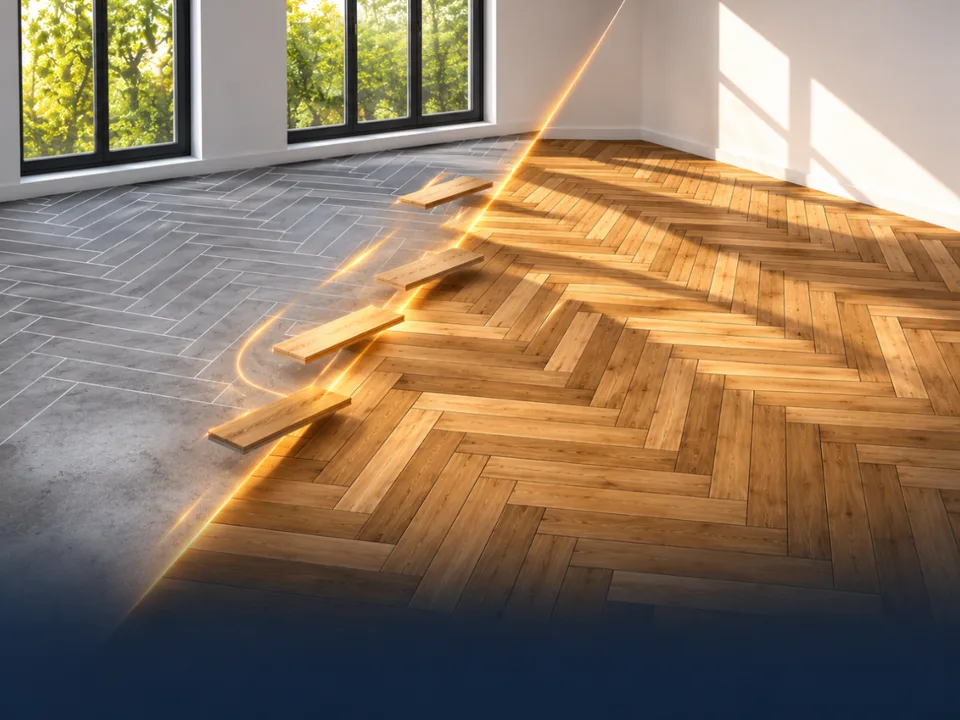
Pick a face, pick a pattern. Floor laid.
Flooring$39FloorStudioFloorStudio
Skip the tile-by-tile copying: every board cut, counted, out as CSV.
- 13 patterns
- SketchUp 2021-2026
- CSV take-off
SketchUp 2021–2026v3.4.1
Guard rails you can see
Above 20,000 tiles it asks before building; 100,000 tiles or 120,000 pattern polygons is a hard stop, and the preview draws the first 1,800 so the window stays responsive. The smallest board is 1 mm, and a tile that fails to build is skipped and counted instead of stopping the run. Self Test and Diagnostics show the detected SketchUp and Ruby version and check 10 host APIs by name.
What FloorStudio does not do yet
- Export is CSV only; a PDF cut sheet is the next item on the roadmap.
- It works on one selected face at a time.
- The full manual test pass across SketchUp 2021-2026 is still running. It has been run in real SketchUp 2023 and 2026; 2021 and 2022 are covered by the same Ruby 2.7 code path, and Self Test lets you confirm your own install first.
Who should use it
Interior designers and architects who draw finish plans, and flooring or tiling contractors who quote by the box: anyone who has to show a floor and count it. Skip it if your floors only ever appear as a distant texture in a render. Price and purchase are on the FloorStudio page.
The advantage is plain: the floor you show and the floor you order come from the same model, so the quote matches the drawing. See the 13 patterns, the take-off and the limits on the FloorStudio page, then lay your next room with it.