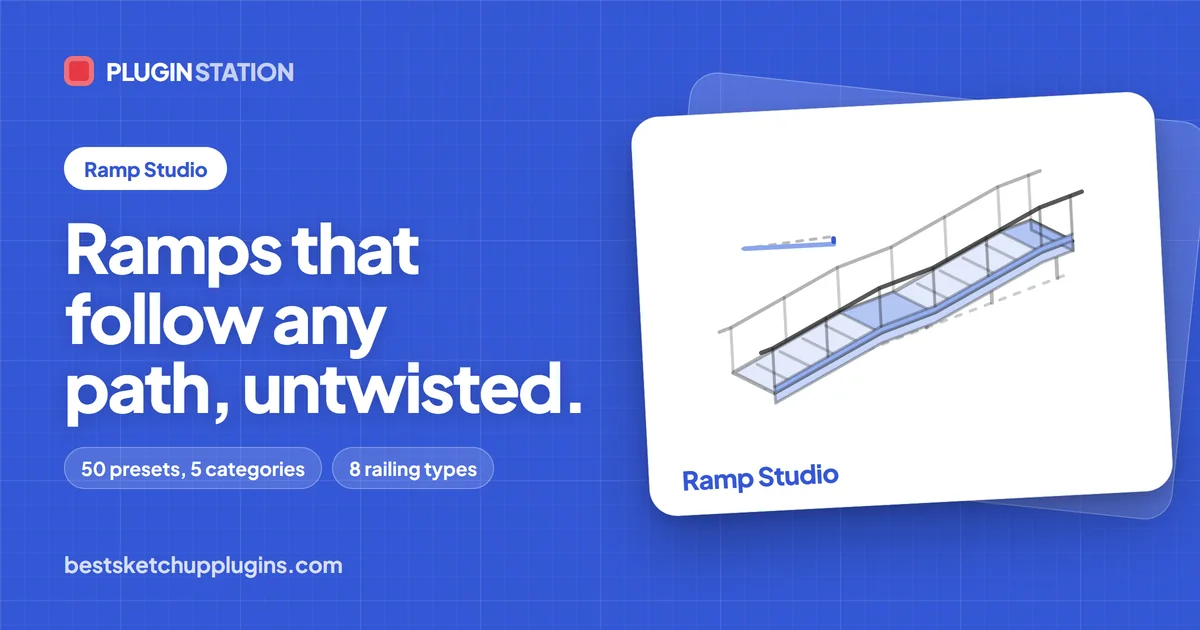
An accessible entrance that turns a corner is part of your design, and you should be able to draw it as easily as you imagined it. Picture the curve already in your model: you point at it, and the deck, the railing and the posts follow it without a single twist. A straight ramp is a push-pull and a rotation. A ramp that turns is where the afternoon goes. Follow Me will sweep a profile along a curve, but on anything tighter than a gentle arc the deck starts to roll, the width drifts, and a helix comes out twisted. Then the railing has to follow the same broken edge, and the posts have to sit square on a slope that is no longer flat in either direction.
Ramp Studio exists because of that twist. It never calls Follow Me.
Ramp Studio: a SketchUp ramp plugin with its own sweep engine
The geometry is built in three steps: the path is sampled, a minimum-twist local frame is computed at each sample, and the profile is swept through those frames. The result is a deck that stays upright and a width that stays constant on arcs, circles, ellipses, spirals, helices and free 3D curves. That is the whole difference between a ramp you can use in a section and one you have to redraw by hand.
Any path in, including the ones Follow Me ruins
Point it at a line, an arc or a curve already in your model, or let it draw the plan for you. There are 13 parametric path generators, and the path is stored inside the ramp’s own parameters, so the ramp rebuilds even after you delete the line it came from.
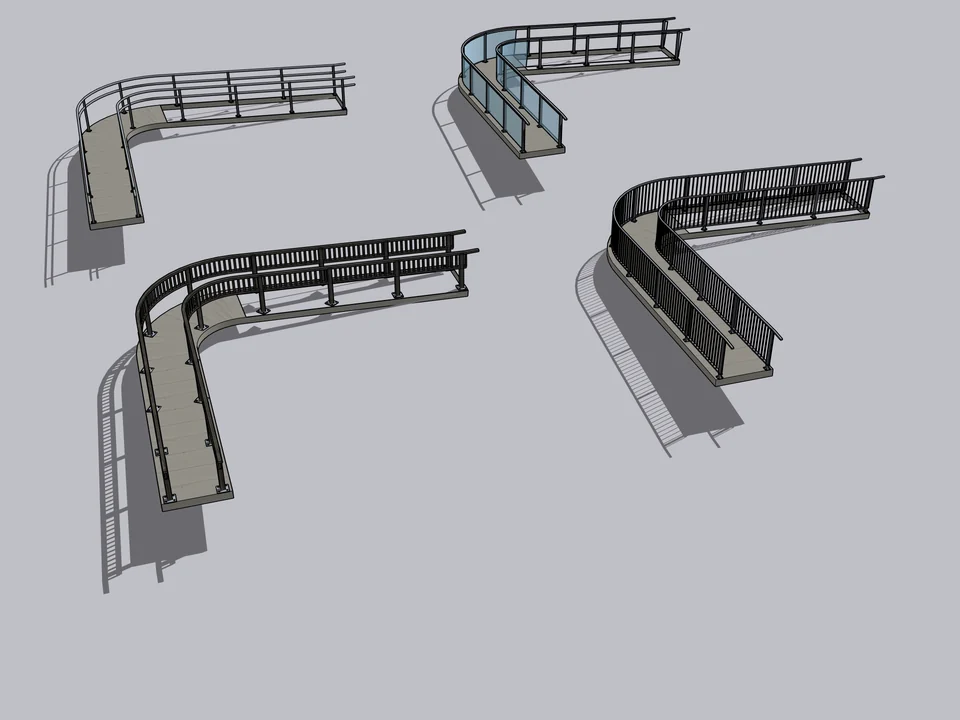
- Turning plans: L, U and Z turns, switchback, landing run.
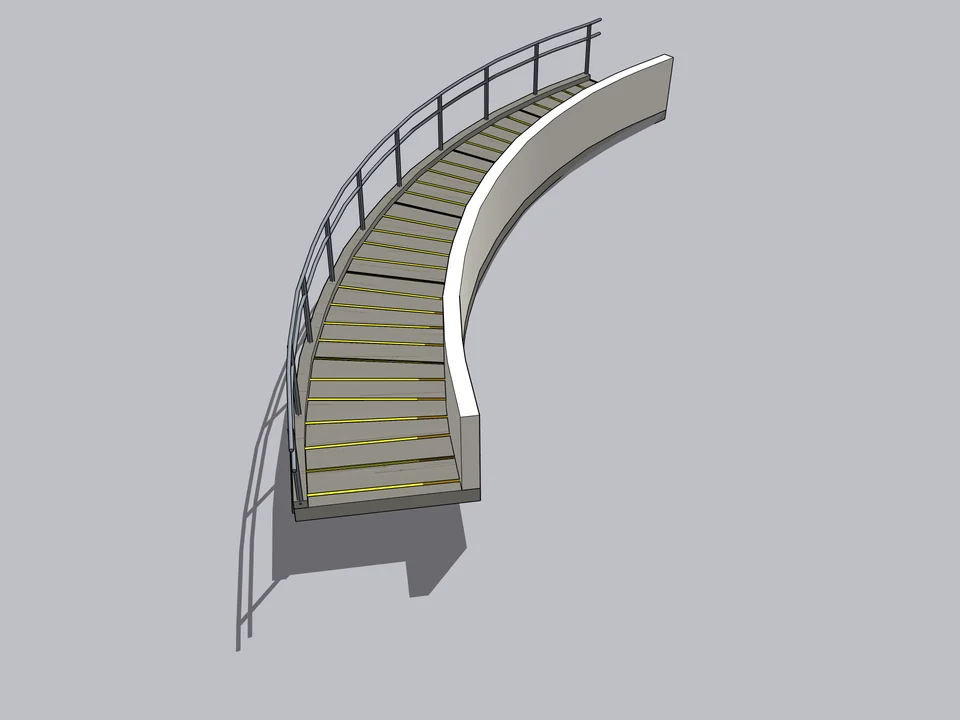
- Round plans: circular, spiral, double spiral, ellipse and helix.
- Changing width: expanding and narrowing runs.
- Multi-floor ramps that climb through more than one level.
On top of the generators sit 50 ready-made presets, ten in each of 5 categories — accessible, wheelchair, architectural, parking and spiral — so the usual starting point is a preset, not a blank panel.
Slope in whichever notation you think in
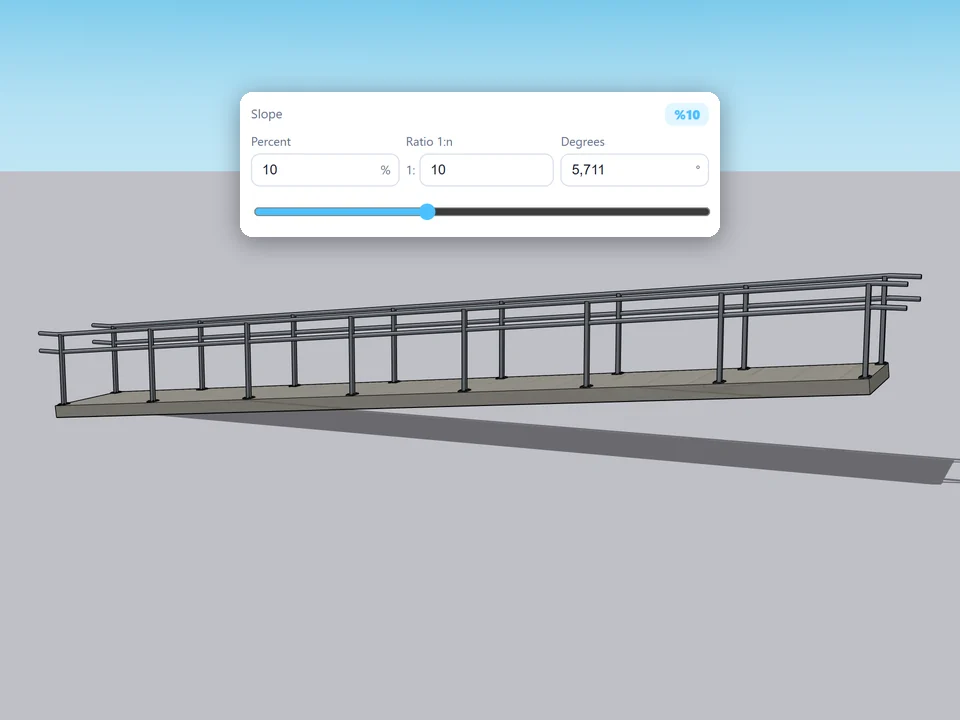
Slope is entered three ways that stay synchronised: as a percentage, as a ratio and in degrees, so 8%, 1:12.5 and 4.57° are the same number typed differently. Width, horizontal run, rise and slope solve for one another, which means you fix the two you know — the level you have to reach and the space you have — and read off the rest. There are three elevation modes for a path ramp: follow the path, hold a constant slope, or set a start and an end level. Landing ranges drop the slope to zero along the stretch you mark.
The accessibility checks, and what they are not
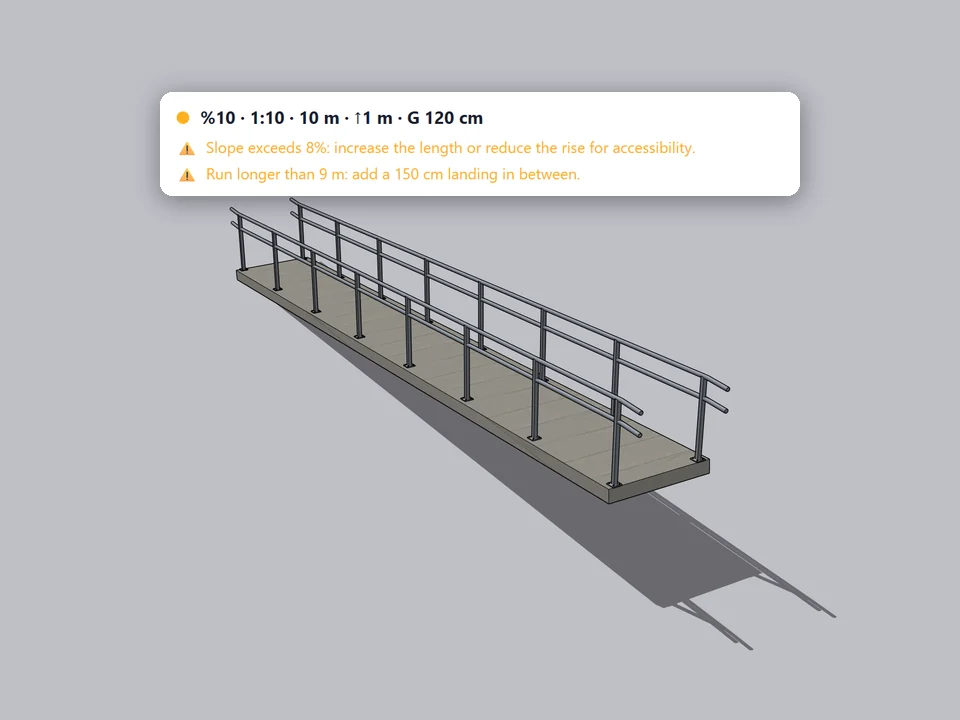
The checks run while you build, with real warnings and errors rather than a report at the end. The thresholds are based on TS 9111: a warning above 8%, a hard failure above 25%, a warning when the ramp is too narrow, and a mandatory landing on any run longer than 9 m. The info panel reads out slope, ratio, angle, rise, horizontal run, walking distance, width, minimum width, landings, railing, turn radius and footprint area as the numbers change.
Railings and edges built as real construction
- 8 railing types: metal, glass, tube, double tube, vertical bars, horizontal bars, minimal and timber — on the left, the right or both sides.
- Three post modes, vertical, normal to the deck or angled, with post spacing, glass thickness and infill spacing you set.
- A handrail end extension that defaults to 300 mm and adjusts from 0 to 1500 mm.
- Post bases as a square plate or a round flange with four anchor bolts, laid parallel to the sloped deck and kept inside the concrete edge.
- 5 edge details: kerb, side wall, band, anti-slip strips and expansion joints, each with its own side, size and material.
Bicycle lane symbols follow the slope of the ramp on their own, and the materials use SketchUp’s native concrete, wood and PBR materials.

50 presets: pick one, click twice, done.
Architecture$30Ramp StudioRamp Studio
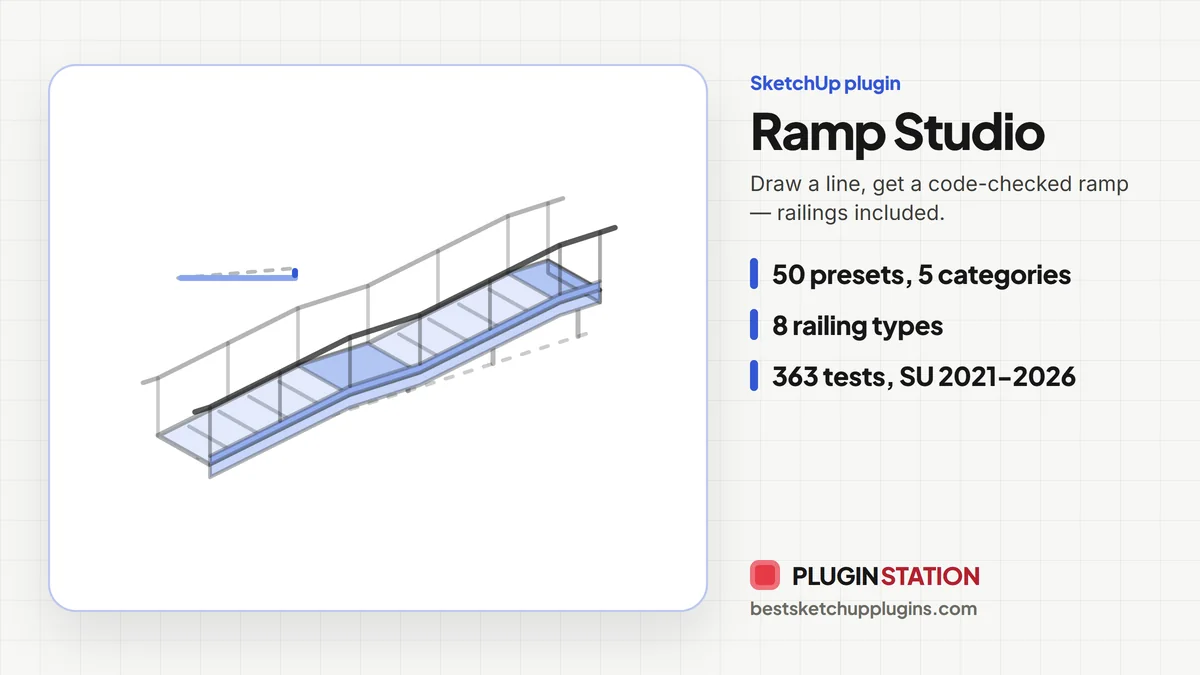
No slope maths: draw a line, get a code-checked ramp, railings included.
- 50 presets, 5 categories
- 8 railing types
- 363 tests, SU 2021-2026
SketchUp 2021–2026v1.0.0
Placing it, and changing it next week
Placement is two clicks: click the start point, drag for direction, with a live preview, and type the length into the measurements box if you know it — 12m, 1150 and 45cm all parse. Select an existing ramp and the panel binds to it; every change hits the model immediately and the whole editing session undoes with a single Ctrl+Z. If somebody stretches the ramp with the Scale Tool, the plugin notices, maps X to length, Y to width and Z to height, and regenerates the geometry parametrically instead of leaving a distorted mesh behind.
By the tool’s own estimate, modelling one ramp with railings by hand takes around 45 minutes, against about 40 seconds to pick a preset and click twice. Treat that as the estimate it is, but the gap on a curved ramp is the reason the tool was written.
What Ramp Studio does not do yet
- No export code of its own. Output is native SketchUp geometry, so IFC and DXF, quantity and cost reports and printable PDF sheets go through SketchUp’s exporters for now; they are on the roadmap.
- Windows only as tested. The package is plain Ruby, but the installer script is Windows-only and nobody has verified the plugin on a Mac.
- It is a v1.0.0 beta: installed and passing 363 tests across 19 suites on SketchUp 2021 to 2026, with the manual test pass in SketchUp 2026 still under way.
- Turkish and English interface only.
Who should buy it
Buy it if you draw buildings with ramps that turn — accessible entrances around a corner, parking decks, landscape ramps that follow a curved path — and you have lost time to Follow Me. Price and purchase are on the Ramp Studio page. Skip it if every ramp you draw is a single straight run, if you are on a Mac, or if you need IFC export from day one.
The advantage is plain: the ramp that turns stops being the afternoon's problem, and its slope is checked while you draw it. See the 50 presets and 8 railing types on the Ramp Studio page, then build your next curved entrance with it.