
A stair that comes back from review with a red mark on it says something about the architect, even when the cause was a slab that changed after you drew it. You know the building; the drawing should prove it without a second attempt. Picture the other version of that review: the reviewer runs a tape along your riser schedule, every number holds, and the ramp to the entrance already has its landings where the rules want them. The best SketchUp plugins for stairs and ramps are the ones that keep the rule inside the model, so a height change recounts the risers instead of sending you back to the calculator. For stairs, install StairFun Studio. For ramps along any path, Ramp Studio. ArchiFlow Studio and Landscape Studio carry the same idea into the building and onto the site.
I have taught SketchUp for eighteen years, and stairs are the one element where my students' models were most often right in the picture and wrong in the numbers. This is a comparison: which stair plugin and which ramp plugin to pick, and for which job. If you want the native method with Move and Rotate copies, read how to make stairs in SketchUp; if you want the numbers a reviewer checks, stairs and ramps that pass review lists them.

What makes a SketchUp stair plugin worth installing?
A stair tool that only saves you the drawing is a nice demo. The ones on this list had to pass five checks.
- It starts from the floor height, not from a riser height you guessed, and derives the riser count from it.
- It checks the result while you edit: slope, landings and headroom flagged in the model, not discovered at review.
- It covers the forms you actually draw: straight, L and U turns, spiral, and ramps on curved paths.
- It stays editable: change one number and the stair or ramp rebuilds in one undo step.
- It is honest about its stage: two of these tools are in beta, and their limits are listed below in their own words.
StairFun Studio: code-compliant stairs in SketchUp from two clicks
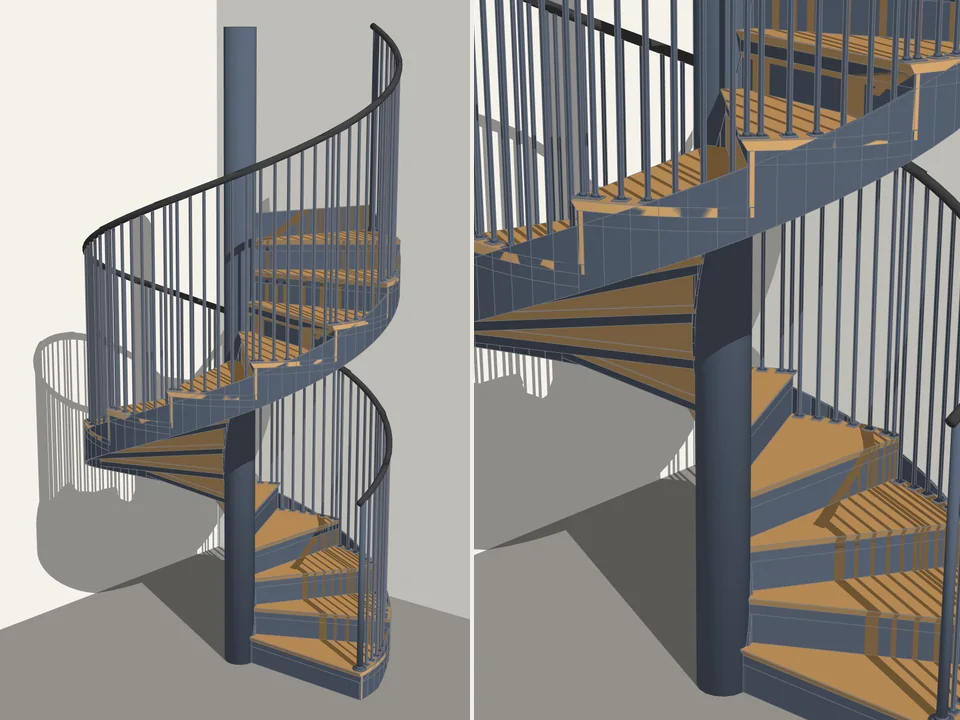
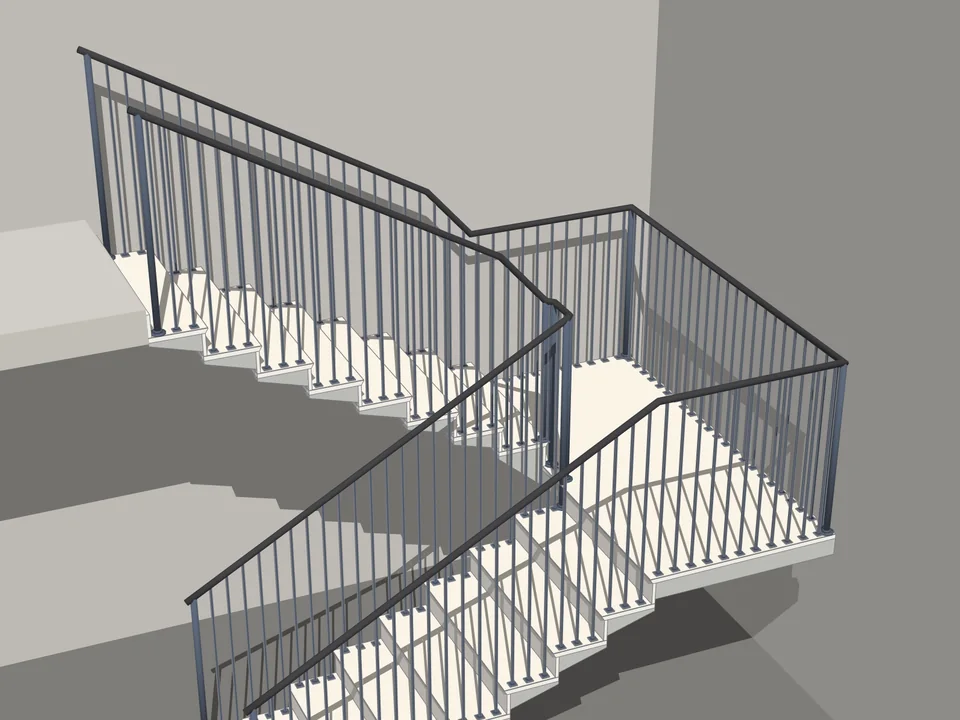
Pick a form, click a start point, click a direction, type the floor height in the VCB. Treads, stringer, railing and numbered labels arrive as one component, and the upper slab is detected for the height. There are eight stair forms plus an accessible ramp: straight, L-turn, U-turn, centre-spine spiral, curved-stringer circular, cantilevered and fire escape, each one a card you click. Tab flips the side, the arrow keys change the turn.
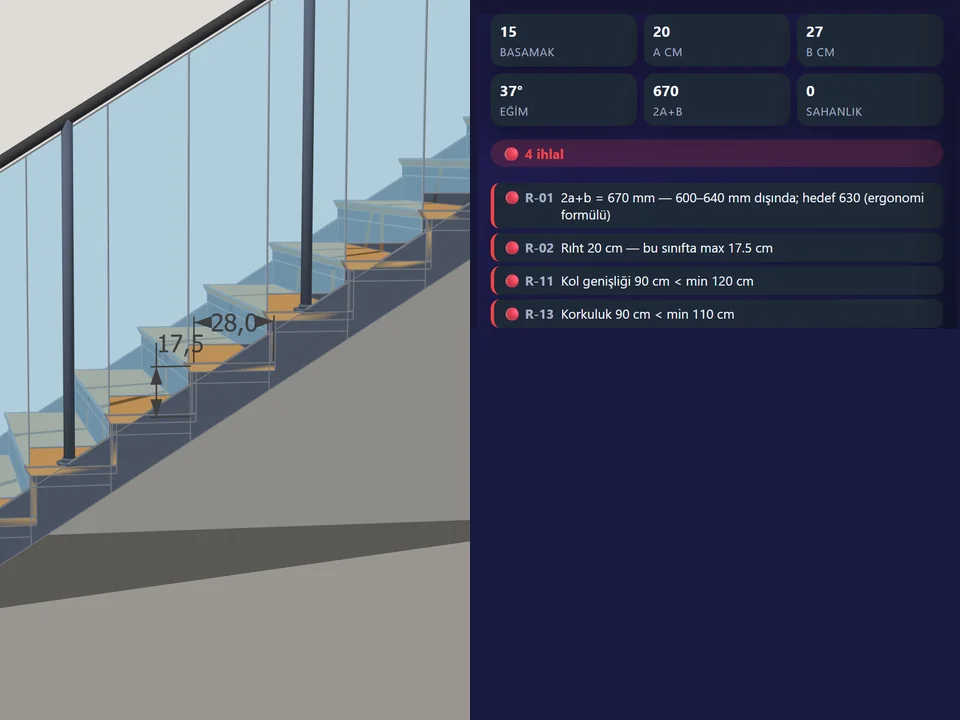
The calculator solves n = ceil(H/a_max), a = H/n and b = 630 − 2a, drops an intermediate landing automatically past 16 risers and checks 2100 mm headroom with the slab thickness taken into account. On top of that runs a regulation engine with 44 rule IDs, written to the Turkish zoning, fire and earthquake regulations plus TS 9111, DIN 51130 and EN 1991-1-1. Red and yellow badges appear as you type, and one click pulls the stair back into line. Eight building-class presets, from villa and housing to public, accessible, fire and service, swap the limits it enforces. Winders never let the inner tread edge fall under 100 mm.
There are five structural systems (sloped concrete, steel stringer, timber, wall-anchored cantilever, single-spine), five finishes and five railing types, including the 700/900 mm double handrail for the accessible class. Identical treads share one component definition, so editing one updates all, and a parameter change regenerates the whole stair in one Ctrl+Z. Out comes an HTML report with the rule table, riser schedule and cut list, a CSV cut list and a 9:16 assembly animation as MP4.
It is in beta, so four limits. The stairwell opening in the slab uses SketchUp Pro's solid tools; without Pro the stair still builds and the slab stays closed. The rule set is Turkish-first, so outside Turkey treat the badges as a sanity check, not a stamp. The MP4 needs ffmpeg, with an AVI fallback. Menu titles change language only after a restart. SketchUp 2021 to 2026, Turkish and English, no licence key and no online check.
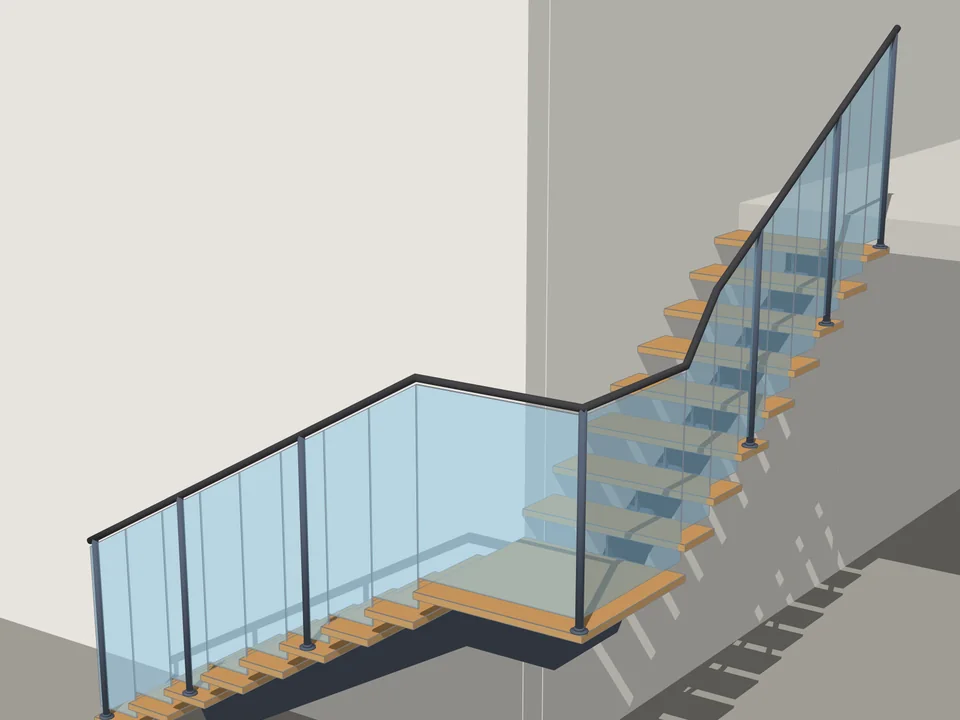
Type the floor height. The stair is done.
Architecture$35*StairFun StudioStairFun Studio
No stair maths: code-compliant stairs in two clicks, editable forever.
- 8 forms + ramp
- 44 live code rules
- 30 risers under 1 s
SketchUp 2021–2026v1.0.12
Ramp Studio: an accessible ramp plugin for any path, from a straight run to a helix
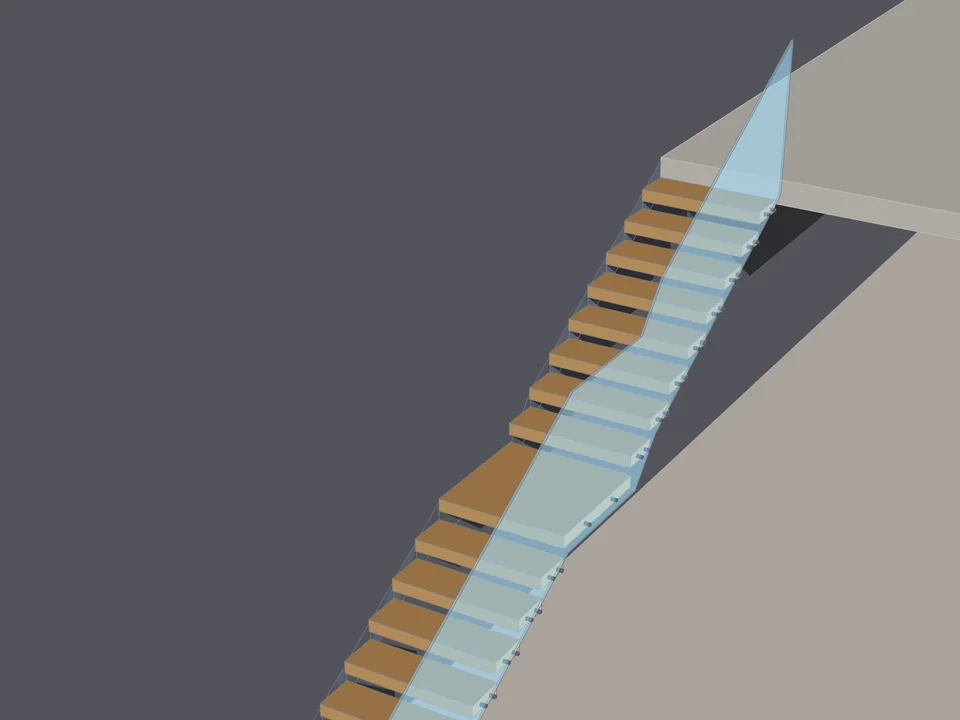
Ramps rarely run straight in real projects. They wrap a landscape step, double back in a switchback, or spiral down to a basement. Ramp Studio has 13 path generators, from L, U and Z turns and switchbacks to circular, spiral, helix, ellipse and multi-floor, or it takes any line, arc or curve already in your model. Its own sweep engine never calls Follow Me, so the width stays constant and the deck stays upright on arcs, spirals, helices and free 3D curves. The path is stored in the ramp itself, so it rebuilds even after you delete the source line.
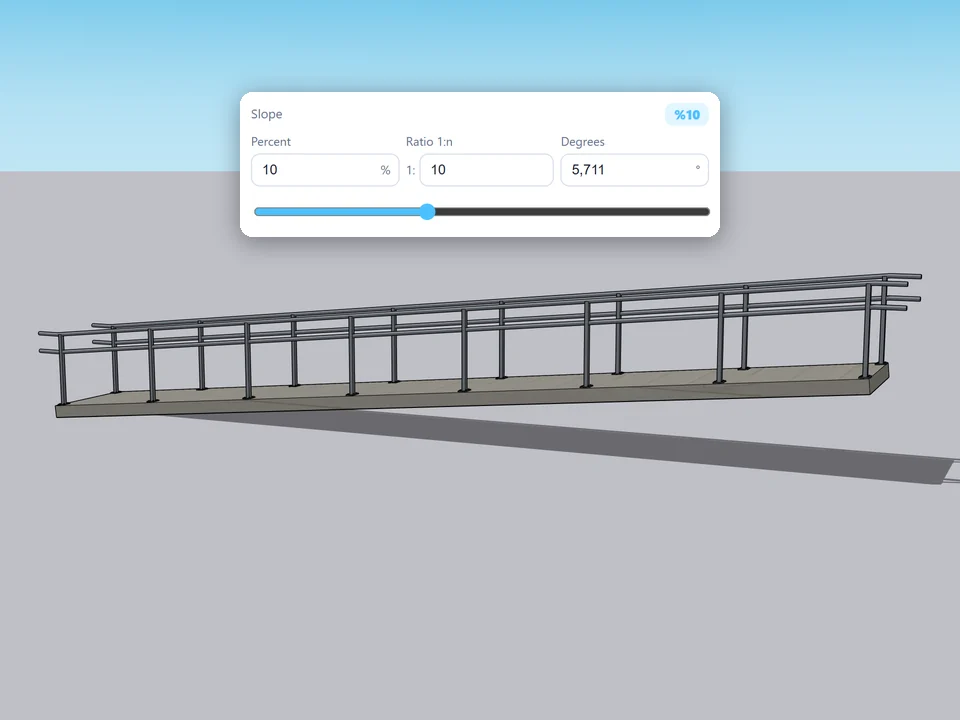
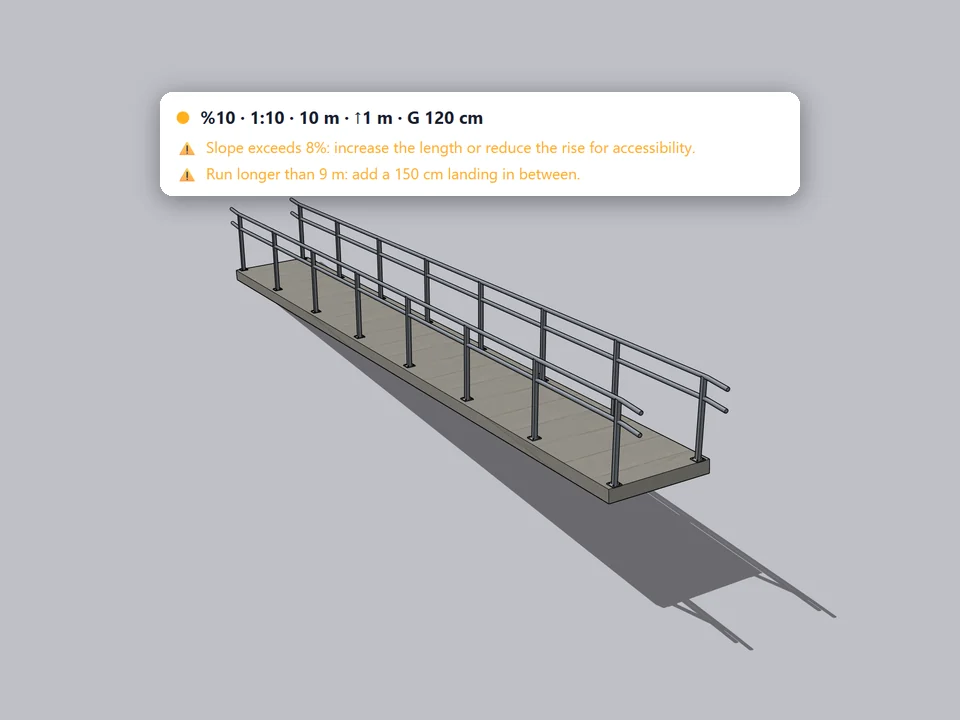
Slope is entered as percent, ratio or degrees, kept in sync (8%, 1:12.5, 4.57°), and width, run, rise and slope solve for one another. The checks are real warnings and errors: an accessibility warning above 8%, a hard failure above 25%, a narrow-width warning and a mandatory landing on runs longer than 9 m. The info panel reads out slope, ratio, angle, rise, run, walking distance, width, landings and footprint area, which is the number you point to when somebody asks.
Eight railing types, from metal and glass to timber, come with base plates or four-bolt flanges kept inside the concrete edge, and a handrail end extension that defaults to 300 mm. Kerbs, side walls, anti-slip strips and expansion joints are edge details with their own sizes. Select a ramp and the panel binds to it; every change re-solves live and the whole session is one Ctrl+Z. Fifty presets in five categories get you started.
Also beta, at v1.0.0. There is no export of its own yet: IFC, DXF, quantity reports and PDF sheets are roadmap items, so for now you use SketchUp's exporters. The checks are practical guardrails on common thresholds, not a certified check against one national code, so verify locally before submission. SketchUp 2021 to 2026 on Windows, in Turkish and English; macOS is untested.
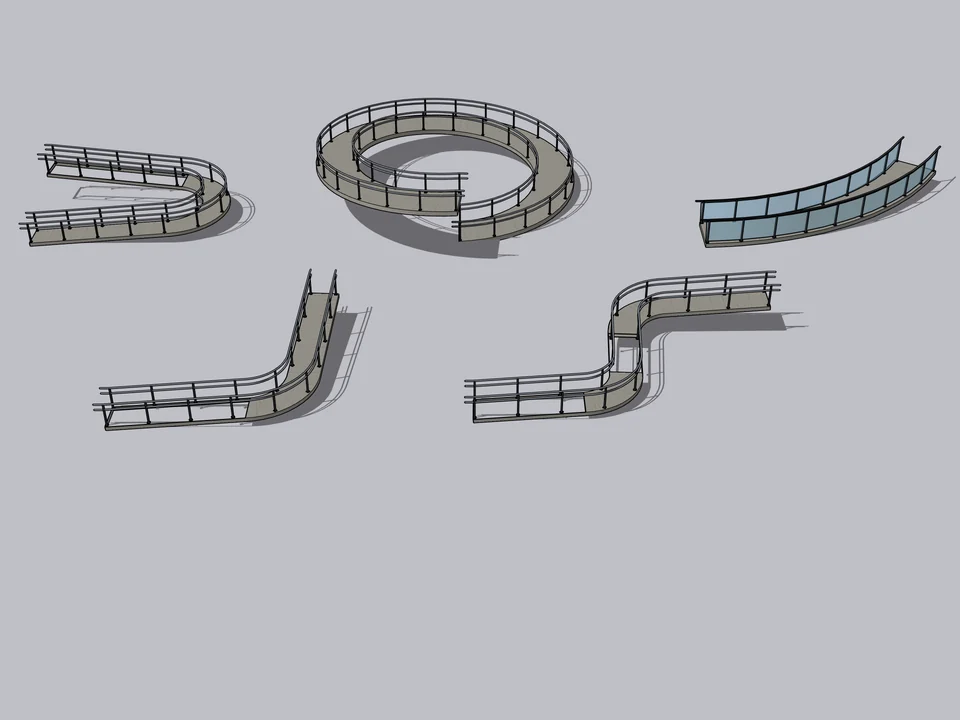
50 presets: pick one, click twice, done.
Architecture$30Ramp StudioRamp Studio
No slope maths: draw a line, get a code-checked ramp, railings included.
- 50 presets, 5 categories
- 8 railing types
- 363 tests, SU 2021-2026
SketchUp 2021–2026v1.0.0
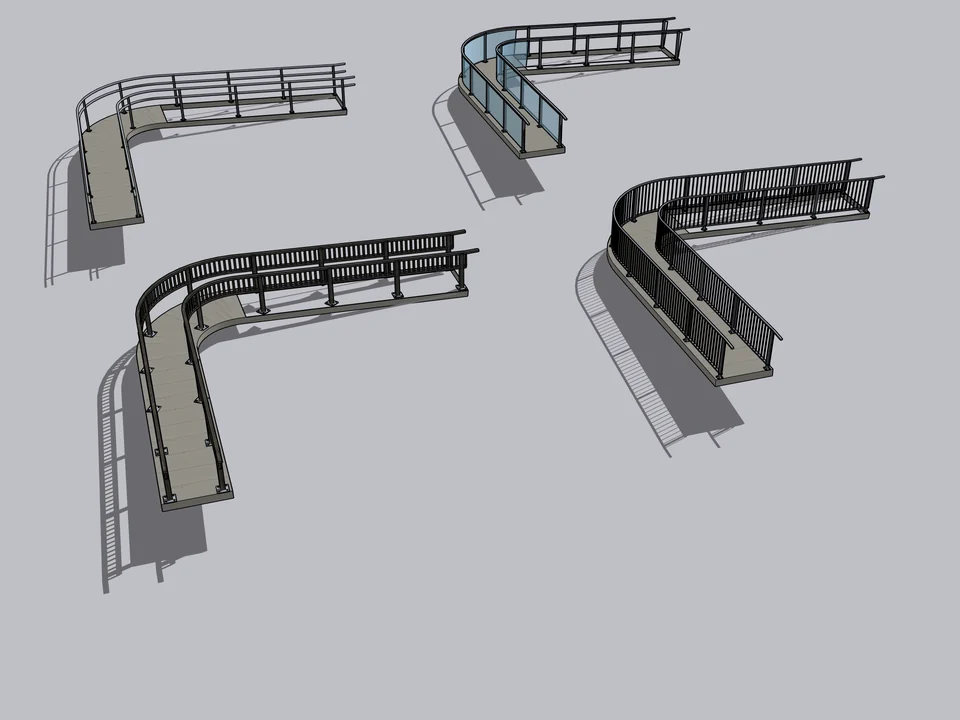
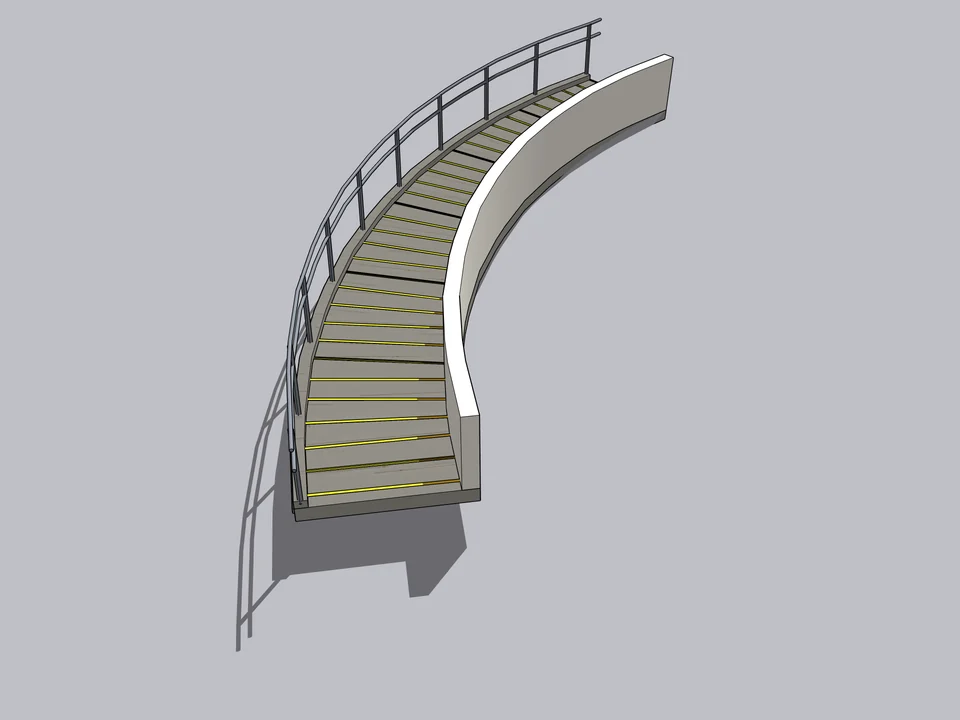
StairFun’s ramp or Ramp Studio: which one for an accessible ramp?
StairFun Studio includes an accessible ramp as one of its forms, under the same rule engine and building-class presets as its stairs. That is enough when the ramp sits beside a stair in a building and you want both checked in one place. Ramp Studio is the specialist: it is the one to choose when the path curves, spirals or follows a line you drew, and when you need railings, kerbs and edge details along it. For a ramp that follows any path without twisting, Ramp Studio.
ArchiFlow Studio: stairs that belong to the building
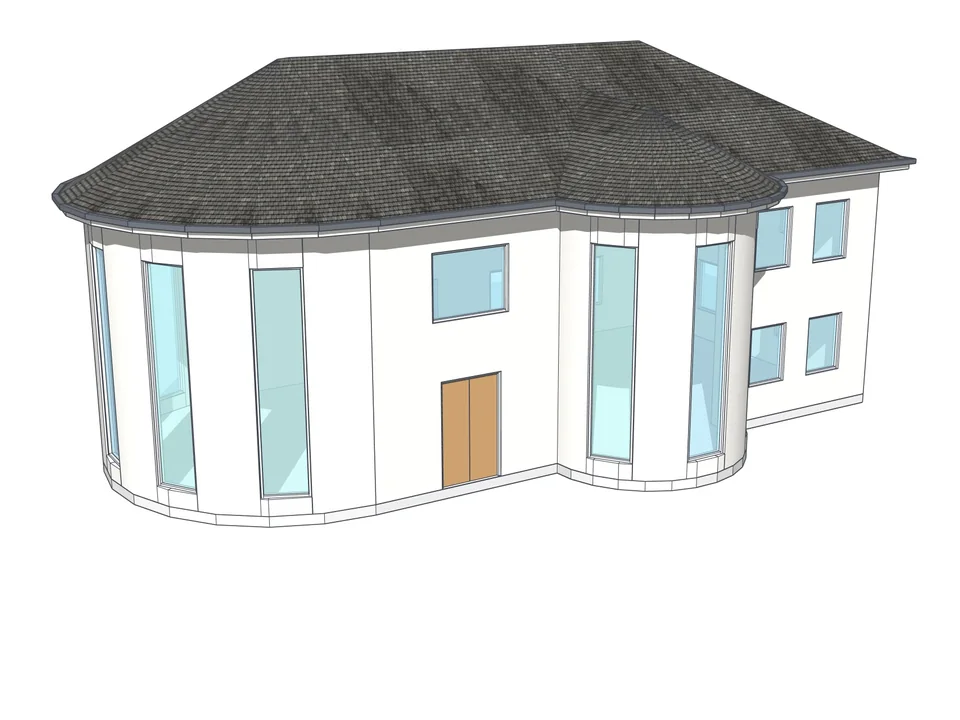
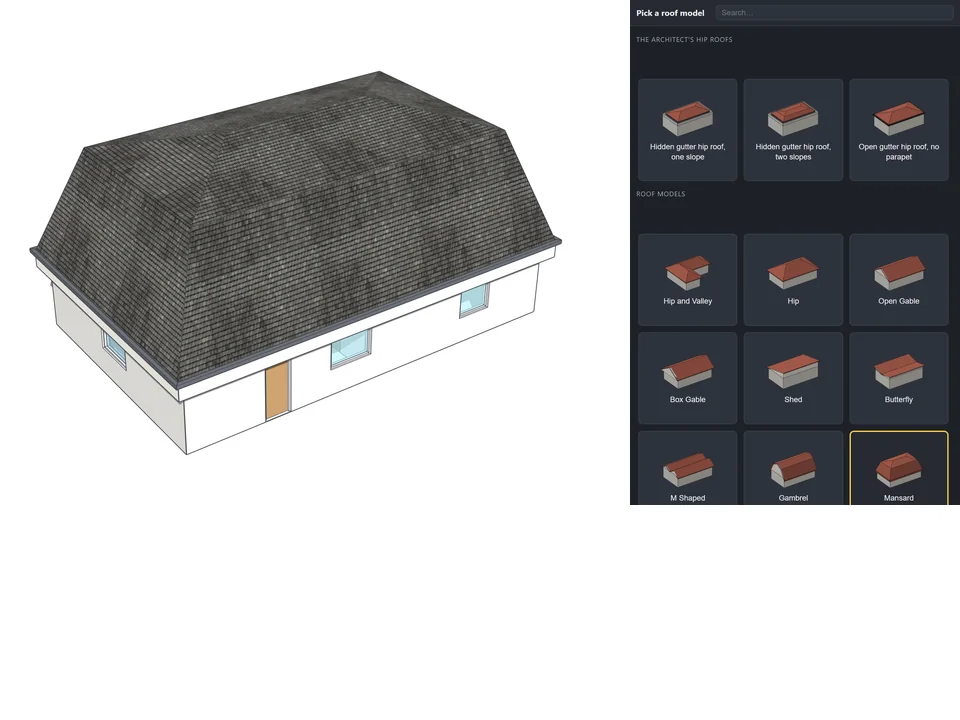
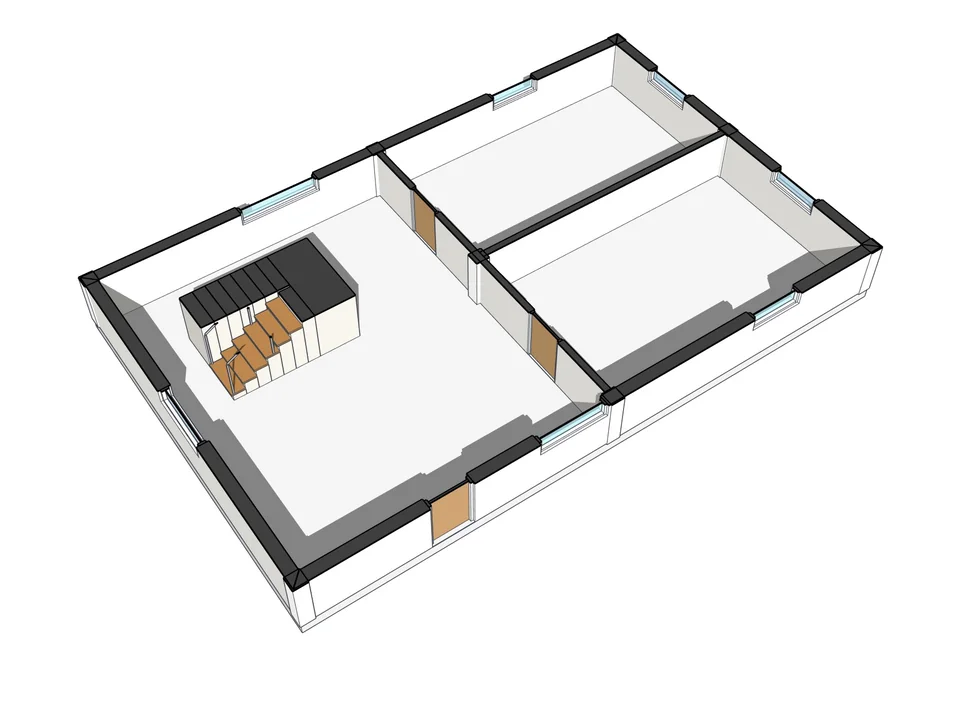
If you model the whole building, a separate stair is one more object that does not know the walls moved. ArchiFlow Studio compiles StairFun Studio in, with 8 stair types rebuilt in place when you change the type, and its reactive engine rebuilds corners, openings, slab and roof about 150 ms after you move a wall. You also get a plan section at 1.20 m and a two-click vertical section, the two drawings where a stair is actually checked.
One open item to know: 3D railings are generated only on straight stairs today, with L, U and spiral railings on its roadmap. If railings on a turning stair matter for your presentation, use StairFun Studio on its own for that stair.
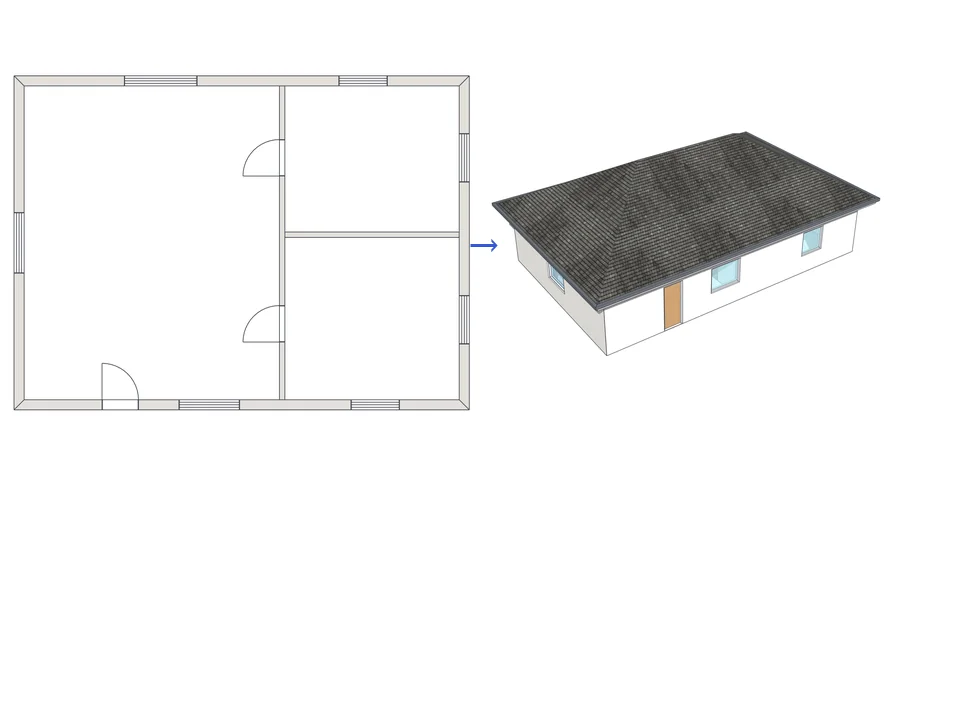
Draw the plan. One click, it's 3D.
Architecture$99ArchiFlow StudioArchiFlow Studio
Draw the plan once; move a wall and the building rebuilds itself.
- 5 studios built in
- 150 ms auto-rebuild
- SketchUp 2021-2026
SketchUp 2021–2026v1.72.0
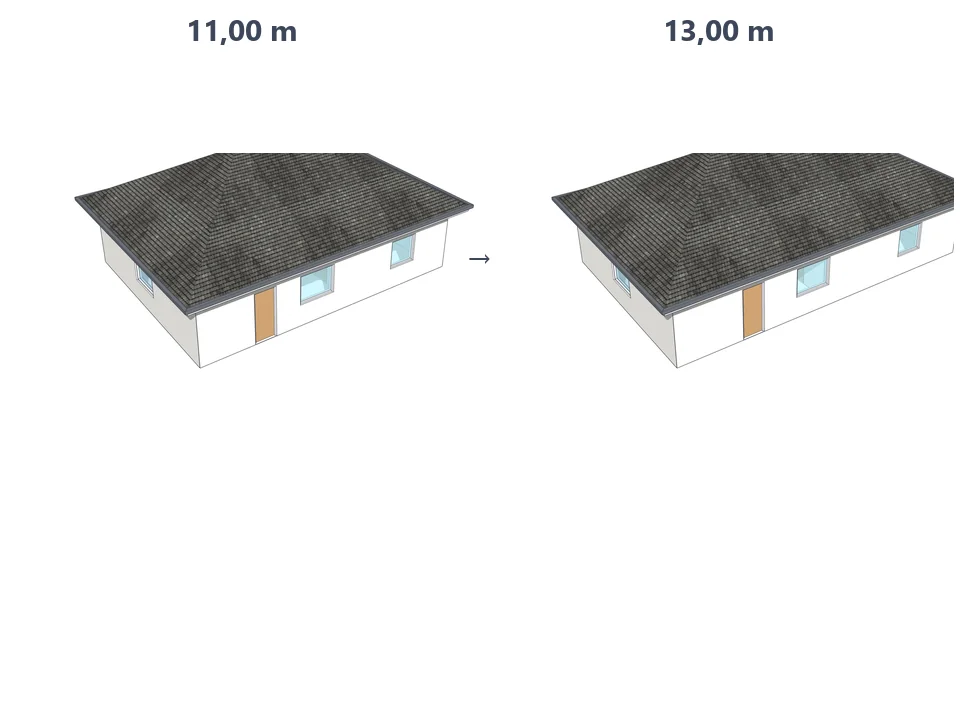
Landscape Studio: outdoor steps and ramps that sit on the terrain
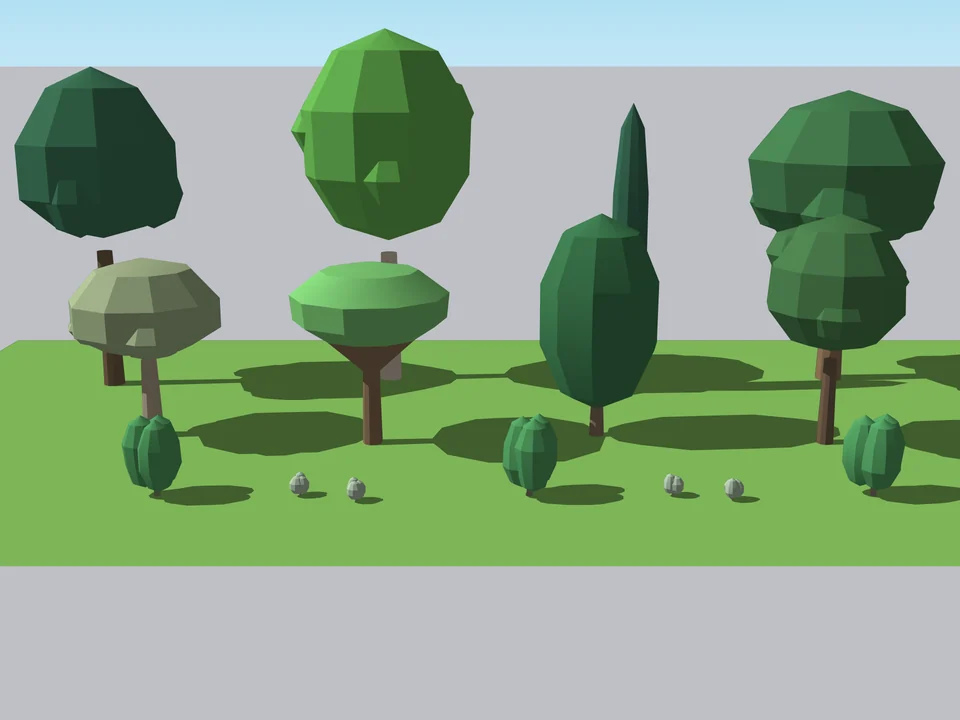
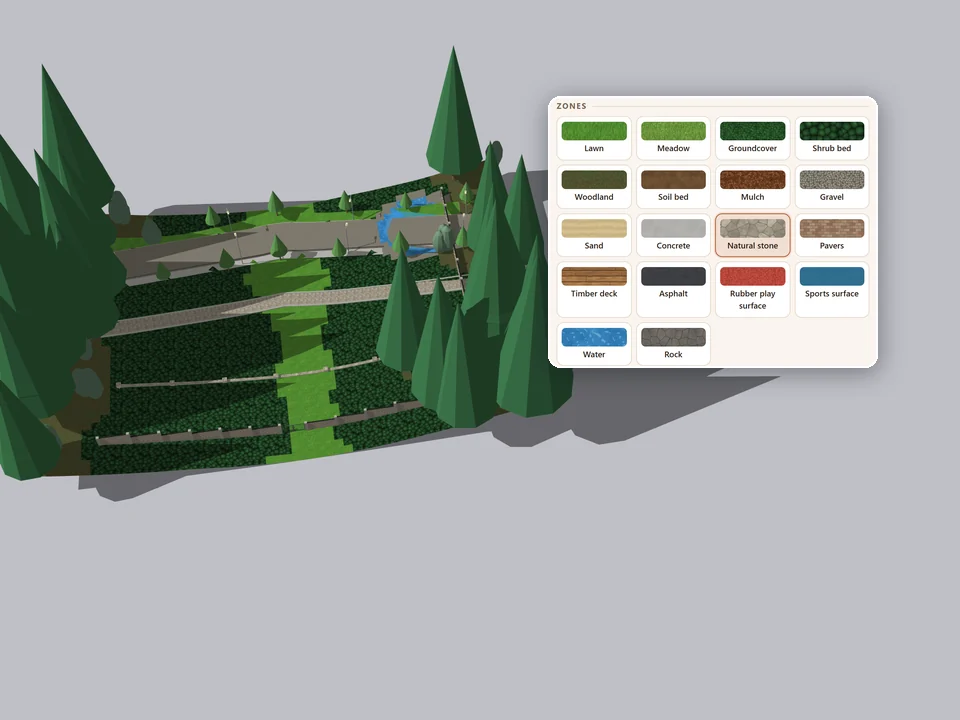
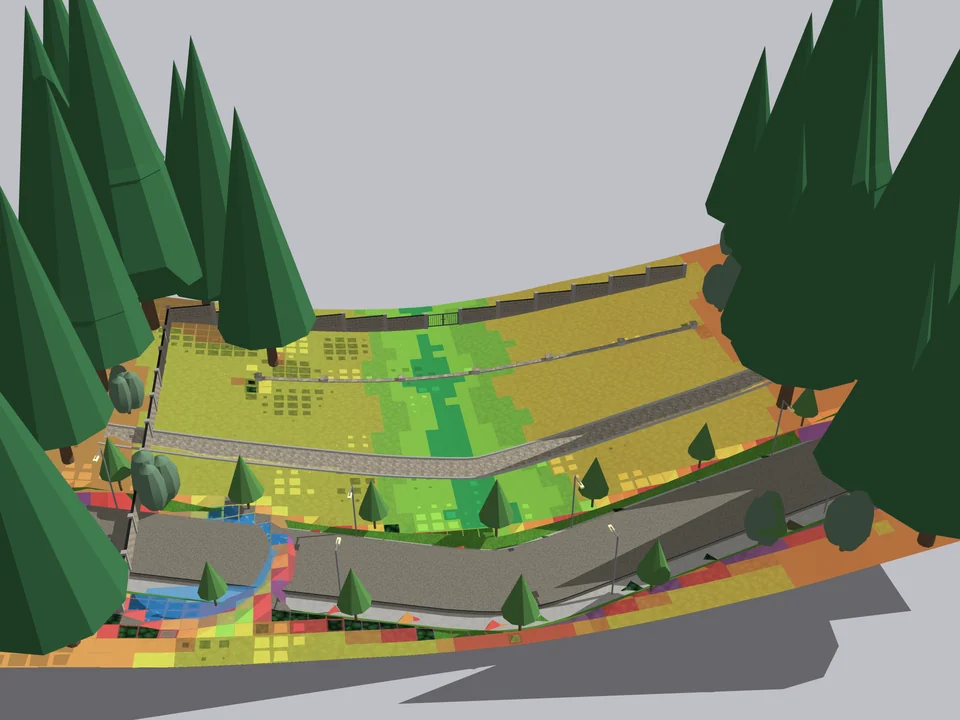
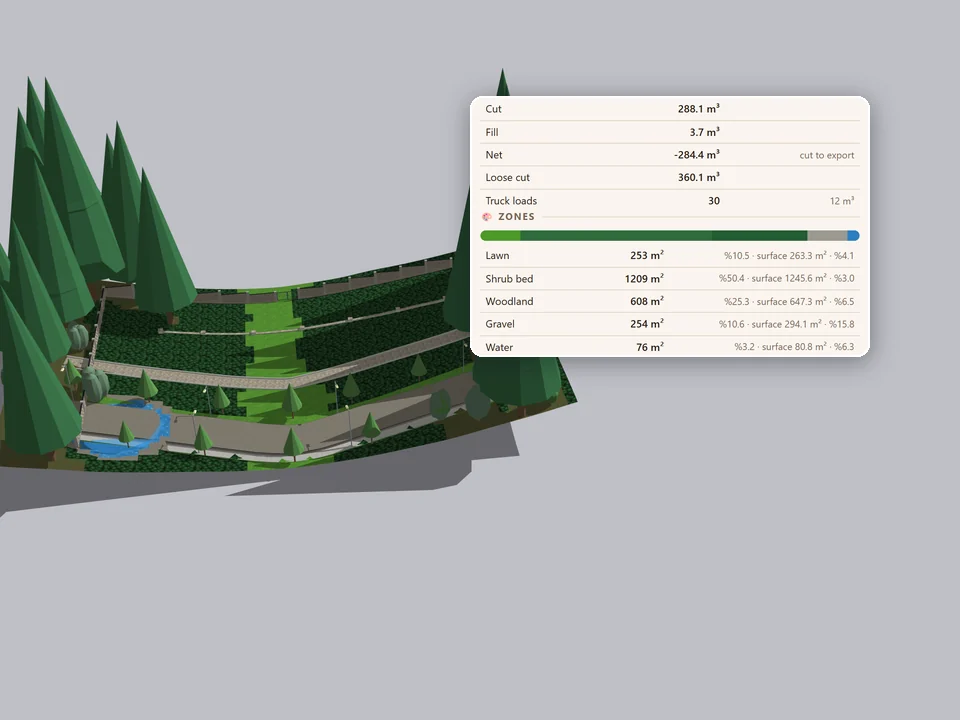
Outside, the stair problem changes. The ground is not a slab, and every level change on a site is a slope, not a storey. Landscape Studio builds paths that drape onto its terrain grid or cut through it as a corridor with a maximum-slope limit, stairs with landings, cheek walls and handrails, and ramps hard-capped at 8 percent, 1 in 12, with landings inserted automatically, a guard curb and a handrail. Raise the slope later and the ramps hold 8 percent while the paths re-drape on their own.
It runs on SketchUp 2021 to 2026 and is feature complete at v1.6.0, with the manual test pass inside SketchUp still running, so ask which build you are getting. For the rest of what it does on a site, see the landscape architects' list.
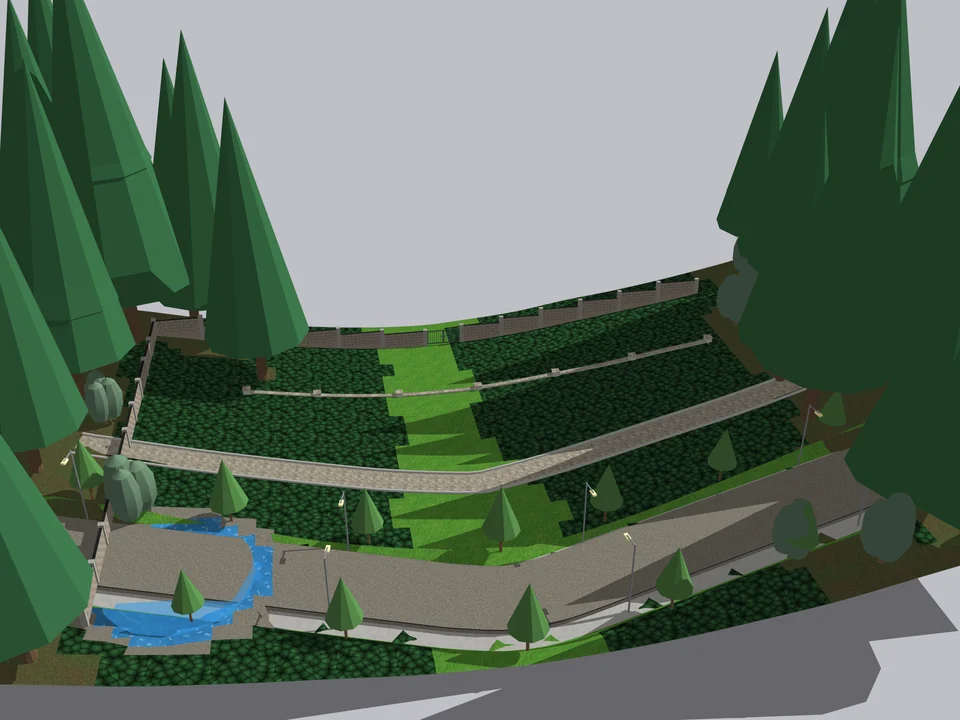
Shape the ground once. The site follows.
Landscape$45*Landscape StudioLandscape Studio
No fixing after every edit: shape the ground once, the site follows.
- 151 Turkish plants
- 12 terrain brushes
- 571 tests green
SketchUp 2021–2026v1.6.0
Which stair or ramp plugin for which job?
- A code-checked stair inside a building, with a riser schedule and a cut list: StairFun Studio.
- A ramp on a curved, spiral or helical path, with railings and kerbs: Ramp Studio.
- A whole building where the stair has to follow the walls through revisions: ArchiFlow Studio.
- Garden steps and accessible ramps on sloping ground: Landscape Studio.
- Stepped boundary walls beside those steps are a different job: Garden Wall Studio (beta) builds them, but it does not draw stairs.
Stair and ramp plugin questions
Which is the best stair plugin for SketchUp?
For stairs that have to pass a code check, StairFun Studio, because it starts from the floor height, runs 44 rules live and exports the riser schedule and cut list. If you only need a quick stair inside a building you are already modelling with ArchiFlow Studio, its built-in stair studio is enough.
Can a SketchUp plugin check a stair against the building code?
It can check the arithmetic and flag what breaks it. StairFun Studio's rules are written to Turkish regulations plus TS 9111, DIN 51130 and EN 1991-1-1; Ramp Studio's are guardrails on common thresholds. Neither replaces your local code, and the review checklist shows which numbers to confirm.
How do I model a spiral staircase or a helical ramp in SketchUp?
By hand, with rotate copies around a column and then lifting each tread, which is fine for twelve treads and slow for thirty. StairFun Studio has spiral and circular forms; Ramp Studio has spiral, helix and double-spiral path generators that keep the deck upright.
Which SketchUp versions do these stair and ramp plugins run on?
All four declare SketchUp 2021 to 2026 and install as an .rbz through Extension Manager. StairFun Studio works in non-Pro desktop installs too, except the stairwell slab cut, which needs Pro's solid tools.
The advantage, plainly: when the rule lives in the model, a changed floor height is a number you type, and the stair reaches review already counted. See the forms and the live rule checks on the StairFun Studio page, and the path generators and slope readout on the Ramp Studio page.