A skirting board that wraps a room, a pipe that bends through a wall, a handrail that follows a stair: anyone looking at your model assumes these took hours. With Follow Me they take seconds, once you know the one habit that stops the tool from surprising you.
What does the Follow Me tool do?
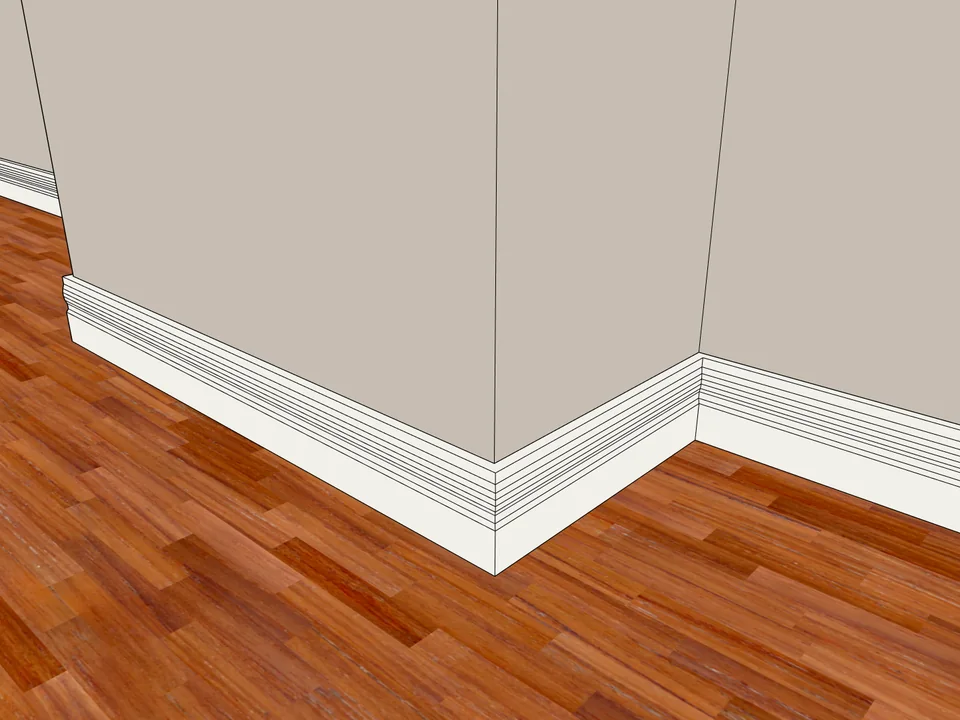
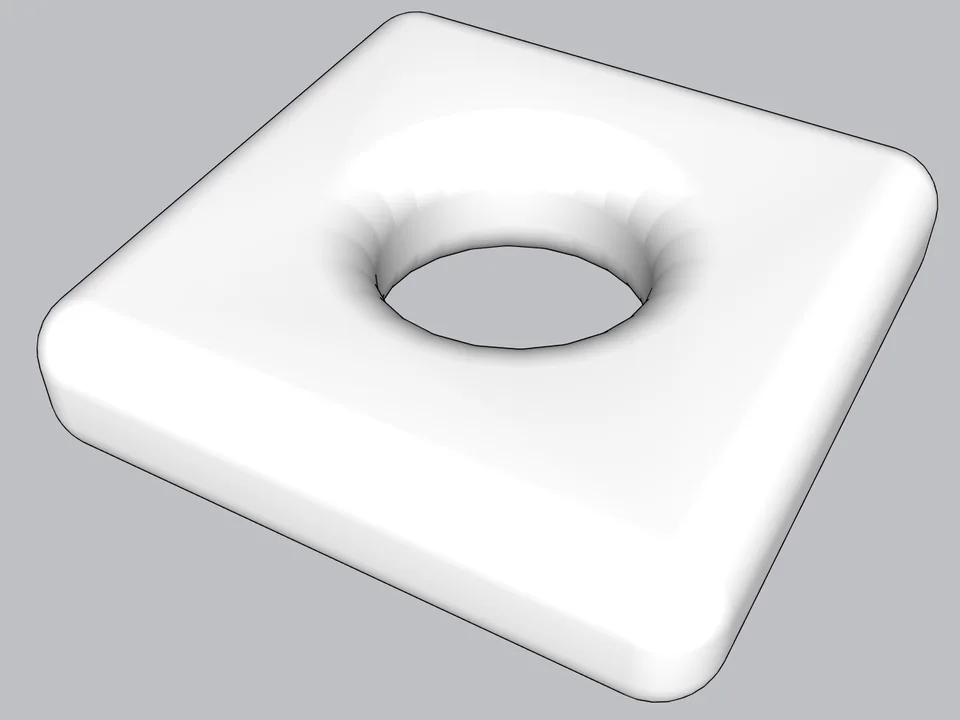
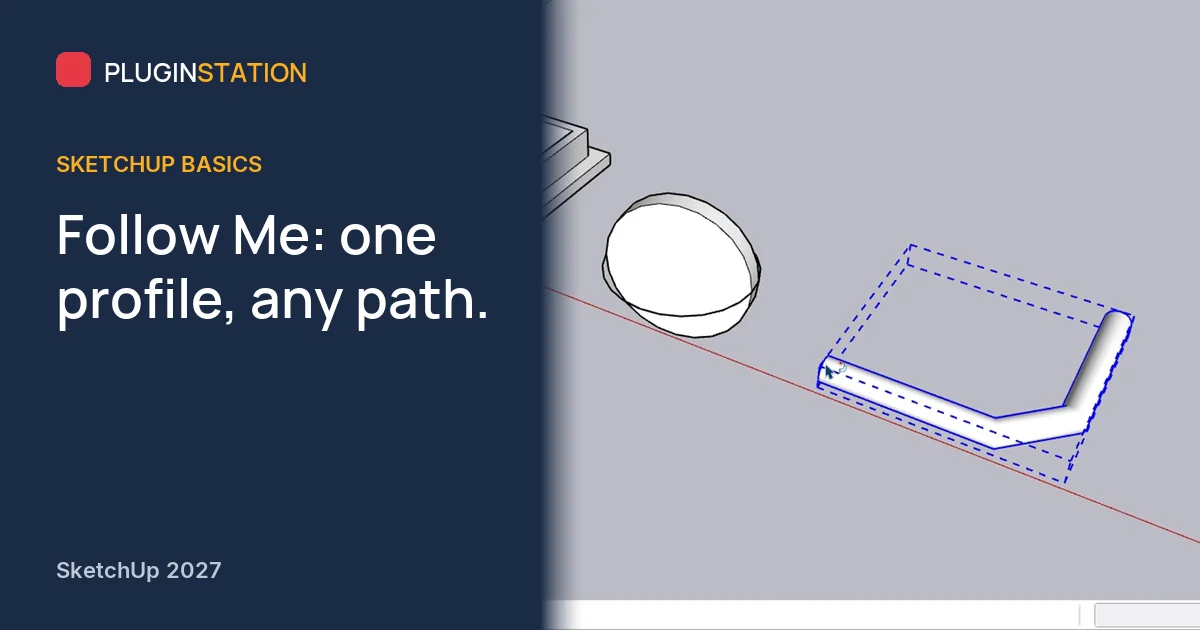
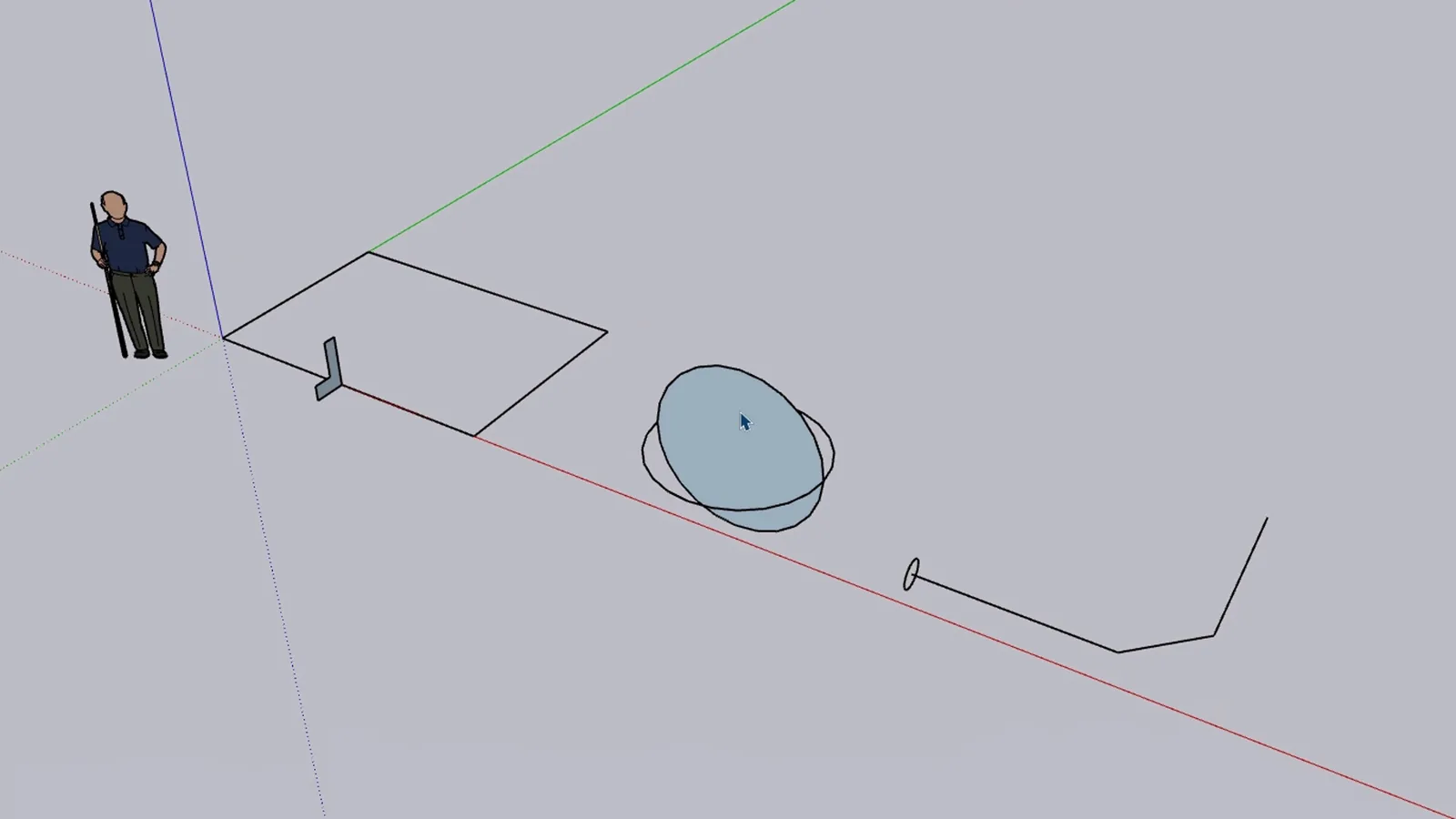
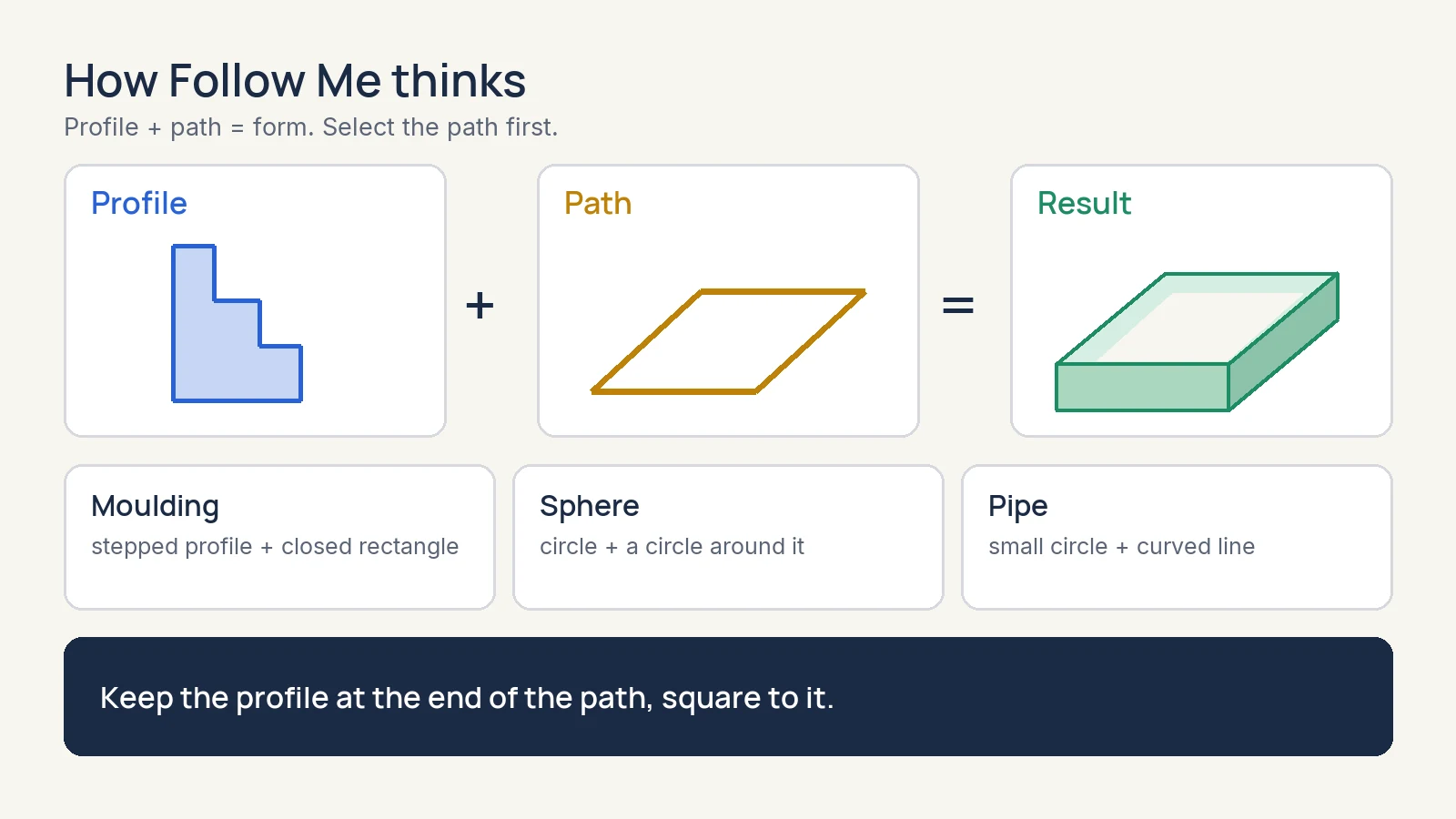
Follow Me takes a cross-section shape, the profile, and drags it along a path to make a 3D form. Think of squeezing icing along the edge of a cake: the nozzle is the profile, the edge is the path. In the scene below there are three prepared examples: a stepped profile on a rectangle, two crossing circles, and a small circle at the start of a bent line.
How do you use Follow Me without errors?
Select the path first. This is the habit. With Select, click one edge and hold Ctrl to add the others, including both pieces of any edge that the profile splits. Here the path is a closed loop, so the profile will travel all the way round.
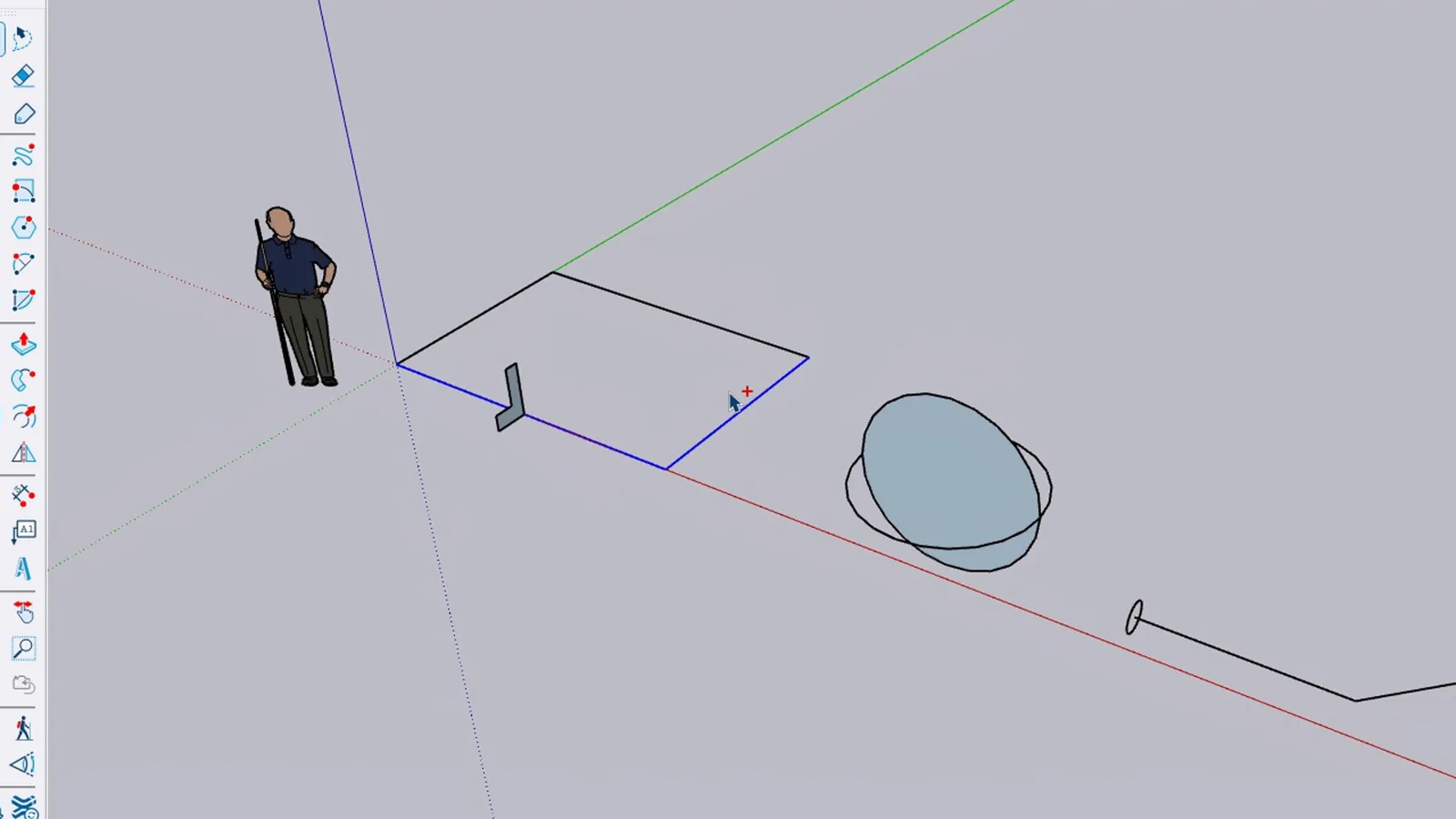
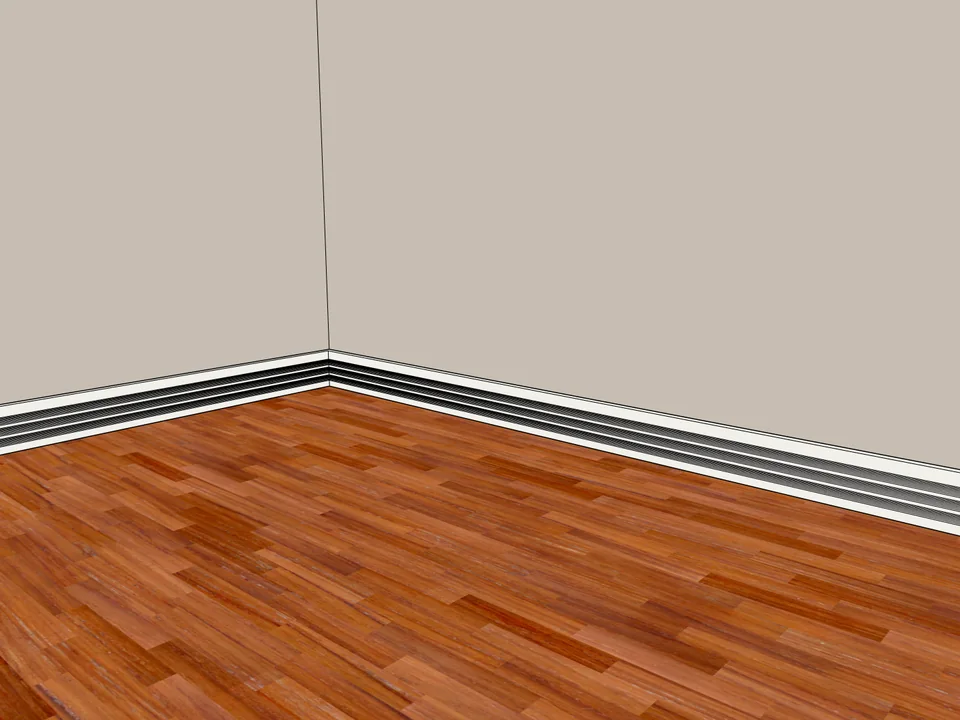
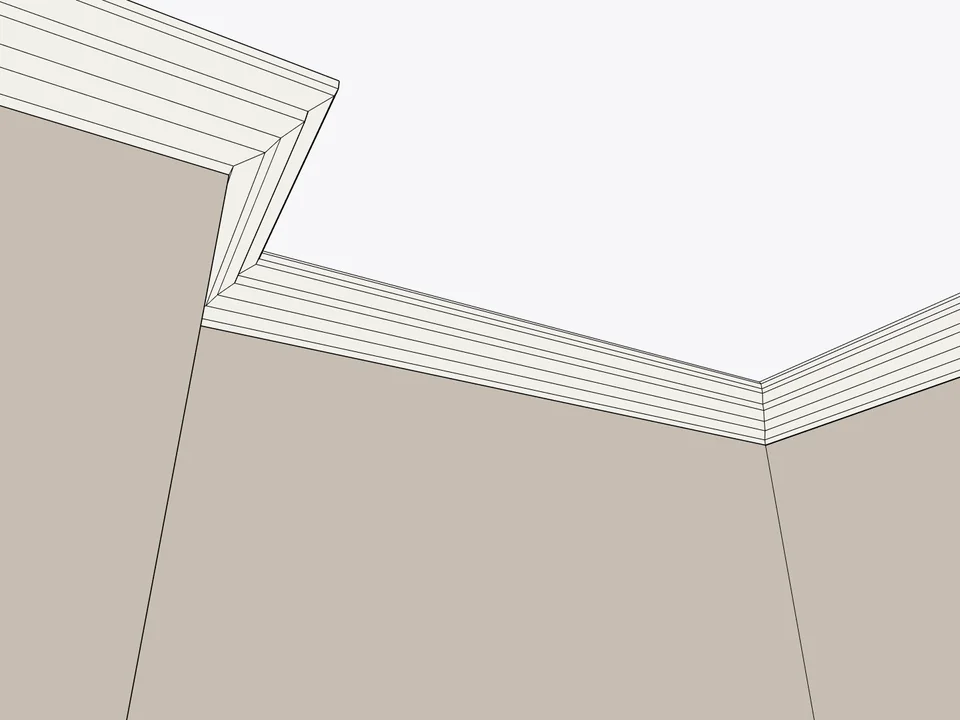
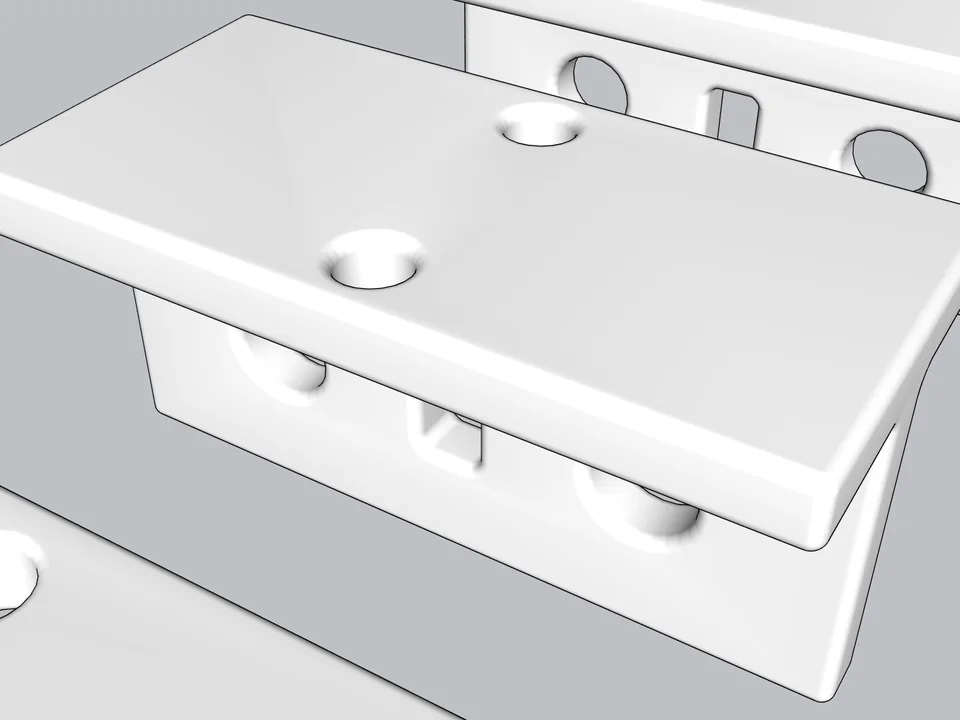
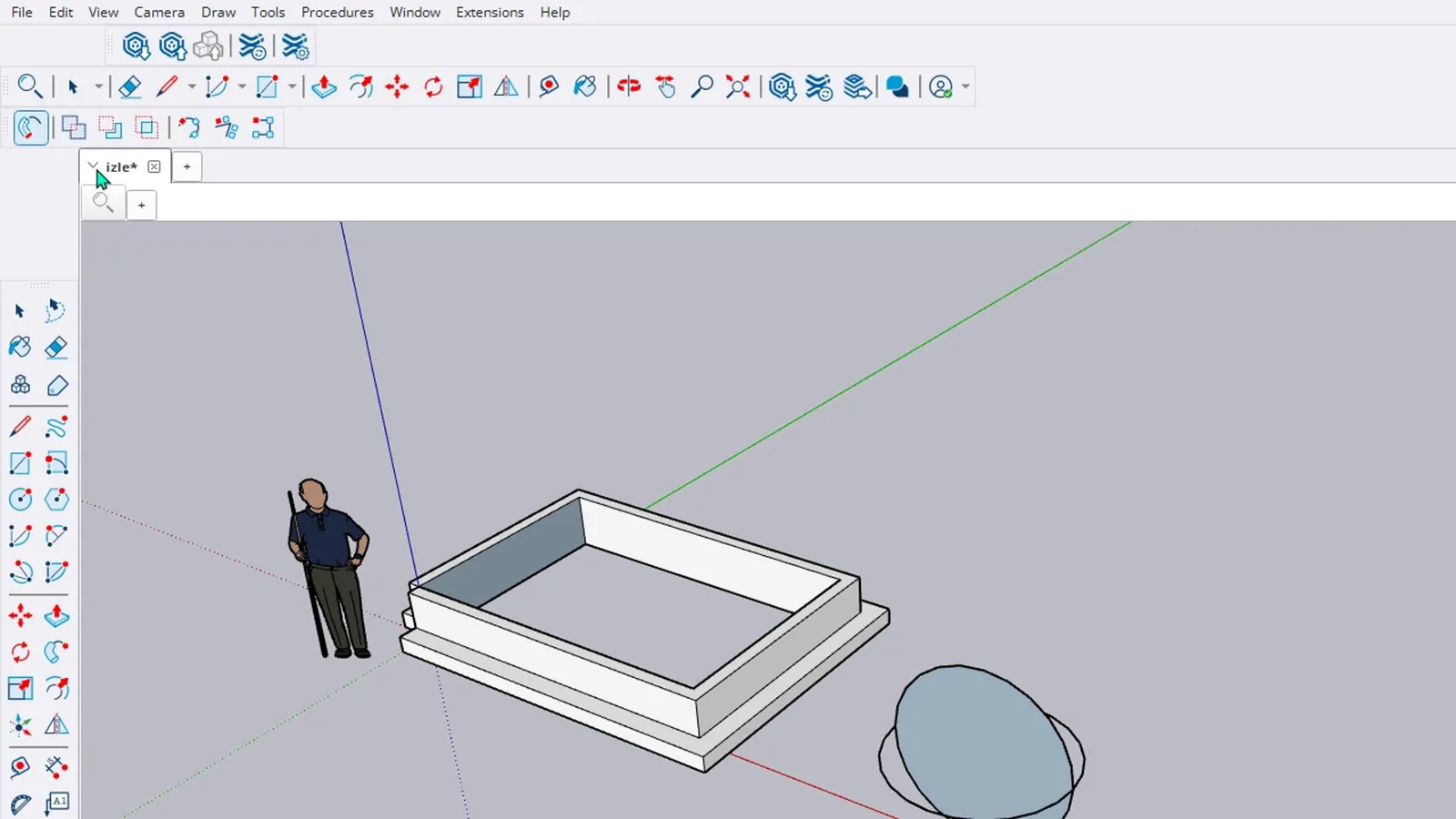
Now start Follow Me. In SketchUp 2027 it sits at the front of the Procedural Tools toolbar. The status bar asks you to click the profile. Click it, and a stepped frame appears with its corners mitred on their own. A room's skirting or a ceiling cornice is made exactly this way.
How do you make a sphere in SketchUp?
Click the horizontal circle once; all its edges are selected together, because SketchUp stores a circle as one curve. Start Follow Me and click the face of the upright circle. It spins around the path and leaves a full sphere.
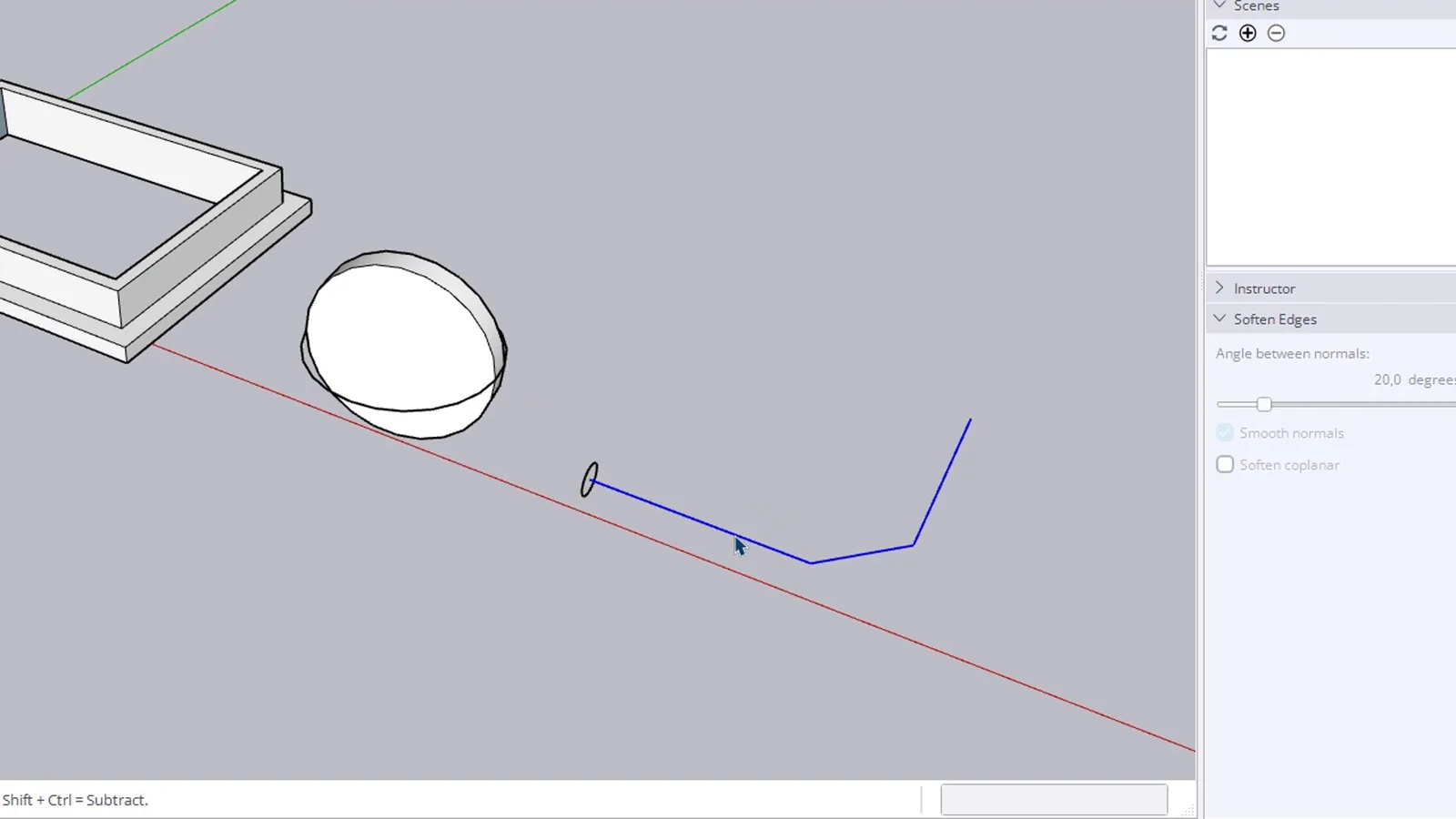
How do you make a pipe or a handrail?
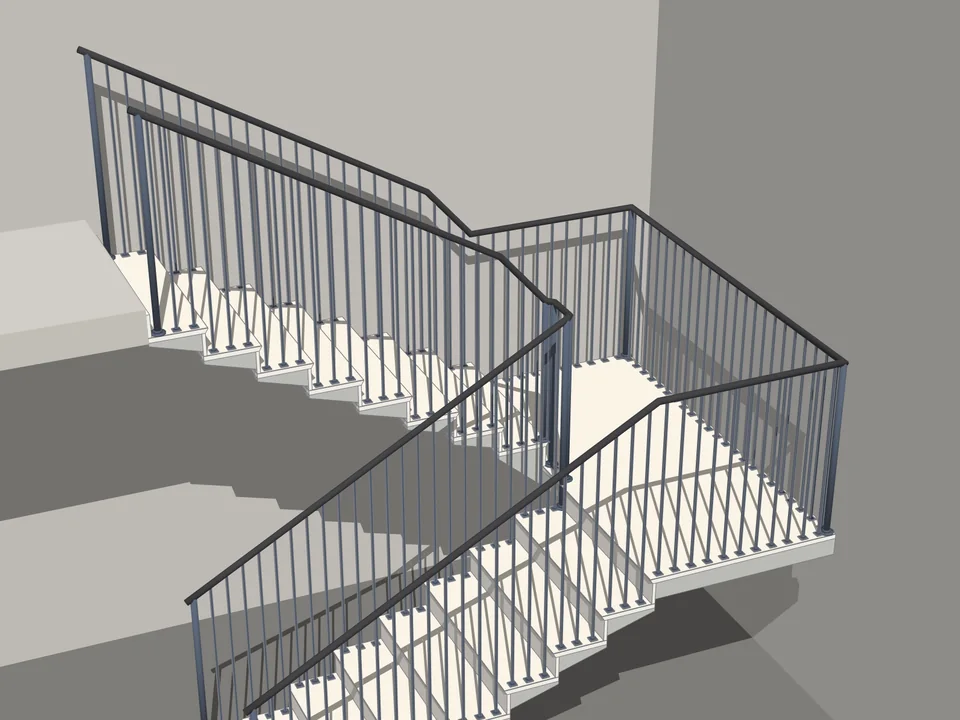
Same order. Click the bent path, which is a single curve, so all of it is selected. Start Follow Me, click the small circle at its start, and it runs along the line with smooth bends. Handrails, cable trays and water pipes all come from this one move.
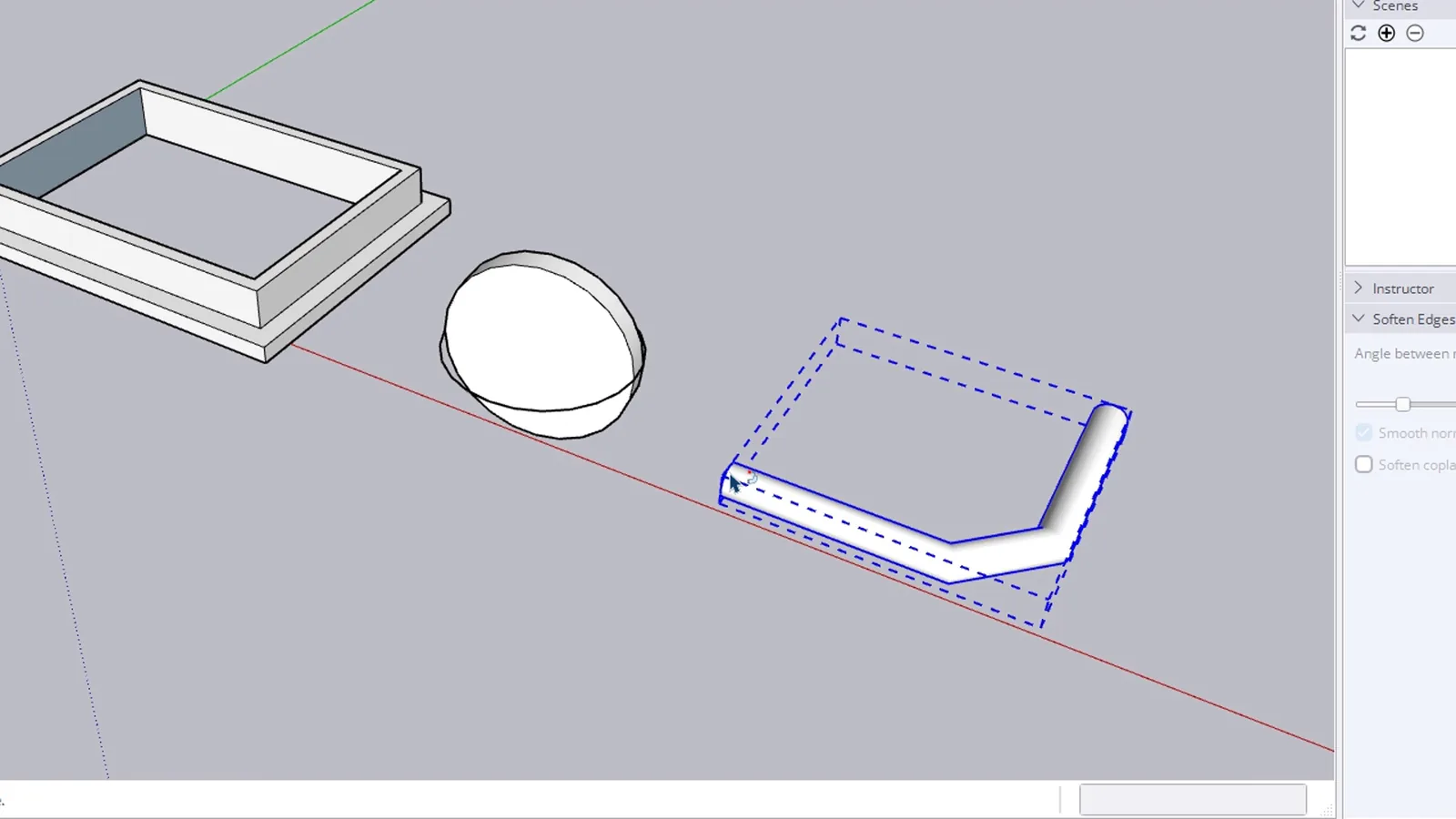
What is new in Follow Me in SketchUp 2027?
The result is now procedural. Select the moulding, and Entity Info shows a component called Procedural - Follow Me. Right-click and choose Explode to Inputs: the frame disappears and you have your path and profile back, so changing the profile and running it again is easy. According to the release notes, Follow Me can also handle more than one profile in a single run.
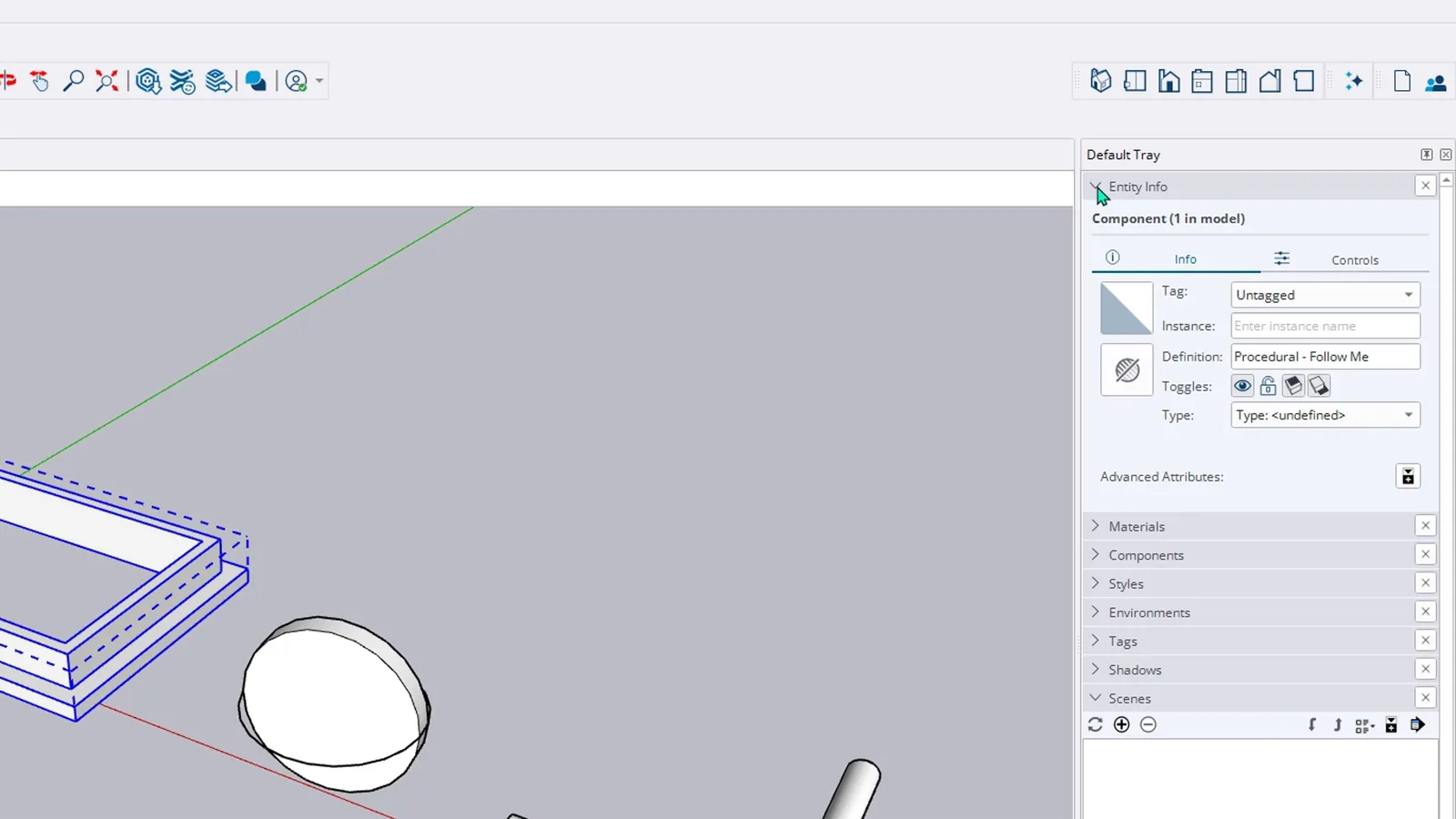
Why is Follow Me not working as expected?
- The profile is not square to the path. Stand it at the end of the path or on it, at a right angle.
- It follows the wrong edges. Select the path first, so the tool has nothing to guess.
- You see a warning that the path does not begin or end on the cross-section. It appears when the profile sits in the middle of an edge, as in my moulding. Check the result; mine came out fine.
- The result is inside out. In 2027, use Explode to Inputs, fix the profile and run it again.
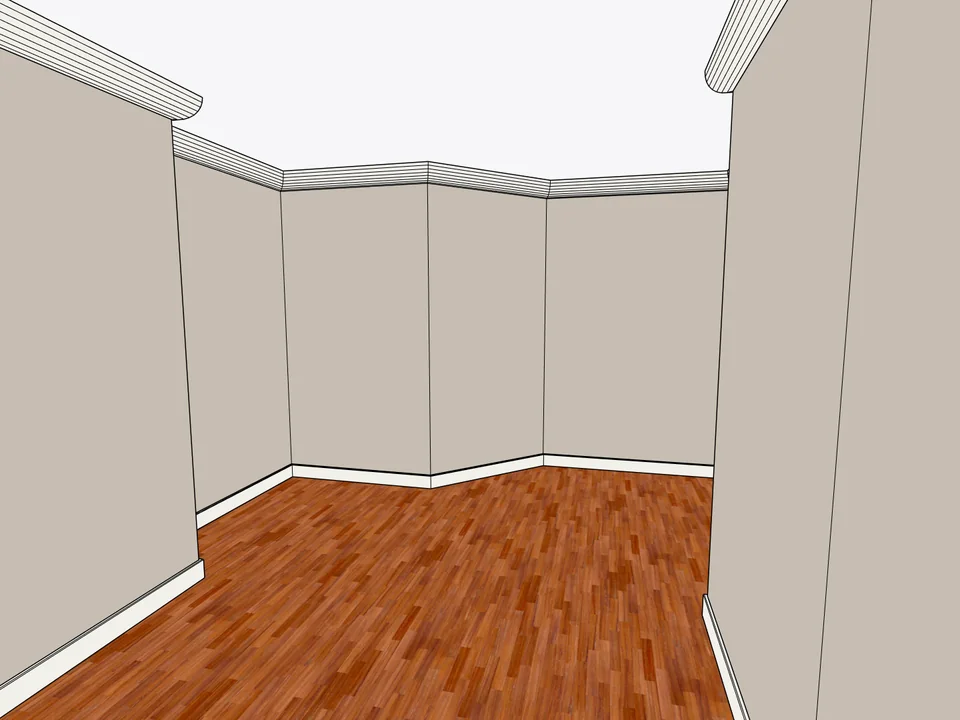
Click the floor. The whole room is skirted.
Interior$25Dynamic SkirtingDynamic Skirting
No hand-cut mitres: skirting and cornice, one click per room.
- 24 profiles
- SketchUp 2024-2026
- TR / EN / ES
SketchUp 2024–2026v1.3.2
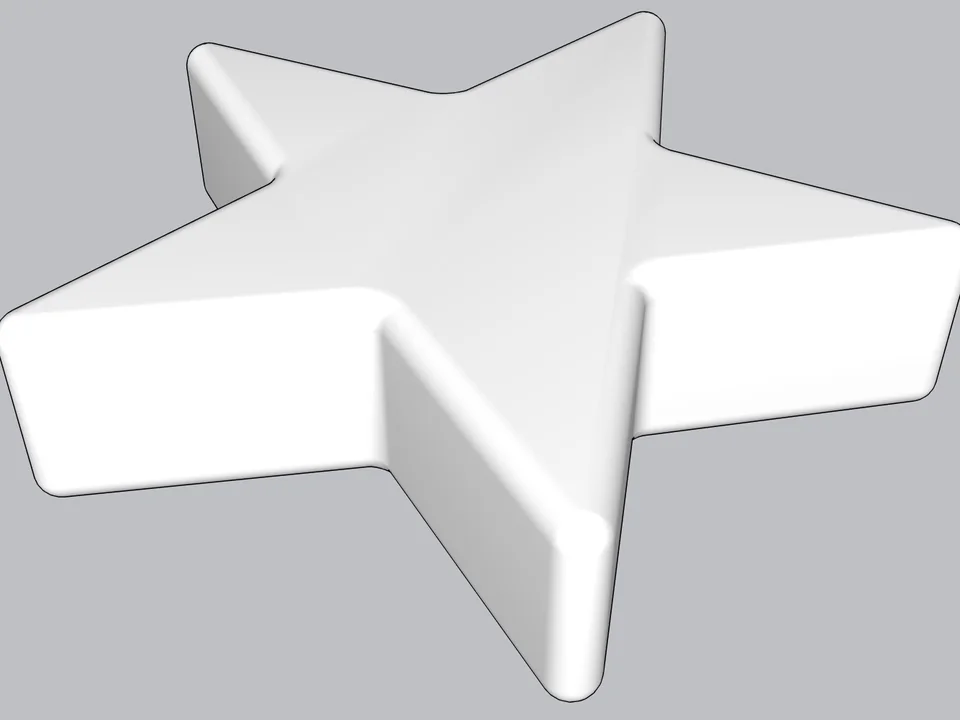
Type a radius, click: every edge goes soft.
FREE ProductivitySoft EdgeSoft Edge
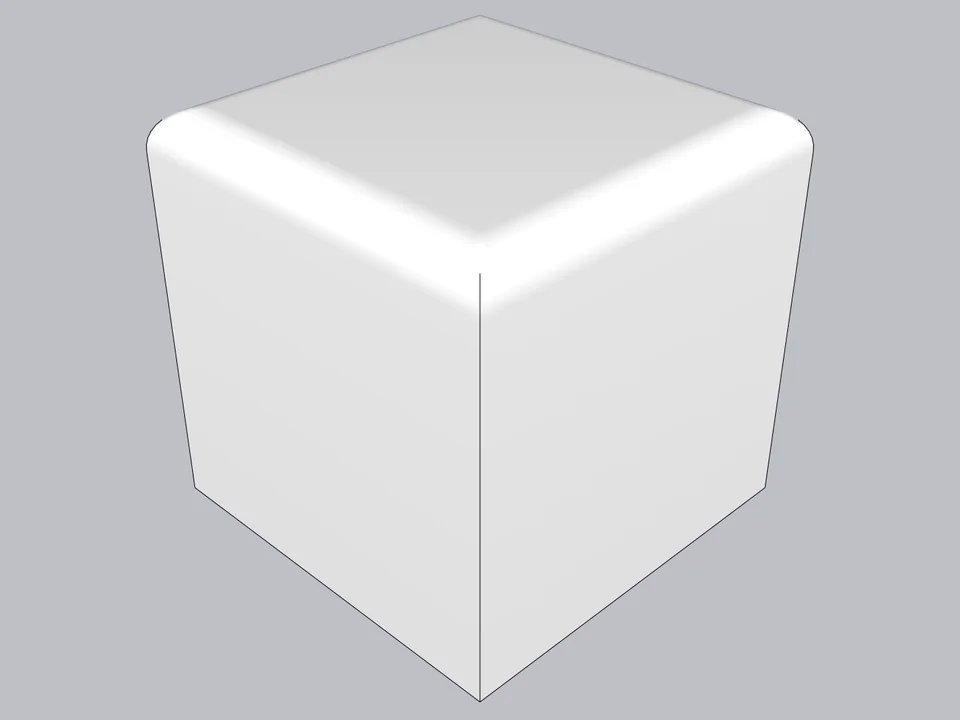
Skip hand filleting: round or chamfer in one click, always editable.
- Round + chamfer
- SketchUp 2021-2026
- Free
SketchUp 2021–2026v0.8.1
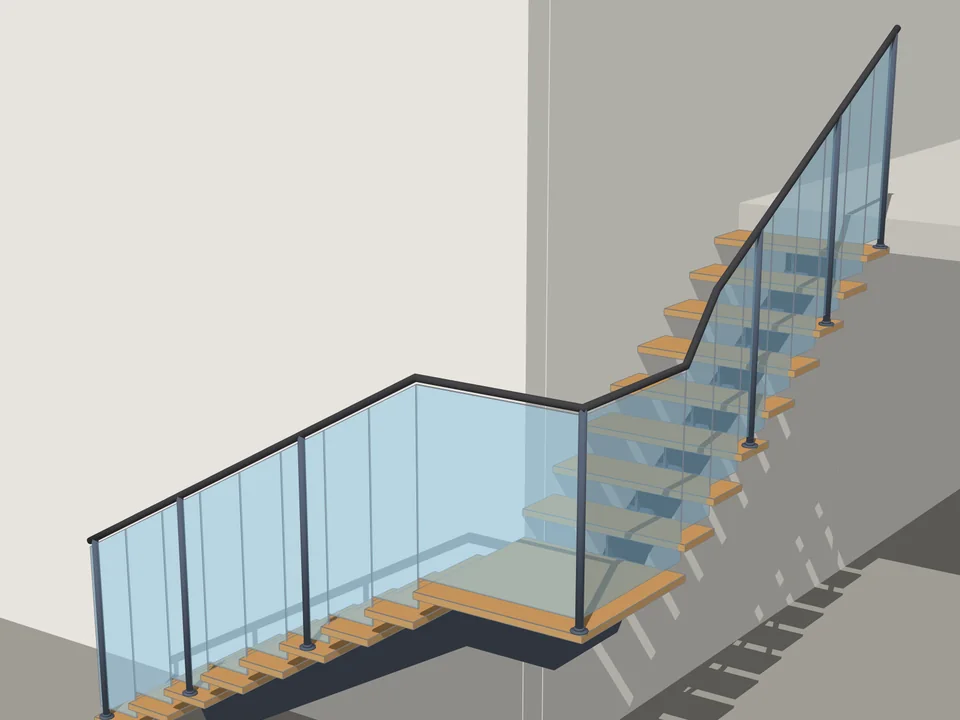
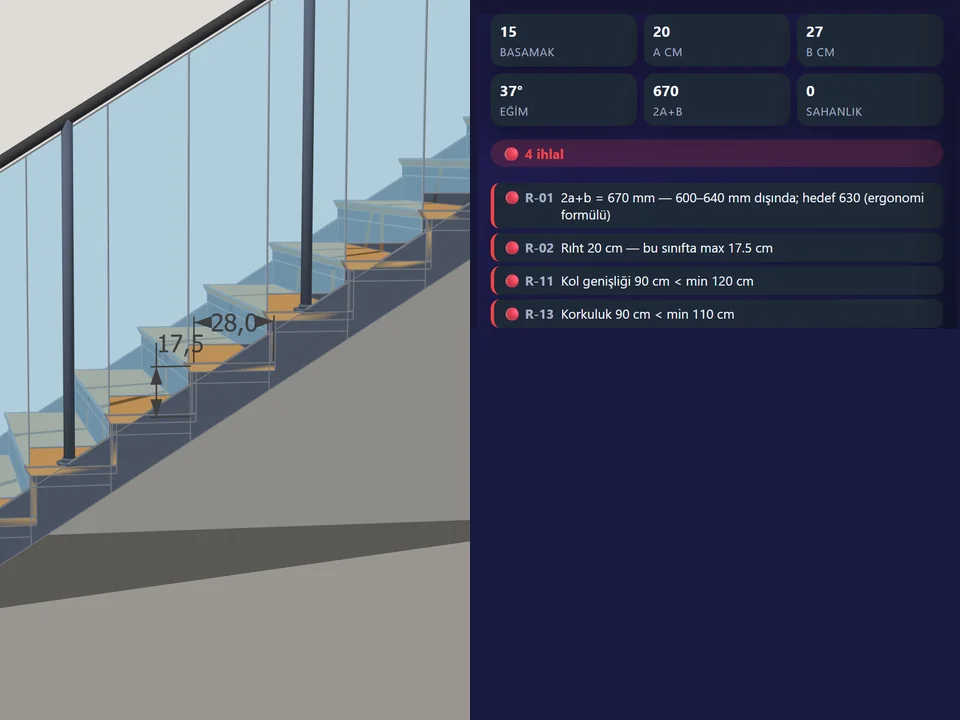
Type the floor height. The stair is done.
Architecture$35*StairFun StudioStairFun Studio
No stair maths: code-compliant stairs in two clicks, editable forever.
- 8 forms + ramp
- 44 live code rules
- 30 risers under 1 s
SketchUp 2021–2026v1.0.12