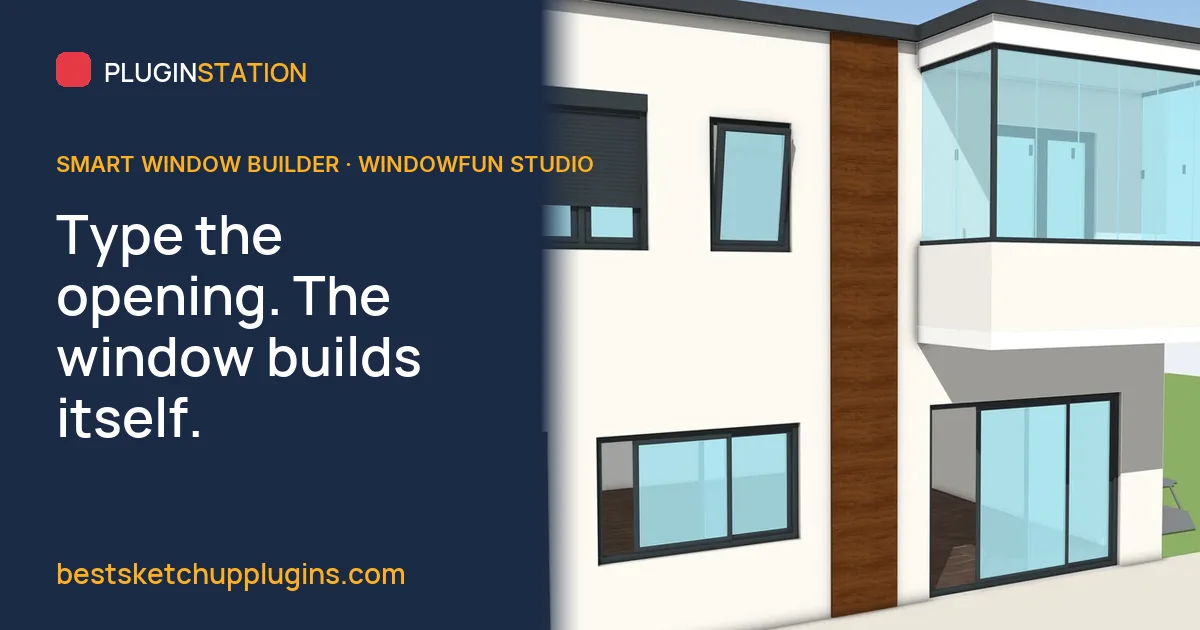
You are the architect whose facades read as considered, and the window maker whose quote arrives before the client has finished their coffee. Picture the other version of the evening: forty openings on a three-storey elevation, each frame boxed out by hand, each sash offset, each pane of glass pushed into place, and then a calculator for the profile metres. Then the client moves a wall. A smart window builder for SketchUp turns that around: you type the opening size, and the frame, sashes, gaskets and glass build themselves to the rules of a real window, with the take-off counted from the same geometry. WindowFun Studio is ours. It does the whole window, and its quote, from the size you type.
What is a smart window builder for SketchUp?
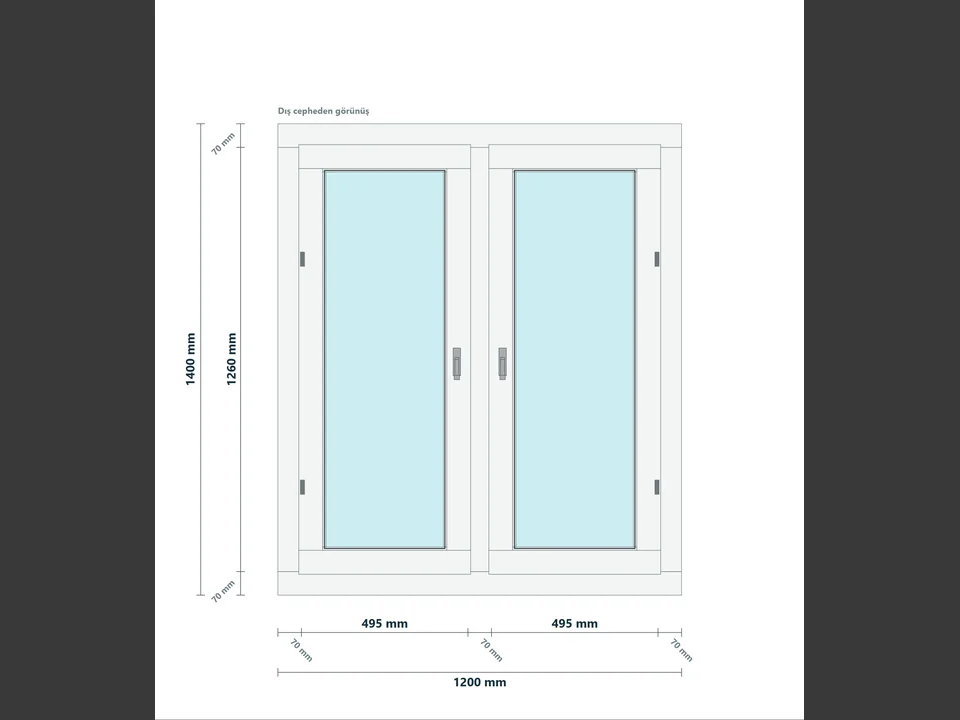
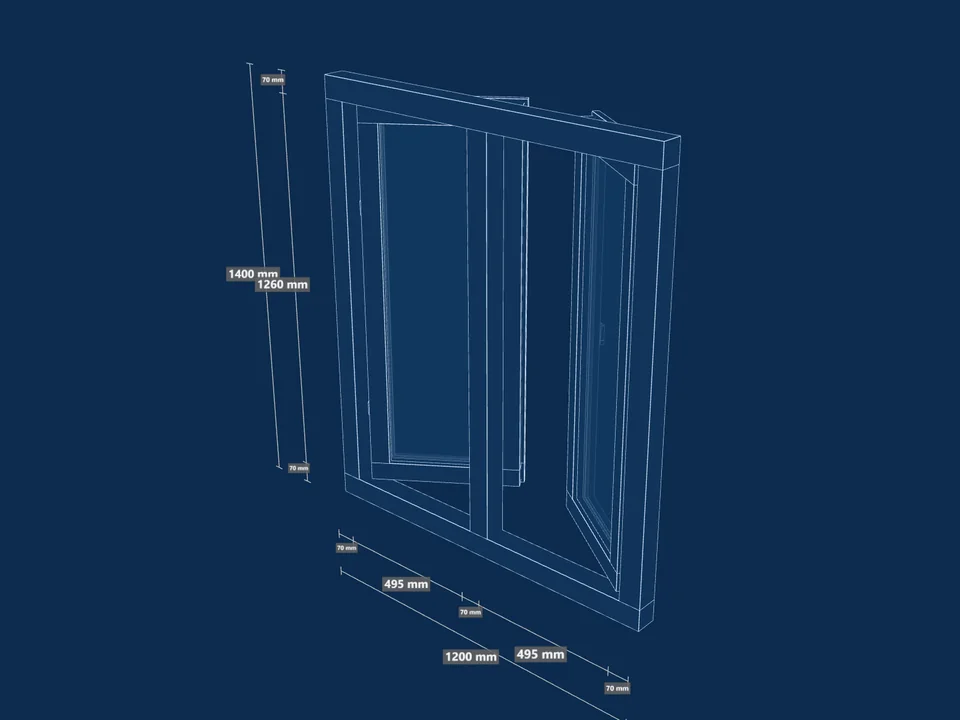
A window looks like a rectangle with glass in it, but it is a small construction: an outer frame, one or more sashes that sit over that frame, mullions and transoms that divide it, glazing beads that hold the glass, gaskets on both faces, and hardware. A smart window builder stores those relationships as rules rather than storing finished windows. Ask for 1500 by 1200 mm with two casements, and it works out how wide each sash has to be once the frame and the mullion have taken their share, how deep the glass package can be inside the profile, and where the handle goes. Ask for 1800 by 1400 and it does the same sums again, rather than stretching the first result. If you want to see what that means when you do it by hand, our step-by-step guide on how to make windows in SketchUp walks through the frame, sash and glass one at a time.
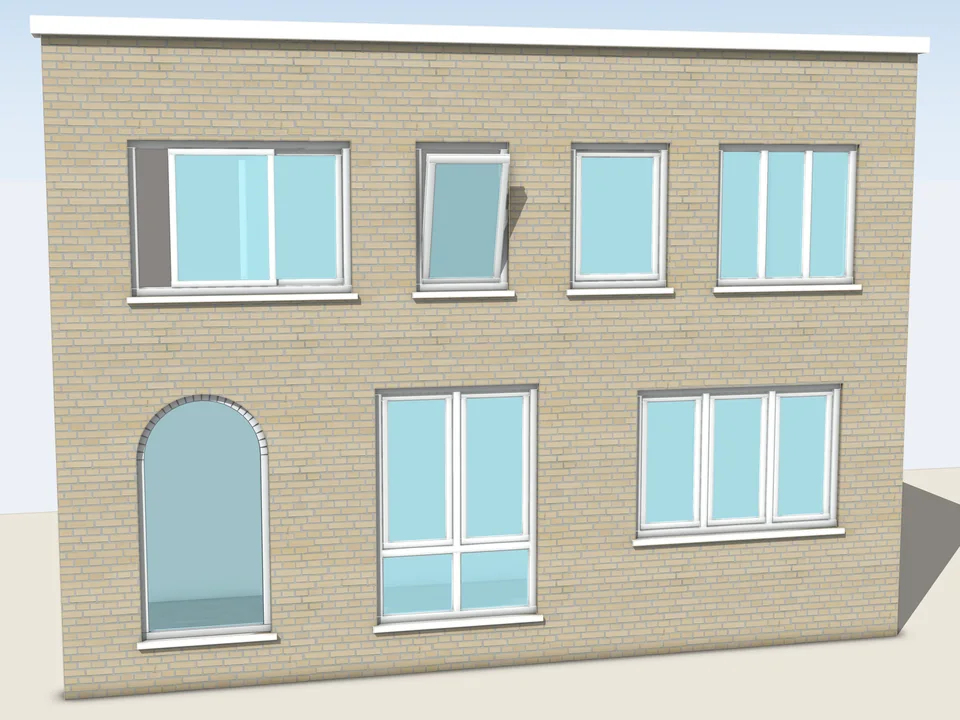
Smart window builder vs drawing by hand vs static window components
There are three ways to get windows into a SketchUp model, and each one fails at a different moment.
- Drawing by hand. Accurate if you are patient, and you control every millimetre. It breaks on repetition and on revision: forty windows means forty frames, and a changed opening means drawing that window again. The take-off is a separate job you do with a tape measure on your own model.
- Static components from a library. Fast to place, and fine for a massing model. They have one size: scale a 1200 mm window to 1500 mm and the frame thickens, the handle stretches and nothing knows how much profile there is.
- A smart, parametric window builder. You choose a type and type the size; the parts are built for that size with their real profile sections, and the window carries its own settings so it can be rebuilt later. The quantities come from the build, not from a second measurement.
What a parametric window generator builds from one size
In WindowFun Studio the panel is an HtmlDialog with a live 2D and 3D preview, so you see the window before it goes into the model. Dimensions can be entered in mm, cm, m or inches. Here is what the rules cover.
Frame, sash and profile detail
The profile detail goes down to frame and sash profiles, sash overlap and projection, vertical mullions, horizontal transoms, glazing beads, dark grey inner and outer gaskets, sliding tracks and a 3-step bevel. These are separate parts in the model, which is why you can explode a WindowFun window and see the frame, sashes, glass and gaskets come apart.
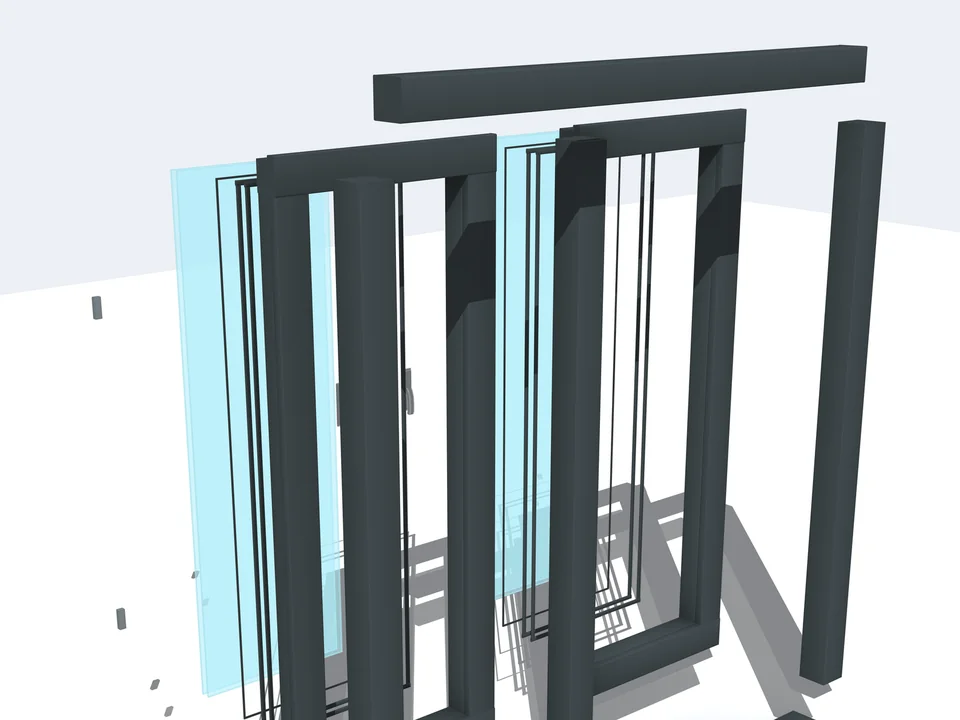
Glazing package
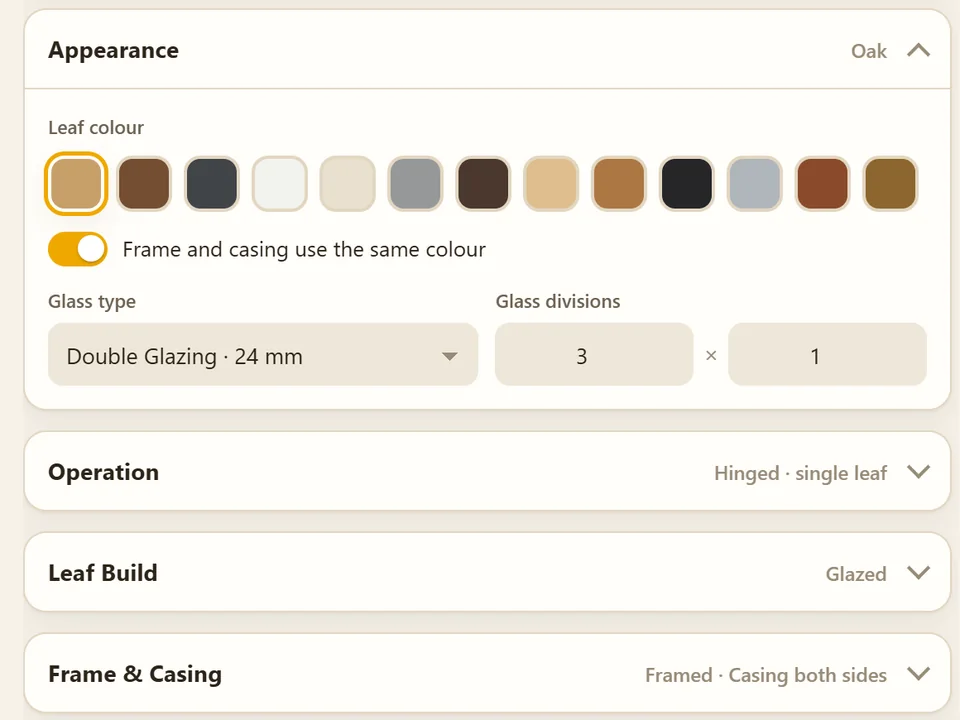
Single, double or triple panes, low-e double and triple, an adjustable gap and pane thickness, and clear, blue, green, bronze or frosted glass with an opacity setting. The rules check the package against the profile: a glass package too deep for the profile, a profile that leaves no room for glass, or a negative size is stopped by validation before anything is built.
Material, handle and opening
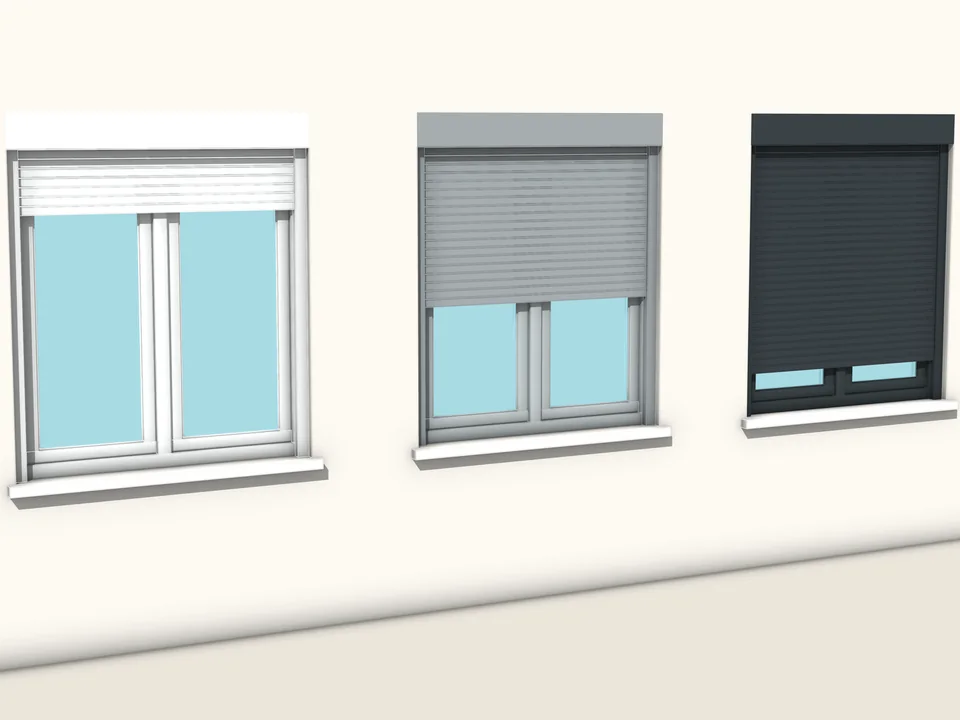
PVC, aluminium and wood profiles, with a colour set that covers white, anthracite and oak tones. Modern, classic or minimal handles. Left, right, top or bottom hinge, inward or outward opening, and an opening angle, so a hopper can be shown tilted open on the elevation instead of drawn shut.
A window type catalogue: casement, tilt-turn, hopper, sliding, French and arched
A smart builder is only as useful as the types it knows. WindowFun Studio has a 51-model catalogue in six categories, 1-, 2-, 3- and 4-pane, sliding and French, with category tabs and a search box. Each window type comes from its own geometry module: fixed, single, double and triple casement, hopper, awning, tilt-turn, triple fixed, folding triple, double sliding and arched. You pick the model; the module decides how that kind of window is put together. Our product write-up on WindowFun Studio's frames, sashes and bill of materials goes deeper into the catalogue itself.
Placing windows: one by one or along plan edges
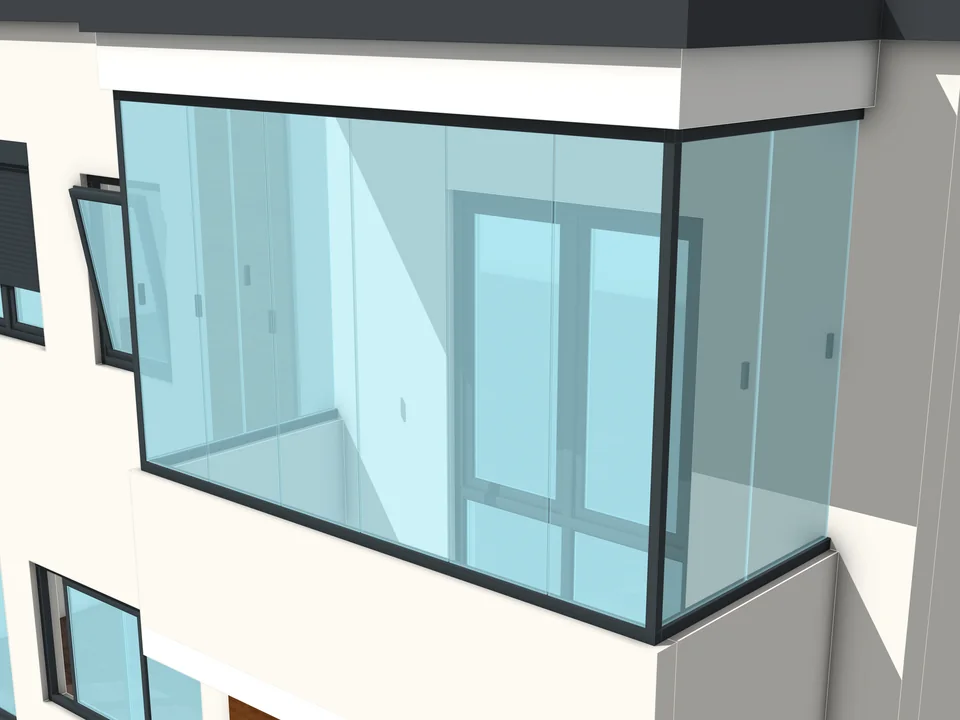
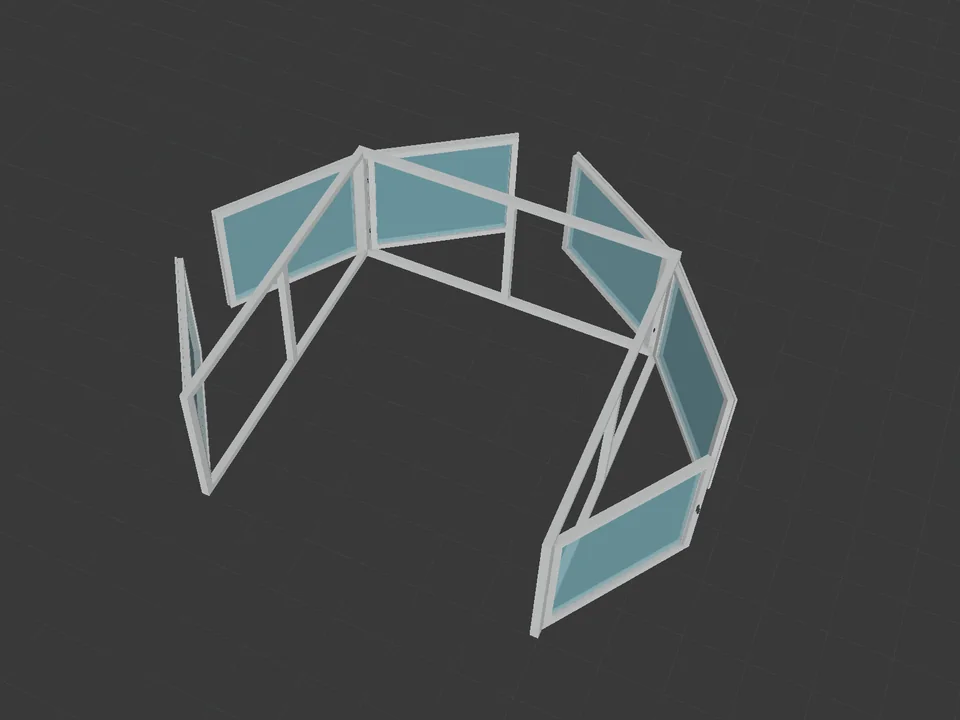
Windows can be placed freely, or along a selected path. Select a single edge, a sloped one, or connected L, U and C plan edges, and every segment gets a window with its width worked out for that segment; the path direction can be flipped if it comes in the wrong way round. A run of windows around a corner becomes one action, not a session of copying and stretching. The same idea carries to the glass balcony, which runs along L and U lines, and to roller shutters that you can show open as far as you like. Our article on where window and door placement goes wrong in SketchUp covers rough openings, reveals and keeping openings editable, whatever tool you use.
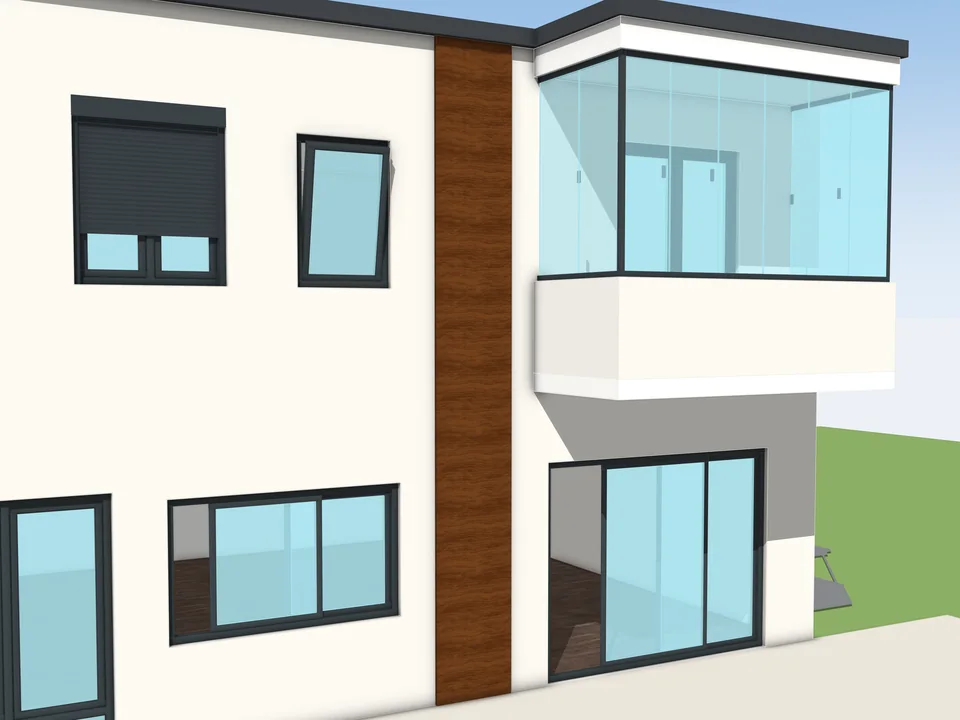
When the opening changes: rebuild in place
Revision is where static windows cost the most. A WindowFun window keeps its settings with it. Select a placed window's root group, and its stored configuration comes back into the panel; change the size, the glass or the opening, and it rebuilds in place in a single undo step. For the standard window you use on every job, the preset manager keeps three templates free, and unlimited ones with the Design Pro licence. A changed opening costs a minute, not an evening.
From model to take-off: window schedule, BOM, DXF and a printable quote
The other half of a smart builder is what comes out of it. Because every part is built from rules, it can be counted. With the Cost Pro licence the estimation engine counts frame, sash and mullion metres, glass area in square metres, gasket metres and hardware, then applies finish multipliers, a profile brand from five presets or a custom one, and a currency. Out of that come a semicolon-separated CSV bill of materials, a DXF technical drawing written by the plugin itself with its entities on layers, a printable PDF quote and, with Design Pro, a batch report. There is also a model-wide inventory that counts every WindowFun window in the model by catalogue name: a window schedule you did not have to type. For the wider subject of getting quantities out of any SketchUp model, see our guide to SketchUp quantity take-off.
A real workflow with a smart window builder
- Open WindowFun Studio and pick a model from a category tab or the search.
- Type the width and height in the unit you work in. Set the profile material and colour, the glass package, the handle and the opening side.
- Check the live 2D and 3D preview; validation flags a glass package that does not fit.
- Place it on its own, or select plan edges and let every segment fill with a window sized to it.
- The client moves a wall: select the window, change the number, rebuild in place, one undo step.
- Export the CSV bill of materials, the DXF and the PDF quote, and run the inventory to see every window in the model by name.
What a smart window builder does not do, honestly
- Treat it as a design and quoting tool. The DXF and CSV are honest take-offs for pricing and shop drawings, not a validated CNC file.
- The 51 catalogue entries bind name, category and licence to the nearest base geometry. Bespoke details for some of them, such as transom placement, the bottom fixed pane, the 4-pane layout and the special sliding types, are still being finished, so a few models build from a close relative rather than their exact drawing. Bespoke geometry for every entry is on the roadmap.
- The panel speaks Turkish, English and German, but the Ruby menus and warning messages are still Turkish only; bringing them in line is the next step on the roadmap.
- Four of the 51 models and three preset slots are open without a licence. Cost Pro (the estimation engine) and Design Pro (the other 47 models, unlimited presets, the batch report) are two independent machine-locked licences, and neither needs the other.
WindowFun Studio, the WindowFun web tool or Door Studio: which one?
Three of our tools deal with openings. WindowFun Studio is the SketchUp plugin this post is about: windows built inside your model, placed along your plan edges, counted for a quote. WindowFun Studio Web is the browser version for when the quote is the job and there is no SketchUp model: 55 parametric models with a live 3D view, a dimensioned elevation, a priced quote and a cut list with bar optimisation, offline. And for the doors on the same facade, Door Studio reads the wall it is placed in, its direction, thickness and floor level, and builds 51 door models with real frames and hardware; our Door Studio write-up shows how.
Questions about smart window builders in SketchUp
Is a smart window builder the same as a dynamic component window?
No. A dynamic component is one object whose formulas you write and maintain yourself. A smart window builder is a generator: you choose a type and type a size, and it builds the frame, sashes, mullions, gaskets and glass for that size from rules already written, then stores the settings on the window so it can be rebuilt in place later.
Which SketchUp versions does WindowFun Studio run on, and does it need the internet?
Desktop SketchUp 2024, 2025 and 2026. Nothing leaves the machine: the catalogue, the geometry, the cost estimate and the CSV, DXF and PDF exports are all produced locally, and the licence check is done locally too. No account, no server call.
Can I send the DXF from a parametric window plugin straight to fabrication?
Not from WindowFun Studio, and we say so plainly. Its DXF and CSV are take-offs for pricing and shop drawings, written from the model's own geometry, not a validated CNC file.
Can I try the window generator before buying a licence?
Yes. Four of the 51 catalogue models and three preset slots work from the start, so you can build, place and rebuild real windows in your own model before deciding. Cost Pro and Design Pro are bought separately, so you only pay for the half you need; current terms are on the product page.
The advantage is plain: you stop boxing out sashes and start choosing windows, the facade survives every revision, and the quote leaves with the model instead of a day later. WindowFun Studio was written by Ufuk Şen, a SketchUp instructor of 18 years with 7,269 students on Udemy, for the evening that used to disappear into window frames. Open the WindowFun Studio page, see what it builds, and put the next facade's windows in with it.
Type the size. The window builds itself.
Windows & Doors$30WindowFun StudioWindowFun Studio
Don't draw windows one by one: type the size, get window and quote.
- 51 models, 6 categories
- CSV + DXF + PDF quote
- SketchUp 2024-2026
SketchUp 2024–2026v1.1.0
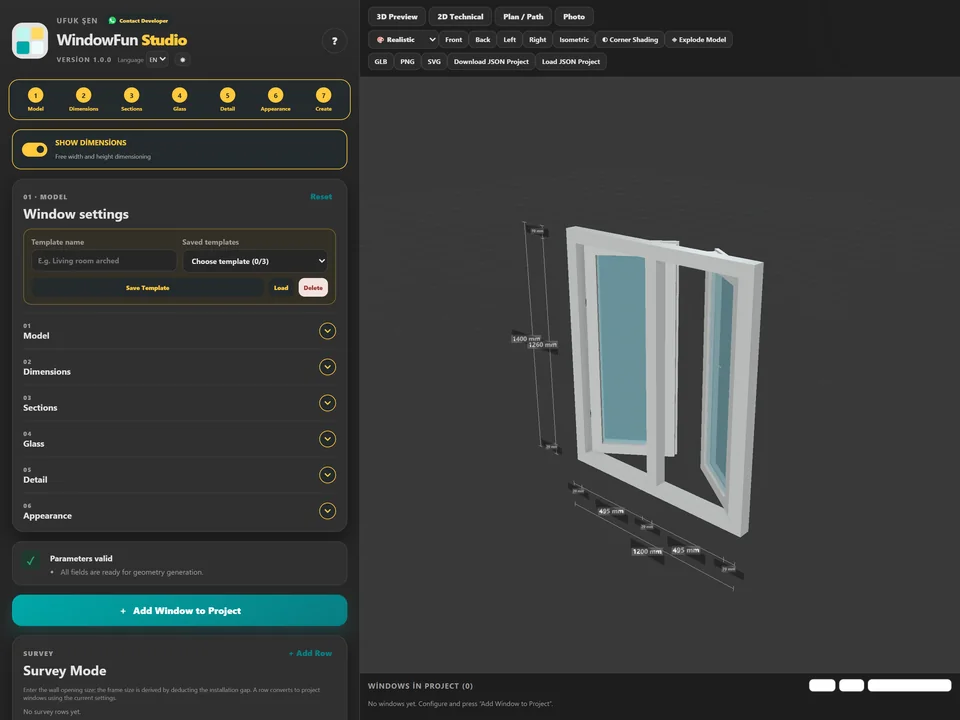
Type the size, watch it build in 3D.
Windows & Doors$30*WindowFun Studio WebWindowFun Studio Web
No hours of quote maths: design the window, get quote and cut list.
- 55 models, 6 categories
- 105 tests passing
- Offline PWA, TR/EN/DE
Runs in your browserv1.0.0
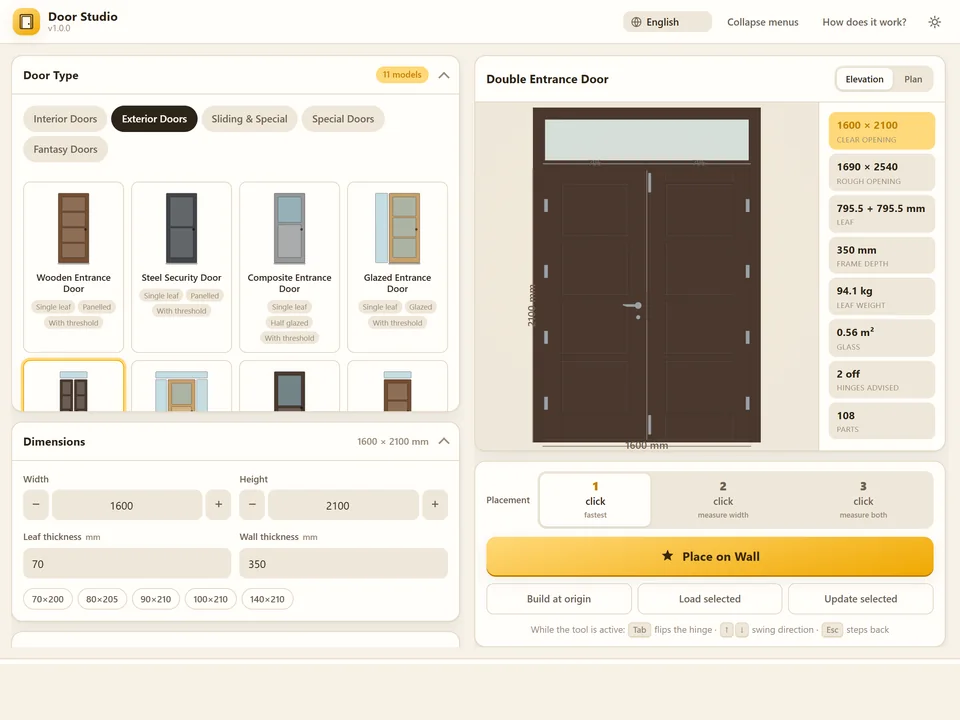
Pick a door, click the wall. It fits itself.
Windows & Doors$30Door StudioDoor Studio
No walls cut by hand: pick a door, click the wall, it fits itself.
- 51 models, 4 categories
- 1/2/3-click wall placement
- 572 tests green
SketchUp 2021–2026v1.6.0