The curious SketchUp user is the one who stops repeating a task and asks the program to do it. Picture the moment a menu has no answer, and one line typed into a console gives you one. SketchUp has a programming language built in, and it is the same one every extension is written in: Ruby. You do not need to write extensions to benefit from knowing a little of it; the Ruby Console alone answers questions no menu does.
Open the Ruby Console
Extensions > Developer > Ruby Console (Window > Ruby Console up to SketchUp 2019). Type a line, press Enter, and SketchUp runs it. SketchUp 2021 to 2023 ship Ruby 2.7 and 2024 onwards Ruby 3.2, which is why an old extension can fail on a new SketchUp; the console is where that error shows.
- Sketchup.version prints the version you are running.
- Sketchup.extensions.each { |e| puts "#{e.name} #{e.version} #{e.loaded?}" } lists every installed extension and whether it actually loaded.
- Sketchup.active_model.selection.length counts what is selected.
Draw something with the Ruby API
The model, its entities and the tools are all objects. Three lines make a box: model = Sketchup.active_model, then face = model.active_entities.add_face([0,0,0], [1000.mm,0,0], [1000.mm,500.mm,0], [0,500.mm,0]), then face.pushpull(-300.mm). Note the .mm: internally SketchUp measures in inches, and those helpers convert for you.
Wrap real work in an operation so it undoes in one step: model.start_operation('Make box', true), your code, then model.commit_operation. Every well-behaved extension does this; it is the difference between one Ctrl+Z and fifty.
What an .rbz contains
An .rbz is a zip with two things at the top: a small loader .rb that registers the extension with SketchupExtension, and a folder of the same name with the real code, icons and dialogs. Panels are usually HtmlDialog windows, which is why many modern extensions have a web-style interface. The official Ruby API reference, SketchUp's tutorial repositories on GitHub and the Extension Warehouse technical requirements are the places to learn it properly.
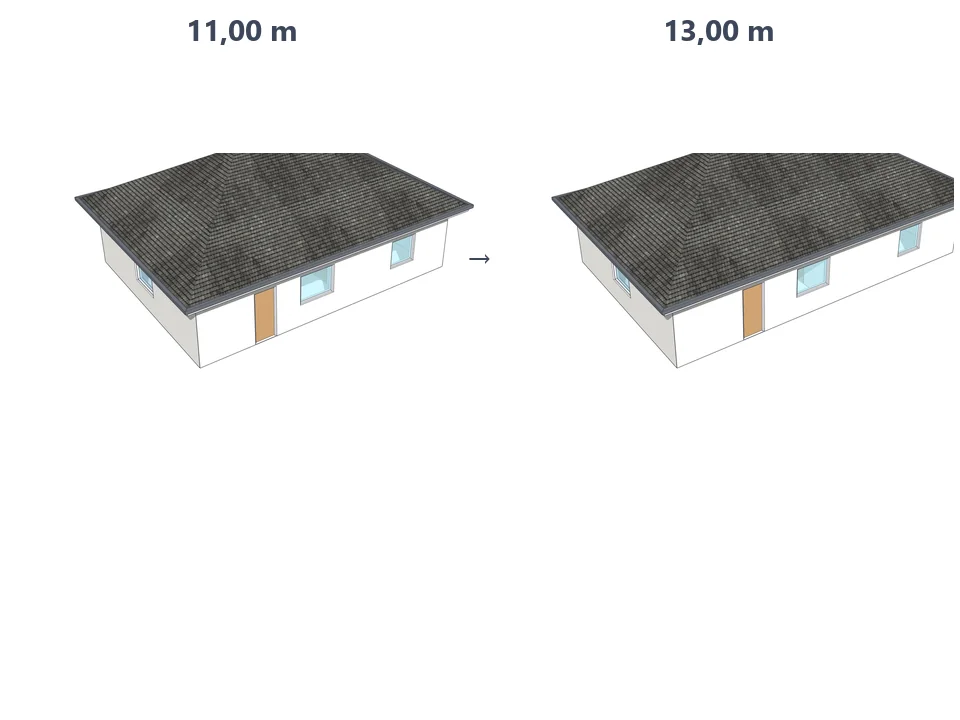
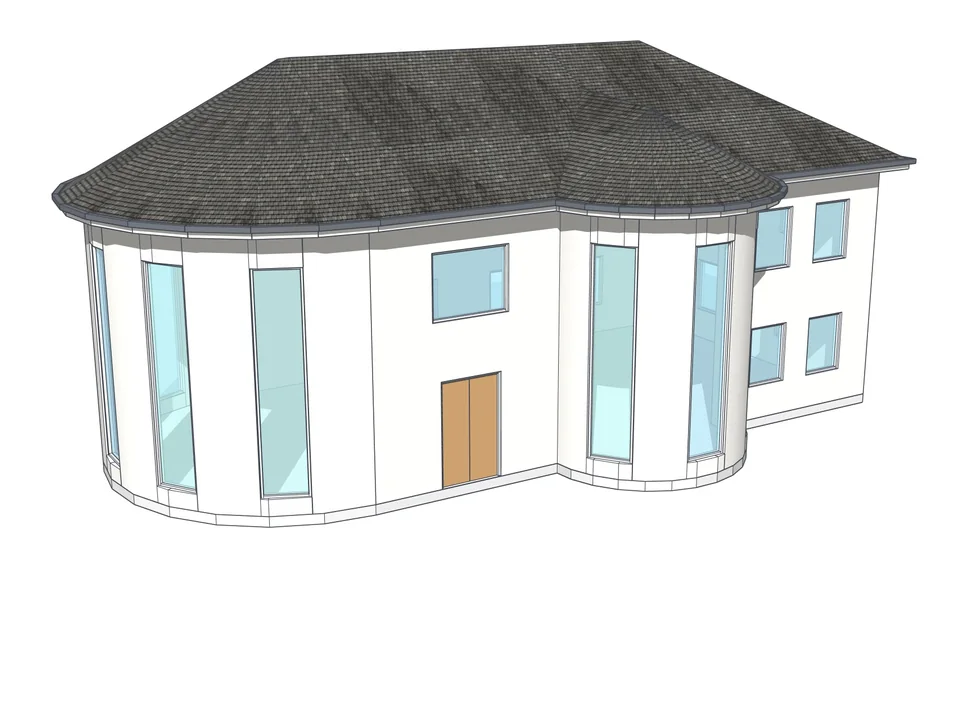
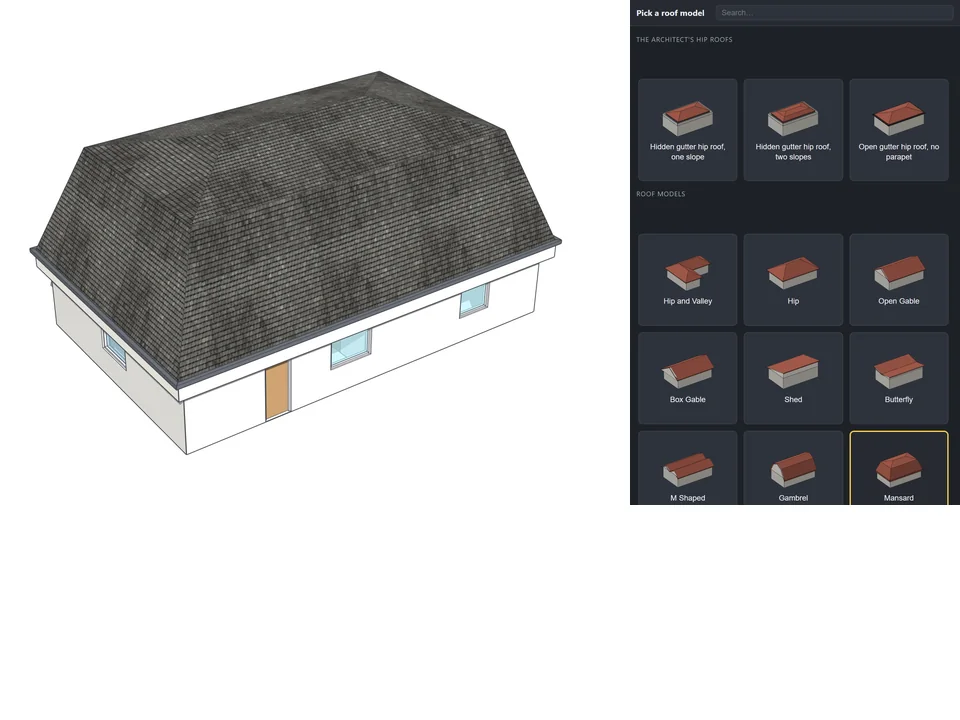
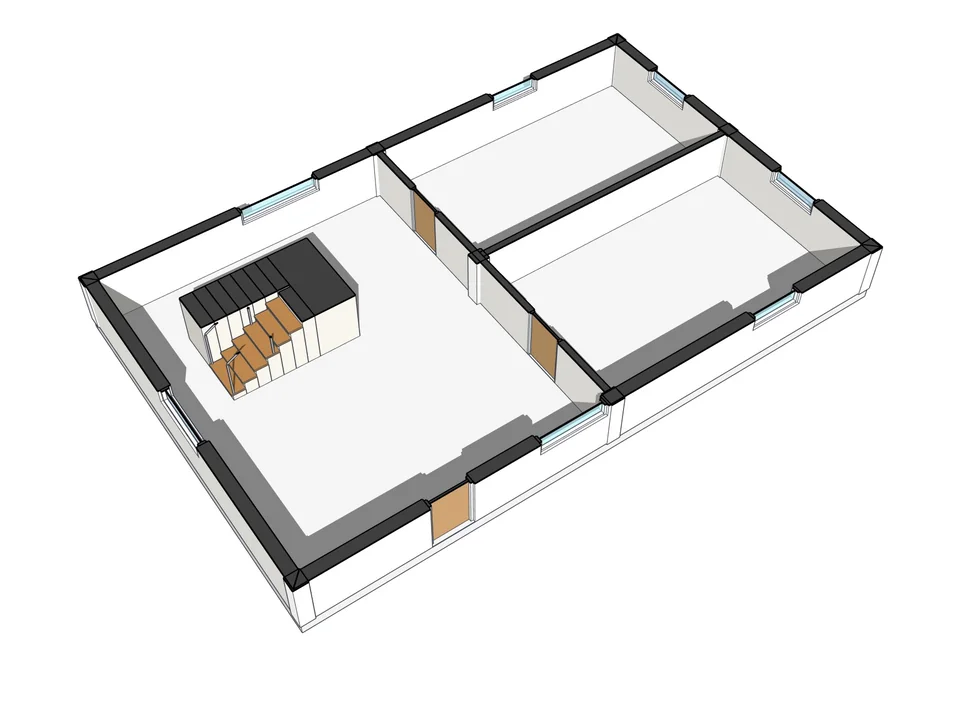
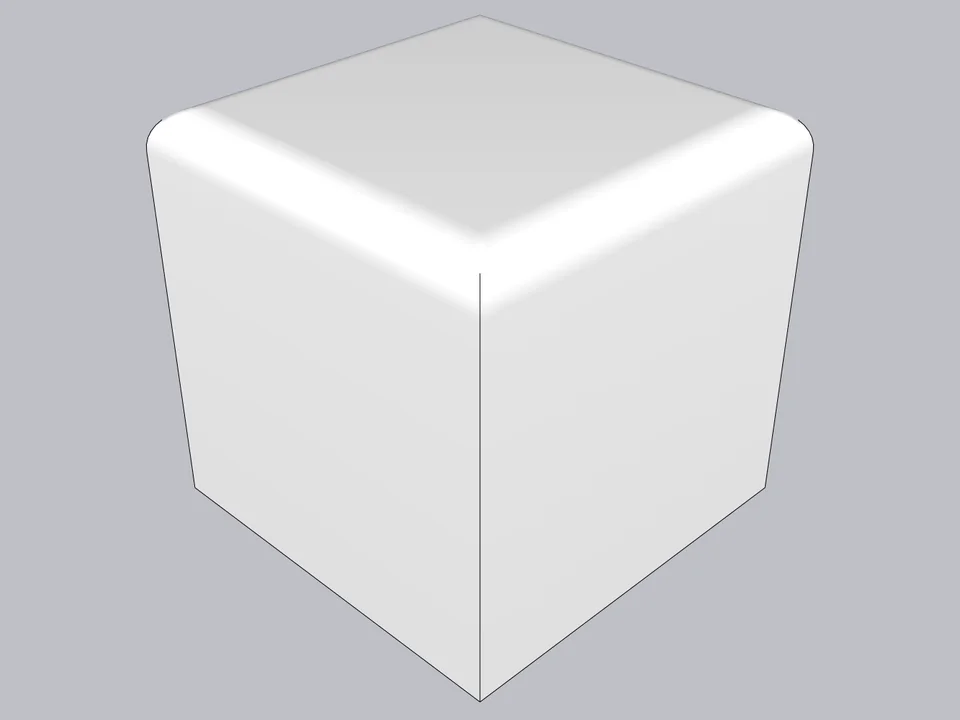
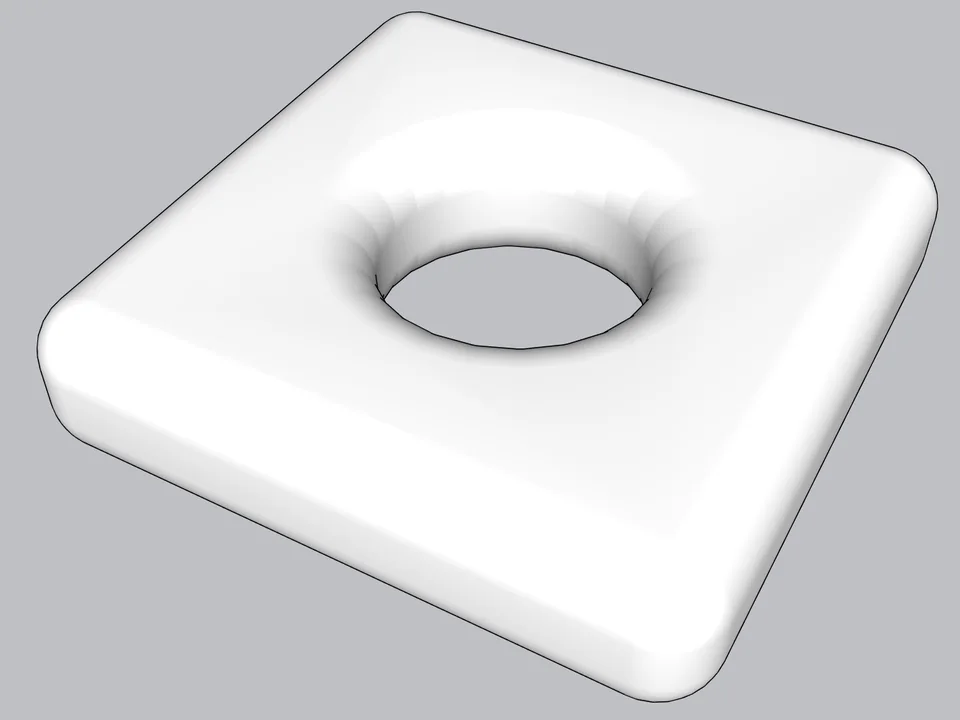
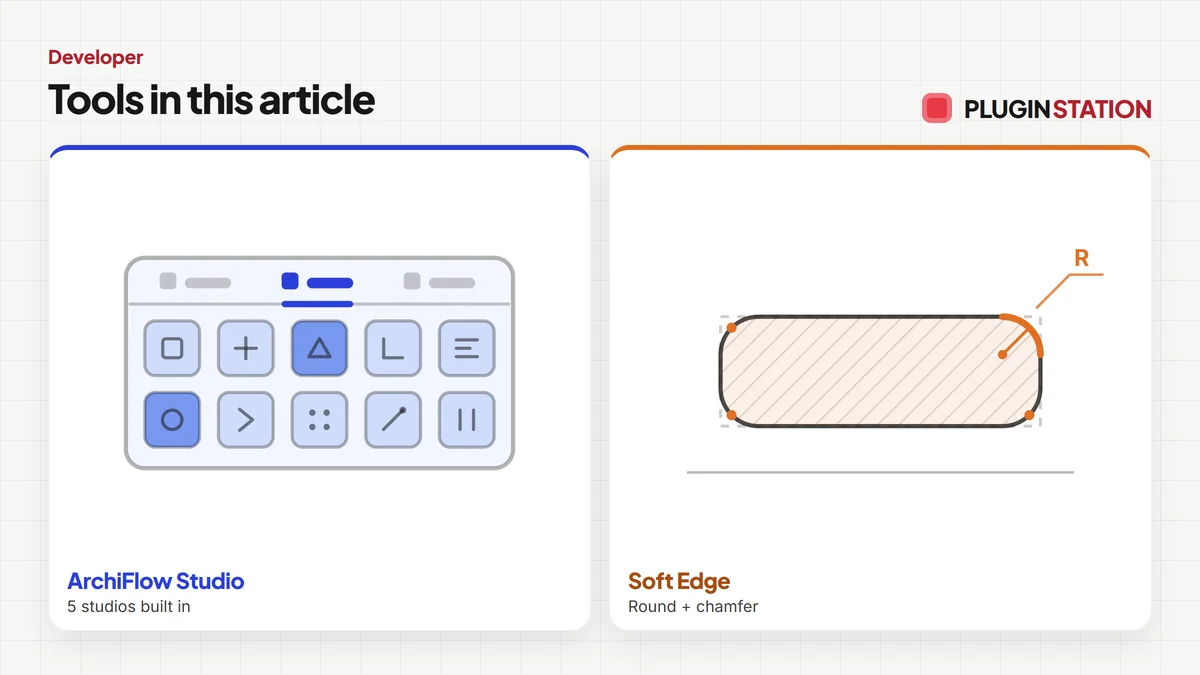
Our own tools are built exactly this way, and most of them are written for both Ruby versions so they run on SketchUp 2021 to 2026. ArchiFlow Studio uses observers to rebuild walls and openings about 150 ms after an edit; Soft Edge stores the original solid in the group's attributes so a rounding can be rebuilt or restored.
The advantage of a little Ruby is control: you understand what an extension does on your machine and why it runs on your version. When you would rather have the finished tool than write it, the plugin finder points you to the extensions that already do the job.

Draw the plan. One click, it's 3D.
Architecture$99ArchiFlow StudioArchiFlow Studio
Draw the plan once; move a wall and the building rebuilds itself.
- 5 studios built in
- 150 ms auto-rebuild
- SketchUp 2021-2026
SketchUp 2021–2026v1.72.0

Type a radius, click: every edge goes soft.
FREE ProductivitySoft EdgeSoft Edge
Skip hand filleting: round or chamfer in one click, always editable.
- Round + chamfer
- SketchUp 2021-2026
- Free
SketchUp 2021–2026v0.8.1