You are the one with the ideas; SketchUp's job is to keep up. Picture the doors of a whole project landing in their walls while you watch, each one ordinary SketchUp geometry you can still edit next week. A SketchUp plugin is a Ruby program that runs inside SketchUp and can create and edit geometry through the same API SketchUp's own tools use. It is not a filter and not a settings pack: it is code with the same rights as the Move tool. It can draw an edge, make a face, push it, group it, name it, paint it and drop it on a tag - and it can do that ten thousand times while you sit still.
Installed, it shows up as a menu item, usually a toolbar button, and often a panel with fields in it. You answer a few questions about size, material and position, and geometry lands in your model. What it builds is ordinary SketchUp geometry. Send that file to a contractor with nothing installed and it opens exactly the same.
What is a SketchUp plugin made of?
A folder of .rb text files, plus one small loader file beside it in SketchUp's Plugins folder. SketchUp reads that folder at start-up, runs the loader, and the loader registers the menus and toolbars. Ruby is not compiled, so a plugin is readable text; commercial ones usually ship with their source encrypted as .rbe files - the format SketchUp has used since 2016, in place of the older scrambled .rbs.
What that folder is allowed to add to SketchUp is short and predictable:
- A menu item, usually under Extensions, and a toolbar of its own
- Right-click entries on geometry it recognises
- A panel built from HTML, CSS and JavaScript - an HtmlDialog - that talks back to the Ruby side
- A row in Extension Manager with an on/off switch
- Attribute data written invisibly into your model, so the plugin can find its own work again later
SketchUp extensions vs plugins: two names from two eras
They are the same thing. Before the Extension Warehouse, you dropped loose .rb scripts into the Plugins folder and everyone called them plugins. Trimble then standardised the packaging: an .rbz file, which is a renamed zip, a registration file that declares the extension to SketchUp, and Extension Manager to switch it on or off. Official wording moved to extension. Everyday wording stayed plugin.
The only practical difference is housekeeping. A properly packaged extension can be disabled or removed from Extension Manager without going near a folder; a loose script just loads and stays loaded. When you are shopping, treat the two words as one word.
What the SketchUp Ruby API can and cannot do
This is the part worth understanding, because it explains both why plugins feel like magic and why they sometimes stop short of what you expected. The API gives real access to the model:
- Create, transform and delete edges, faces, groups and component definitions
- Read the model back - Door Studio fires a raytest at a wall to get its direction, thickness and floor level before it builds anything
- Apply materials with real UV placement, not just a stretched texture
- Store its own parameters in attribute dictionaries, so a door placed today can be re-opened and rebuilt tomorrow
- Run a custom tool that uses SketchUp's own inference and snapping
- Read and write files, which is where cut lists, CSV take-offs and DXF exports come from
- Wrap thousands of edits into one operation, so an entire run is a single Ctrl+Z
And the limits, which nobody puts on a product page:
- No true curves. Every arc is a chain of segments, so smooth is a segment count you pay for in faces
- The Solid Tools API - union, subtract, outer shell - is Pro only. A plugin can still cut geometry with intersect_with on any seat, but it has to assemble the result itself
- No shader access. A plugin can draw its own overlay in the viewport, but it cannot change how SketchUp shades the model, and it hands a render engine nothing but geometry, materials and light
- Ruby runs on the same thread as the window, so a heavy run freezes the interface. That is why FloorStudio asks for confirmation above 20,000 tiles and stops hard at 100,000
- SketchUp has no parametric history of its own. If a plugin wants its work editable later, it has to remember the parameters itself
Why a plugin builds in a second what costs you an afternoon
Every step you take by hand - rectangle, push/pull, group, name, copy, rotate, trim - is one API call for the plugin. It makes them in a loop. It does not lose the inference at the 200th copy, it does not misname the 40th component, and it is not slower at four in the afternoon than it was at nine.
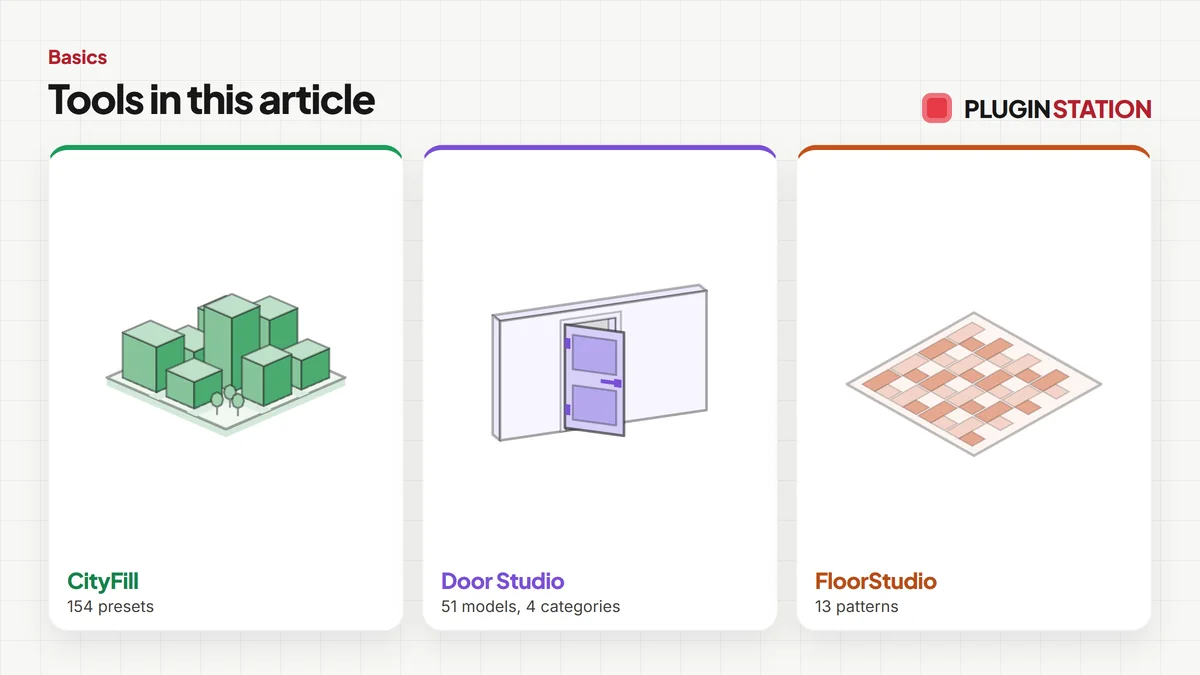
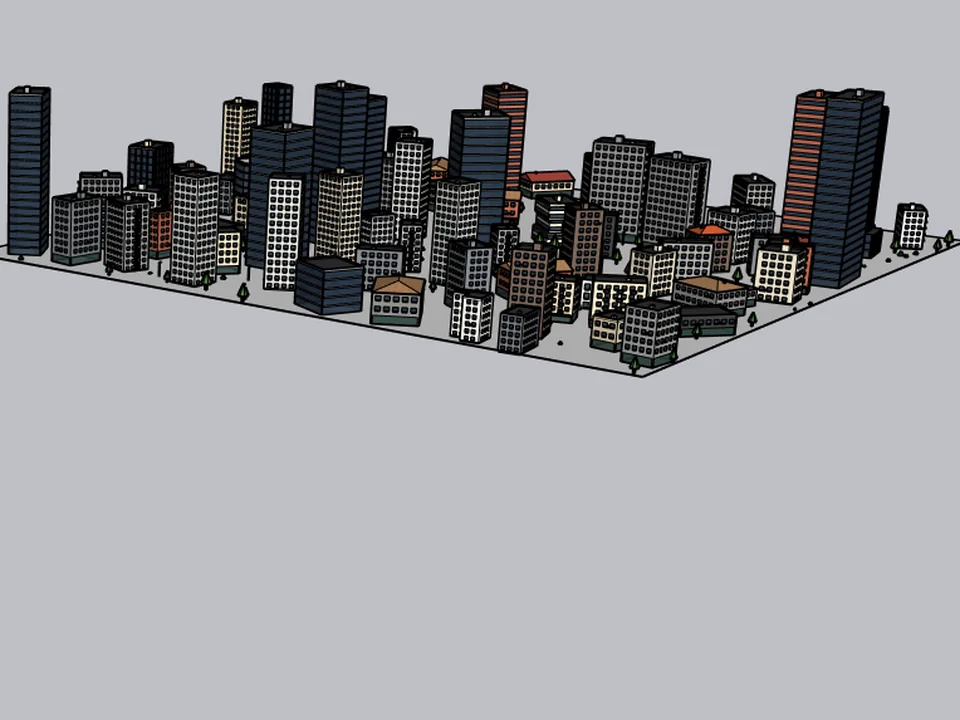
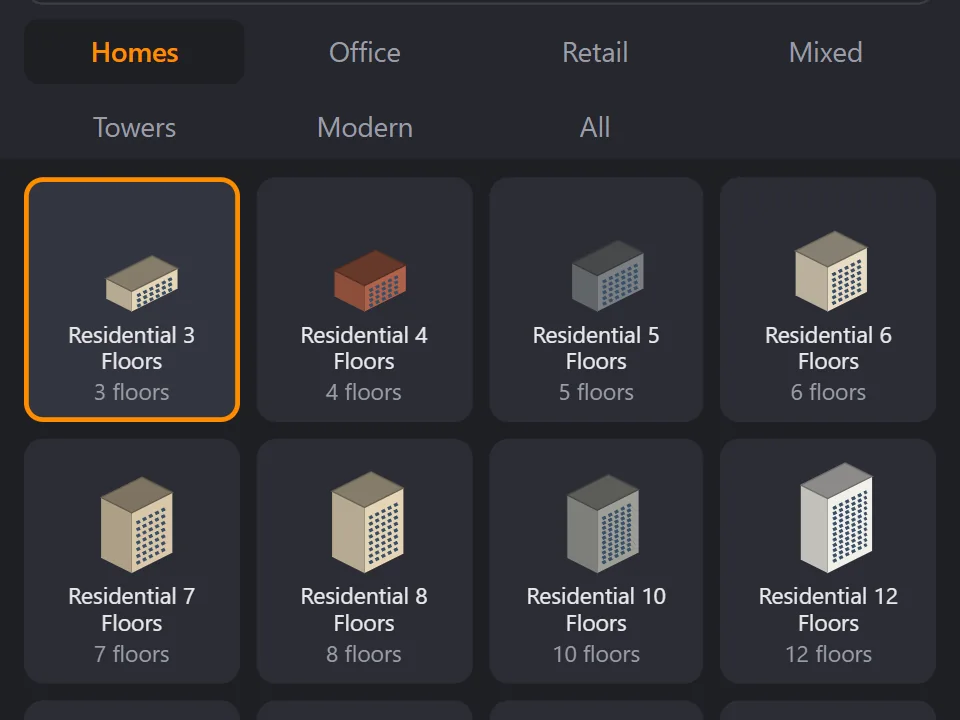
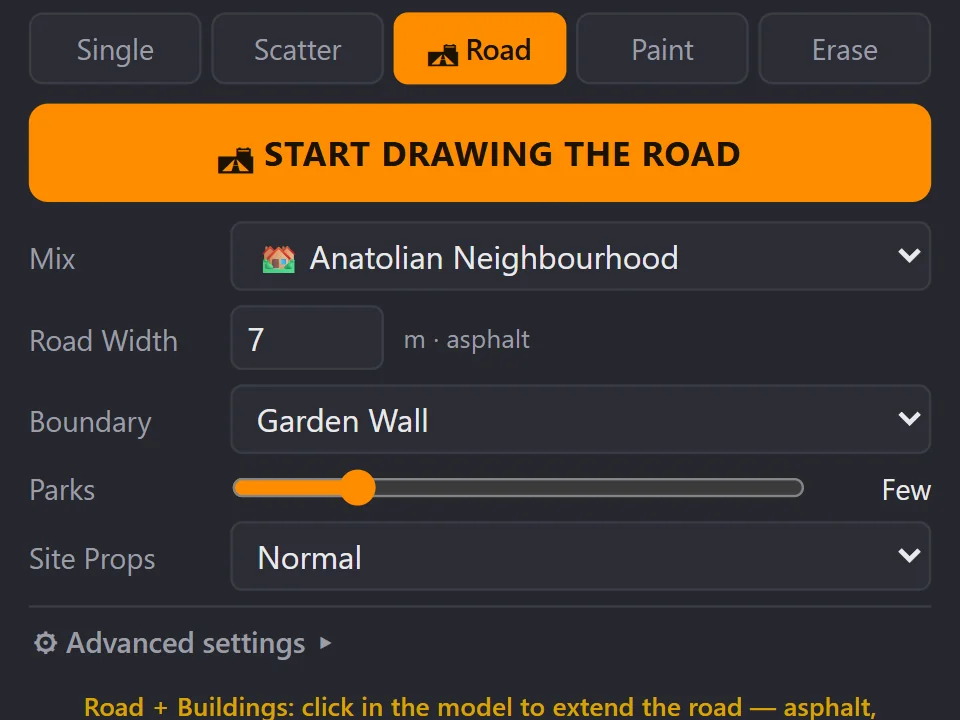
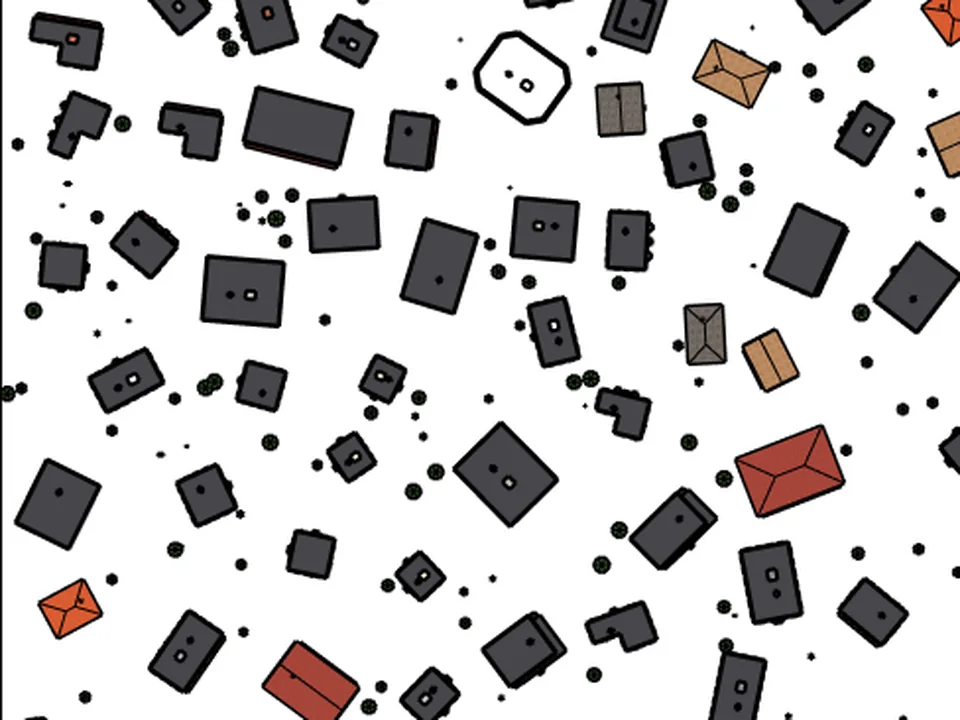
CityFill is the clearest case in our catalogue. Filling the block around a building by hunting down filler models is logged at 150 minutes; scattering the same block from 154 parametric presets takes about 25 seconds, and the whole field is still one Ctrl+Z. The buildings are generated inside SketchUp at real metric size, so there is no heavy Warehouse import to purge afterwards. It is free, which also makes it the cheapest way to see what a plugin actually does.

Draw the road. The street grows with it.
FREE Urban DesignCityFillCityFill
No white void around your design: fill the city in a few clicks.
- 154 presets
- 3 placement modes
- SketchUp 2021-2026
SketchUp 2021–2026v2.0.0
Installing a plugin, and finding it afterwards
Installation is one dialog. Open Extension Manager from the Extensions menu - the Window menu in older releases - click Install Extension, choose the .rbz file, and let SketchUp restart if it asks. Nothing needs unzipping first; SketchUp opens the .rbz itself.
Where SketchUp plugins live on Windows and Mac
If you ever need to look inside, each SketchUp year keeps its own Plugins folder:
- Windows: C:\Users\<you>\AppData\Roaming\SketchUp\SketchUp 2026\SketchUp\Plugins
- Mac: ~/Library/Application Support/SketchUp 2026/SketchUp/Plugins
Two SketchUp versions on one machine means two folders, and a plugin installed into 2024 is not installed into 2026. That one catches somebody out every January.
Finding the tool after it installs
- The Extensions menu is the first place to look
- Its toolbar may simply be switched off: View > Toolbars on Windows, View > Tool Palettes on Mac
- Some tools sit in the right-click menu of geometry they recognise
- If nothing shows up, Extension Manager tells you whether it is installed and enabled
- The Ruby Console shows the error when a plugin fails quietly
After that the working pattern is nearly always the same: select a face or an edge, or start the tool and click in the model; set the numbers in the panel; commit. Save before your first big run - not because plugins are fragile, but because a 20,000-piece operation is a poor moment to discover you had nothing on disk.
What one door on one wall looks like in practice
Take the job every architect has done by hand: a panelled door in a wall, with a frame, an architrave, hinges and a lock. Modelled properly it is around 25 minutes. Modelled badly it is a box with a texture on it, and the client spots it in the first render.
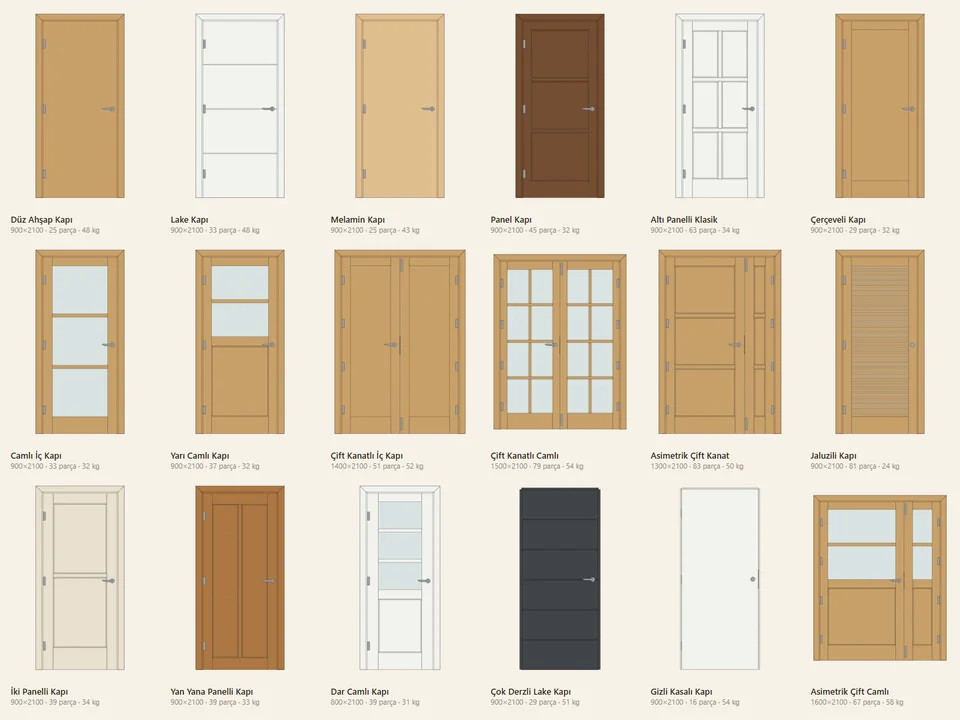
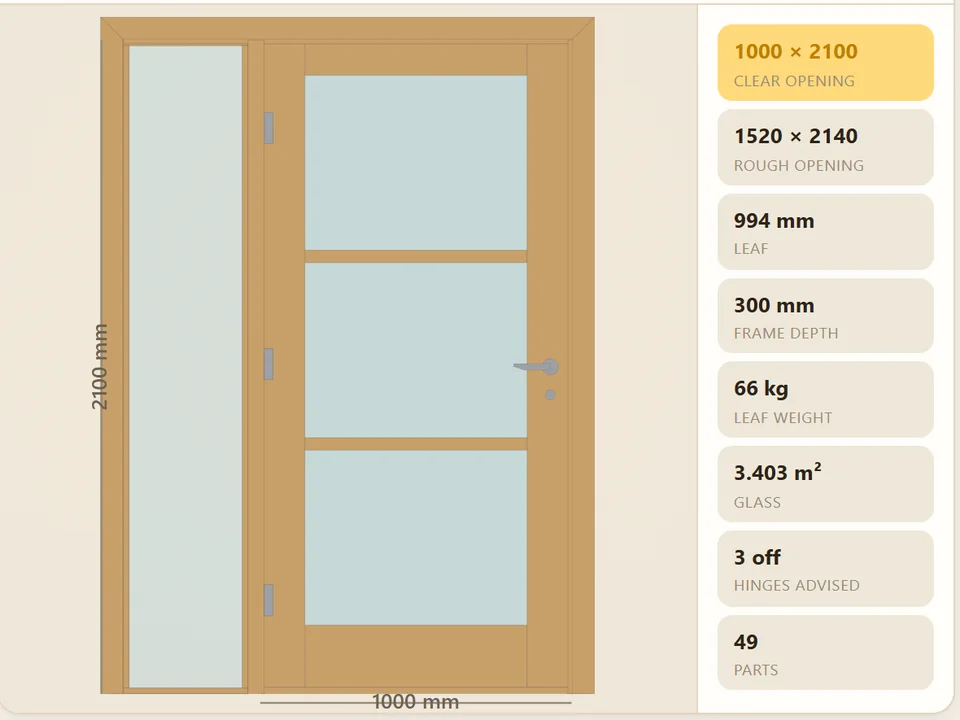
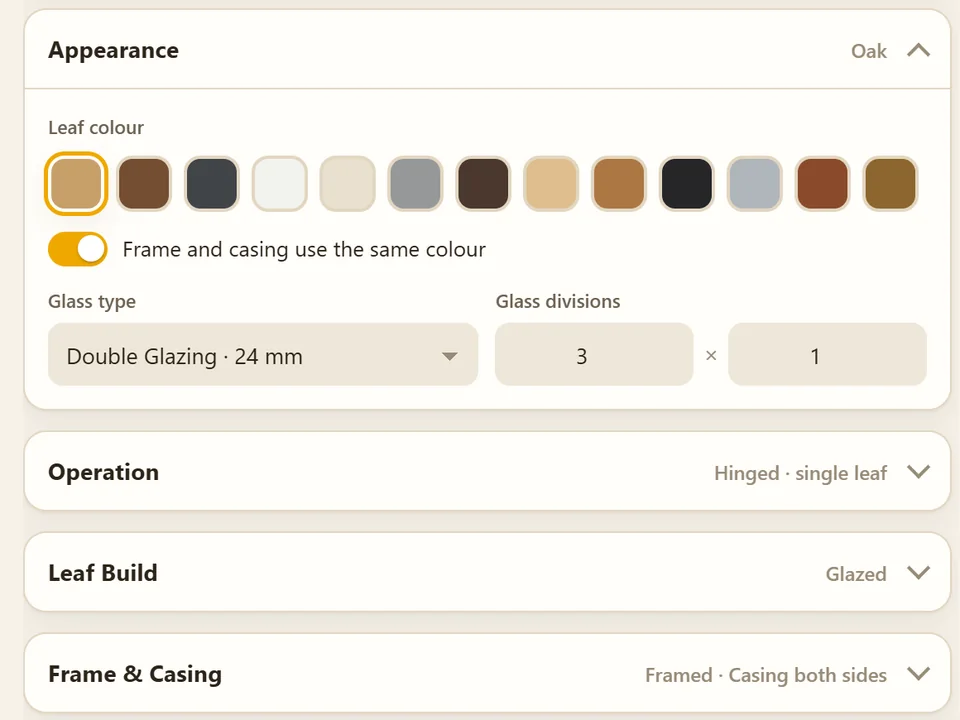
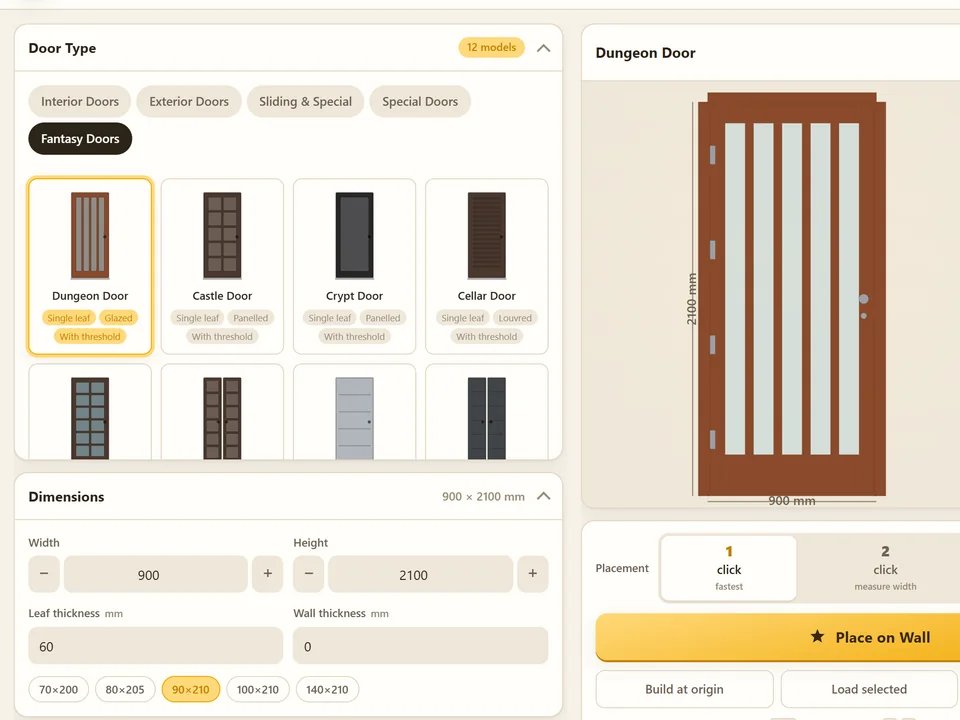
Door Studio does it as a click. You pick one of 63 models - 18 interior, 11 exterior, 11 sliding, 11 special, 12 fantasy - and click the wall. It raytests the wall for direction, thickness and floor level, then builds real stiles, rails, a rebated frame with shims, mitred architraves, glazing beads, hinges and the lock. One click centres the door at the panel size, two clicks measure the width off the opening edges, three clicks take the height as well. From a top view, where no vertical face can be picked, it switches to plan mode and works out the same information from two corner clicks.
The part that matters a week later: click a door you already placed and its settings come back into the panel. Change a dimension and it rebuilds in place. Underneath, every part is a component instance, so a 100-door project's 3,964 parts collapse to 119 definitions and the definition names read like cut-list lines. It runs on SketchUp 2021 to 2026, the interface is fully Turkish, English and Spanish, and 572 automated tests run green across five suites. It does not cut the opening in the wall, deliberately - slicing automatically into walls you have already modelled is the fastest way to ruin them.

Pick a door, click the wall. It fits itself.
Windows & Doors$30Door StudioDoor Studio
No walls cut by hand: pick a door, click the wall, it fits itself.
- 63 models, 5 categories
- 1/2/3-click wall placement
- 572 tests green
SketchUp 2021–2026v1.6.0
The half you always leave for later: it counts while it builds
Geometry is only half of what a plugin is for. The other half is that it knows what it made. Lay a floor by hand and the take-off is a second job, done later, with a tape measure and a calculator.
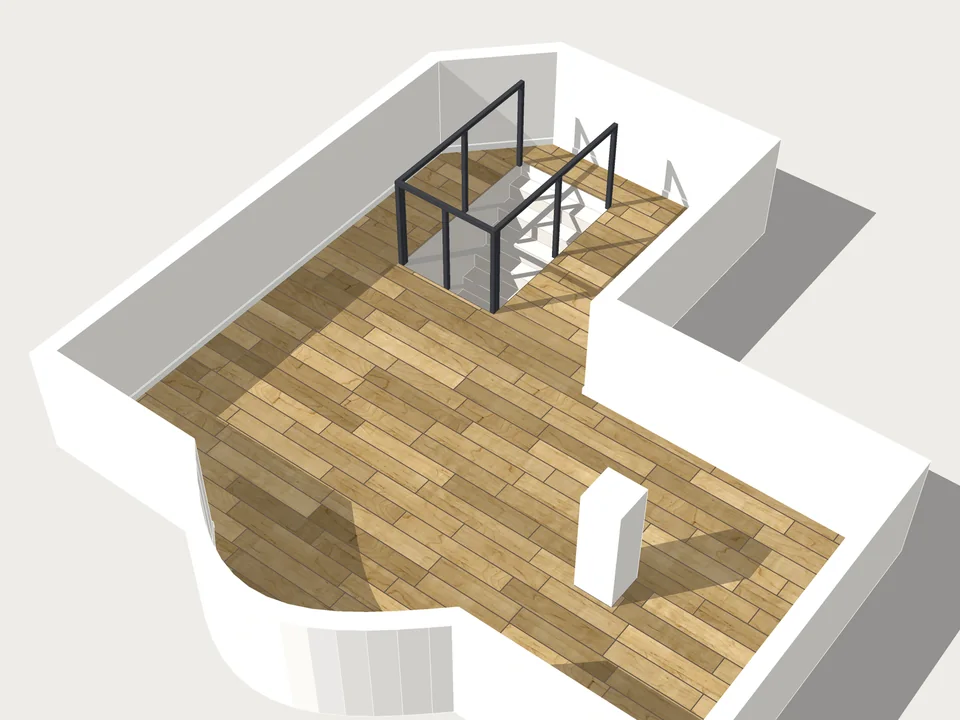
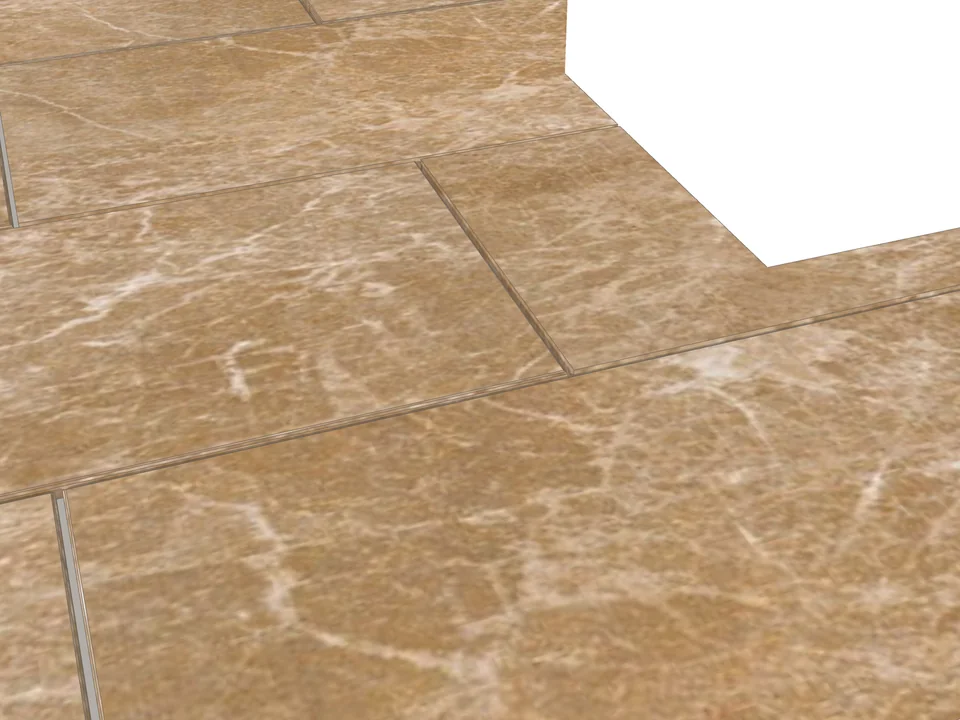
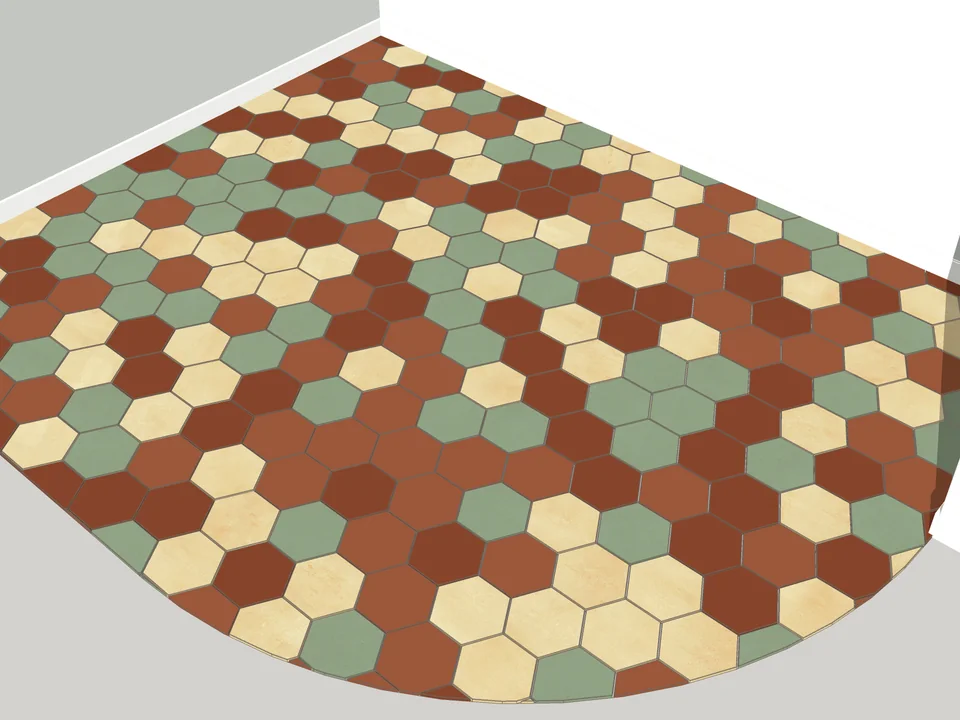
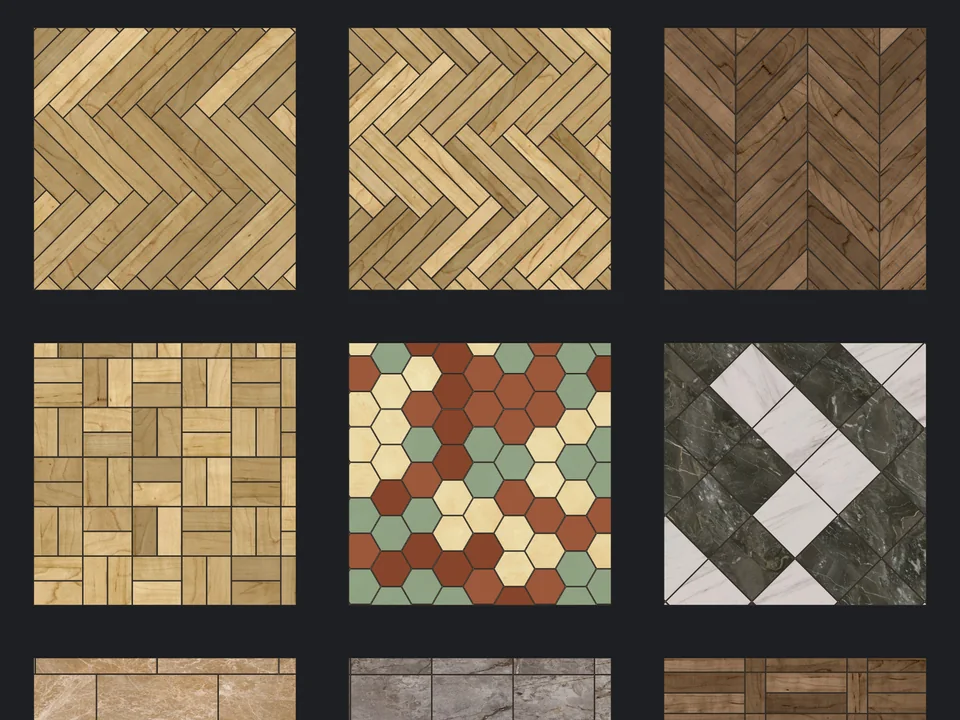
FloorStudio lays boards on a face in 13 patterns, with grout X and grout Y as real physical dimensions rather than a scale trick, and clips every board to the actual room outline - walls, stairwells, shafts, columns. While it builds, it counts: full pieces, cut pieces, grout area, waste allowance, suggested box count, out as CSV. The same floor by hand is logged at 45 minutes; the plugin run is about 45 seconds. Its clipping core is a pure 2D Ruby classifier checked against a brute-force reference over four room geometries with 4,000 random tiles each, and 83 automated tests run green. One caveat, said plainly: export is CSV only today; a PDF cut sheet is next on its list. The interface is in English, Turkish and German.

Pick a face, pick a pattern. Floor laid.
Flooring$39FloorStudioFloorStudio
Skip the tile-by-tile copying: every board cut, counted, out as CSV.
- 13 patterns
- SketchUp 2021-2026
- CSV take-off
SketchUp 2021–2026v3.4.1
Are SketchUp plugins safe to install?
Straight answer: a plugin runs with the same rights your user account has. Ruby is not sandboxed. It can read and write files anywhere you can, and it can open a network connection. That is exactly why a plugin can hand you a CSV or a DXF at all. So the useful version of the question is not whether plugins are dangerous, but whether you know who wrote this one.
What to check before you install:
- A publisher you can name, with a page you can go back to and somewhere to write for support
- The .rbz from the publisher's own site or the Extension Warehouse, not a re-upload on a forum
- Extension Manager's loading policy, which can be set to run only extensions carrying a Trimble digital signature
- Whether it needs the internet at all, and what it does when it is offline
Which one to install first
Install CityFill first, because it is free and it answers the question by demonstration. Ten minutes after the .rbz goes in you will have watched a road tool grow asphalt, curb, sidewalk and buildings together per click, and you will understand what the Ruby API is doing on your behalf better than any article can explain it.
Then buy the one that matches the work you keep redoing. If that is buildings, it is Door Studio: doors are the detail everyone models badly, because the good version costs about 25 minutes each, and this one reads the wall itself and is still editable next week. It runs on SketchUp 2021 to 2026; price and purchase are on the Door Studio page. If your Fridays go on floor take-offs, it is FloorStudio, with an English, Turkish or German interface - knowing its manual test pass across all six SketchUp versions is still running.
The advantage, plainly: a plugin turns repetition into a setting, so the hours that went into the same door or the same floor go back to design. See it for yourself with CityFill, free, and if you are still deciding which job to hand over, the plugin finder narrows it down.
Pick a door, click the wall. It fits itself.
Windows & Doors$30Door StudioDoor Studio
No walls cut by hand: pick a door, click the wall, it fits itself.
- 63 models, 5 categories
- 1/2/3-click wall placement
- 572 tests green
SketchUp 2021–2026v1.6.0