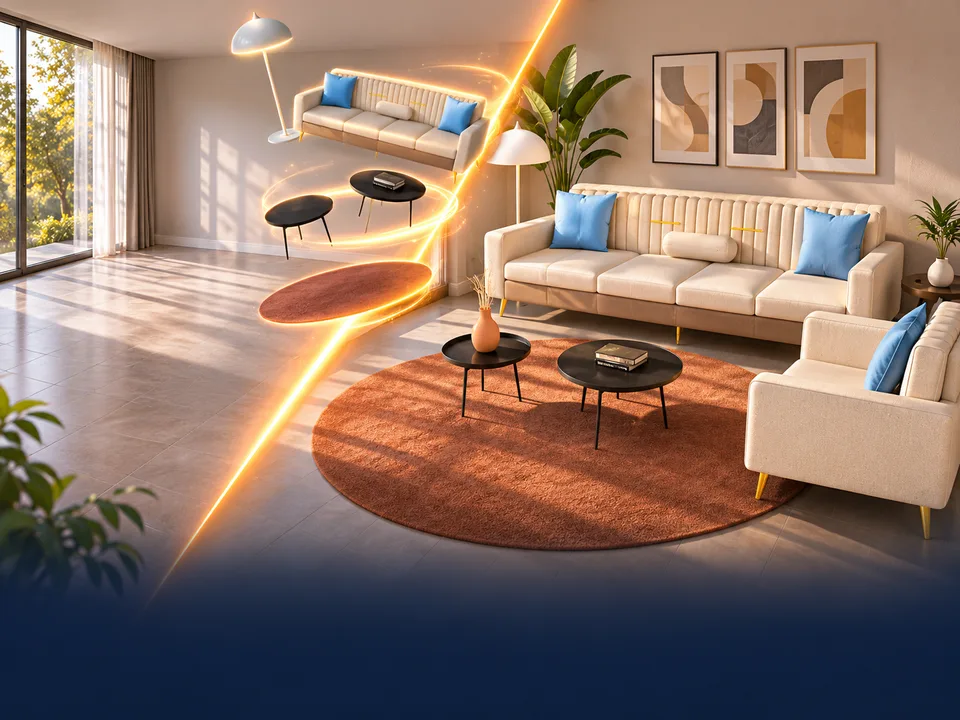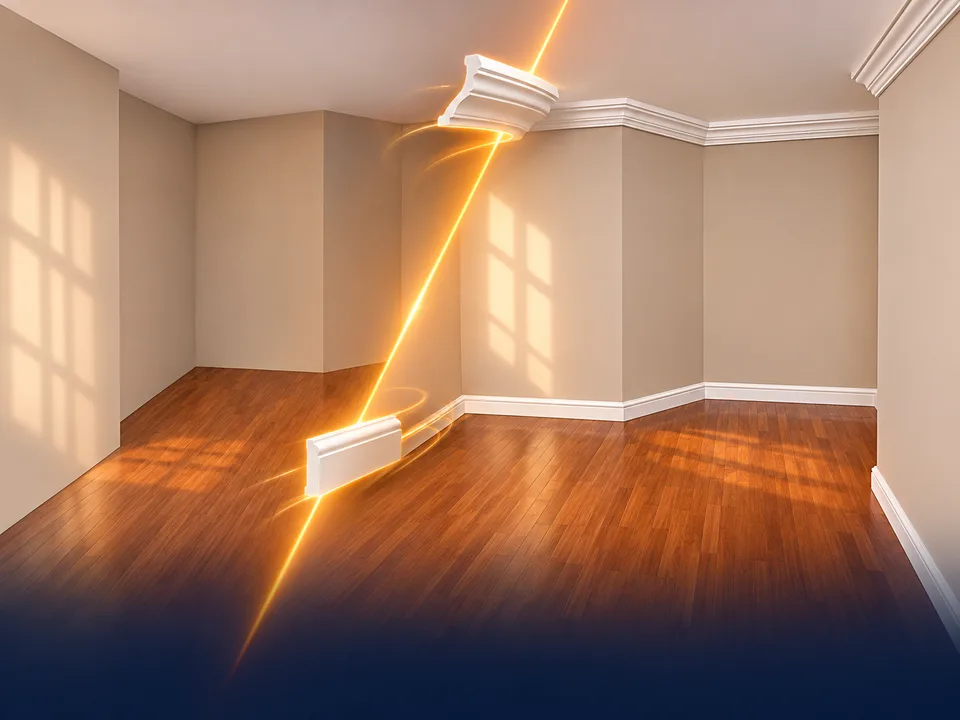
Your client deserves to walk into a lived-in room, not an empty box with a floor texture. Picture it: the walls are done, you click twice along each wall, and the sofa, the bed and the TV unit are standing there at the right size. Every interior I modelled ended the same way: the walls, floor and windows were done in an afternoon, and then the room sat empty while I hunted for a sofa that was not 40 cm too long, a TV unit that did not weigh 12 MB and a bed that did not turn into a stretched mess when I scaled it. FurniFun is the plugin I built for that last hour: a parametric furniture plugin for SketchUp that draws the piece to the size of your wall in two clicks.
What is a parametric furniture plugin, and why use one in SketchUp?
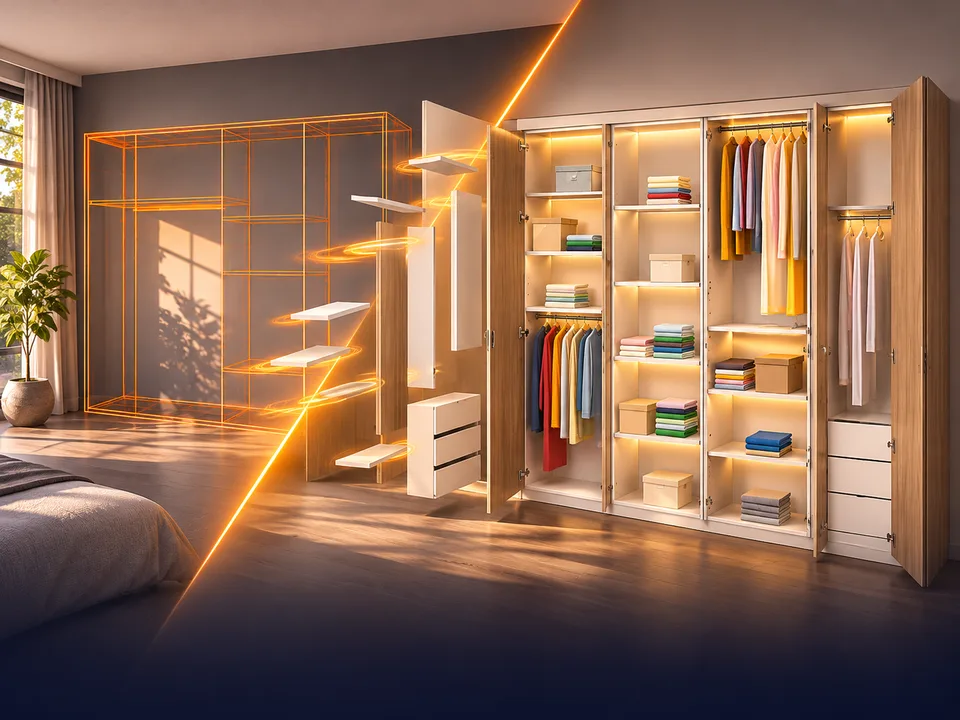
A downloaded furniture model has one fixed size and one design. Scale it and the legs, handles and cushions stretch with it; swap it and you start the search again. A parametric piece is built from rules instead: it knows its width, its bays and its seats, so when the size changes it rebuilds itself and the design stays the same. That is the difference between filling a room in minutes and fighting a model library for an hour.
How to add furniture in SketchUp quickly with FurniFun
- Pick, click, click. Choose a piece in the panel, click the start and the end on a wall. It backs onto the wall, sits on the floor and faces the room; Ctrl flips the side. A blue see-through preview shows the real design before you commit.
- Type the size. After the first click type 180 and press Enter: exactly 180 cm.
- Pull the blue ball. Drag the ball on the end, or type “+40”: bays, doors, sofa seats and chairs re-arrange while the design stays the same.
- Resize without distorting. Even SketchUp's own Scale tool works: the scaled size becomes a parameter and the piece rebuilds itself cleanly.
- Roll the dice. Every drawing is a new design; the dice gives you another version in the same place.
- Recolour and declutter. Eight palettes change wood, stone, fabric and metal together; books, vases, lamps and cushions switch on and off with one button.

18 furniture types for every room
Living room: sofas, armchairs, coffee tables, TV units and lighting
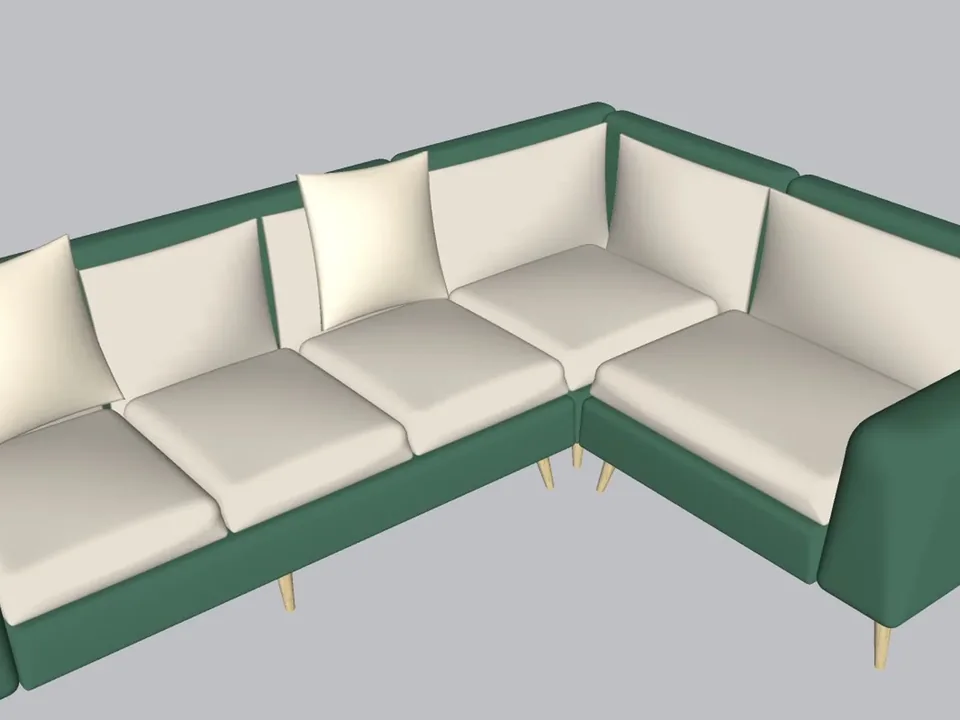
Sofas come in 5 soft styles (channel, retro two-tone, Lawson, shell, lounge), straight or with an L or U corner, and their cushions sit, lean and tilt like real ones, with piping on the arms and base. Add an armchair or pouf, 7 coffee tables and 6 side tables, a TV unit that sizes the TV itself (32" to 75") with fluted or cane doors and an LED niche, and 5 floor lamps and 4 pendants corded to your ceiling height. The living room set does all of it in one click.

Bedroom: bed, nightstands, wardrobe and dresser
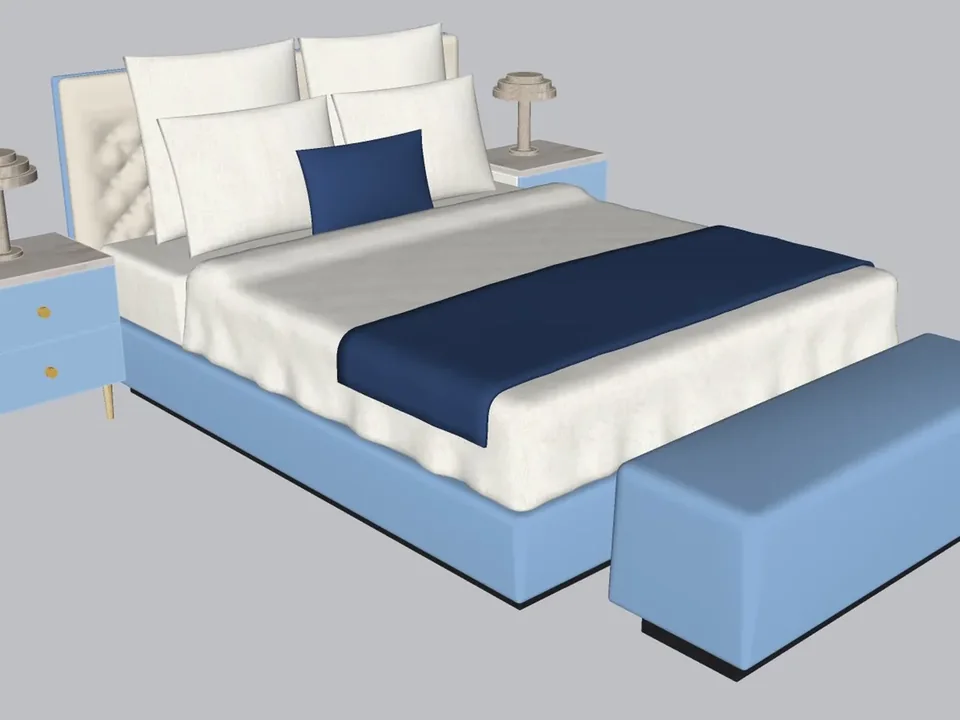
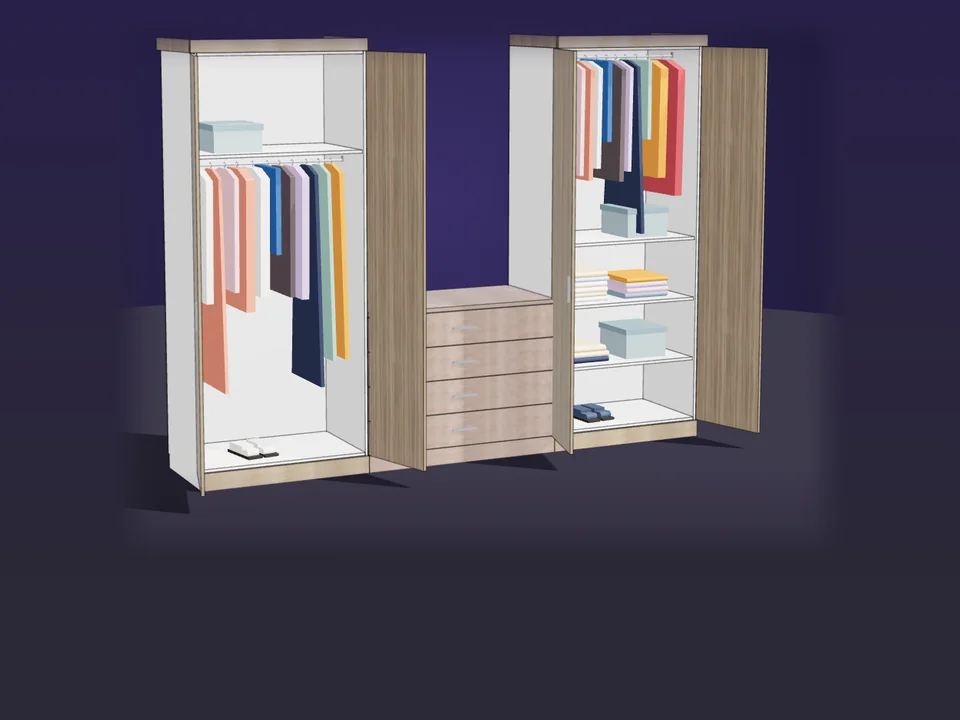
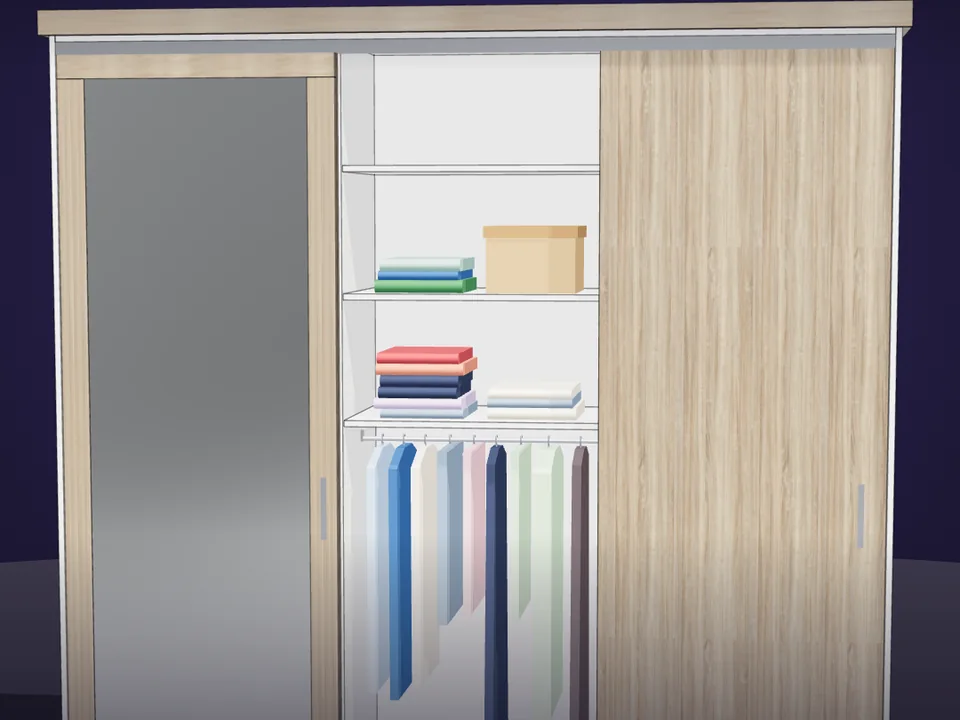
One drag along the wall gives a bed with nightstands and a bench, 4 headboards (winged channel, diamond tufted, rounded, wood) and bedding that drapes like fabric, with throws and pillows. Wardrobes come hinged or sliding with mirror doors and long brass handles, and the dresser or vanity brings an arched or round mirror.

Storage: bookcases, sideboards, desks and wall shelves
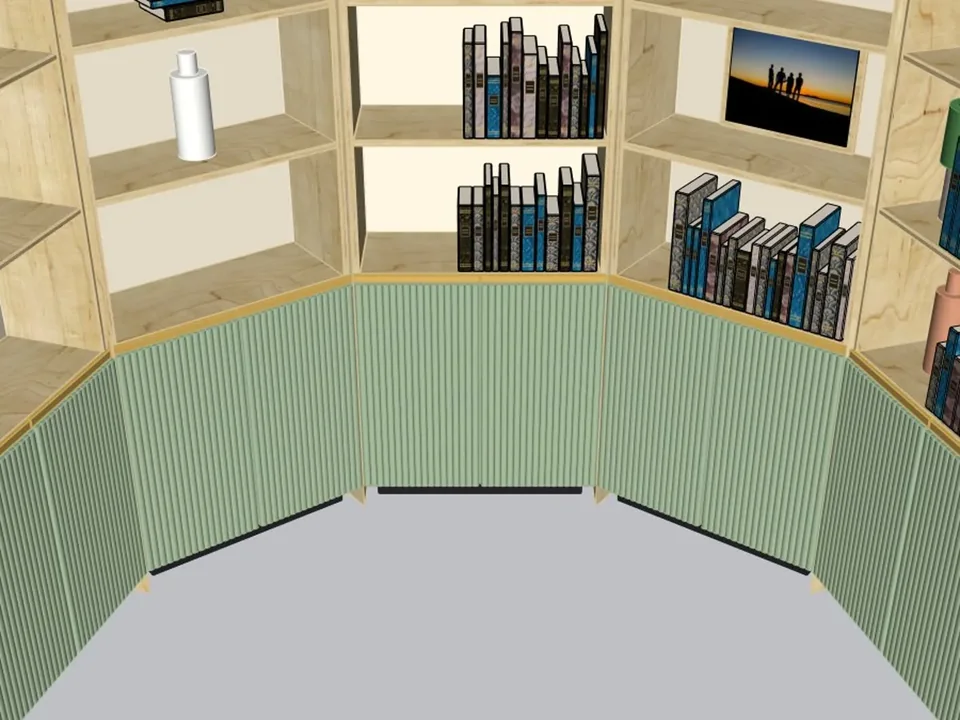
Bookcases with arched niches fill themselves with real-cover books, mirrors, photo frames and plants, and the arc bookcase goes up to a half circle in 3 clicks, facing into a curved wall or out around a column. Sideboards come in a rounded “pill” body or classic, desks with waterfall sides and a drawer pedestal, wall shelves with niches, cubes and picture ledges.

Dining, cafe and kitchen island
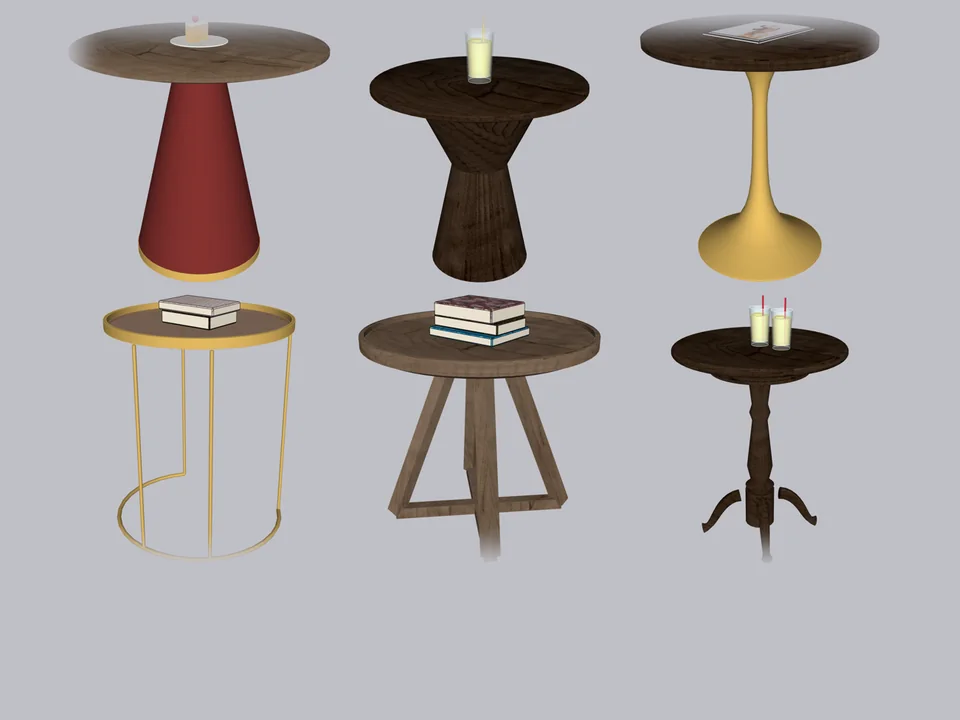
Dining sets have oval or rounded tops, 5 chair styles and a cushioned bench, with chairs spread around the table by themselves. The cafe table has 13 styles and comes with coffee, lemonade, cake, books and magazines on top. Bar stools line up evenly in front of the kitchen island at counter (65 cm) or bar (75 cm) height.
Bathroom vanity at catalogue sizes
Drag along the wall for a vanity, a mirror above and a tall cabinet beside it when there is room, at real sizes: basin height 85–90 cm, depth 45–50 cm, tall cabinet 185 cm, mirror centred at about 155 cm. Choose an integrated basin carved into a thick top or a vessel bowl, a gooseneck or wall tap in chrome, black or brass, and an LED strip under wall-hung units.

Why not just download furniture from 3D Warehouse?
You still can, and for a specific product a manufacturer's model is the right choice. For filling a room, though, downloaded models bring three problems: they arrive at one size, scaling them distorts the details, and their weight and style vary from one model to the next. FurniFun pieces are made to the size you draw, rebuild instead of stretch, share one design language and one palette across the room, and stay light.
Low-poly furniture that keeps SketchUp fast
- Repeated parts are drawn once: shelves, doors, chairs and books share component definitions. A 300 cm half-circle bookcase uses only 20 definitions for 280 parts.
- Soft sofas, cushions and bedding come from a soft-form engine that is organic but low-poly.
- Version 1.13.0 made new designs compute 4.8× faster (all 18 types 1067 → 221 ms) and the drag preview 420 → 17 ms, checked against a 286-case golden copy so not a single part changed.
- Parts never overlap: every release runs an 11,880-build collision test (18 types × 30 designs × 11 sizes × decor on and off).
Render-ready materials
Wood, marble, travertine, fabric and leather use real textures, and wood grain turns along each part's long edge instead of running across a door. Book covers and photo frames carry real CC0 images, so a shelf reads as a shelf in a render. For walls and floors, the free 2K PBR texture library fits the same scene, and Render Fun renders it without leaving SketchUp.
Which SketchUp versions does FurniFun support?
SketchUp 2021 to 2026, smoke-tested inside real SketchUp 2023, 2024, 2025 and 2026 across releases, with the panel, menus and a built-in user guide in Turkish and English. It is built and tested on Windows; macOS has not been tested yet.
Questions about FurniFun
Is FurniFun for production drawings or cut lists?
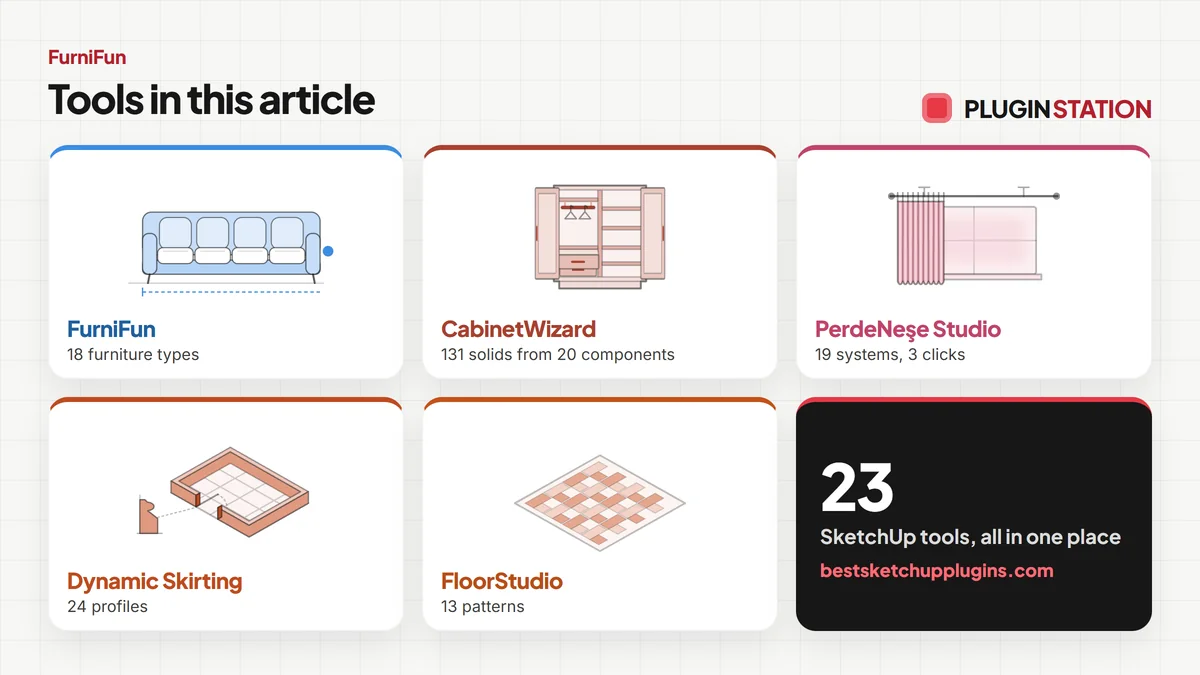
No. It furnishes scenes for design and visualisation. For cabinets with cut lists and CNC files, CabinetWizard is the tool.
Can a 10-year-old use it?
That was the design rule from the first day: few settings, big buttons, two clicks and a blue ball. Everything else is automatic, and each change is one undo step.
Where can I get it?
FurniFun 1.14.0 is finished and on sale now; the FurniFun page has the details and the gallery.
The advantage is plain: the hour that used to go on searching for and fixing downloaded furniture goes back into the design, and the model stays light enough to orbit. See the 18 furniture types and the gallery on the FurniFun page, then furnish your next room with it.