Nothing undermines a presentation faster than a model that freezes while the client is watching, and the cause is often a single downloaded object. The fastest way out is not a faster computer but choosing what goes into the file. 3D Warehouse is Trimble's free library of SketchUp models: furniture, fixtures, trees, cars, whole buildings, uploaded by manufacturers and by users. I have been one of those users since 2014, with more than a hundred models there. The library is a gift; what it does to file size is the catch.
Judge a model before you download it
- Look at the file size on the model page. A dining chair of 15 MB will cost you more than the room it sits in.
- Prefer models from manufacturers for specified products: real dimensions, real names.
- Open the 3D preview and orbit it. Hidden faces, flipped normals and loose geometry often show at a glance.
Load it straight into the model, then keep the file light
Inside SketchUp, Window > 3D Warehouse opens the library and can load a model directly into the open file as a component. Once it is placed: make it a component you reuse rather than copies you explode, put heavy items on their own tags so you can hide them while you work, and run Window > Model Info > Statistics > Purge Unused to drop the materials and components the download brought and you deleted.
What you are allowed to do with it
The 3D Warehouse Terms of Use let you use models in your own work, including commercial work, and the creator keeps the rights to the model. Some models carry their own licence on their page, and selling exact physical reproductions is not allowed. Check the model page and Trimble's Terms of Use FAQ before building a paid job on someone else's model.
Models from everywhere else
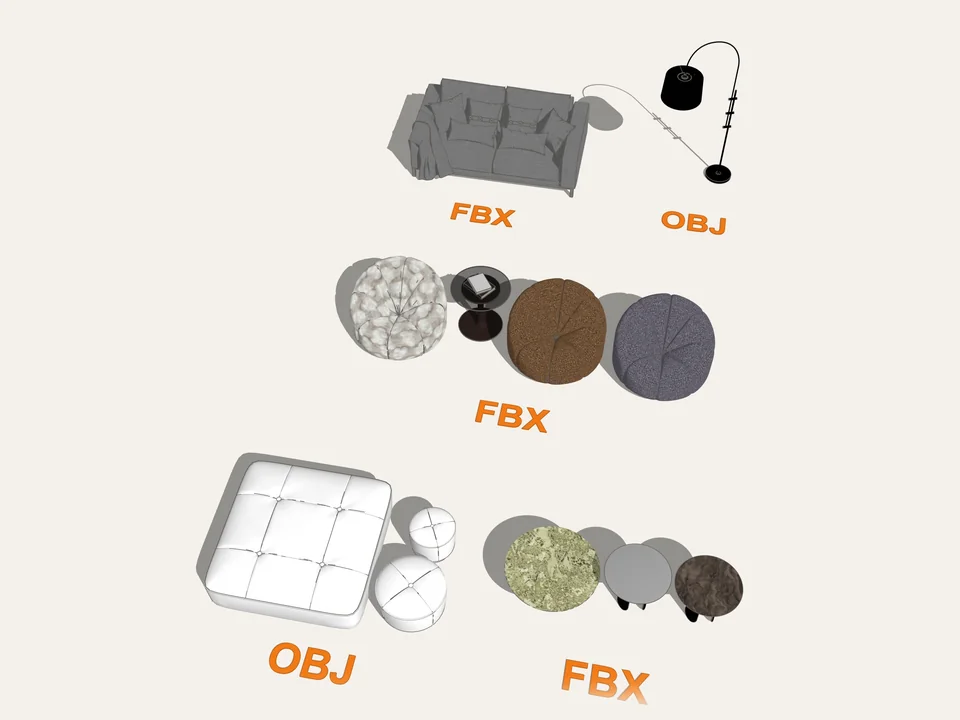
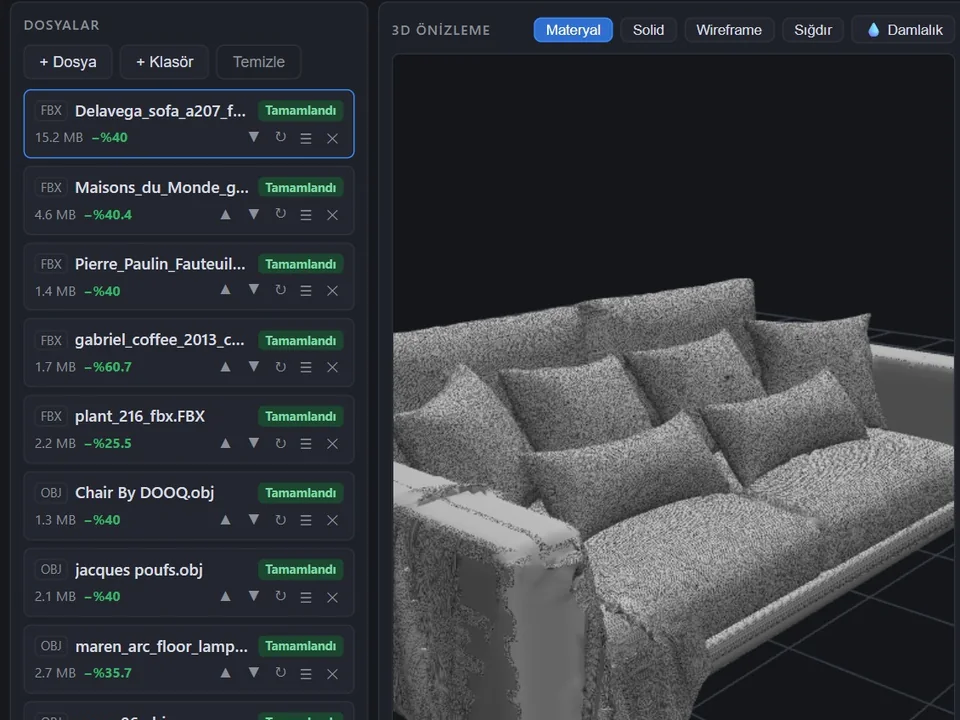
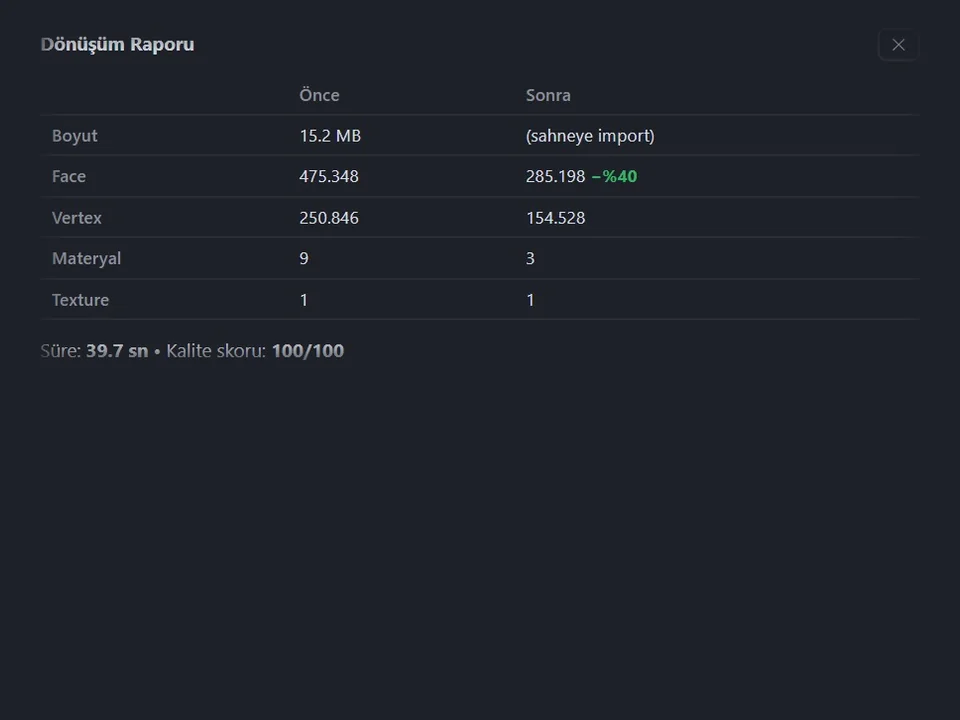
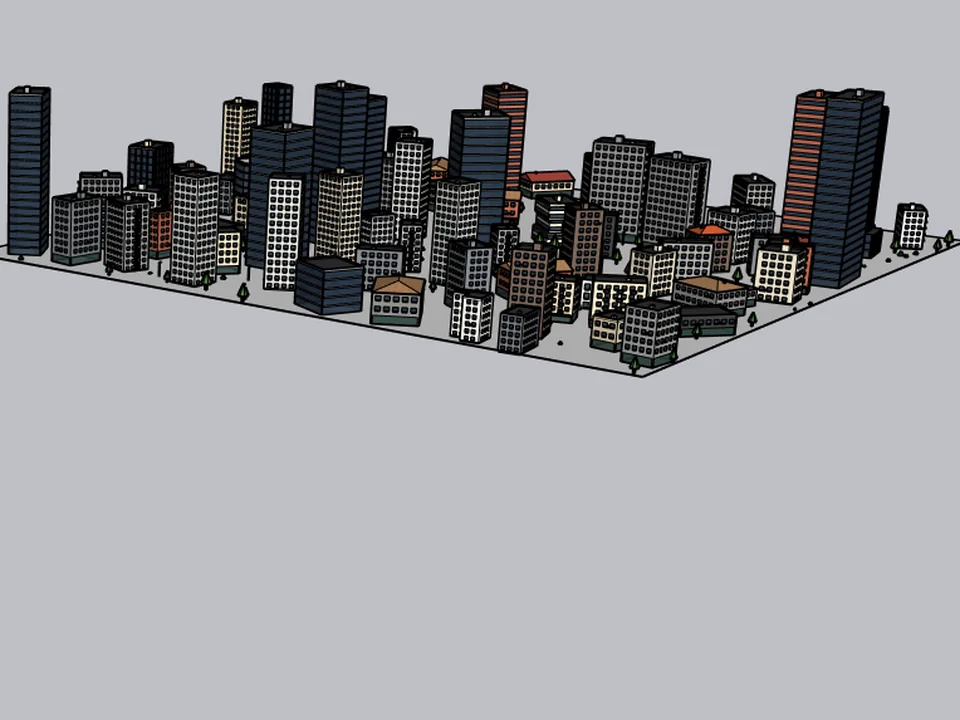
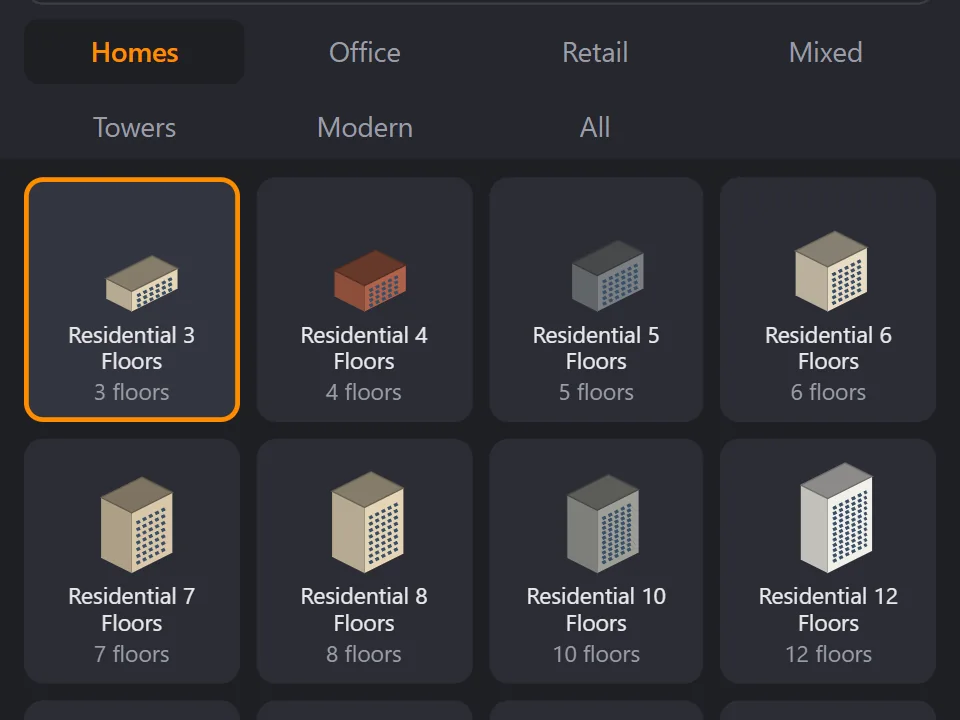
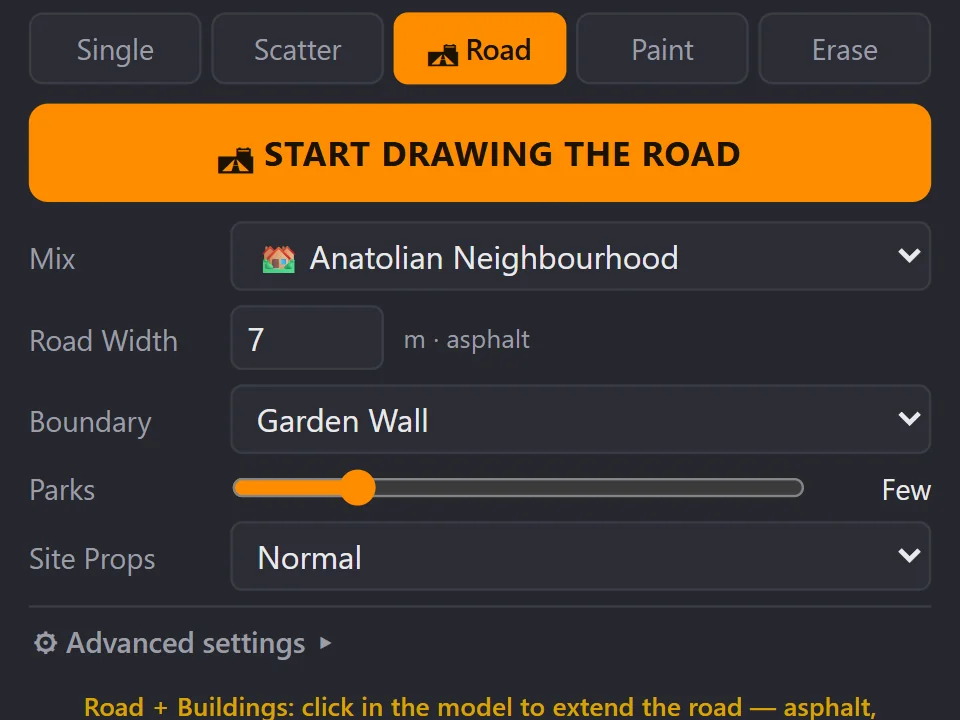
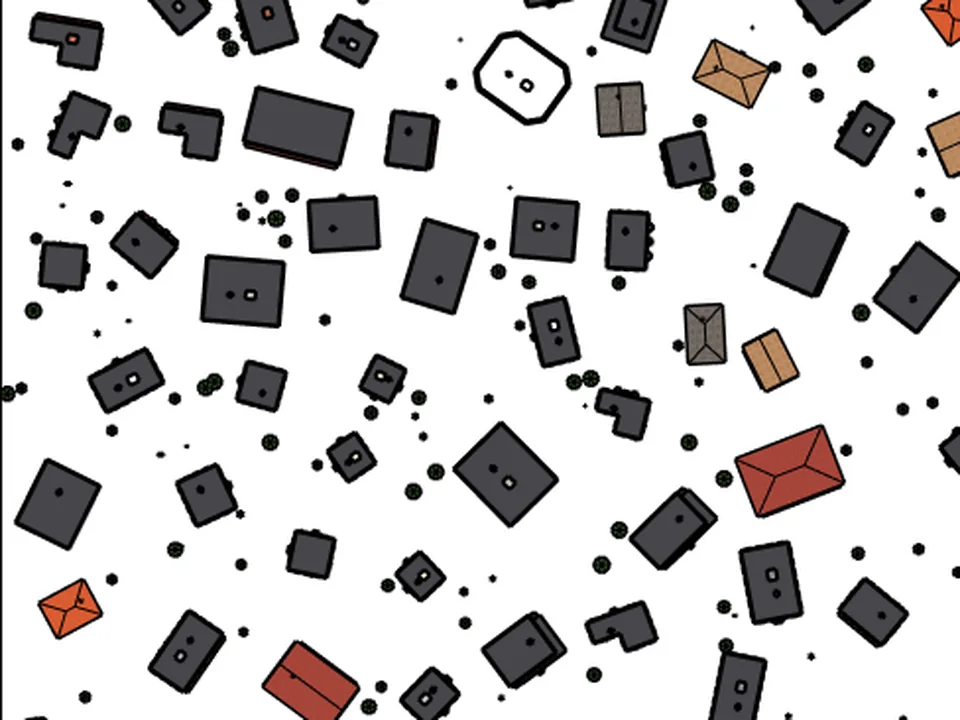
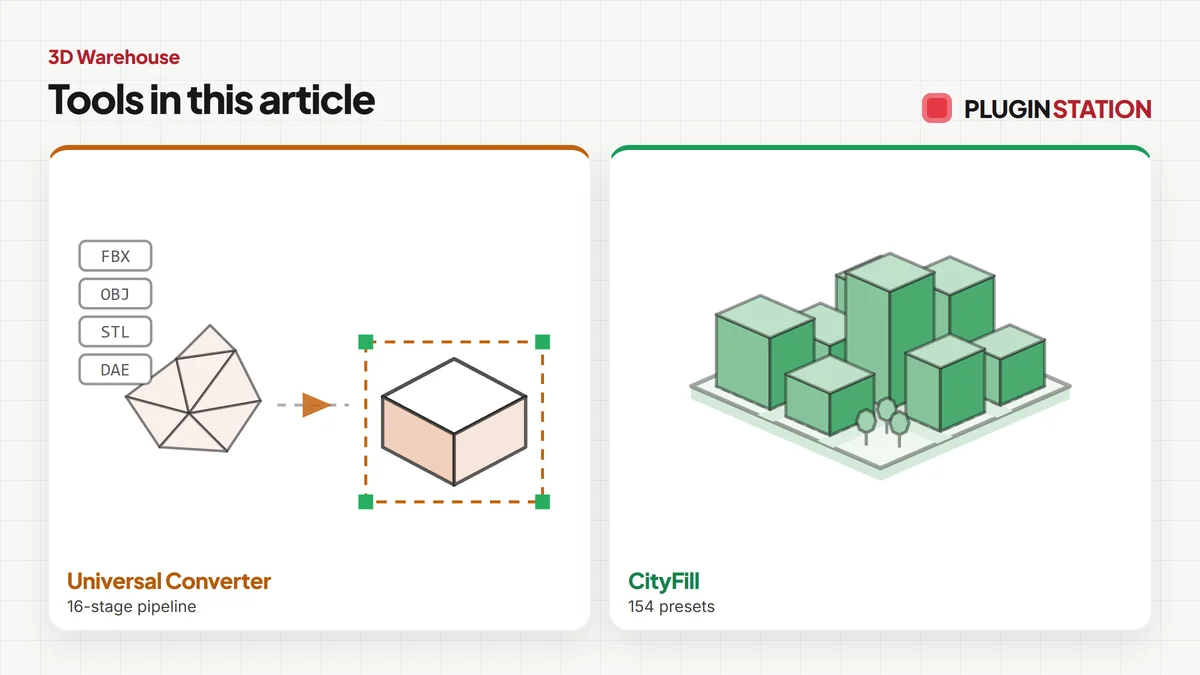
Not everything is on 3D Warehouse. Manufacturers and marketplaces ship FBX, OBJ, DAE, 3DS, STL and glTF, and SketchUp imports them as triangle soup. Universal Converter runs them through a 16-stage cleanup (weld, duplicate faces, simplification, normals, smoothing, materials, components) with a preview before anything lands in your model. And for the buildings around a site, generating them is lighter than downloading them: CityFill is free and makes context buildings of about 30 to 400 faces each.
The advantage is a file that opens, orbits and saves without making you wait, so the meeting stays about the design. For the city around your site, CityFill is free and generates light context buildings instead of heavy downloads; open its page and fill the empty plot around your next model.

Any mesh in, clean SketchUp geometry out.
Productivity$40*Universal ConverterUniversal Converter
No hours of clean-up: any mesh in, clean SketchUp geometry out.
- 16-stage pipeline
- 7 file types in
- ~3x faster on 819k tris
SketchUp 2024–2027v1.17.0

Draw the road. The street grows with it.
FREE Urban DesignCityFillCityFill
No white void around your design: fill the city in a few clicks.
- 154 presets
- 3 placement modes
- SketchUp 2021-2026
SketchUp 2021–2026v2.0.0