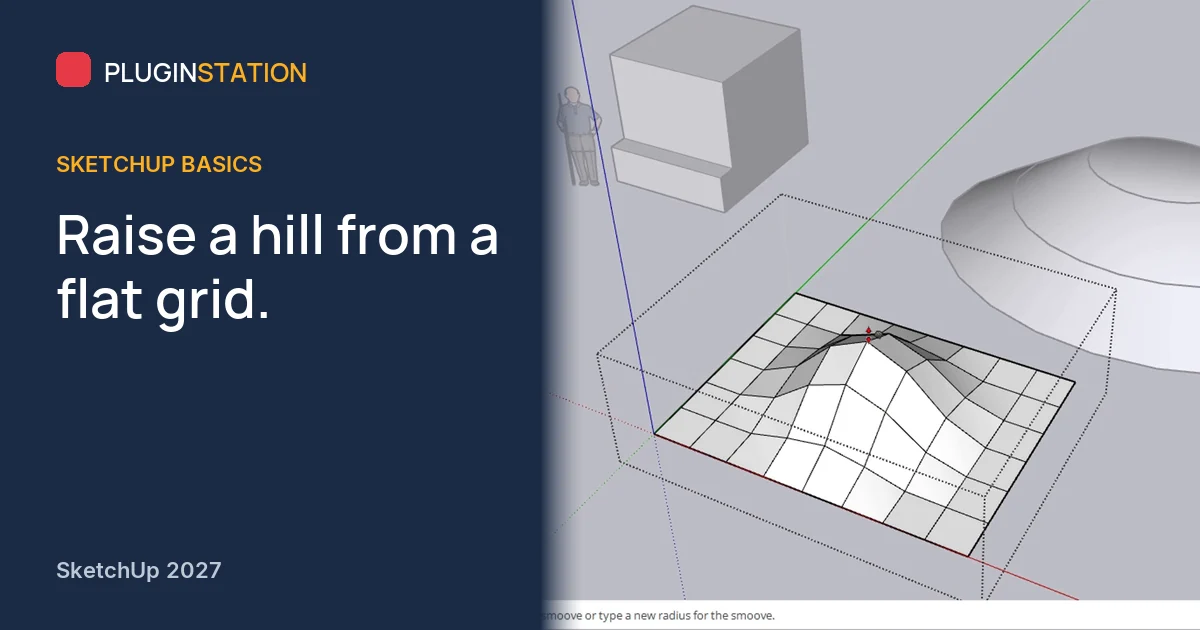
Put a beautiful house on a dead-flat plane and the whole project feels unfinished. Real sites rise, fall and carry the building. SketchUp already has the tools to show that, and they are hidden in a menu many users never open.
What does Intersect Faces do?
Before terrain, one command worth knowing. On the left of this scene a horizontal plane passes through a two-metre cube. The plane is a separate group, so there are no lines yet where they meet. Select the plane, right-click and open Intersect Faces. With Model cuts against the whole model, With Selection against selected objects only, and With Context against the inside of the group you are editing.
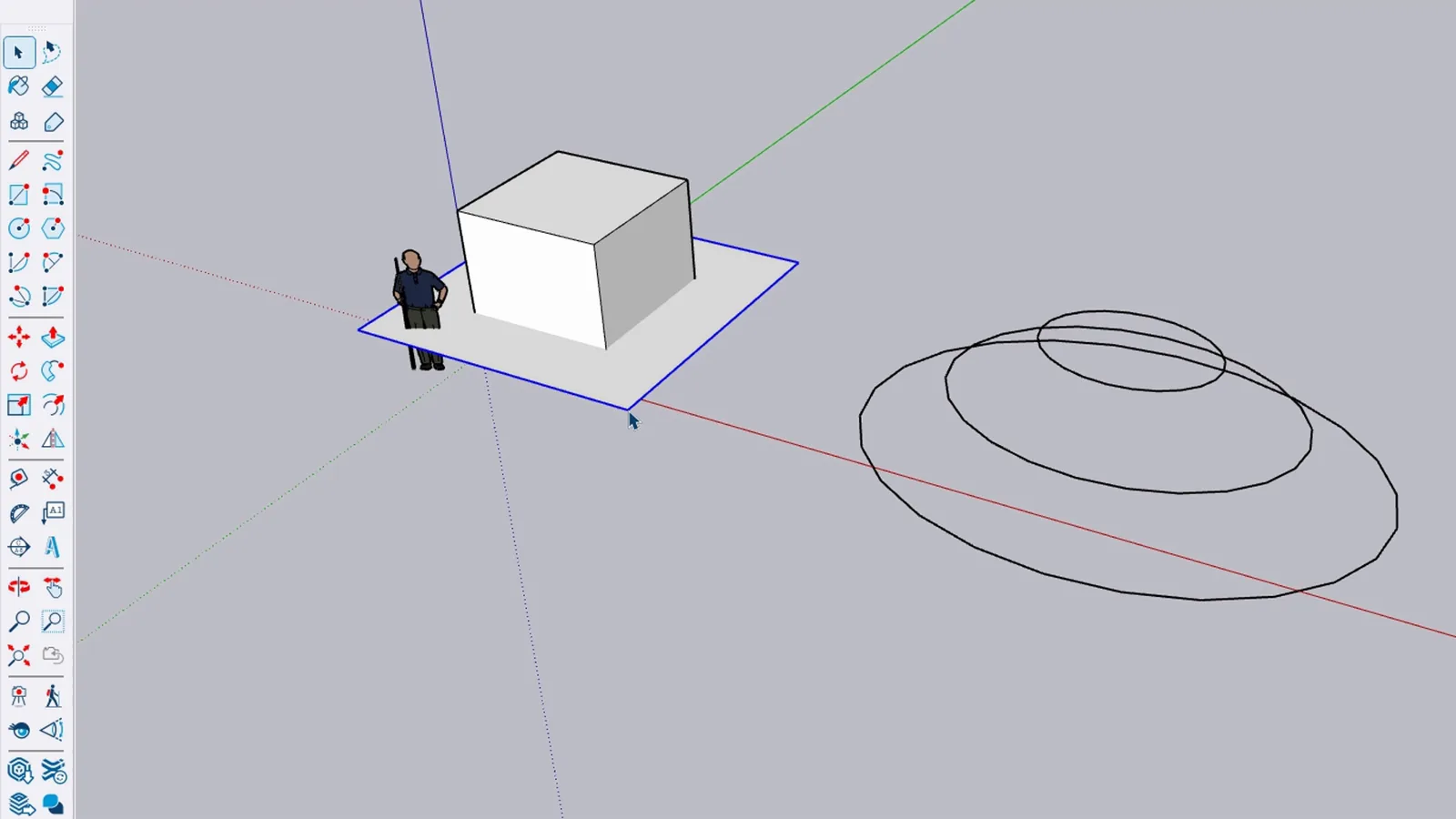
Choose With Model and new lines appear on the four sides at the height of the plane, splitting each side in two. Delete the plane and those lines stay. Now the lower strip is its own face: pull it out 30 cm with Push/Pull and the cube has a plinth.
How do you create terrain from contour lines?
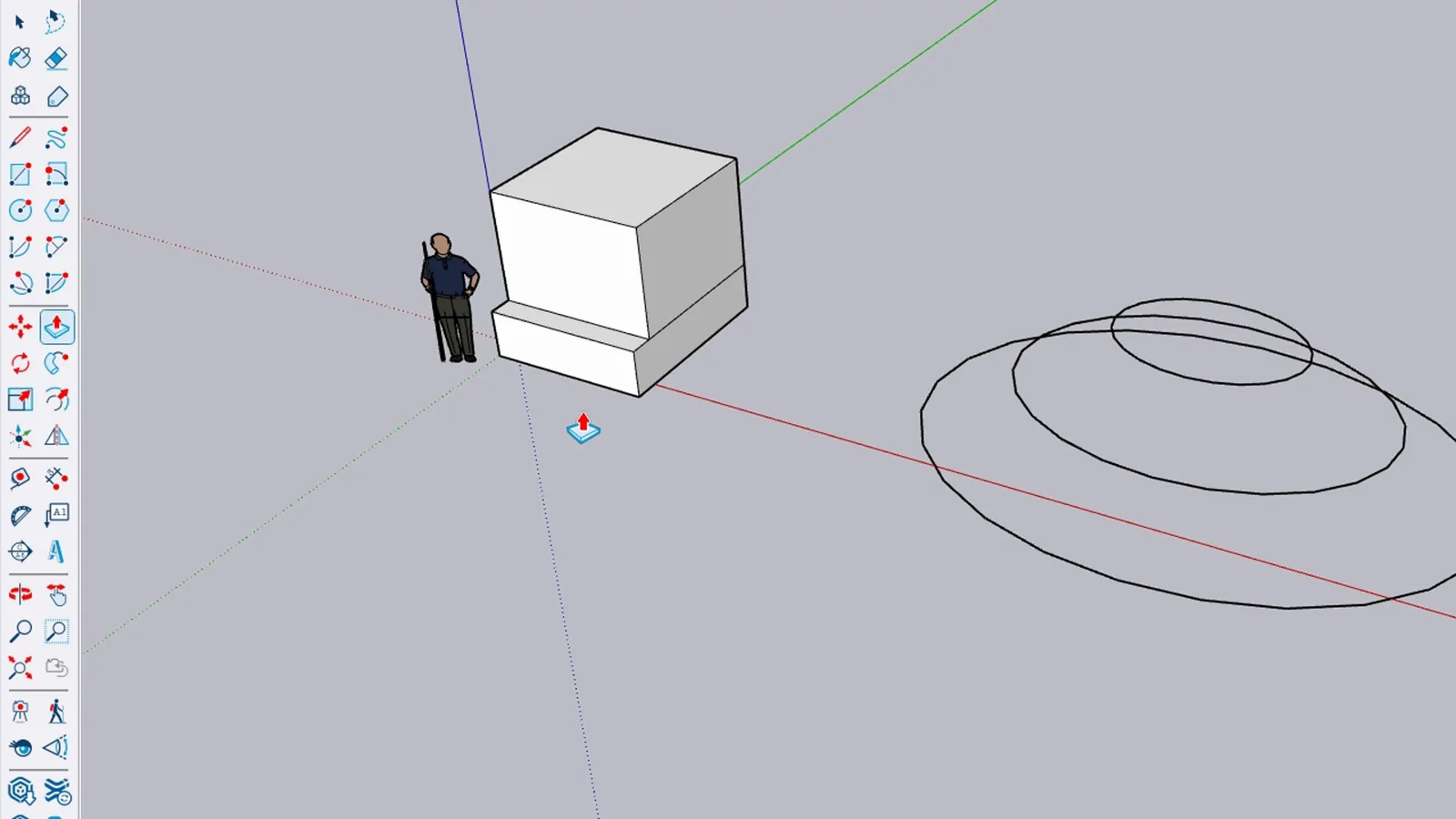
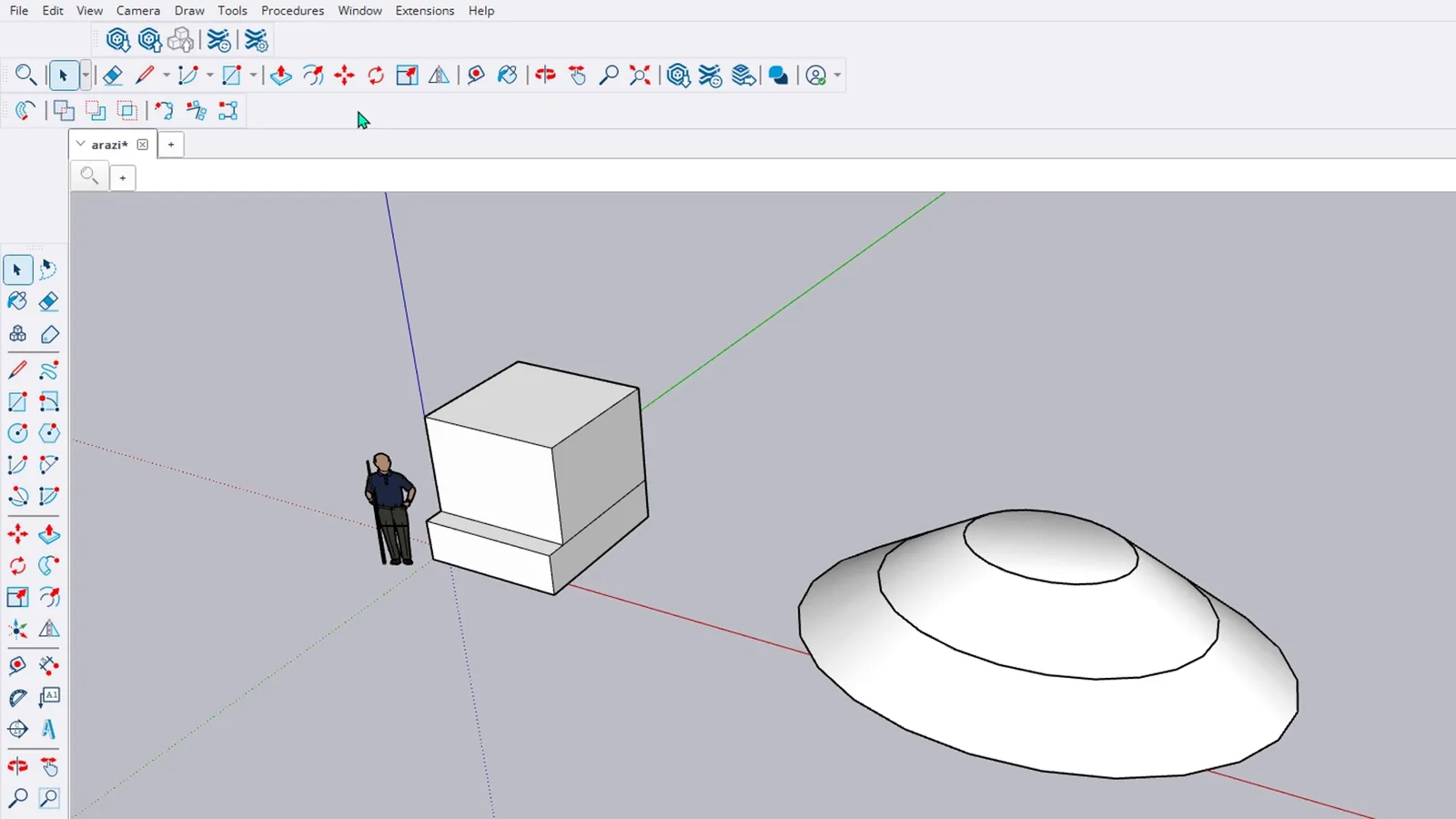
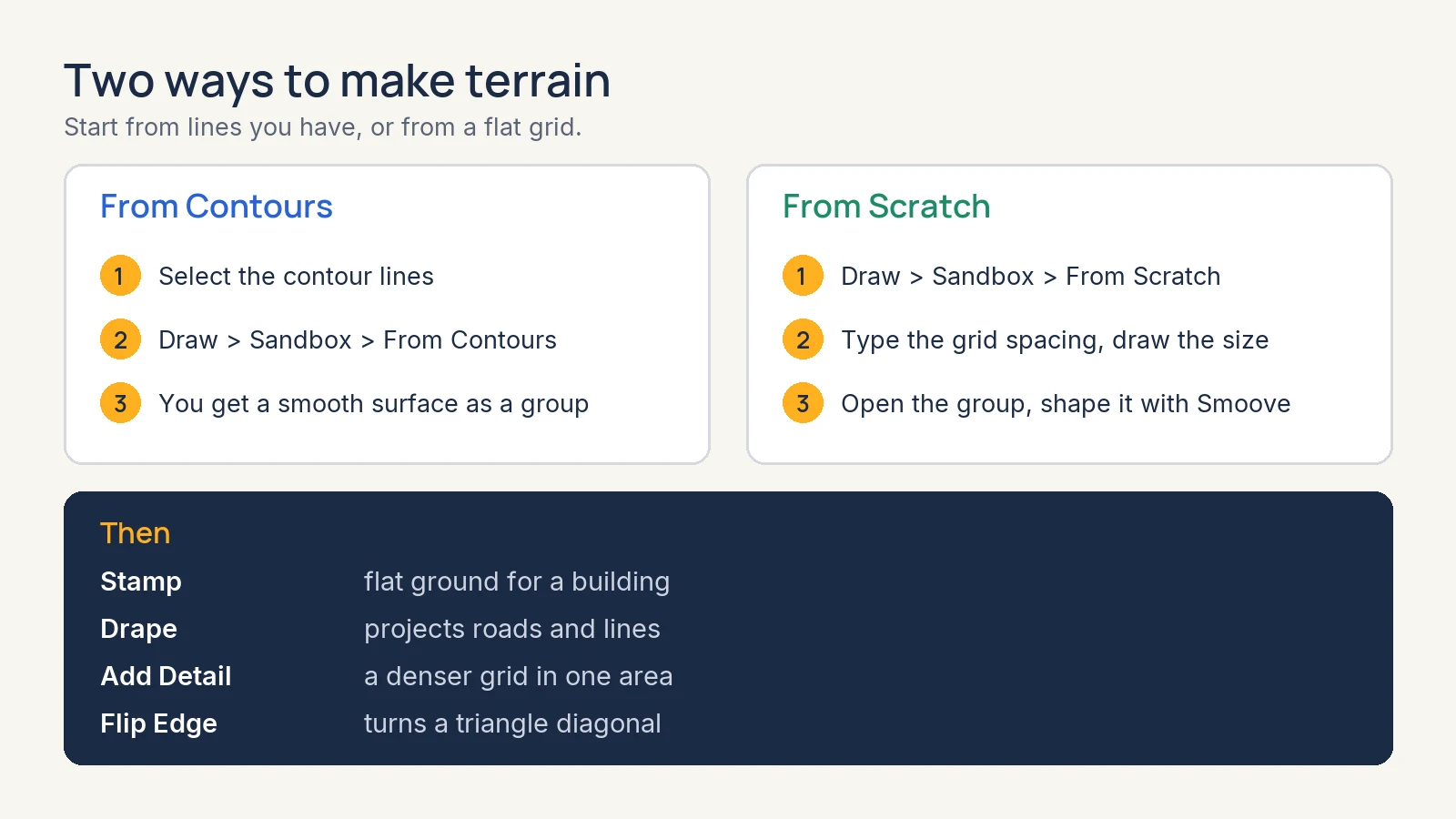
Here are three contour lines, like the ones on a map: one on the ground, one at 70 cm and the smallest at 1.4 metres. Click the outer one with Select and add the others with Ctrl. Then choose Draw > Sandbox > From Contours. SketchUp joins them into a smooth surface, delivered as a separate group.
How do you make terrain from scratch?
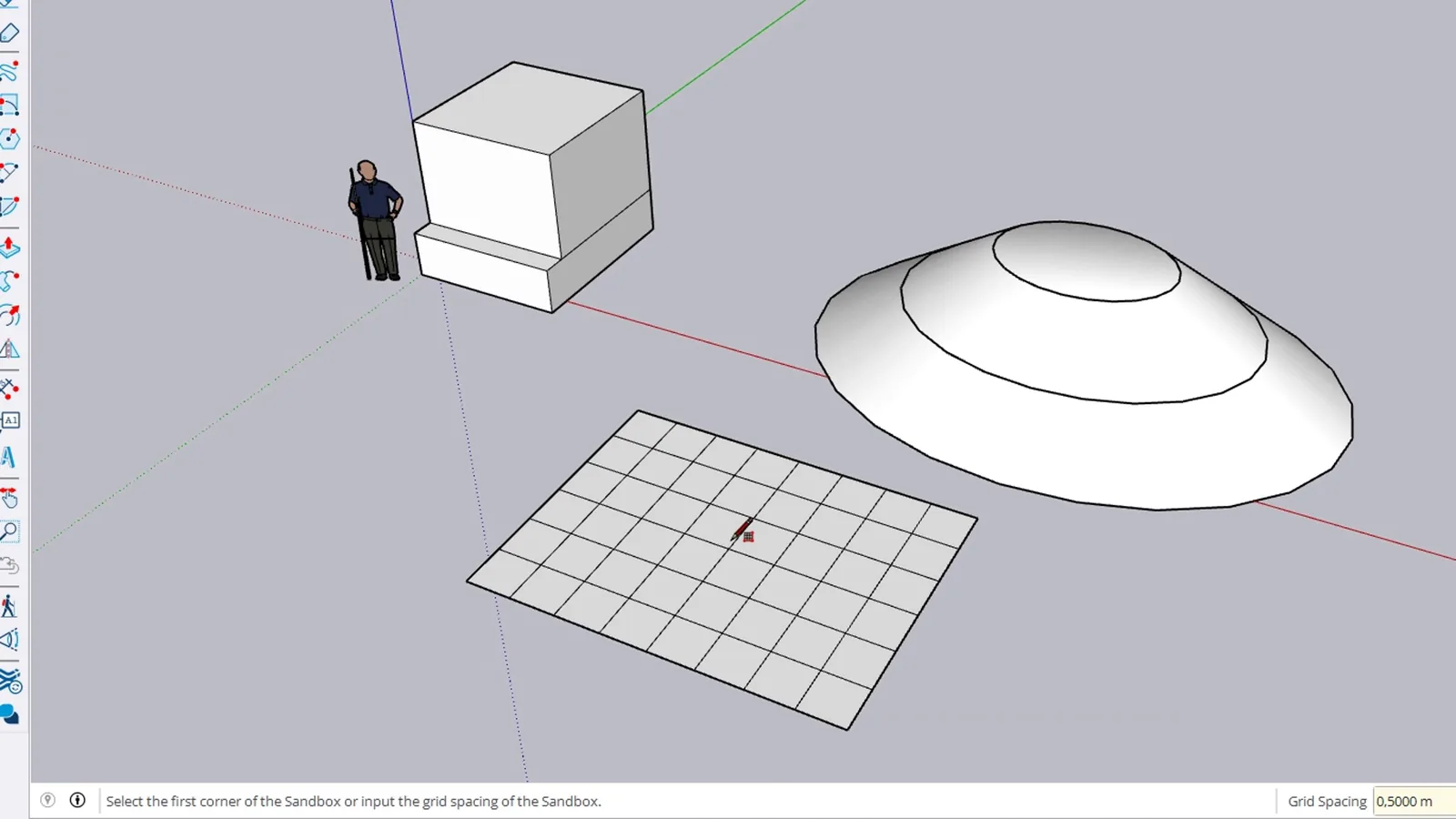
No contours? Choose Draw > Sandbox > From Scratch and type a grid spacing into the Measurements box, here 0.5. Click the origin, type 4 metres along the red axis and 3 along the green. You get a flat grid of half-metre squares.
How do you use Smoove to raise a hill?
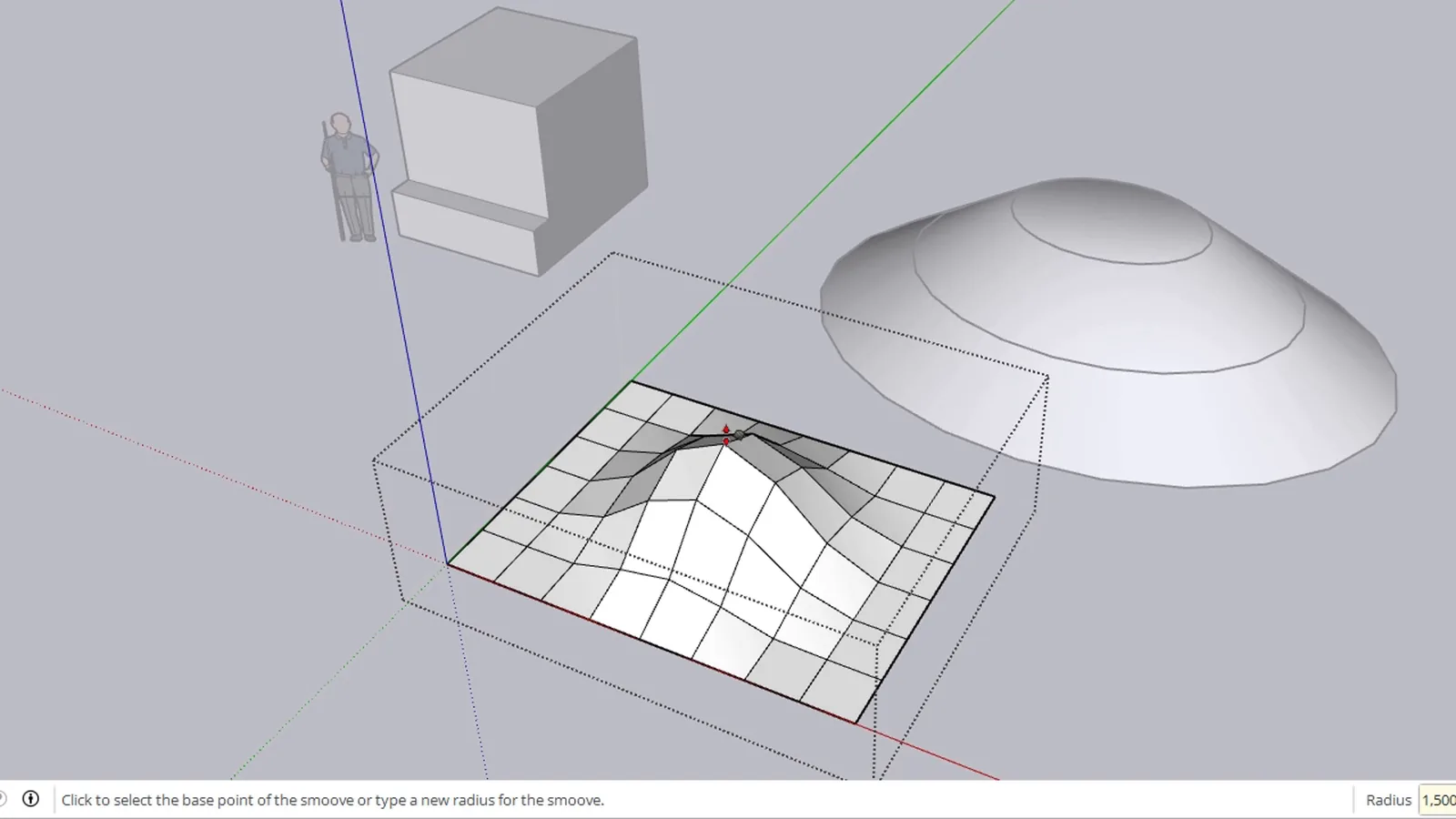
Double-click the grid group to enter it. Choose Tools > Sandbox > Smoove. The status bar asks for the centre or a new radius, so type 1.5. Click the middle of the grid, pull the mouse up and type 1: a soft hill rises one metre above the grid.
What do Stamp, Drape, Add Detail and Flip Edge do?
- Stamp presses the base of an object into the terrain, for example to open flat ground for a building.
- Drape projects roads or lines onto the terrain.
- Add Detail makes the grid denser in the selected area.
- Flip Edge turns the diagonal of a triangle to correct the surface.
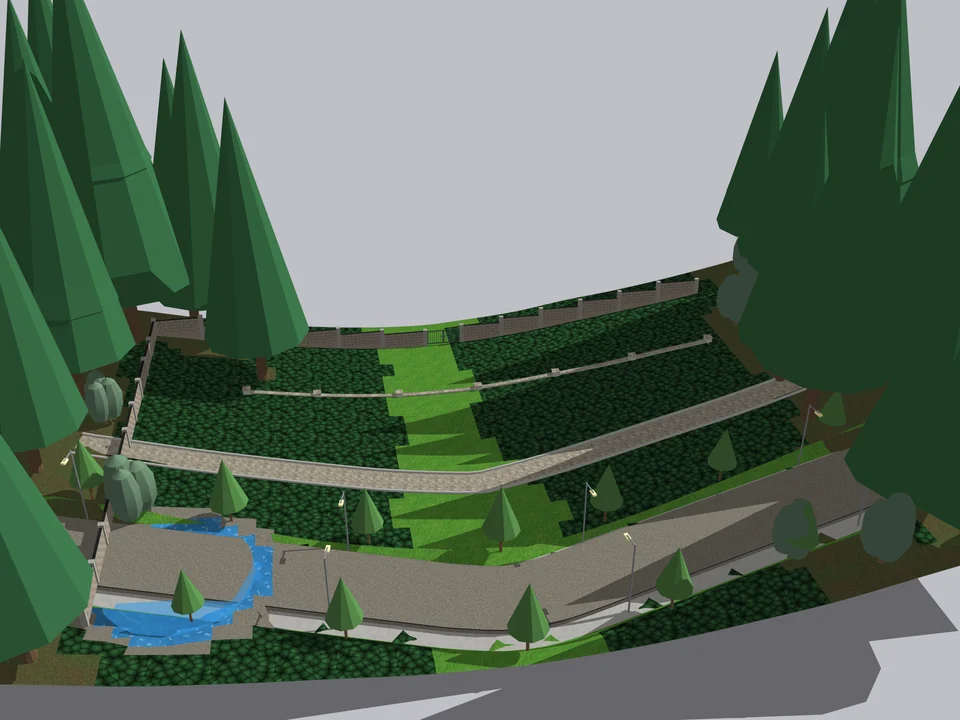
Shape the ground once. The site follows.
Landscape$45*Landscape StudioLandscape Studio
No fixing after every edit: shape the ground once, the site follows.
- 151 Turkish plants
- 12 terrain brushes
- 571 tests green
SketchUp 2021–2026v1.6.0
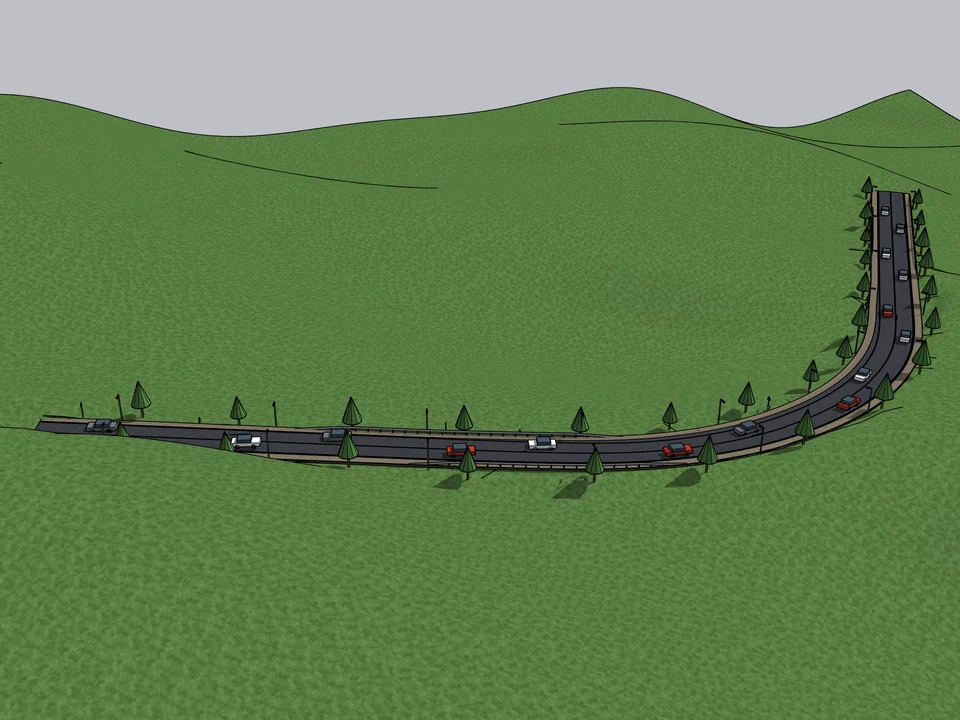
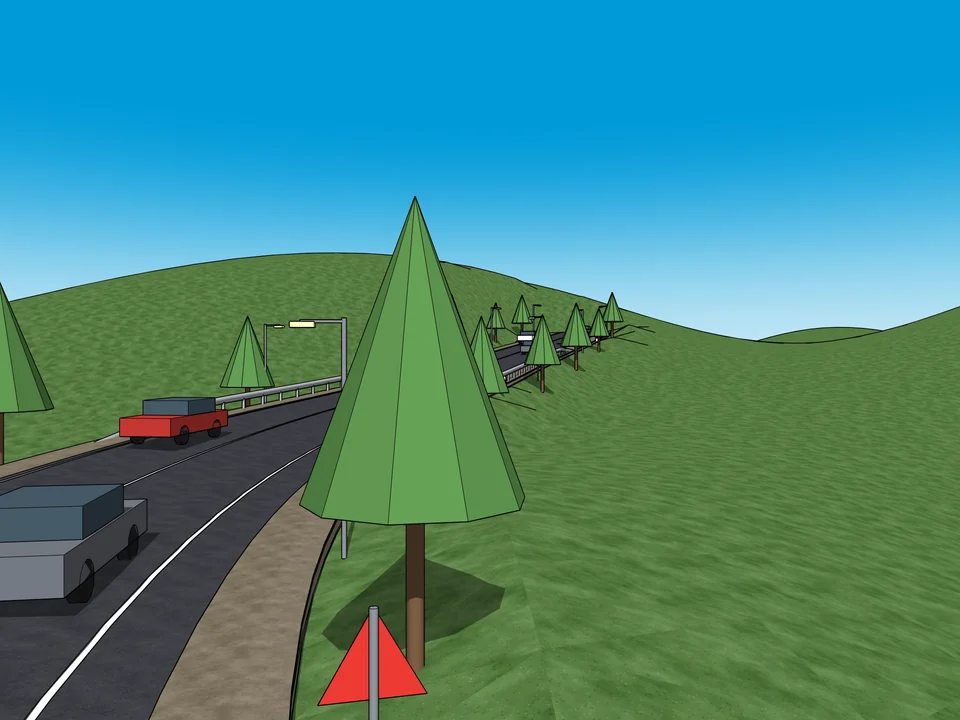
Click a route. The road sits on the land.
Urban Design$40*RoadFlowRoadFlow
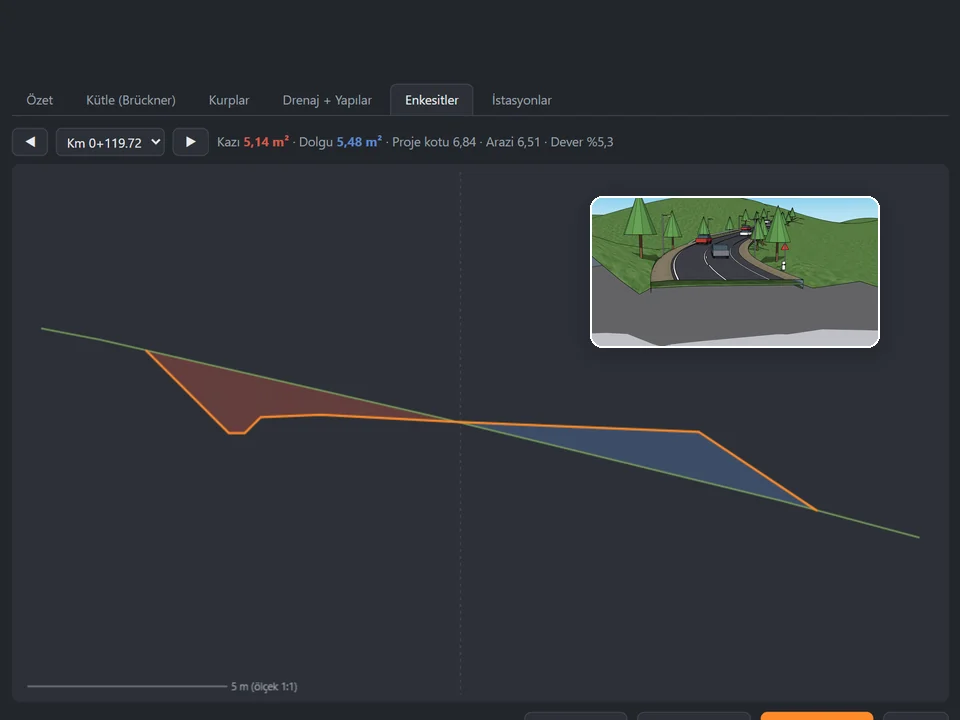
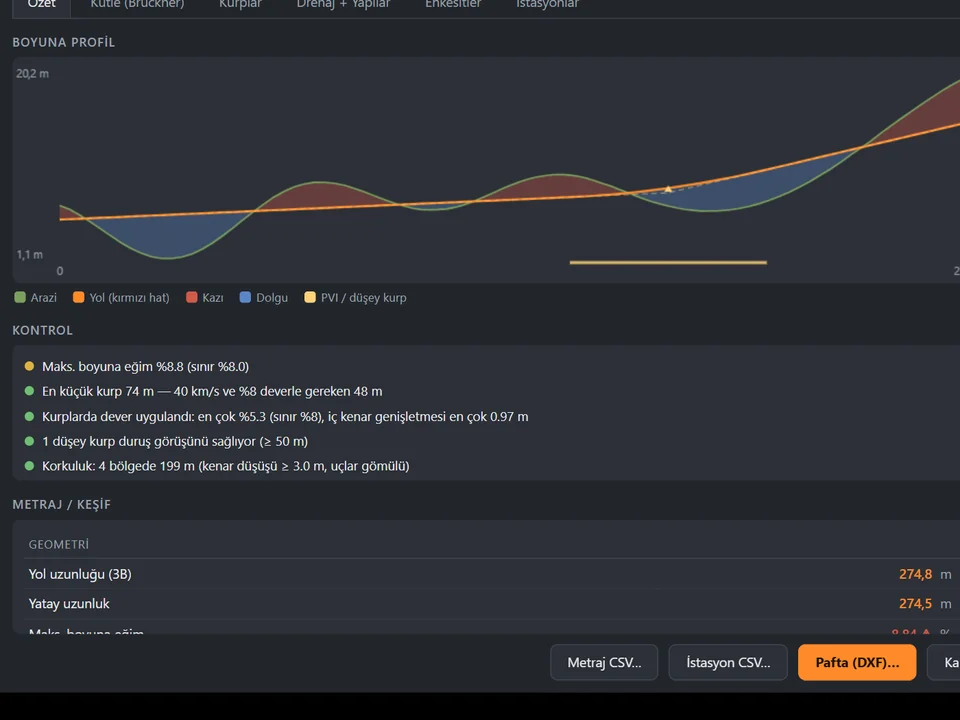
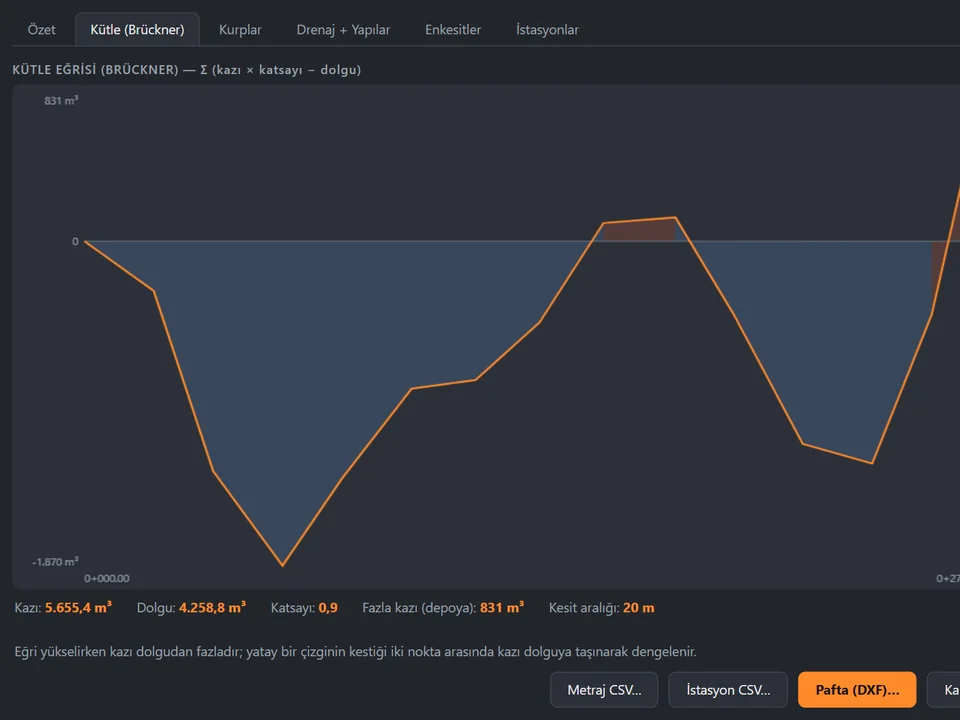
Click a route; road, terrain fit and quantities follow, no hand-fitting.
- 408 tests green
- 13-35x faster builds
- 7 road presets
SketchUp 2021–2026v1.16.0
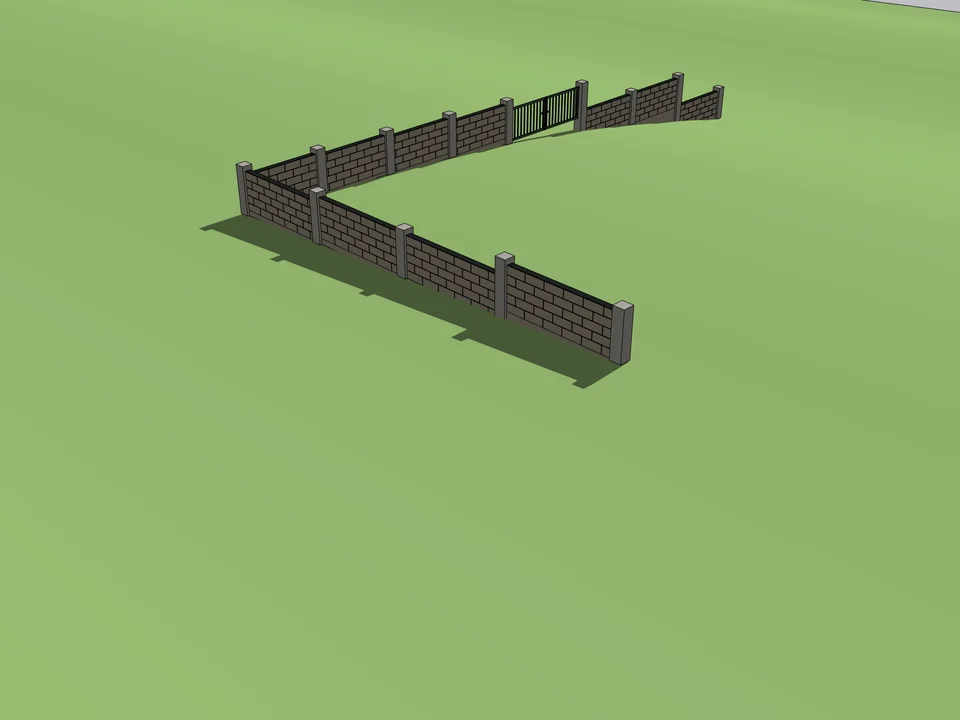
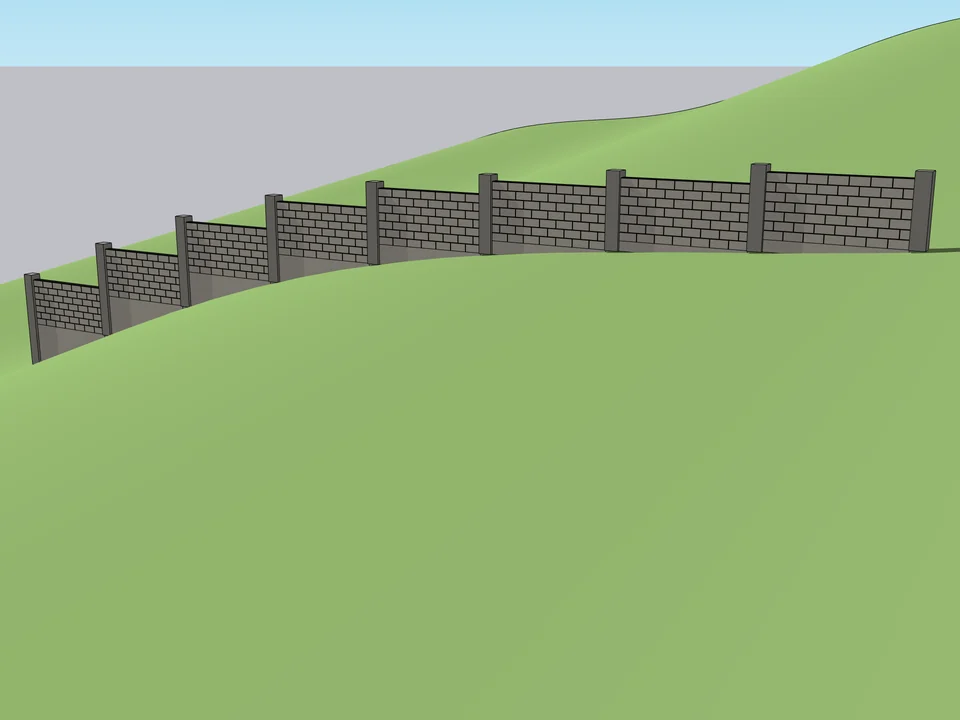
Draw the boundary. The wall builds itself.
Landscape$15Garden Wall StudioGarden Wall Studio
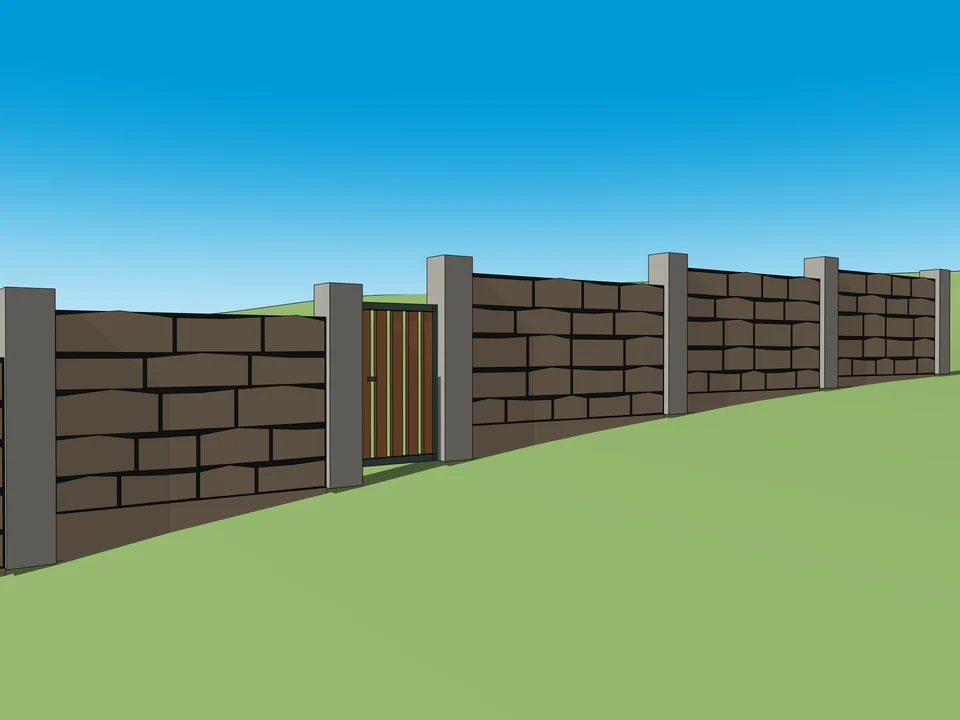
No step maths on a slope: stepped garden walls, gates included.
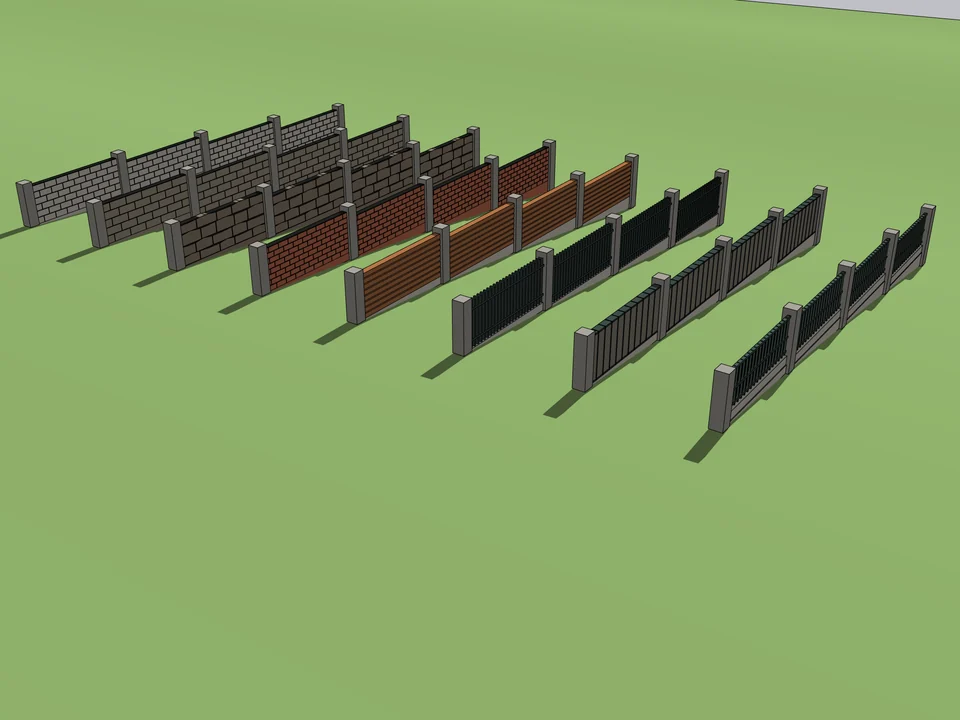
- 13 wall characters
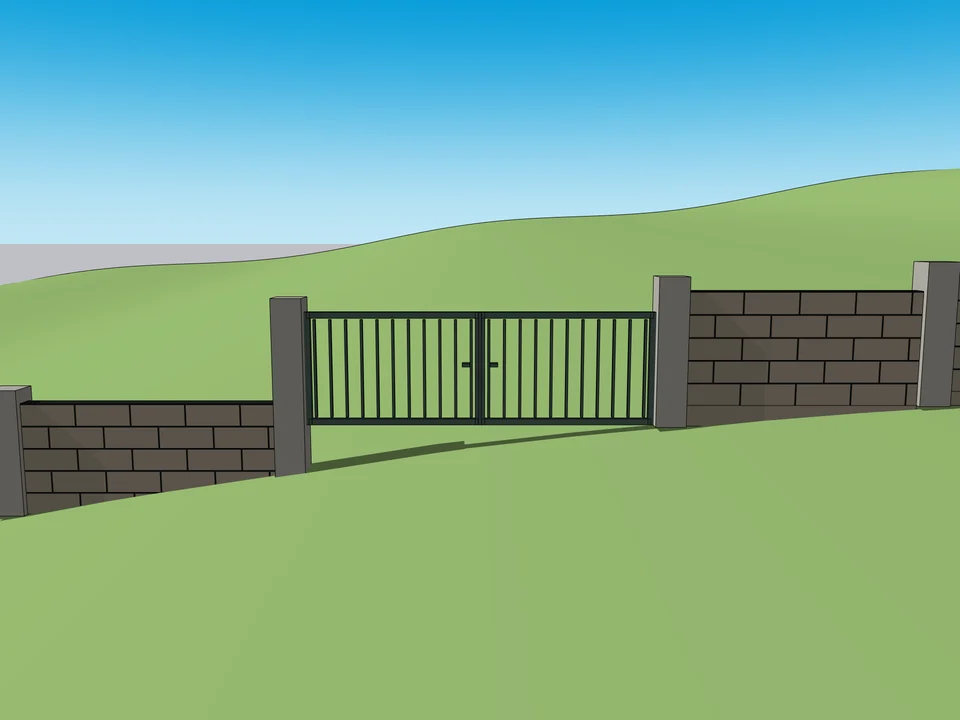
- 6 gate presets
- Quantity report + CSV
SketchUp 2021–2026v1.5.0