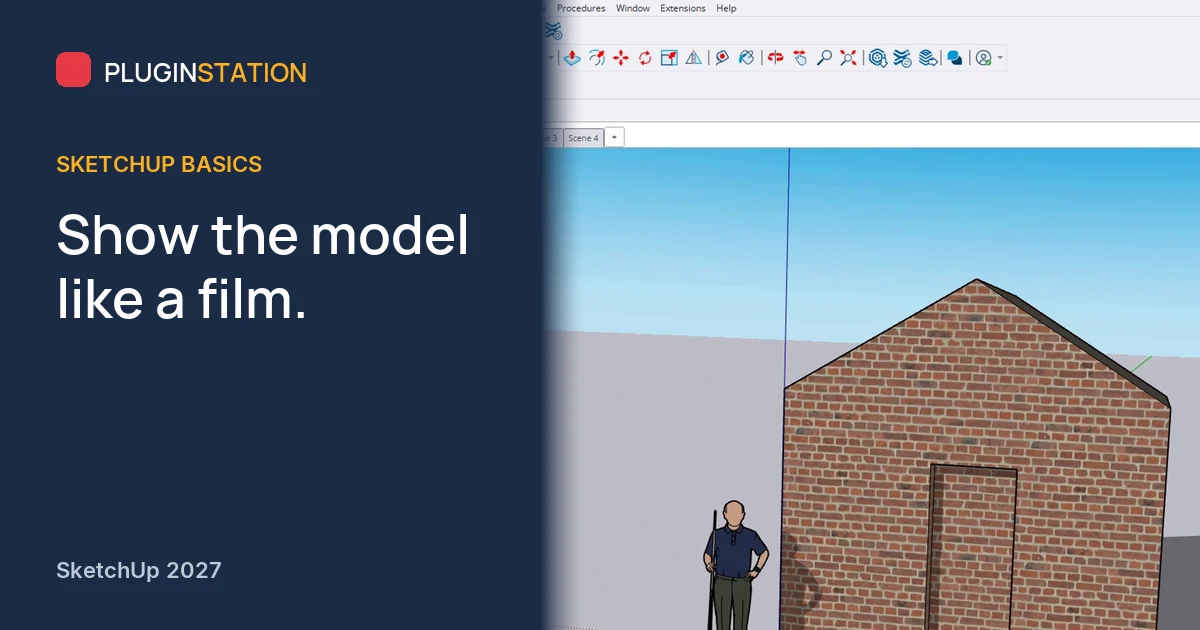
The client is sitting next to you, and you are orbiting around the model looking for that one angle you found yesterday. Every second of it says the project is not quite ready. Now picture a single click, and the camera glides to exactly the view you prepared. That is the difference a scene makes.
What is a scene in SketchUp?
A scene is like a saved photo of a particular view of the model. The camera angle, style, shadows and hidden objects are stored with it, so you return to that exact view with one click.
How do you add a scene?
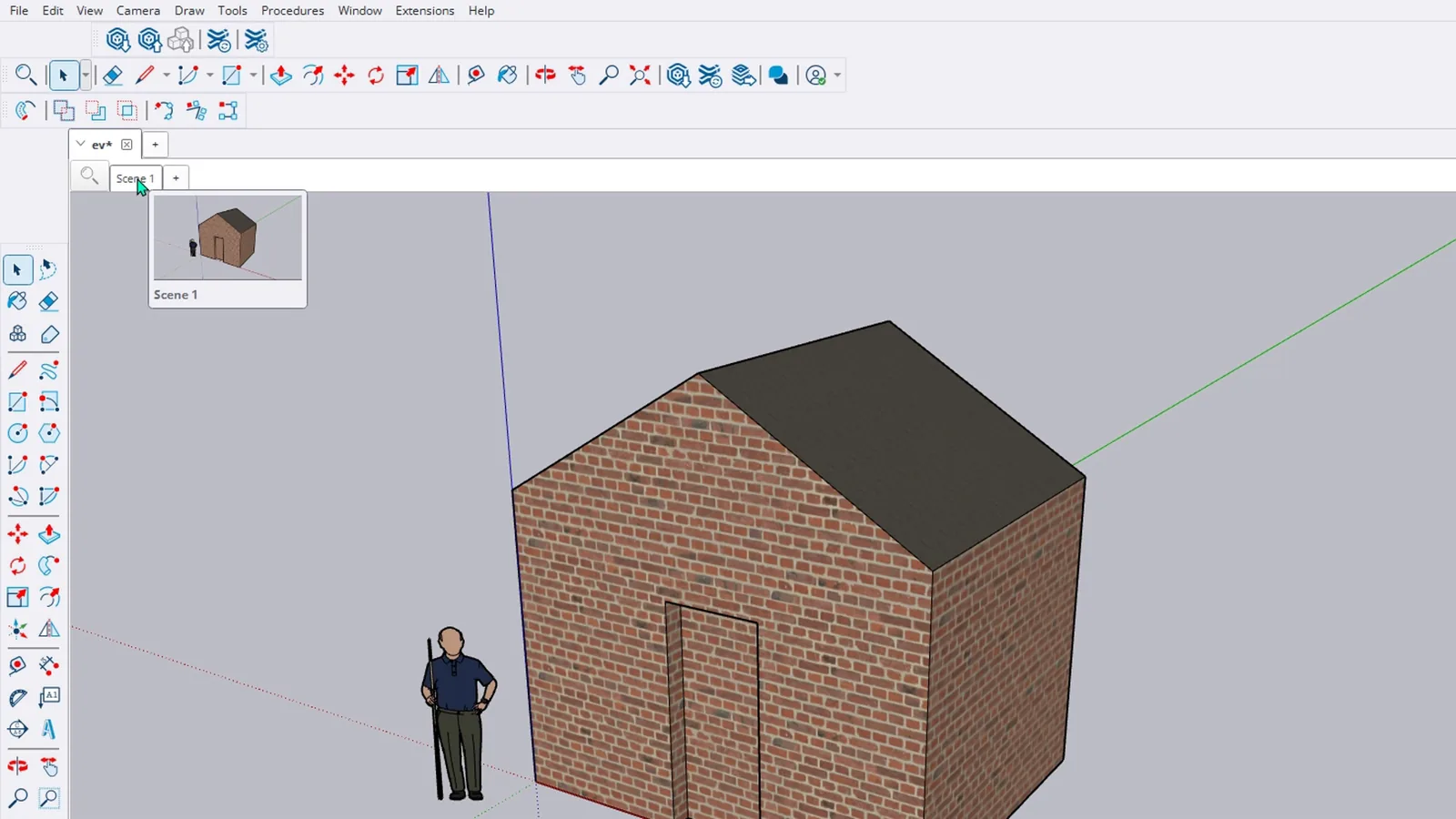
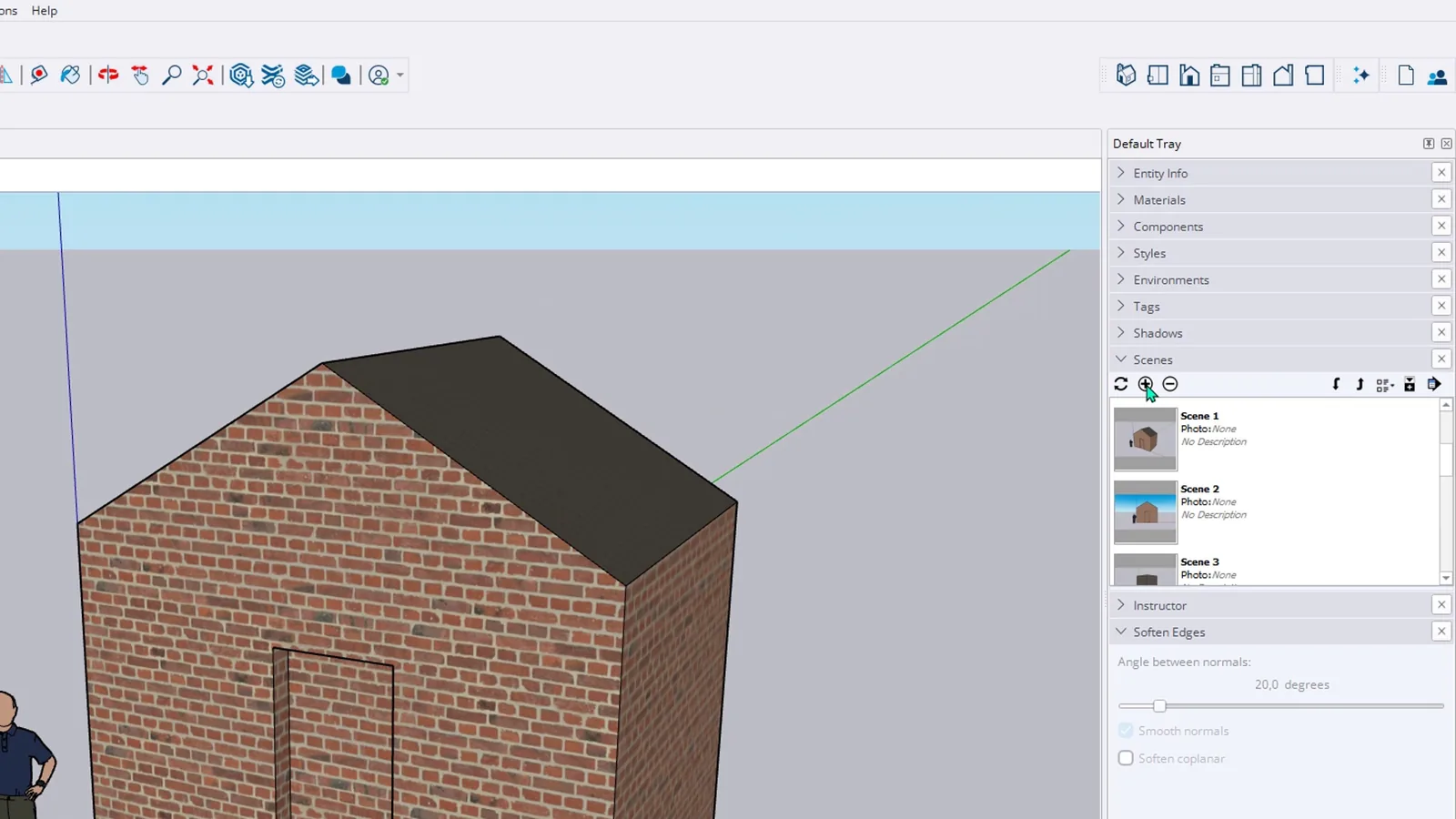
Open the Scenes panel in the Default Tray and click the plus button. Scene 1 appears in the panel, and at the same moment a Scene 1 tab appears above the drawing area. These tabs are the fastest way to move between scenes.
Go to the Front view on the Views toolbar and click plus again, then do the same from Top. You now have a perspective, a front elevation and a plan. Find a more striking angle for the fourth. There is no limit on the number of scenes, so keep every important view of the project.
How do you update a scene after a change?
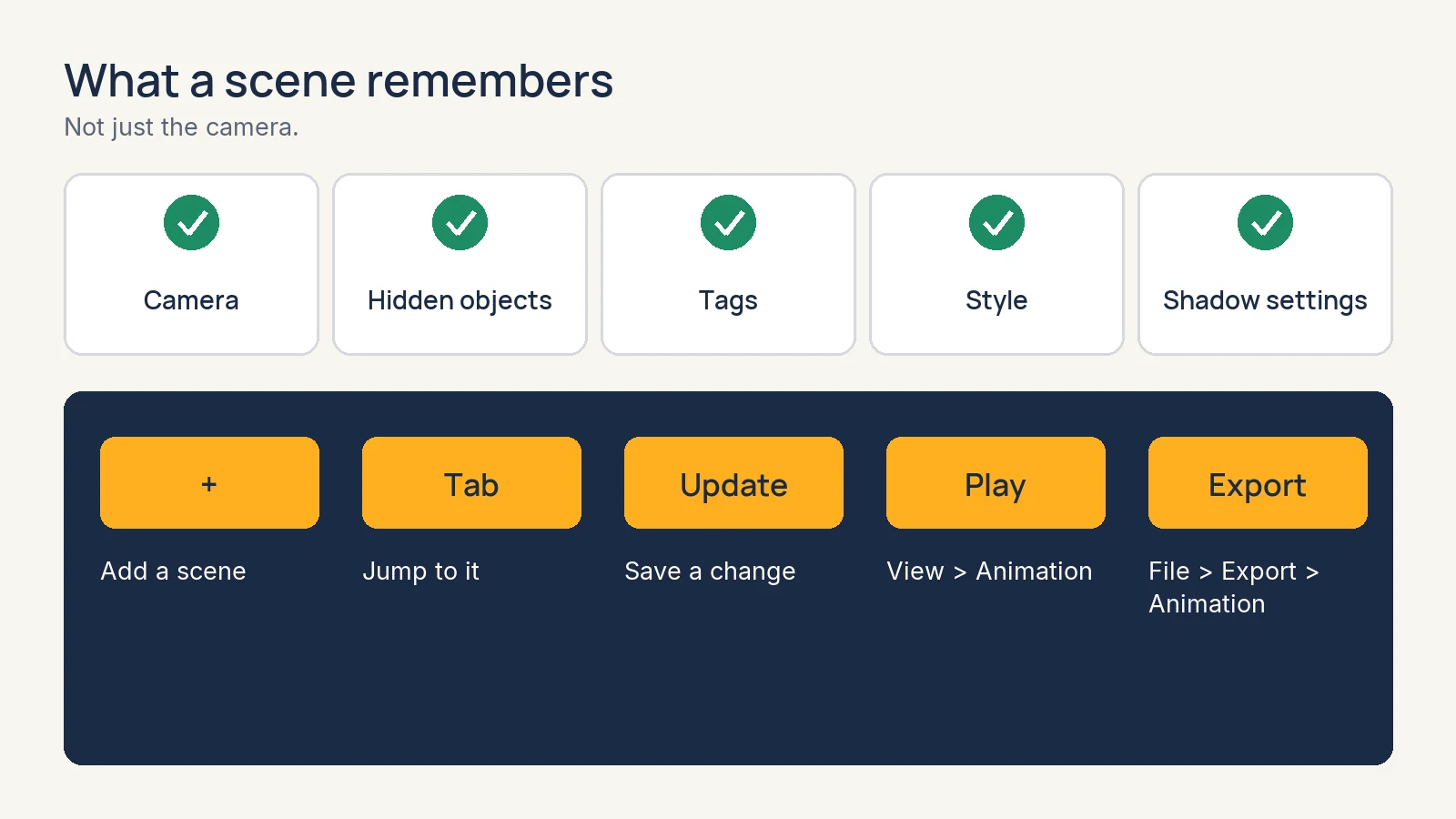
A scene does not pick up changes on its own. Go to Scene 2 and turn on shadows from the View menu. Click the update button with the circular arrows in the Scenes panel. The Scene Update window asks what to update: camera, hidden objects, tags, style or shadow settings. Leave Shadow Settings ticked and press Update. Now shadows are off in Scene 1 and on when you return to Scene 2.
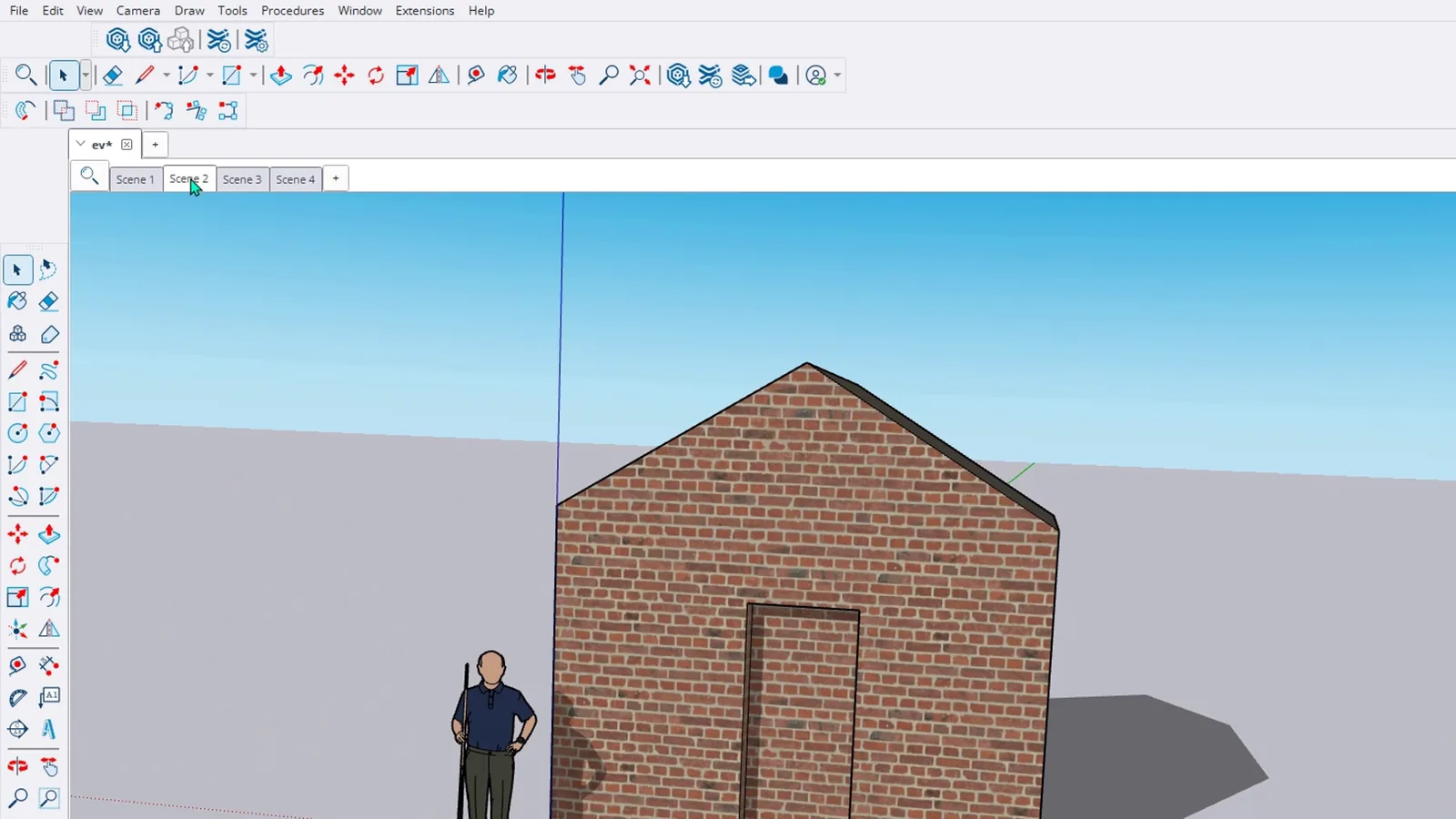
How do you play an animation in SketchUp?
Choose View > Animation > Play. SketchUp shows all your scenes in order with soft transitions between them. It is the easiest way to walk a client through the model. To stop, use the Stop button on the small panel that appears on screen.
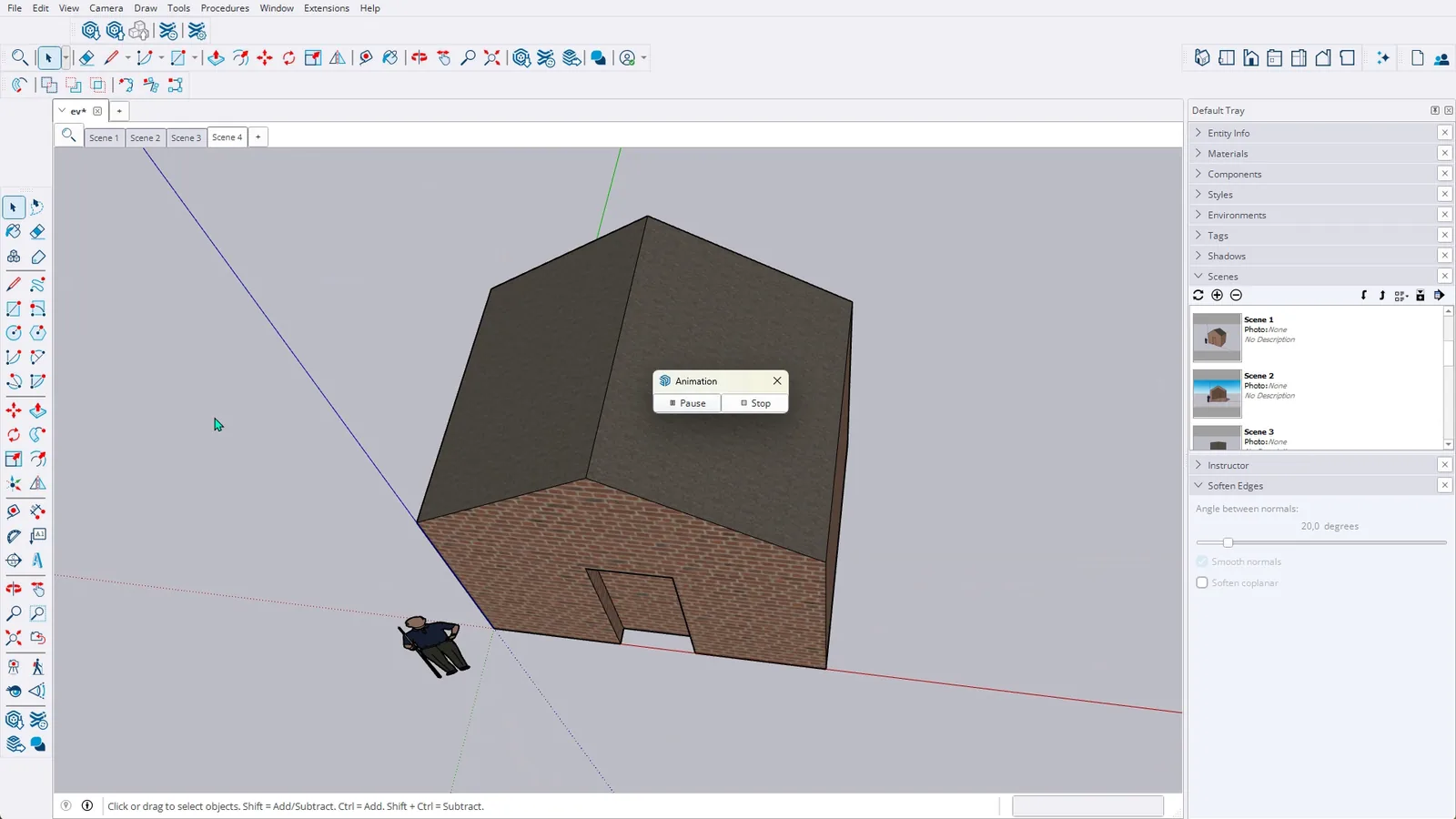
How do you change the animation speed?
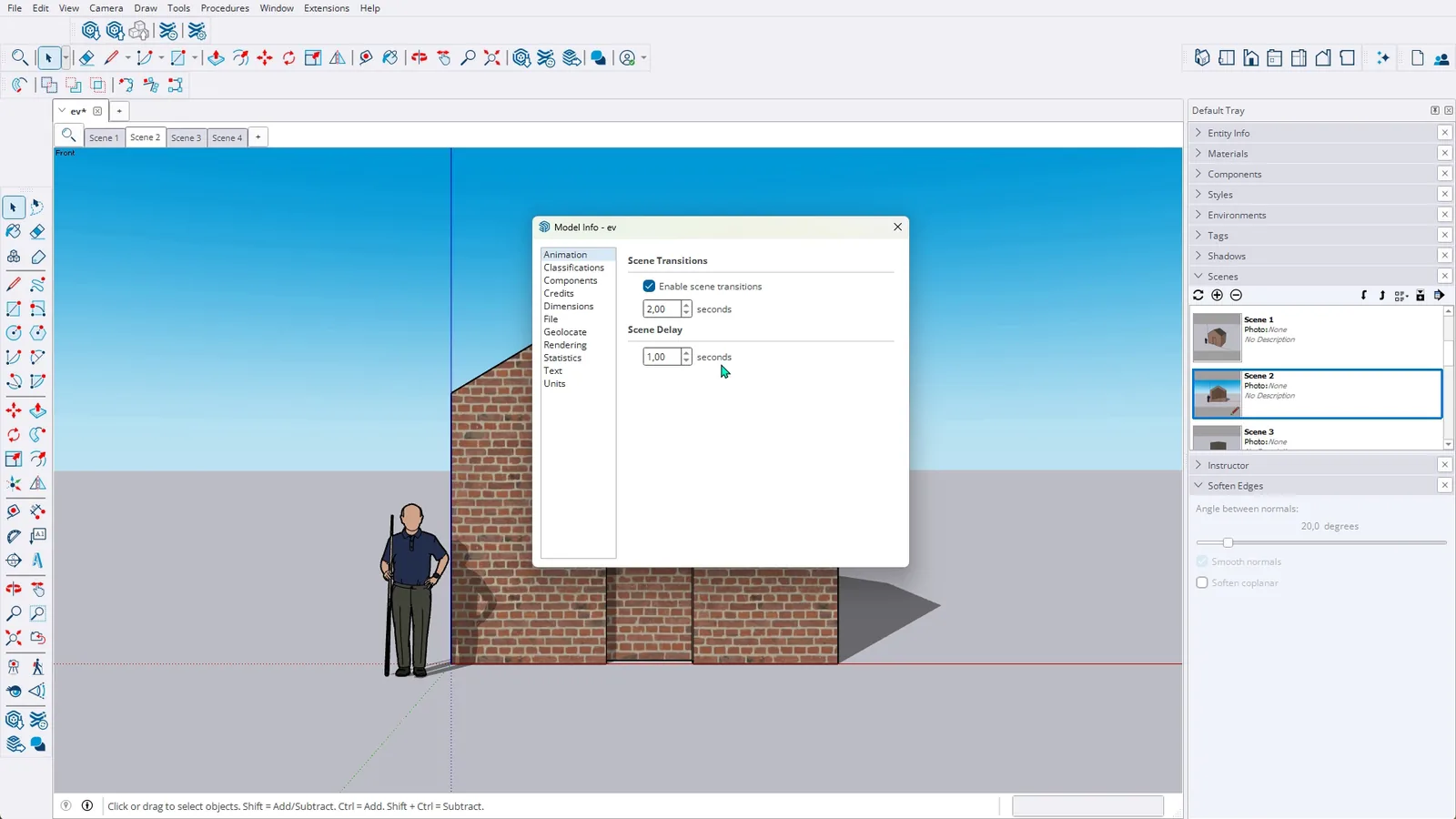
Settings in the same submenu opens the Animation page of Model Info. It holds the scene transition time and how long each scene waits. Lengthen the transition and the camera moves more slowly, more like a film.
Can you export a SketchUp animation as a video?
Yes. To save it as a video file, use the Animation command under File > Export.
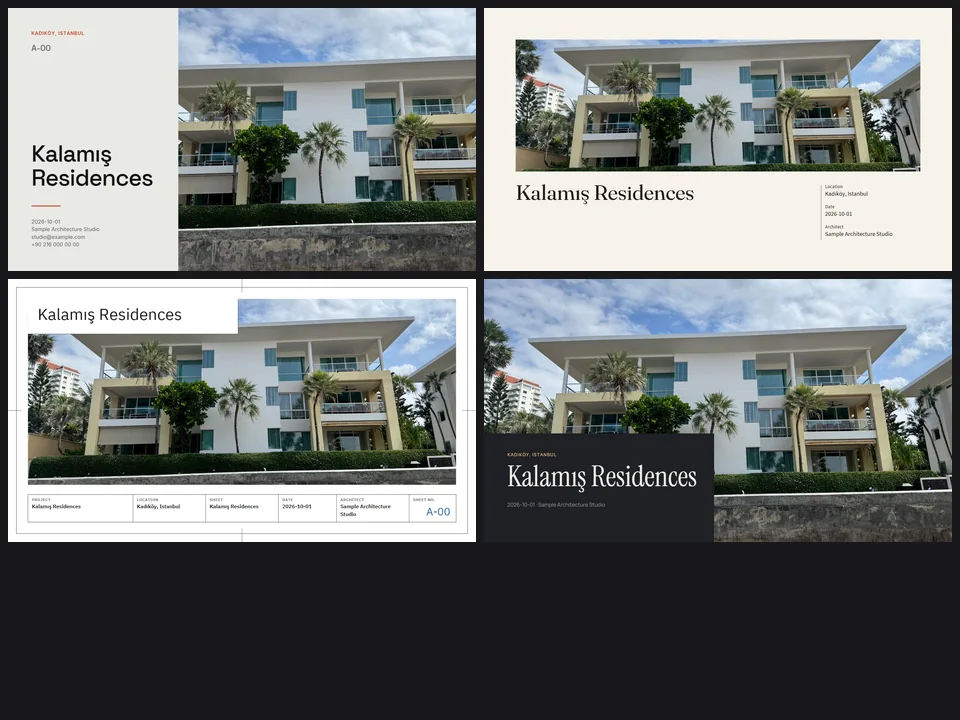
Four sheet templates. Your renders, jury-ready.
FREE ArchitecturePresentation StudioPresentation Studio
Skip slide-by-slide layout: renders in, a designer-grade sheet set out.
- 4 sheet-style templates
- Zoning + stacking diagrams
- PDF 16:9 · 9:16 · A4 · A3
Runs in your browserv1.0.0
Draw the road. The street grows with it.
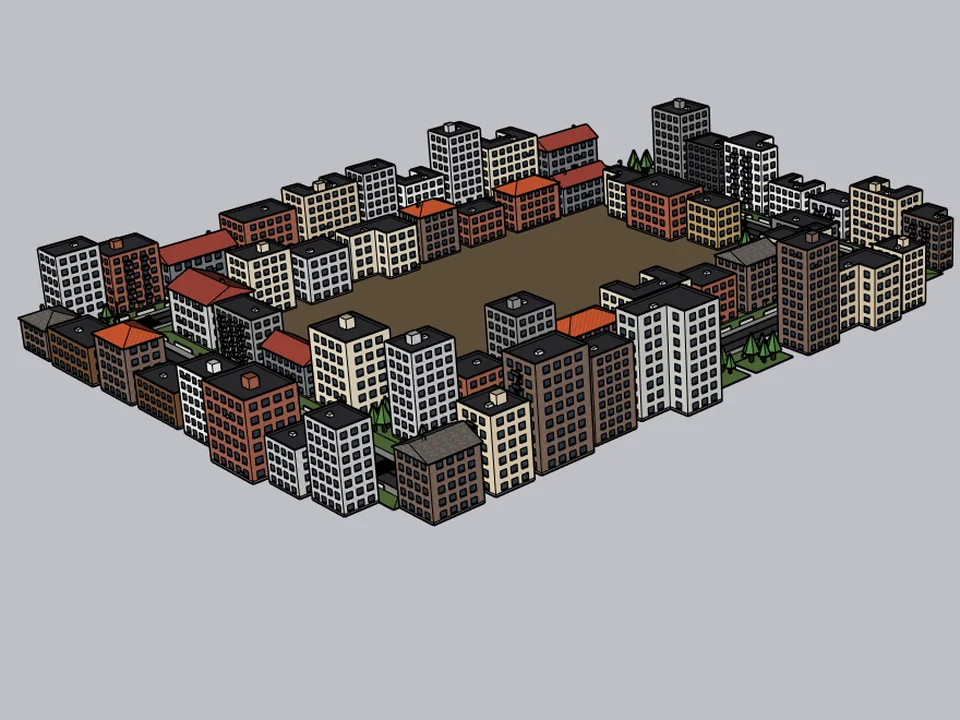
FREE Urban DesignCityFillCityFill
No white void around your design: fill the city in a few clicks.
- 154 presets
- 3 placement modes
- SketchUp 2021-2026
SketchUp 2021–2026v2.0.0
Draw the plan. One click, it's 3D.
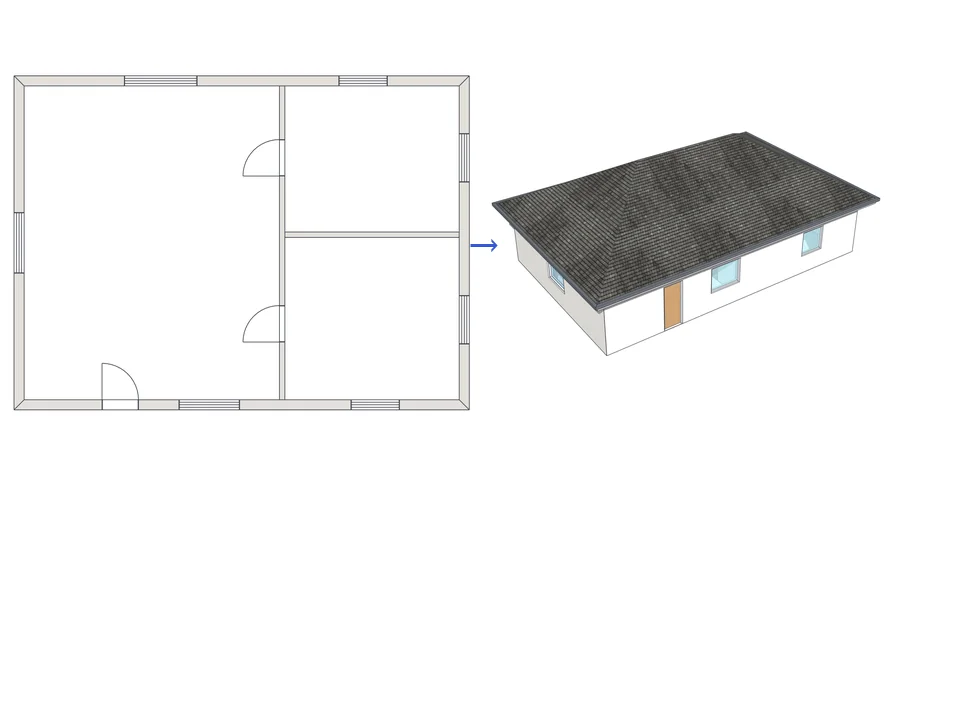
Architecture$99ArchiFlow StudioArchiFlow Studio
Draw the plan once; move a wall and the building rebuilds itself.
- 5 studios built in
- 150 ms auto-rebuild
- SketchUp 2021-2026
SketchUp 2021–2026v1.72.0