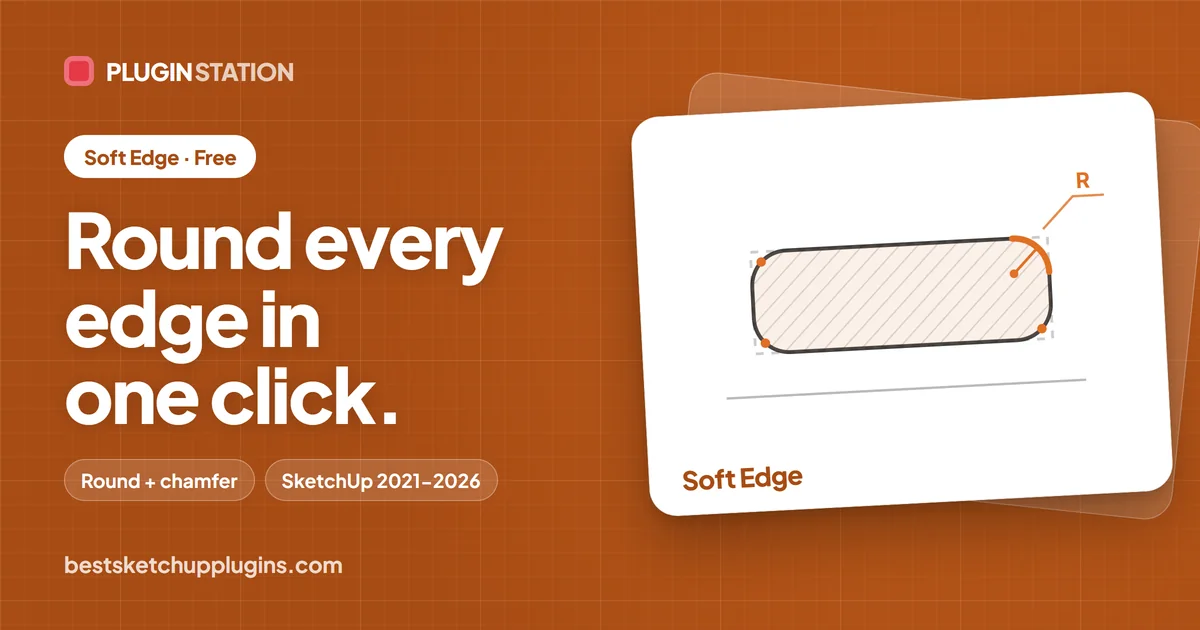
Hard, artificial corners make a careful model look cheap, and you know a real table top or worktop is never that sharp. Picture selecting the worktop, typing a radius and clicking once: every edge goes soft and every corner stays clean. Follow Me with a quarter-circle profile rounds one straight edge. Then the trouble starts: where three edges meet the corner collapses, inner corners overlap, and on the day the client wants 5 mm instead of 3 mm you start again from the sharp box - if you still have it.
Soft Edge: select, type a radius, click Round edges.
Soft Edge: a free SketchUp plugin for rounding edges
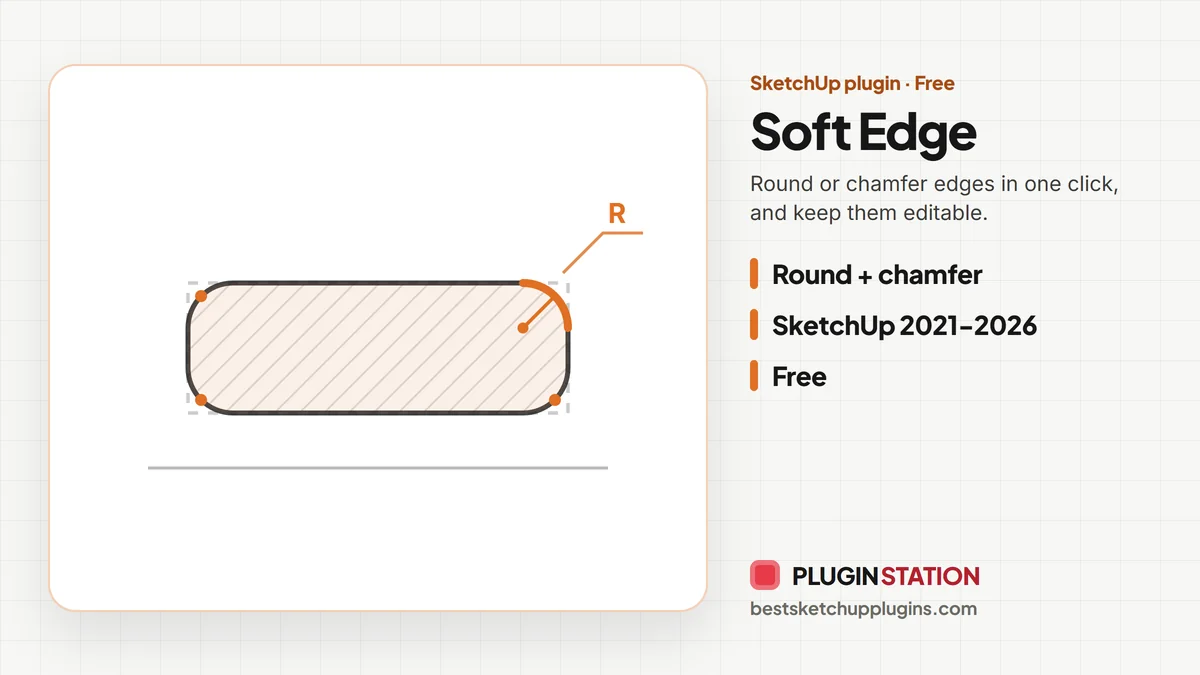
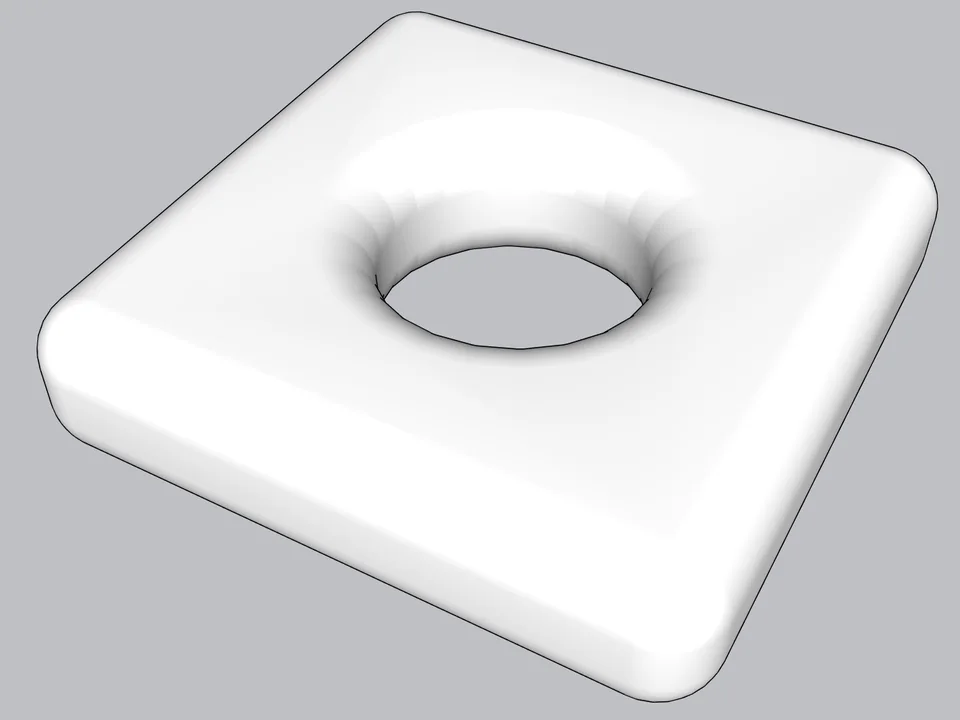
Every edge gets the same true radius - right angles, sharp star tips and inner corners alike, on concave solids too. Where three rounded edges meet you get a sphere corner, where two meet a clean mitre, and where a single rounded edge ends at a flat face a flat cap. The panel shows the suggested radius and the largest one your model can actually take, and sizes are typed in model units: 5 mm, 0.2 in.
The whole object, a face, or just the edges you pick
- Select a group or component and every sharp edge is rounded; select faces and their edges are.
- Double-click into a group and pick one, two or three edges: only those are rounded, in place, and the rest stay sharp.
- Pick another sharp edge later and it is added - rebuilt together with the earlier ones from the saved original.
- The panel follows your selection live, and picking one piece of a split straight edge selects the whole line.
Round or chamfer
A switch at the top of the panel turns rounding into a chamfer: one flat face with the entered setback on both sides, corners closed with flat triangles. The choice is saved with the object. From the right-click menu, Fast, Balanced and Smooth apply the suggested radius in one click, and a chamfer at the suggested size is one click too. Whatever you did, one Ctrl+Z takes it all back.
Change your mind next week
The original solid is stored in the group’s attributes and saved with the model. Change the radius or the quality and Rebuild works from that original, never from the already-rounded faces. An edge added later keeps its own radius, a rounded strip can be made sharp again, and Restore original puts back the first faces. A component is made unique first, so its other copies do not change; groups inside groups are rounded part by part, with scaled parts respected.
Texture that follows the curve
- Fixed: every face keeps its own texture placement, and the curve continues it from both sides without stretching.
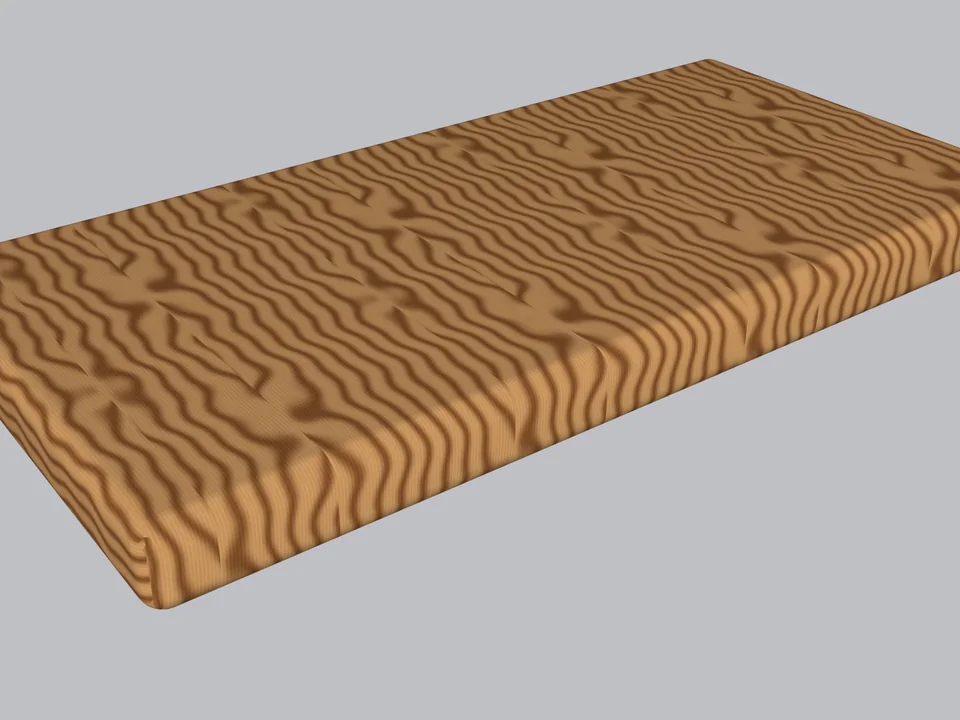
- Wrap: the texture starts on the largest face and flows over every rounded edge like a veneer - the grain of a wooden table top runs over the edge and down the side.
- Box: the texture is projected from the three axes of the object.
- Faces that had no material - the walls of a hole pushed in after painting - take the material of the nearest textured face.
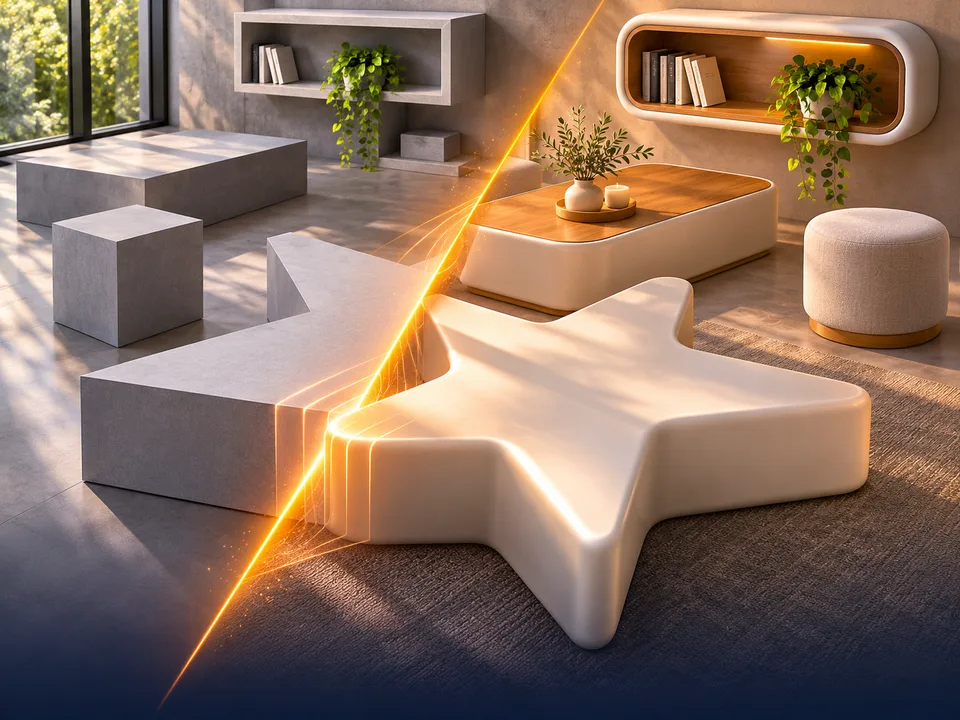
Type a radius, click: every edge goes soft.
FREE ProductivitySoft EdgeSoft Edge
Skip hand filleting: round or chamfer in one click, always editable.
- Round + chamfer
- SketchUp 2021-2026
- Free
SketchUp 2021–2026v0.8.1
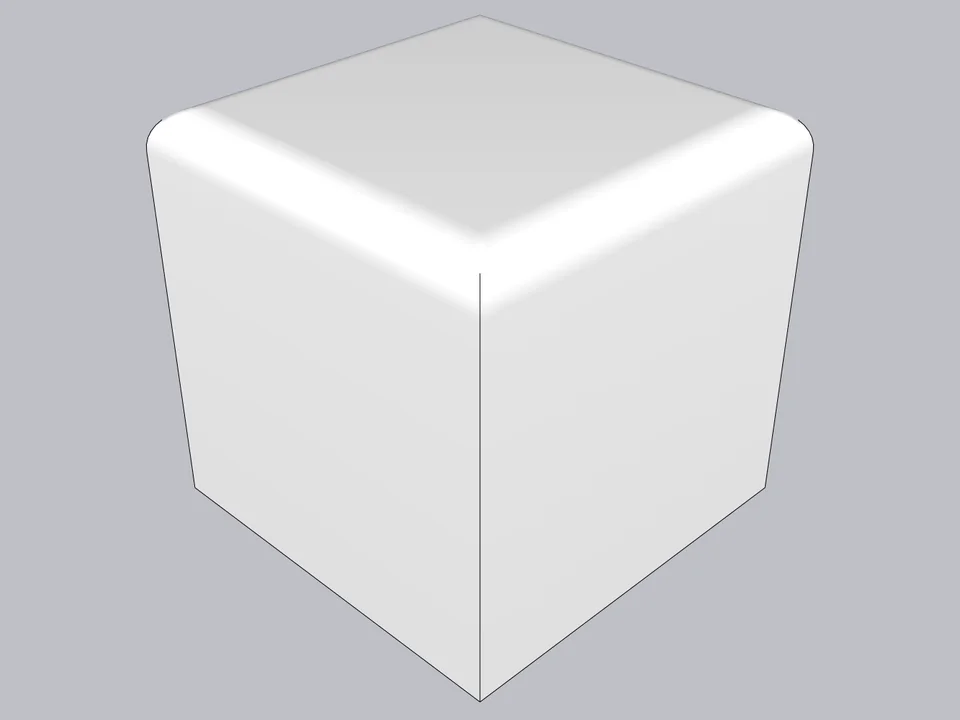
Holes, open shells and other awkward solids
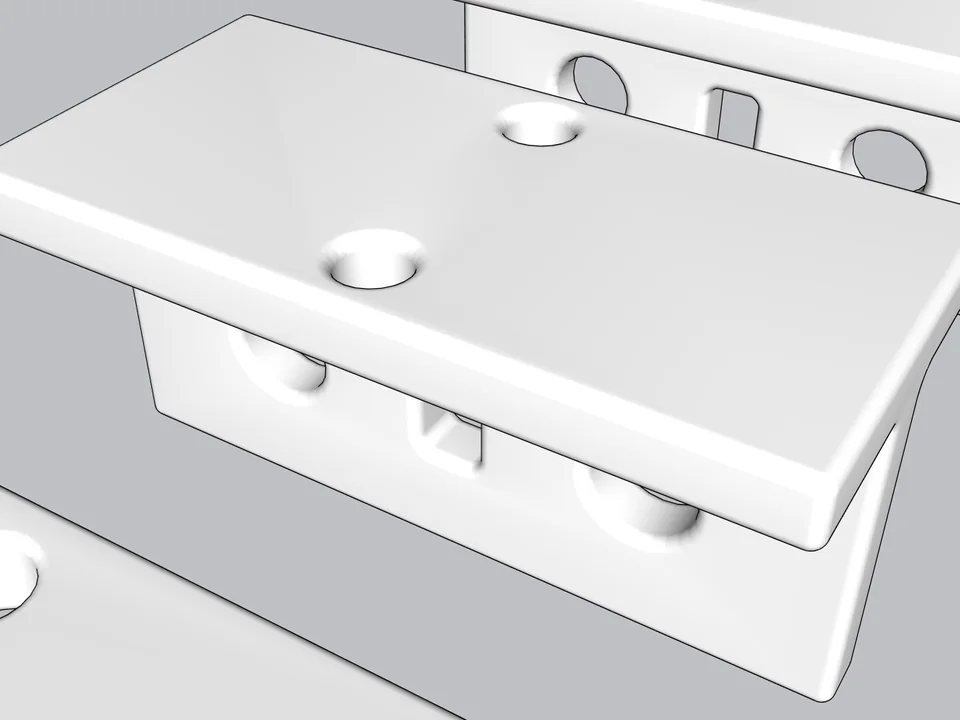
Faces with holes and round holes are handled, open shells are accepted, and a T-section beam with holes is part of the test set. If an object has been edited by hand after rounding, Rebuild stops and says so rather than overwriting the saved original with something that no longer matches.
What Soft Edge does not do yet
- It needs a closed solid, or edges of one; the panel tells you when a selection does not form one.
- Texture is placed on the front face only; the back face keeps SketchUp’s default.
- It is a beta, version 0.8.1. It has been run in real SketchUp 2023, 2024, 2025 and 2026, with 66 automated tests; 2021 and 2022 go through the same Ruby 2.7 code path, and the manual test pass is still running.
Who should use it
Furniture and joinery designers, interior designers drawing worktops, table tops and steps, and anyone whose renders look too sharp to be real. It has its own toolbar button, a right-click menu, a TR | EN switch and a quick guide in both languages. It is free - no account, no licence key: download it from the Soft Edge page.
The advantage is plain: edges that look like real material, and a radius you can still change next week because the original solid is kept. It is free: download it from the Soft Edge page and round the next worktop you draw.