Your computer holds your clients' projects, and your reputation rides on every file on it. Picture two choices: the right edition from the right site and a working week that simply runs, or a "free" download that quietly gets the same rights as you. "Download SketchUp" is one of the most searched SketchUp phrases, and the honest first answer is that one edition is not a download at all. Here are the four, what separates them, and the one thing never to download.
The four editions
- SketchUp Free runs in the browser, nothing to install. It is licensed for personal, non-commercial use and does not run extensions.
- SketchUp Go is the web version plus SketchUp for iPad, for modelling on the move.
- SketchUp Pro is the desktop program for Windows and macOS, with LayOut for dimensioned drawing sheets, Style Builder and full access to extensions from the Extension Warehouse. This is the edition almost every plugin, including ours, is written for.
- SketchUp Studio is Pro plus V-Ray for photoreal rendering and Scan Essentials for point clouds; some Studio parts are Windows-only.
Plans and prices change, so check them on Trimble's own site, which also offers a free trial of the desktop edition. Download SketchUp only from sketchup.com, and extensions only from their developer or the Extension Warehouse.
Which one to download
Learning or modelling your own kitchen: Free. Sketching on an iPad at site meetings: Go. Paid work, drawings, or any extension at all: Pro. Photoreal renders inside SketchUp without buying a renderer separately: Studio. If you only need one or two tools, a free extension on Pro often does more than a bigger plan; our four free tools are listed with their limits.
"Free download with crack": what you are really installing
A cracked SketchUp or a cracked .rbz is not a free copy of the real thing. It is a program modified by someone whose starting point was breaking a licence check, and SketchUp runs extensions with your user's full rights: they can read and write your files, open network connections and start other programs. On a machine that holds client projects that is the most expensive "free" there is. Cracked copies also cannot update, and an extension built for SketchUp 2021 often fails on 2024's newer Ruby.
The advantage is a setup you never have to worry about: the right edition, from the right place, with tools that update. Once SketchUp is installed, the plugin finder shows which extensions fit your work, including free ones that come with no licence key.

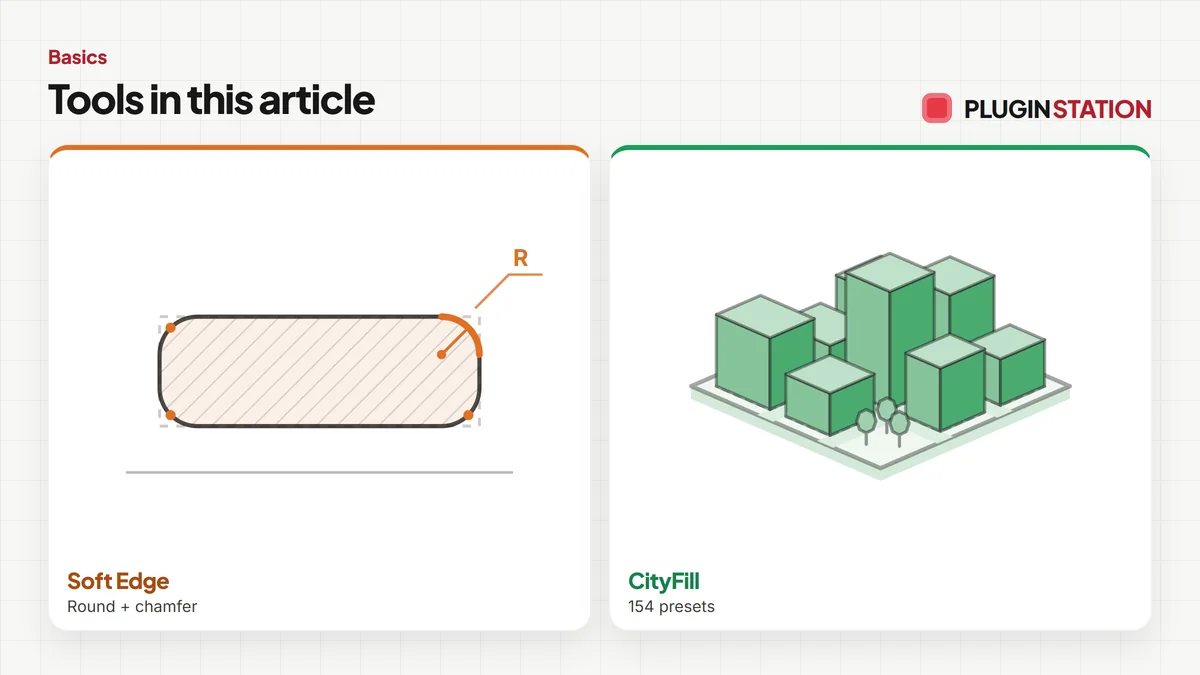
Type a radius, click: every edge goes soft.
FREE ProductivitySoft EdgeSoft Edge
Skip hand filleting: round or chamfer in one click, always editable.
- Round + chamfer
- SketchUp 2021-2026
- Free
SketchUp 2021–2026v0.8.1

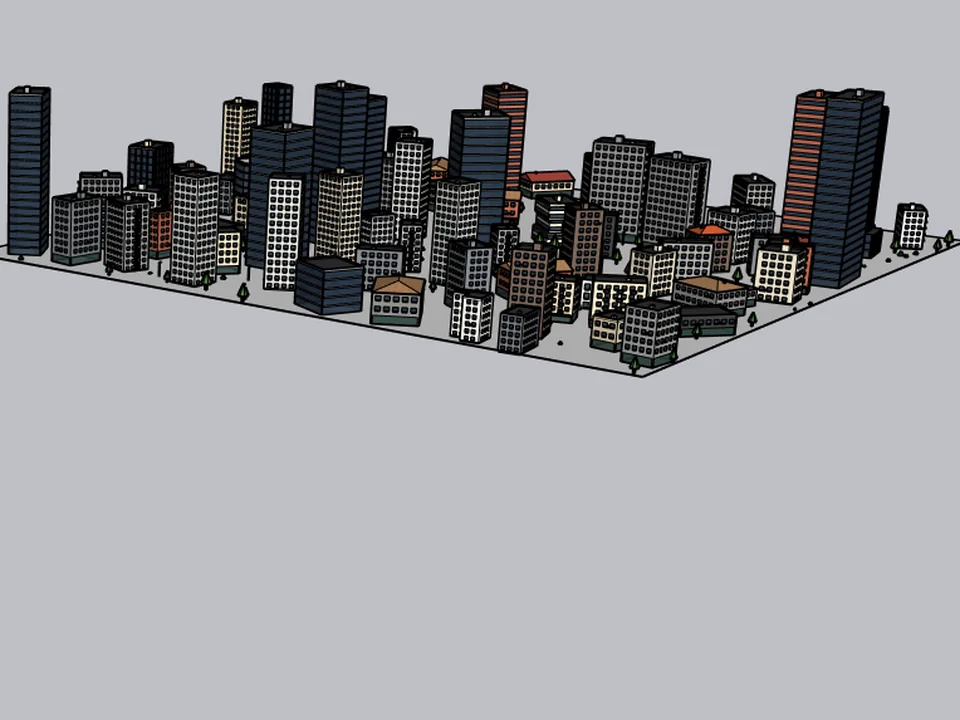
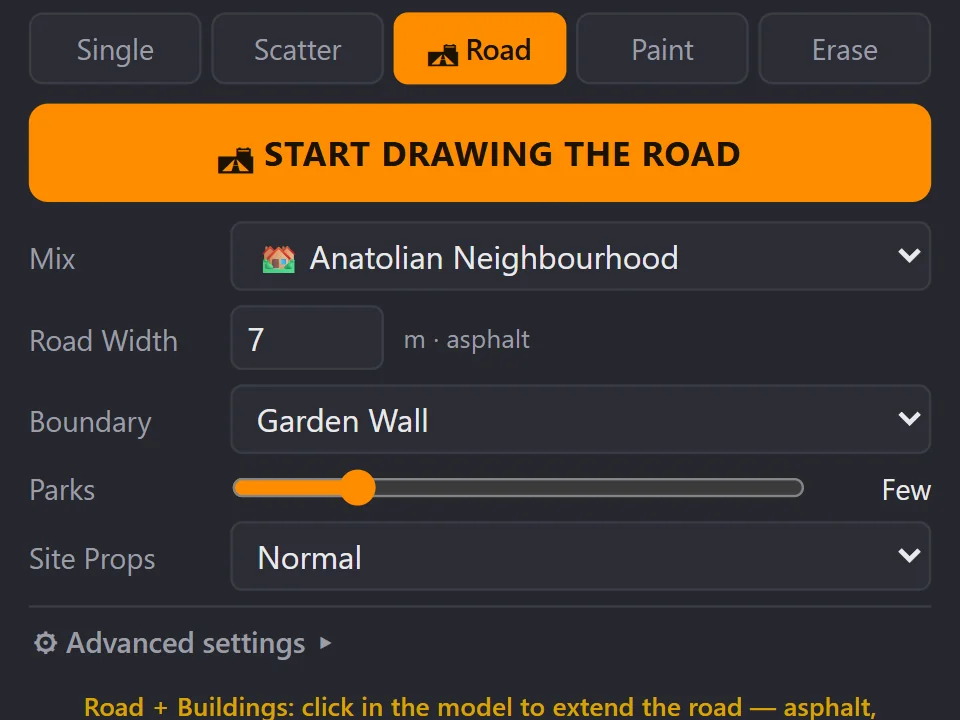
Draw the road. The street grows with it.
FREE Urban DesignCityFillCityFill
No white void around your design: fill the city in a few clicks.
- 154 presets
- 3 placement modes
- SketchUp 2021-2026
SketchUp 2021–2026v2.0.0